Mesh
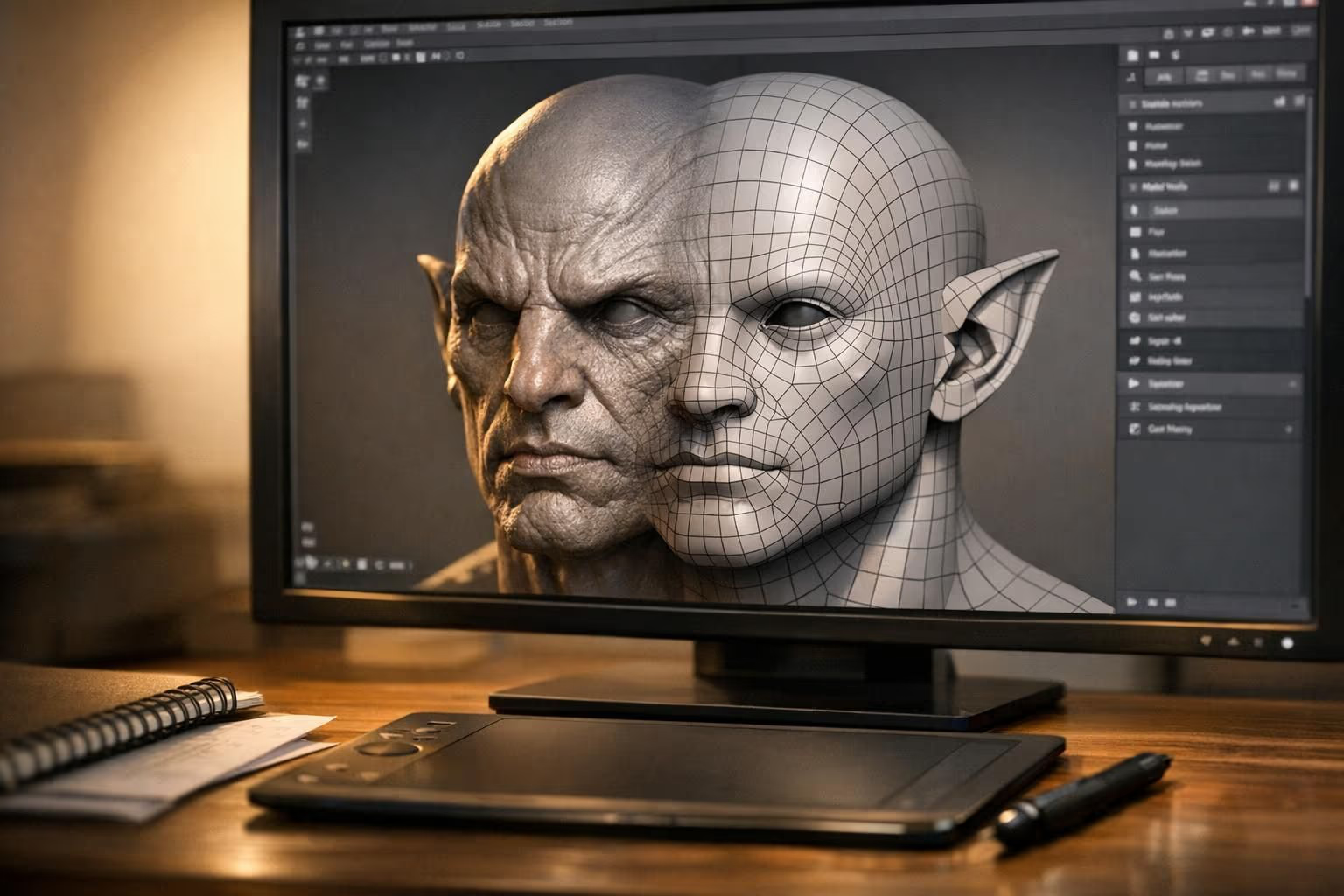
A mesh is the collection of vertices, edges, and faces that defines the shape of a 3D object in computer graphics.
What is a Mesh?
A mesh is the fundamental data structure of a 3D model. It defines shape through three elements:
- Vertices: points in 3D space (x, y, z coordinates)
- Edges: lines connecting two vertices
- Faces: flat surfaces enclosed by edges (triangles or quads)
Together, these elements form the visible surface of every 3D object you see in games, films, VR, and 3D printing. The number of faces in a mesh is its polygon count, a key driver of both visual detail and performance.
Mesh Types
Triangle Mesh (Tris)
Every face is a triangle. The universal format, since GPUs render triangles natively. All game engines use triangle meshes internally.
Quad Mesh (Quads)
Faces are four-sided. Preferred for modeling and animation because quads subdivide cleanly and deform predictably. Converted to triangles at render time.
N-gon Mesh
Faces with more than 4 sides. Used during modeling for convenience but must be triangulated before export.
Mesh Quality Indicators
| Property | Good Mesh | Bad Mesh |
|---|---|---|
| Manifold | Watertight, no holes | Non-manifold edges, gaps |
| Normal direction | Consistent outward | Flipped/mixed normals |
| Edge flow | Follows surface contours | Random distribution |
| Polygon density | Uniform where needed | Needlessly dense or sparse |
| Degenerate faces | None | Zero-area triangles |
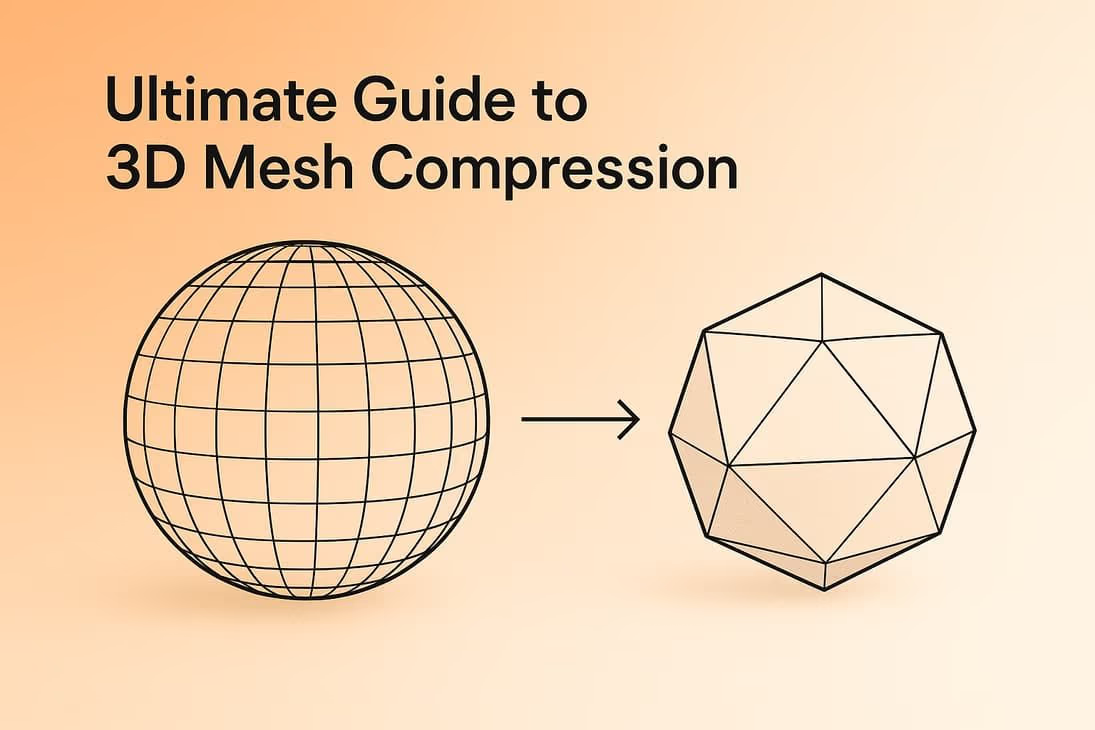
Cleaning up a dense or messy mesh is the job of retopology, which rebuilds it with efficient, animation-friendly edge flow. Fine surface detail can then be baked into a normal map so a low-poly mesh still looks high-resolution. For a deeper look at trimming mesh weight without losing quality, see our guide to 3D mesh compression.
Mesh in Sloyd
Every model Sloyd generates is a clean polygon mesh: manifold, properly oriented normals, no degenerate faces. Ready for game engines, 3D printing, or further editing in Blender/Maya without cleanup.