
AI 3D model generation, built into your product
One REST API for generating and editing 3D assets on demand. Authenticate with a client ID and secret, POST to a generation endpoint, and poll the returned job for a production-ready model — with request-level control over polycount, topology and texture resolution.

Why teams build on the Sloyd API
One authenticated REST surface for 3D generation and editing, metered per generation instead of per seat.
One REST API, every asset type
Generation, retexturing, mesh splitting, skyboxes and 2D images are all endpoints on the same host, authenticated by the same client ID and secret header pair. No second vendor, no second contract.
Async jobs, predictable responses
Generation endpoints answer with a job id you poll to completion, or 402 when the credit balance is short — so your integration handles long renders and billing limits without guessing. Every path sits under one base URL, api.sloyd.ai/api.
Prepaid credits, no subscription
API usage draws on a prepaid credit balance that is fully separate from Sloyd Web App plans. Top up on demand or enable auto-replenish, and pay per generation against a published rate card.
What you actually get back
The core generation and editing calls, each a single authenticated POST. The reference covers the full surface, including style listing, job status and uploads.
Assets sized for your pipeline, not for cleanup
Decide the geometry at request time instead of fixing it afterwards. Text-to-3D and image-to-3D take a target face count of up to 500,000, a topology of triangles or quads, and a texture resolution up to 4K — or none at all for a geometry-only mesh. One endpoint therefore covers both real-time budgets and high-detail hero assets, with no retopology step on your side. The multi-image endpoint exposes the same controls under its own field names.
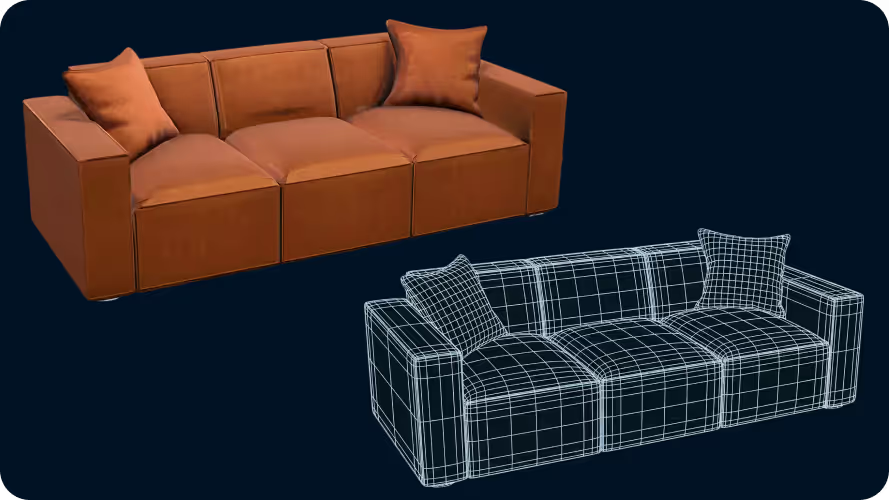
Your users describe it, the API builds it
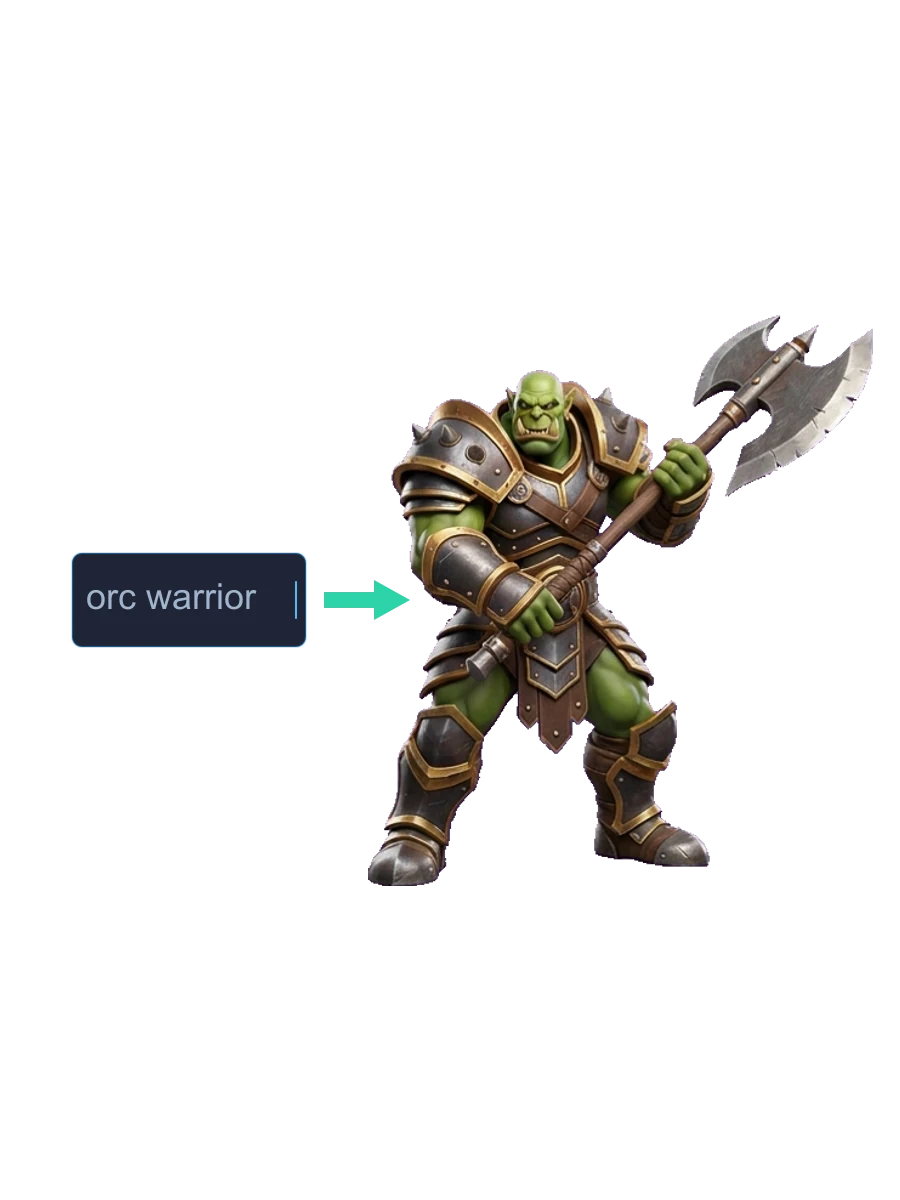
A single call to the text-to-3d endpoint turns a sentence into a textured mesh. Because the only required input is a string, this is the one to put in front of your own users — they type what they want and your product returns 3D, with no artist in the loop and no asset library to license.

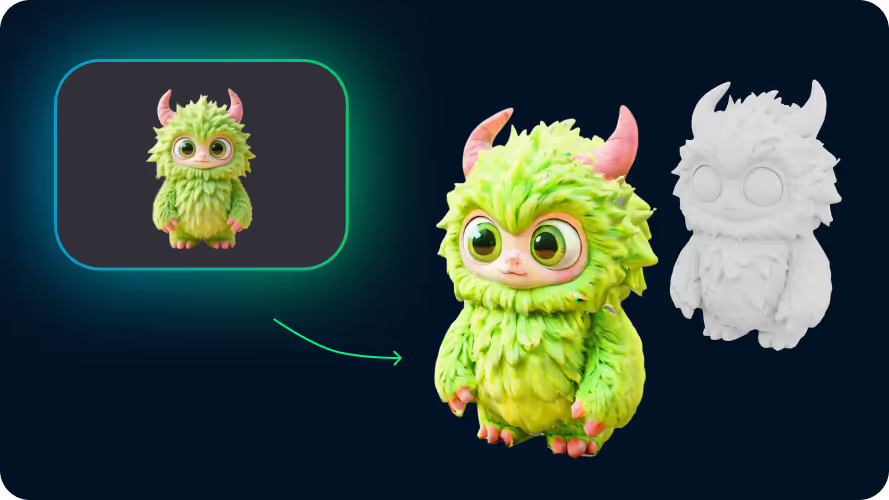
The catalogue you already shot becomes 3D
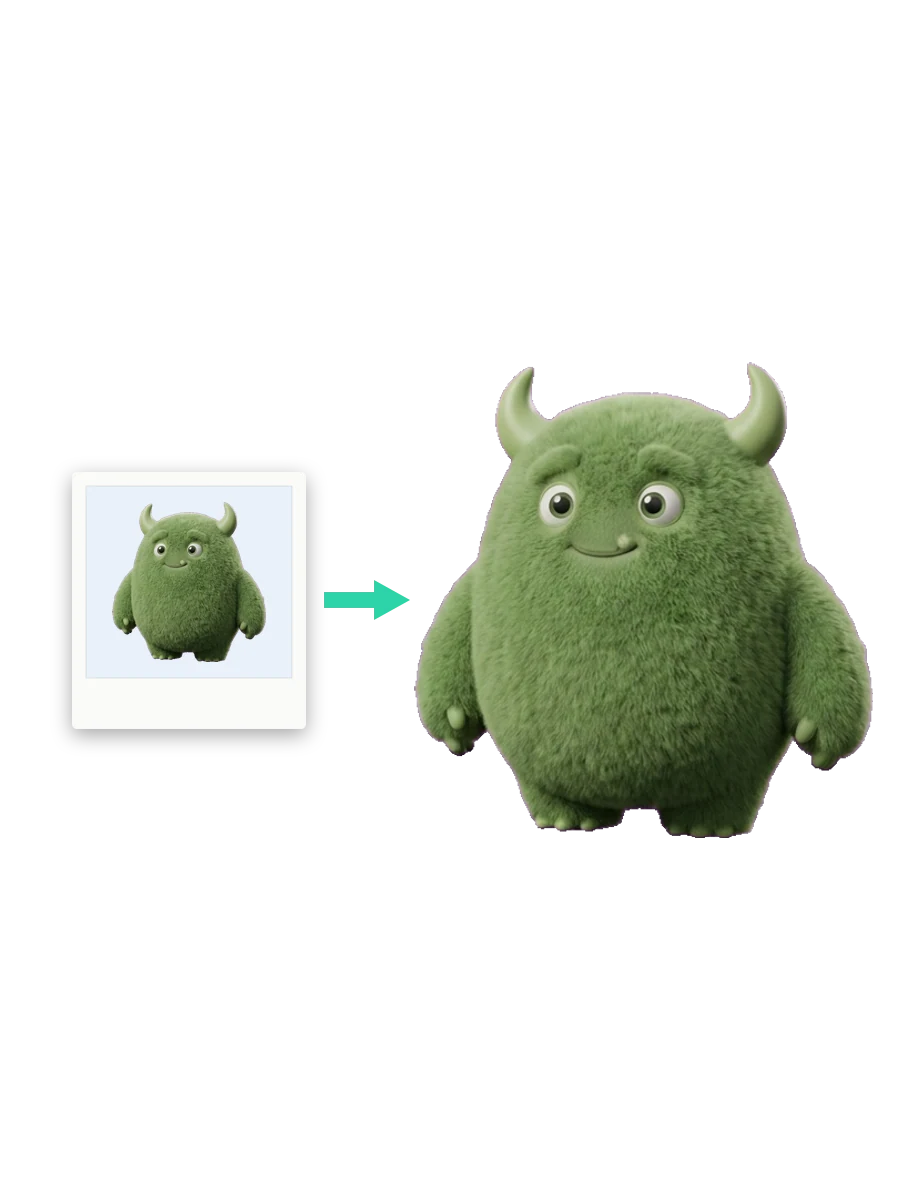
Post one file to the image-to-3d endpoint for the fastest conversion, or use multi-image-to-3d for up to four views of one subject — a front image plus at least one of left, back or right — when tighter shape fidelity is worth the extra capture. A standalone image-upload call costs nothing and returns an id you can reuse instead of resending the bytes.
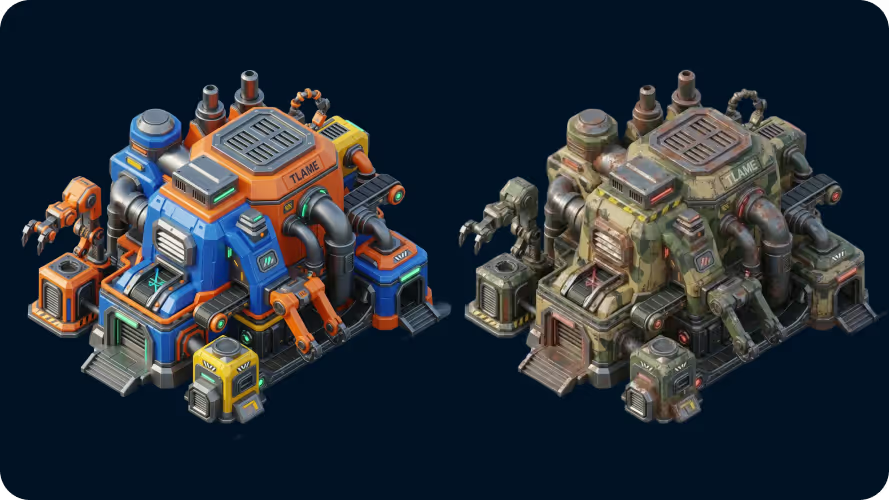
Change an asset without paying to regenerate it
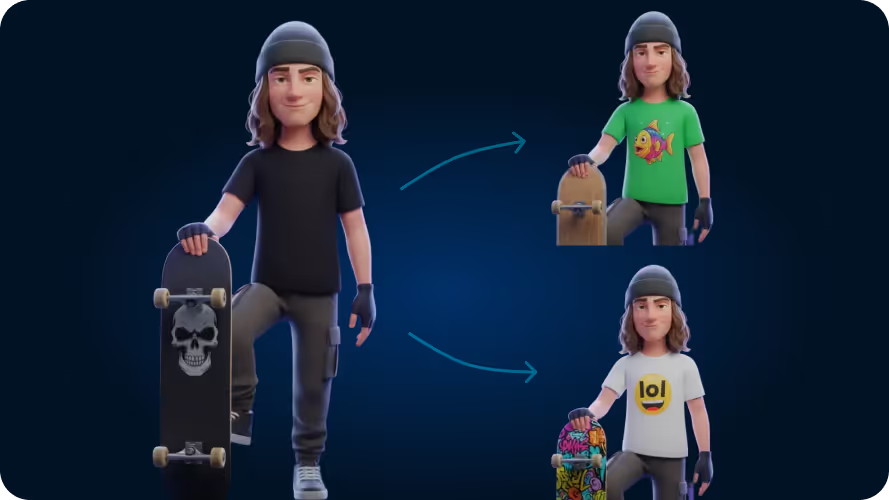
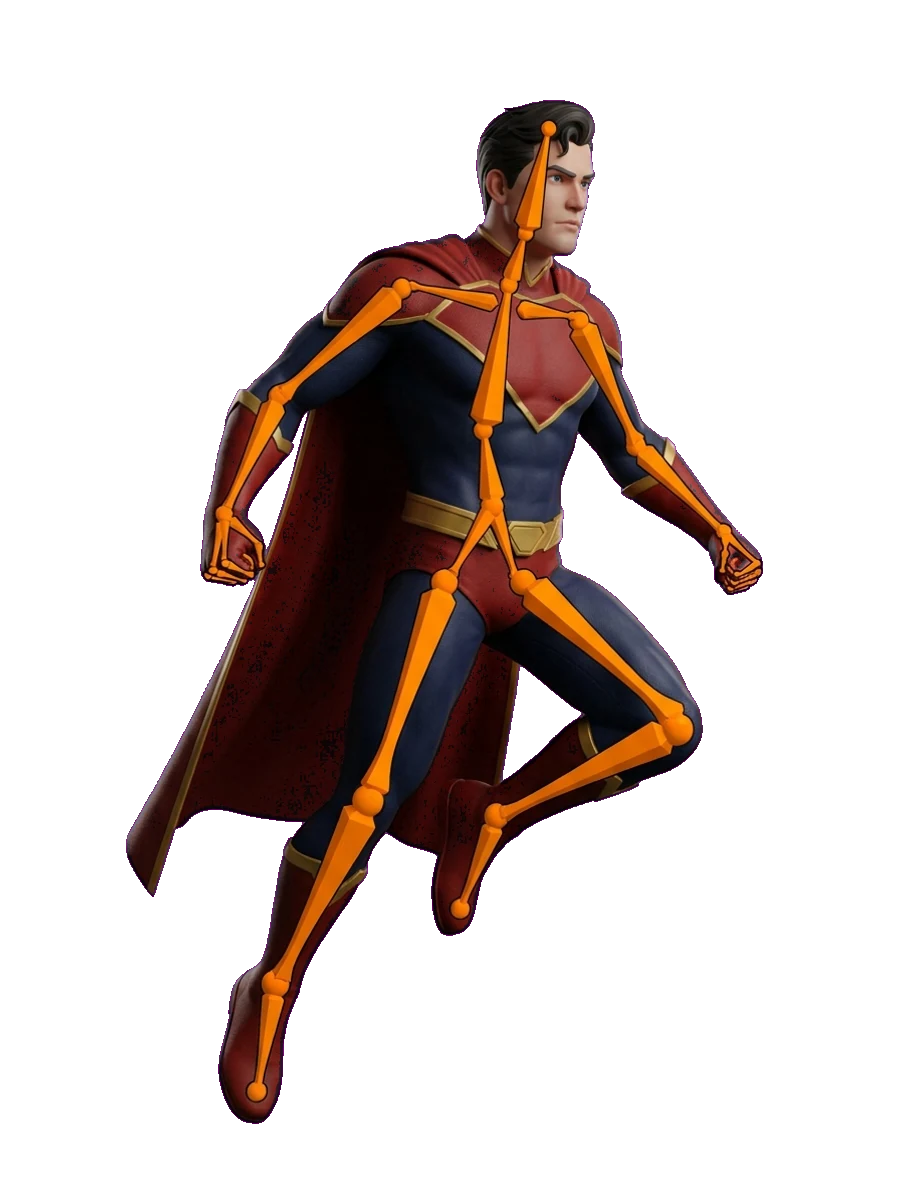
The editing endpoints take a finished job as their input. Retexture applies new AI materials while preserving the geometry you already approved, and split-to-parts returns the model broken into separable components you can move, hide or swap independently in your own viewer.
Environments, not just the objects in them
The text-to-worldbox, skybox-from-image and skybox-edit endpoints return a panoramic skybox rather than an object, so the same integration that generates your assets can also light and back the scene they sit in. Build one from a prompt or an image, then rewrite an existing panorama from a prompt.

Reference art and textures on the same credential
Text-to-image returns a picture from a prompt and the image-edit endpoint rewrites an existing one, so thumbnails, textures and concept art come from the same keys and the same credit balance as your 3D calls — no second contract to sign.
Frequently Asked Questions
How do I add 3D generation to my app?
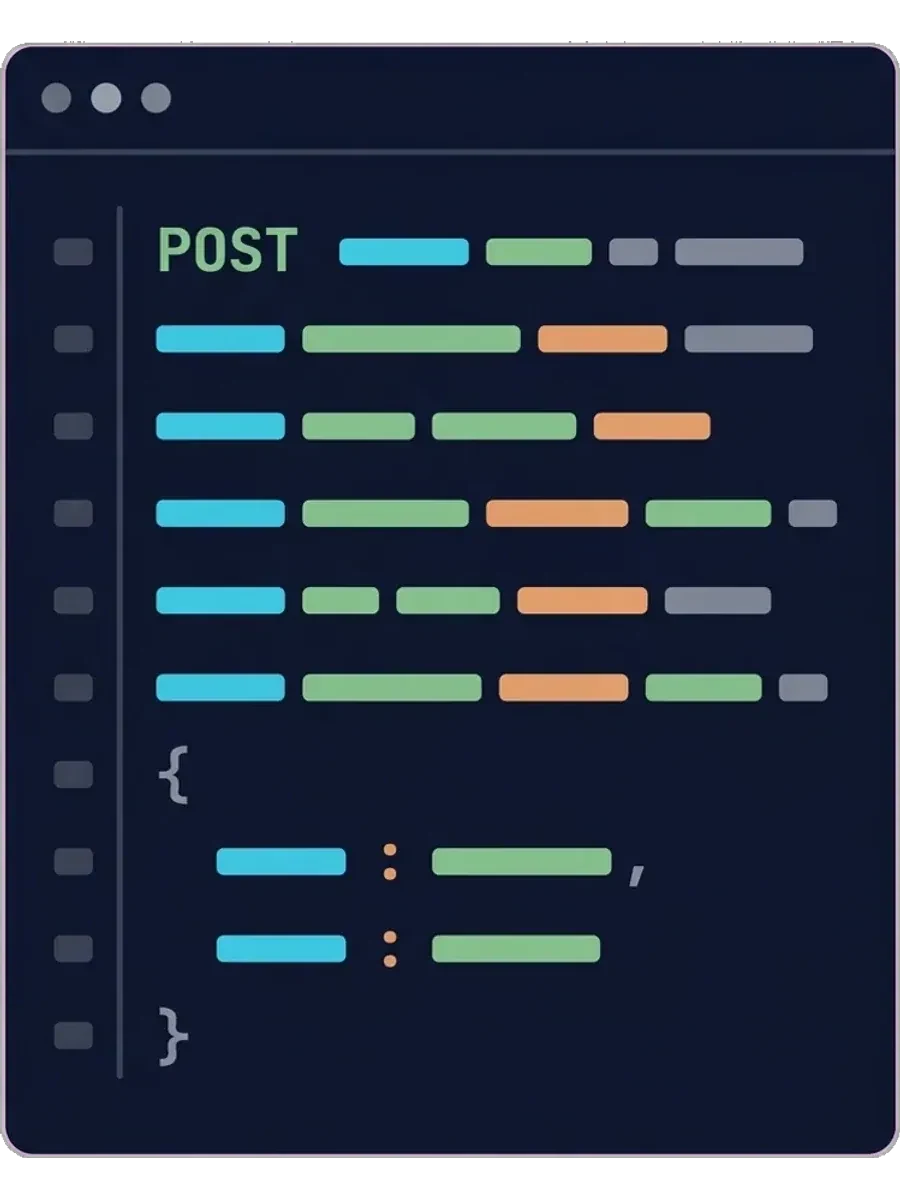
Create a client ID and secret in the API dashboard, then POST to a generation endpoint such as /jobs/text-to-3d or /jobs/image-to-3d under the api.sloyd.ai/api base URL, passing the credentials as x-client-id and x-client-secret headers. You get a job id back; poll GET /jobs/{jobId} until status is success, then download the finished asset from the public URL derived from that id.
Which languages and frameworks can call the Sloyd API?
It is a plain REST HTTP API authenticated with an x-client-id and x-client-secret header pair, so any server-side language works — Node.js, Python, Go, C#, Ruby, PHP and more. No SDK is required. Treat the secret like a password and keep it on your own back end: browser, mobile and game-engine clients should call your server, which then calls Sloyd, rather than shipping a reusable billing credential inside a distributed binary.
Are API responses synchronous or asynchronous?
The generation endpoints are asynchronous: a 3D render takes longer than a safe HTTP timeout, so the call returns a job id straight away, your integration polls GET /jobs/{jobId} until status is success, and the finished file is then served from a public URL derived from that id. A request that would exceed your credit balance returns 402 instead. A few lighter calls, such as image editing, finish inline and hand back the result with the job id.
Can I control polycount, topology and texture resolution?
Yes. Text-to-3D and image-to-3D requests accept a targetFaceCount of up to 500,000, a topology of quads or triangles, and a textureResolution up to 4k — or none for a geometry-only mesh. The multi-image endpoint offers the same controls under its own field names. Quad topology and high-poly output cost additional credits, so you can match geometry to its destination and its budget.
Can I keep a consistent style across generations?
Yes. Pass a style id from the gen-styles collection so a whole batch of generations shares one look instead of drifting between calls, and request a T-pose when the output is headed for a rig. Requests also carry an apiVersion, so the contract you build against today keeps working as the API evolves.
Can the API edit models I already generated?
Yes. The retexture endpoint takes an existing job and applies new AI materials while preserving its geometry, and the split-to-parts endpoint returns that model broken into separable components. Both operate on assets you already generated, so iterating never means paying to rebuild from scratch.
Which file formats can I export?
Finished generations can be exported and downloaded as GLB, FBX, OBJ, OBJ-ZIP, USD, USDA, USDC, USDZ, BLEND, PLY, STL or 3MF. GLB and FBX suit game engines, OBJ and BLEND suit DCC tools, USDZ suits AR viewers, and STL or 3MF suit 3D printing.
How do I get API credentials?
Sign in to the API dashboard, attach a payment method and buy credits — keys are only issued to an account with a positive balance. Your first client secret is displayed once, so save it securely. You can then create additional named keys per environment and revoke any key at any time.
How does API billing work?
API credits are prepaid at 75 credits per USD, starting from a USD 12 purchase that adds 900 credits. Each endpoint draws from that balance against a published rate card, and auto-replenish can top it up so a busy day never interrupts generation.
Are API credits included with a Web App plan?
No. API pricing and API credits cover API usage only, and Sloyd Web App subscriptions are purchased and managed separately. Neither balance draws from the other, and API jobs never appear in the Web App activity feed.


Learn the lingo
Ready to build with the Sloyd 3D generation API?
Create your credentials, fund your credit balance, and send your first generation request today.