Normal Map
A normal map is a texture that stores surface direction information to simulate detailed geometry without adding polygons.
What is a Normal Map?
A normal map is a type of texture used in 3D graphics that stores surface orientation data (normals) in the RGB channels of an image. Each pixel's color represents a direction vector, allowing the rendering engine to simulate fine surface details, like scratches, dents, or fabric weave, without increasing the polygon count of a mesh. It is one of the core maps in a PBR material.
How Normal Maps Work
In a standard 3D model, surface normals are calculated per-vertex or per-face. A normal map overrides these normals at the pixel level during rendering:
- Red channel (X) → left/right direction
- Green channel (Y) → up/down direction
- Blue channel (Z) → in/out direction (toward the viewer)
The renderer uses this per-pixel normal to calculate lighting, creating the illusion of geometric detail on a flat surface.
Types of Normal Maps
Tangent-Space Normal Maps
The most common type. Normals are stored relative to the surface's local (tangent) coordinate frame. They tolerate deforming geometry (characters, cloth); generic tiling detail maps reuse freely across meshes, while a map baked from a high-poly sculpt stays specific to the mesh it was baked for.
Object-Space Normal Maps
Normals are stored in the model's own local (object) coordinate space. They produce slightly better quality for static objects but are tied to that specific mesh and its geometry, so they cannot be reused on different meshes.
When to Use Normal Maps
- Game assets: add detail to low-poly models without performance cost
- Real-time applications: VR, AR, web 3D viewers
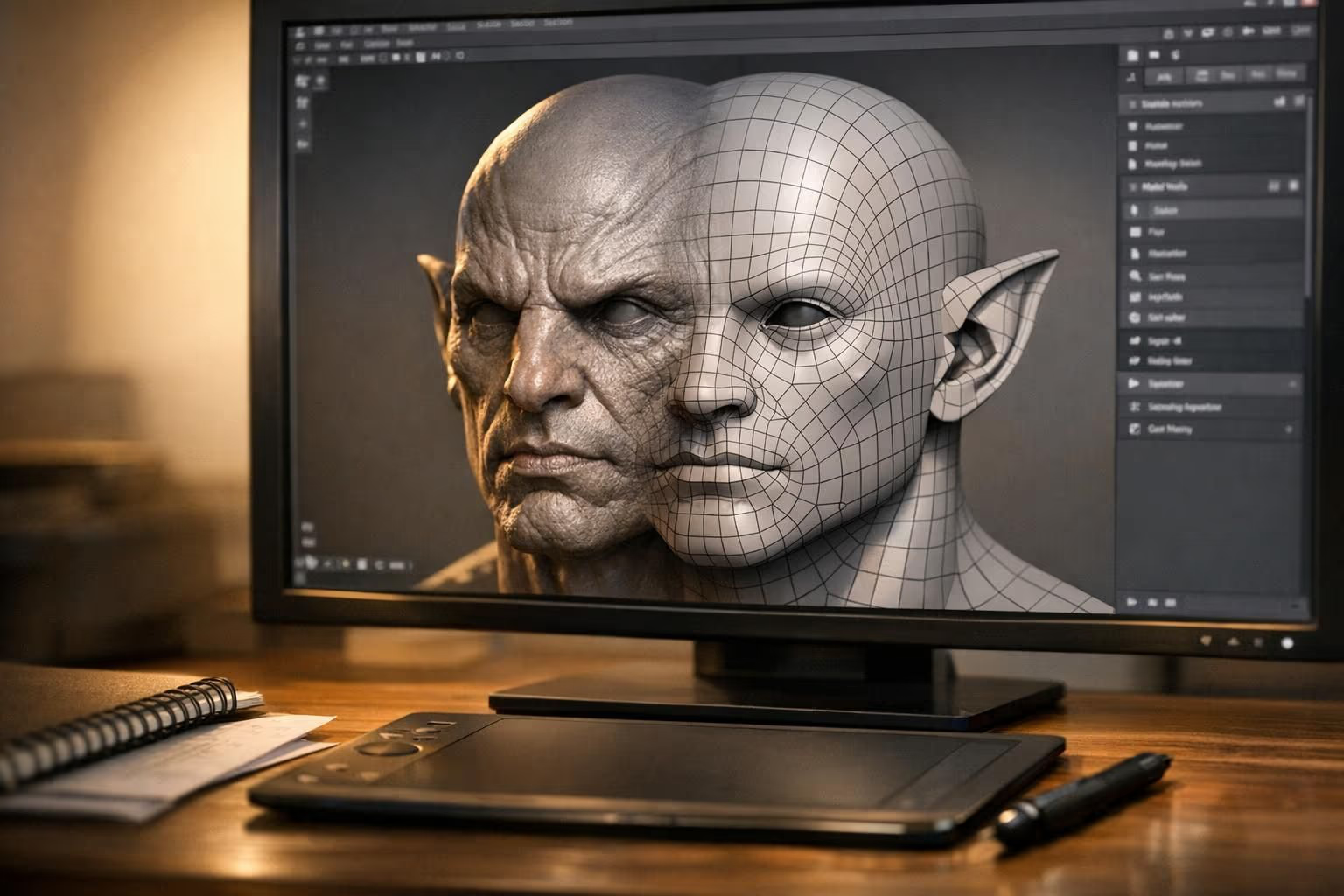
- Baking high-poly detail: transfer sculpt details onto a low-poly game mesh
- 3D printing previews: visualize surface texture before printing
Normal Maps vs Bump Maps
| Feature | Normal Map | Bump Map |
|---|---|---|
| Data stored | XYZ direction vectors | Grayscale height values |
| Detail quality | Higher (directional) | Lower (height only) |
| Silhouette effect | No | No |
| Performance | Slightly more expensive | Cheaper |
Creating Normal Maps
Normal maps can be generated by:
- Baking from a high-poly sculpt to a low-poly mesh (Substance, xNormal, Blender), often paired with retopology to build the low-poly target
- Converting from a height/bump map (filter-based)
- AI generation: tools like Sloyd's AI texturing can automatically generate PBR-ready normal maps for 3D models
For the wider set of maps a material uses, see our beginner's guide to 3D textures.
Normal Maps in Sloyd
When you generate or texture a 3D model in Sloyd, normal maps are automatically created as part of the PBR material pipeline. Export your model in GLB or FBX format and the normal map is included, ready for use in Unity, Unreal Engine, Blender, or any game engine.