
AI sound effect generator and voice-over for games
Describe a sound and get it in seconds, or pick a voice and turn your script into speech. Sloyd Audio creates sound effects, seamless loops, and placeholder voice-over from text, right in the browser.
What is Sloyd Audio?
Sloyd Audio is an AI sound effect generator and text-to-speech tool for game developers. Type a prompt to get a sound effect from 0.5 to 30 seconds long, loop it seamlessly, or pick a voice and turn up to 5,000 characters into speech. Every clip downloads as an MP3.
Why game developers use AI audio
Sound In Seconds
Stop digging through sound libraries for the one door creak that fits. Describe it in plain words and get a new sound effect made for your scene.
Voice Before Casting
Hear your dialogue in context while the script is still changing. Placeholder voice-over lets you test pacing and story before you record.
Next To Your Assets
Make audio in the same workspace as your 3D models, images, and animations, and find every clip again in My Activity.
Every sound your game needs, from one prompt
Sound effects, ambient loops, UI clicks, and character lines, generated from text and ready to download as MP3.
Sound Effects From Text
Type what you hear: "a heavy wooden door creaking open" or "footsteps on wet gravel". Sloyd generates a matching sound effect from 0.5 to 30 seconds long.
Text to Speech Voice-Over
Paste up to 5,000 characters of dialogue, choose a voice from the library, and get natural speech for narrators, NPCs, tutorials, and trailers.

Seamless Ambient Loops
Turn on Loop for forest ambience, rain, engine hums, or crowd noise that repeats without a click or gap, ready for background audio.

Impacts, Hits, and Combat
Sword clashes, cinematic hits, explosions, and magic casts. Adjust prompt influence to follow your words closely or get more varied takes.

UI Clicks and Menu Sounds
Make a matching set of button clicks, coin pickups, and notification chimes, so your menus and HUD sound like one game.

Variations To Choose From
Generate one, two, or four variations of the same sound in one go, then keep the take that fits the moment best.
Everything you need to create game audio
Describe it, hear it
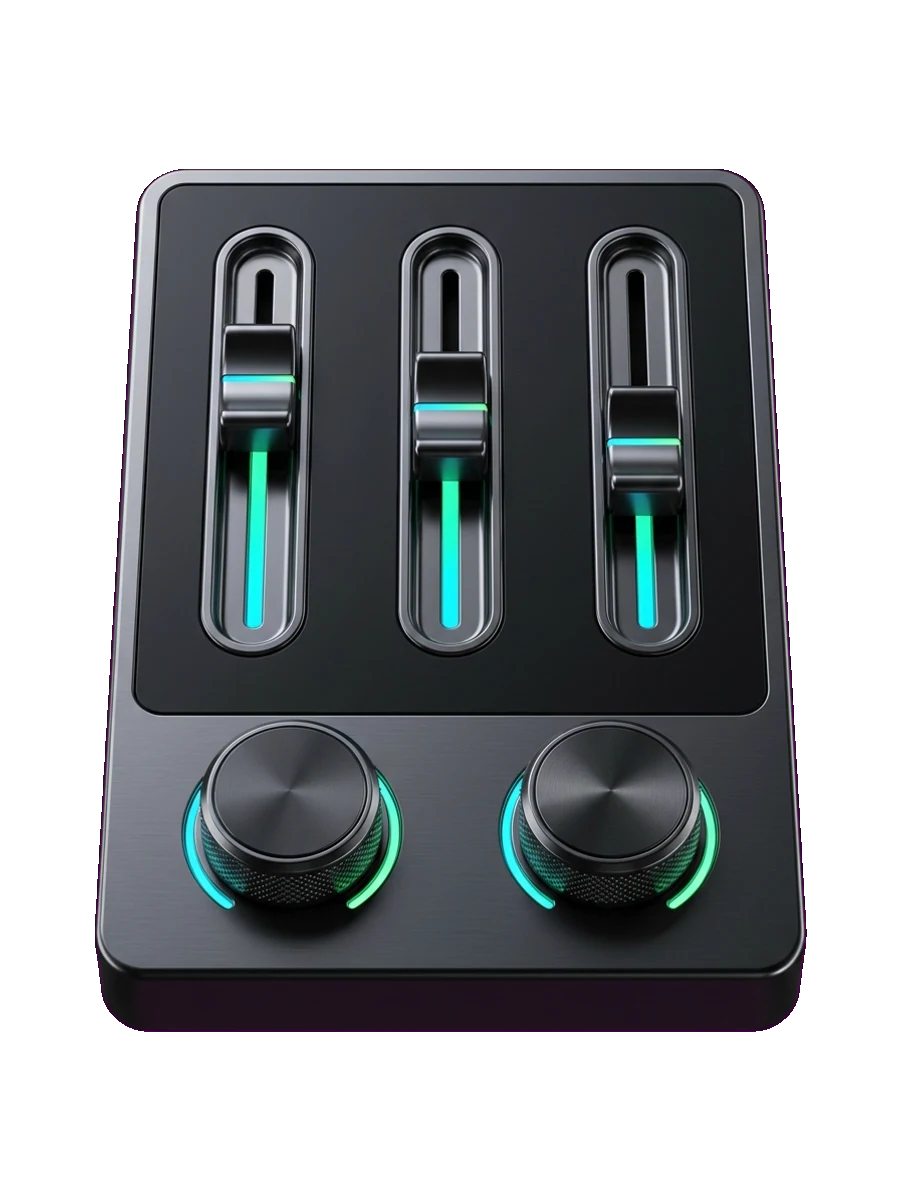
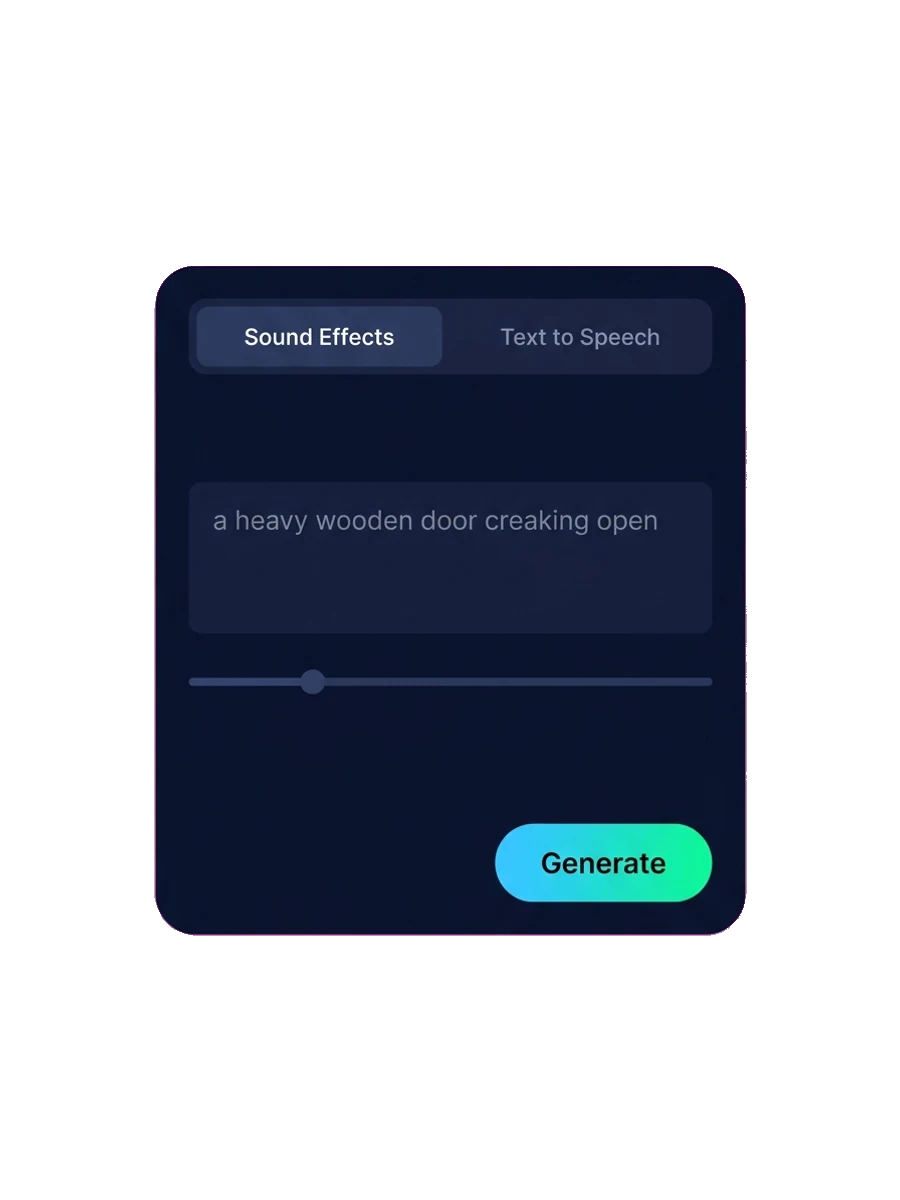
Write a short prompt, set the length on a slider or let Auto duration pick it, and generate. Use prompt influence to choose between following your words exactly and exploring more variation.
A library of ready-made voices
Browse the voice library, preview each voice, and favorite the ones that fit your characters. Sloyd remembers your last voice, and the multilingual speech model reads your lines naturally, from calm narration to urgent warnings.
Tune the delivery
Voice stability sets how steady or expressive a voice sounds. Voice closeness sets how closely the speech sticks to the chosen voice. For sound effects, duration and prompt influence shape every take.
Every clip saved and ready to download
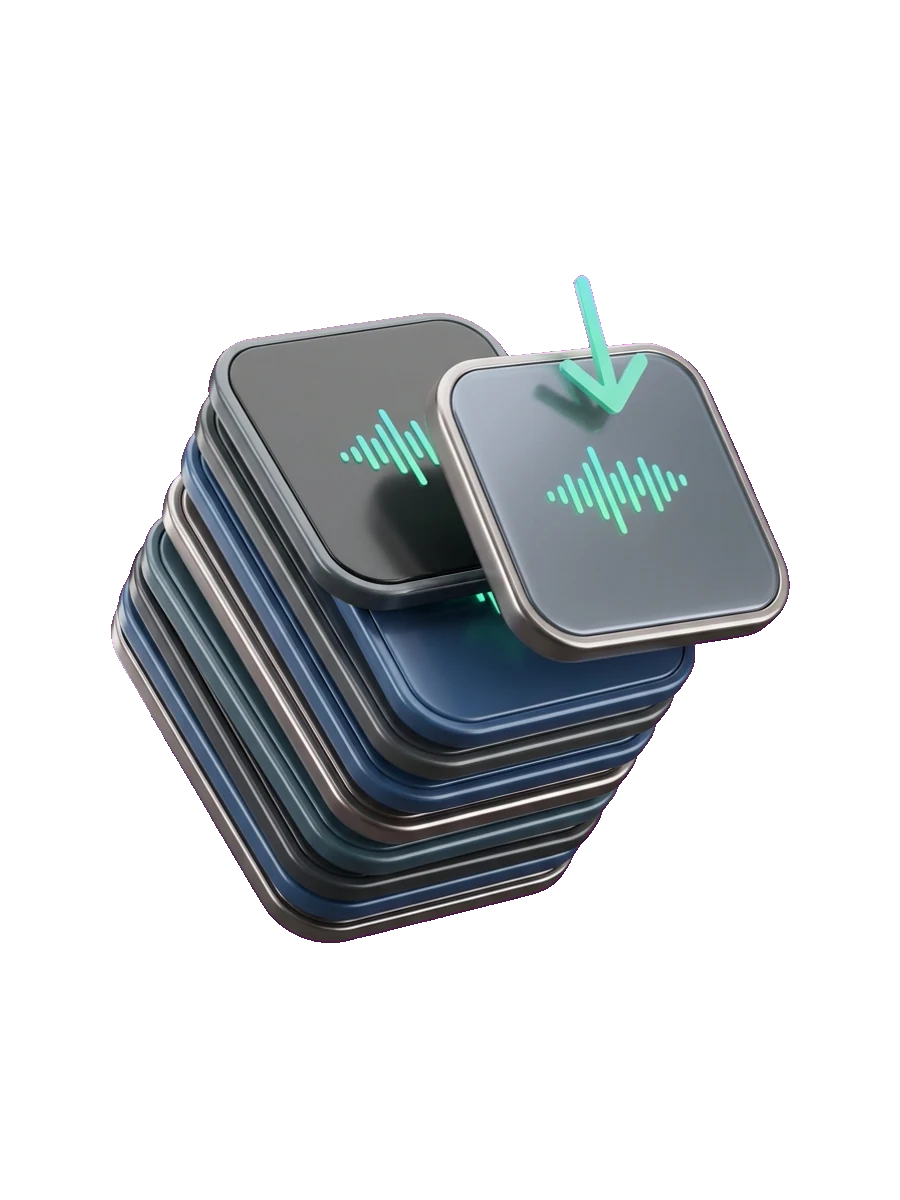
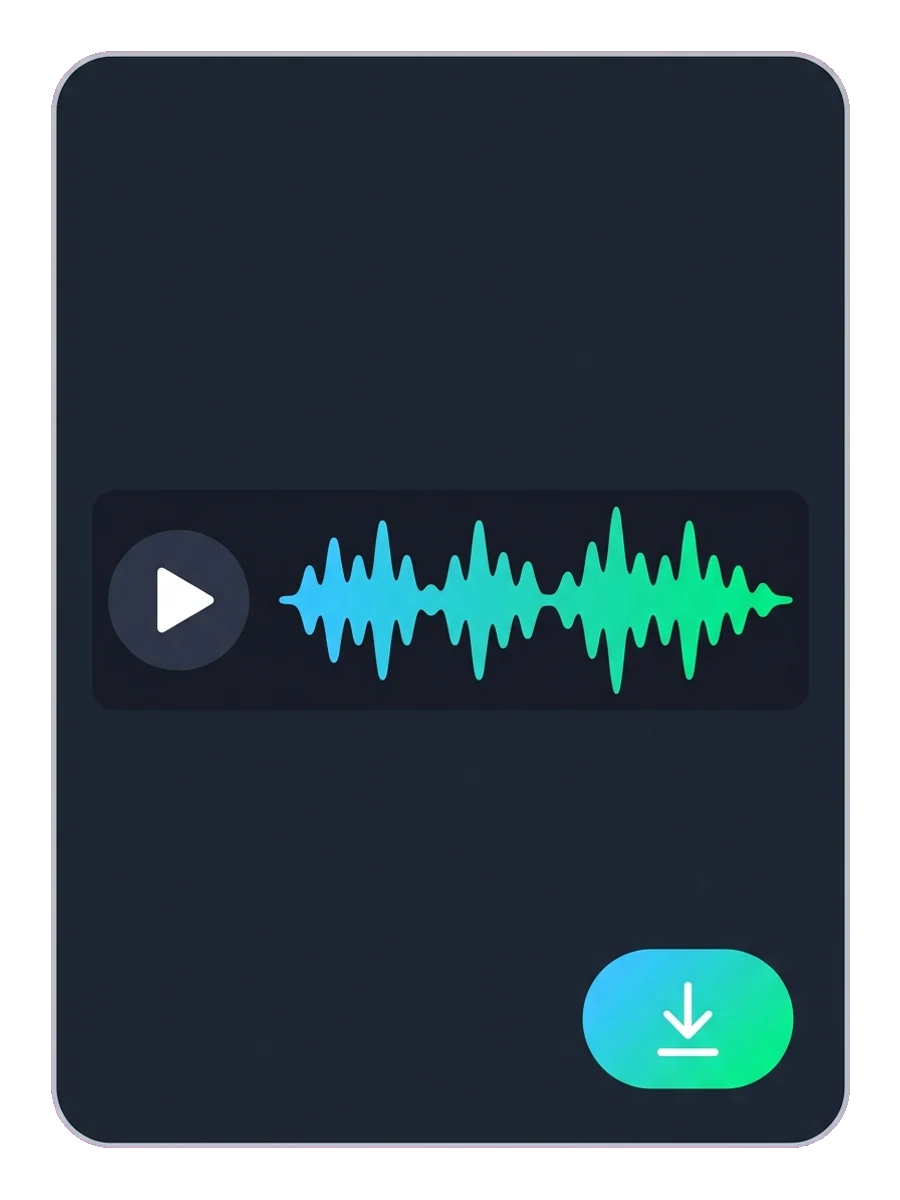
Each generation is saved to My Activity next to your other Sloyd creations, under the Audio filter. Play it back in the browser and download it as an MP3 to drop into Unity, Unreal, Godot, or your editor.

Frequently Asked Questions
What is an AI sound effect generator?
An AI sound effect generator creates new audio from a text description. Instead of searching a sound library, you describe the sound, for example "footsteps on wet gravel", and the AI generates a matching clip.
What can I create with Sloyd Audio?
Sloyd Audio has two modes. Sound Effects generates sounds, ambiences, and seamless loops from a prompt. Text to Speech turns up to 5,000 characters of text into spoken voice-over using a library of ready-made voices.
How do I make sound effects for my game with AI?
Open Sloyd Audio, choose Sound Effects, and describe the sound in plain words, for example "a crisp UI button click". Set the length or use Auto duration, pick how many variations you want, and generate. Download the take you like as an MP3 and import it into your engine.
How long can a generated sound effect be?
You can set any length from 0.5 to 30 seconds, or turn on Auto duration and let Sloyd choose. Turn on Loop to make the sound repeat seamlessly.
Does AI audio use my credits?
No. Generating and downloading sound effects and speech is included in Sloyd Plus and Sloyd Pro subscriptions and does not use your monthly credits.
Which plan do I need?
Generating and downloading audio requires a Sloyd Plus or Sloyd Pro subscription. Sign in with any Sloyd account to open Audio and explore it.
What file format do I get?
Every sound effect and voice clip downloads as an MP3, which works in Unity, Unreal Engine, Godot, Roblox Studio, and all common video editors.
Can I create voice-over for game characters?
Yes. Text to speech turns dialogue into spoken lines for narrators, NPCs, tutorials, and trailers. Pick a voice from the library, then adjust voice stability for a steadier or more expressive delivery. Many teams use it as placeholder voice-over while the script is still changing.
Can I use my own or cloned voices?
No. Text to speech uses a curated library of ready-made voices that you can preview before generating. Voice cloning is not supported.
Where can I find my audio clips?
Every clip is saved to My Activity. Use the Audio filter to list your sound effects and speech, then play or download them again at any time.

Learn the lingo
Give your game its sound today
Start with one sound: a door, a footstep, a line of dialogue. Hear it in seconds and keep building.