Optimized for Roblox
All avatars are ready to use in Roblox, with separate head, arms, torso etc., and come with cages, and stay within the polygon limits for Roblox use.
Pick a mannequin, describe the look, and get a fully textured Roblox avatar ready for the marketplace. No modeling skills needed.
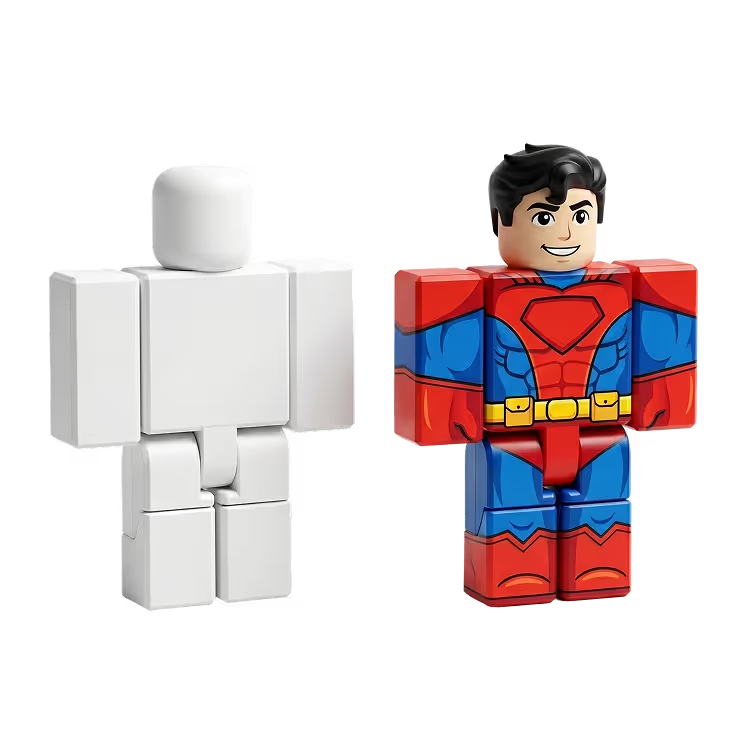
Choose from Classic, Blocky, Semi-Realistic, Anime, and more mannequin types. Describe the skin, outfit, and style in a text prompt and get a fully textured avatar in seconds.
Every mannequin is skinned and fully compatible with the Roblox marketplace. The avatar shape stays unchanged so your creation meets platform requirements out of the box.
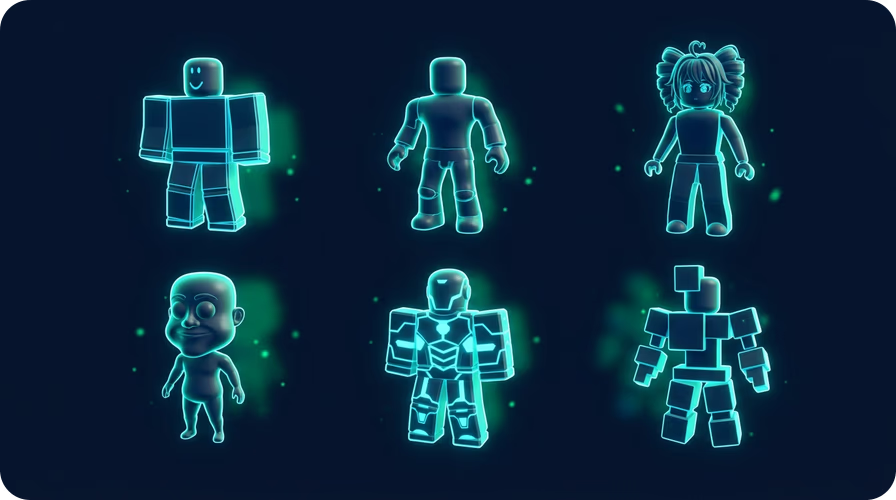
Pick from Classic Mannequin, Blocky Character, Semi-Realistic Male and Female, Caricature, Anime Male, and more. Each shape is pre-rigged and ready for texturing.
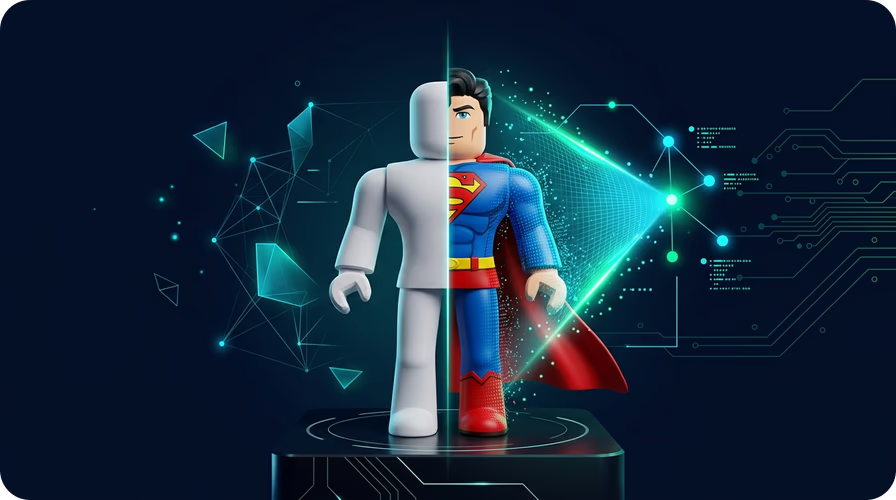
Describe the skin tone, eye color, hair, and clothing in plain text. The AI applies a 2048×2048 texture directly to the avatar with 30 submeshes for detailed results.
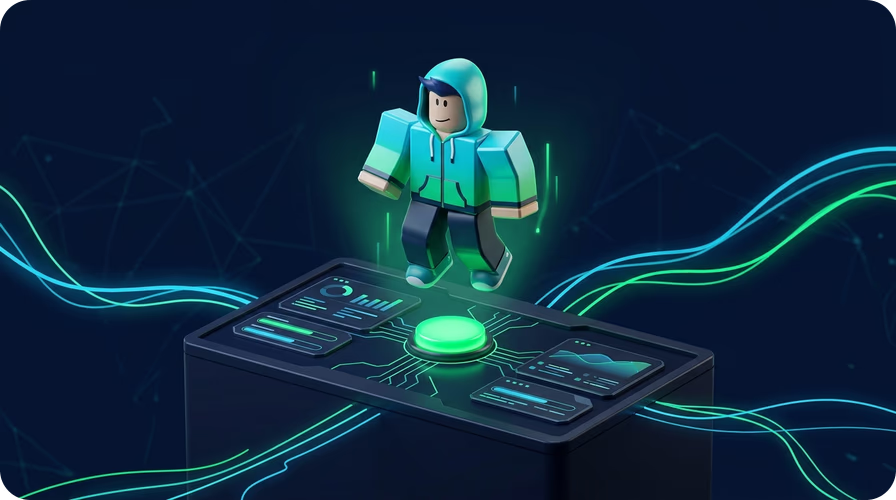
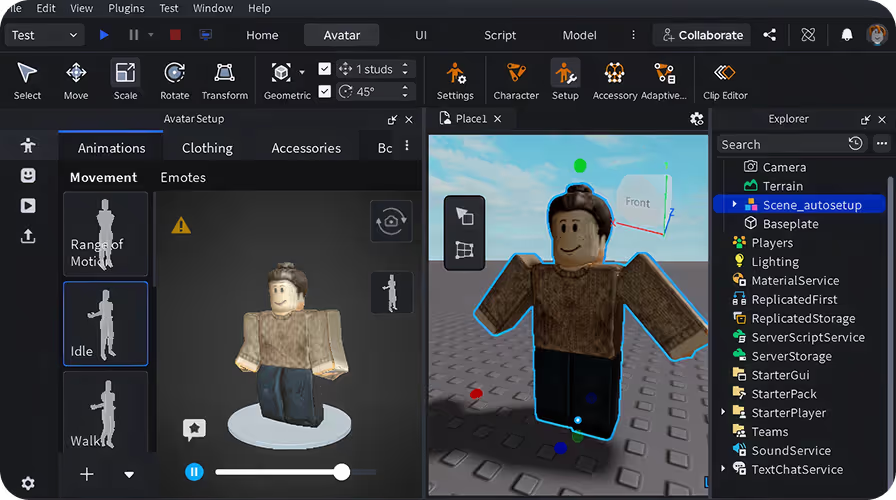
Download your avatar as a GLB file and import it directly into Roblox Studio. Supports Auto Rig, Animate, Retexture, and Split to Parts for full creative control.
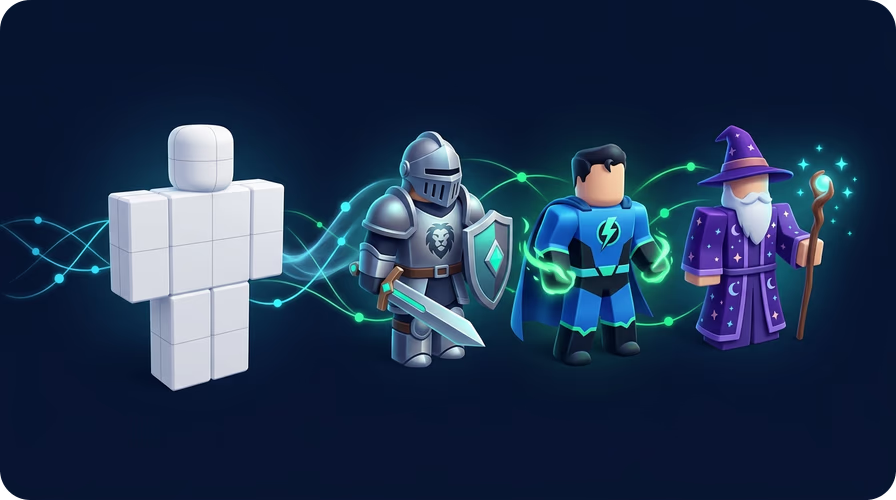
Not happy with the first result? Run Retexture with a new prompt and try again. Iterate as many times as you need with no generation limits.
Open the Roblox Avatar tool in Sloyd and browse the mannequin library. Choose from Classic, Blocky, Semi-Realistic, Anime, and more. Each shape is pre-rigged and marketplace-compatible.
Type a description of the skin tone, eye color, hair style, and outfit. Hit Texture and the AI generates a full 2048×2048 texture applied directly to your avatar shape.
Click Export GLB to download your finished avatar. Import it into Roblox Studio, apply Auto Rig if needed, and publish to the marketplace.
All avatars are ready to use in Roblox, with separate head, arms, torso etc., and come with cages, and stay within the polygon limits for Roblox use.
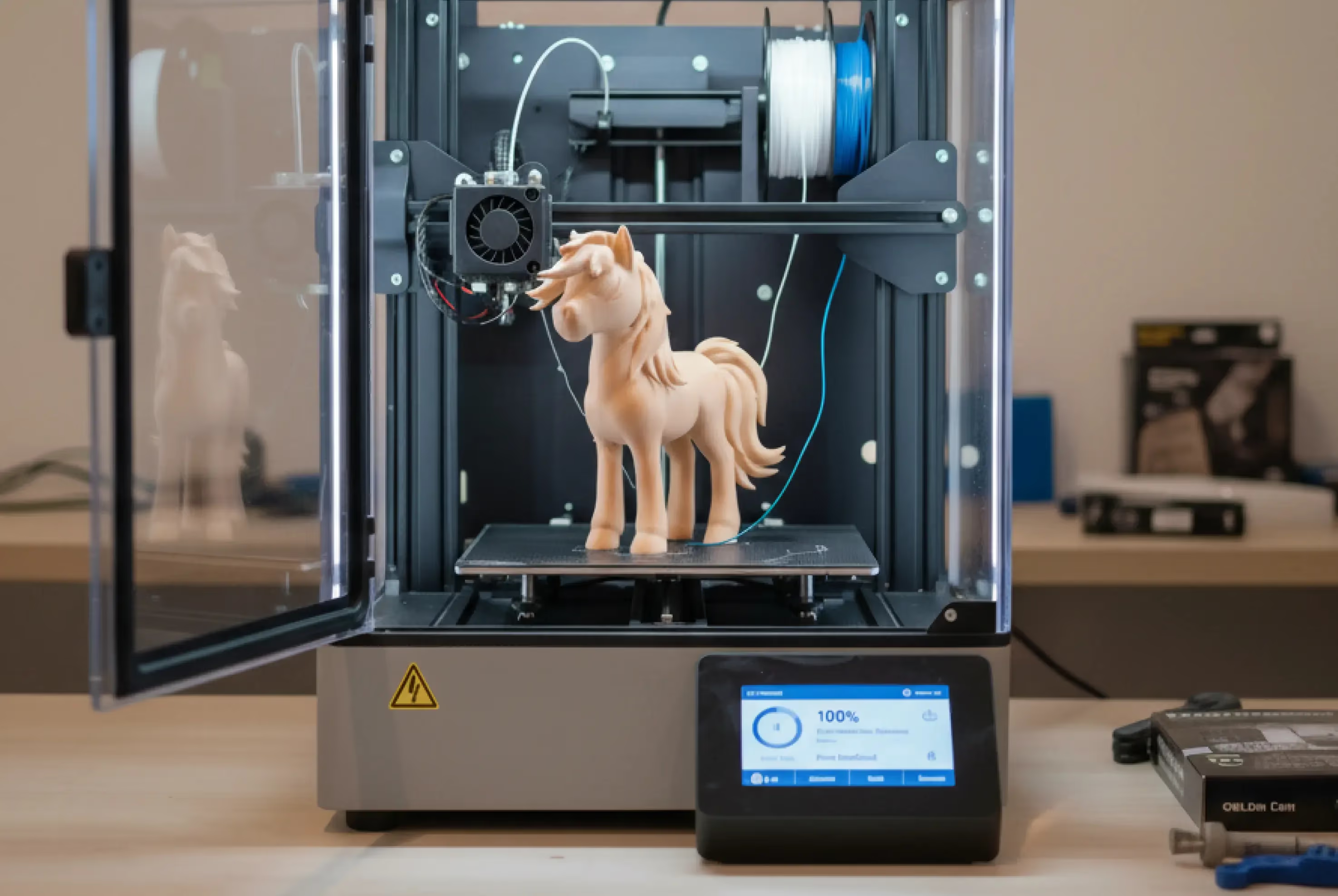
Want to showcase your creation in the real world? Sloyd generations are watertight so you can 3D print easily.
The Sloyd Roblox avatar generator lets you create fully textured Roblox avatars using AI. Pick a pre-rigged mannequin shape, describe the look with a text prompt, and the AI applies a 2048×2048 texture. Export as GLB and import directly into Roblox Studio. No 3D modeling skills needed.
The Roblox Avatar feature requires a paid Sloyd subscription. Check the pricing page for current plans and what's included.
Yes. Every mannequin in Sloyd is skinned and built to Roblox marketplace specifications. The avatar shape stays unchanged during texturing, so the geometry always meets platform requirements.
Sloyd includes Classic Mannequin With Cages, Blocky Character, Semi-Realistic Male, Semi-Realistic Female, Caricature, Anime Male, and more. New shapes are added regularly.
Select a mannequin shape, then type a description of the skin tone, eye color, hair, and outfit. Hit Texture and the AI generates a full 2048×2048 texture with 30 submeshes applied directly to the avatar. Iterate via Retexture if needed.
Avatars export as GLB, which imports directly into Roblox Studio. You can also export FBX and OBJ for other tools. All exports include the full texture map.
Yes. After generating you can use Sloyd's Animate tool to add animations, Auto Rig to apply a skeleton, and Split to Parts to separate the mesh for further editing.
No. Sloyd runs entirely in your browser. Open the Roblox Avatar tool, pick a mannequin, and start generating. Works on any modern browser on Mac, Windows, or Linux.
Yes. If you want to create 3D models from a photo or reference image instead of building a Roblox avatar from a mannequin, use Sloyd’s Image-to-3D tools. They turn images into textured 3D models for printing, games, and creative projects.