
AI 3D Model Generator for 3D Printing
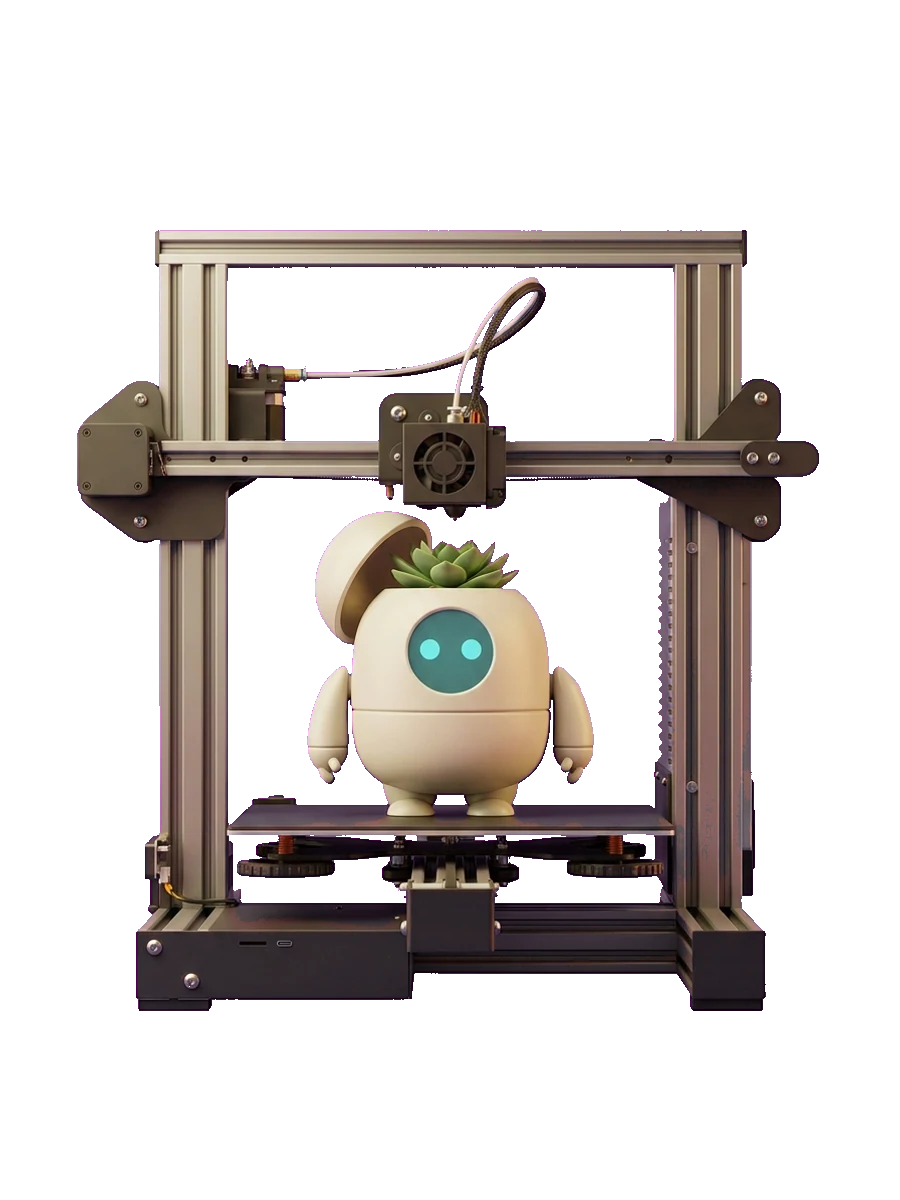
Stop wrestling with complex CAD software: Sloyd is the fastest way to create 3D print-ready STL or OBJ files directly in your browser. No modeling experience required.
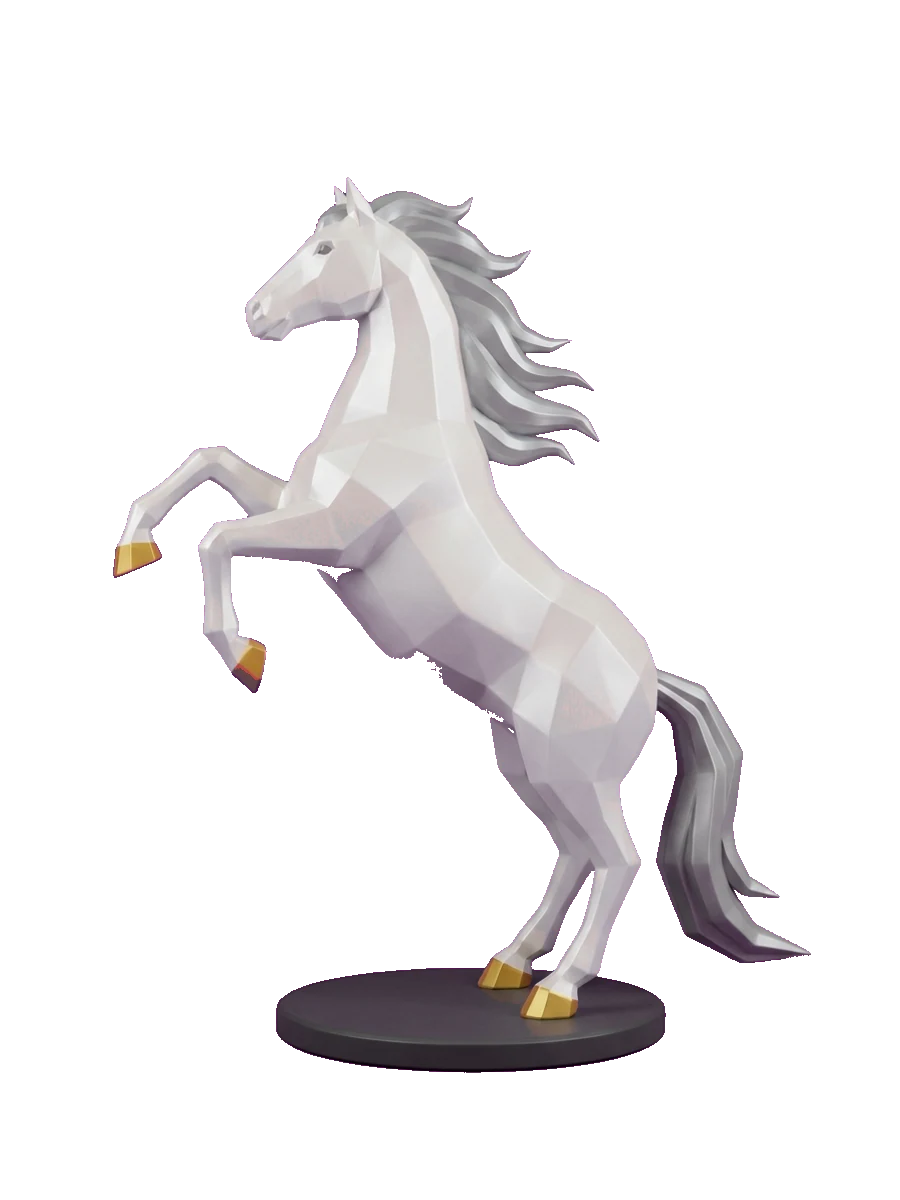
Refine your prints in the tools you already use
Export print-ready STL and OBJ files for Cura, PrusaSlicer, Bambu Studio, and any slicer.
Why makers choose Sloyd for 3D printing
Unlimited Generations
Paid plans give you unlimited AI generations, so you can iterate on every miniature, prop, and gift until it prints exactly right.
From Prompt to Print-Ready in Seconds
Describe what you want or upload a reference. Sloyd returns a watertight, manifold STL or OBJ you can drop straight into your slicer.
No CAD, No Cleanup
Skip the modeling software and the mesh-repair step. Sloyd optimizes geometry for printing automatically, so you go from idea to plate without the busywork.
Built for makers, start to finish
Generate, customize, and optimize print-ready models, then export watertight STL or OBJ files that drop straight into Cura, PrusaSlicer, Bambu Studio, and any slicer you already use.
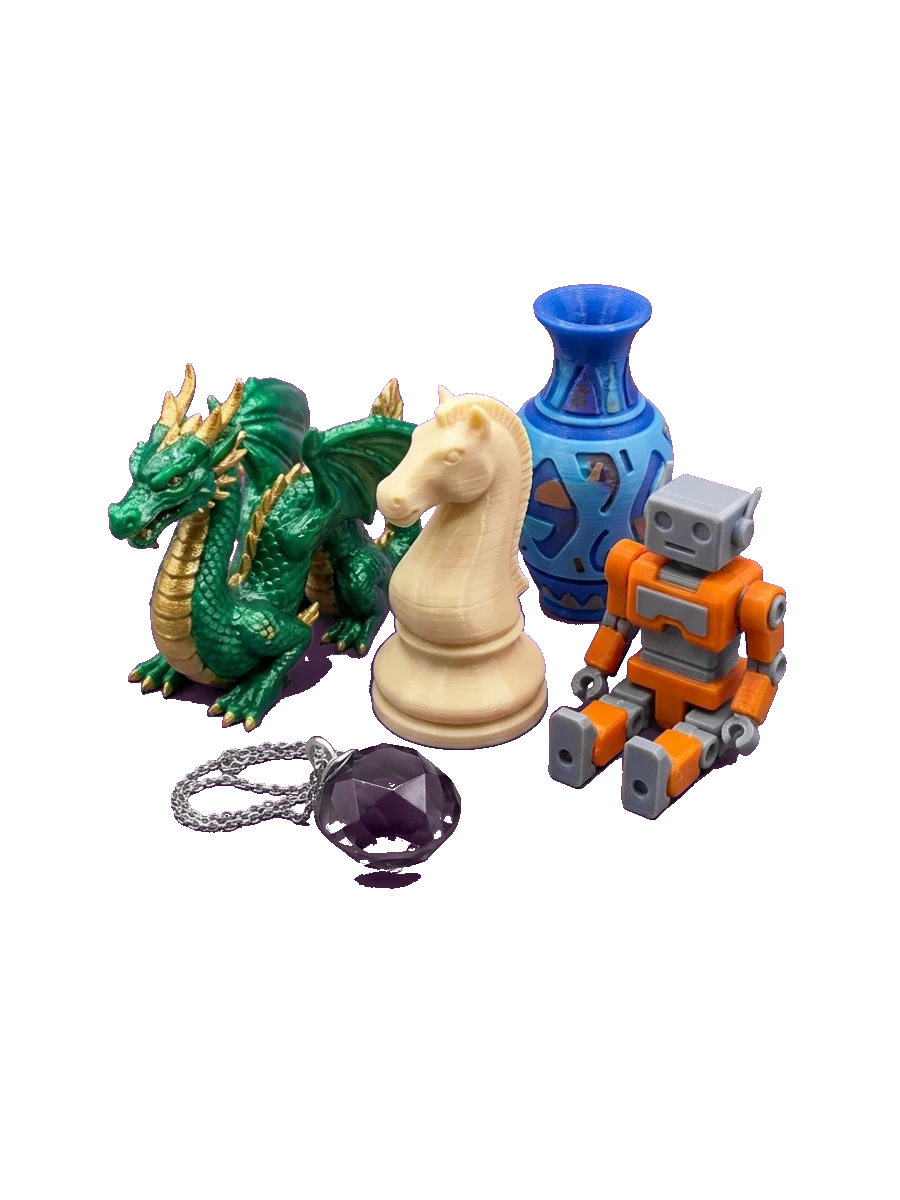
Unlimited AI 3D Generation
Turn any prompt or reference photo into a printable model: miniatures, home decor, cosplay props, jewelry, replacement parts, and more.
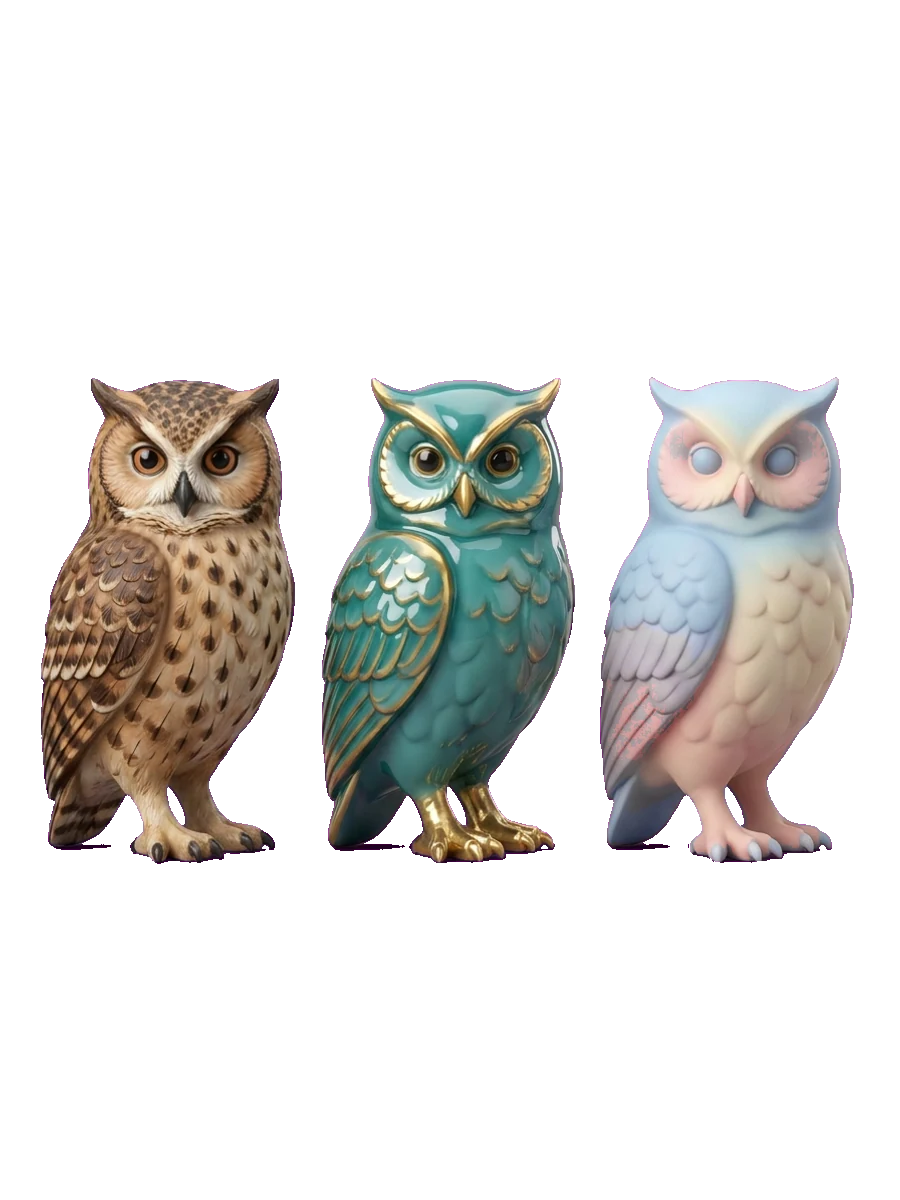
Consistent Style Control
Pick from built-in style presets or upload references to match a look. Keep a whole collection of prints in one coherent style.
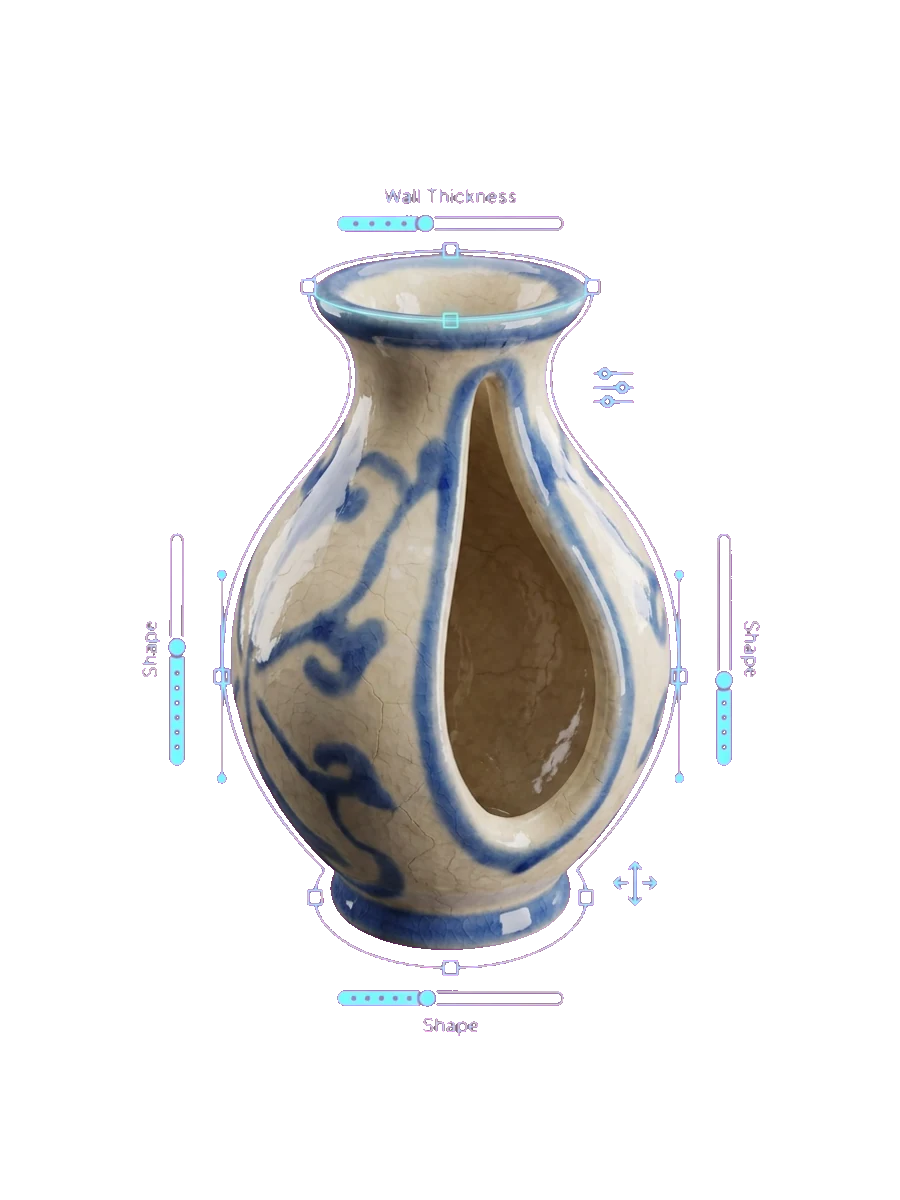
Print-Ready Templates
Start from customizable templates. Adjust wall thickness, detail, and scale with sliders or AI so the model is dialed in before it hits the slicer.
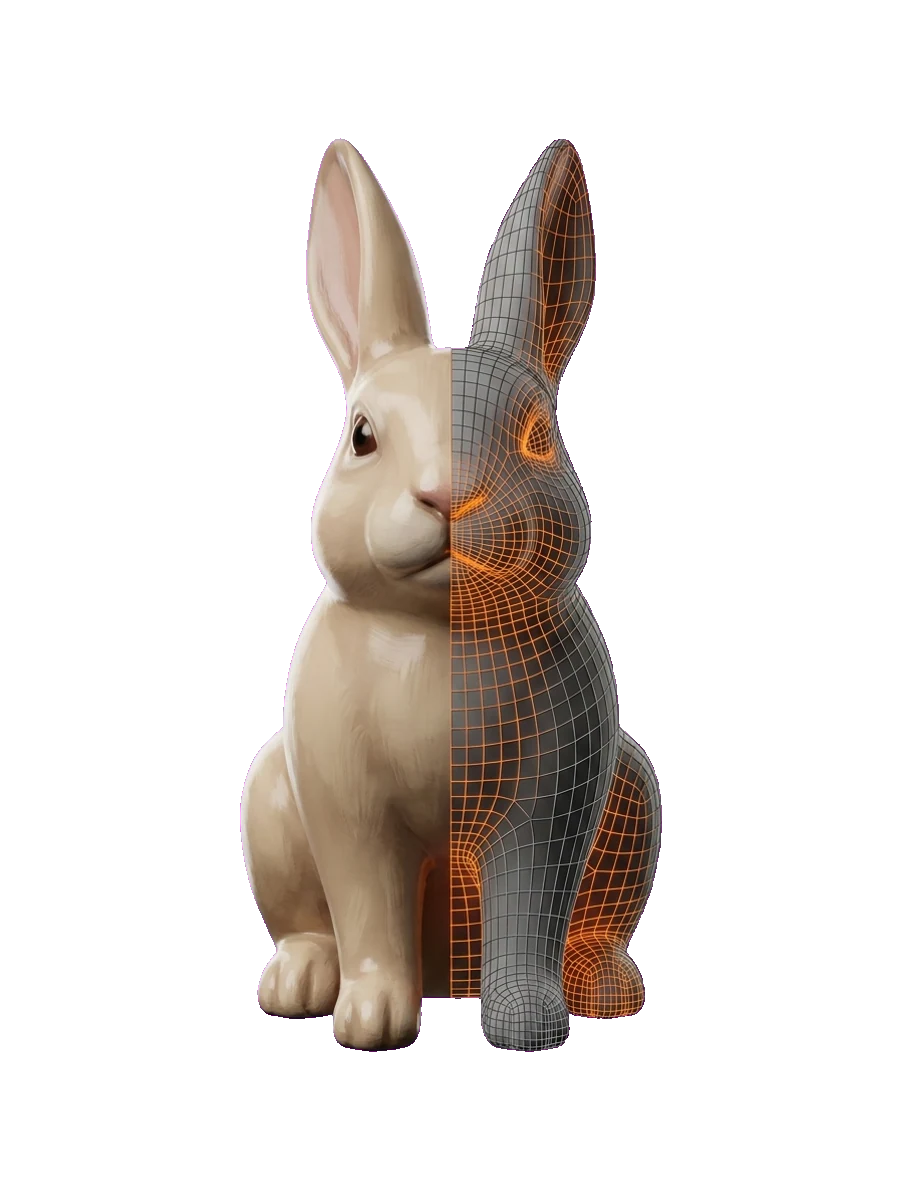
Slicer-Ready Meshes
The "3D Printing" preset optimizes meshes for solid, printable geometry, then exports clean STL or OBJ files that drop straight into Cura, PrusaSlicer, or Bambu Studio — with far less cleanup than typical AI-generated models.
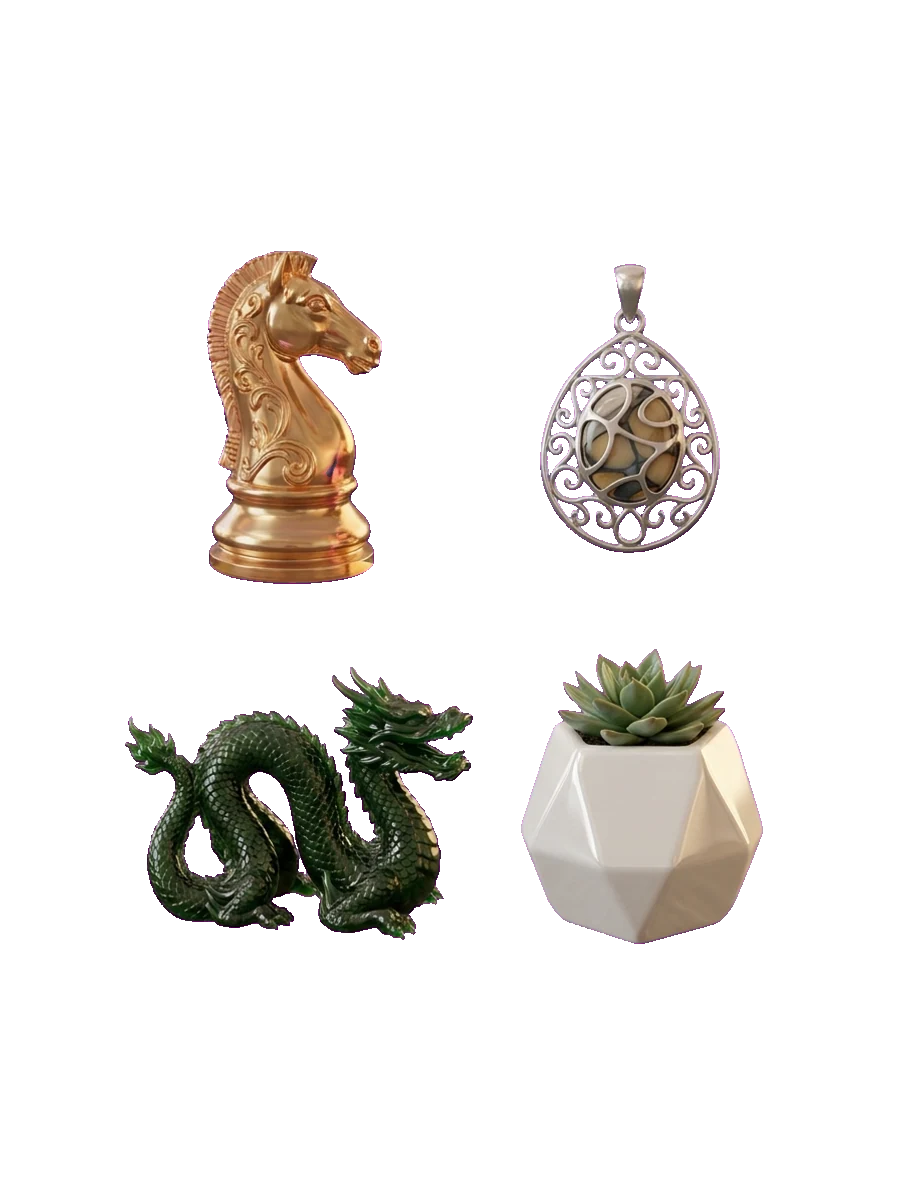
Full Commercial License
Every paid-plan model includes a full commercial license, so you can sell your prints on Etsy, at markets, or to clients with no attribution required.
Everything you need to go from idea to print
Text and Image to STL
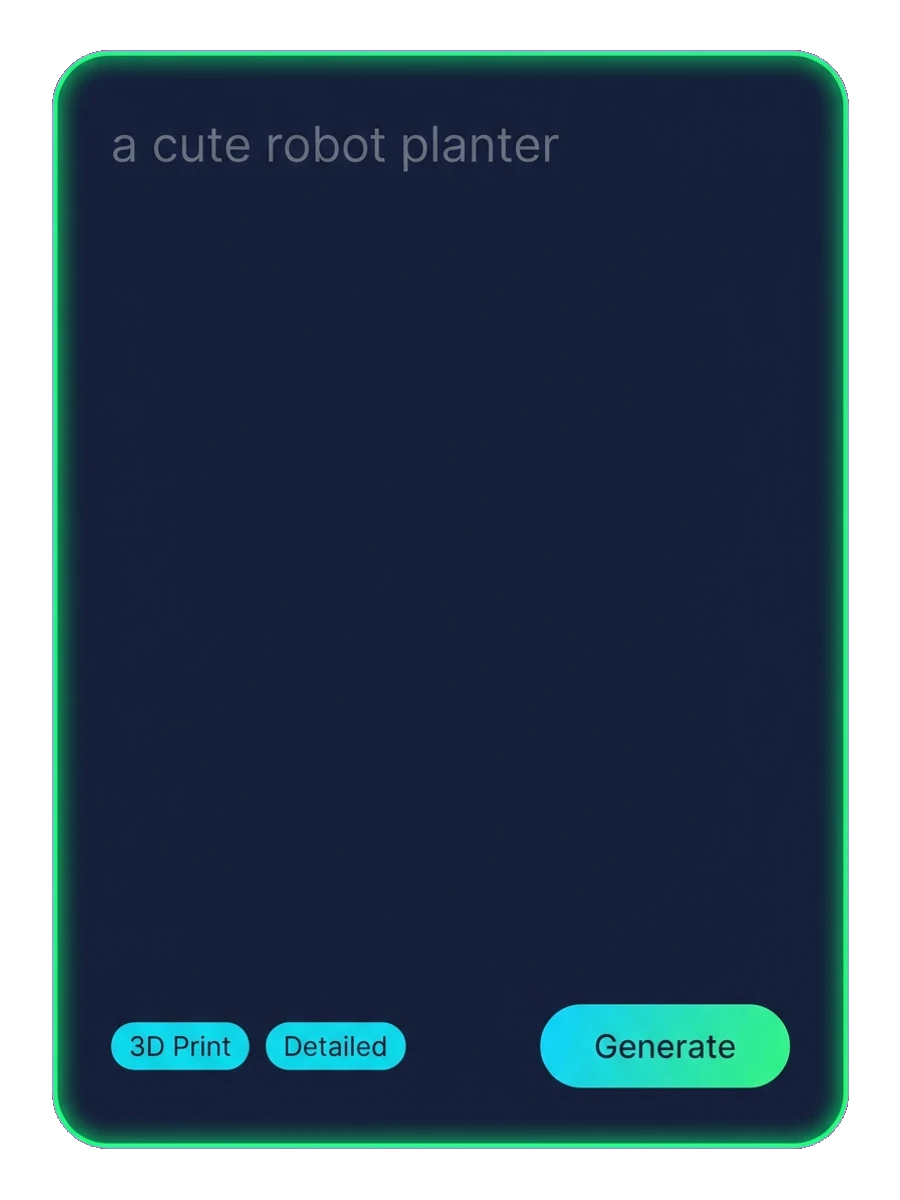
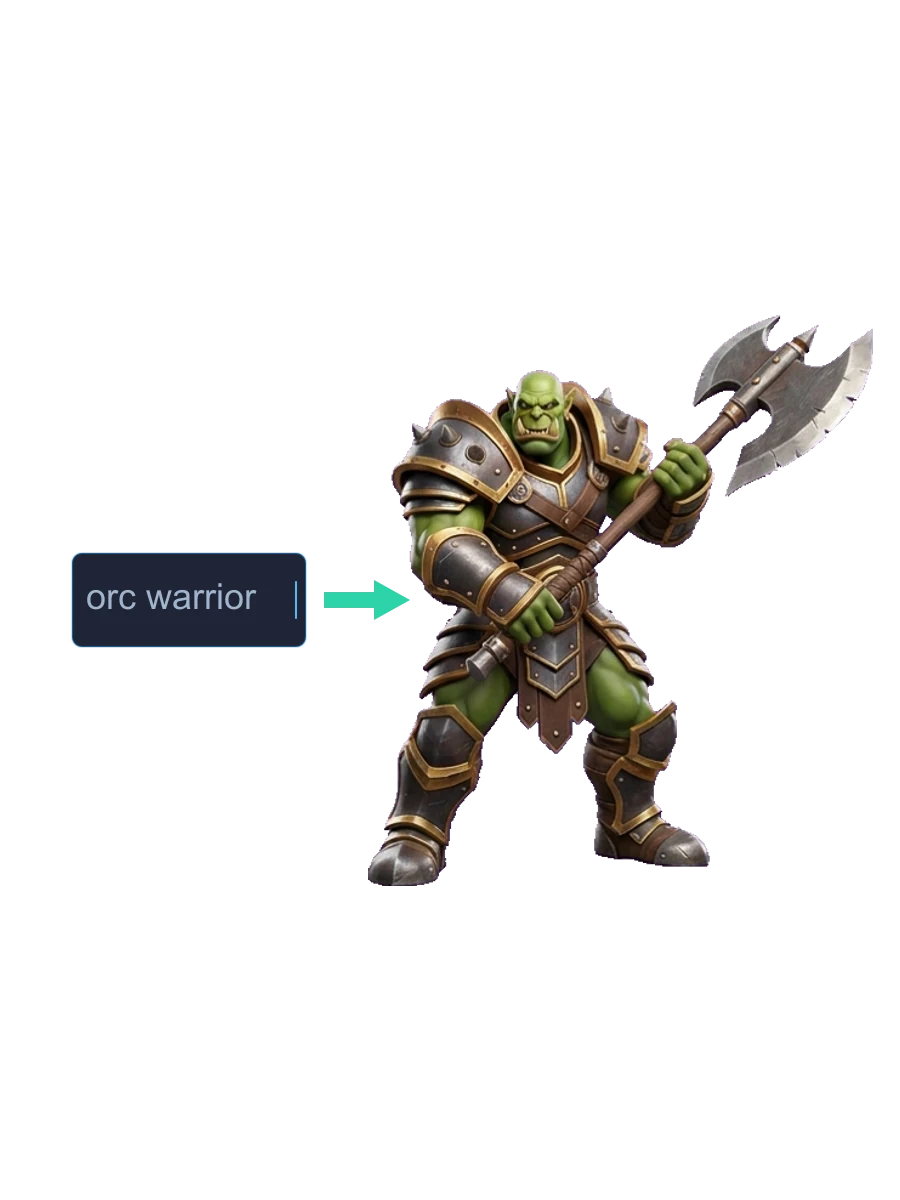
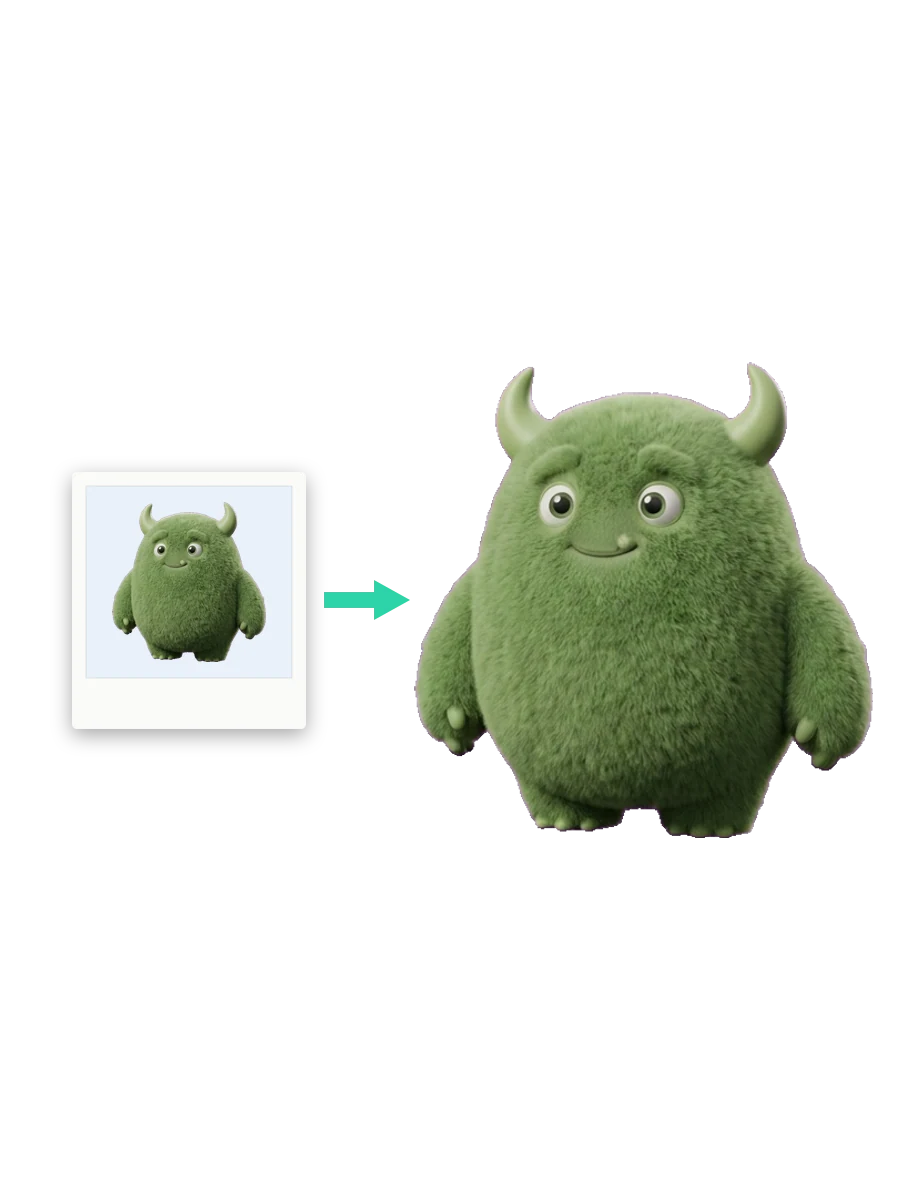
Type or upload an image to generate a 3D printable object. Ideal for miniatures, house decorations, tabletop figures, pendants, and jewelry.
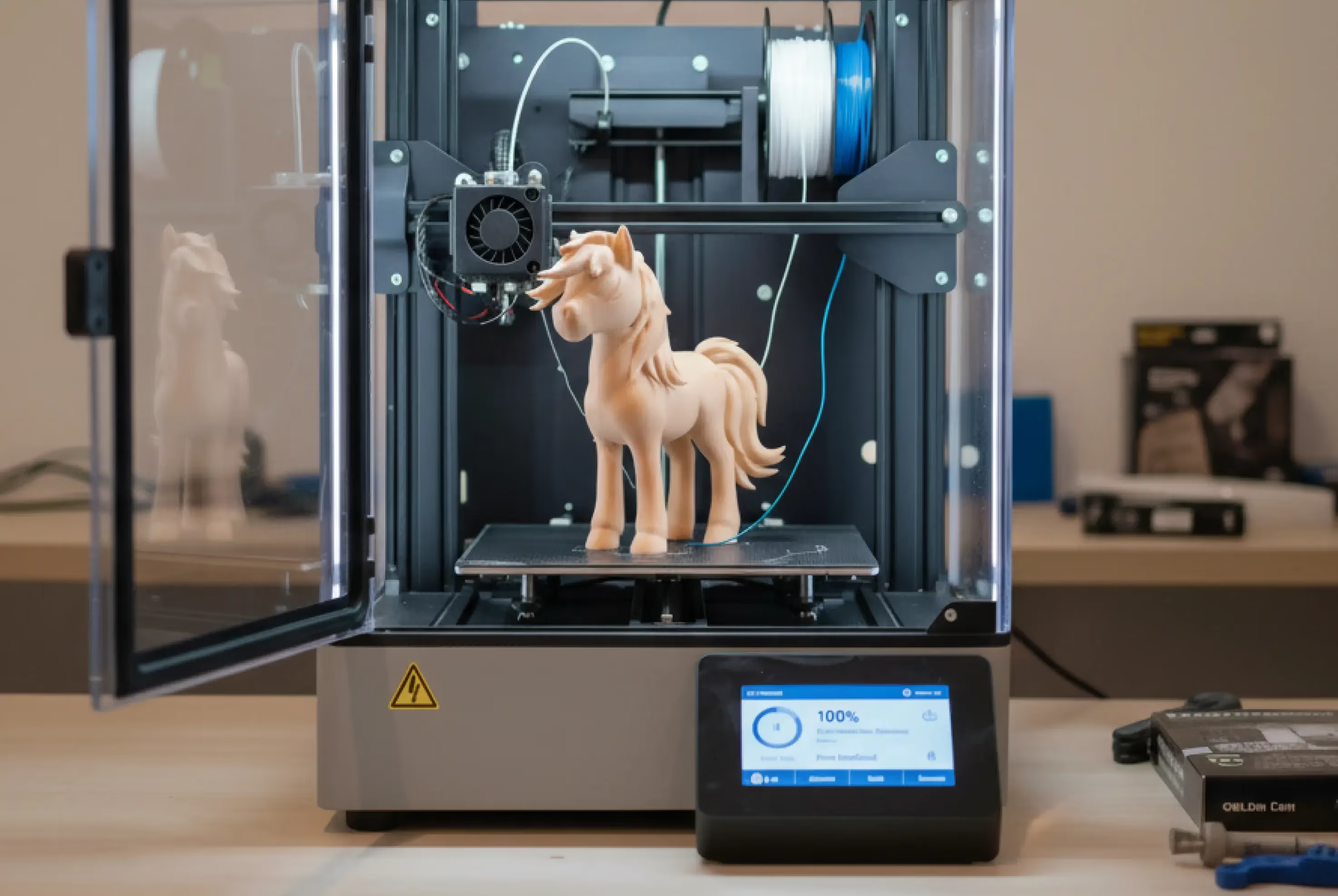
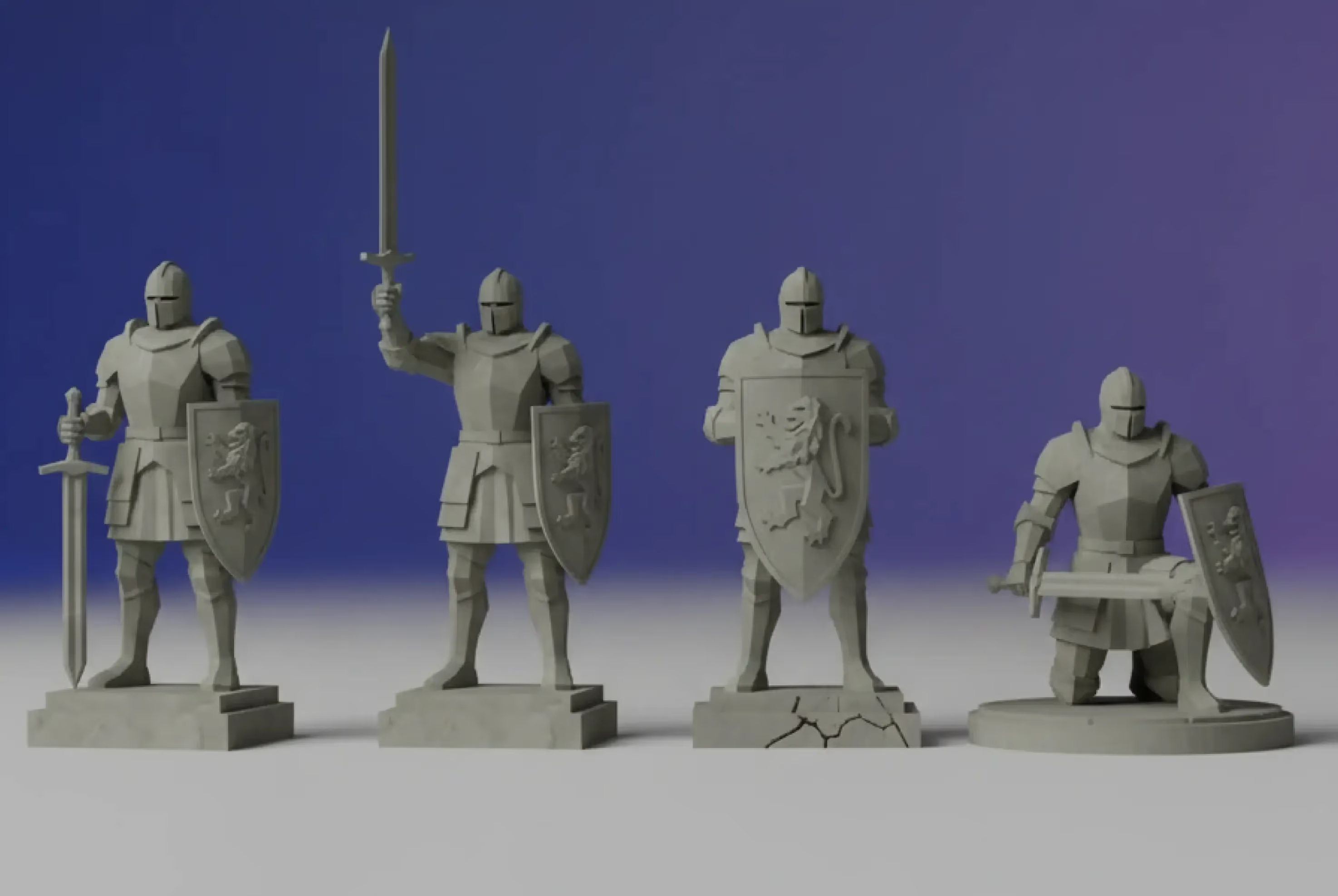
Presets optimized for 3D Printing
No more menu diving. We ensure you get the best quality, optimized for printing, and in the appropriate scale.
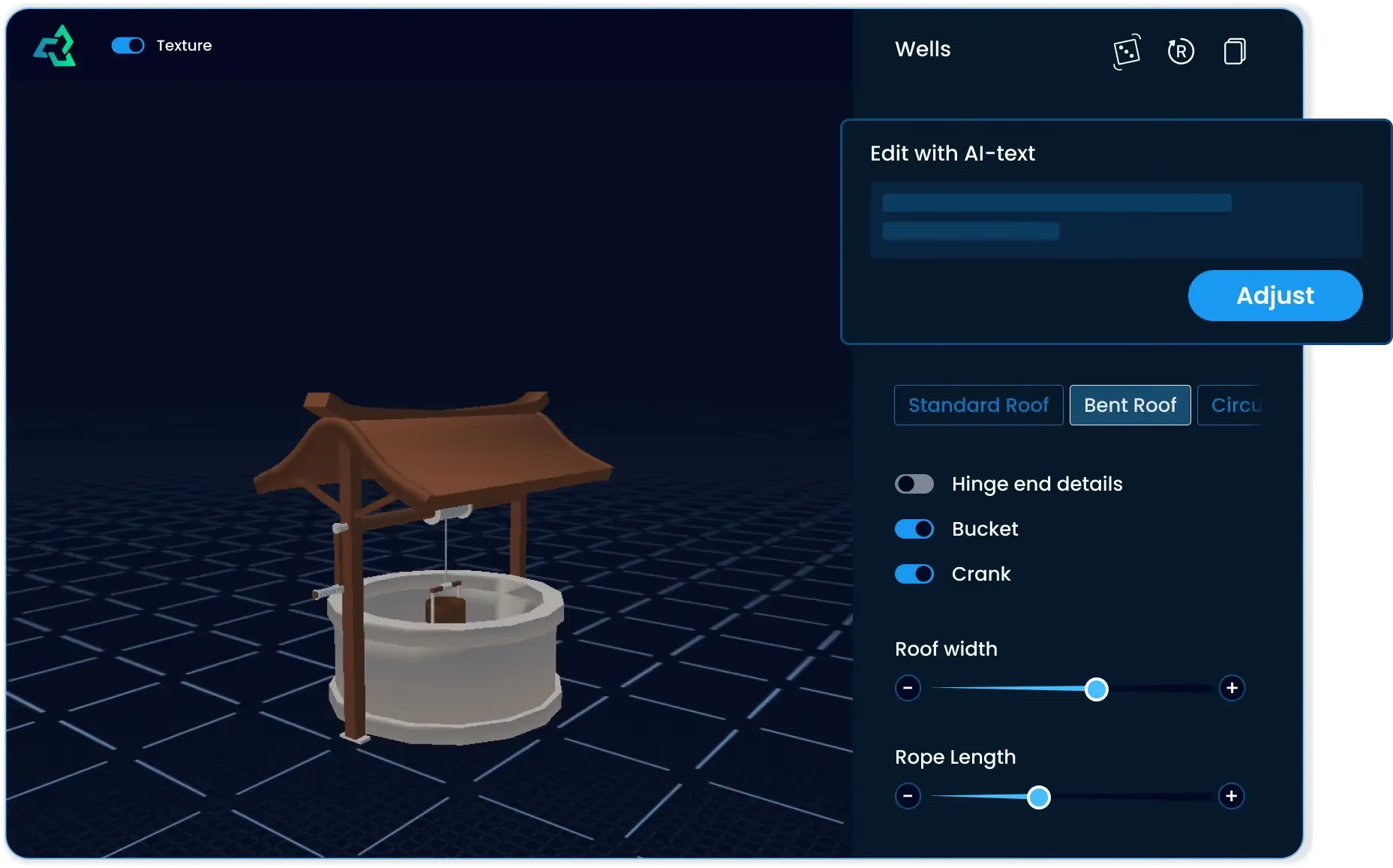
3D printable templates
Choose from a wide selection of customizable templates: adjust wall thickness, details, or style in seconds with sliders or AI.
Frequently Asked Questions
Which file formats are supported for conversion?
STL is best for 3D printing (slicers like Cura or PrusaSlicer). OBJ is great for editing in Blender or Maya. GLB/glTF is ideal for web and AR/VR applications.
How fast is the conversion process?
Speed is a priority. Standard files typically convert in under 1 minute, though highly complex or high-resolution images may require slightly more processing time.
How accurate is the AI conversion?
Accuracy depends on the quality of the prompt or image and how much detail the print needs. Clear references, good lighting, and a focused subject improve results; you can iterate with new prompts or references until the model looks right for print.
Are the models watertight and ready to print?
Yes. When you use our "3D Printing" preset, our AI optimizes the mesh to be watertight (manifold) and solid, preventing common printing errors. We always recommend checking the model in your slicer for wall thickness.
Do I need to know CAD or 3D modeling?
Not at all. Sloyd is designed to be a "No-CAD" tool. You can create complex objects by typing a text prompt or adjusting simple sliders in the Template Editor. Much faster than traditional modeling for props, miniatures, and prototyping.
Does this tool work on mobile?
Yes. Our platform is entirely cloud-based and optimized for cross-platform use on Windows, macOS, Linux, iOS, and Android using any standard web browser.
Is Sloyd AI free for 3D printing?
Yes. Guests can convert and view 1 3D model every day. For unlimited conversions and downloads, sign up for a paid account.
Learn the lingo