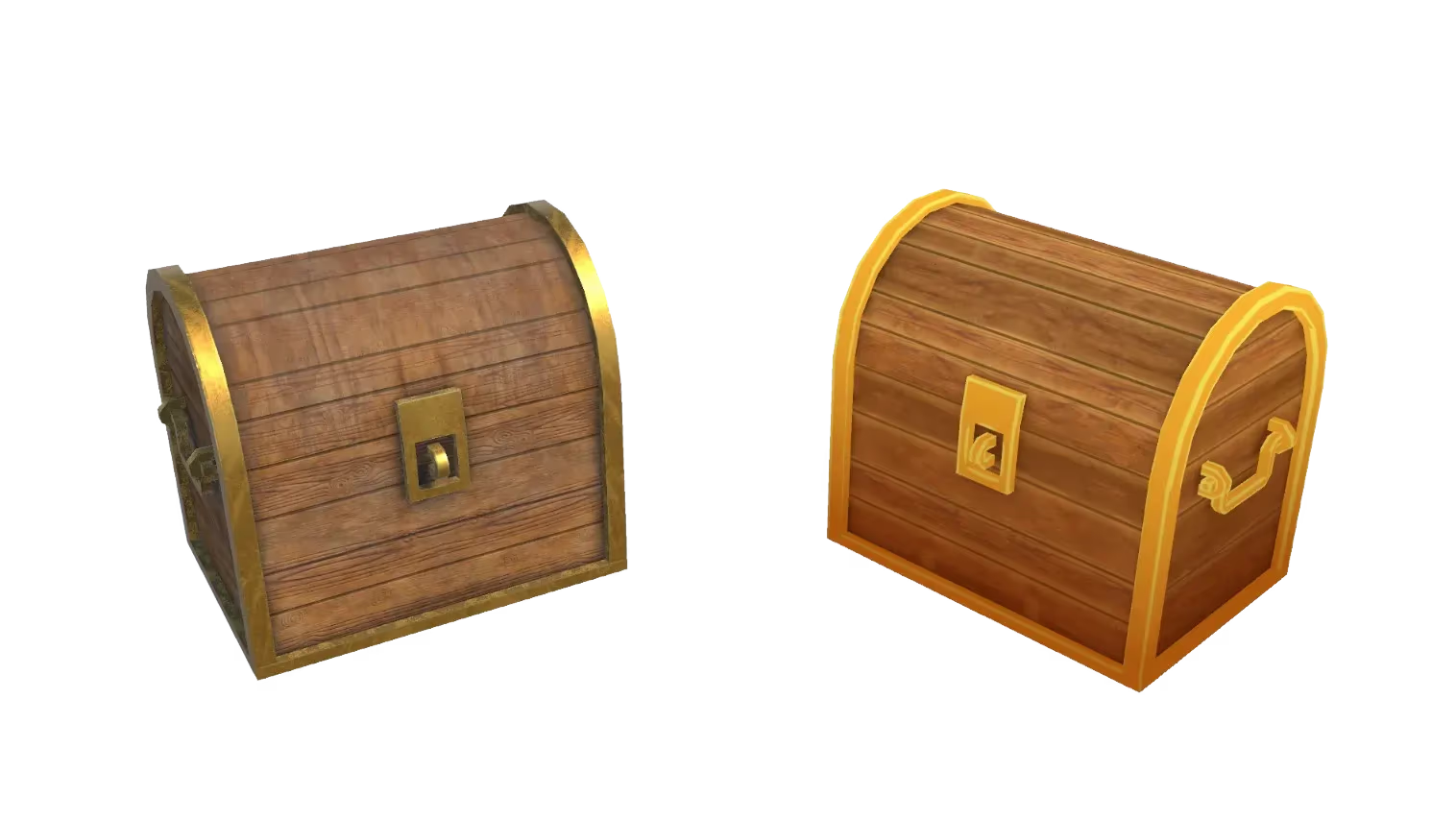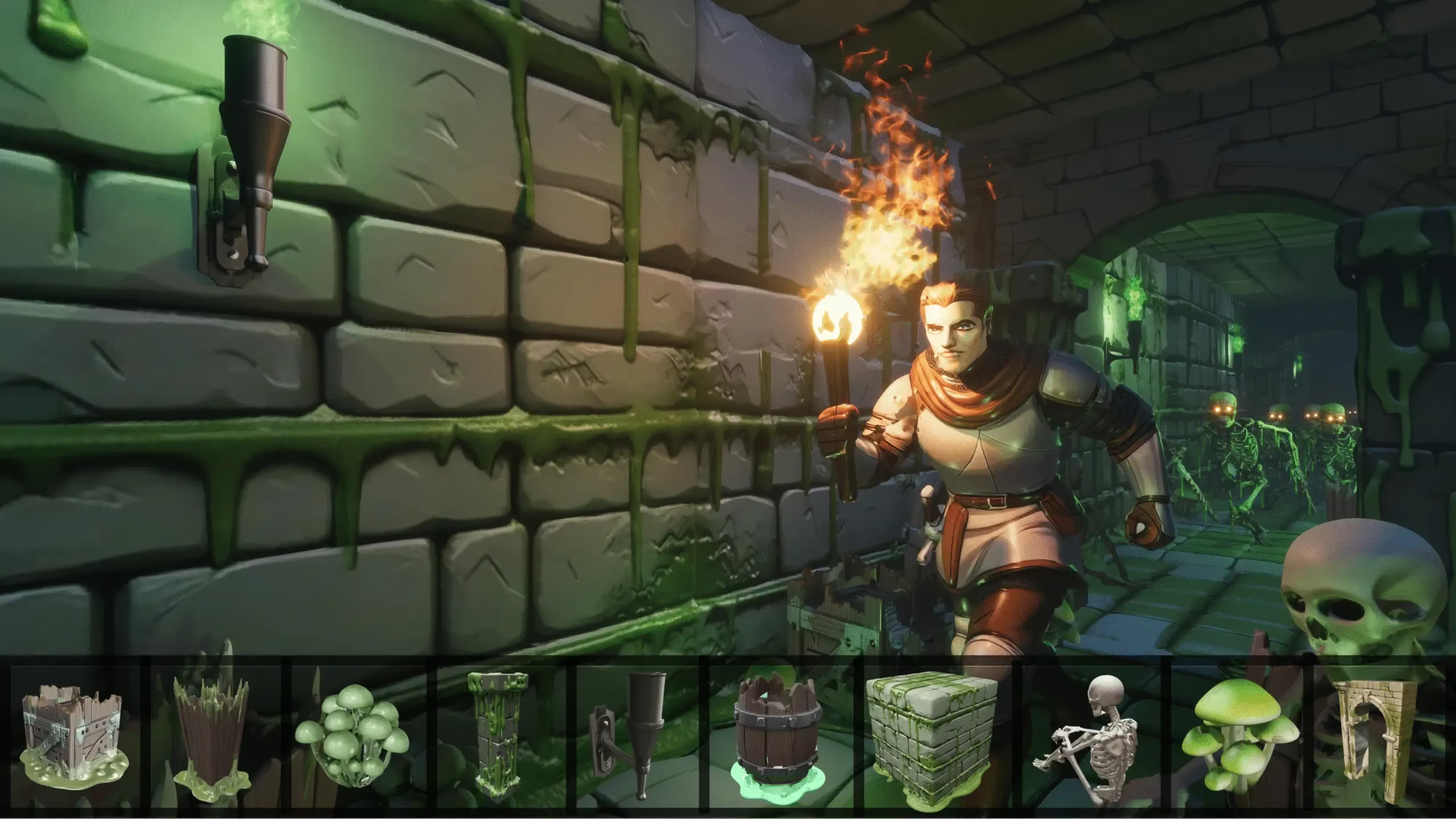
Ready for Game Engines
Export clean .fbx, .glb, or .obj files that drop straight into Unity, Unreal, Godot, Roblox Studio, and more.
Upload a photo, sketch, or reference image and generate a textured 3D model for games, prototyping, or 3D printing in seconds.
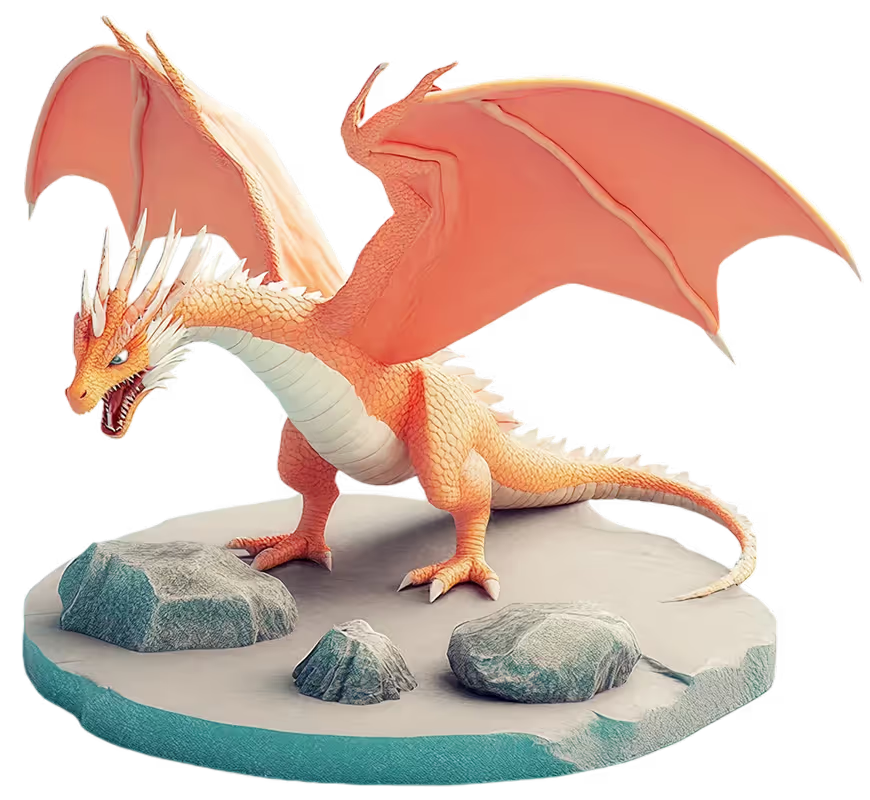
Upload a photo or reference image and generate a complete 3D model in seconds.
Convert a drawing, sketch, logo, or flat design into a beautiful 3D model.
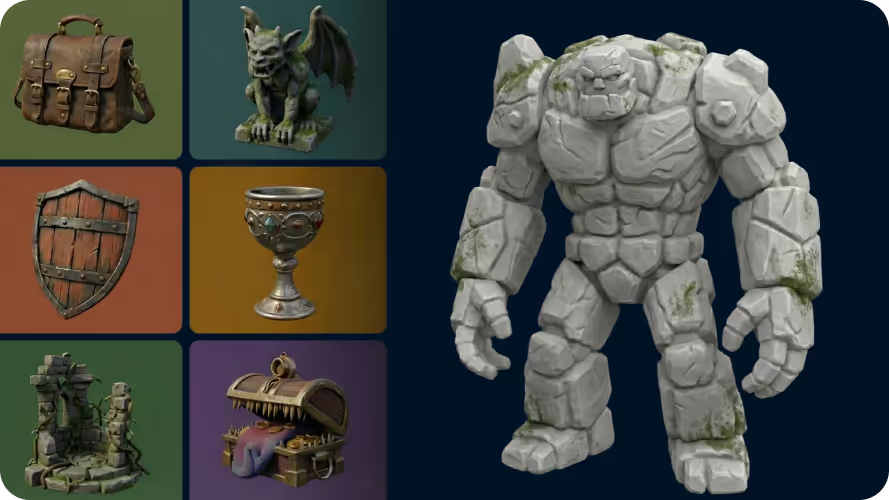
Create AI-generated characters, props, and objects with incredible detail and unmatched realism.
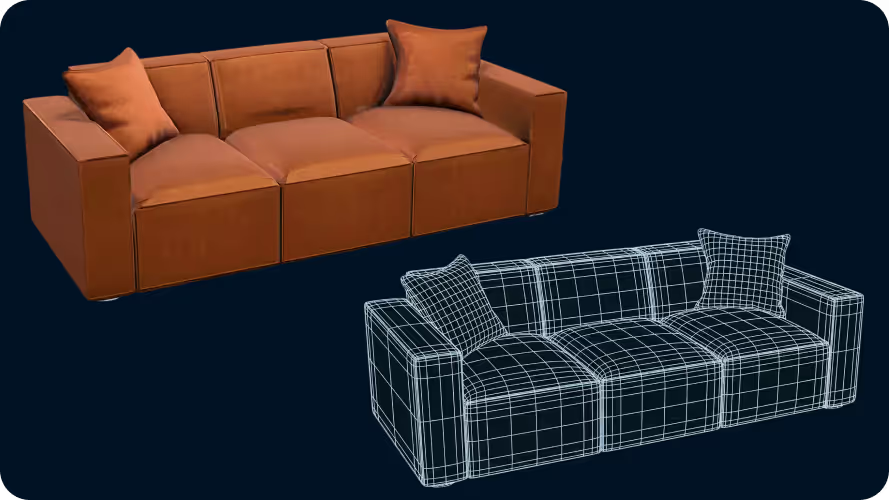
Generate 3D models with crisp edges and clean forms with incredible precision and accuracy.
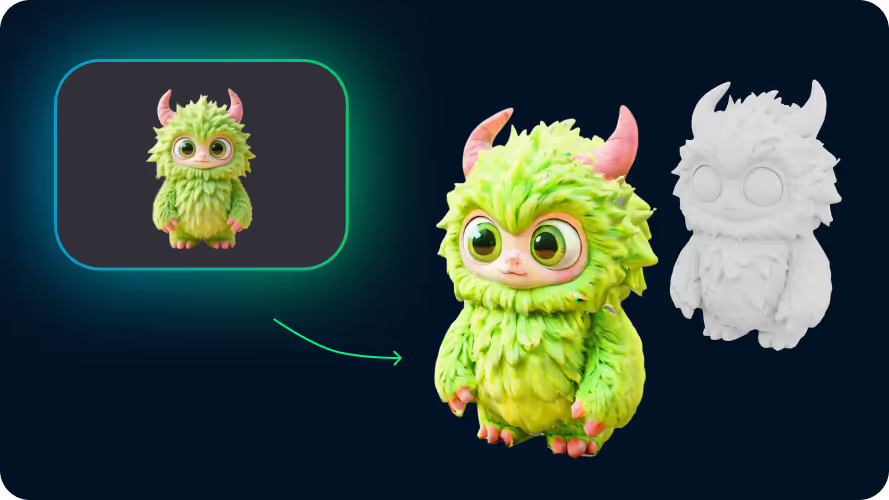
Super simple conversion from image to 3D with amazing looks and clean geometry.
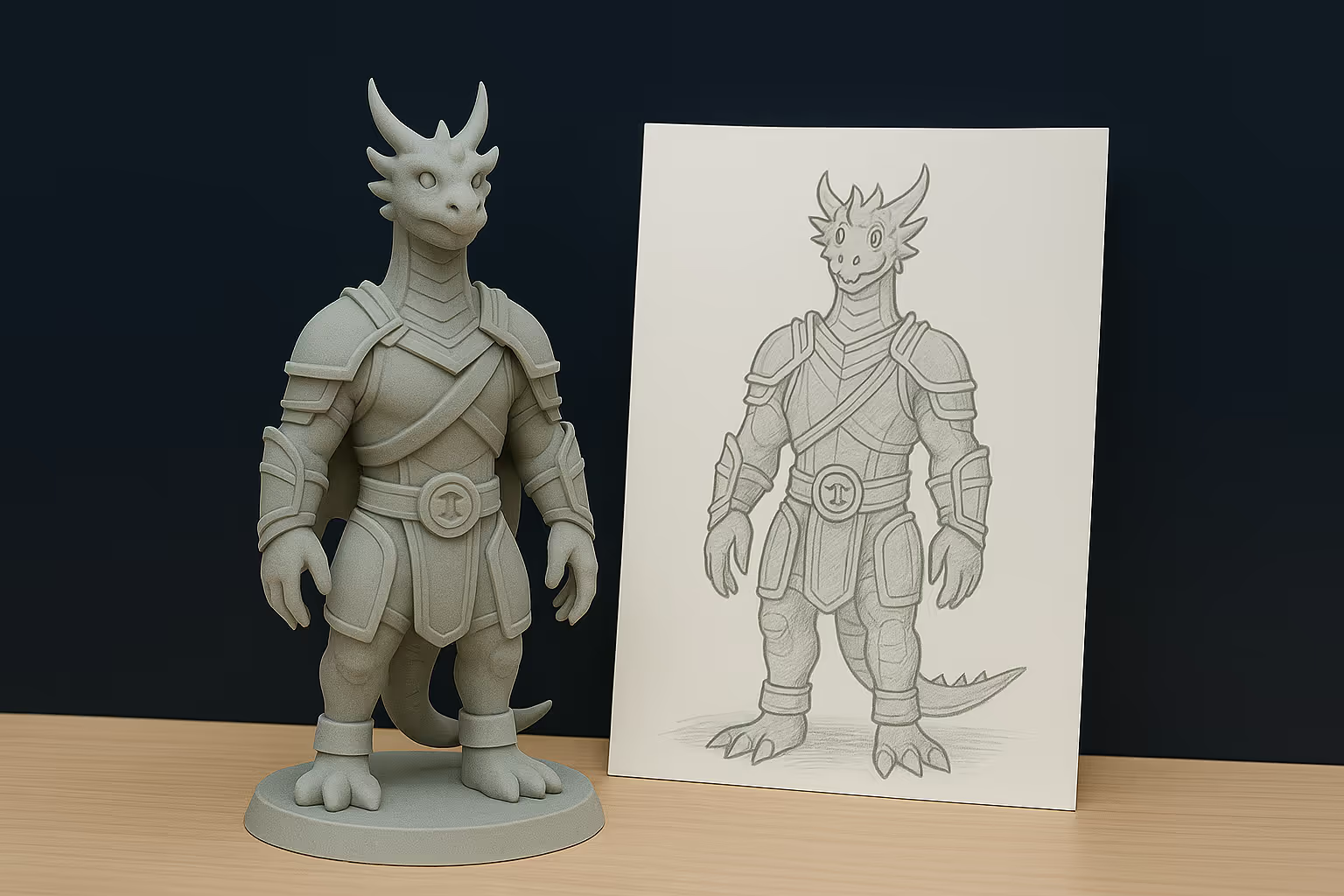
The model keeps the overall style, shapes, and proportions of the source image.
Go to our Image to 3D tool and drag and drop your file into the upload zone. We support JPG, PNG, and WEBP (max 20MB).
Hit Generate to convert your image to 3D. Within moments, the tool creates detailed geometry and textures automatically — no 3D modeling skills required.
Inspect your generated model in the browser and review its geometry, textures, and proportions from every angle.
Export clean .fbx, .glb, or .obj files that drop straight into Unity, Unreal, Godot, Roblox Studio, and more.
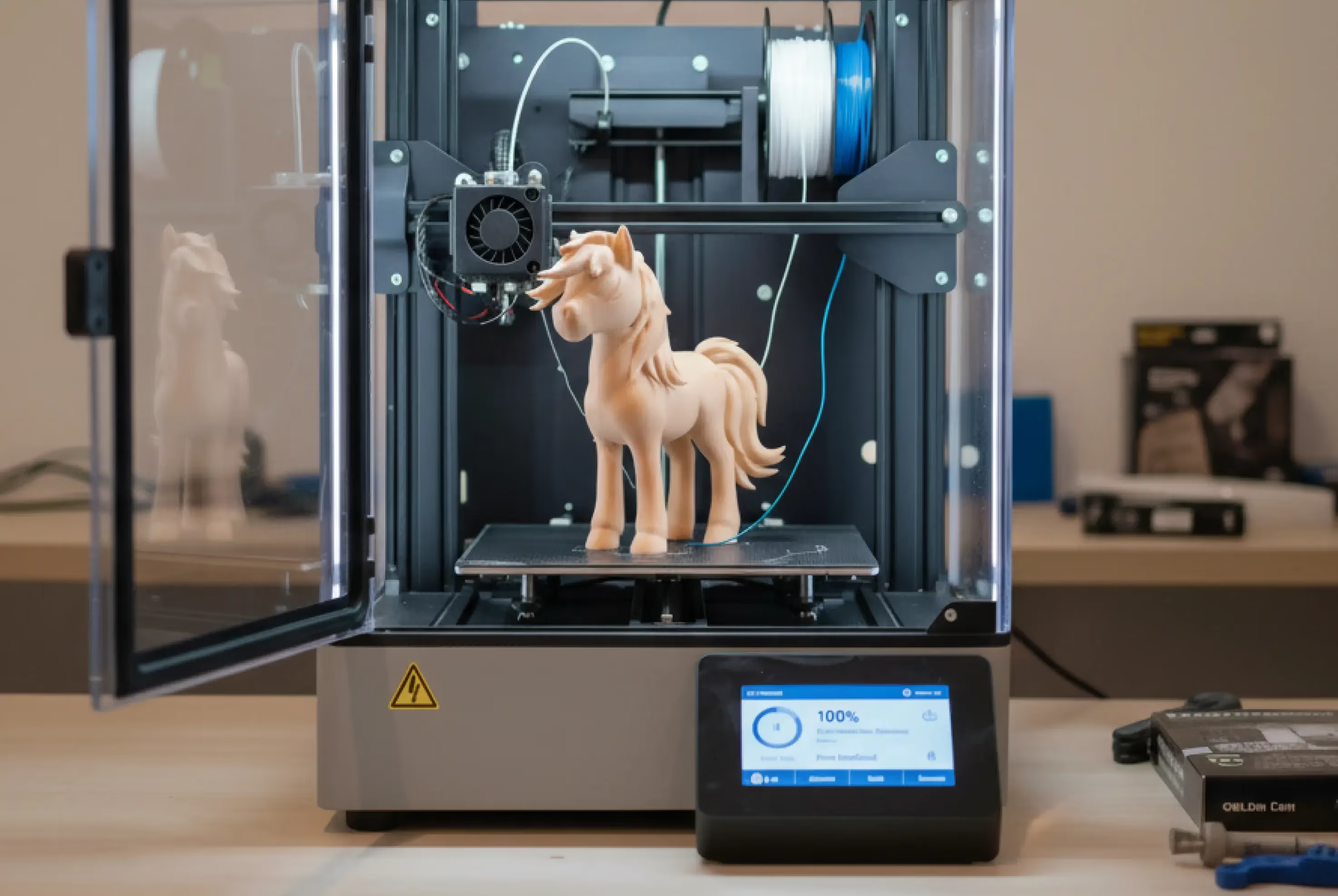
Get watertight models with solid forms that print well, even at small sizes.
Generating is free to try. Guests get one Image to 3D generation each day without an account. Paid plans include unlimited generations.
Sloyd supports FBX, GLB, OBJ, BLEND, USD, and USDZ, as well as 3D print formats like 3MF, OBJ, PLY, and STL.
No. Guests can generate one model each day without creating an account.
Upload a JPG, PNG, or WEBP image and select Generate. Sloyd creates the geometry and textures automatically so you can inspect the finished model in your browser.
The Image to 3D converter supports JPG, PNG, and WEBP source images up to 20MB.
For game development, Sloyd supports BLEND, FBX, GLB, OBJ, textured OBJ bundles, USD, and USDZ. For 3D printing, it supports 3MF, BLEND, OBJ, PLY, and STL.
No. Sloyd generates the geometry and textures from your image automatically, so no manual modeling experience is required.