AI face swap for photos, game characters and art
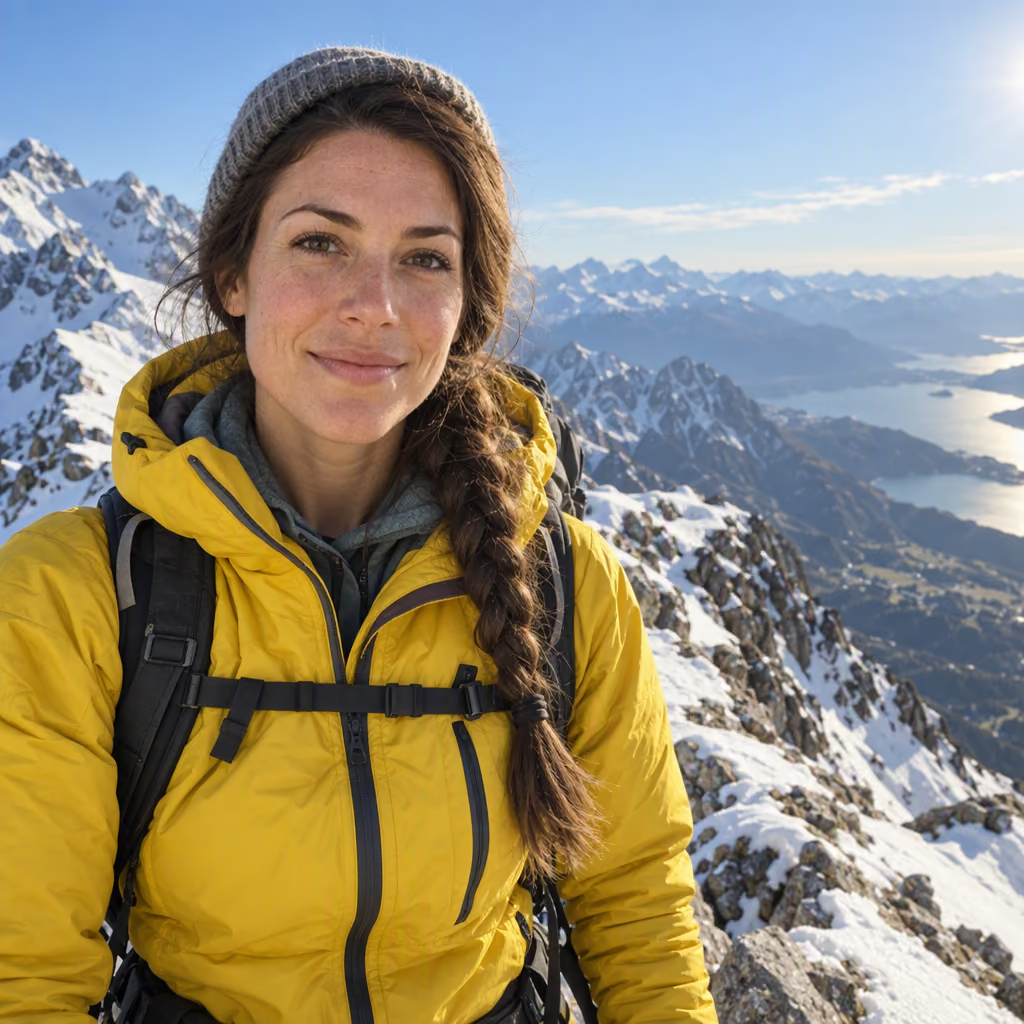
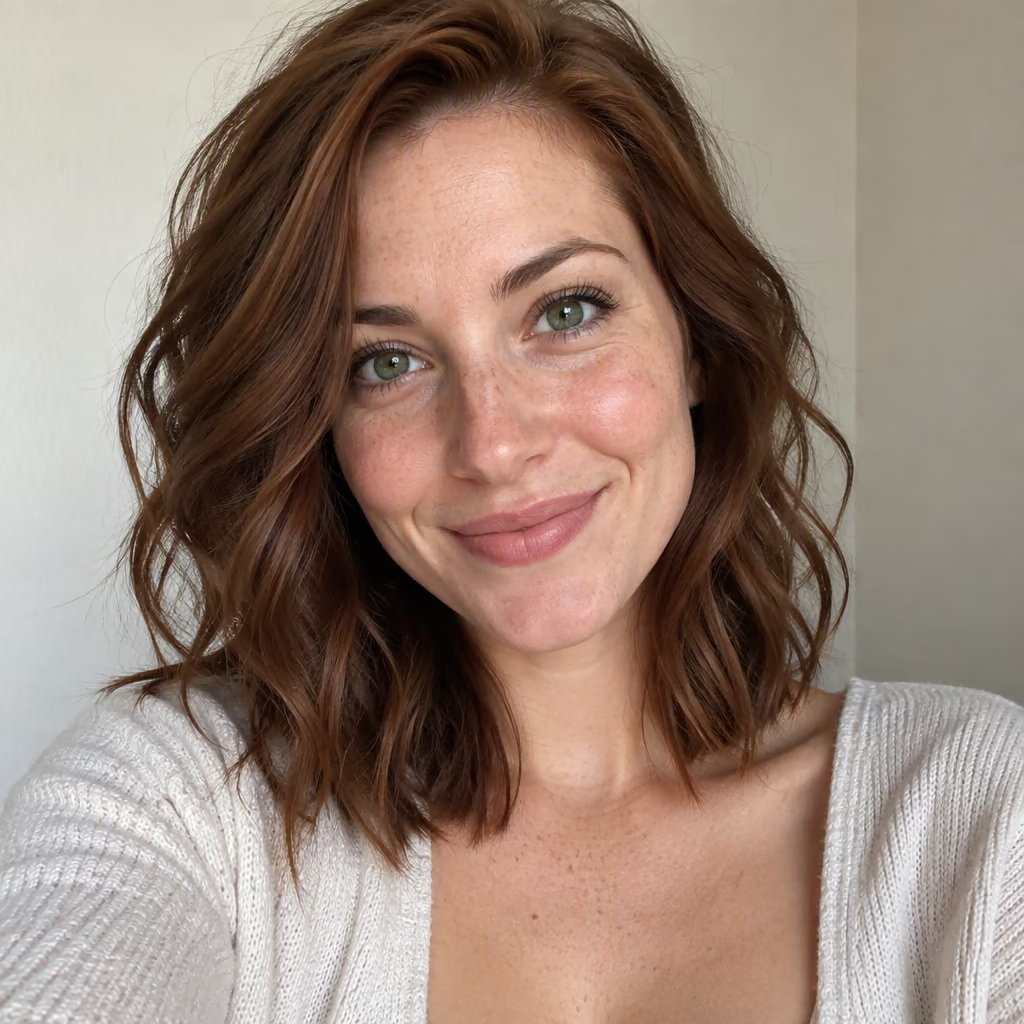
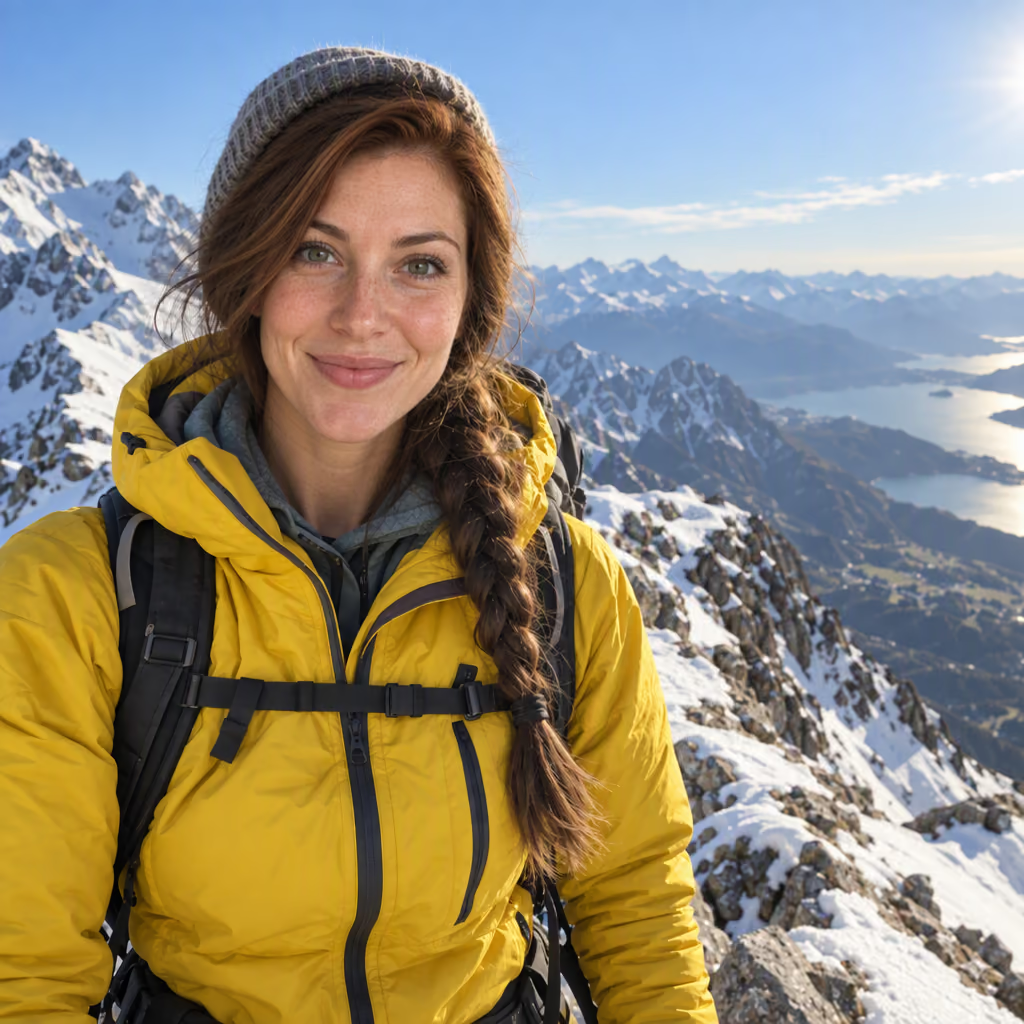
Upload any photo and the face you want in it. Sloyd AI face swap puts that face on the person in your photo and keeps their outfit, pose, lighting and background. Swap faces in photos, fantasy art and game characters, then turn the result into a 3D model.
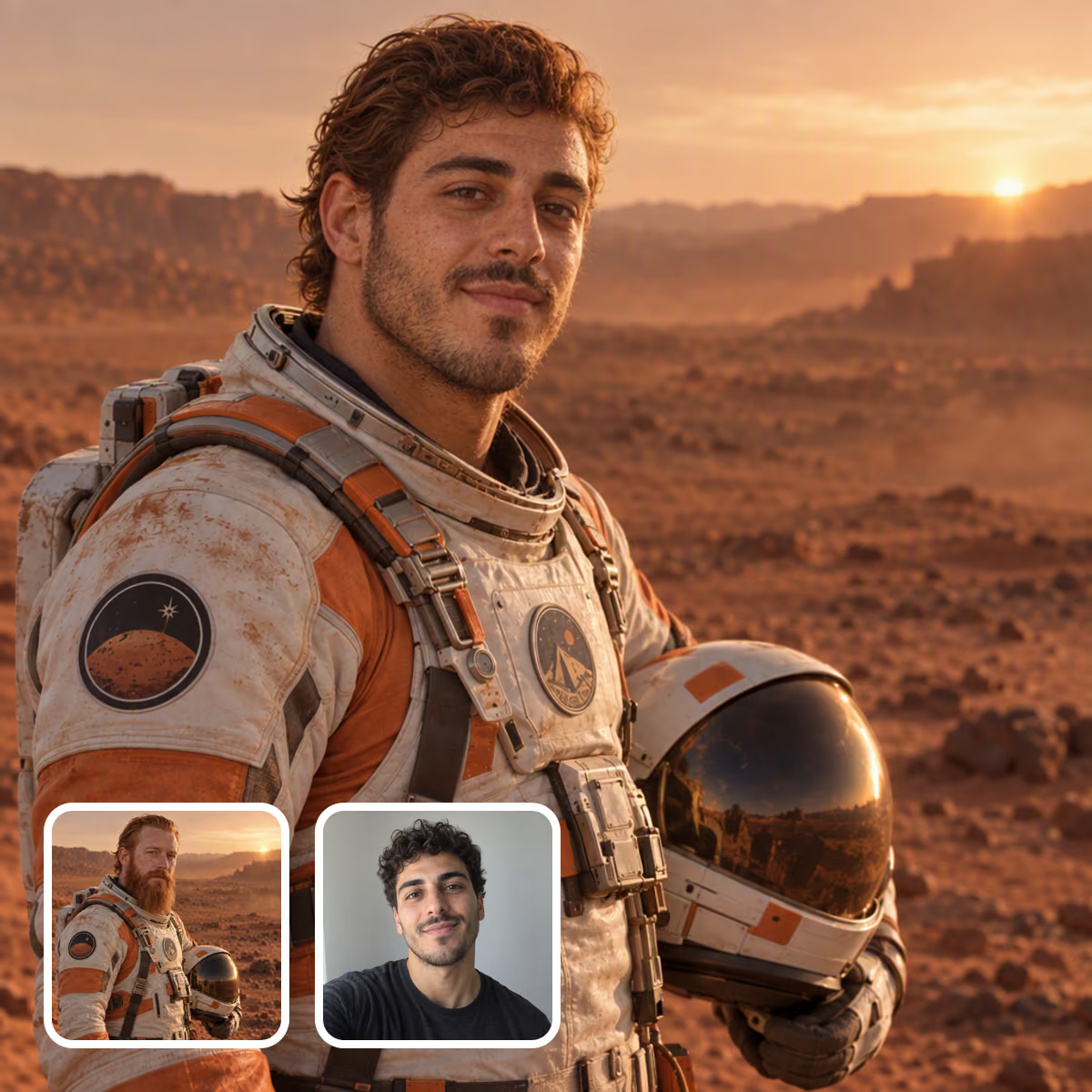
Identity that actually transfers
Face shape, eyes, nose, mouth, skin tone and facial hair come from your face photo, so the result reads as that person at first glance instead of a lookalike.
Everything else stays put
Clothing, pose, hands, background, framing and color grading stay as they were. Only the face changes, and it is relit to match the scene so there are no seams or halos.
One face swap app for photos, artwork and 3D
Most face swap tools stop at a flat picture. Sloyd keeps going: swap the face, then turn the same image into a 3D character or a printable figurine without leaving the app.
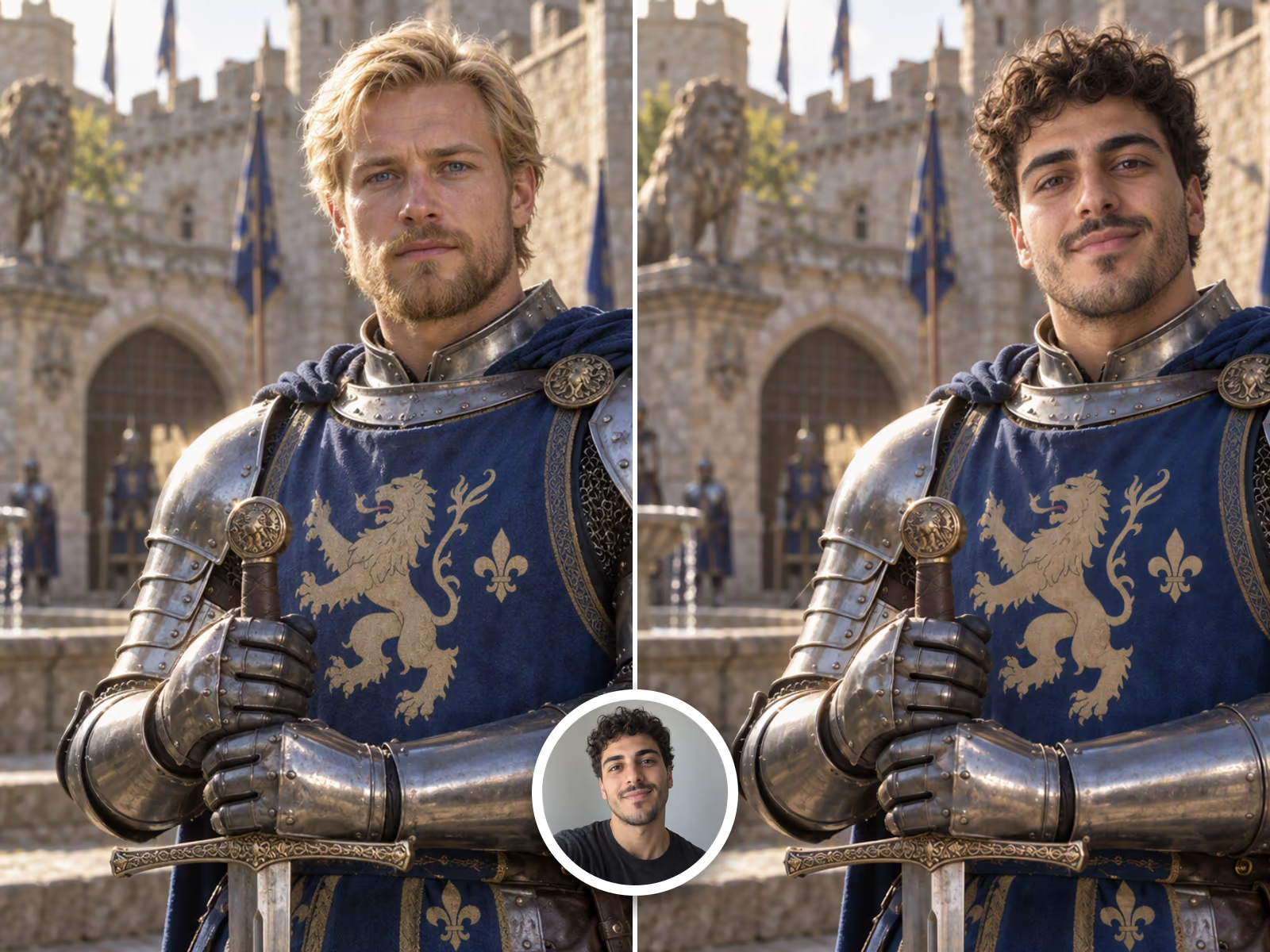
Swap faces in any photo online
Put yourself in a movie poster, a period costume or a dream job photo. The face swap AI matches the lighting direction, skin texture and camera grain of the original photo, so the new face sits in the scene instead of looking pasted on. It works with selfies, portraits and full-body shots in JPG, PNG or WEBP.
- Lighting, grain and color grading matched to the photo
- Outfit, pose and background left untouched
- Pick which person to swap in group photos with a short note
- Keeps the original aspect ratio of your photo
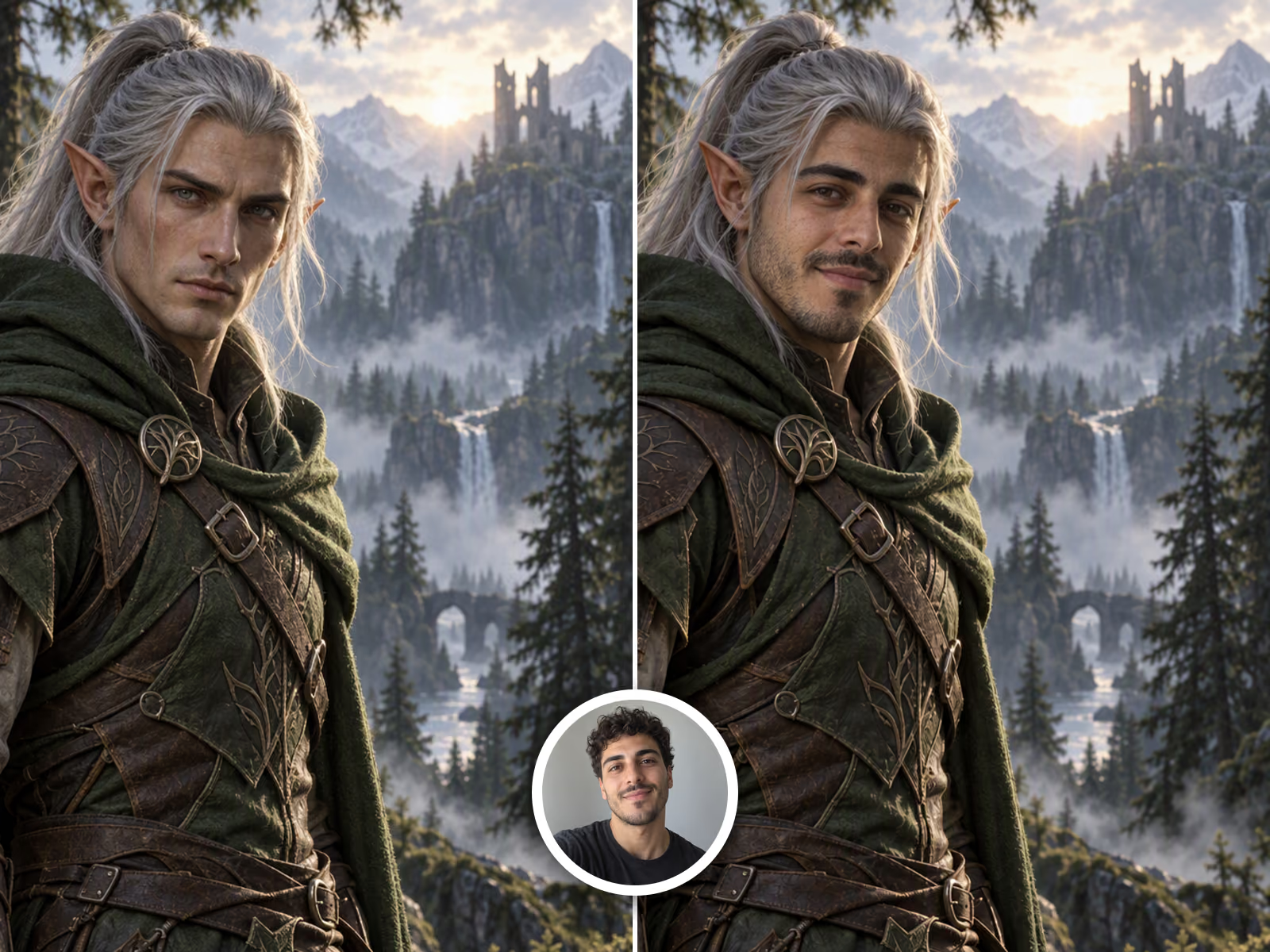
Put your face on a game character
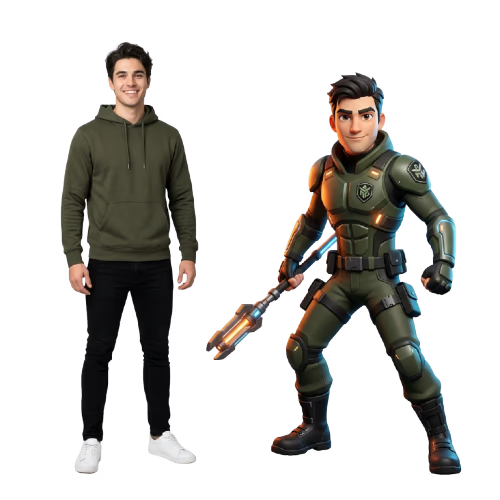
Face swap works on illustrations, concept art and 3D renders too. Drop in an RPG hero, an anime character or a painted portrait, and the new face is redrawn in the same art style, brush strokes and shading. Great for character concepts, tabletop avatars and streaming overlays that actually look like you.
- Matches painted, anime, cartoon and 3D render styles
- Works on characters with fantasy features like pointed ears
- Combine with an optional text note for small extra changes
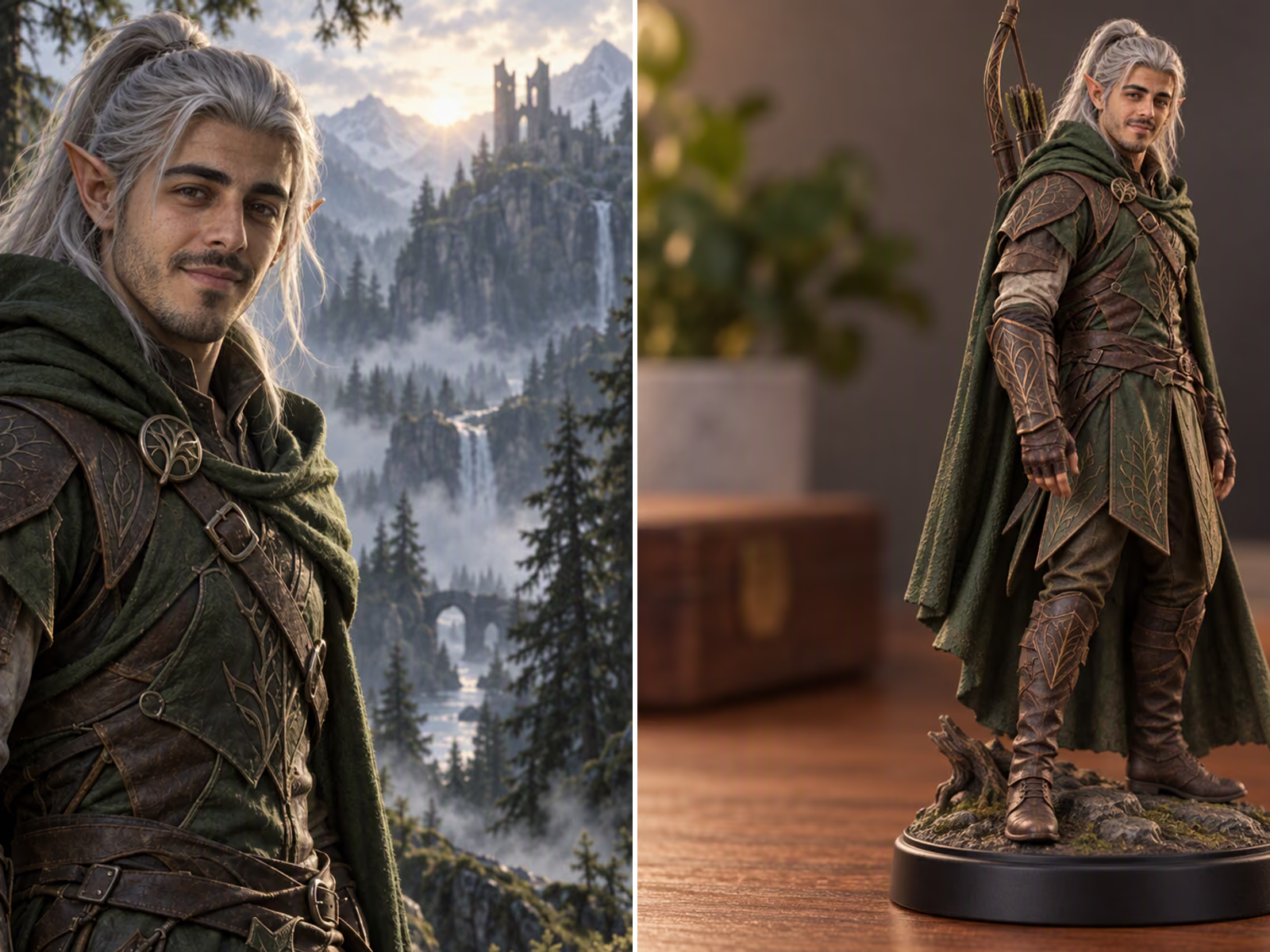
Turn your face swap into a 3D model or figurine
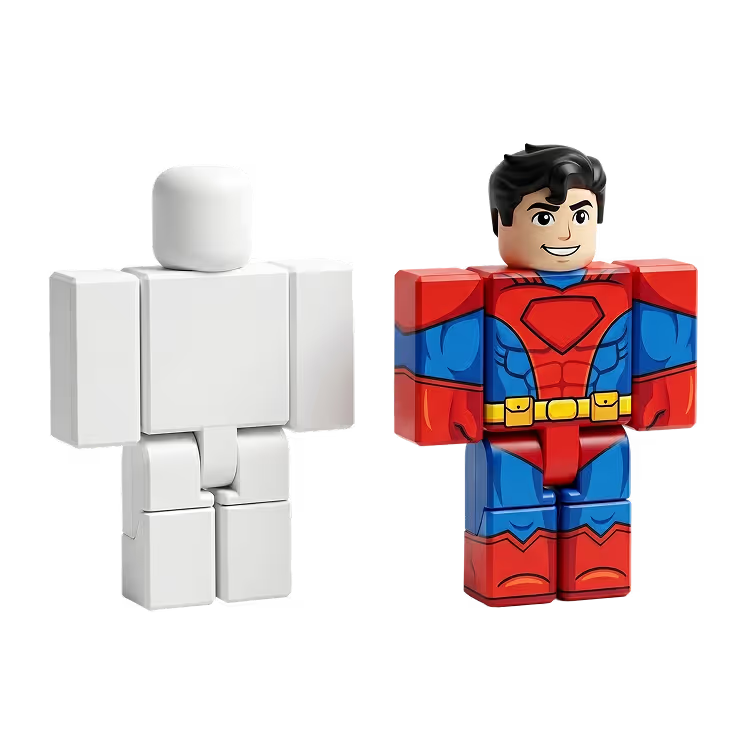
Every face swap result can go straight into Sloyd Image to 3D. Convert your swapped character into a textured 3D model for Blender, Unity or Roblox, or into a printable collectible figurine with Image to 3D Print. No other face swap app takes you from a photo to a model you can hold.
- One click from the result to Image to 3D
- GLB, OBJ, USD and USDZ export, plus STL for printing
- Printable figurines with Image to 3D Print
Frequently Asked Questions
How does AI face swap work?
You upload two images: the photo you want to change and a photo of the face you want in it. The AI reads the identity from the face photo, places it on the main person in the first image, and relights it to match the scene. Everything else in the photo stays the same.
What photos work best for a face swap?
Use a sharp, well-lit face photo where the person looks toward the camera and nothing covers the face. The photo you are editing works best when the face is clearly visible and not too small in the frame. Sunglasses, heavy shadows and extreme side angles reduce how recognizable the result is.
Can I face swap onto a cartoon, anime or game character?
Yes. Face swap works on illustrations, concept art and 3D renders as well as photos. The new face is redrawn in the art style of the target image, so a painted character gets a painted face rather than a photographic one.
Can I choose which face to swap in a group photo?
Yes. By default the most prominent face is swapped. Add a short note in the optional instructions box, such as "the man on the left", to pick a different person.
Does face swap keep the hair and outfit from the original photo?
The outfit, pose, hands, background and lighting are always kept from the photo you are editing. The face swap focuses on facial identity, and the hairline may adapt slightly so the new face looks natural.
Can I turn my face swap into a 3D model?
Yes. Send the result to Image to 3D for a textured model you can export as GLB, OBJ, USD or USDZ, or to Image to 3D Print for a figurine ready for your printer. This is what makes Sloyd different from a regular face swap app.
Is it okay to swap someone else’s face?
Only use faces you have the right to use, such as your own or those of people who have agreed to it. Do not use face swap to impersonate, harass or mislead anyone, or to create sexual content. Requests like these break the Sloyd terms of use and can be refused.
More ways to create with your photos