
AI 3D Asset Creation for Interior Design Workflows
Generate custom furniture and interior 3D assets in minutes without manual modeling. Use prompts, reference images, or 3D templates for interior visualization, concept development, and real-time walkthroughs.
Why use Sloyd for interior design?
Design without delays
Create usable 3D assets in minutes and generate new versions without rebuilding from scratch.
Stay in control
Quickly explore new variations while keeping your design intent.
Ready for real projects
Work with clean geometry suitable for professional workflows.
The Bottleneck in Interior Design: 3D Modeling
Interior design moves fast, but finding or creating 3D assets slow it down. Sloyd generates furniture and props in minutes for faster iteration and polished concepts.
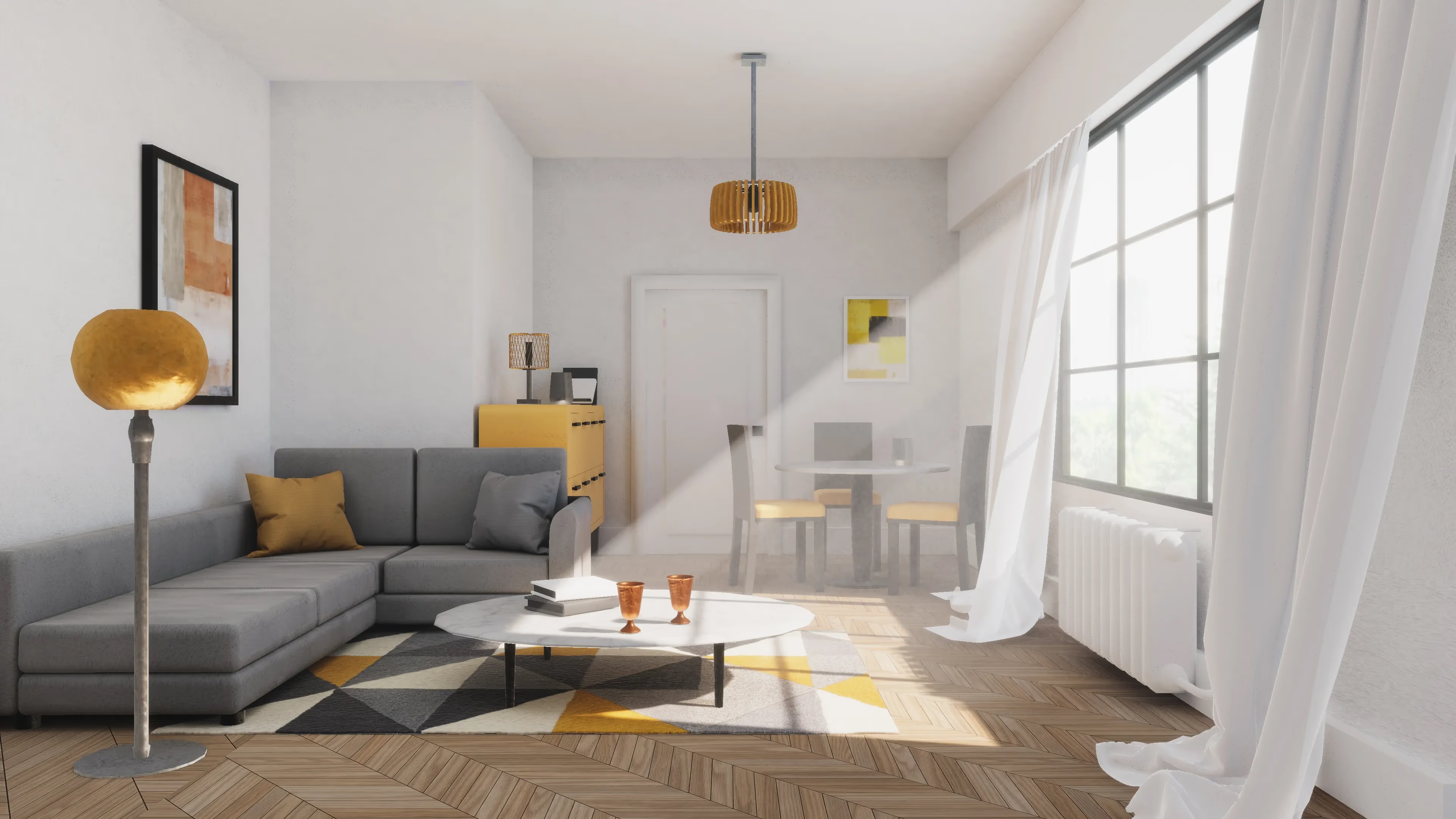
Fast 3D asset creation for interior design with AI
Use reference images, prompts, or templates to generate beautiful 3D interior models for visualization, concept development, and client presentations.
- Generate clean 3D furniture and decor
- Create designs in just minutes
- Explore multiple design options
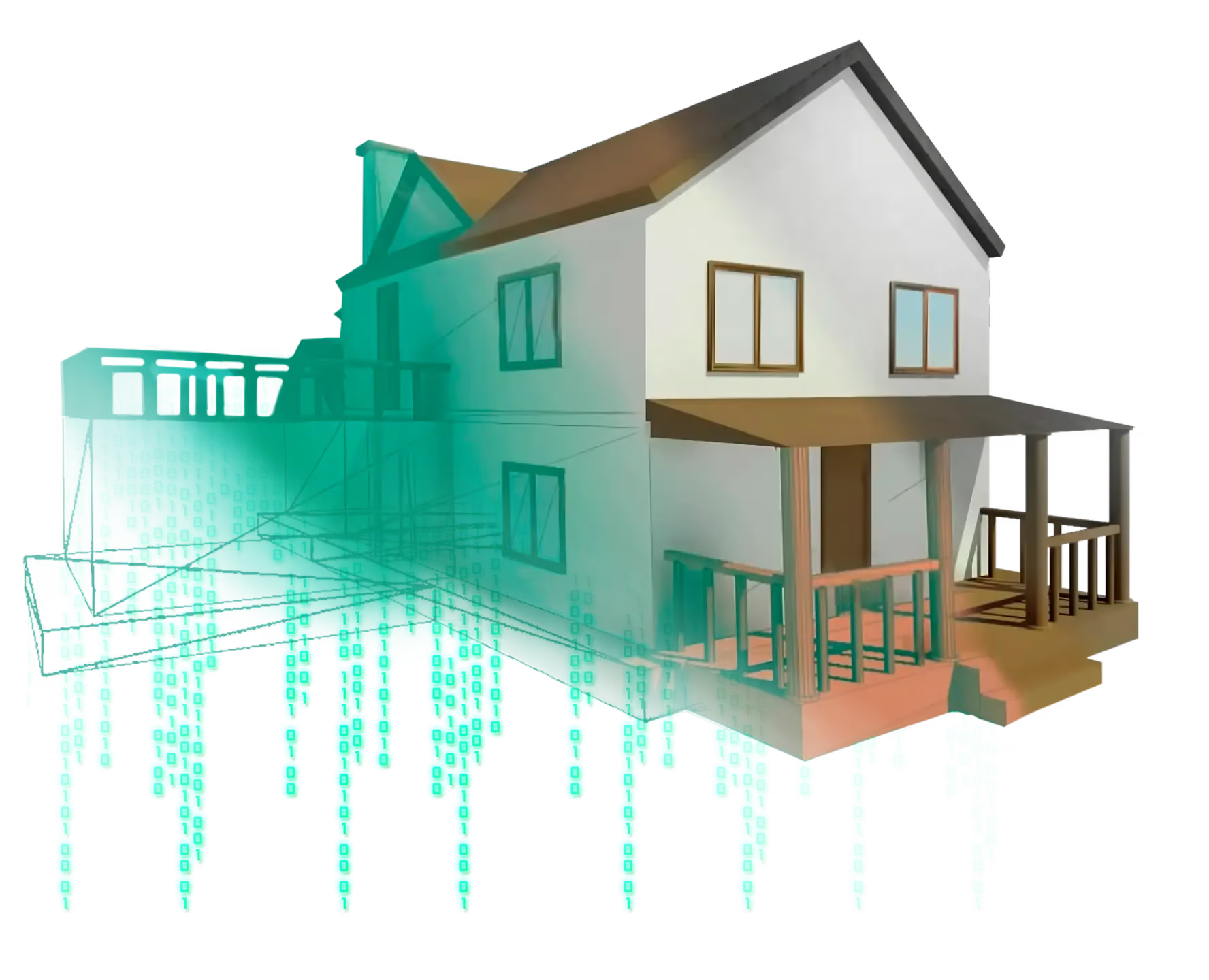
Professional 3D modeling tools for interior design
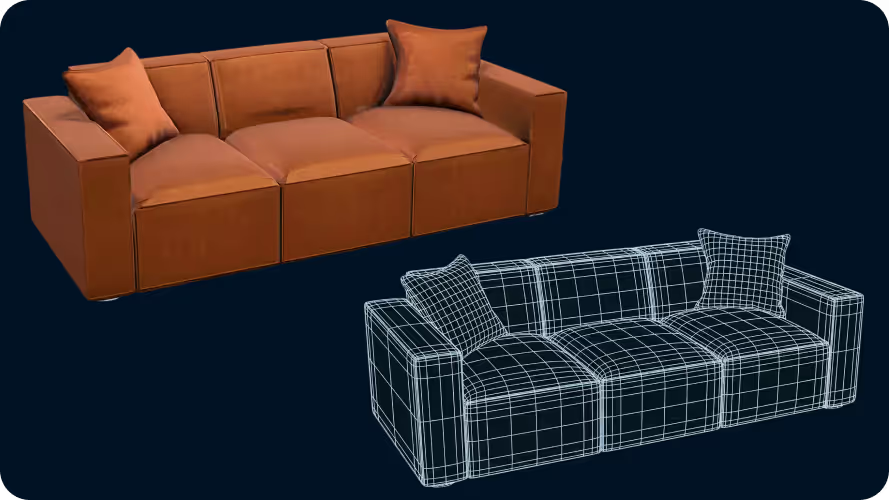
Built for real projects, Sloyd makes designing spaces easy and fast while keeping assets usable in professional workflows.
- Clean, production-ready 3D models
- Wide format support for professional use
- Works alongside your existing tools
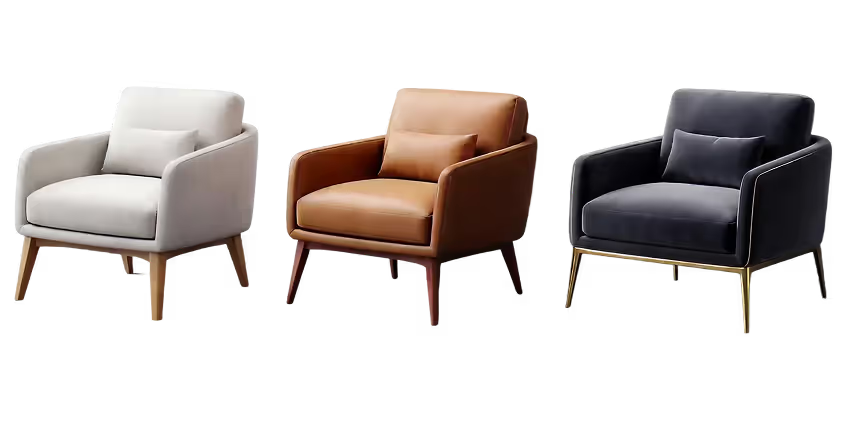
Full creative and technical control
Design with confidence as ideas change and new feedback comes in. Keep iterating without slowing down.
- Handle client revisions instantly, without rebuilding assets from scratch
- Explore more concepts in less time, without committing too early
- Generate the right furniture and props on demand, not “close enough” alternatives
Designers and studios use Sloyd to move faster without losing control
Trusted by interior designers, archviz studios, and real estate staging teams worldwide.
How to Convert Images to 3D Models
- 1
Upload your image
Go to our Image to 3D tool and simply drag and drop your file into the upload zone. We support major formats including JPG, PNG, and WEBP (max file size: 20MB).
- 2
Convert to 3D model
Hit “Generate” to convert your image to 3D. Within moments, the tool creates detailed geometry and textures automatically, no 3D modeling skills or external software required.
- 3
Download your file
Once finished, click download to save your new OBJ file. Turn a static 2D image into a usable 3D asset in seconds, saving hours of manual modeling time.
Frequently Asked Questions
What is AI 3D asset creation for interior design, and how does Sloyd help?
Sloyd is a 3D model generation tool that helps interior designers create customizable furniture and interior assets quickly. Instead of manually modeling objects from scratch, designers use Sloyd’s generation tools and customization controls to create assets for visualizations, layouts, and concepts.
How can AI 3D assets be used in interior design visualization?
Sloyd helps interior designers quickly create 3D furniture, decor, and props that can be used in visualization workflows such as room concepts, mood boards, and scene presentations. It reduces the need to search for ready-made assets that only roughly match the design direction.
How fast can AI generate 3D assets for interior design?
Speed is a priority. Standard files typically convert in under 1 minute, though highly complex or high-resolution images may require slightly more processing time.
Do I need 3D modeling experience to use Sloyd?
No. Sloyd focuses on generating and customizing 3D assets without requiring advanced modeling skills. It is designed for designers who need 3D content without traditional modeling workflows.
Does Sloyd work with my existing design tools?
Yes. Sloyd is designed to work alongside your current tools, letting you export assets and continue your workflow without disruption.
Can I use Sloyd to create 3D furniture models?
Yes. Sloyd allows you to generate 3D furniture and interior objects using images, prompts, or templates as the starting point. Designers can create chairs, tables, shelves, cabinets, and decor pieces without manually modeling them from scratch.
How is Sloyd different from downloading 3D models from asset marketplaces?
Asset marketplaces provide fixed models that may not match your exact needs. Sloyd generates new 3D assets based on your inputs, allowing you to produce objects that better match your project’s style or reference material.
What types of 3D assets can interior designers create with AI?
AI tools can generate a wide range of 3D assets for interior design, including furniture, lighting fixtures, décor objects, architectural elements, and staging props. These models are used in interior renders, real-time walkthroughs, and concept presentations.
Speed up your project deliveries today
Turn ideas into usable 3D assets fast, and speed up your interior design processes.