
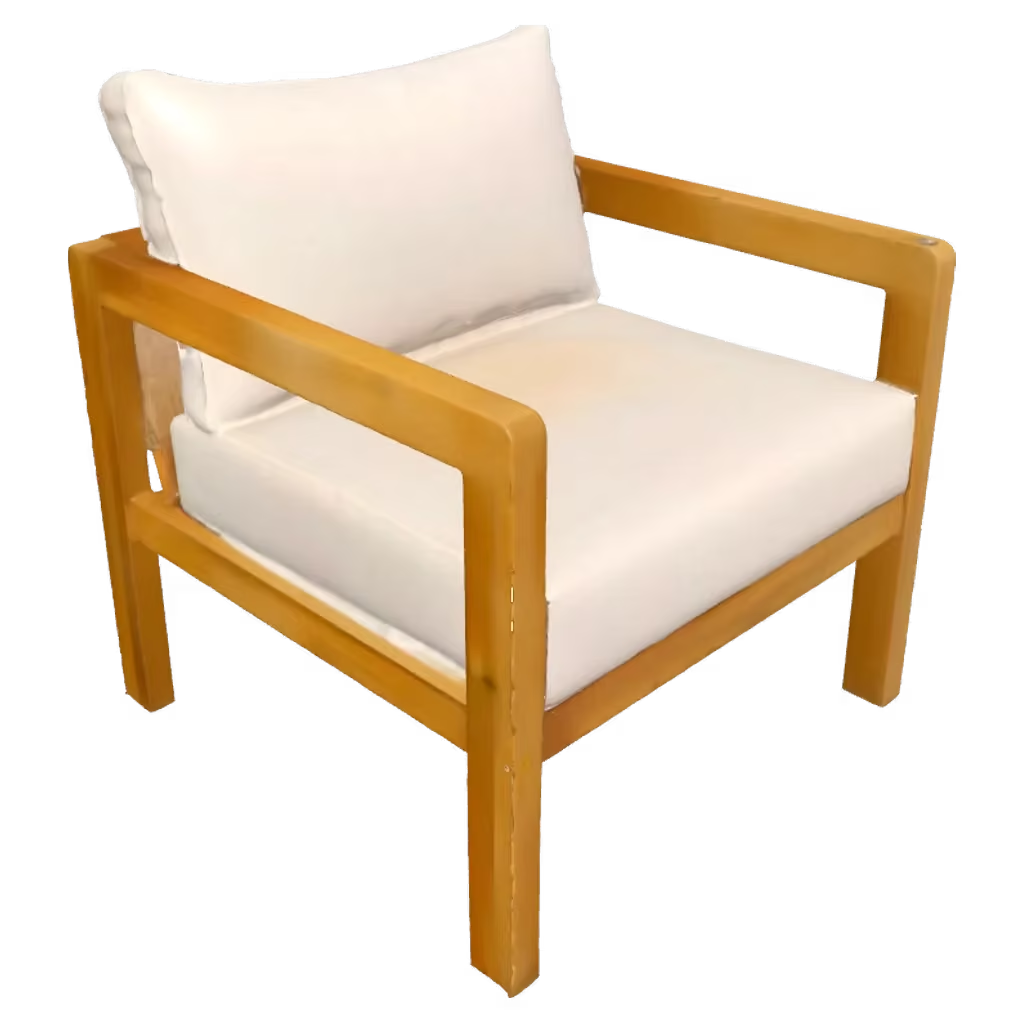
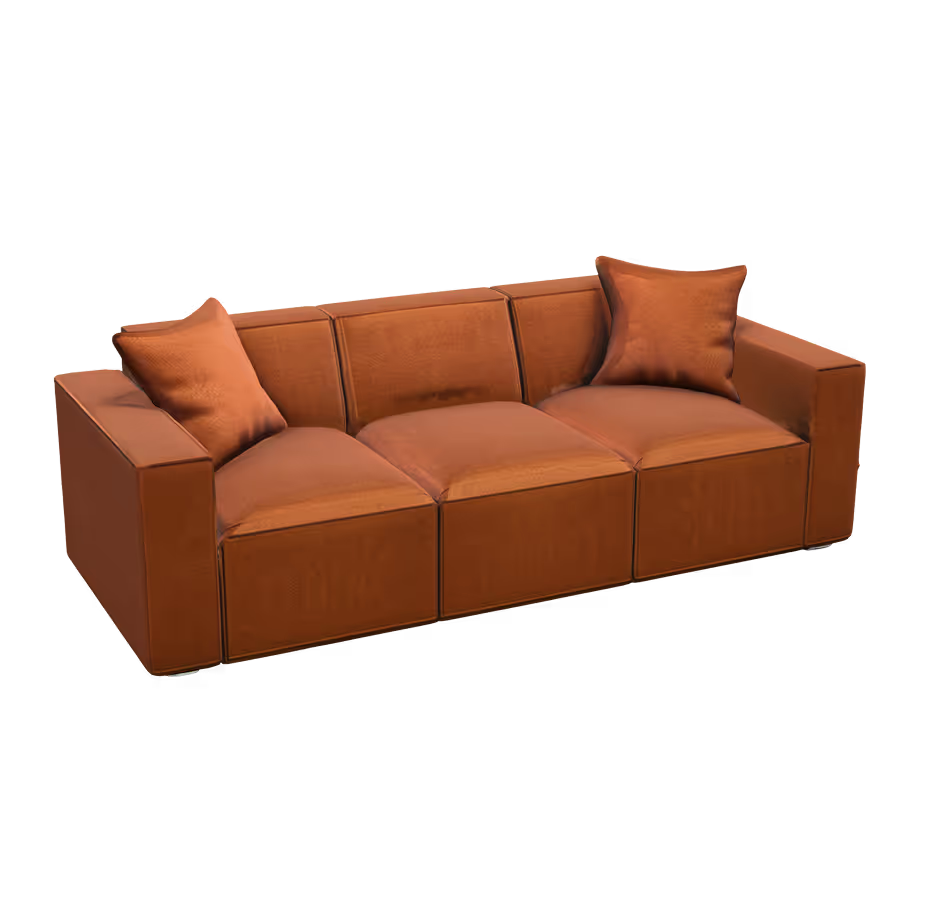
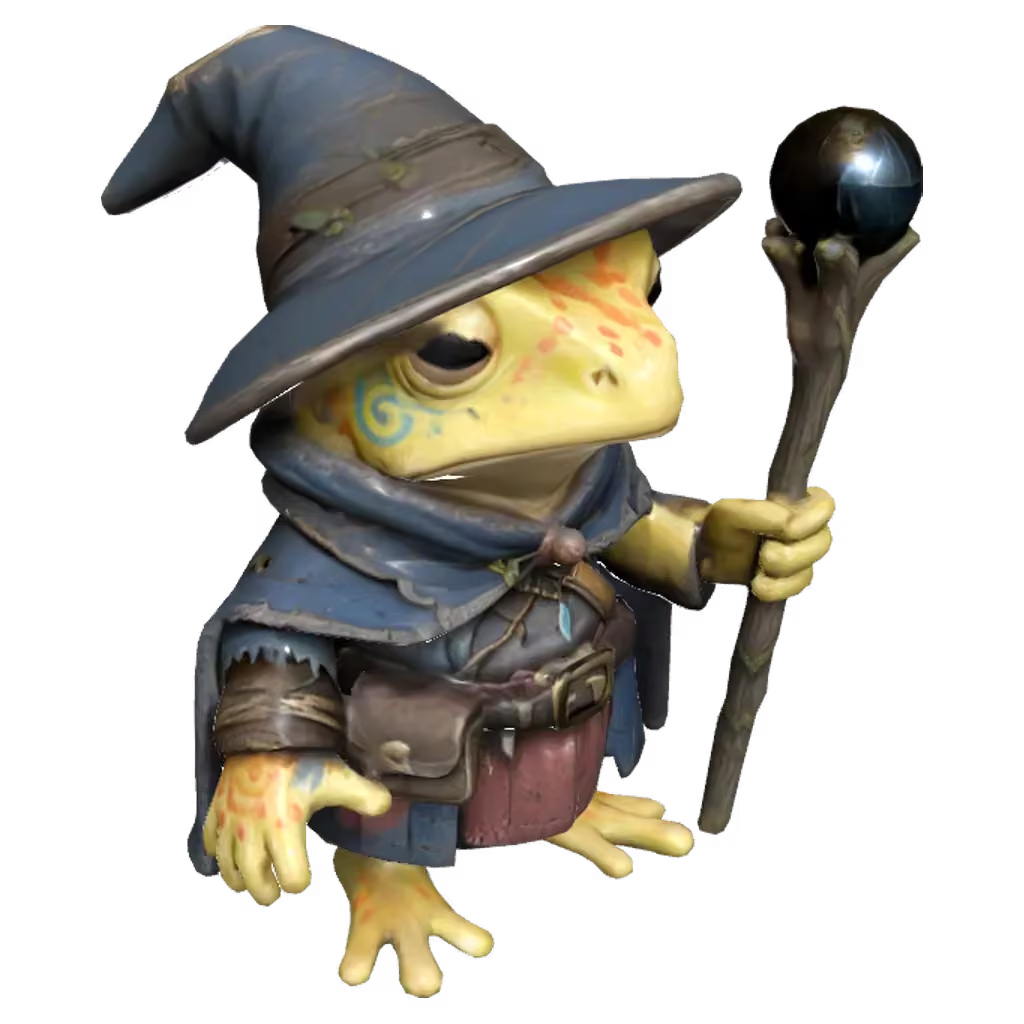
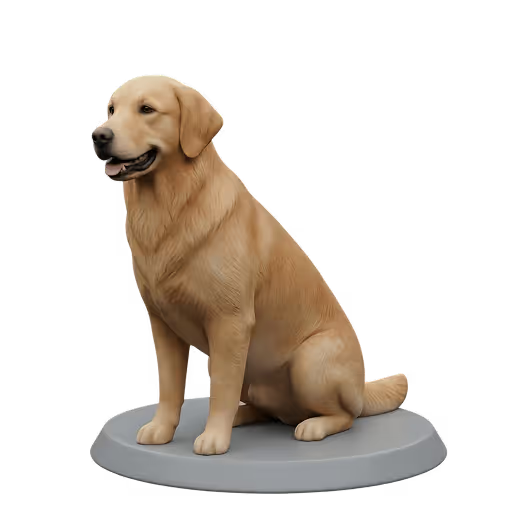
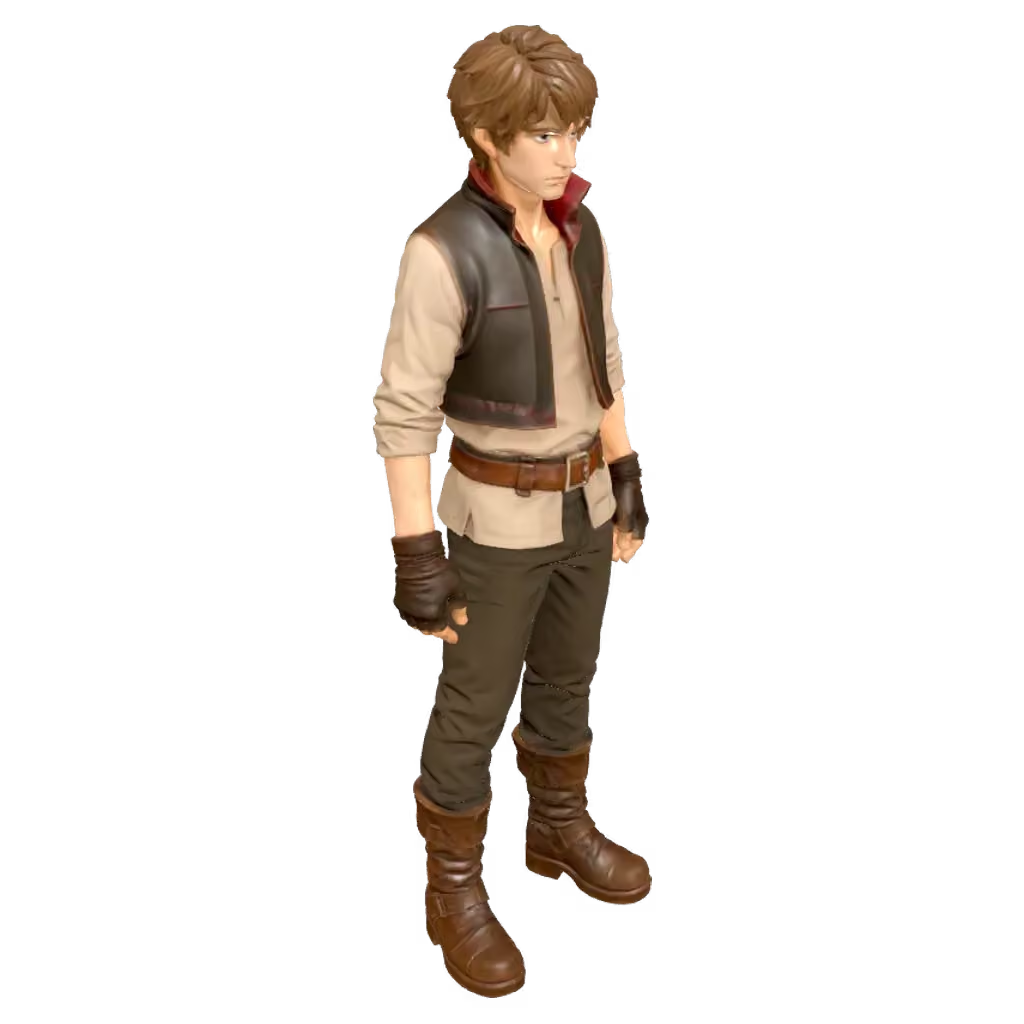
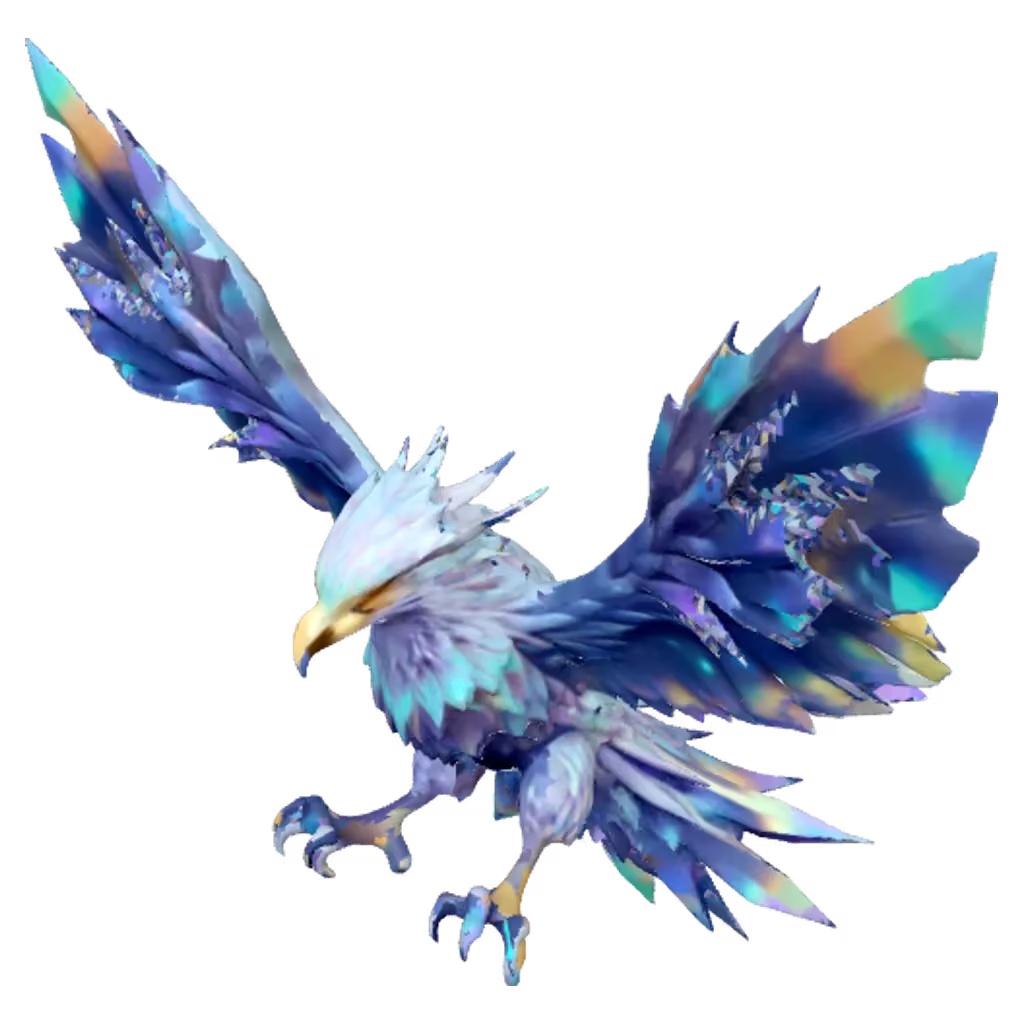
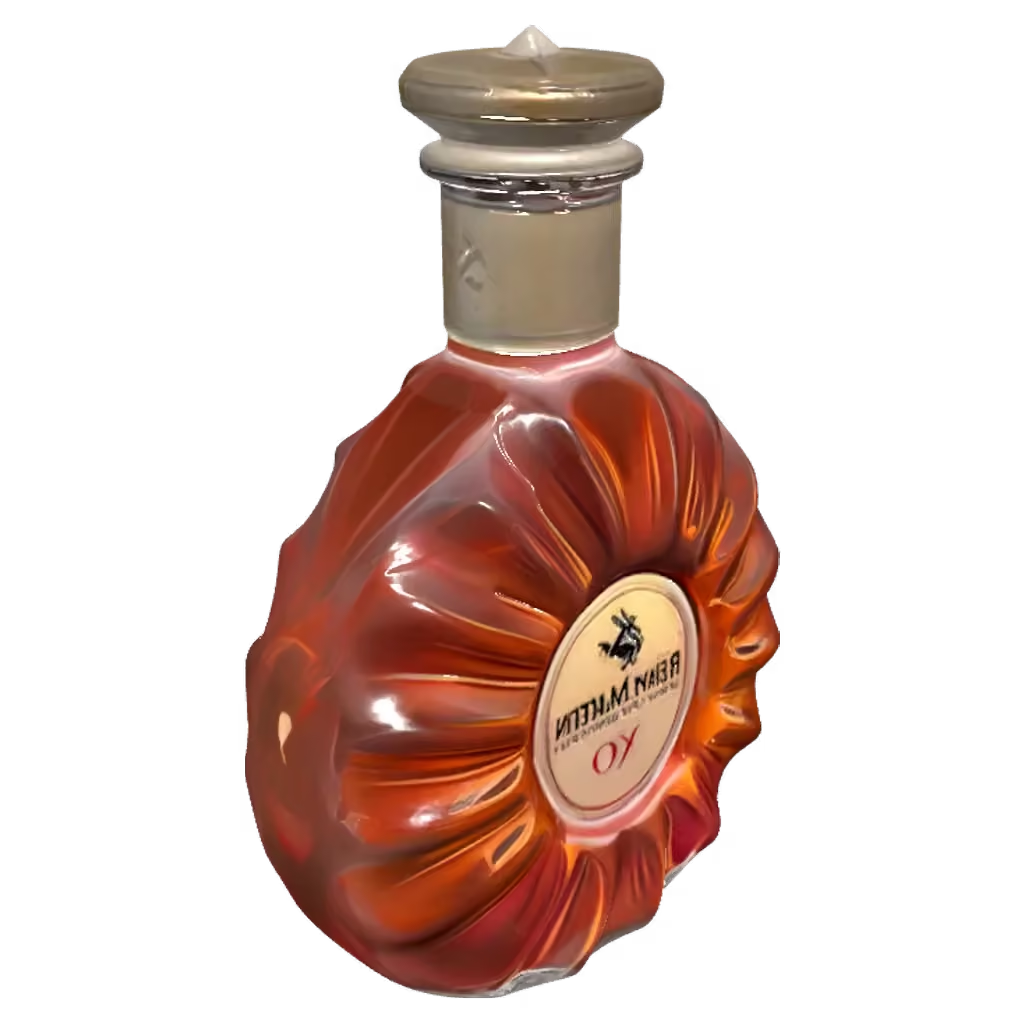
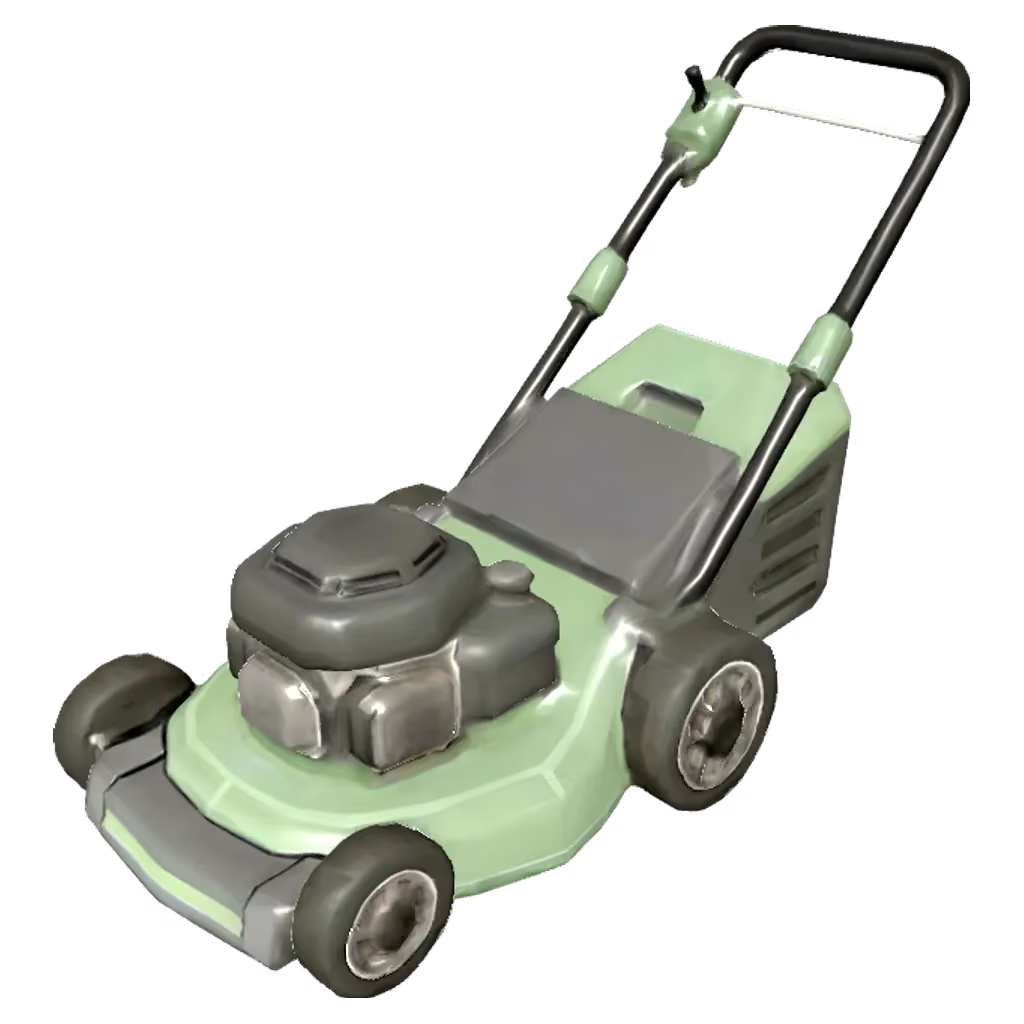
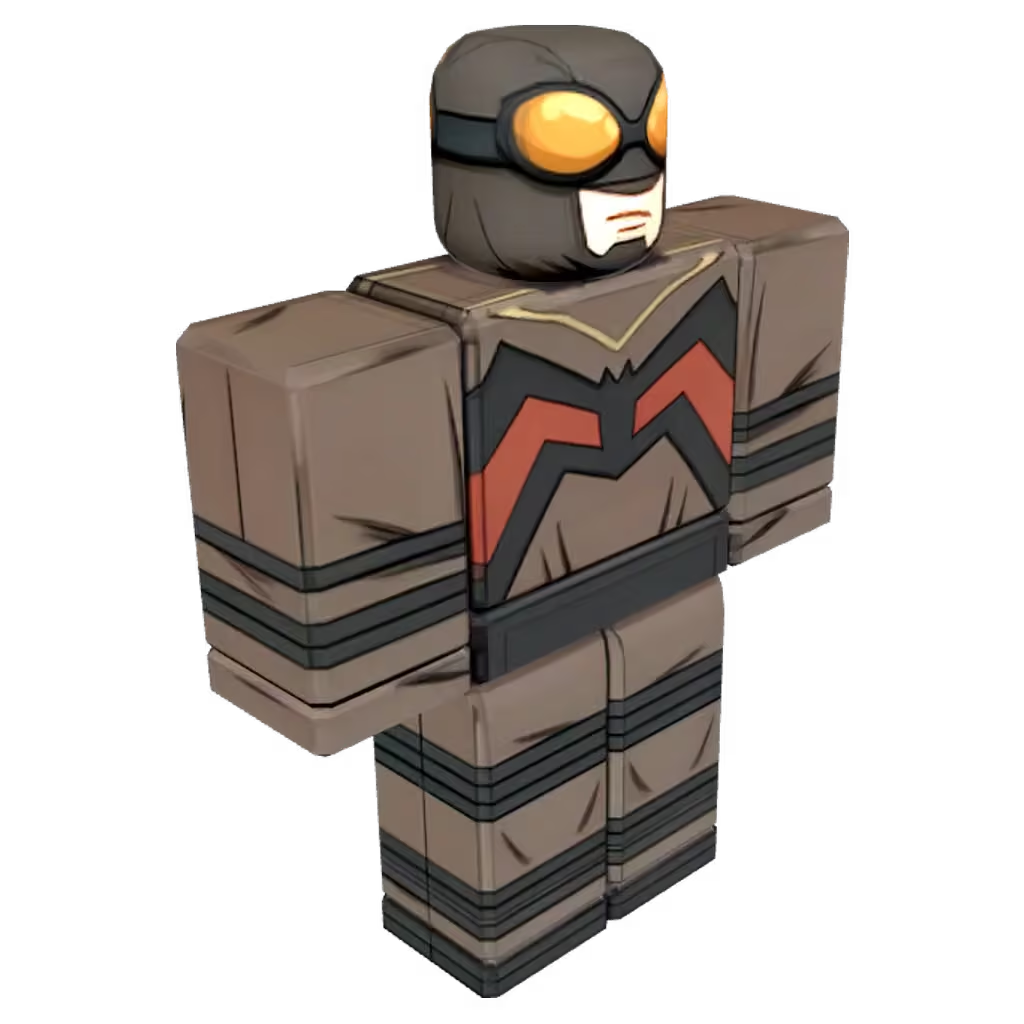
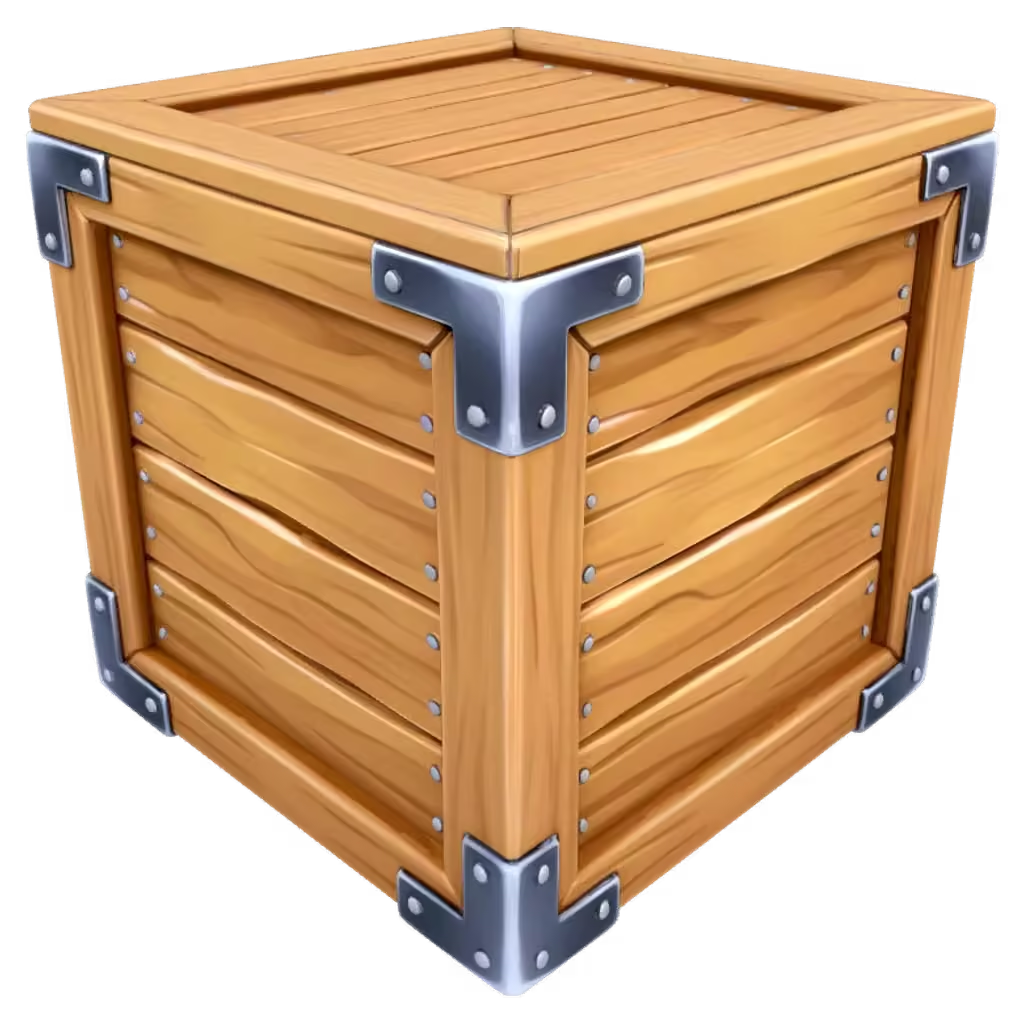
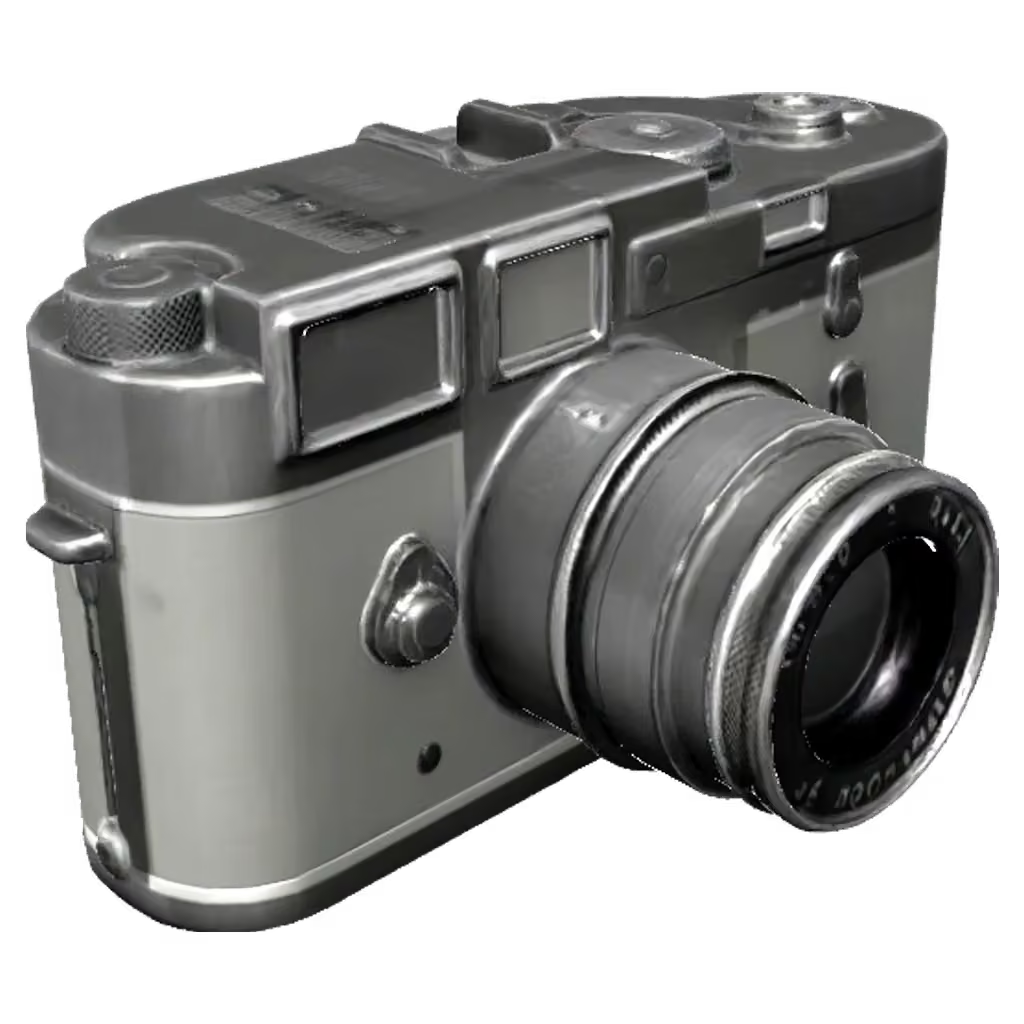
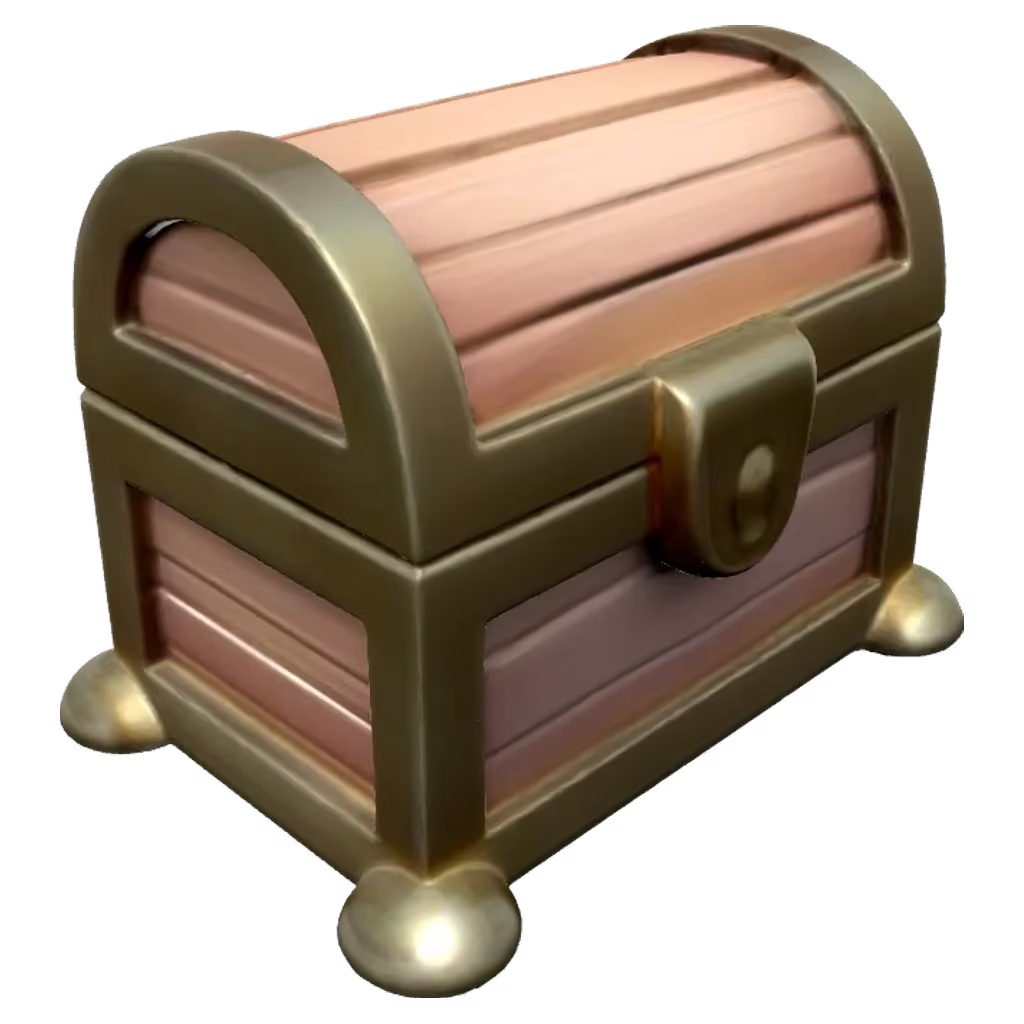
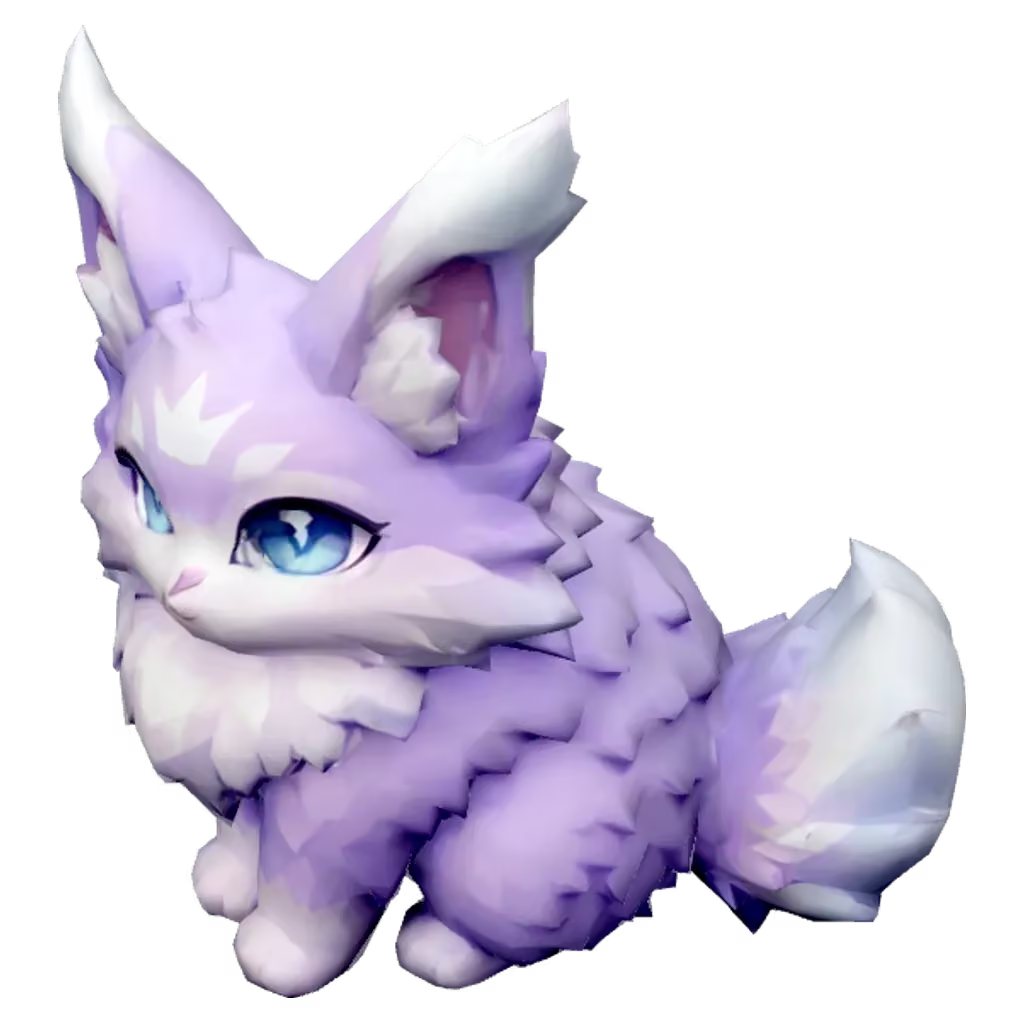
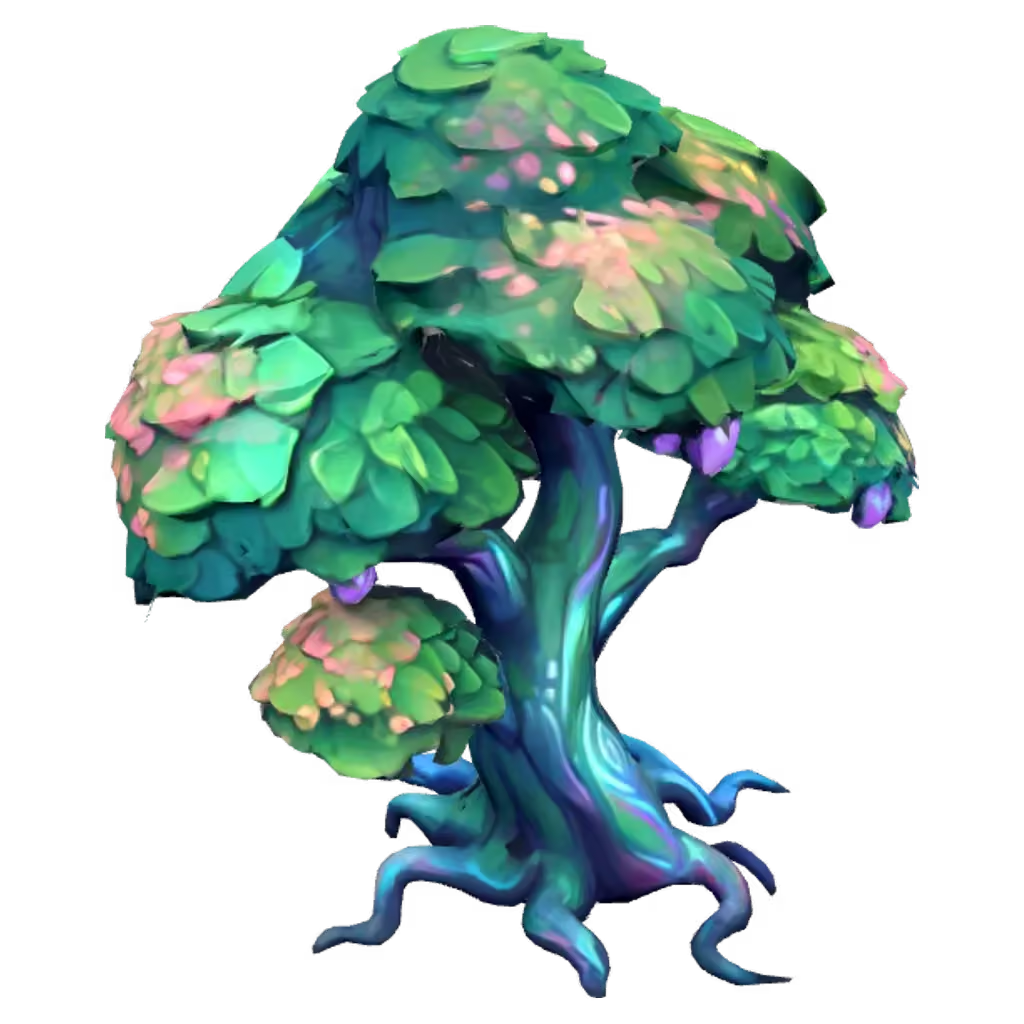
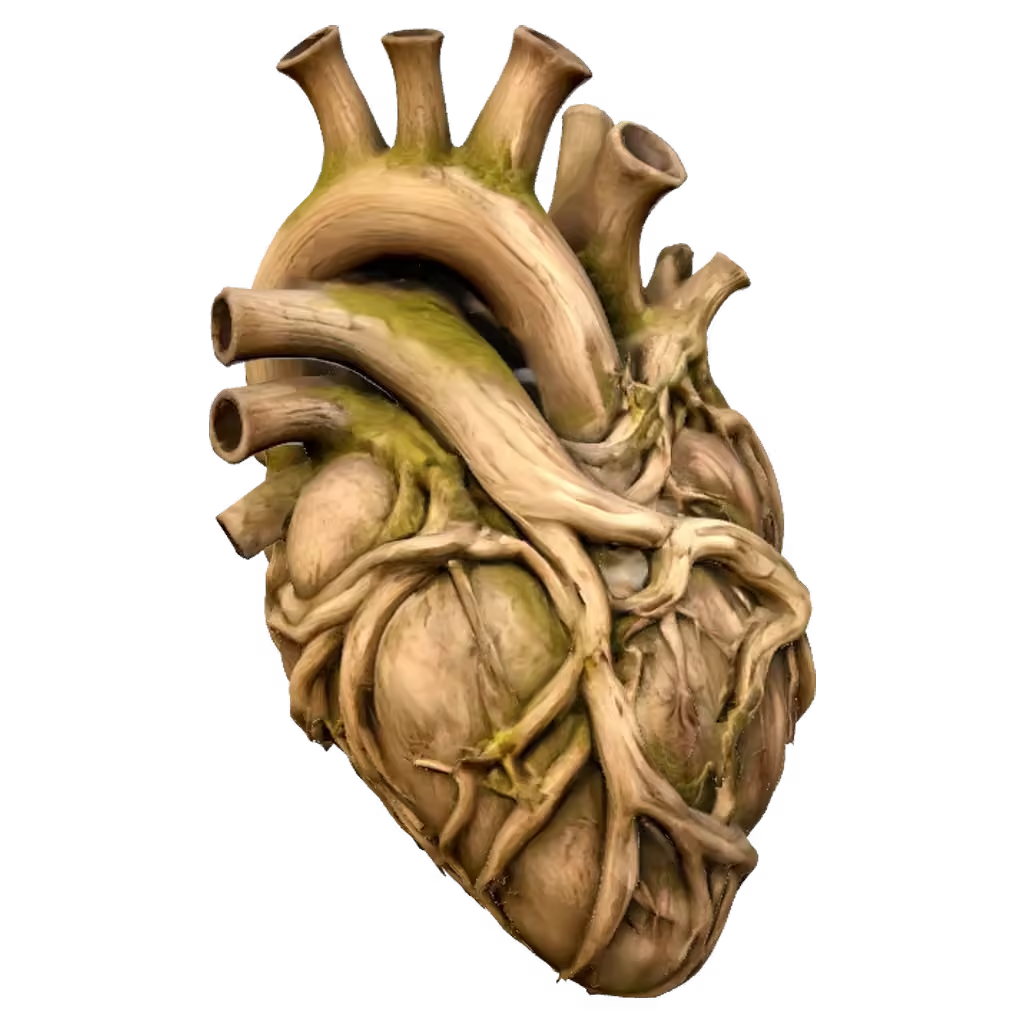
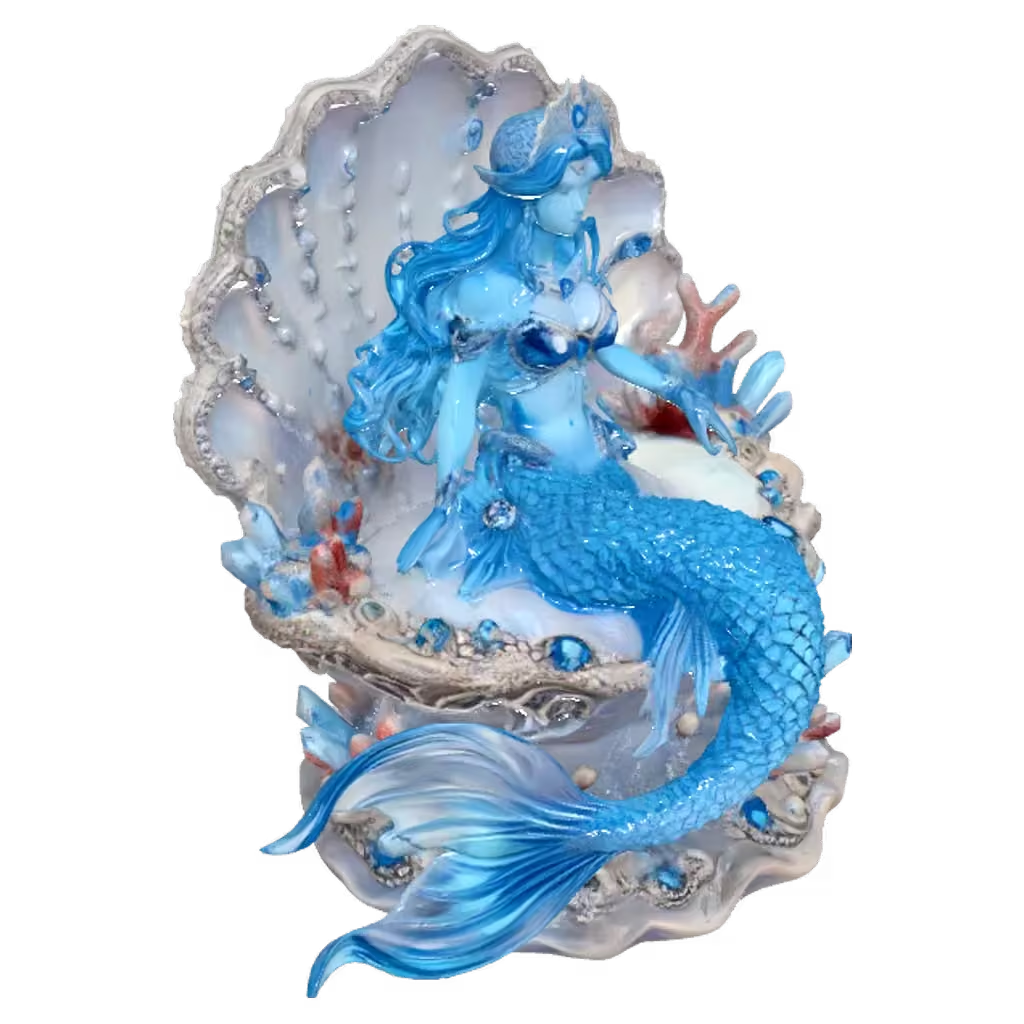
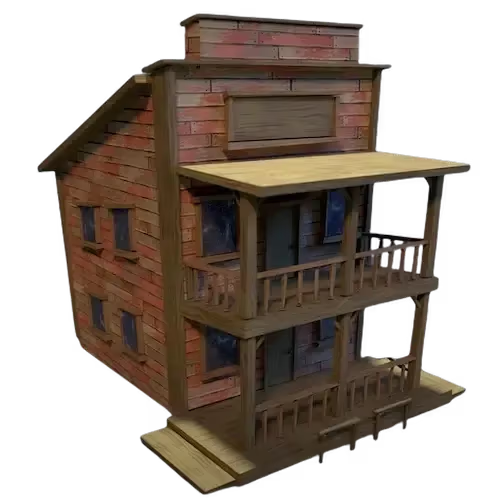
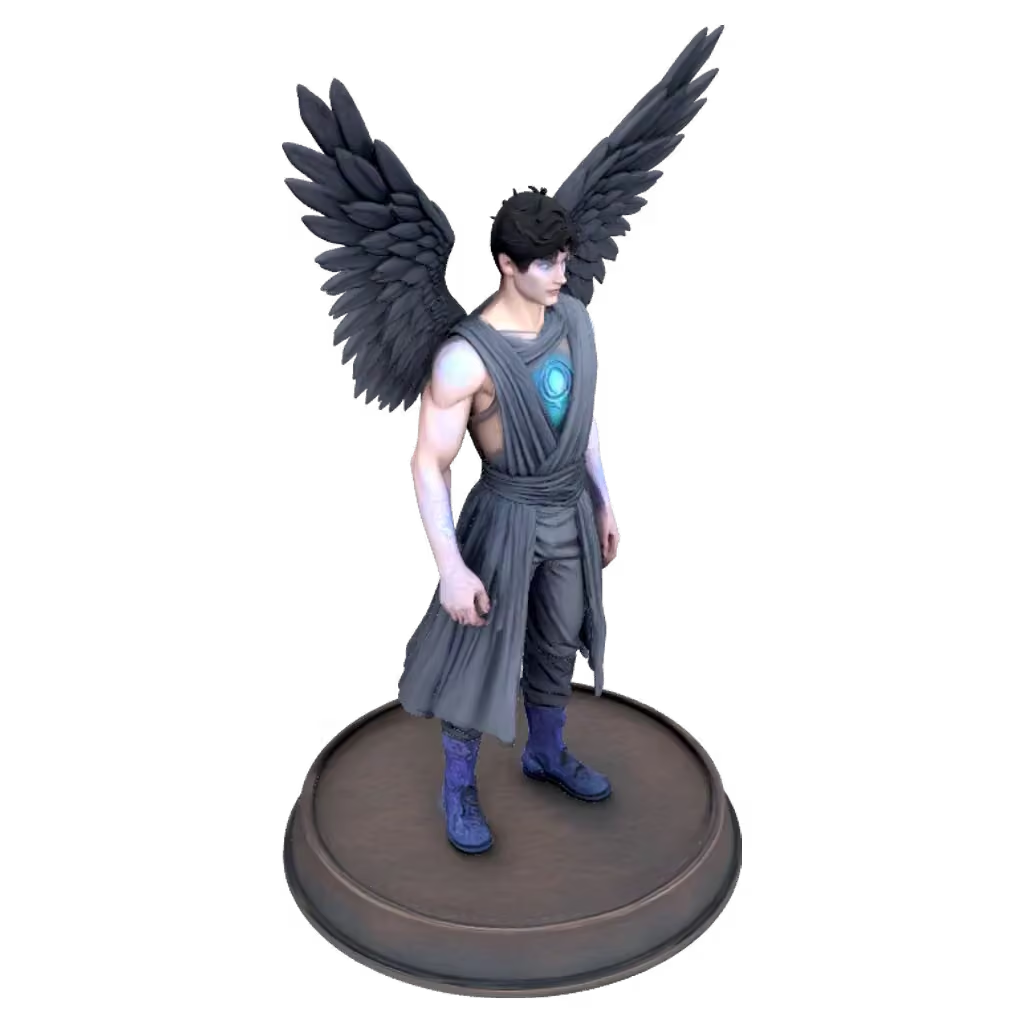
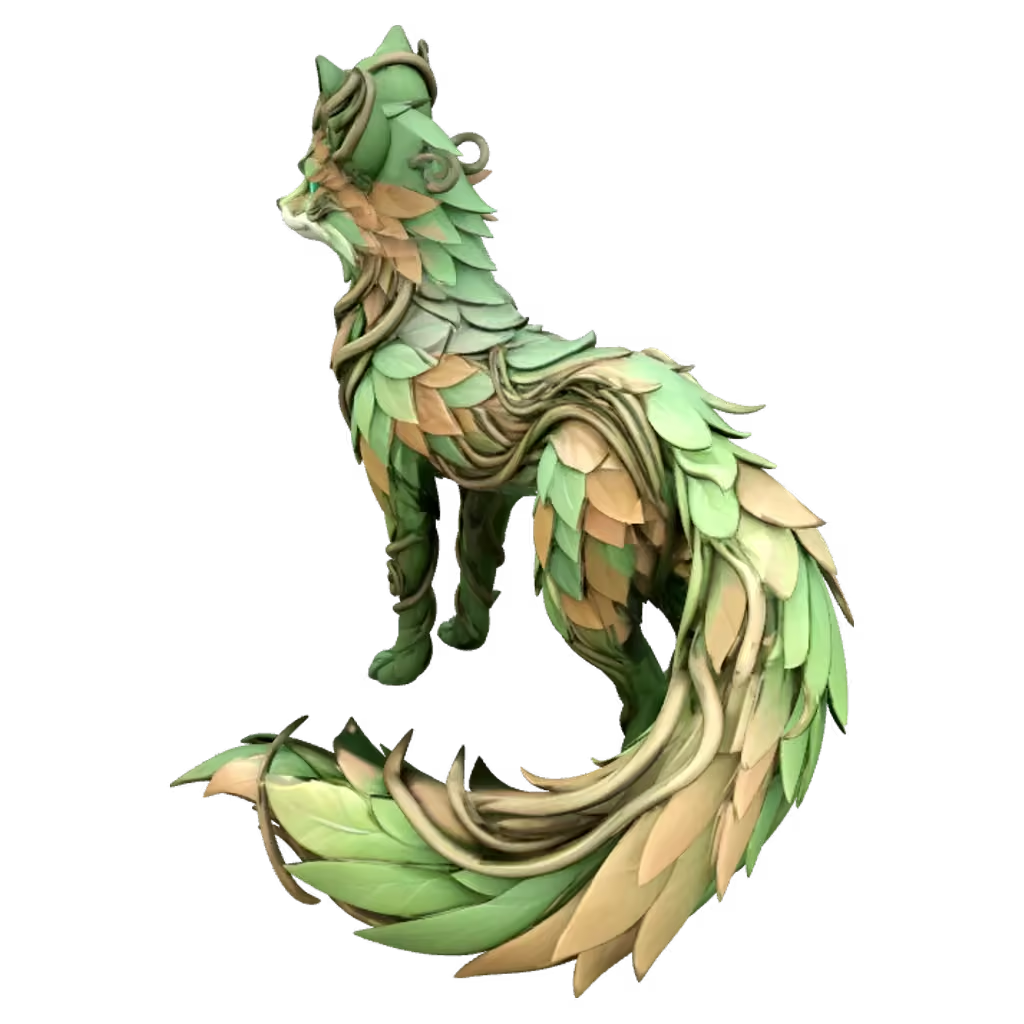
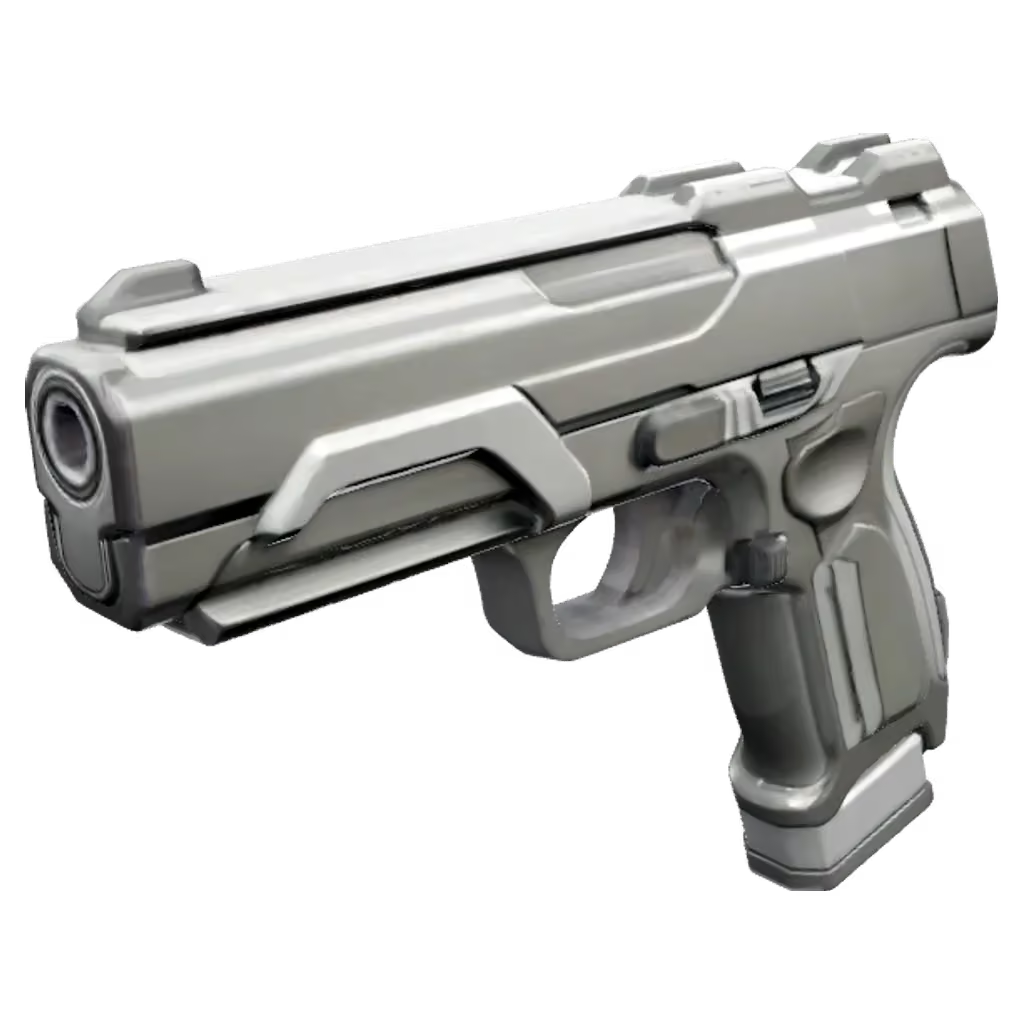
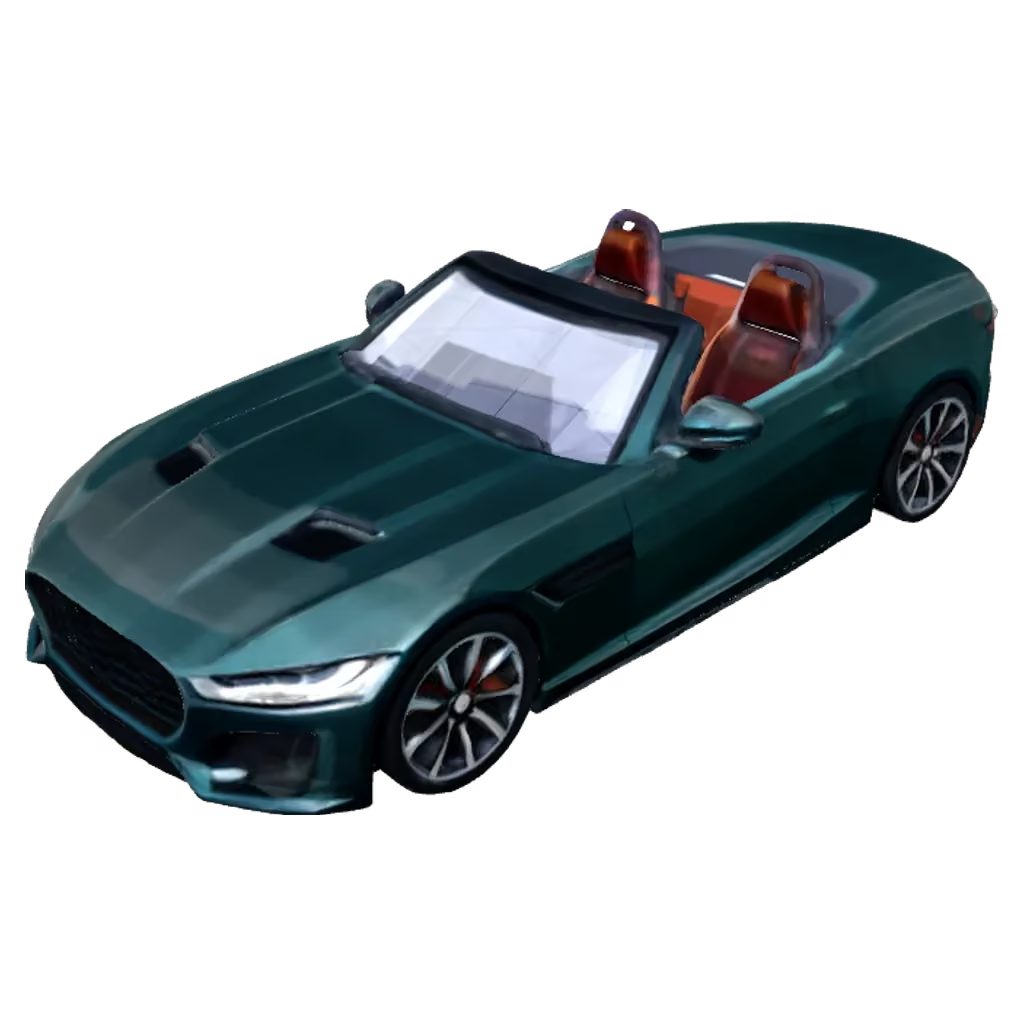
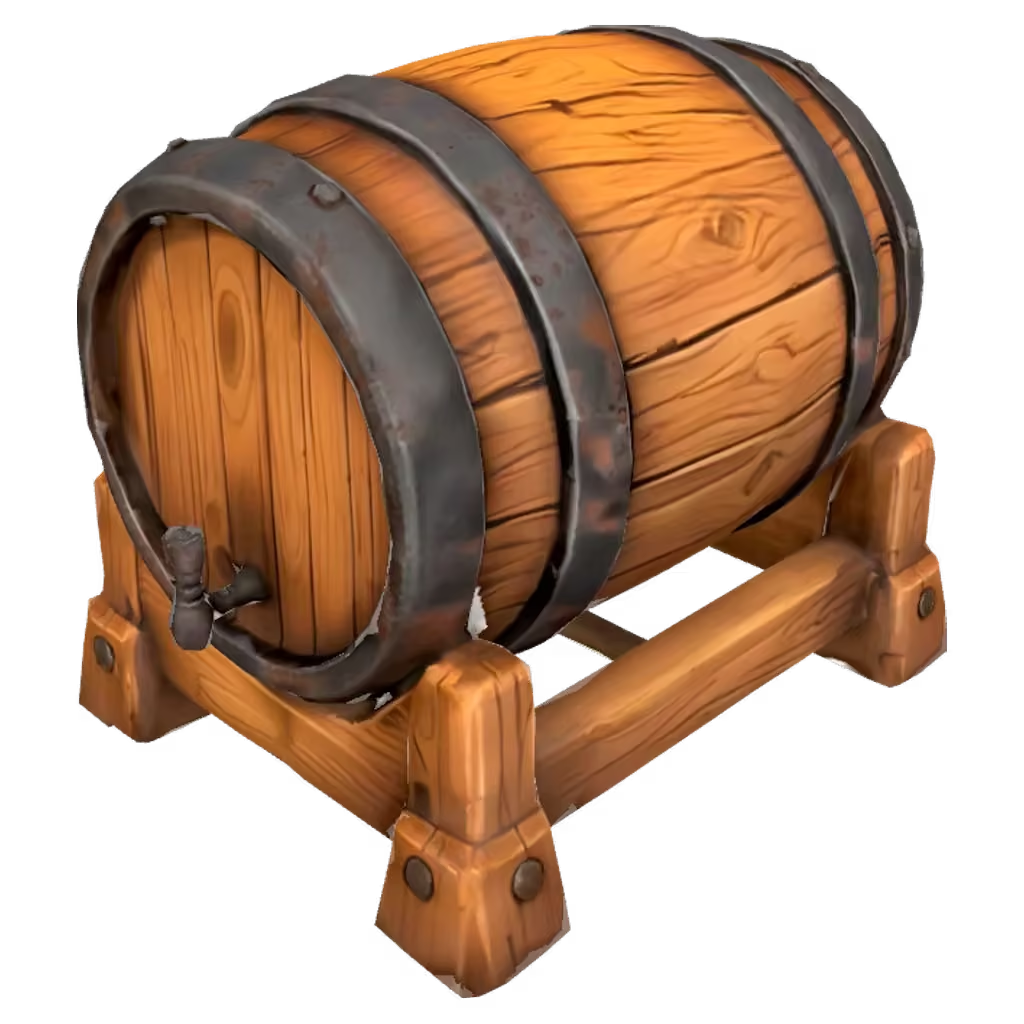
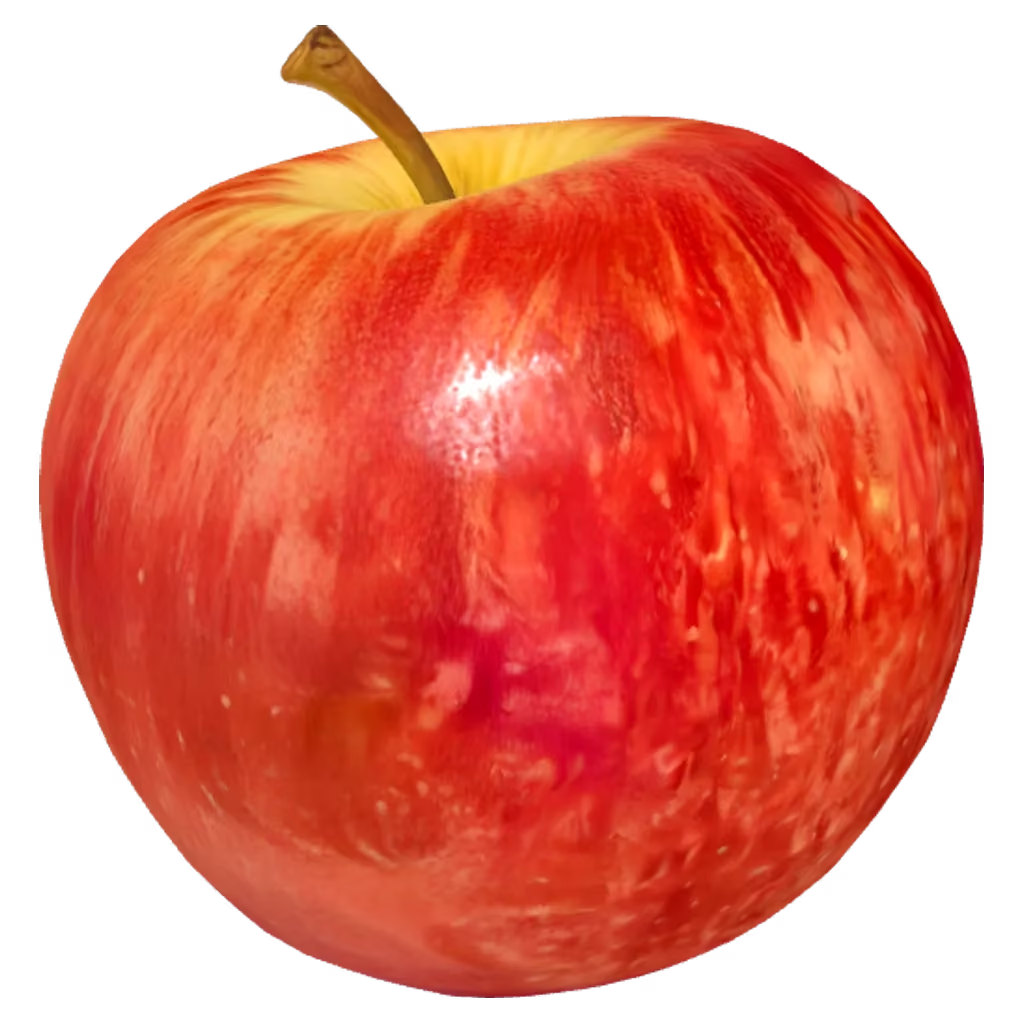
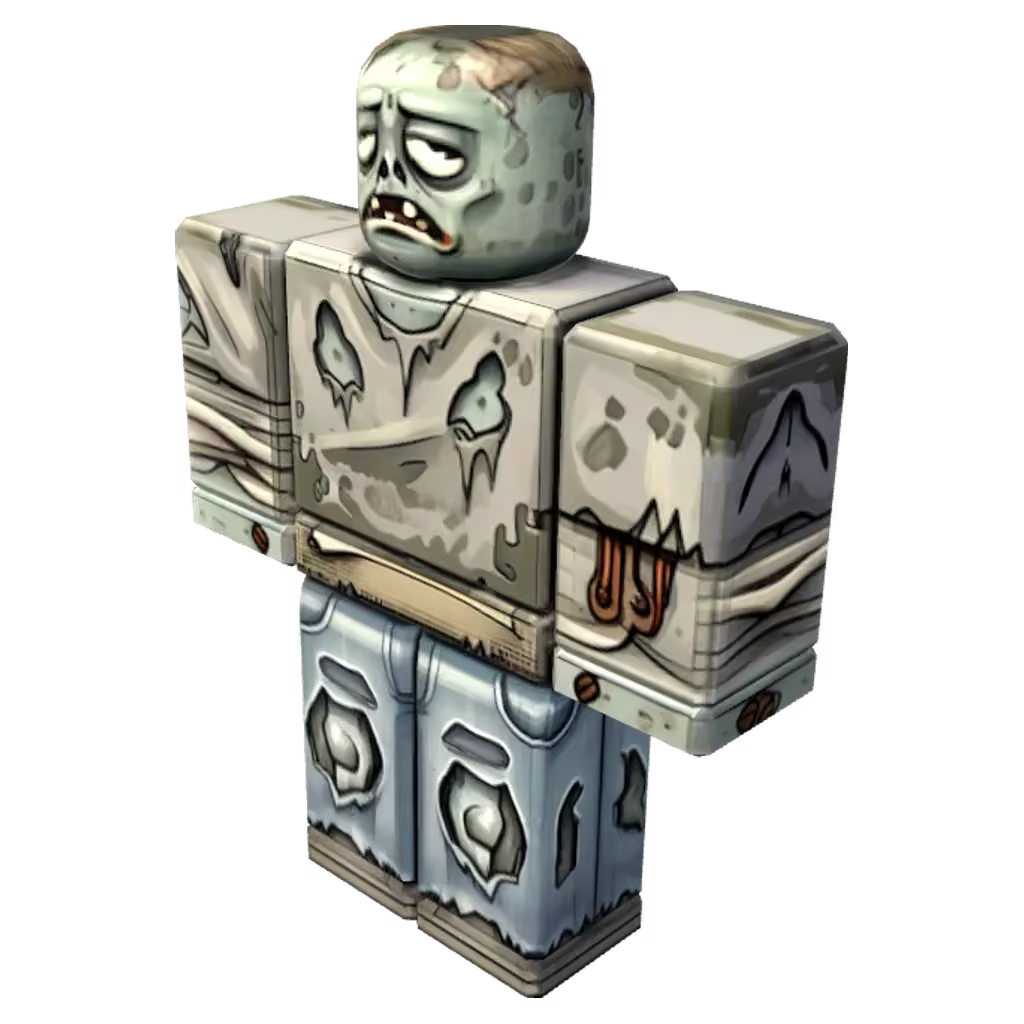
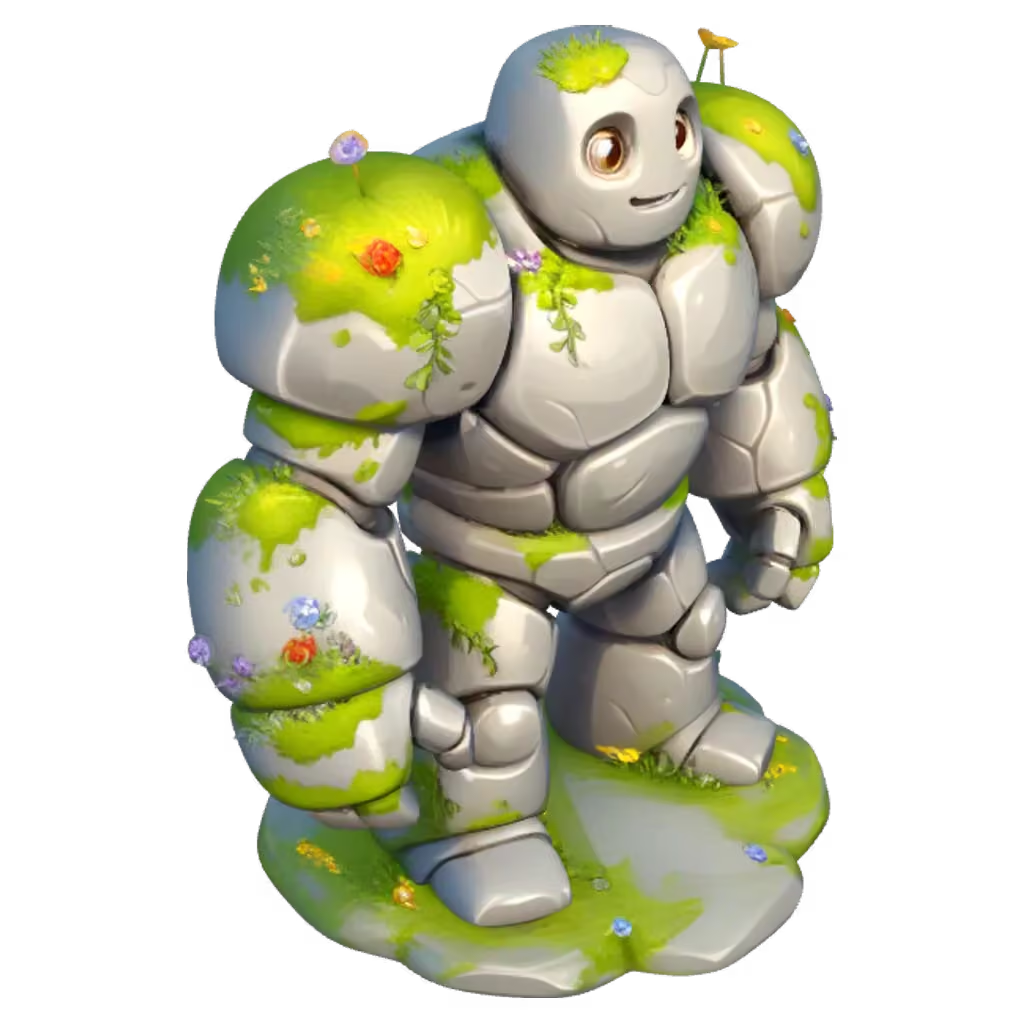
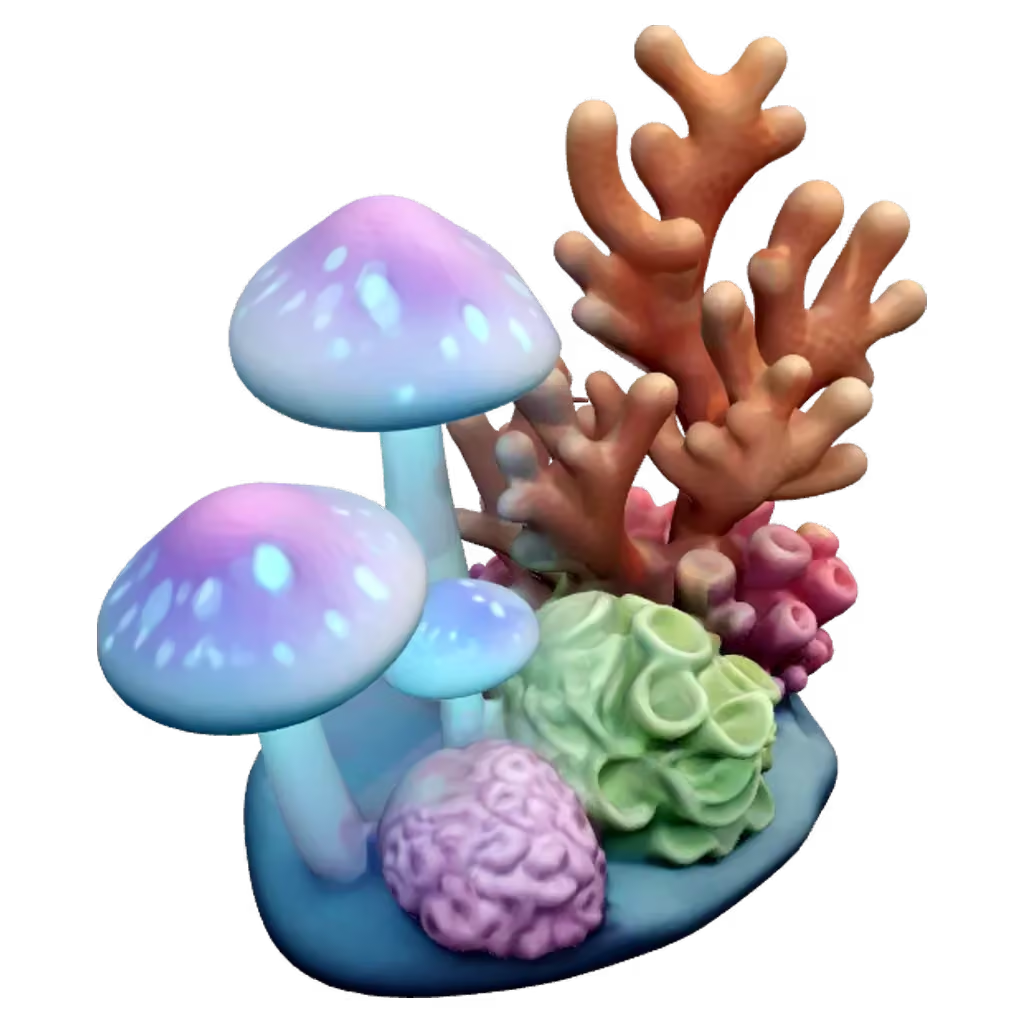
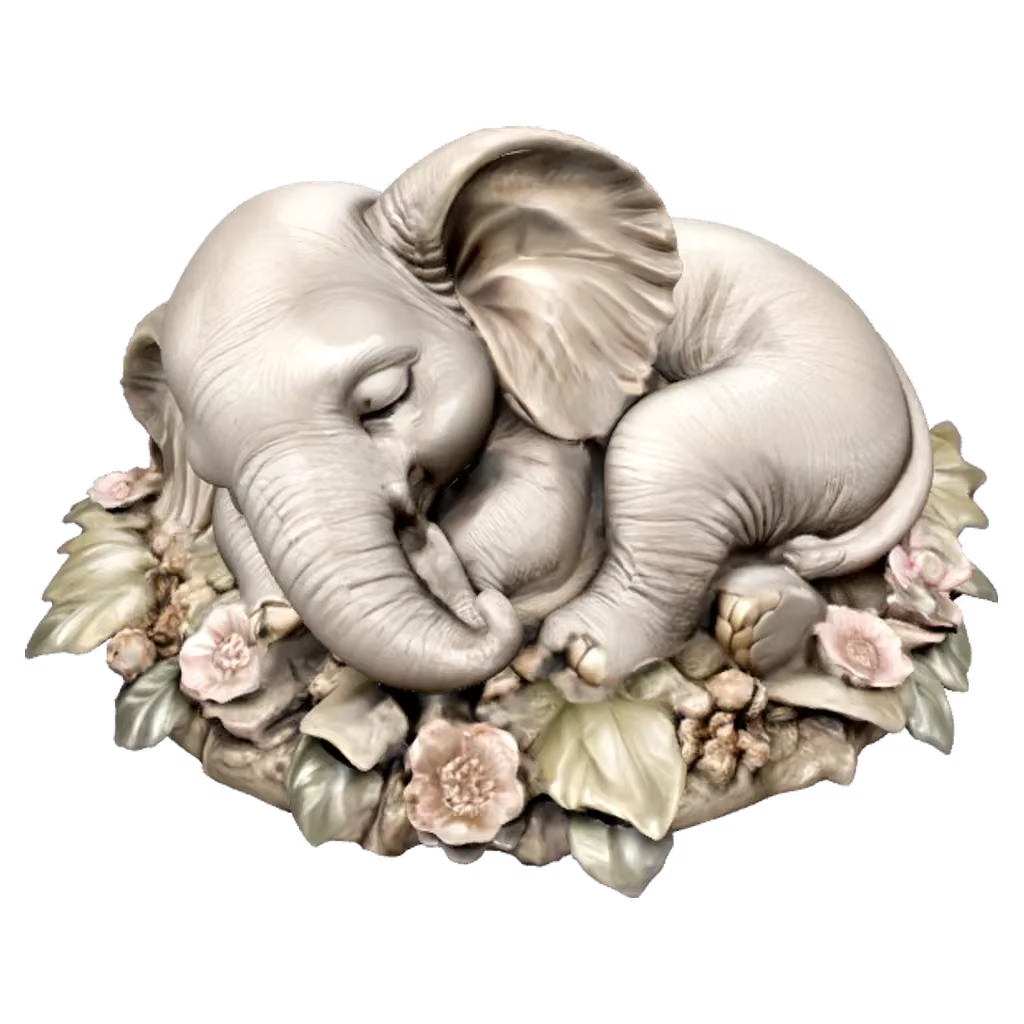
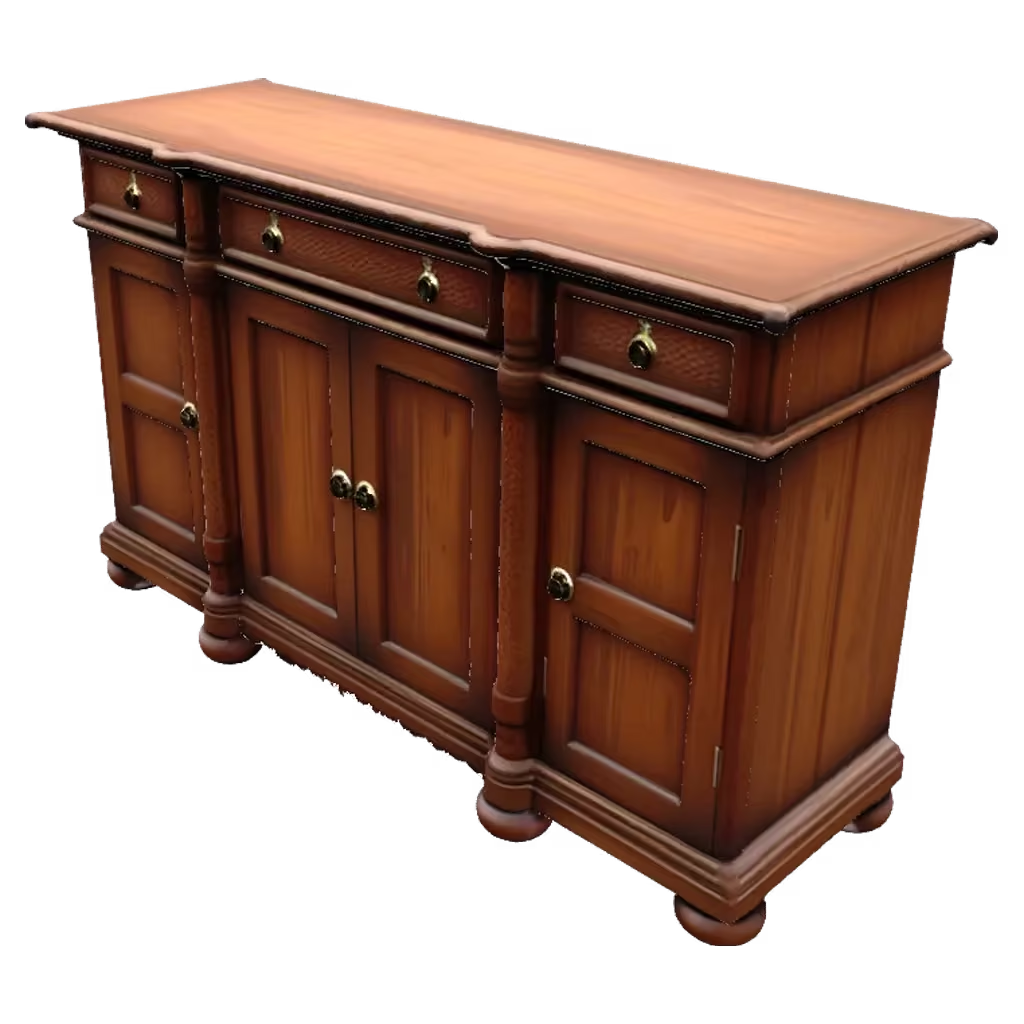
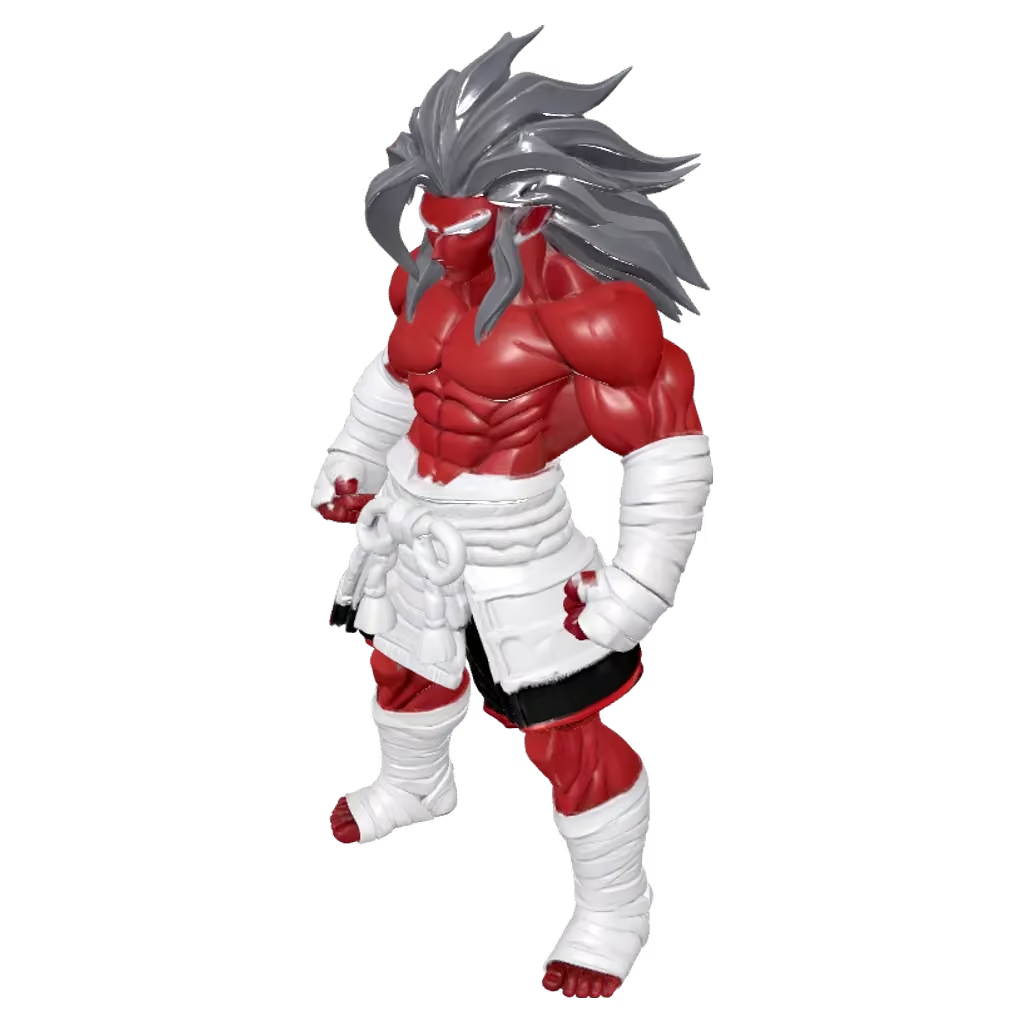
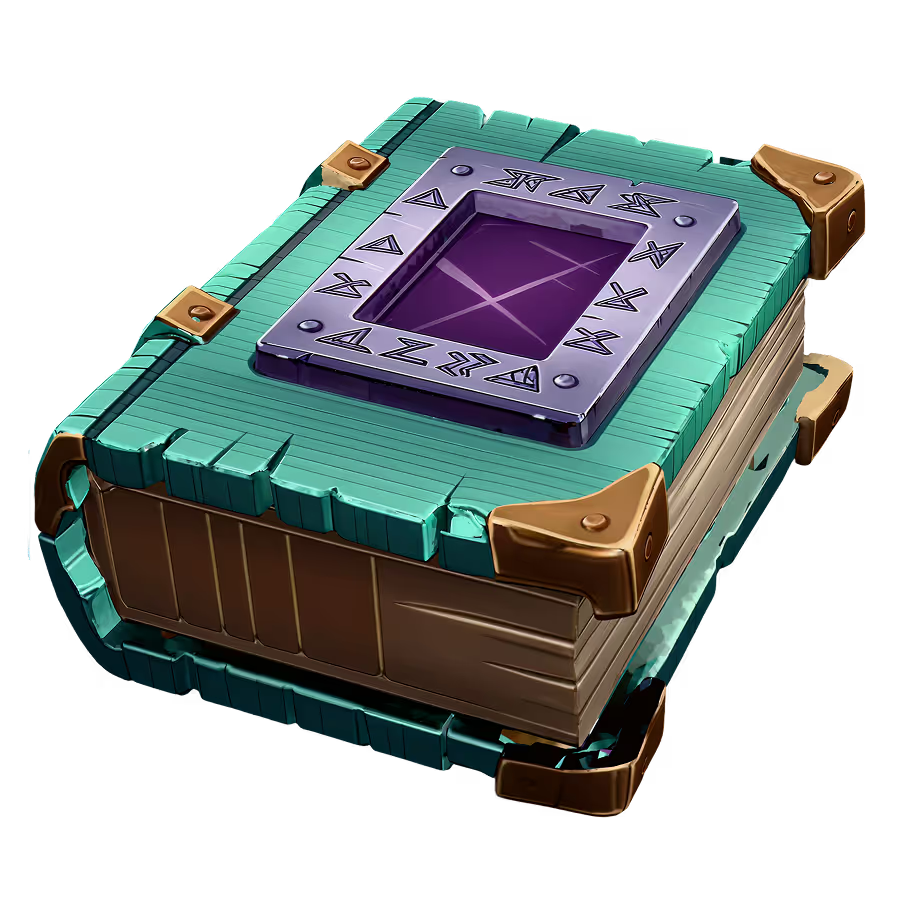
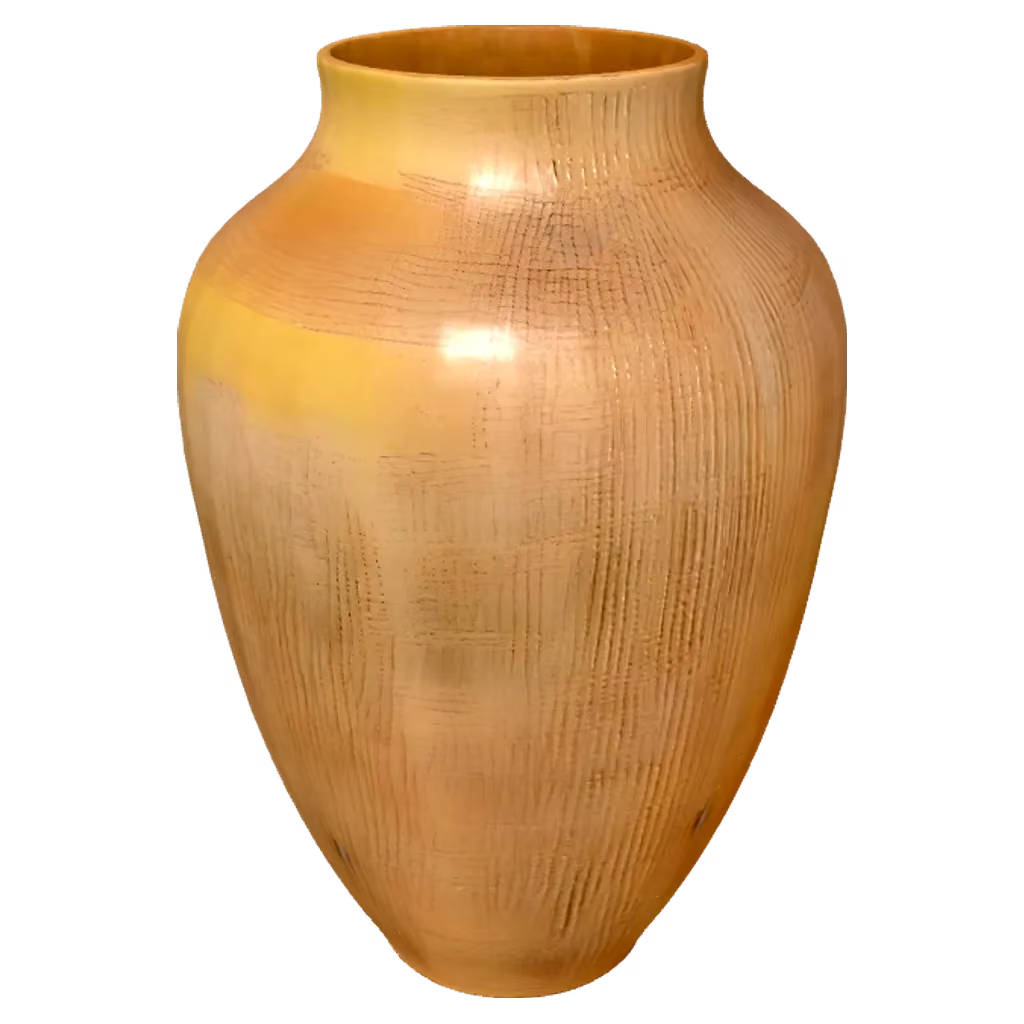
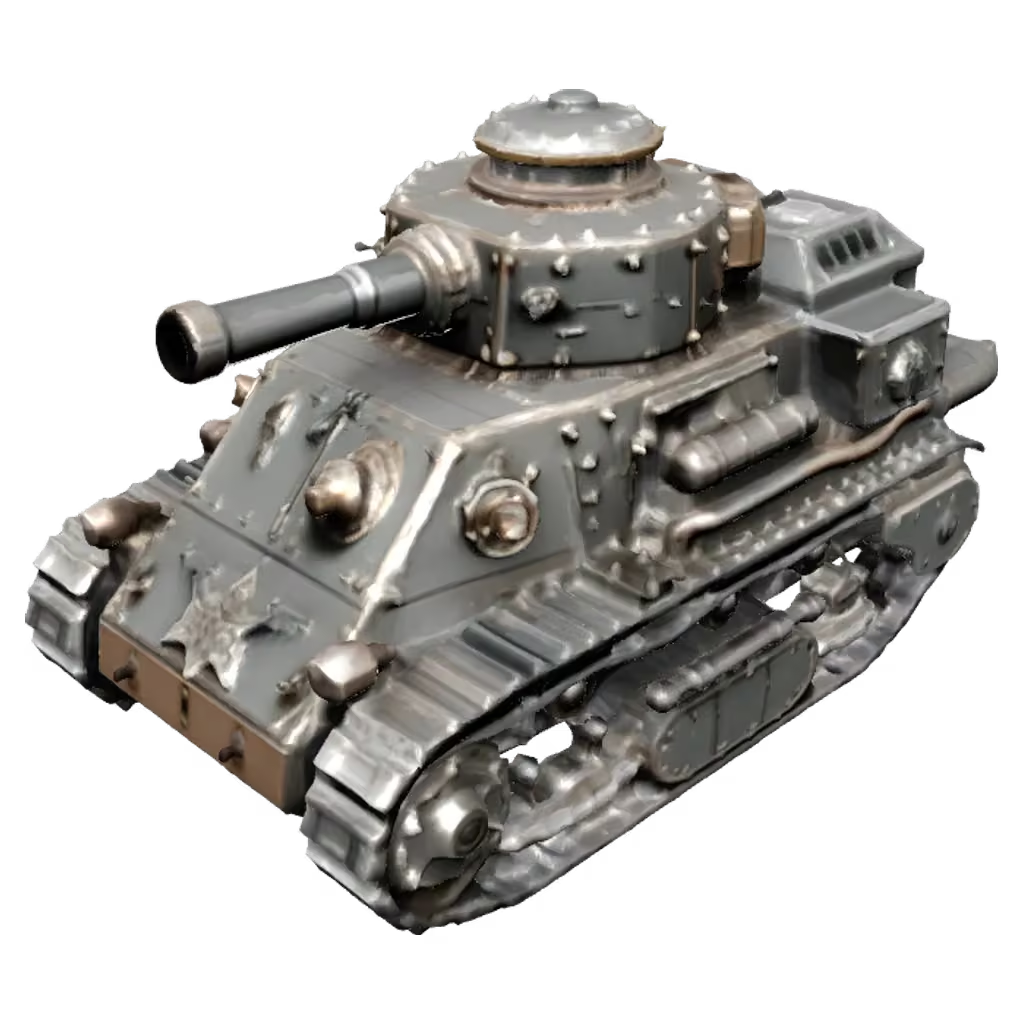
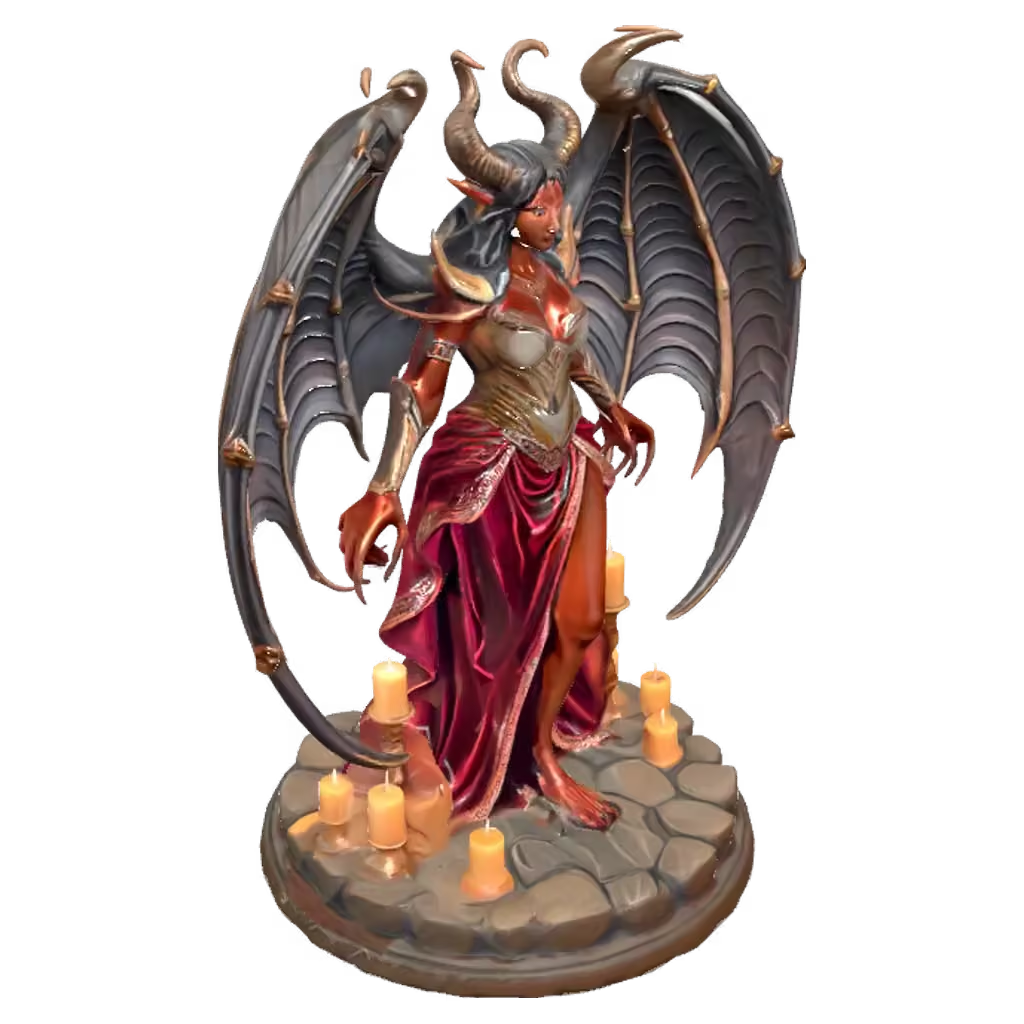
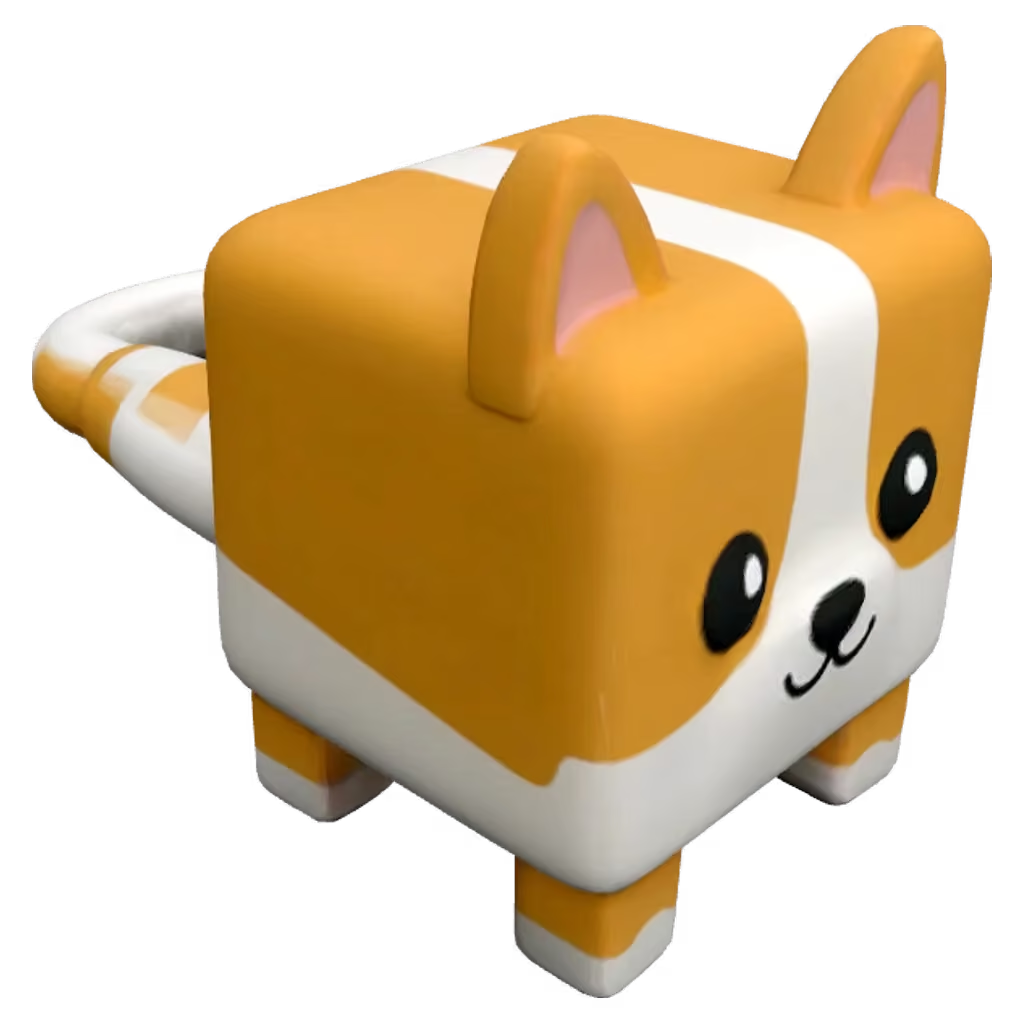
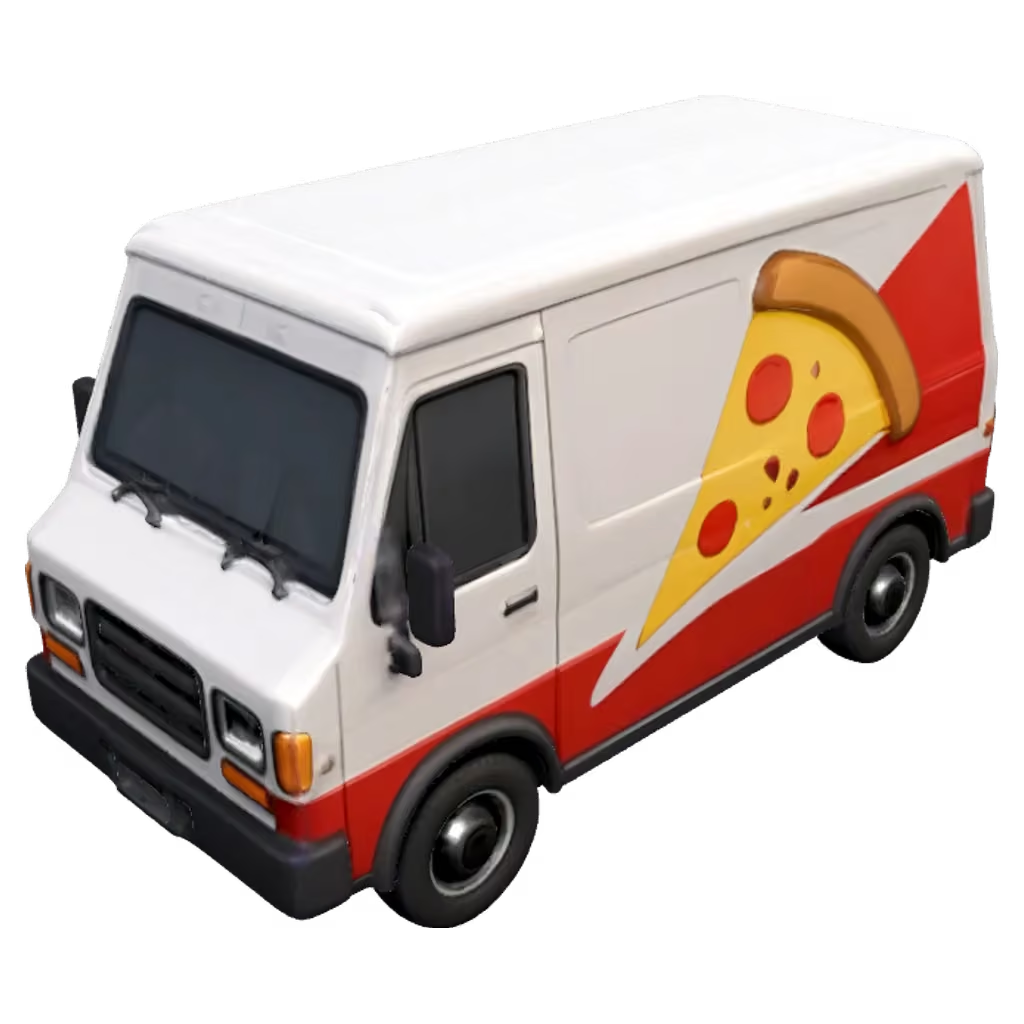
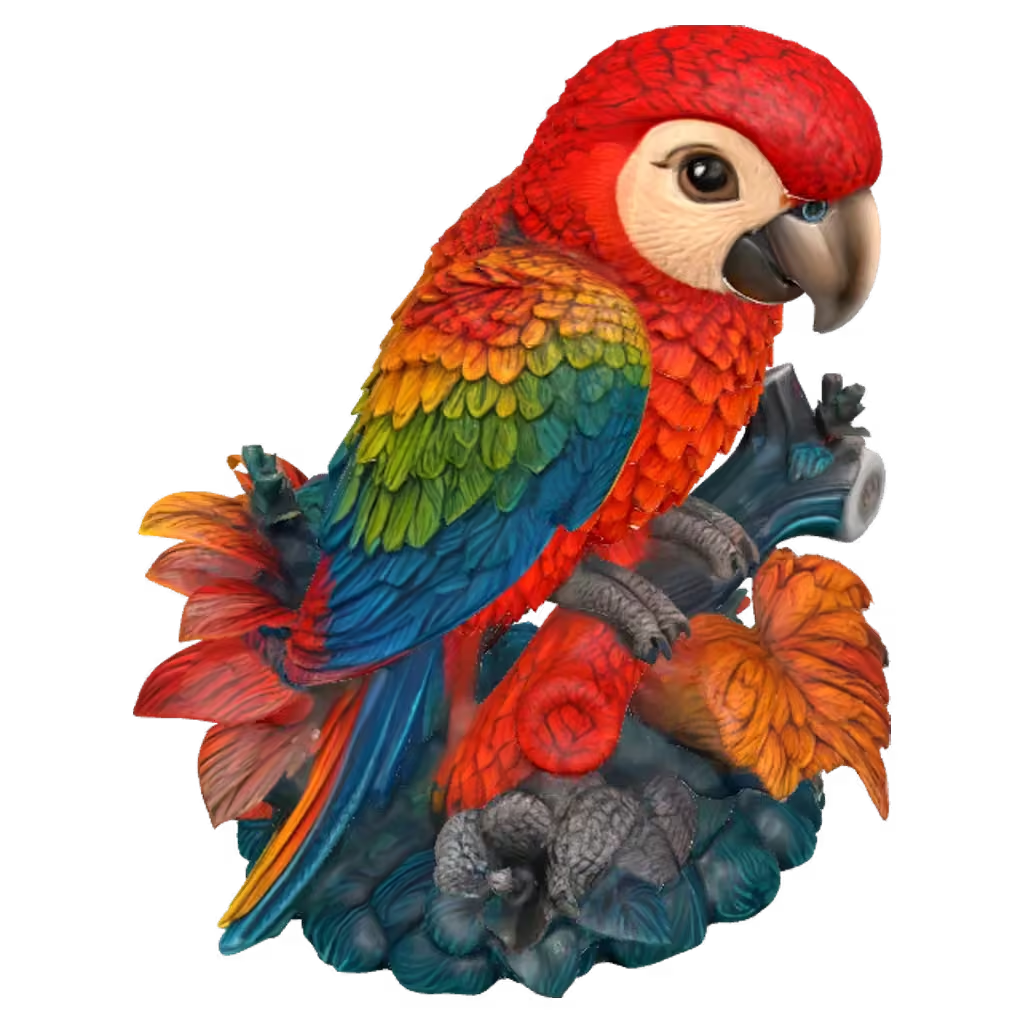
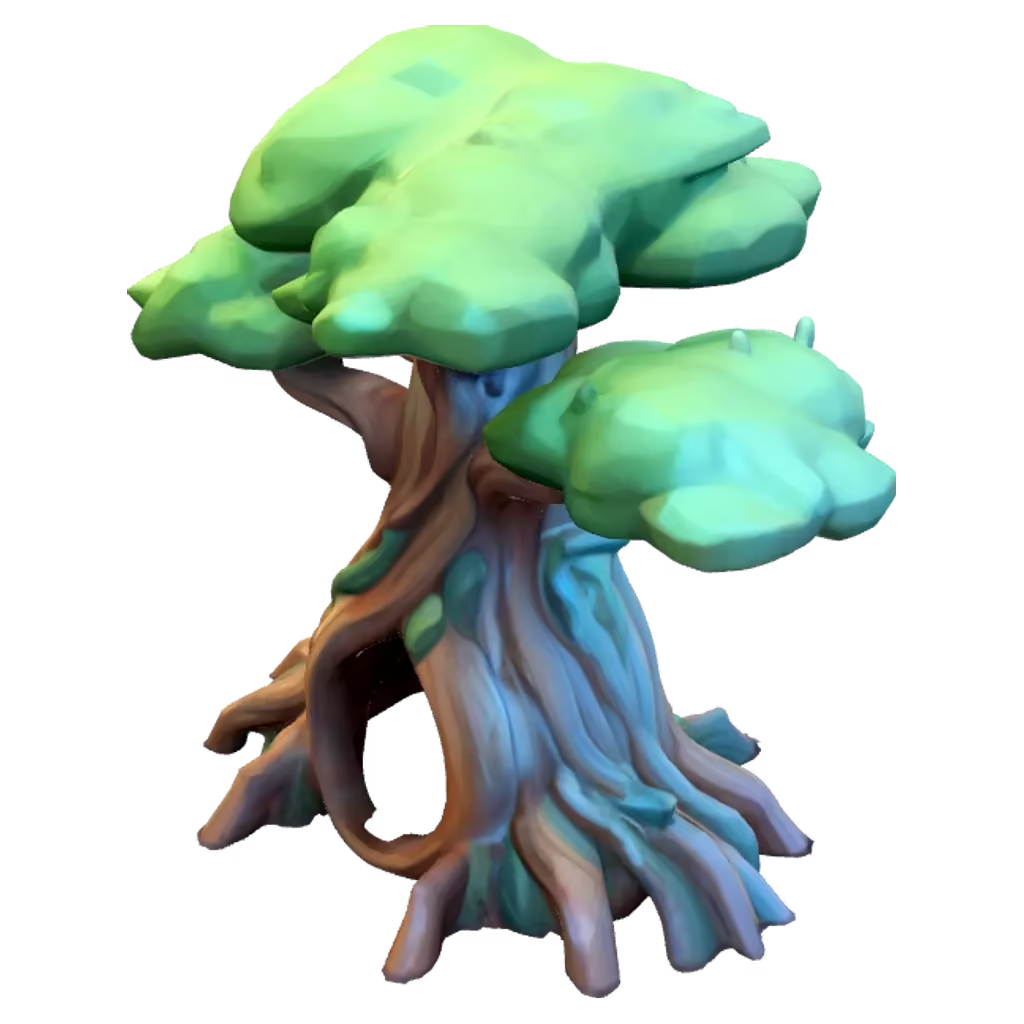
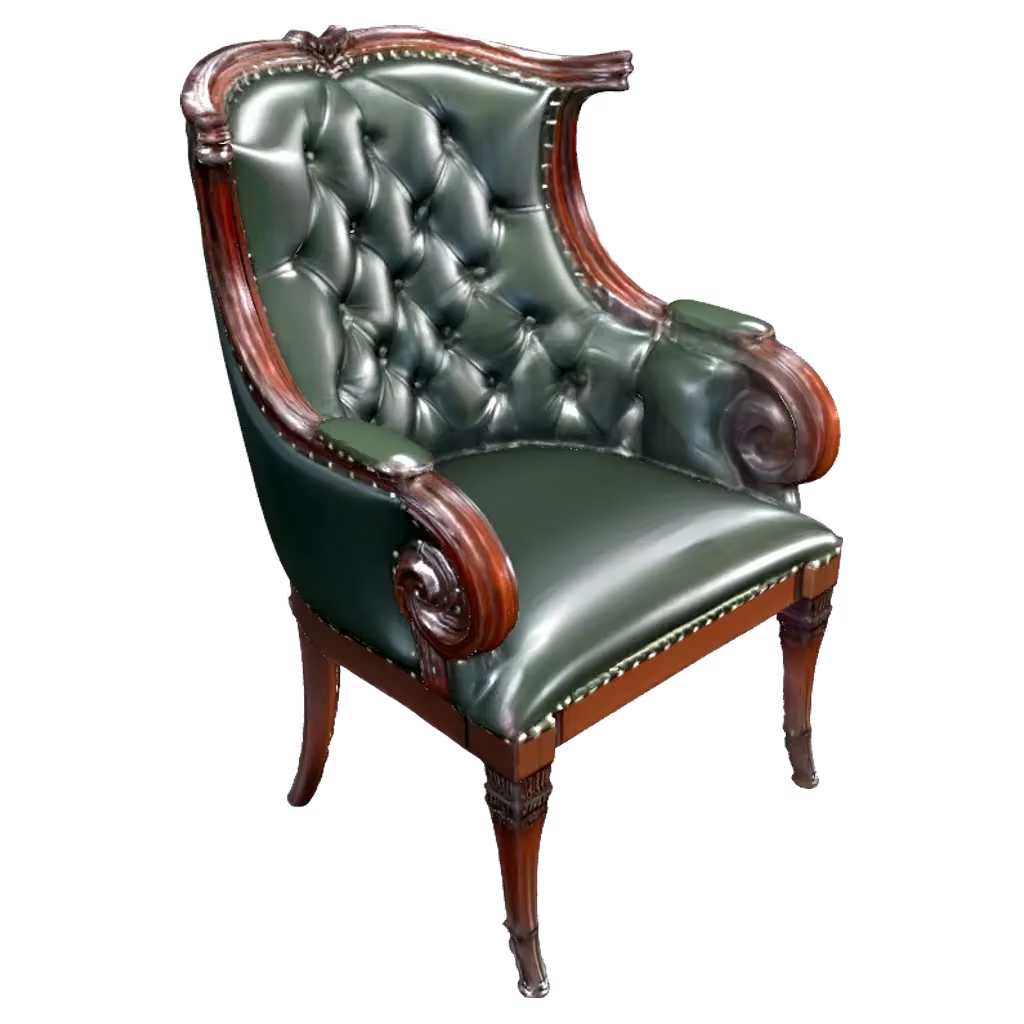
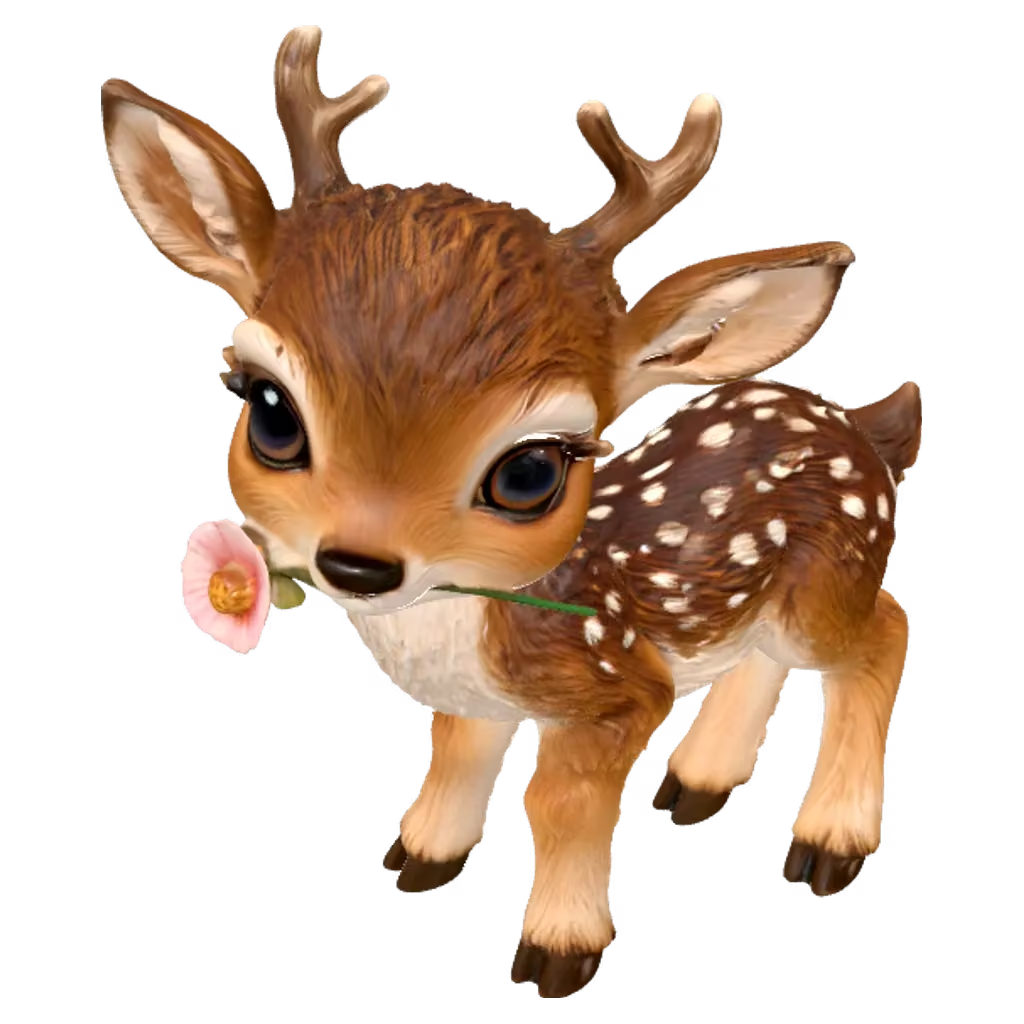






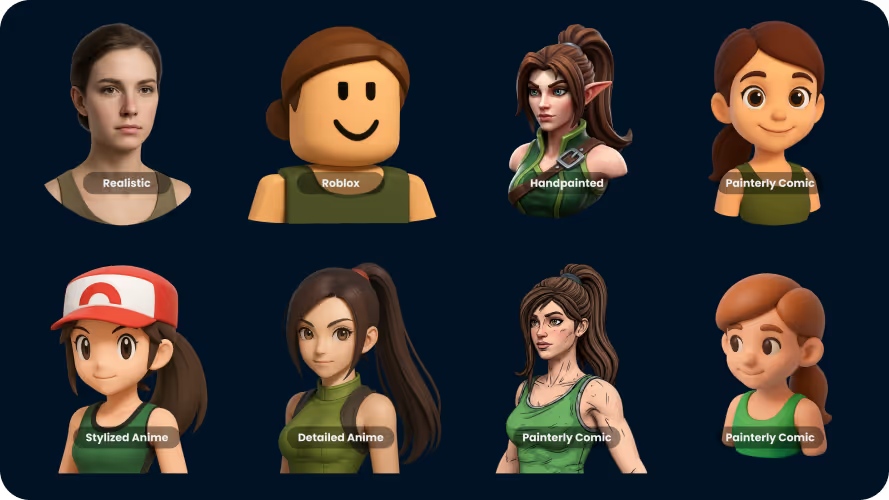
Consistent AI 3D Art Styles
Save time prompting and ensure style consistency with one of our many style presets.
Create as many 3D models as you need from text or images. Refine and control results without heavy manual 3D work.
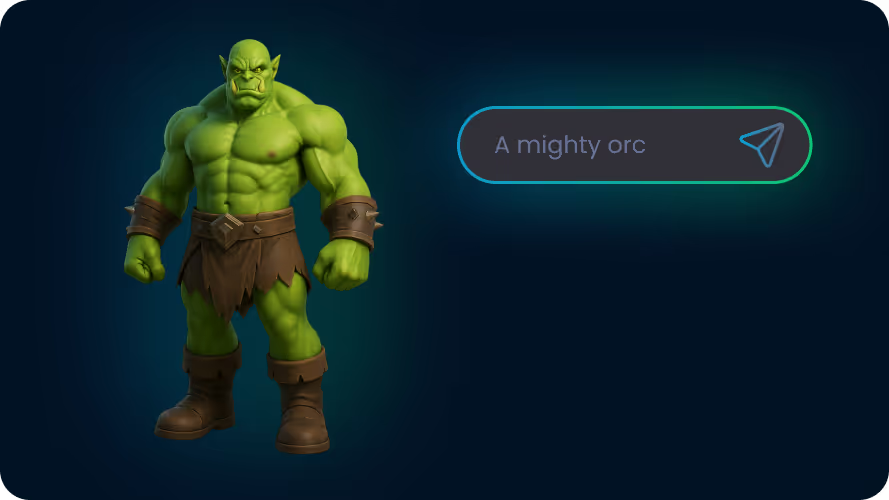
Describe an object and generate a 3D model using AI. Ideal for fast ideation, exploring variations, and creating unique objects you can refine further.
Prompt templates, filled-in examples and a prompt gallery: Text to 3D model
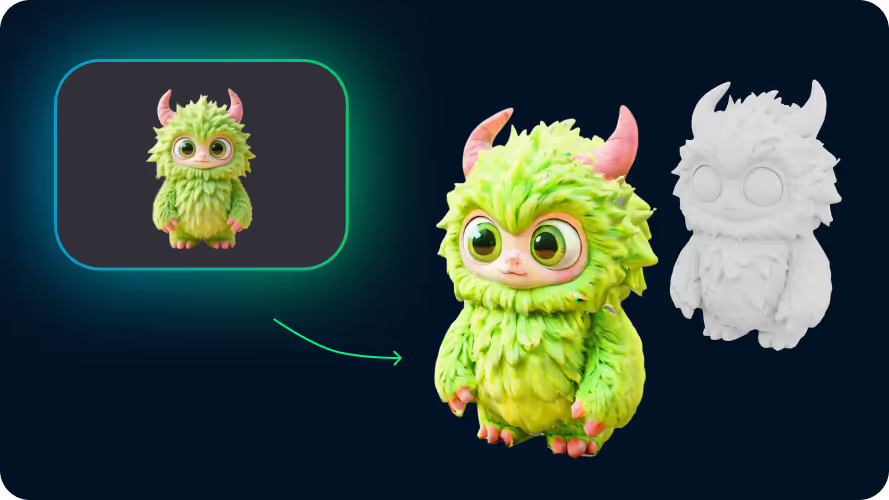
Have a visual direction and want to bring it into 3D quickly? Upload a photo, sketch, or reference image and generate a textured model based on its shape and proportions.
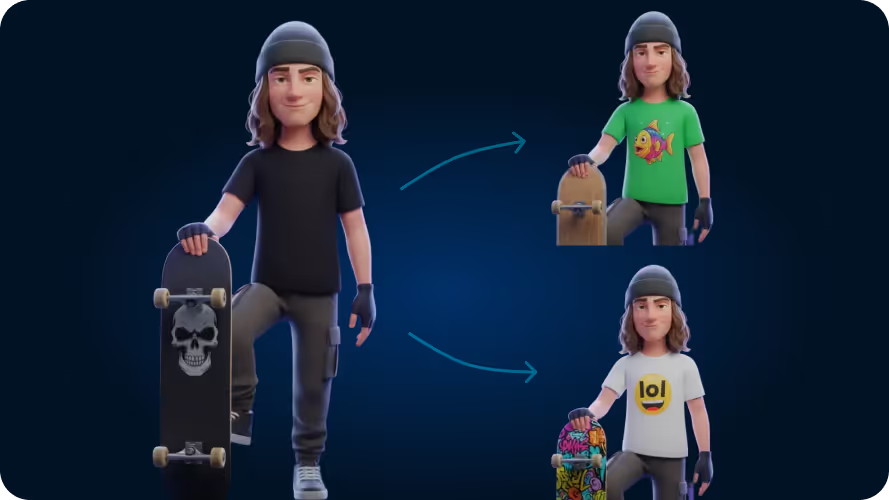
Create and edit images with AI, then use them as references for 3D generation. This workflow is designed for iteration, allowing you to refine ideas visually before turning them into 3D models.
Generate every asset a game needs and keep revising them as the design changes, so art stops being the thing that sets your release date.
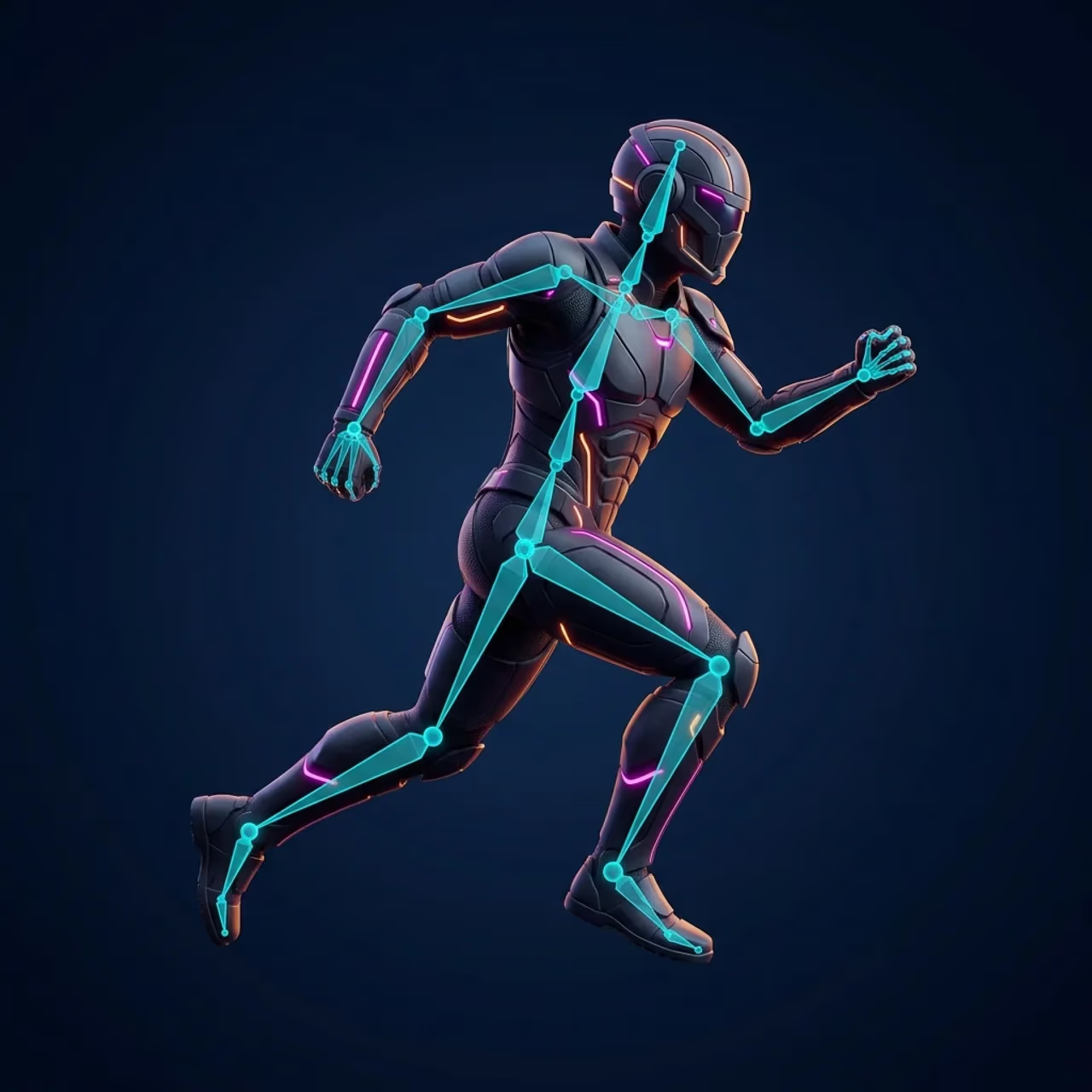
Turn a static 3D character into a rigged, animated asset. Preview motion in the browser before exporting it to your game pipeline.
Make trailers, store-page clips, and social posts from a prompt, an image, or a clip you already have. Every clip is generated with sound.

Describe a sound or type a line of dialogue and hear it in seconds, then download it as an MP3 for your engine.
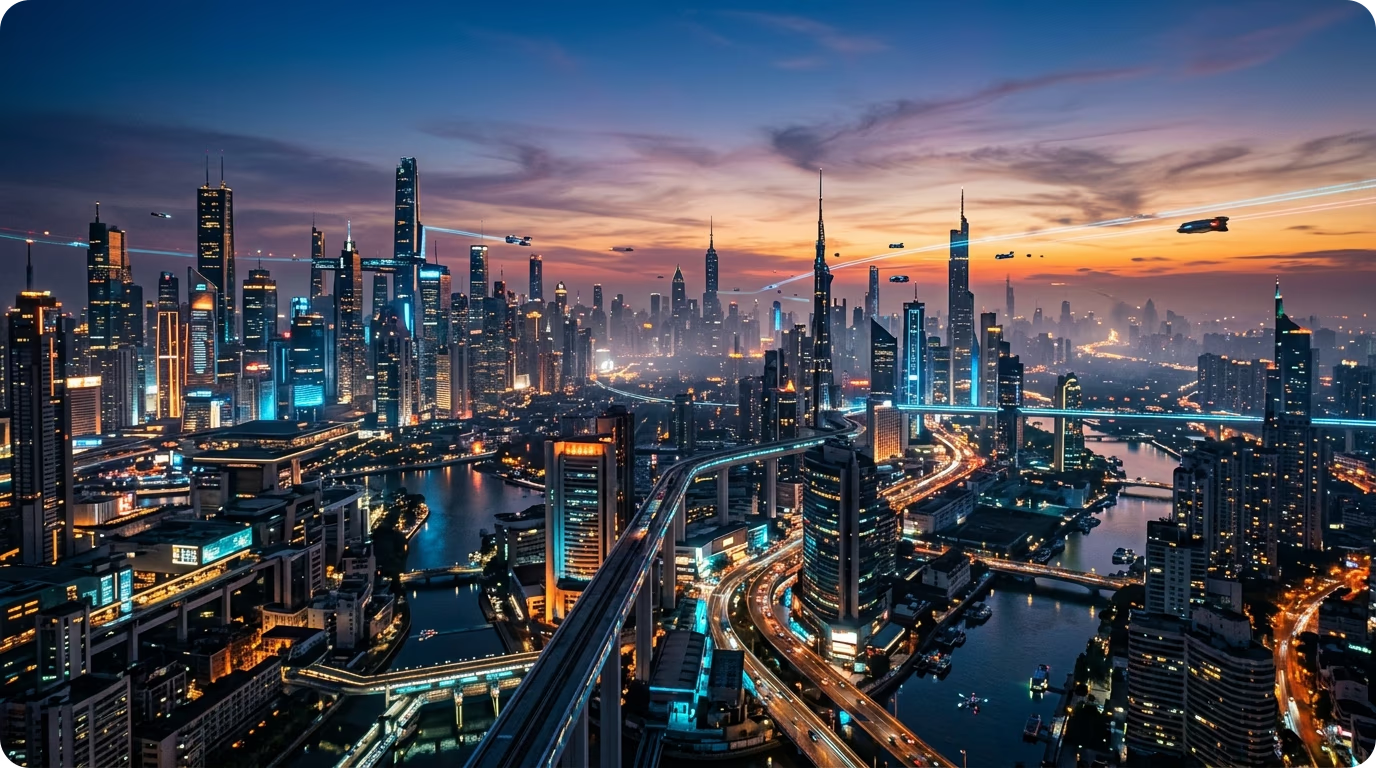
Type a prompt and generate a seamless 360° skybox in seconds. Wrap your games and 3D scenes in immersive AI-generated environments.
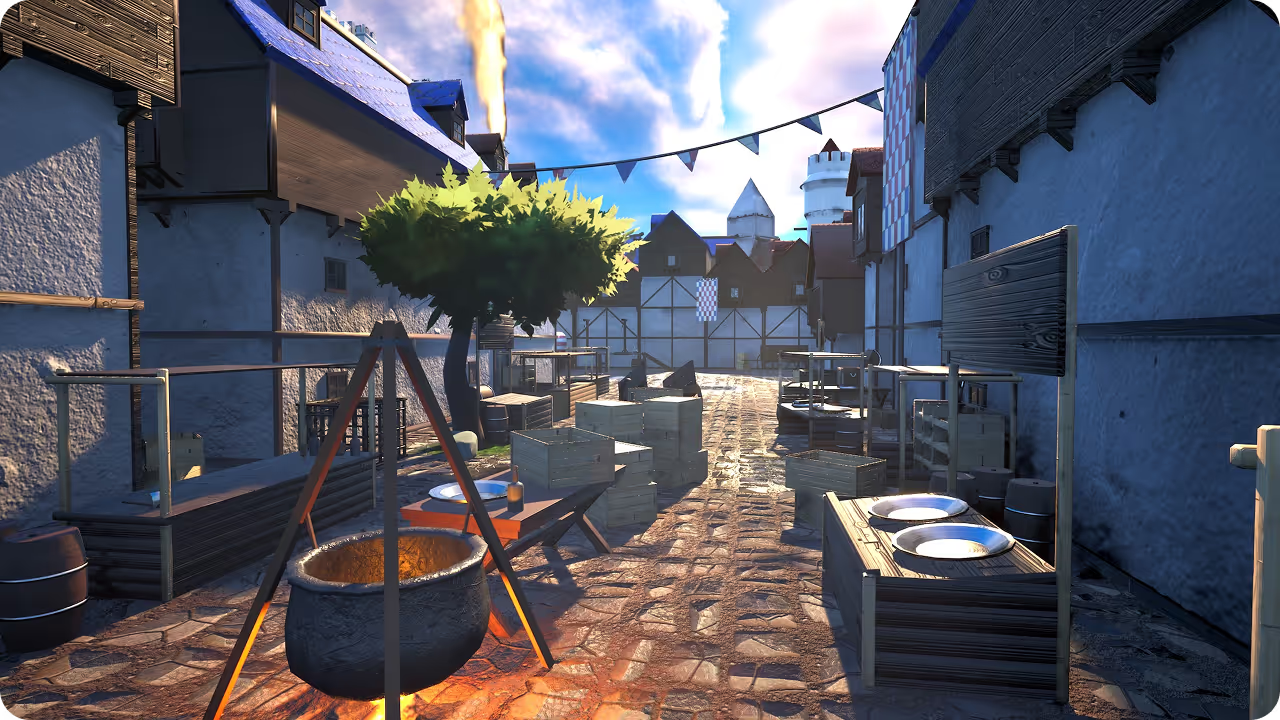
Compose full 3D scenes from your generated models. Arrange assets, set up cameras, and capture polished renders — with an AI scene agent to help lay it all out.
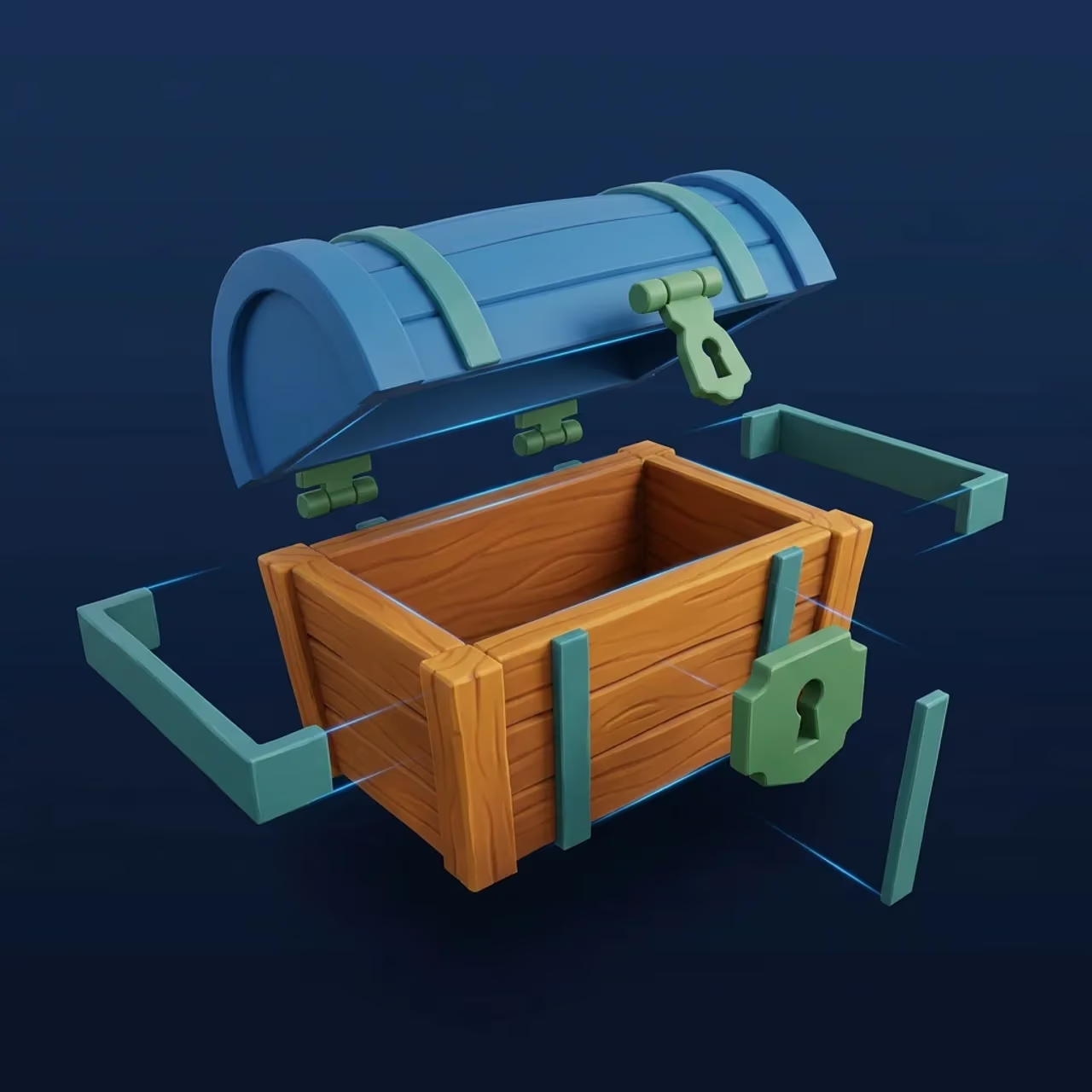
Upload a 3D model and decompose it into separate, editable parts for modular assets, animation, or easier changes.
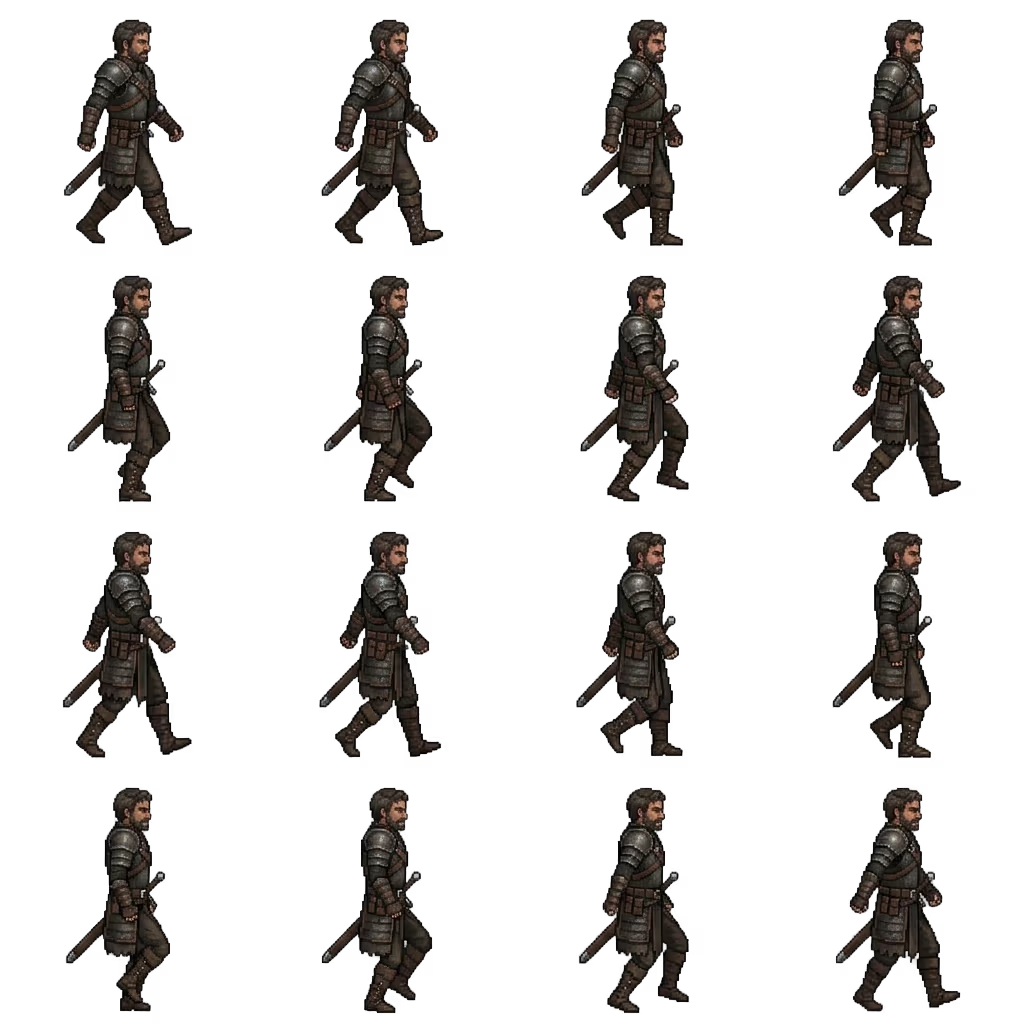
Turn a prompt or reference image into an animation-ready pixel-art sprite sheet. Preview the cycle, drop frames you don't want, and export for Unity, Godot, or GameMaker.
Print whatever you want, without the hassle of making it printable first.
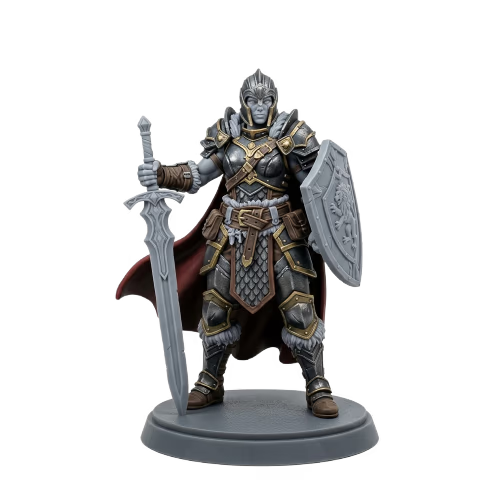
Upload a photo and get a model that already sits on a stable base. The 3D Print preset keeps the mesh watertight and solid, and the printability check reports holes and non-manifold edges before you slice.
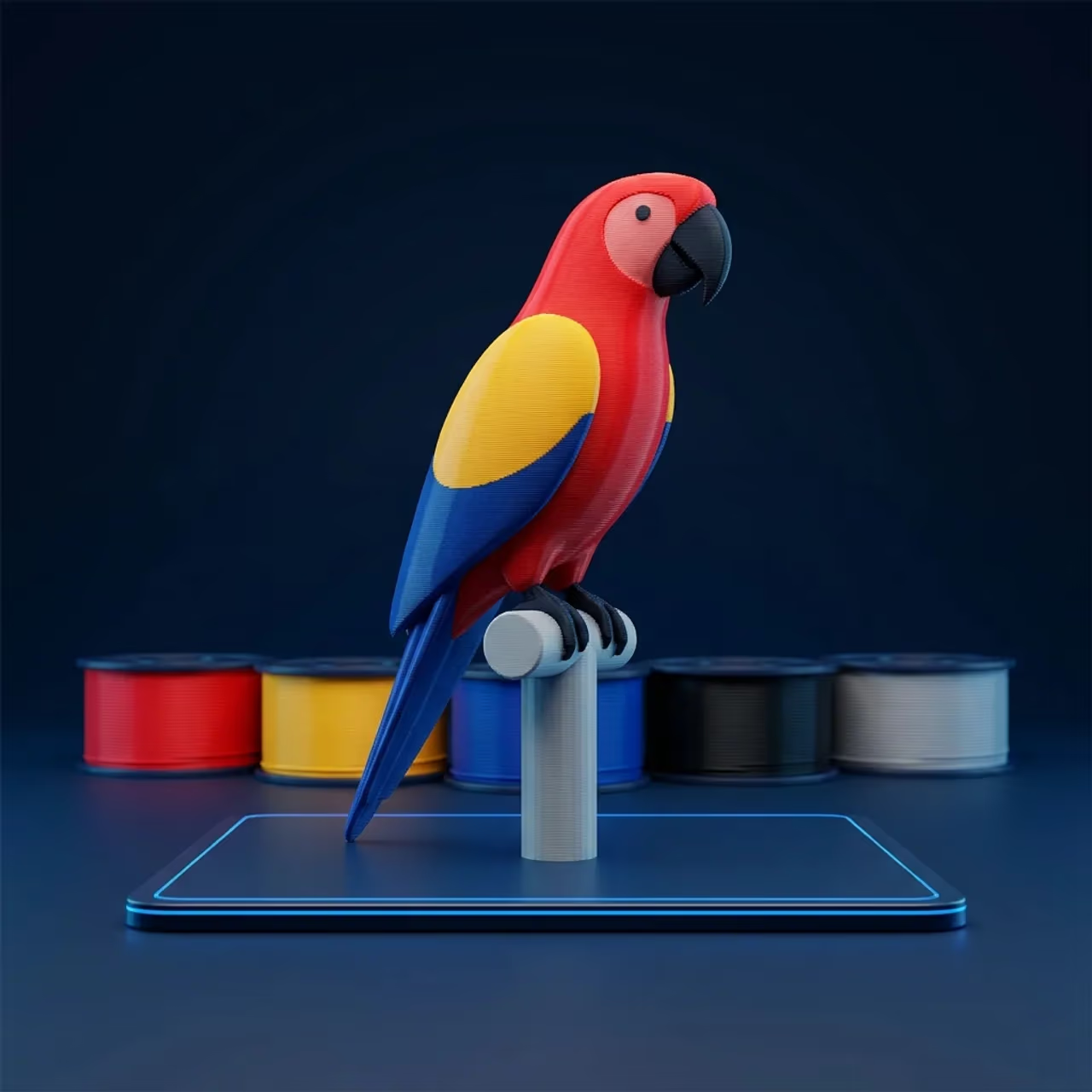
Assign colors to filament slots on a model you already have, then export a setup your multicolor slicer reads. The print comes out in the colors you chose rather than the ones it guesses.
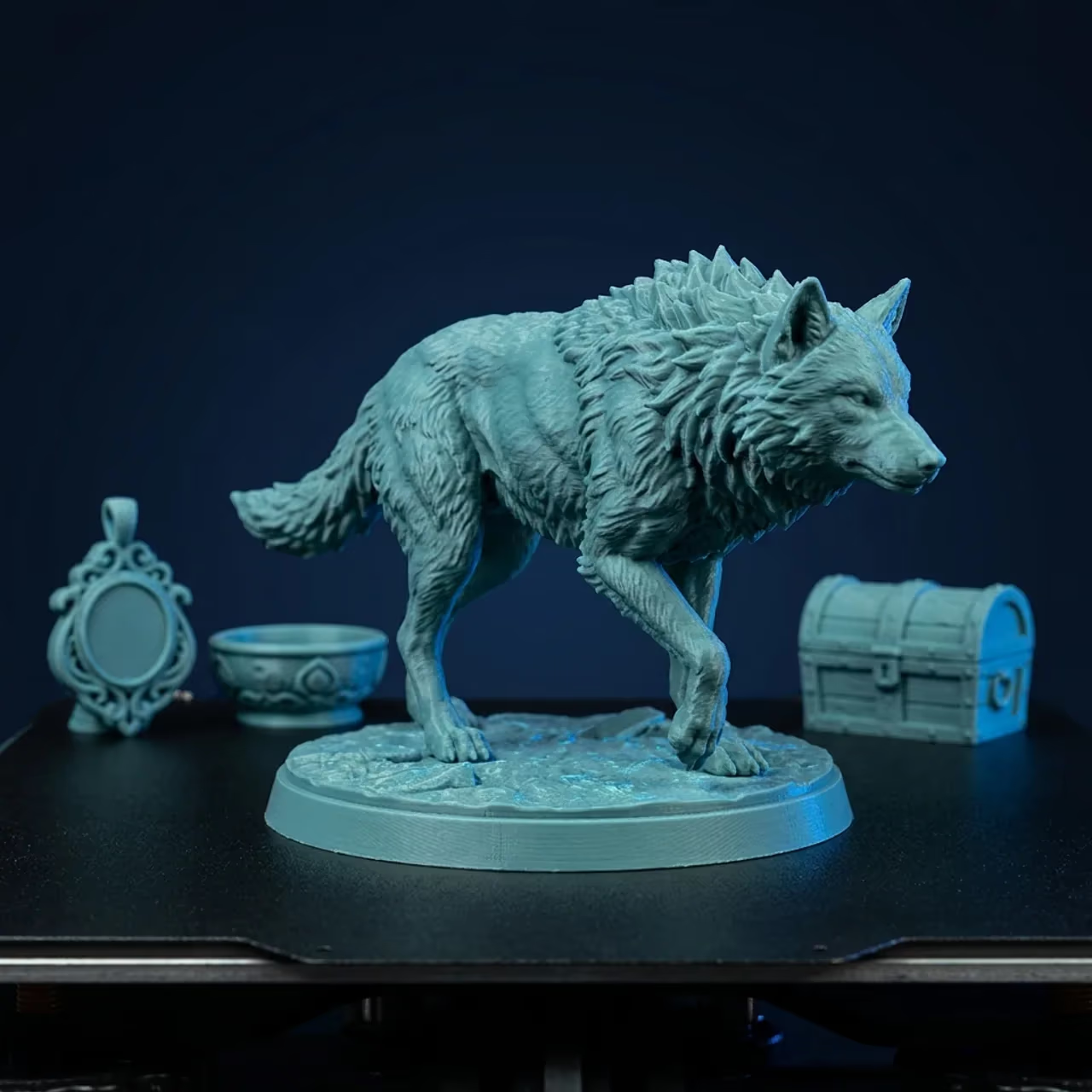
Generate at whatever size the print calls for, from a pendant up to a shelf piece. The print presets pick settings suited to the object instead of leaving you to dig through a menu.
Get the 3D you need without hiring a modeler or becoming one. Whatever the project, the model is ready in minutes and opens in the tools you already use.
Create custom furniture and interior assets from a prompt, a reference photo, or a 3D template, in minutes and with no manual modeling. Clean enough geometry for visualization, concepts, and real-time walkthroughs.
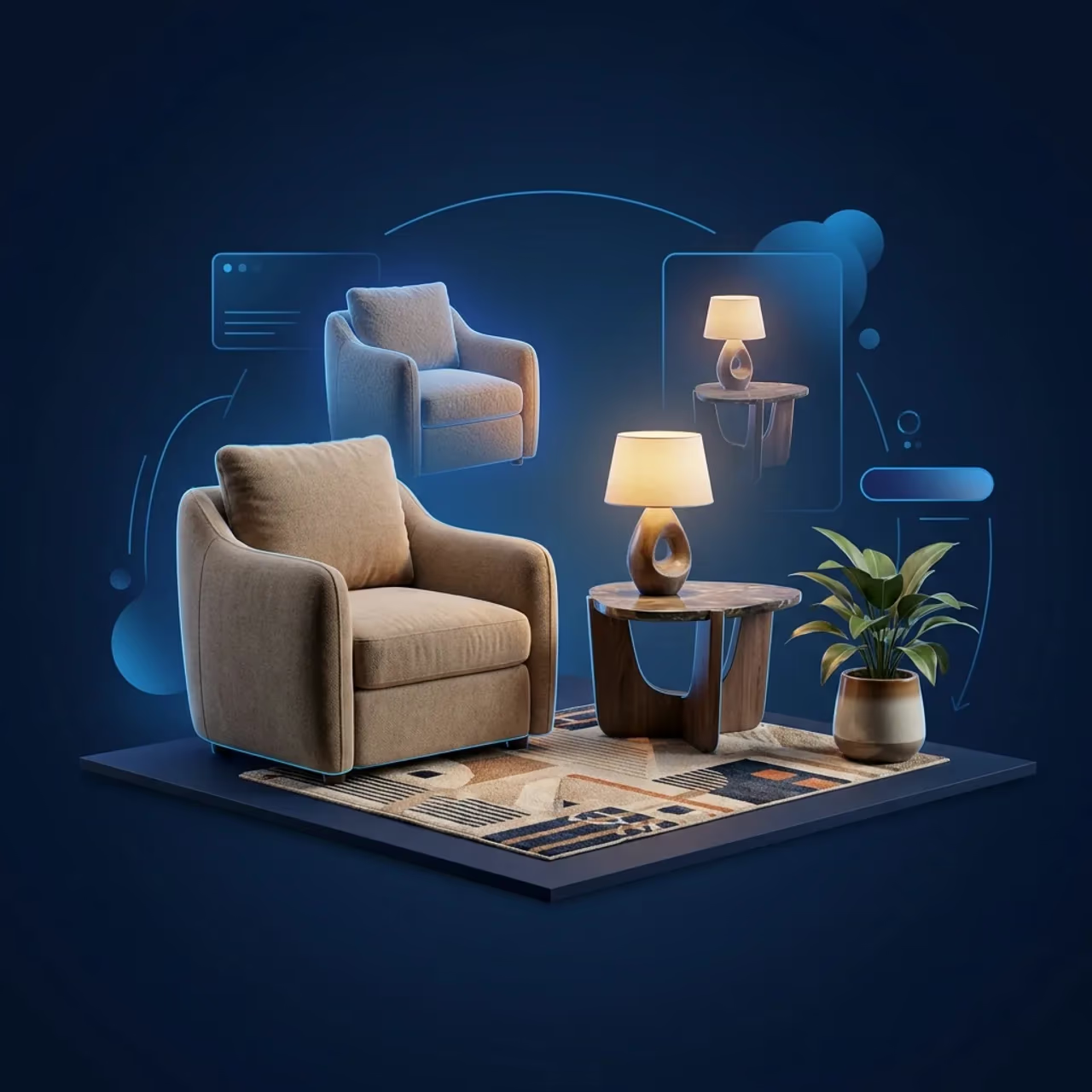
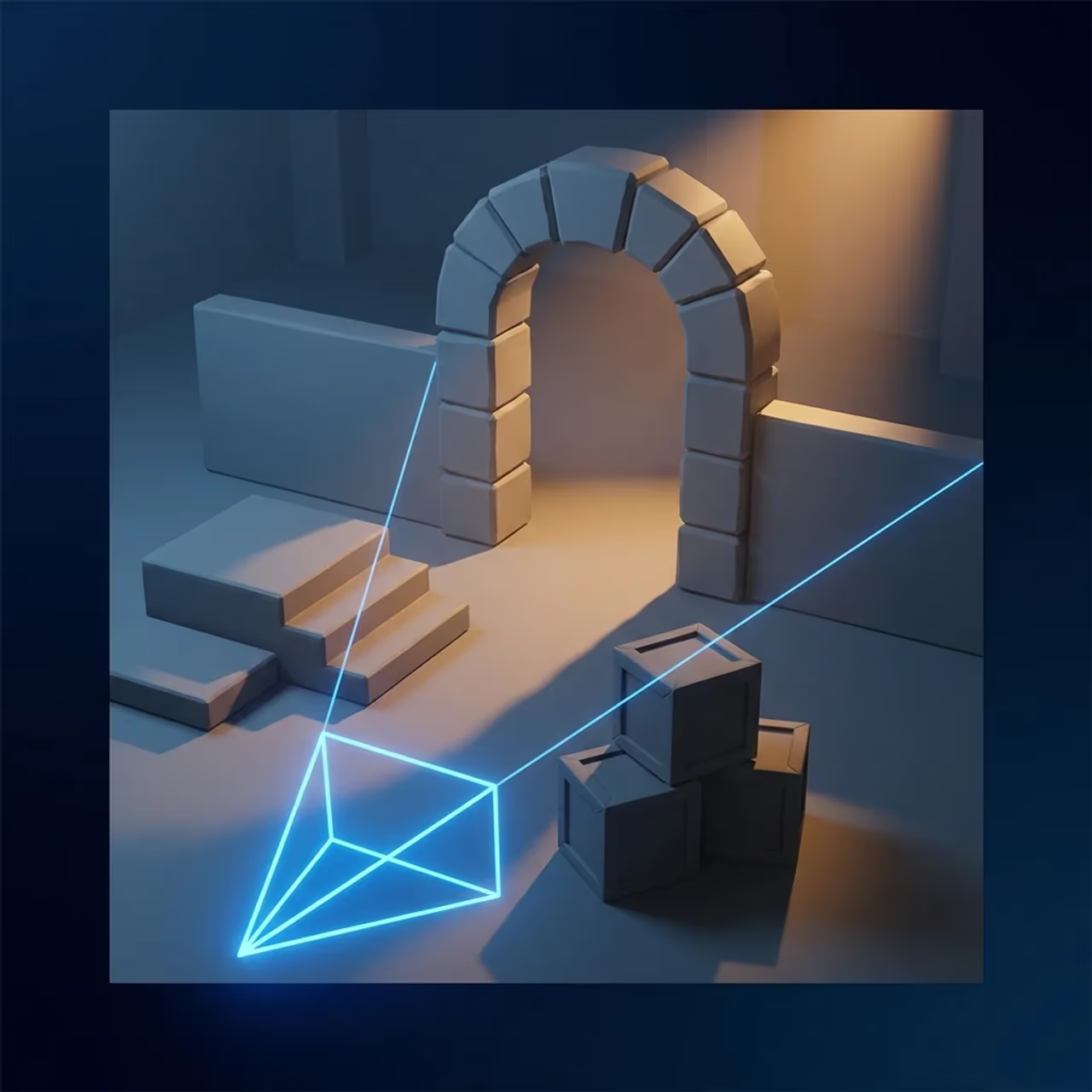
Turn reference images into structured 3D assets for previs, scene blocking, and early planning. Layout, scale, and staging become decisions you make in 3D instead of ones you inherit.
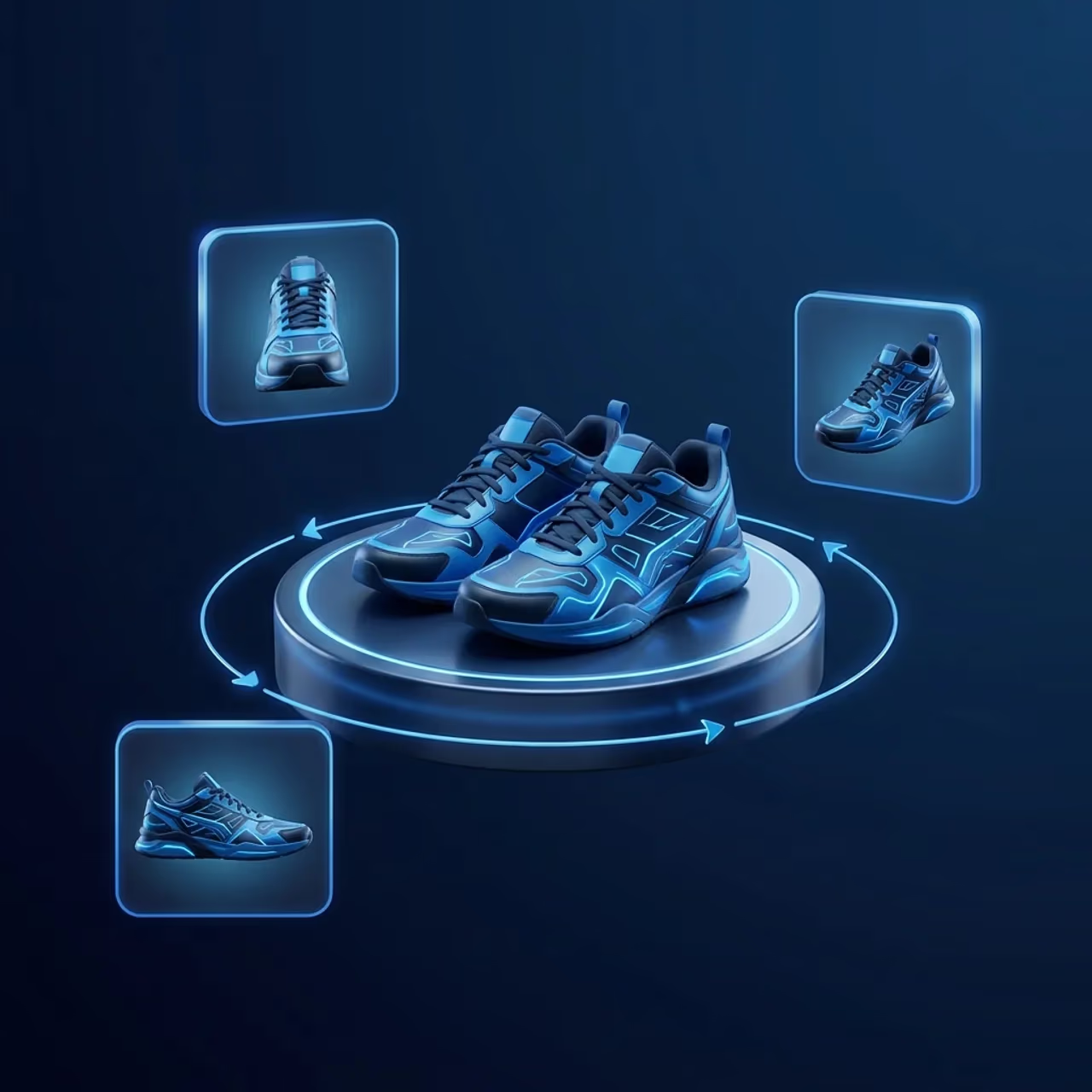
Upload the product shot you already have and get a 3D model back, with no traditional 3D workflow. Drop it into product pages, configurators, AR, or marketing.

Stop building a 3D generation pipeline from scratch. The Sloyd 3D Generation API turns text prompts and images into game ready 3D models in seconds, so your product ships AI powered 3D features instead of maintaining them.
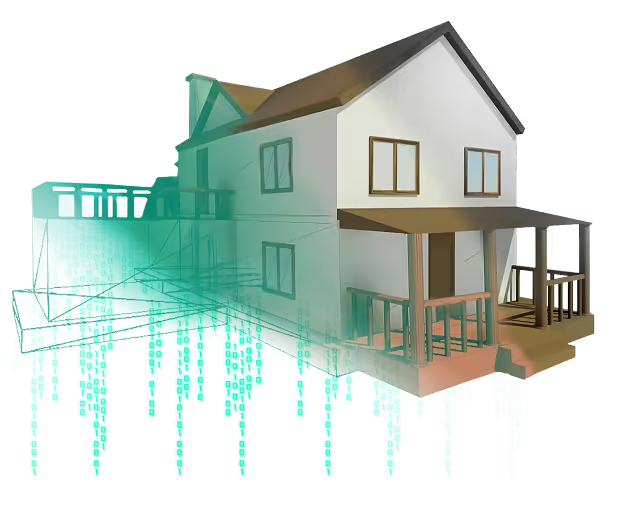
Use our plugins to easily generate 3D assets in the webapp and send them to Unity, Unreal, Blender, or other apps with just a single click.


The full AI toolkit you need to go from idea to ready 3D model in seconds.
Save time prompting and ensure style consistency with one of our many style presets.
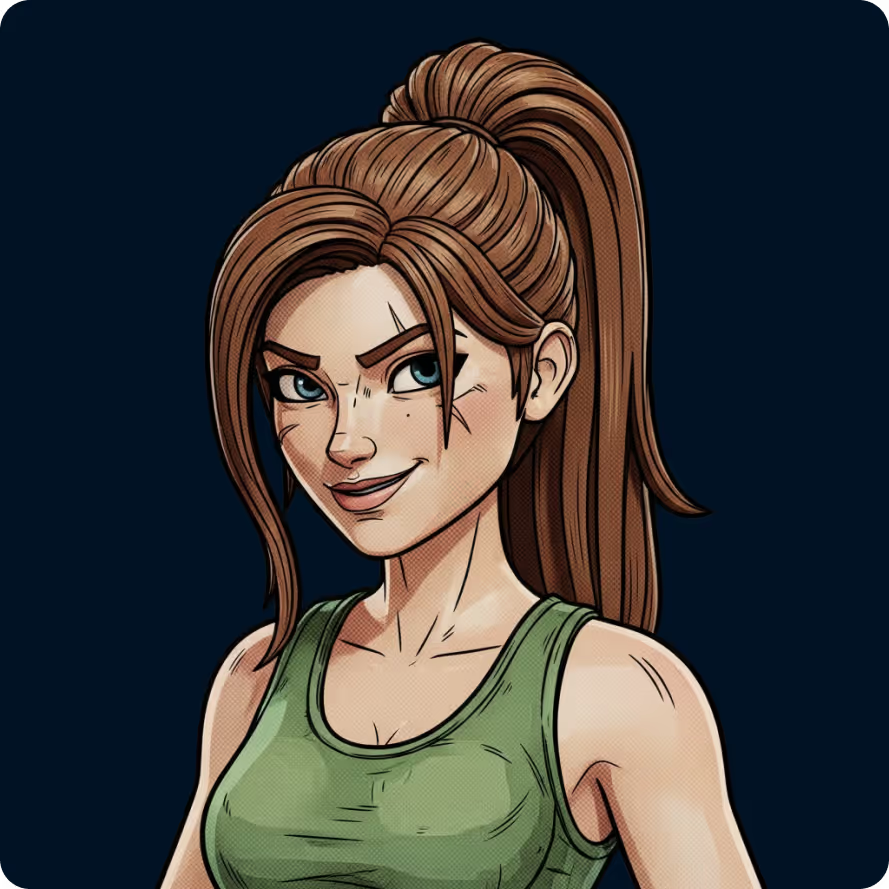
Provide references and generate your own art styles for consistent results.
Upload a reference image and edit easily with text.
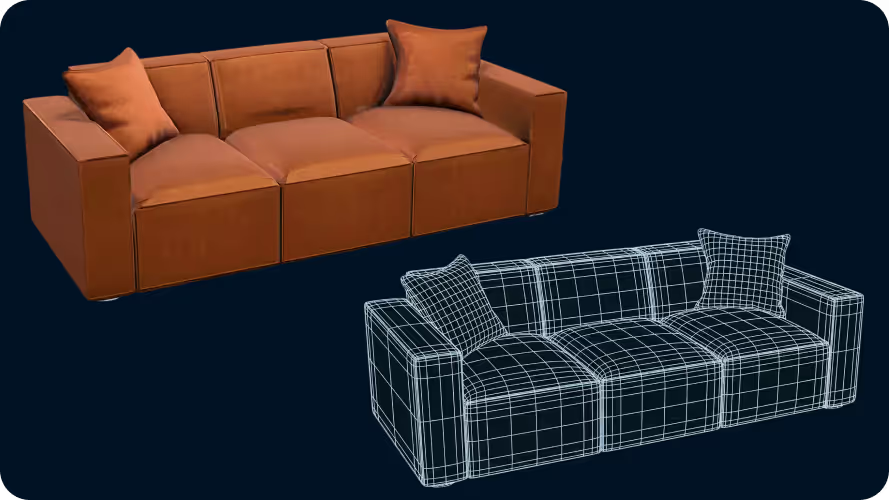
Set target polygon counts, and use quads to prepare for manual editing and animation.
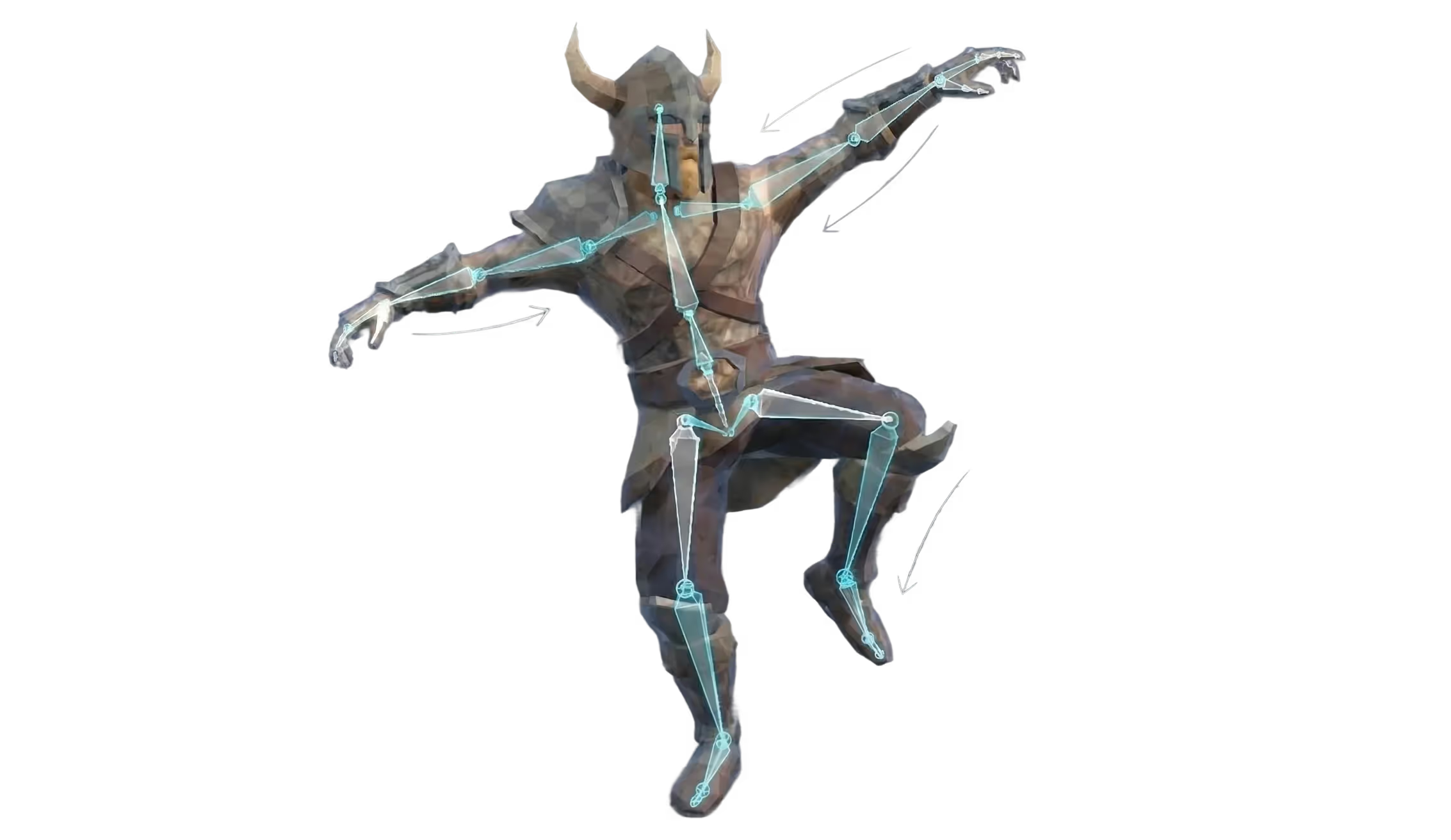
Automatically add rigging with one click, and create animations with AI prompting.
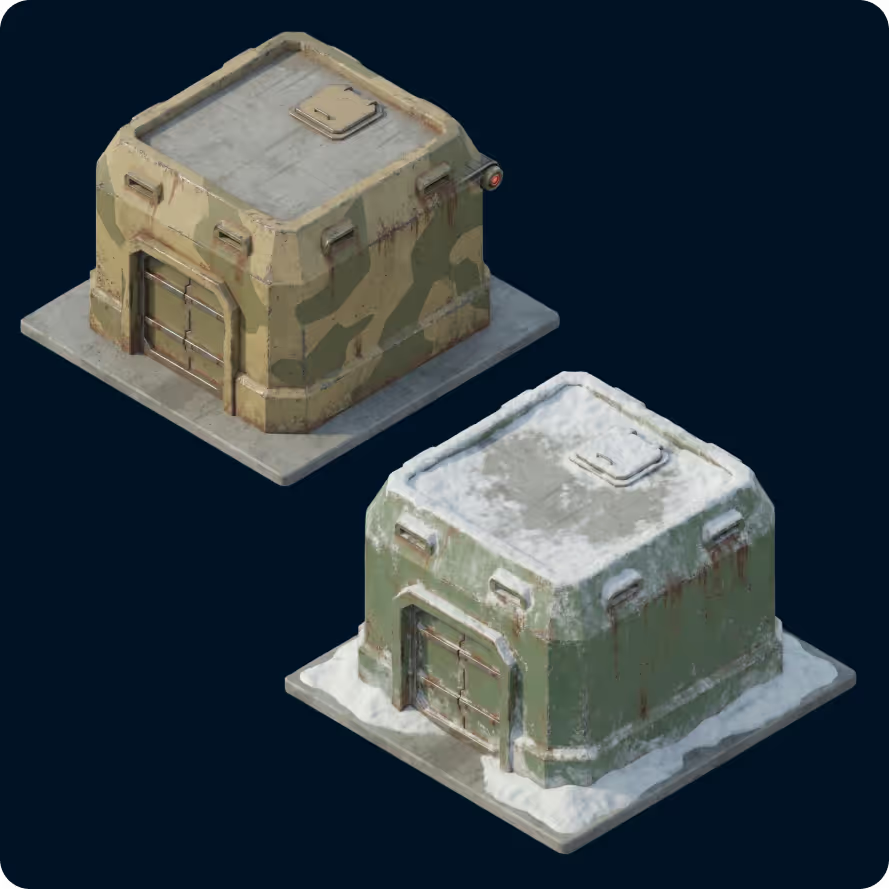
Give an existing 3D model a completely new look.
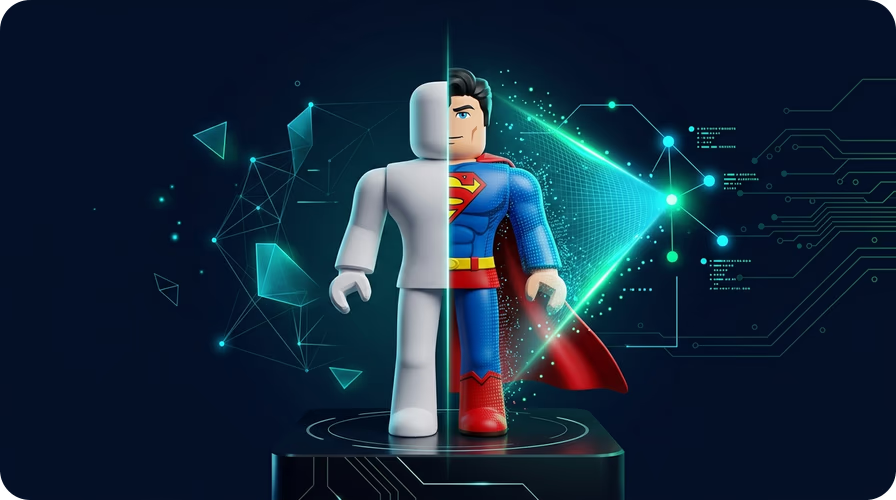
Create avatars ready to drop into Roblox. Choose a base model, and customize it with AI. Complete with rigs, separate parts, and your custom style.

Start free. Generate your first asset in under a minute.