3D Printing
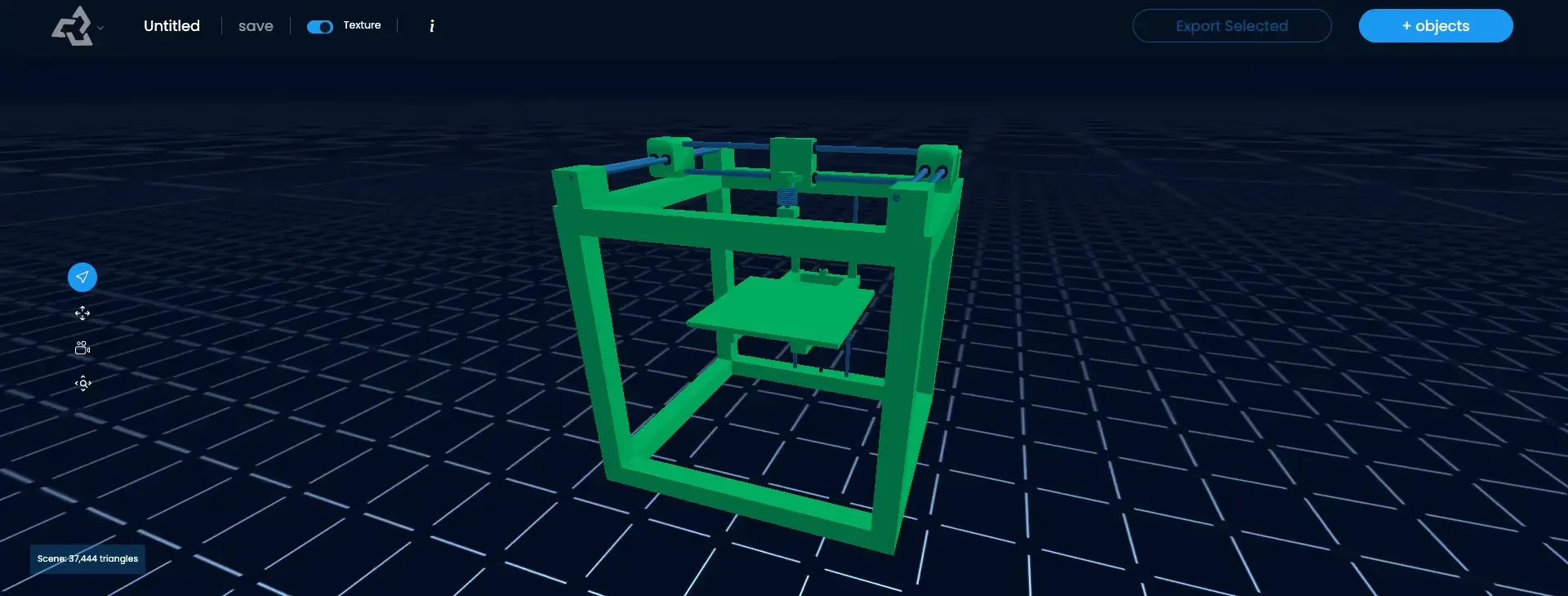
3D printing, or additive manufacturing, is the process of making a physical object from a digital 3D model by adding material layer by layer. Software called a slicer cuts the model into thin layers and creates instructions (G-code) that tell the printer where to deposit or cure material for each layer.
What is 3D Printing?
3D printing turns a digital model into a physical object. Instead of cutting material away, as milling does, a 3D printer adds material only where the object needs it, building it from the bottom up in layers that are often a tenth of a millimeter or thinner. This is why it is also called additive manufacturing.
Hobbyists print miniatures, toys, and replacement parts. Designers and engineers print prototypes. Small businesses print custom products, jewelry molds, and merchandise on demand.
The 3D Printing Workflow
- Model: create or download a 3D mesh.
- Prepare: make sure it is a watertight mesh with enough wall thickness and the right scale. See print-ready.
- Export: save it as STL, 3MF, or OBJ.
- Slice: a slicer such as Bambu Studio, OrcaSlicer, PrusaSlicer, or Cura cuts the model into layers, adds supports, and writes G-code.
- Print: the printer runs the G-code layer by layer.
- Finish: remove supports, clean or cure the part, and sand or paint if needed.
Common 3D Printing Technologies
| Technology | Material | Strengths | Typical use |
|---|---|---|---|
| FDM | Plastic filament (PLA, PETG, ABS) | Low cost, large parts, multi-color | Prototypes, functional parts, toys |
| Resin (SLA, MSLA) | Liquid photopolymer | Very fine detail, smooth surfaces | Miniatures, jewelry, dental |
| SLS | Nylon powder | Strong parts, no supports needed | Professional and industrial parts |
3D Printing in Sloyd
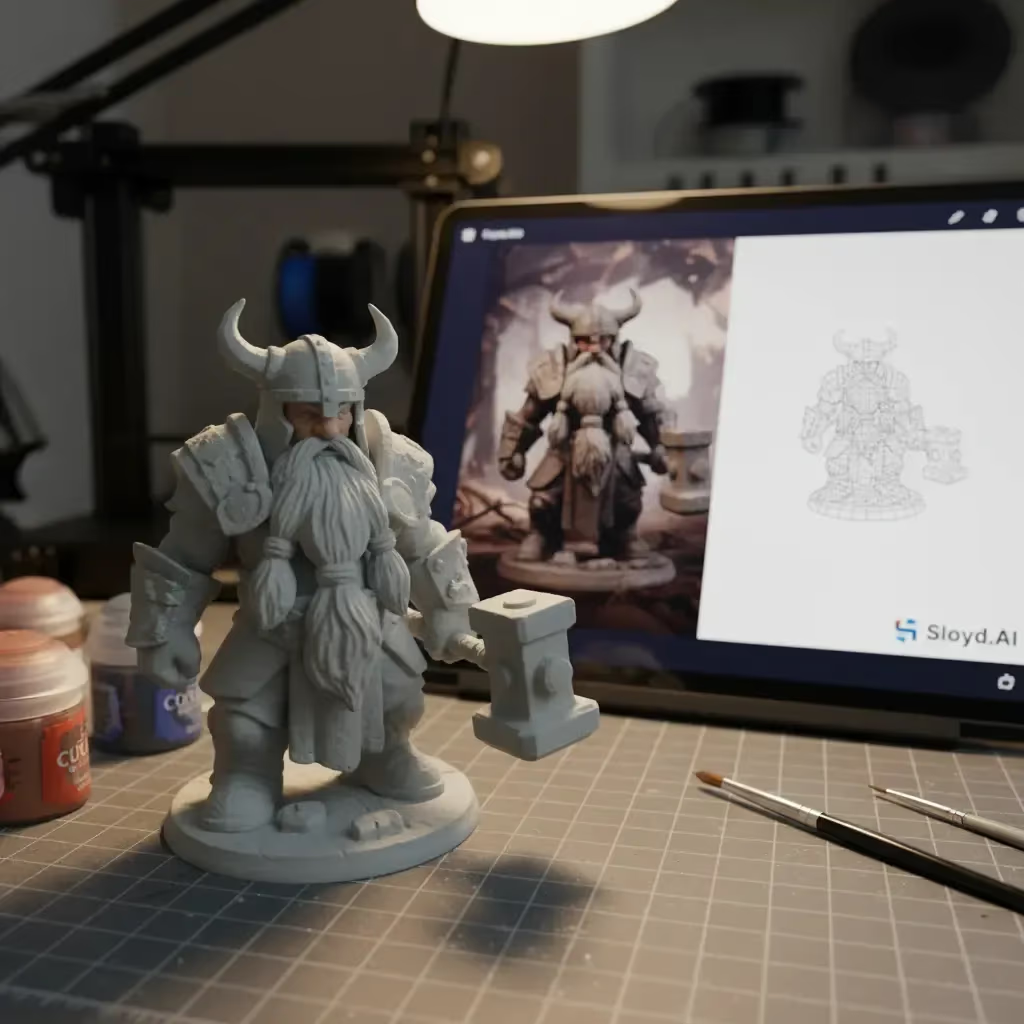
Sloyd creates printable models from a text prompt, a photo, or a sketch. Its 3D printing export list includes 3MF, STL, OBJ, PLY, and BLEND, and you can send a model straight to Bambu Studio or OrcaSlicer. Generations can go up to 500K triangles, so fine detail survives on resin and fine-nozzle prints. Multicolor Print maps colors to filament slots for multi-material printers, and apps such as Image to 3D Print and Add a Base handle common print jobs. See the full workflow on the 3D printing use case page. Selling 3D prints commercially needs a separate custom license on every plan.