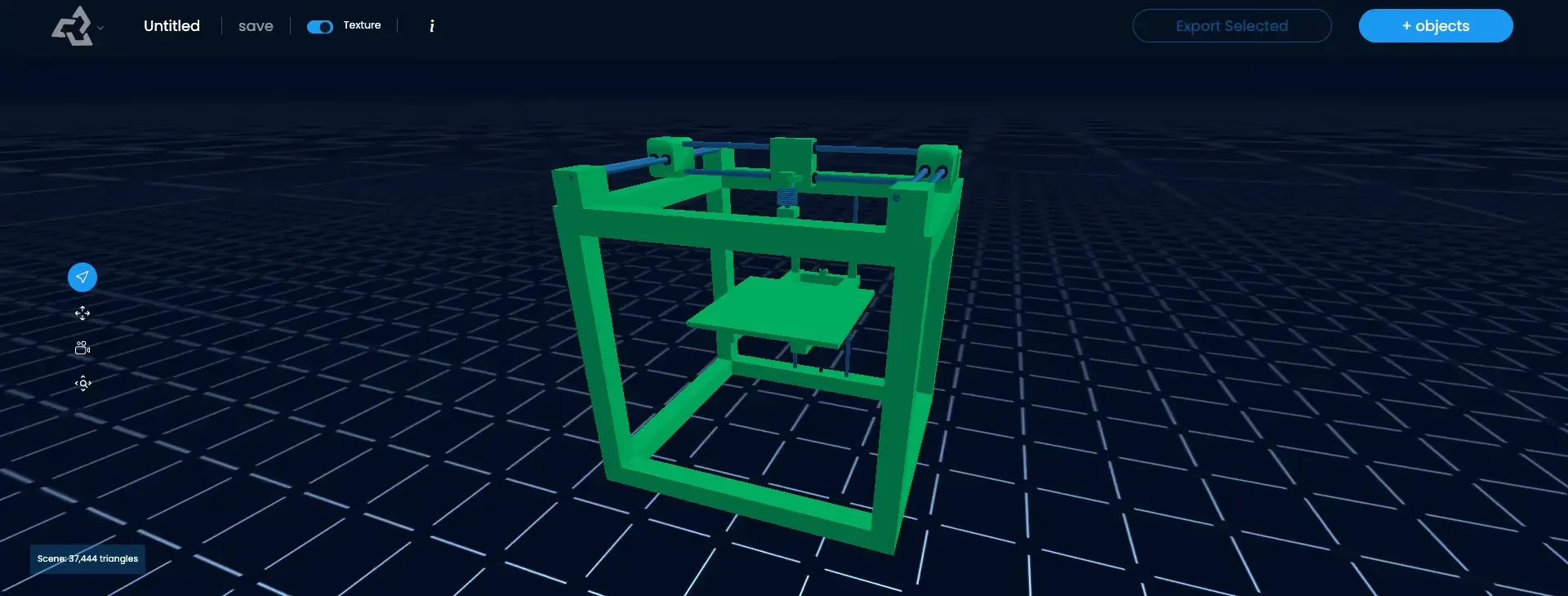
Print-Ready Model
A print-ready model is a 3D model that is prepared to print successfully as is. It is a watertight, manifold mesh with walls and details thick enough for the printer, it is at the correct real-world scale, it sits stably on the build plate with manageable overhangs, and it is exported in a format the slicer reads, such as STL or 3MF.
What is a Print-Ready Model?
A print-ready model is a 3D file you can slice and print without fixing it first. Many 3D models are made for screens: they can have open surfaces, paper-thin parts, floating pieces, or no defined size. Those details do not matter in a render, but they cause failed or fragile prints. Making a model print-ready means fixing those issues before the slicer sees it.
The Print-Ready Checklist
| Check | Why it matters |
|---|---|
| Watertight mesh | The slicer must know inside from outside to fill the layers |
| Minimum wall thickness | Thin walls do not print or break easily |
| Minimum detail size | Details smaller than the nozzle or resin resolution disappear |
| Correct scale and units | The part prints at the intended size; 3MF stores the units |
| Stable base | A flat bottom improves bed adhesion and keeps the part upright |
| Overhangs and supports | Steep overhangs (often beyond about 45°) need supports or a different orientation |
| Single solid or intended parts | Floating pieces fall off; multi-part prints need tolerances |
| Slicer format | Export as STL, 3MF, or OBJ |
Common Fixes
- Holes or non-manifold edges: use the repair in your slicer, or a voxel remesh.
- Thin parts: scale the model up, or thicken those parts.
- Unstable base: cut the bottom flat or add a base.
- Large models: split them into parts that fit the build volume.
Print-Ready Models in Sloyd
Sloyd generates closed meshes intended for printing and exports them in a print list of 3MF, STL, OBJ, PLY, and BLEND. You can send a model straight to Bambu Studio or OrcaSlicer, where you set the scale, supports, and orientation. To make a model stand on its own, the Add Base for 3D Printing app adds a display base, and Split to Parts divides large models into pieces. For a full walkthrough from prompt or photo to print, see the 3D printing use case page. Selling 3D prints commercially needs a separate custom license on every plan.