How to Convert JPEG to STL for 3D Printing
Convert JPEG images to 3D-printable STL files with AI. Free guide to turning photos and logos into print-ready models using Sloyd.
Turning a flat 2D image into a physical 3D printed object feels like magic, but for many makers, the workflow can be a headache. Whether you are trying to print a custom logo, bring a game sketch to life, or create a unique cookie cutter, the gap between a JPEG and a 3D printer-ready STL file is often filled with complex CAD software.
Fortunately, AI tools have revolutionized this process. If you are looking for the best free tools for 3D modeling and conversion, you no longer need to master Blender or ZBrush. With Sloyd, you can bridge the gap between imagination and creation in seconds.
Why Convert JPEG to STL?
Most 3D printers, from entry-level Enders to high-end Bambu Labs, run on STL (stereolithography) files. These files describe the surface geometry of a 3D object. A JPEG, on the other hand, is just a grid of colored pixels. To get from A to B, you need a tool that can "read" the image and interpret depth, shape, and structure.
Common use cases include:
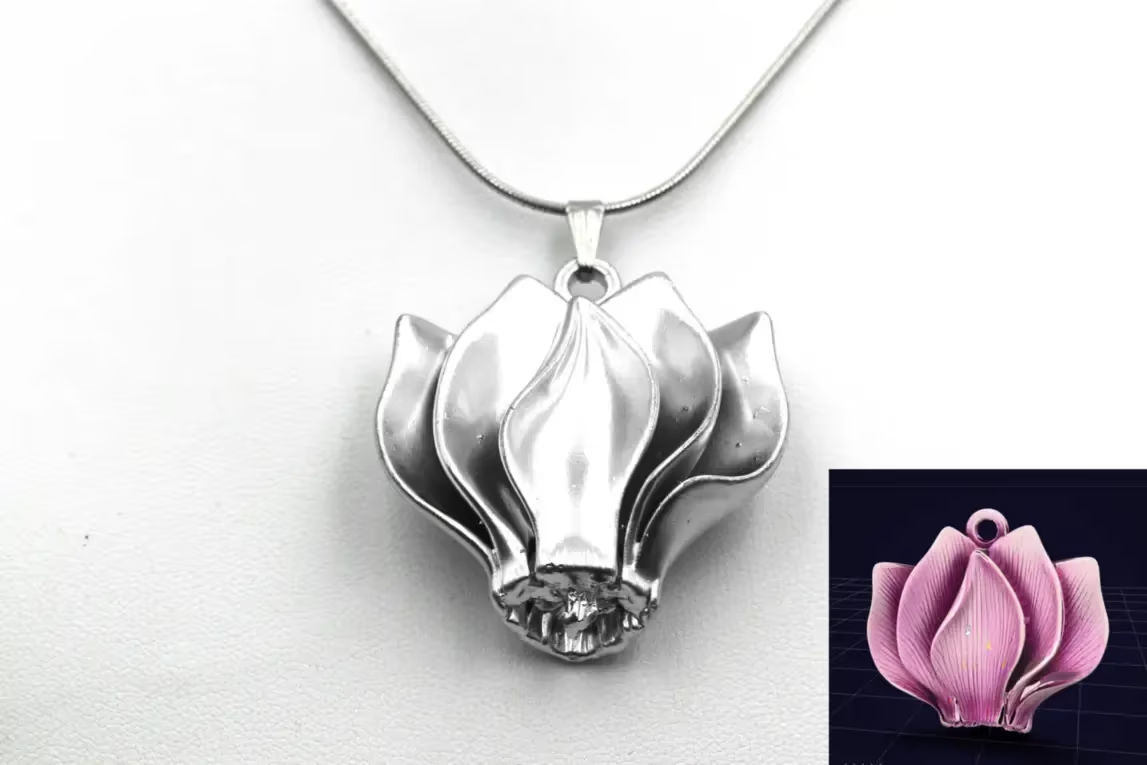
- Logos and Badges: Extruding 2D designs for branding.
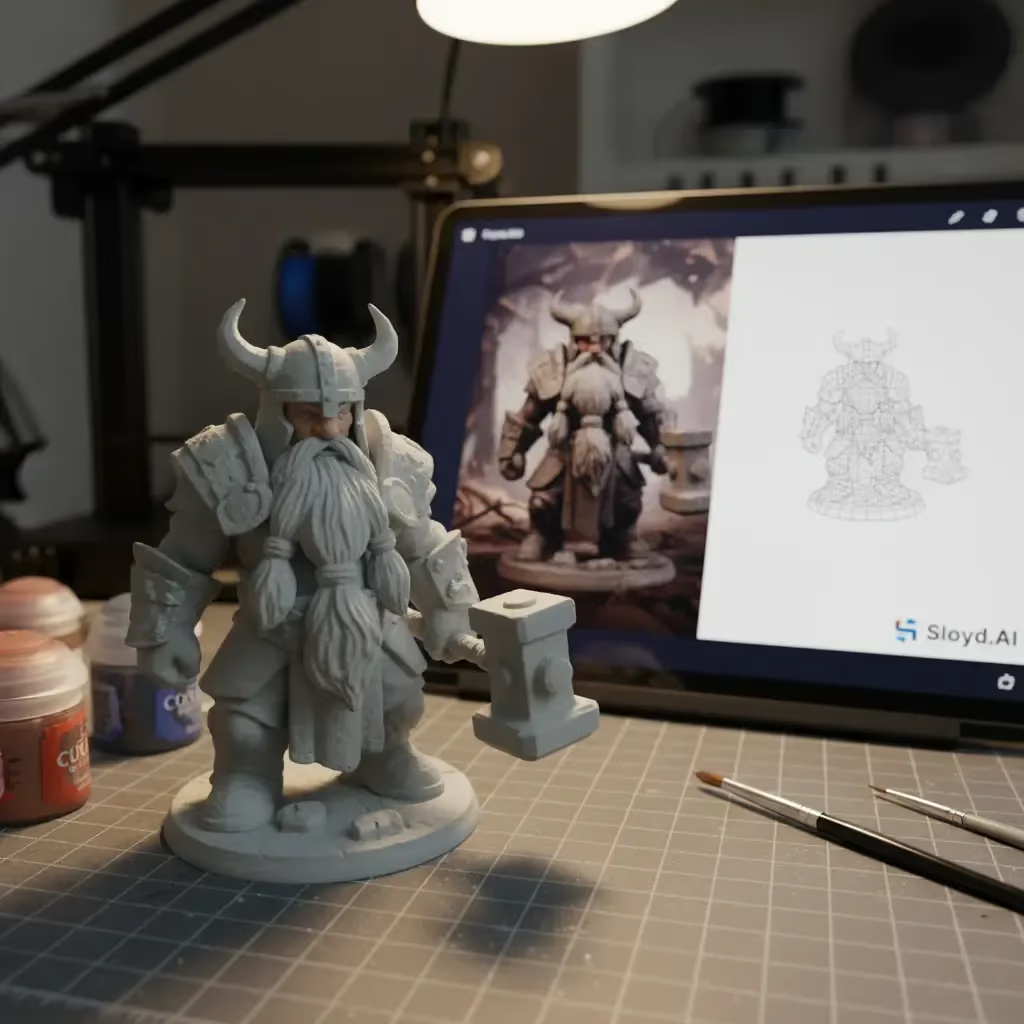
- Miniatures: Turning character concept art into tabletop figures.
- Lithophanes: Creating 3D photos that reveal images when backlit.
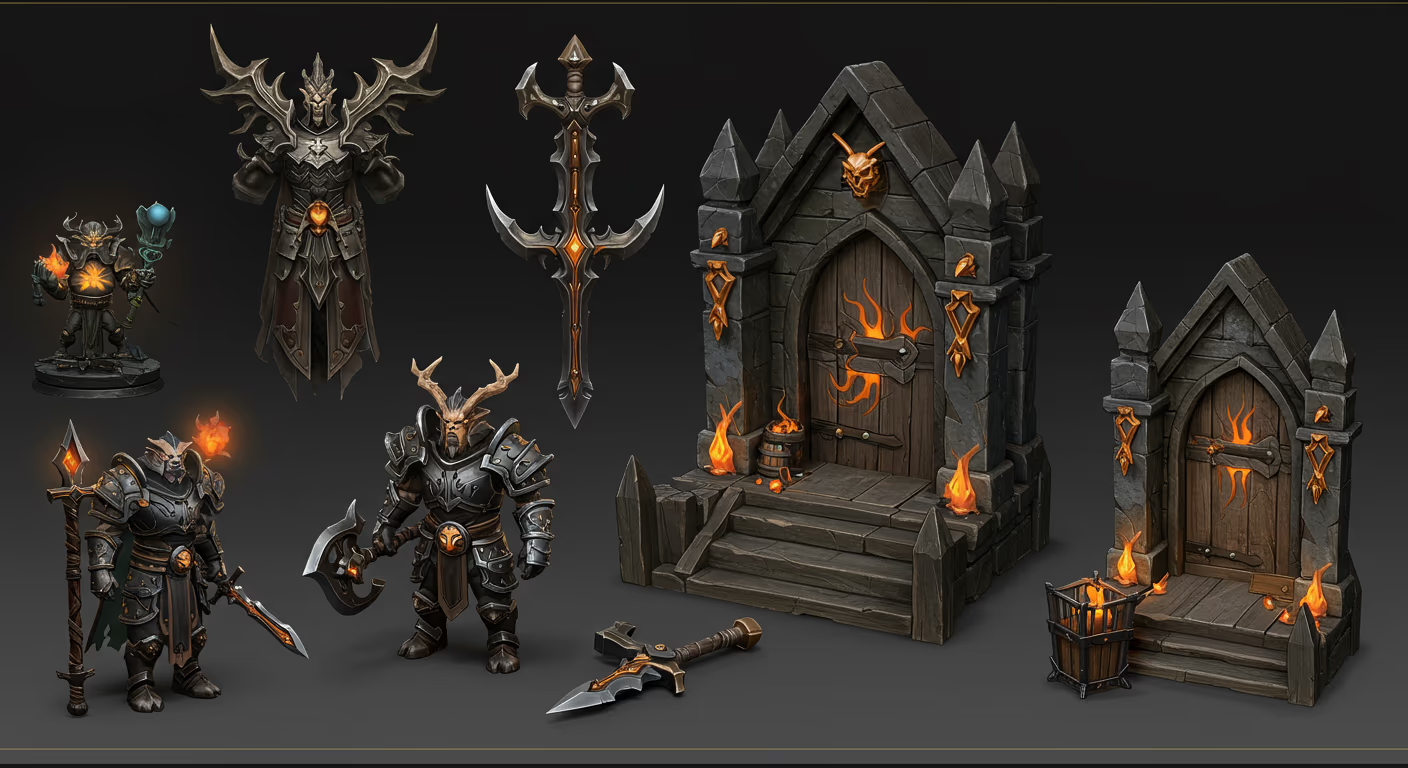
- Props: Recreating items from video games or movies based on screenshots.
How to Convert Images with Sloyd
Sloyd simplifies the JPEG to STL conversion process by using generative AI to interpret your image. Unlike basic "height map" converters that just make dark pixels high and light pixels low, Sloyd’s Image to 3D AI understands the object in the photo.
Here is the simple workflow:
- Upload Your Image: Navigate to the Sloyd Image-to-3D app. You can drag and drop your JPEG directly into the interface.
- Optimize for Printing: This is the most crucial step. In the settings, ensure you select the "3D Print" quality preset. This tells the AI to generate a "watertight" or manifold model, ensuring there are no holes or thin walls that would cause your slicer software to fail.
- Refine and Generate: Click generate. In moments, your 2D image becomes a rotatable 3D model.
- Export: Once satisfied, download your model. You can then easily convert it to STL using standard tools or import it directly into your slicer if it supports OBJ/GLB.
Tips for High-Quality Conversions
To get the best results from the AI, the quality of your input image matters. Follow these tips to ensure your STL requires minimal cleanup:
- Clean Backgrounds: Remove clutter. A plain white or black background helps the AI focus solely on the object.
- Even Lighting: Avoid harsh shadows or overexposed spots. Shadows can sometimes be misinterpreted as physical shapes by the AI.
- Single Objects: Keep it focused. The AI performs best when analyzing a single, clear subject rather than a busy scene.
- Simple Angles: Straight-on views or isometric angles usually yield the most accurate structural interpretations.
| Image Factor | Recommendation | Why it Matters |
|---|---|---|
| Background | Plain White or Black | Prevents the AI from merging clutter into your object. |
| Lighting | Soft, Even Lighting | Harsh shadows can be misinterpreted as physical geometry. |
| Composition | Single Subject | Ensures the AI focuses on one distinct mesh structure. |
| Perspective | Isometric or Front-facing | Provides the best depth cues for 3D reconstruction. |
Why Sloyd is the Superior Choice
When looking for the best free tools for 3D modeling, you might encounter competitors like Meshy or crude online converters. However, Sloyd stands out for several key reasons:
- Unlimited Creativity: Unlike competitors that charge you per generation or lock you into a credit system, Sloyd offers unlimited generations. You can iterate on your JPEG conversion fifty times until it’s perfect without paying a cent.
- The Template Advantage: Sometimes AI needs a helping hand. Sloyd is unique because it also offers a Template Editor. If your image conversion isn't perfect, you can use parametric templates to build the base of your object instantly.
- Complete Suite: From Text-to-3D to Image-to-3D, Sloyd provides a full toolbox for creators.
| Feature | Sloyd | Standard Converters / Competitors |
|---|---|---|
| Generation Limit | **Unlimited generations** | Credit-based or Pay-per-download |
| Conversion Tech | AI Object Understanding | Basic Height Maps / Displacement |
| Print Readiness | Dedicated "3D Print" (Watertight) Preset | Often non-manifold (requires repair) |
| Editing Tools | Parametric Template Editor | None (Static mesh only) |
Ready to start printing? Visit the Sloyd App today and turn your flat JPEGs into physical reality.