Image to 3D Print: AI 3D Model Generator
Turn any image into a 3D-printable figurine with AI. Sloyd creates a print-ready model from your photo in seconds. Export as STL, GLB, or FBX.
From photo to printable 3D model
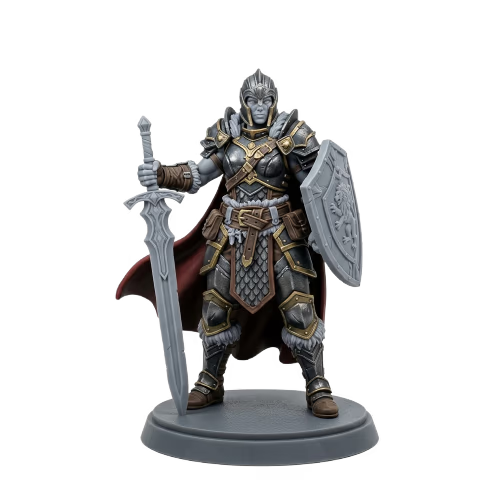
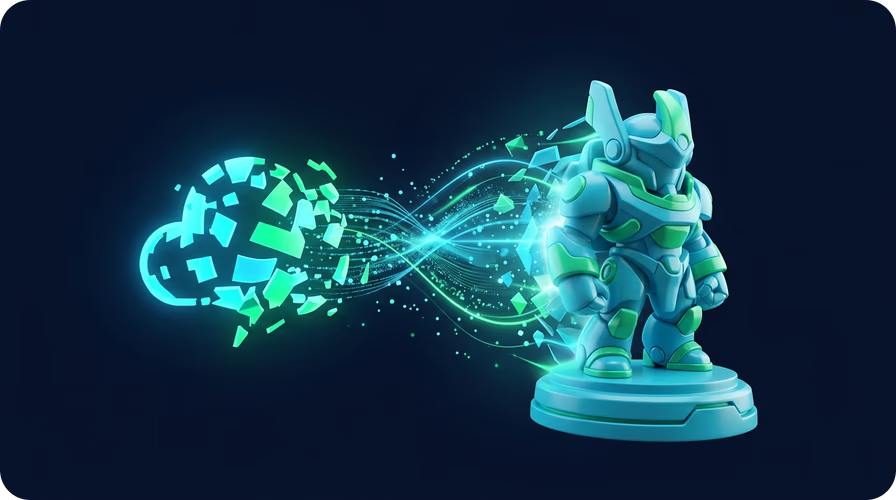
Sloyd's AI transforms any photo into a stylized 3D figurine with smooth, printable surfaces. The model includes clean geometry and optional bases designed for stable printing on both FDM and resin printers.
Export as STL, GLB, FBX, or OBJ
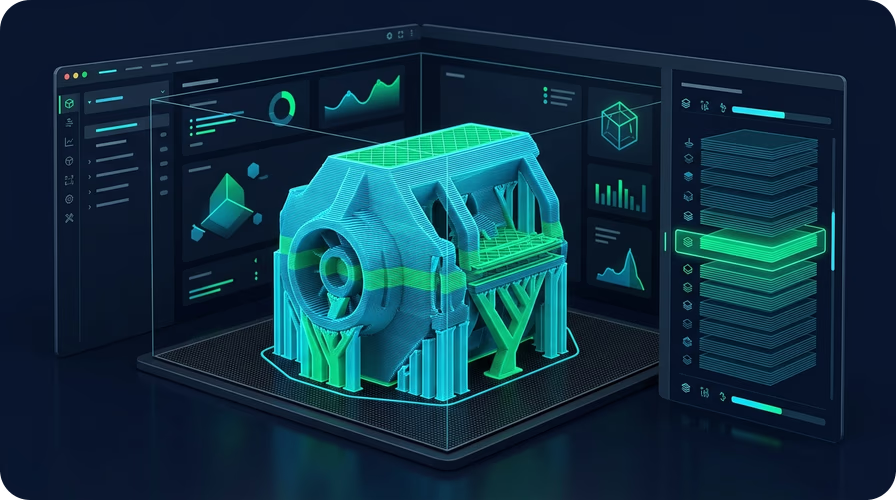
Export your model in the format you need. STL for 3D printing slicers, GLB for game engines and web viewers, FBX for animation pipelines, or OBJ for Blender and other 3D tools.
Custom figurines, miniatures, and gifts
Create custom figurines, tabletop miniatures, desk decorations, or personalized gifts. The AI handles the complex 3D modeling so you can focus on printing and enjoying the result.
How to turn an image into a 3D print
- 1
1. Upload your image
Open the Image to 3D Print app and upload a photo of what you want to print. JPG and PNG formats are supported. Use a clear image with the subject centered.
- 2
2. AI creates your 3D model
Sloyd's AI transforms your image into a stylized 3D figurine with smooth surfaces and clean geometry. The process takes seconds.
- 3
3. Export and print
Export as STL and send to your 3D printer or slicing software. Also available as GLB, FBX, and OBJ for use in game engines and 3D tools.
Frequently Asked Questions
What types of images can I turn into 3D prints?
The app works with photos of people, pets, objects, characters, toys, and more. For best results, use a clear image with the subject centered and a simple background.
Are the 3D models ready to print without editing?
Yes. The AI generates watertight models with smooth surfaces and optional bases. Export as STL and send directly to your slicer. Works with both FDM and resin printers.
What file formats can I export?
You can export as STL for 3D printing, GLB for game engines and web, FBX for animation software, and OBJ for general 3D tools like Blender.