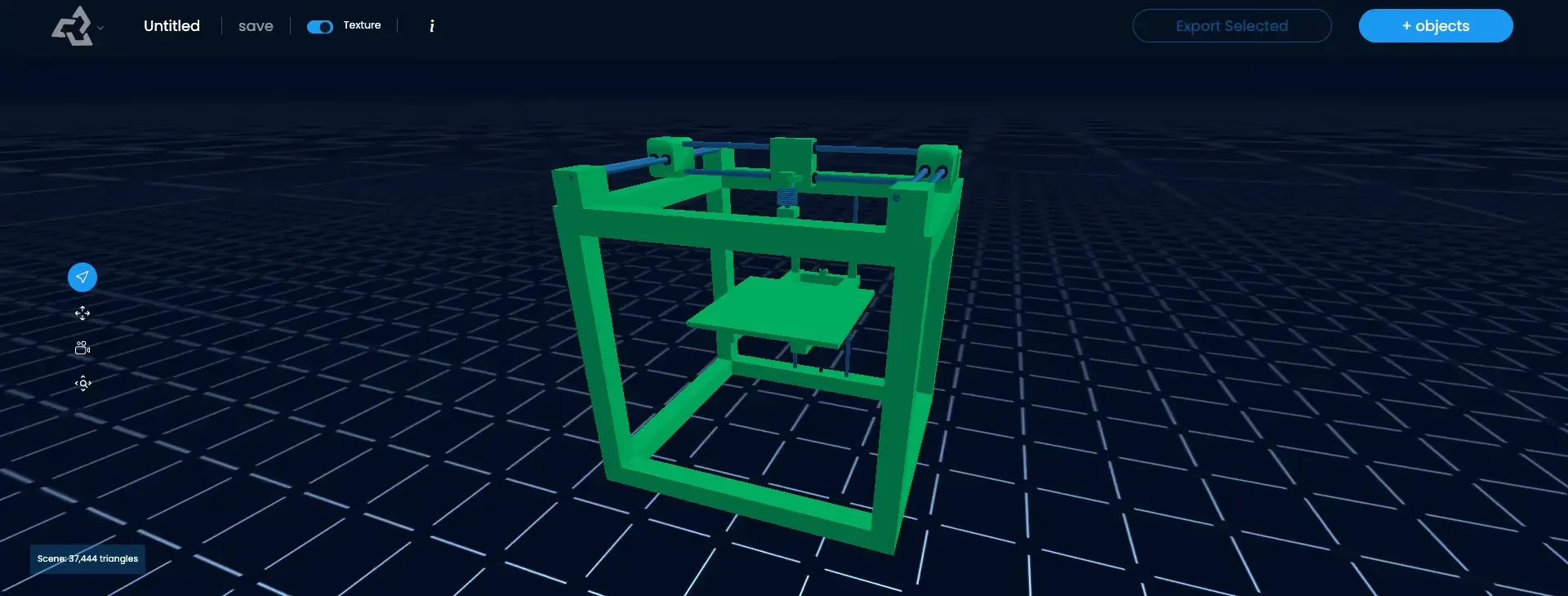
Watertight Mesh
A watertight mesh, also called a manifold mesh, is a 3D surface that is completely closed: every edge is shared by exactly two faces, there are no holes or gaps, and the normals point consistently outward. Because it has a clear inside and outside, slicers can turn it into solid printable layers.
What is a Watertight Mesh?
A watertight mesh is a closed surface with no openings. The usual test is simple: if the model were a container, water poured inside would not leak out. In geometry terms, a watertight mesh is manifold:
- Every edge is shared by exactly two faces. No open borders and no edges where three or more faces meet.
- There are no holes or gaps between faces.
- Normals are consistent, all pointing outward.
- There are no self-intersections or duplicate overlapping faces.
These rules give the model a clear inside and outside. Rendering does not need that, which is why game and film models are often open or made of separate floating parts. 3D printing does need it.
Why Slicers Need Watertight Meshes
A slicer turns a mesh into G-code by cutting it into thin horizontal layers and filling each layer between the outer walls. To do that, it has to know which side of every face is solid. A hole, a flipped normal, or an internal duplicate face breaks that logic. Typical symptoms are missing walls, unexpected gaps in a layer, stray strands, or a slicer that refuses the file.
Common Non-Manifold Errors
| Error | What it is | Typical fix |
|---|---|---|
| Holes | Missing faces leave an open border | Fill holes |
| Non-manifold edge | Three or more faces share one edge | Separate or rebuild the area |
| Flipped normals | Some faces point inward | Recalculate normals |
| Self-intersection | Parts of the surface pass through each other | Boolean union or voxel remesh |
| Zero-thickness walls | A single sheet with no volume | Add thickness (solidify) |
Watertight Meshes in Sloyd
Sloyd generates closed meshes intended for printing, and its print export list (3MF, STL, OBJ, PLY, and BLEND) is built for slicers. You can send a model directly to Bambu Studio or OrcaSlicer from the app. Before you print, still let the slicer check the model and confirm wall thickness and scale. For the full print workflow, from a prompt or photo to a finished part, see the 3D printing use case page and the print-ready checklist.