Remesh
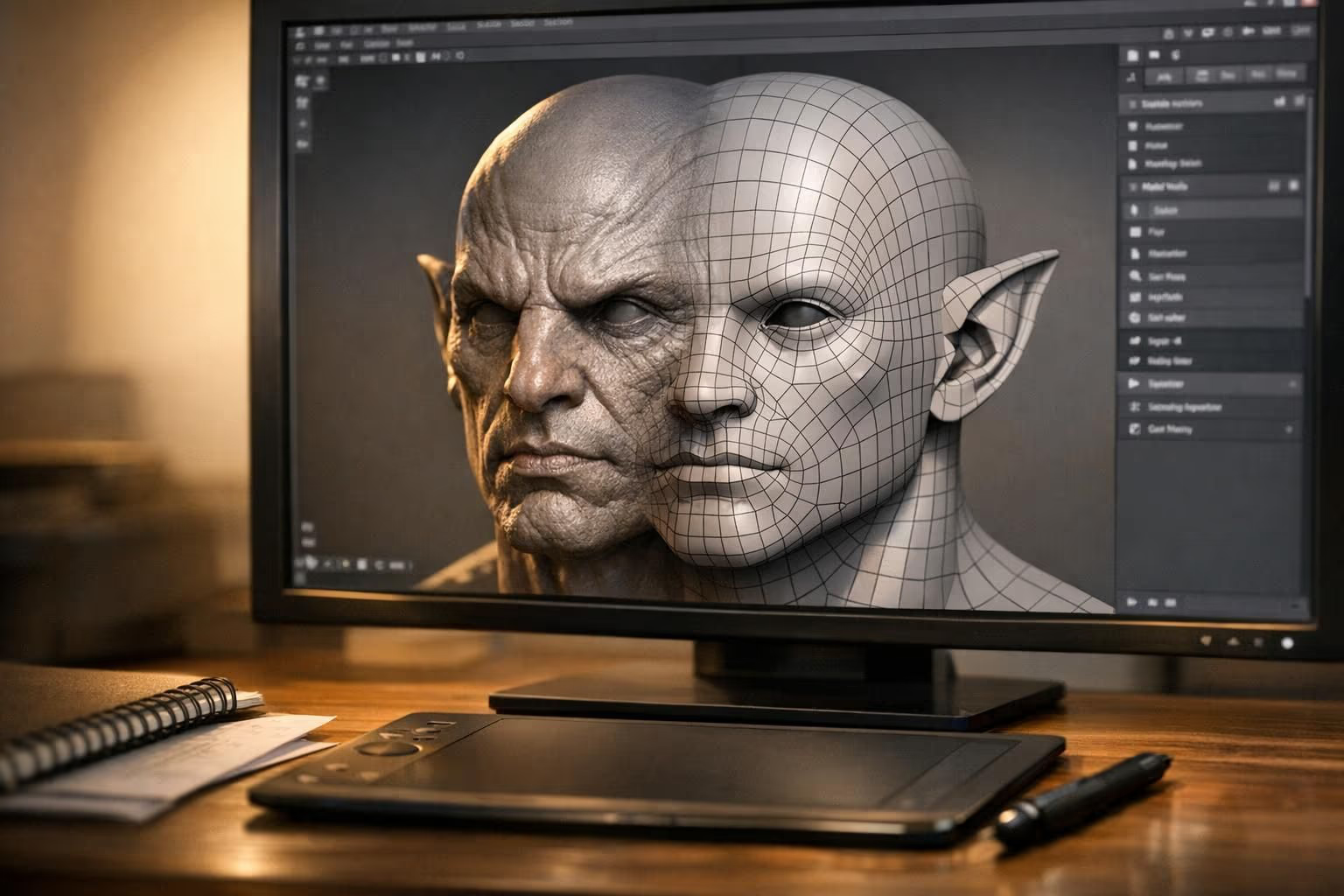
Remeshing is an automatic process that replaces the polygons of a 3D model with a new mesh that follows the same surface. The new mesh is usually more even and built to a target face count or face shape, such as all quads or all triangles. It is used to clean up scans, sculpts, and AI-generated models.
What is Remeshing?
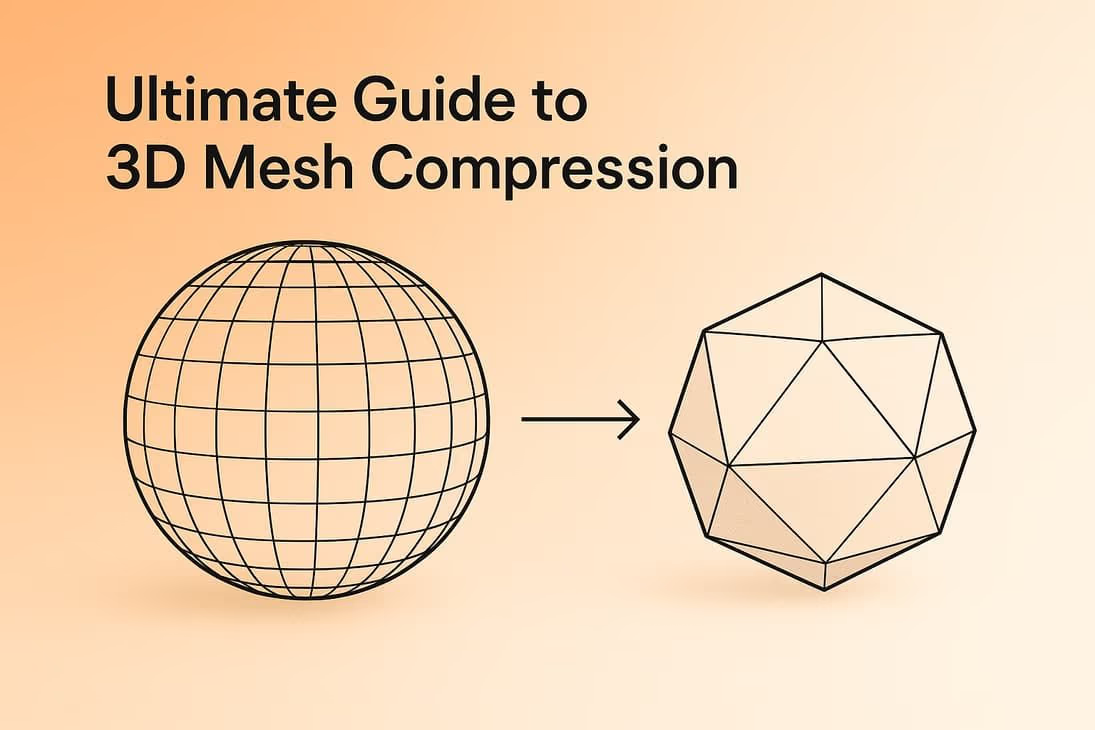
Remeshing rebuilds the surface of a 3D model with new polygons. Instead of editing the existing mesh, the algorithm samples the shape and generates a fresh layout, usually to a requested face count or face shape. The silhouette stays close to the original, and the topology underneath changes completely.
Remeshing is common after steps that produce messy geometry: 3D scans, photogrammetry, digital sculpting, boolean operations, and AI generation. Those meshes are often dense, uneven, or made of long thin triangles that are hard to texture, rig, or render efficiently.
Common Types of Remeshing
| Method | How it works | Good for |
|---|---|---|
| Voxel remesh | Converts the model to voxels and back to a surface | Closing holes, merging parts, sculpt bases, print preparation |
| Quad remesh | Builds an even all-quad mesh that follows the curvature | Animation-friendly bases, subdivision, editing in DCC tools |
| Triangle remesh | Builds evenly sized triangles at a target count | Real-time assets, simulation, consistent shading |
Remesh vs Decimate vs Retopology
- Decimation removes faces from the existing mesh. It is fast and keeps UVs, which suits static props and print files.
- Remeshing creates a new mesh automatically. It gives even faces and a chosen face type, but the UVs and textures usually need to be rebuilt or baked again.
- Retopology is the broader job of producing a clean, efficient mesh with intentional edge flow. It can be manual or start from a quad remesh.
Remeshing in Sloyd
In Sloyd, you set the budget at generation time rather than remeshing afterwards. Text to 3D and Image to 3D take a target face count and a topology of auto, quads, or triangles, and Sloyd builds the output to that target. That is why a Sloyd model can go into an engine or a slicer without a separate cleanup pass. If you need a lighter version of a model you already have, the Decimate tab in Mesh Modifiers reduces its triangle count in the browser with a live preview. Our guide to Mesh Modifiers covers polycount targets by platform and when a desktop remesher is the better tool.