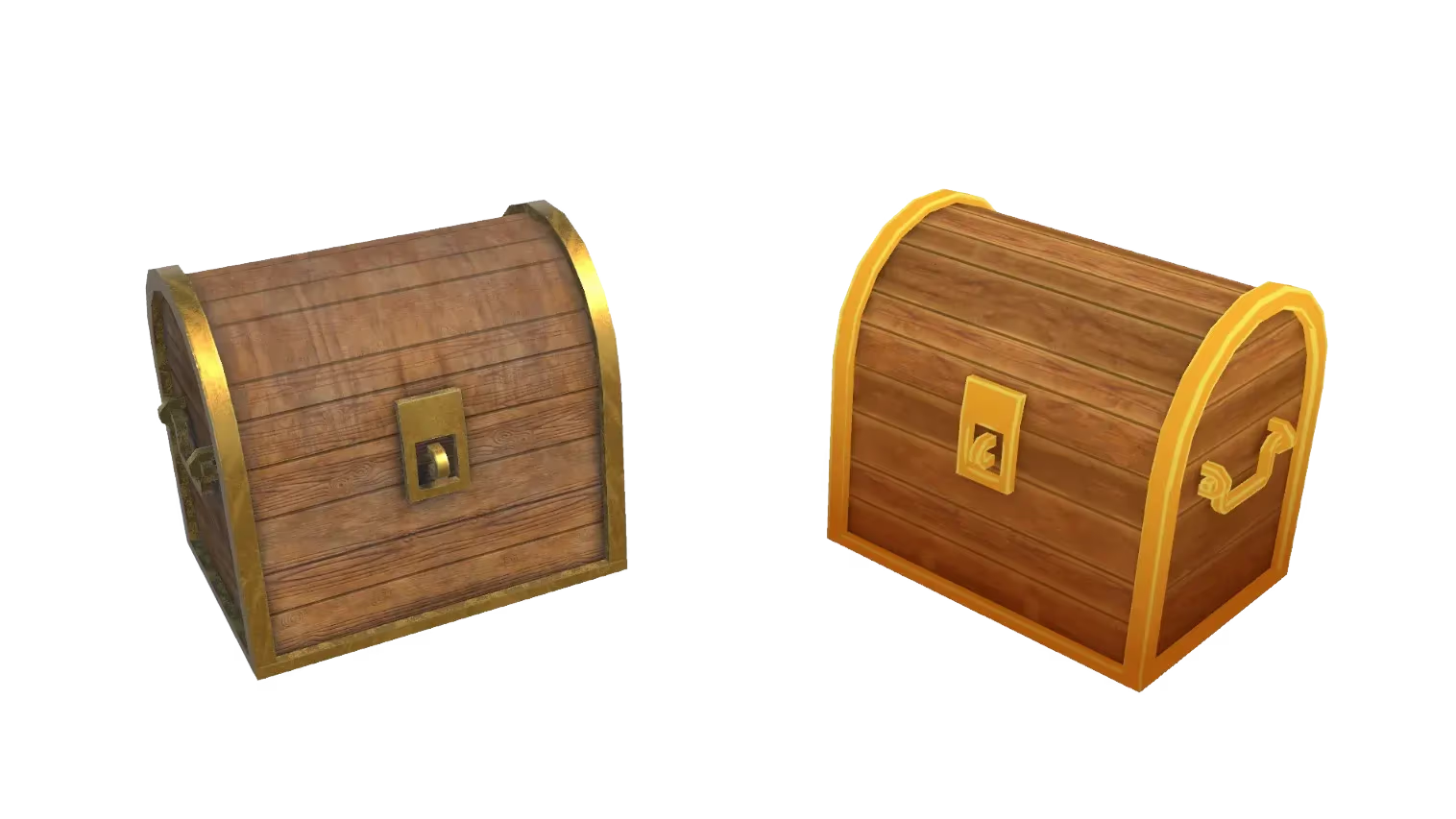
Add Base for 3D Printing: AI Model Prep Tool
Upload any image and add a 3D-printable base automatically. Sloyd's AI prepares your model for printing in seconds. No 3D modeling experience needed.
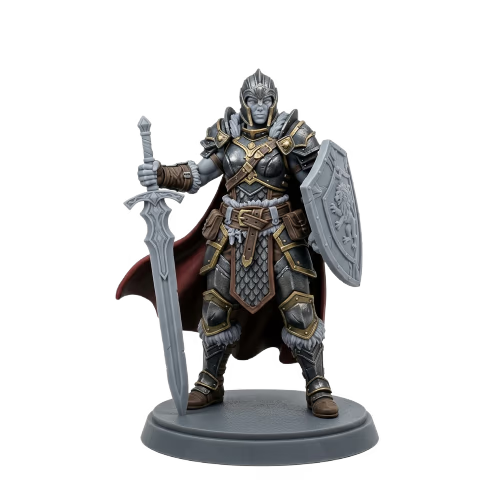
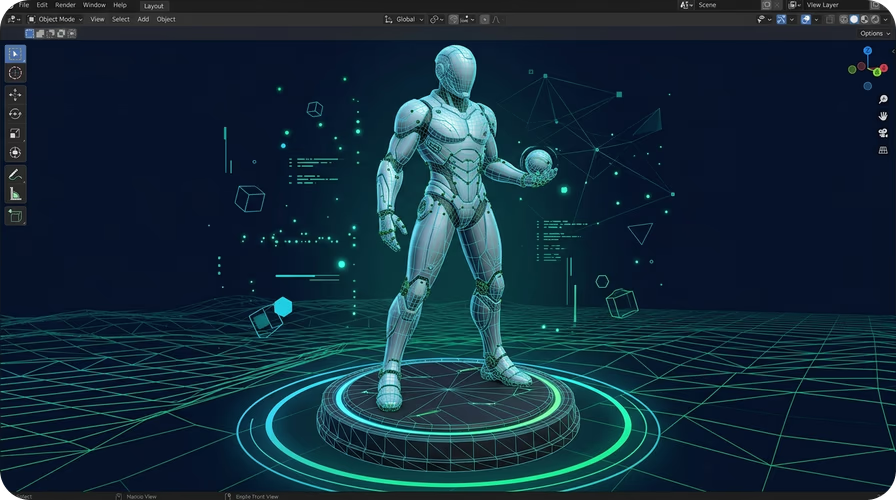
Print-ready models from any image
The Add Base app transforms any image into a 3D printing-ready composition. The AI adds a stable circular base that ensures your model stands upright after printing. No manual modeling or base design required.
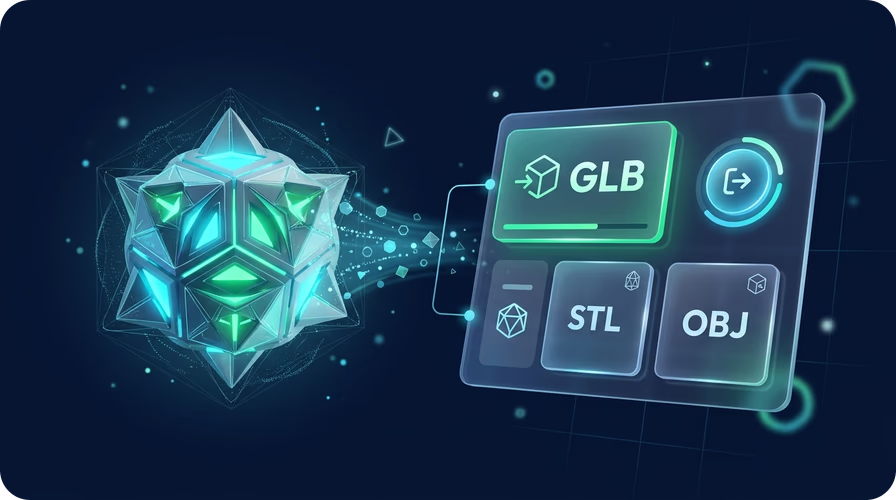
From image to 3D model in minutes
After adding a base, use Sloyd's Image to 3D tool to generate a full 3D model. Export as GLB for game engines, FBX for animation software, or STL for 3D printing. Works with Blender, Unity, and all major tools.
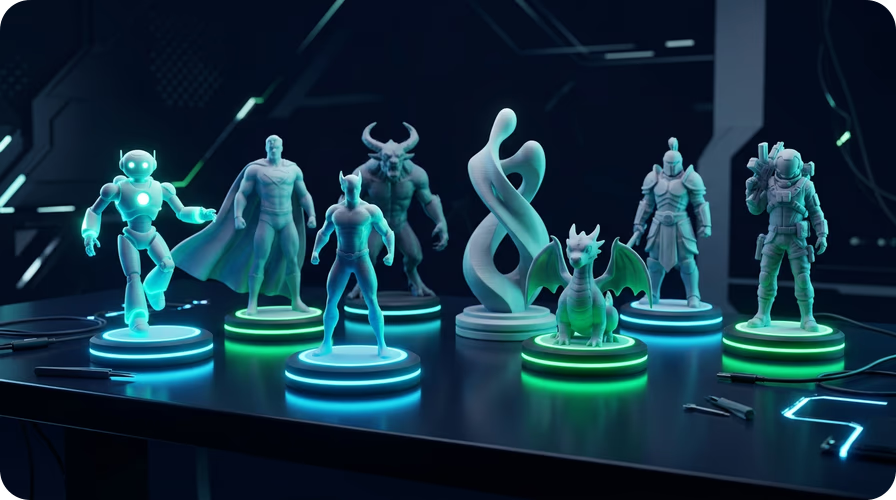
Perfect for figurines, miniatures, and display pieces
Whether you are making custom figurines, tabletop miniatures, or display pieces, the base ensures a clean, stable print every time. Combine with Image to 3D Print for the best results.
How to add a base for 3D printing
- 1
1. Upload your image
Open the Add Base app and upload a photo of the object you want to 3D print. JPG and PNG formats are supported. Use a clear image with the subject centered.
- 2
2. AI adds a printable base
Sloyd's AI analyzes your image and generates a version with a clean circular base optimized for 3D printing. The process takes seconds.
- 3
3. Convert to 3D and print
Use Image to 3D to convert your based image into a printable 3D model. Export as STL, GLB, or OBJ and send it to your 3D printer or slicing software.
Frequently Asked Questions
What kind of base does the AI add?
The AI adds a clean circular base designed for 3D printing stability. It is proportioned to match your subject and ensures the model stands upright after printing.
Can I use Add Base with any image?
Yes. The app works with photos of people, pets, objects, characters, and more. For best results, use a clear image with the subject centered and a simple background.
Do I need a 3D printer to use this app?
No. You can use the app to prepare images for 3D printing later, or convert them to 3D models for use in game engines and 3D software. The base also works well for digital display pieces.