Texture Atlas
A texture atlas combines multiple textures into a single image so objects can share one material, cutting texture bindings and enabling the batching that reduces draw calls in games and real-time applications.
What is a Texture Atlas?
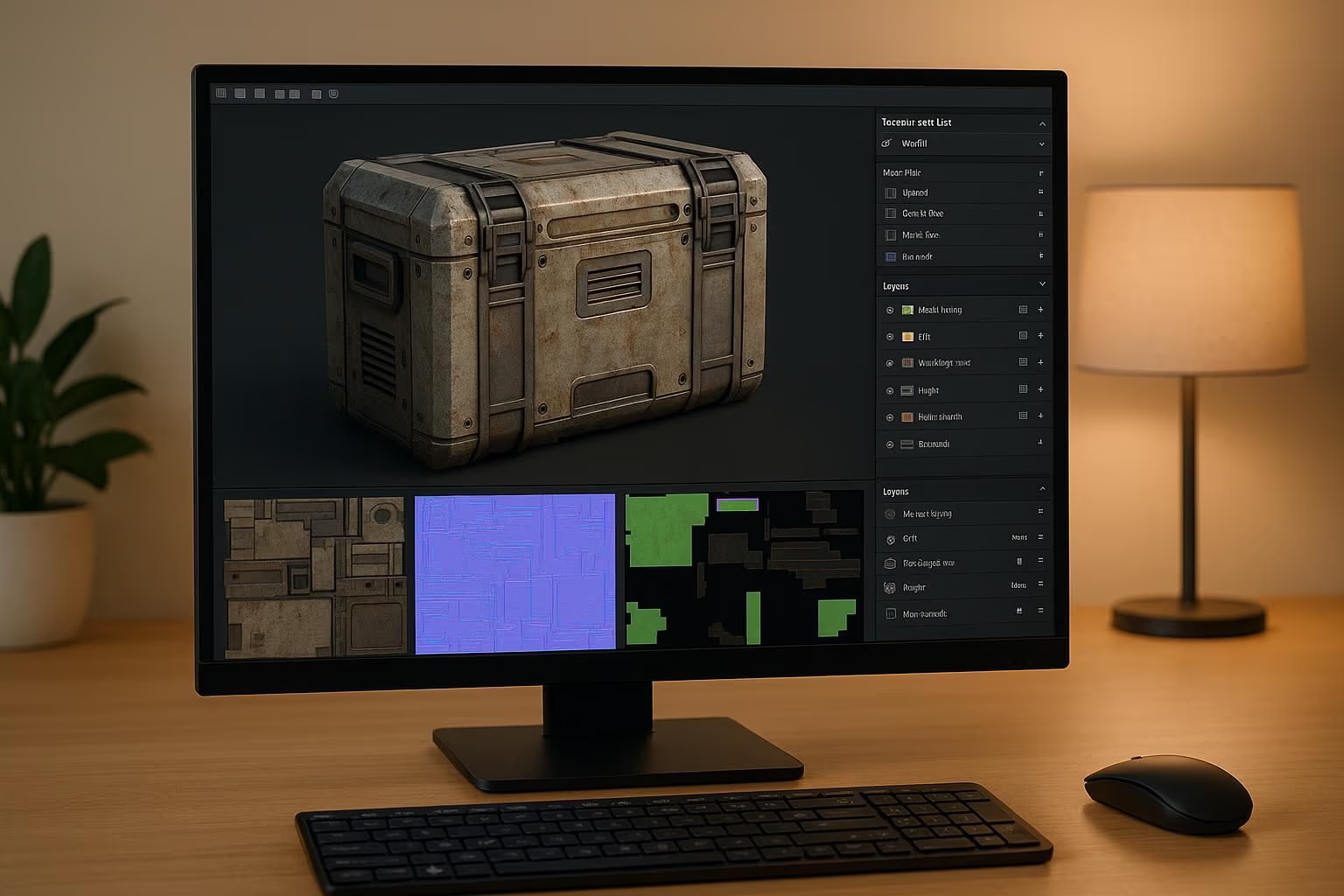
A texture atlas (also called a sprite sheet for 2D) is a single large texture image that contains multiple smaller textures packed together. Instead of loading separate texture files for each object, the GPU loads one atlas and uses UV coordinates to sample the correct region for each mesh.
Why Use Texture Atlases?
Draw calls batch by material and render state, so objects using different textures usually can't be drawn together. More draw calls = lower frame rates. Atlases let many objects share one material so they can be batched:
- Reducing draw calls: multiple objects share one material and batch into fewer passes
- Fewer texture bindings: the GPU swaps texture state less often
- Enabling batching: GPU can render many objects in one pass
- Improving load times: fewer file requests
When to Use Atlases
| Scenario | Atlas Benefit |
|---|---|
| Mobile games | Critical (limited draw call budget) |
| Open-world scenes | Many props sharing materials |
| UI/HUD elements | All icons in one sheet |
| Voxel/block games | All block textures in one atlas |
| Web 3D (Three.js) | Minimizes WebGL state changes |
Atlasing pairs naturally with a lean polygon count and a full PBR material set to keep real-time scenes fast. For a game-engine workflow, see our guide to Unity texture baking for game assets.
Texture Atlas in Sloyd
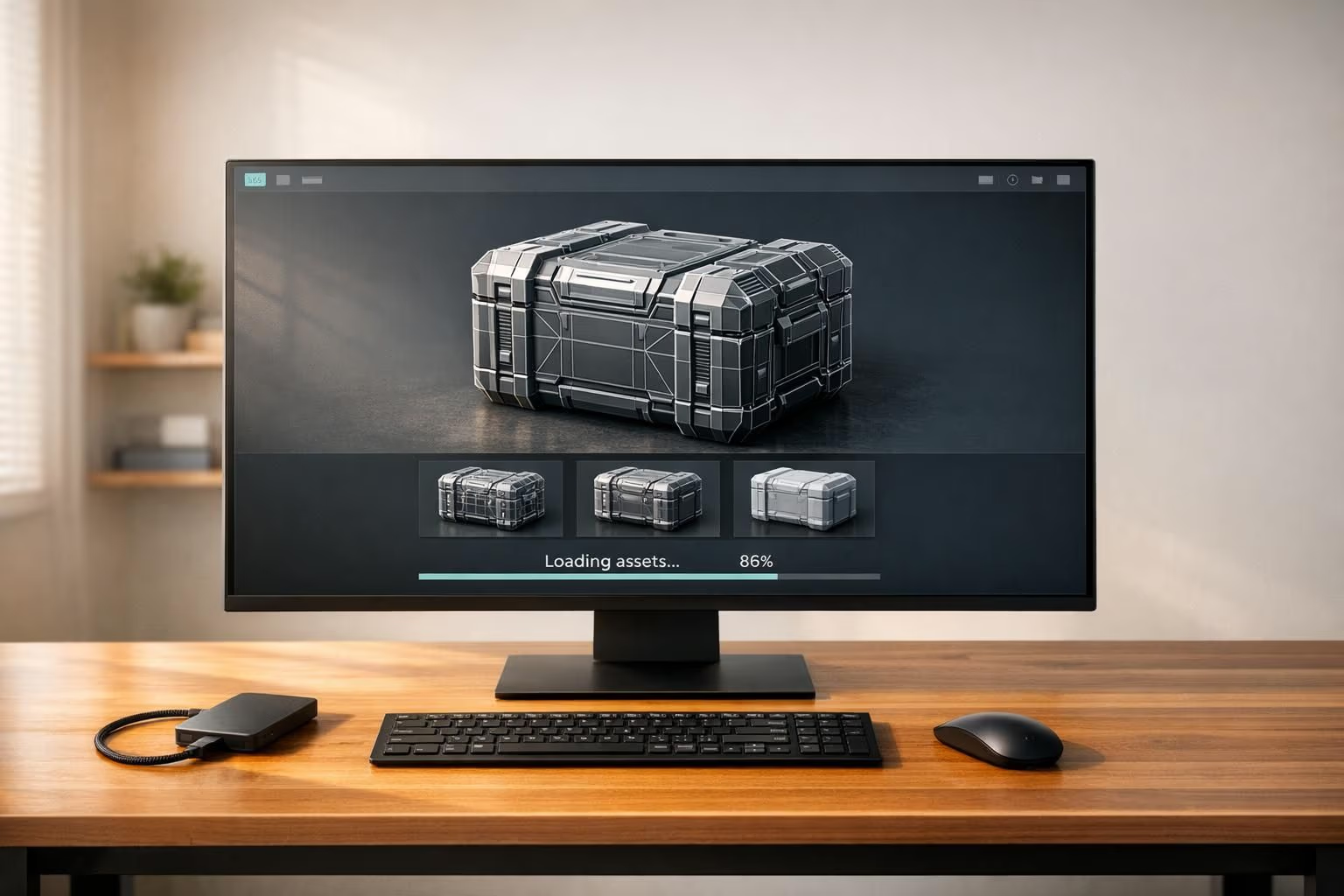
When you export multiple models from Sloyd for use in a single scene, their textures can be efficiently packed. Sloyd's GLB exports use optimized texture layouts that work well with game engine atlas workflows in Unity and Unreal.