Text to Image
Text to image is a type of generative AI that creates a new image from a written description, called a prompt. A model trained on large sets of images and captions, usually a diffusion model, starts from random noise and refines it step by step into a picture that matches the text.
What is Text to Image?
Text to image is generative AI that turns words into pictures. You type a prompt such as "a cozy wooden cabin in a snowy forest at dusk, warm window light", and the model creates an image that did not exist before. The output can be photographic, illustrated, painted, pixel art, or a flat texture, depending on the prompt and the model.
Text to image is now a standard step in creative pipelines: for fast concept exploration, mood boards, marketing images, and reference art for 3D work.
How Text to Image Works
- Text encoding: a language model converts the prompt into a numerical description of its meaning.
- Denoising: a diffusion model starts with random noise and removes it over many steps. At each step, it moves the image closer to something that matches the prompt.
- Decoding: the result is converted into a full-resolution image.
Because the process starts from random noise, the same prompt gives a different image each time. That makes it easy to explore variations.
Text to Image in 3D Workflows
| Use | How it helps |
|---|---|
| Concept art | Explore the look of a character or prop before modeling |
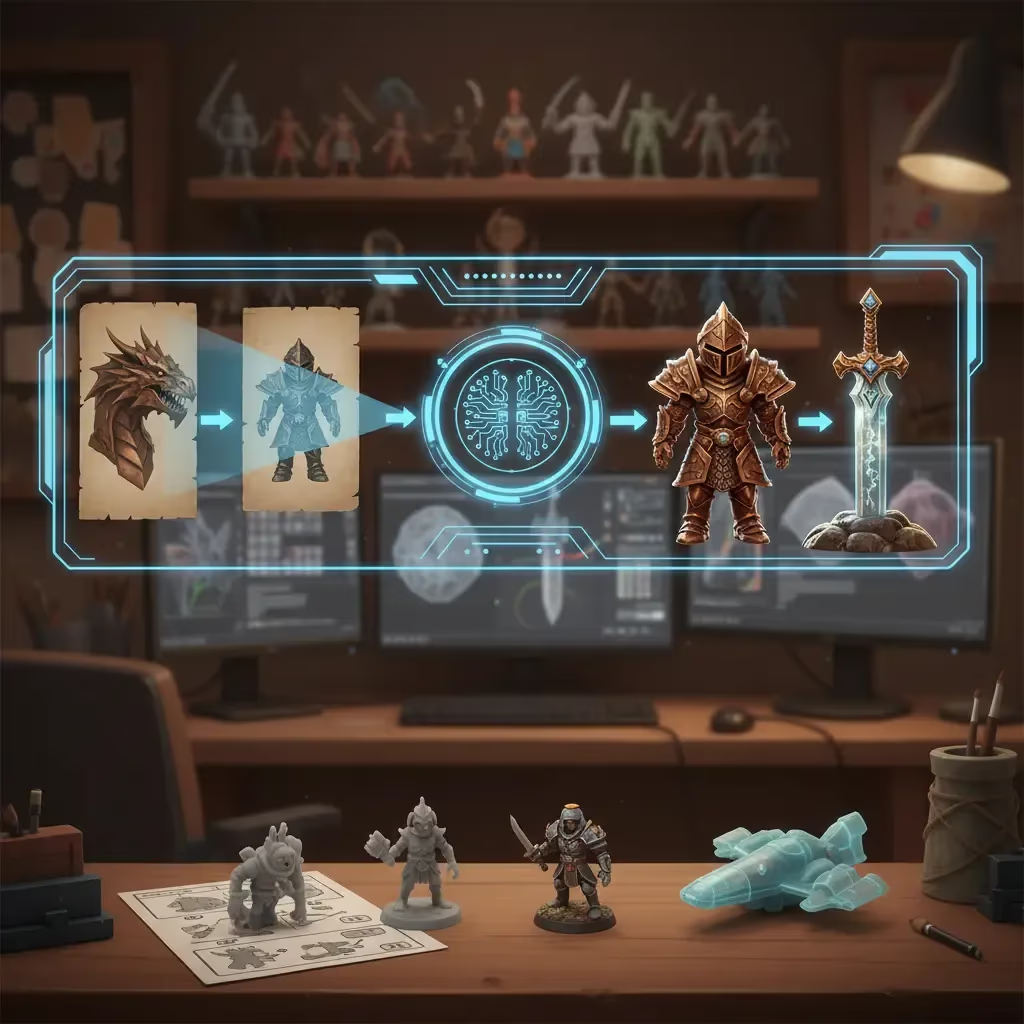
| Reference for image to 3D | A clean image of one object becomes the input for a 3D model |
| Multi-view references | Generate matching front and side views for multi-view 3D |
| Textures | Create seamless surface patterns |
| Start frames | A still that image to video animates into a clip |
Text to Image in Sloyd
Sloyd Text to Image generates images from a prompt in many styles, including photoreal product shots, illustration, pixel art, cinematic concept art, seamless textures, and clean 3D asset references. You can refine results with AI image editing, send an image to Image to 3D to make a 3D model, or use it as the start frame of a video. AI image creation and editing are unlimited on Sloyd Plus and Pro, and paid plans include commercial use.