Preparing Flat Images for Better 3D Results
Turn 2D images into amazing 3D models with AI! Discover image optimization secrets for lighting, backgrounds, and focus to ensure perfect AI results.
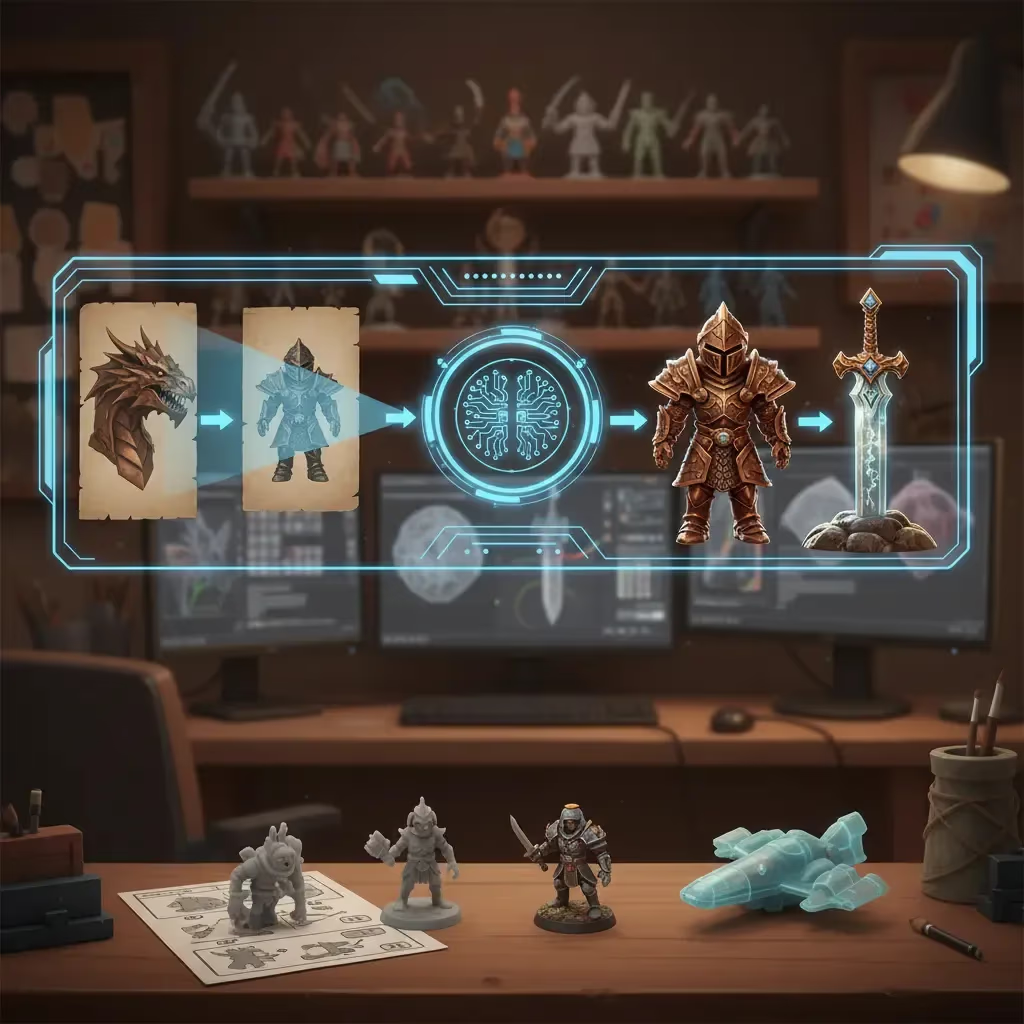
Turning a 2D image into a 3D model used to feel like pure science fiction—or at least something that required a degree in photogrammetry and hours of patience. Today, AI has democratized the process, allowing anyone to turn a flat JPEG into a spatial asset in minutes.
But here is the hard truth: AI isn’t magic. It’s math.
If you feed an AI generator a blurry, poorly lit photo, you are going to get a blurry, shapeless 3D blob. The principle of "garbage in, garbage out" applies heavily here. If you want pristine 3D results, you need to master the art of preparing your source images.
Here is how to optimize your flat images to get the best possible 3D models.
1. Light It Like a Pro
Lighting is the single most important factor in image-to-3D conversion. The AI needs to understand the shape and depth of your object based on visual cues.
- Even Lighting is Key: You want soft, diffuse lighting. Hard directional light creates deep shadows that the AI might interpret as part of the object's geometry, leading to weird lumps or holes in your model.
- Avoid Flash: On-camera flash often flattens the object and creates harsh highlights (specular hotspots) that confuse the texture generation.
- Natural Light: If you don't have a studio setup, an overcast day provides perfect, even lighting for taking reference photos.
2. The Background Matters
Your object needs to stand out. If you take a picture of a brown vase on a brown wooden table, the AI might struggle to tell where the vase ends and the table begins.
- Keep it Clean: A solid, neutral background (white, grey, or black) is ideal.
- High Contrast: Ensure there is a distinct color contrast between your object and the backdrop.
- Declutter: Remove anything that isn't the object. If there is a coffee cup next to your sword prop, the AI might try to weld them together into one mutant item.
3. Framing and Focus
How you capture the object determines how much detail the AI can extract.
- Don’t Crop: This is a common mistake. If you cut off the legs of a character in the photo, the AI won't invent them for you. Ensure the entire object is visible within the frame with a little bit of breathing room around the edges.
- Sharp Focus: Blurry edges destroy depth data. Use a tripod if necessary to get a crisp, sharp image.
- Straight Angles: While creative angles look cool on Instagram, they are hard for AI to interpret. A straight-on, eye-level shot usually yields the most accurate geometry.
4. What to Avoid (The Kryptonite of 3D AI)
Some materials just don't translate well to 3D generation yet.
- Transparency: Glass, water, and clear plastics are difficult because the AI sees through them rather than seeing the surface.
- Reflections: Mirrors or highly polished chrome reflect the environment, leading the AI to think the reflection is actually painted onto the object.
- Busy Scenes: Don't upload a photo of a crowded street and expect the AI to pick out one specific car. Isolate your subject.
| Category | Best Practice | What to Avoid |
|---|---|---|
| Lighting | Soft, diffuse, even light (overcast days are great) | Hard shadows, on-camera flash, harsh highlights |
| Background | Solid, neutral colors with high contrast | Cluttered scenes, low contrast (e.g., brown on brown) |
| Framing | Entire object in frame, eye-level, sharp focus | Cropping parts out, blurry edges, extreme artistic angles |
| Materials | Matte, opaque surfaces | Transparency (glass), reflections (chrome/mirrors) |
The Right Tool for the Job: Why Sloyd Wins
There are plenty of tools out there for 3D generation, from highly technical photogrammetry software to newer AI entrants like Meshy. However, many of these lock you into a "credit" system where every failed experiment costs you money.
| Feature | Typical AI Tools | Sloyd |
|---|---|---|
| Cost Model | Credit-based (pay per generation) | Unlimited generations (on paid plans) |
| Editing Control | Static output (what you see is what you get) | AI + Parametric Template Editor for fine-tuning |
| Optimization Targets | Generic mesh generation | Specific presets for Games (Low Poly) or 3D Printing |
Sloyd takes a different approach.
- Unlimited Generations: Because Sloyd isn't credit-based on its paid plans, you can experiment with different source images without fear. Did your first photo yield a weird result? Tweak the lighting, snap a new pic, and try again instantly.
- More Than Just AI: While Sloyd offers powerful Image-to-3D capabilities, it also features a Template Editor. If AI generation gets you 80% of the way there, you can use Sloyd's parametric templates to build the rest, giving you control that pure gen-AI tools lack.
- Optimization: Whether you need assets for a game or a physical object, Sloyd lets you optimize specifically for your needs. You can choose "Low Poly" for game performance or "3D Print" to ensure your model is watertight.
Ready to convert?
If you have your images prepped and ready, you can start generating immediately.
- Try the App: Head over to the Sloyd App to drag and drop your photos.
- Need File Conversion? If you have 3D files that need prepping or converting after generation, check out our JPG to STL or PNG to STL tools.
By following these simple photography rules, you stop fighting the AI and start working with it, turning your 2D concepts into 3D realities faster than ever.