Multi-View 3D
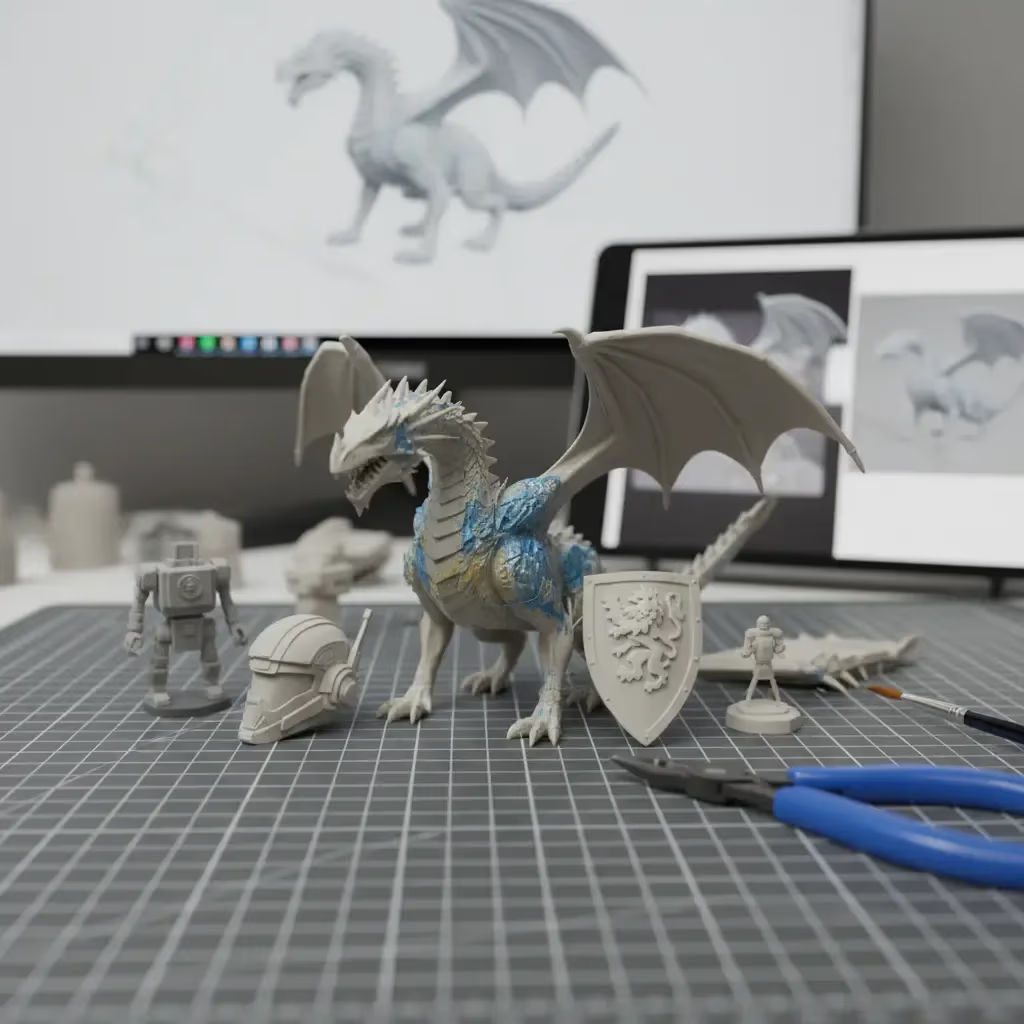
Multi-view 3D, also called multi-image to 3D, is an AI technique that generates one 3D model from two or more images of the same subject seen from different angles, such as front, side, and back. The extra views tell the model what the hidden sides look like, so the shape and proportions are more accurate than from a single image.
What is Multi-View 3D?
Multi-view 3D generation gives an AI several pictures of one subject instead of one. A typical set is a front view plus a side, back, or three-quarter view. The model uses all of them to build a single mesh and texture that agree with every image.
With one image, an AI has to predict everything the camera cannot see. That works well for many objects, but the back of a character, the side profile of a shoe, or the rear of a vehicle is often wrong. Extra views remove that guesswork.
Single Image vs Multi-View vs Photogrammetry
| Single image to 3D | Multi-view 3D | Photogrammetry | |
|---|---|---|---|
| Images | 1 | 2–4 views | Dozens to hundreds |
| Hidden sides | Predicted | Mostly shown | Photographed |
| Input type | Photo, drawing, render | Photos, drawings, or renders | Photos of a real object |
| Speed | Fastest | Fast | Slow capture and processing |
When to Use Multiple Views
- Products for e-commerce, where the back and sides must match the real item.
- Characters with details on the back, such as capes, backpacks, or hair.
- Uneven objects, such as tools or vehicles, that look different from each side.
- Turnaround sheets from concept art, which already show front, side, and back.
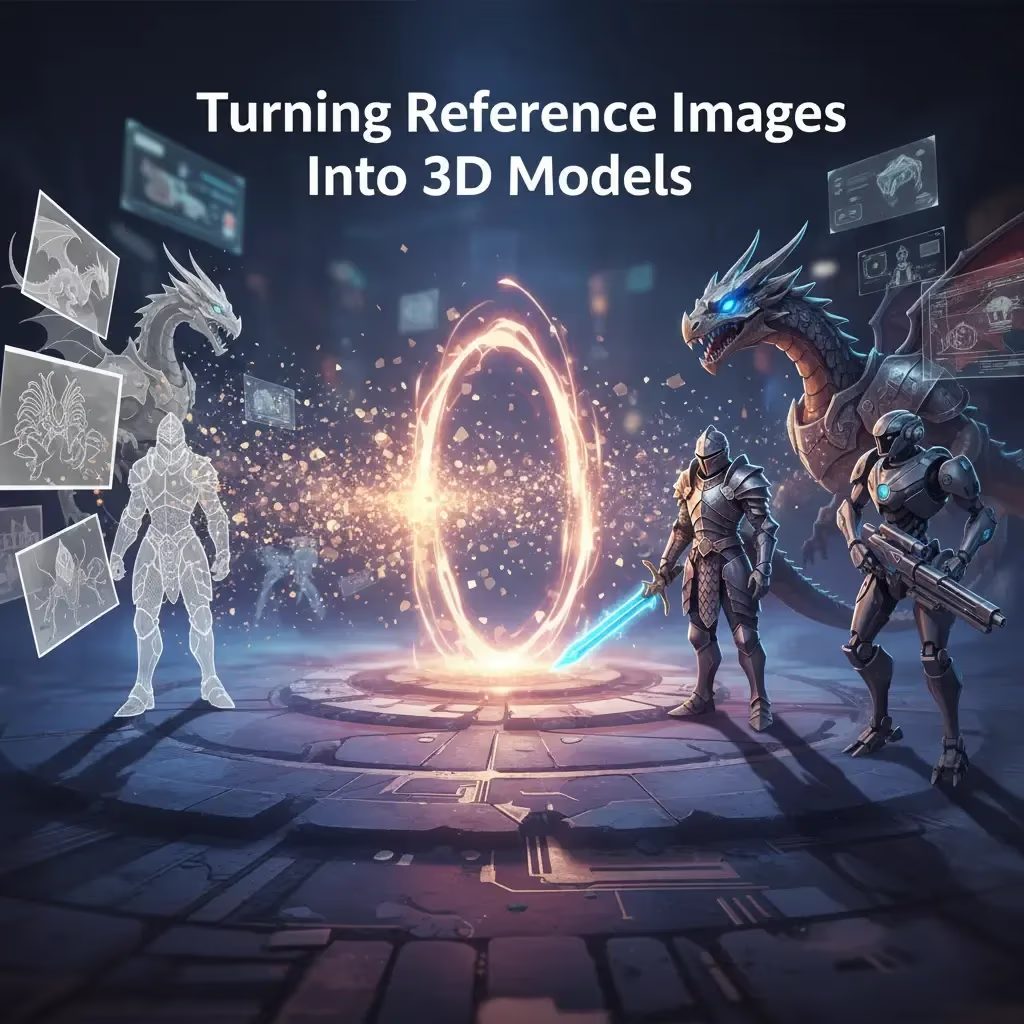
For tips on preparing images, see our guide to turning reference images into 3D models.
Multi-View 3D in Sloyd
Sloyd Image to 3D accepts multiple images of one subject: a front image plus at least one of the left, back, or right views, up to four images in total. You get the same controls as single-image generation, including face count, topology, and texture resolution. Multi-image to 3D is available on Sloyd Plus and Pro and uses monthly credits; see pricing for the current cost. The Sloyd API has a separate multi-image-to-3D endpoint for pipelines. If you only have one picture, you can create the missing views with Text to Image first.