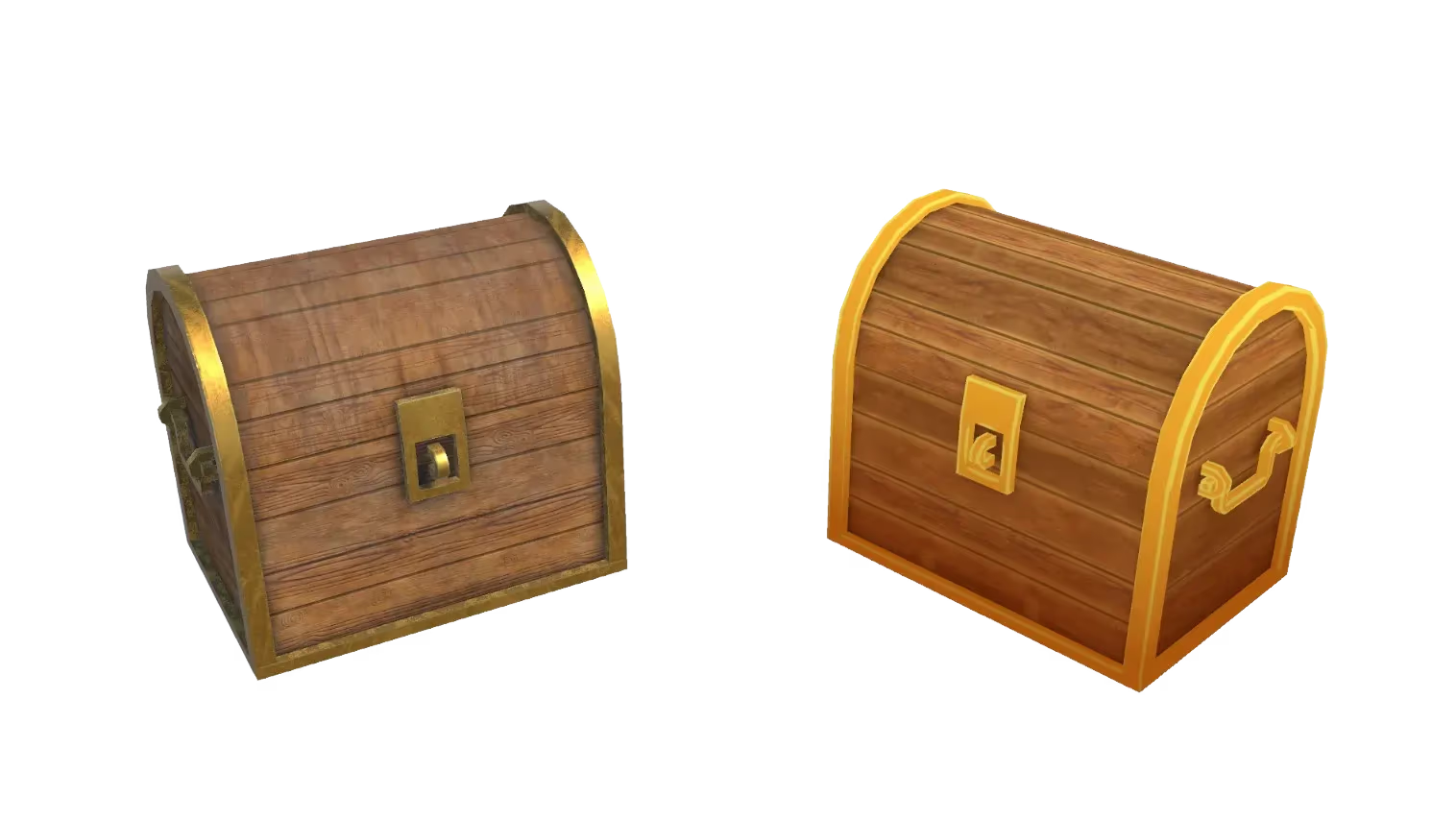
Tileable Texture Generator: Seamless AI Textures
Generate seamless, tileable textures for materials, environments, and game assets. Describe the material you want or upload a photo of one, and Sloyd's AI samples it and wraps the edges so the tile repeats without a seam.
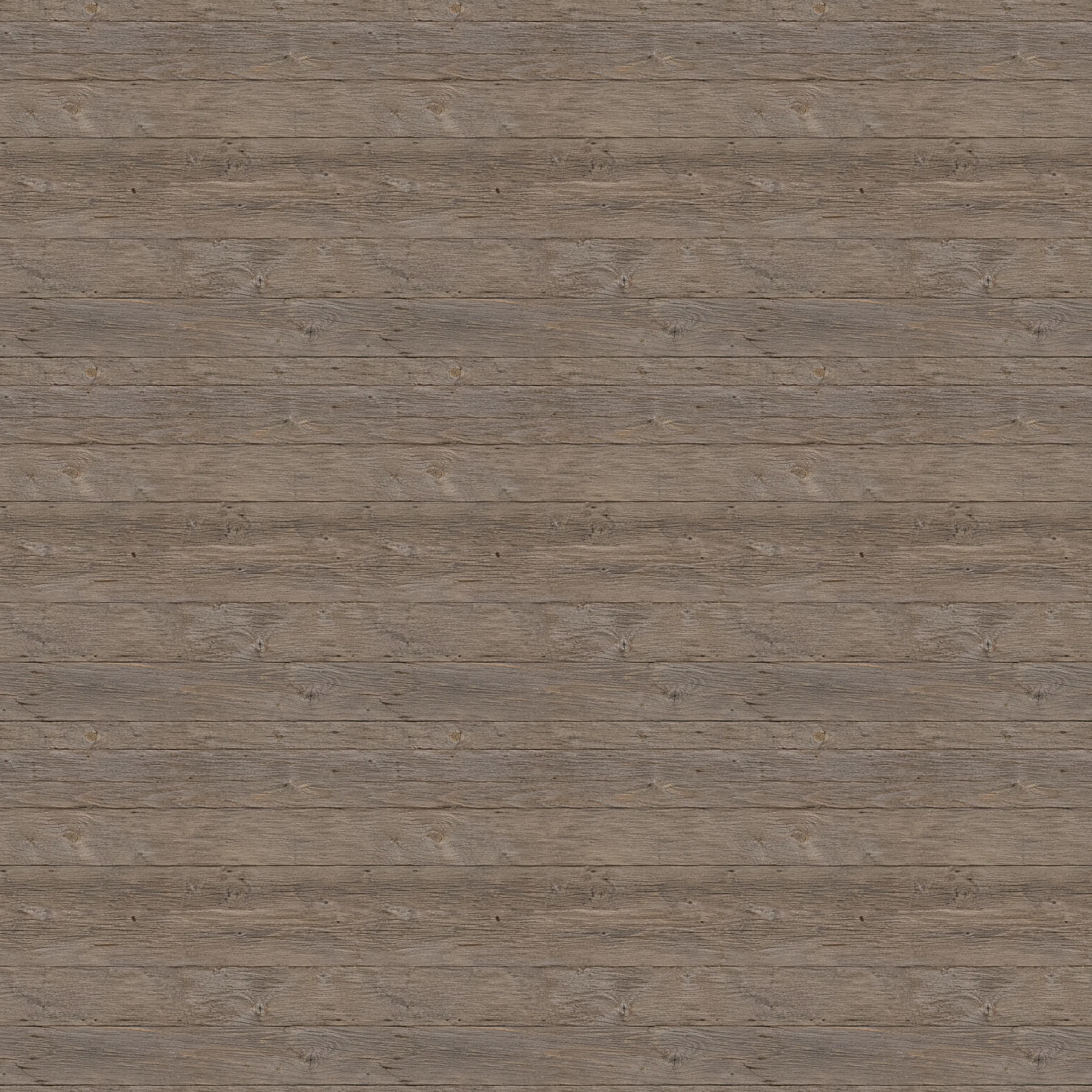
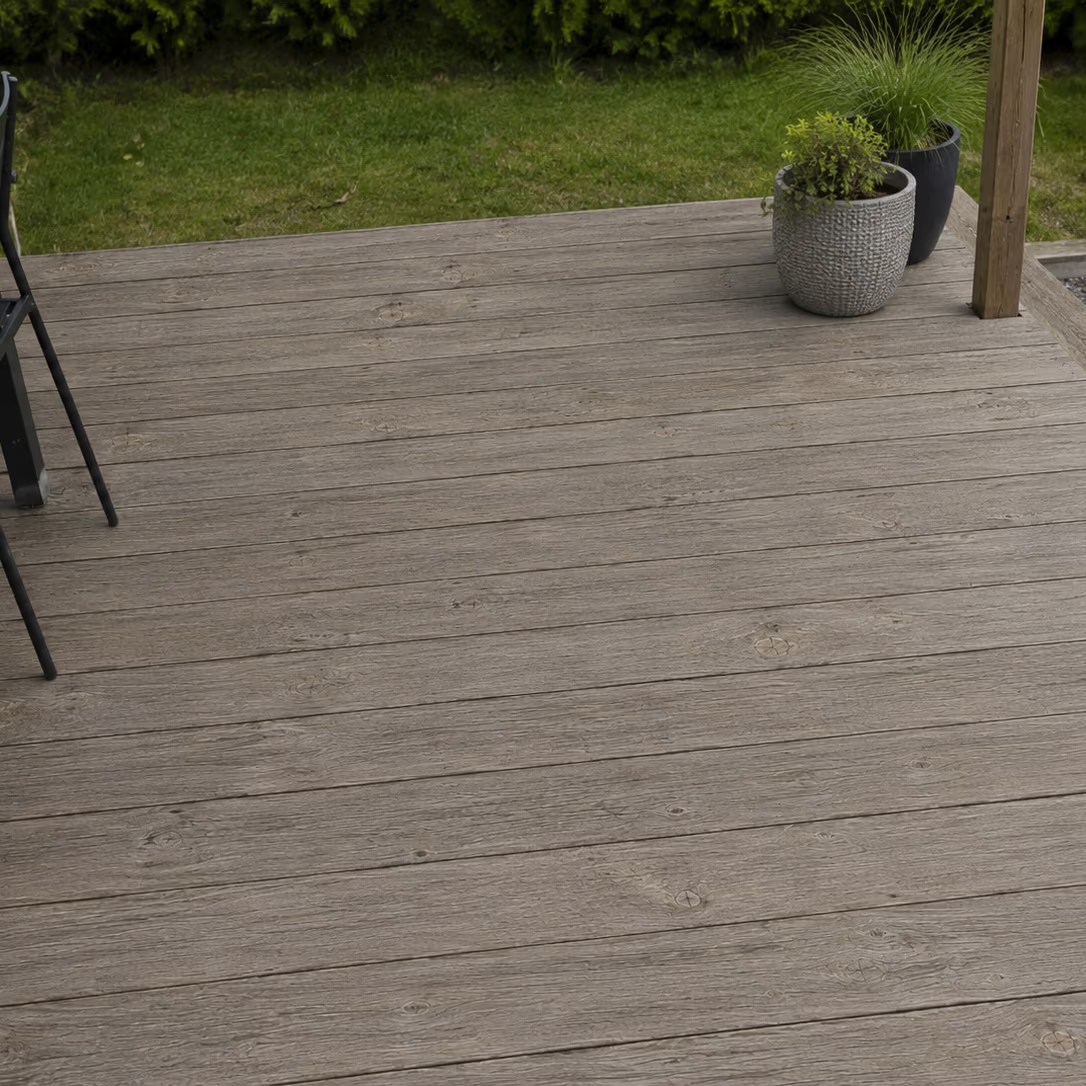
Sampled straight from your reference photo
Photograph a material on a real object, like a pallet, a fence, or a stone wall, and Sloyd's AI works out which surface you mean. It skips the gaps, shadows, and background showing between separate boards or bricks, then samples one clean, flat patch of the material itself rather than the object it came from.
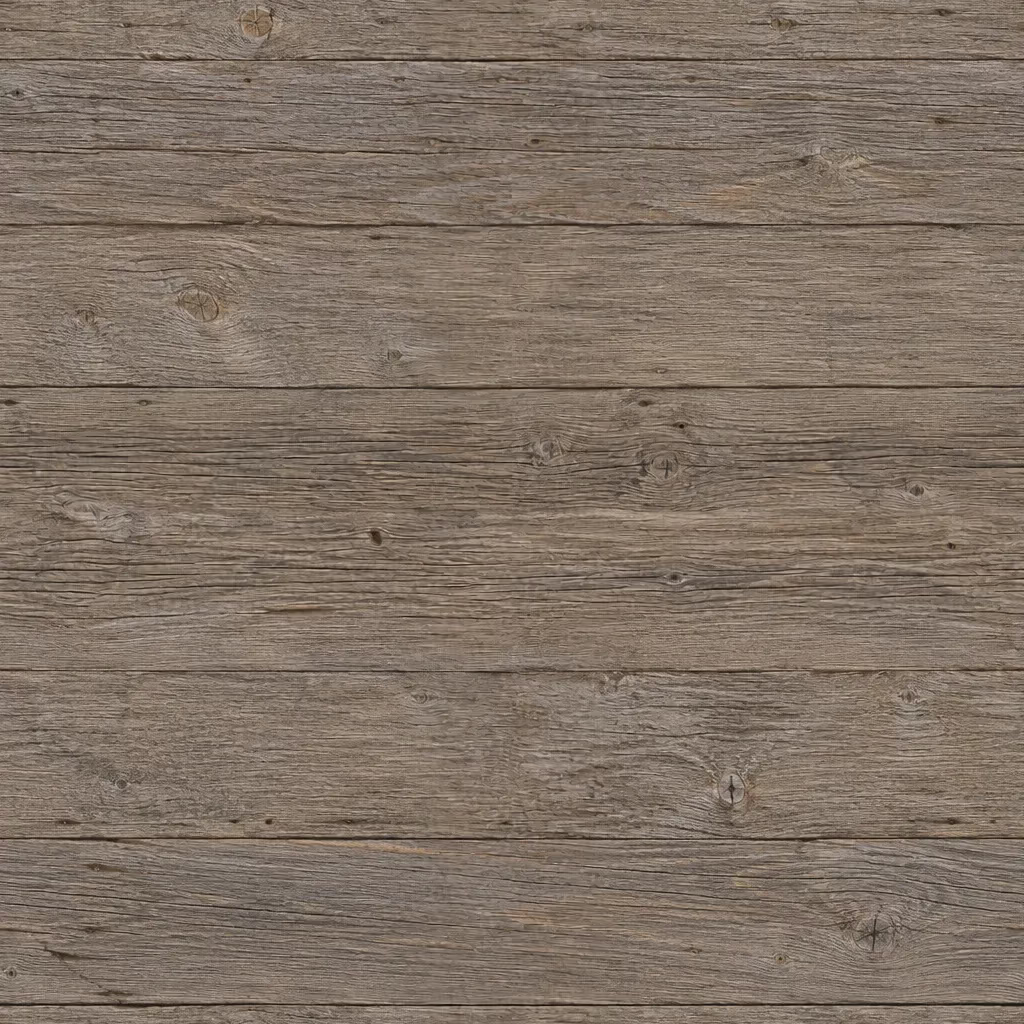
Tiles cleanly in both directions
Where the tile's edges meet, the join follows the lines already in the material, tracking along plank gaps, mortar joints, and grain instead of cutting across them. Sloyd measures the result first and only repairs a seam when one is actually there, so detail the model got right is left alone.
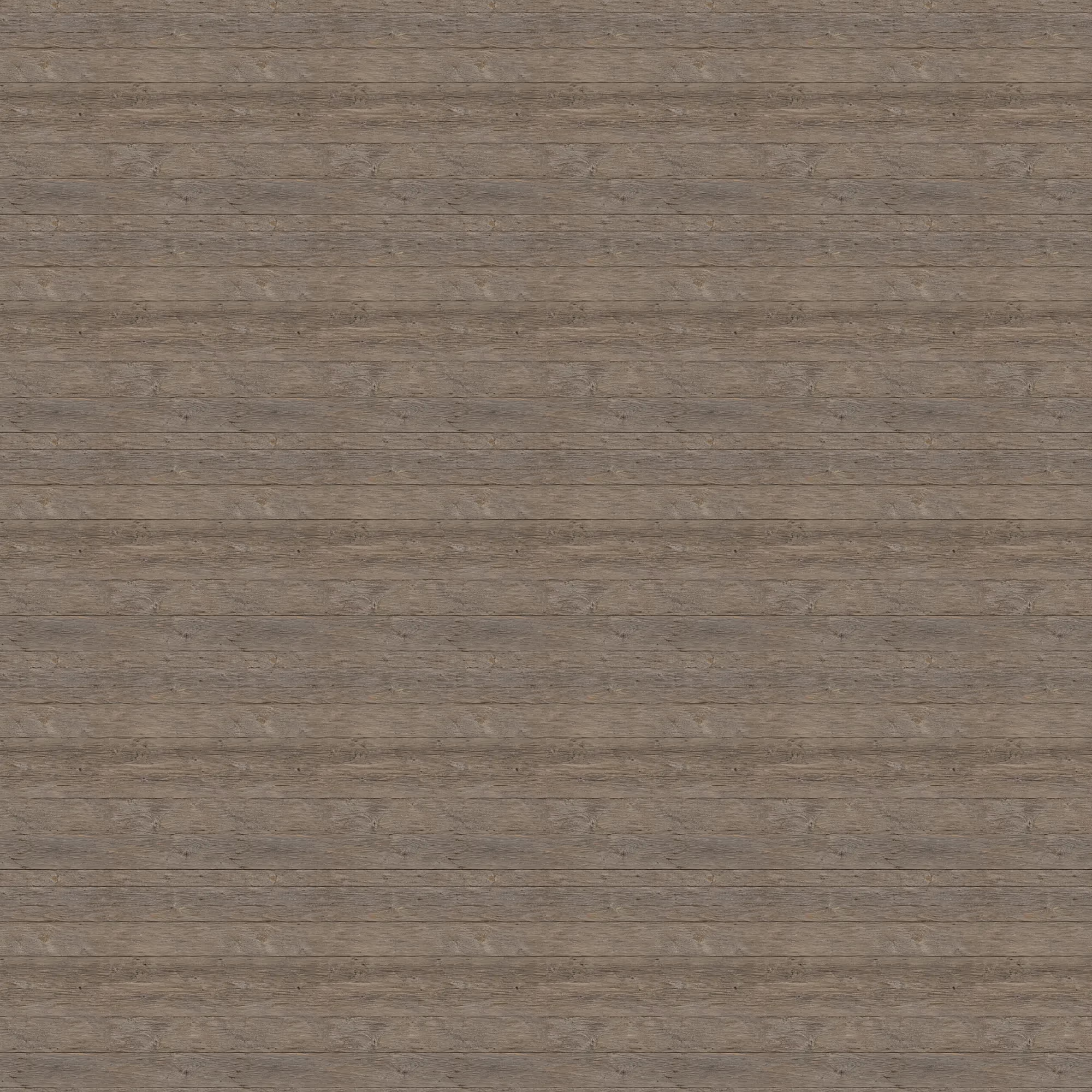
Ground, walls, props, and environments
Cover terrain, building facades, floors, and props without an obvious repeat. One tile stretches across a surface of any size in Unity, Unreal Engine, Godot, or Blender, so you spend less time digging through stock texture libraries and more time building. Pair it with Sloyd's 3D models to texture a whole scene.
How to generate a seamless tileable texture
- 1
1. Describe your material or upload a photo
Open the Tileable Texture Generator and describe the material you want, like weathered oak planks or rough grey granite. Or upload a reference photo and the AI works from that instead. JPG and PNG uploads are supported.
- 2
2. AI samples and flattens the material
Sloyd's AI finds the flat material surface, removes the camera angle and the lighting baked into the photo, then joins the tile's opposite edges so it repeats cleanly in both directions. It takes seconds.
- 3
3. Download and tile
Download your texture and drop it straight into your 3D tool or game engine. It repeats edge to edge, so a single tile covers a surface of any size.
Frequently Asked Questions
Do I need a reference photo to generate a texture?
No. Describe the material you want, like weathered oak planks or rough grey granite, and the AI generates it from scratch. If you do upload a photo, it takes priority as the reference for color and detail, and the AI samples the material directly from your image.
How does Sloyd make sure the texture actually tiles?
The AI aims to wrap the edges as it generates, and Sloyd then measures how well they line up. If a seam is still visible, the tile's edges are rejoined along a path that follows the material's own lines, so copies placed side by side meet without a break. Tiles that already wrap are left untouched.
Can I use the textures commercially?
Yes. Textures you generate can be used commercially, including in shipped games, 3D prints, and client work. Download the image and import it into Unity, Unreal Engine, Godot, Blender, or any tool that reads a standard texture map.