
AI video generator for prompts, images, and 3D models
Write an idea, animate a still image, or edit a clip you already have. Sloyd Video Studio generates cinematic video with sound, and every 3D model you make can become a polished turntable or product shot.
What is Sloyd Video Studio?
Sloyd Video Studio is an AI video generator that turns text prompts, images, and existing clips into videos from 5 to 15 seconds long, with sound generated alongside the picture. Sloyd can also render any 3D model you create as a camera-move video, such as a turntable or hero sweep.
Why creators make video with Sloyd
Focus On The Story
You never pick a model or tune a provider. Describe what should happen and Sloyd picks the right video model for the job.
Start From Anything
A sentence, a start and end frame, reference images, video, or audio. Mix inputs to steer the look, the motion, and the sound.
Your 3D, In Motion
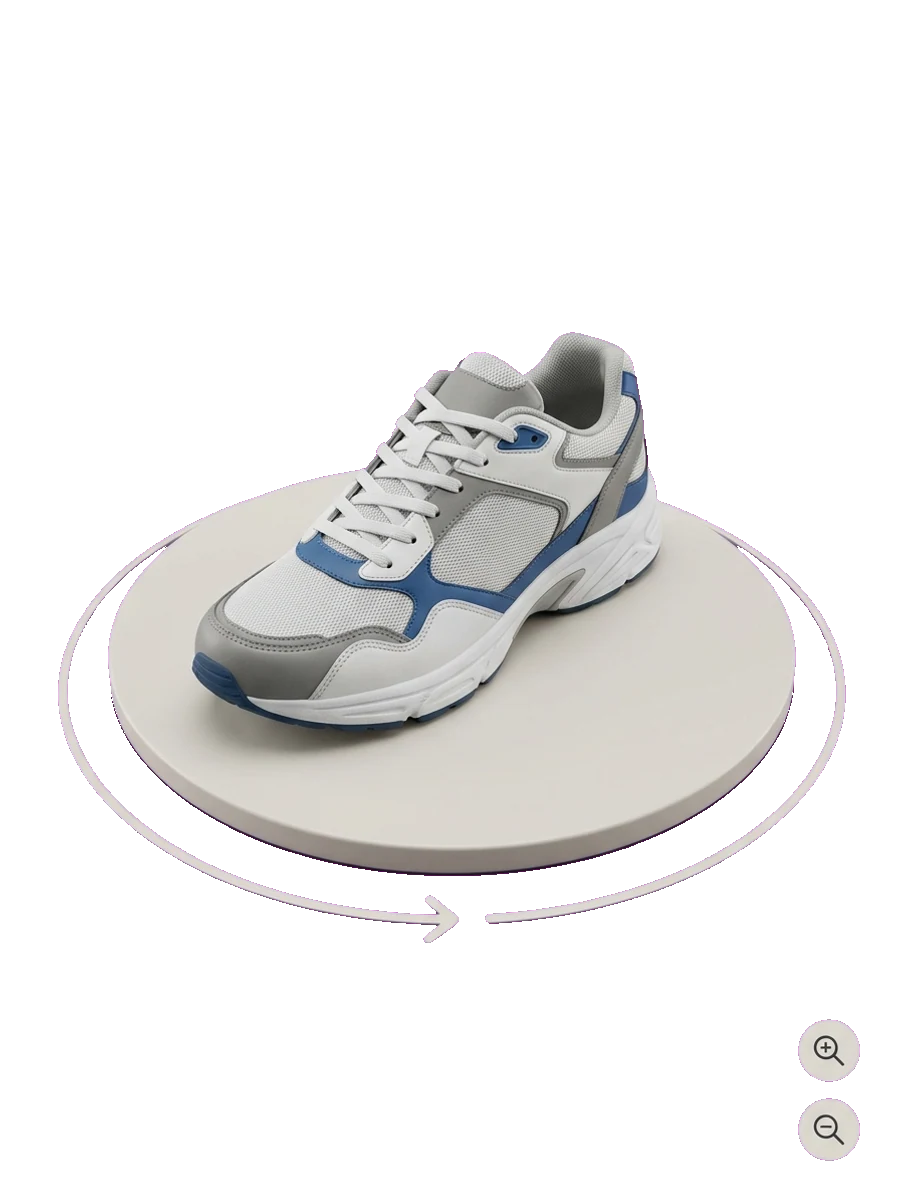
Models you generate in Sloyd become turntables, hero sweeps, and logo reveals with one click, ready for store pages and social posts.
One studio for every kind of video
Create new clips, edit and extend existing ones, copy motion from a reference, or render your 3D models as camera moves.
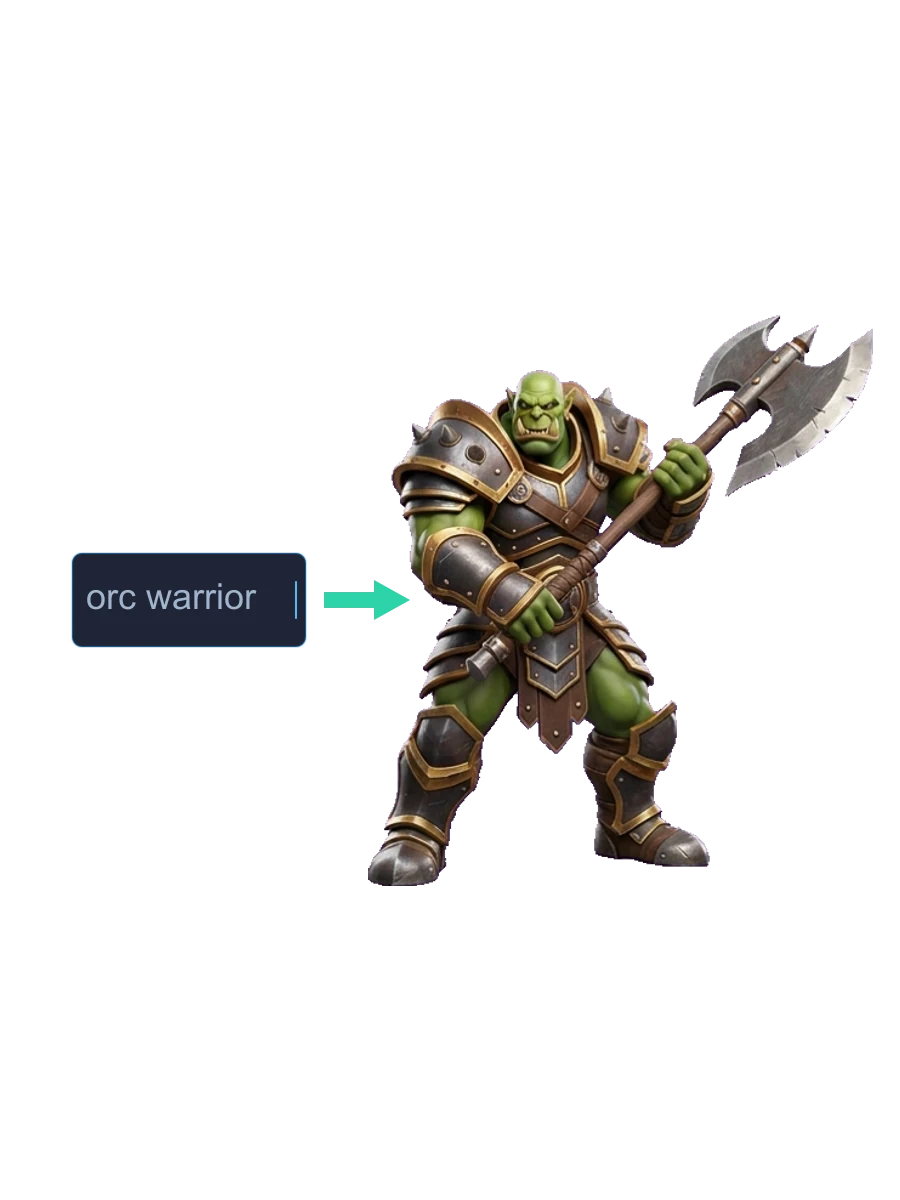
Text to Video
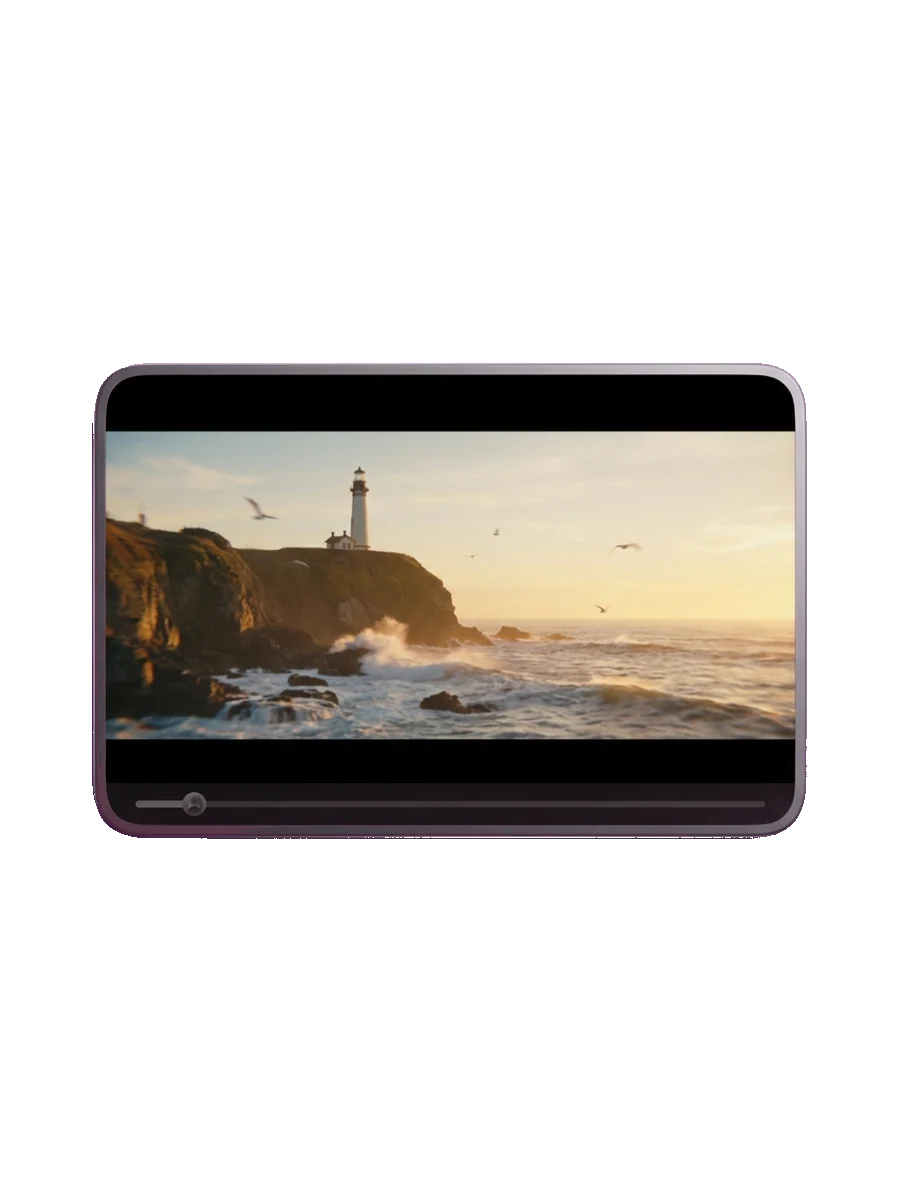
Describe a scene, a character, or a miniature story and get a clip from 5 to 15 seconds long, in 16:9, 9:16, 1:1, 21:9, 4:3, or 3:4.
Animate Any Image
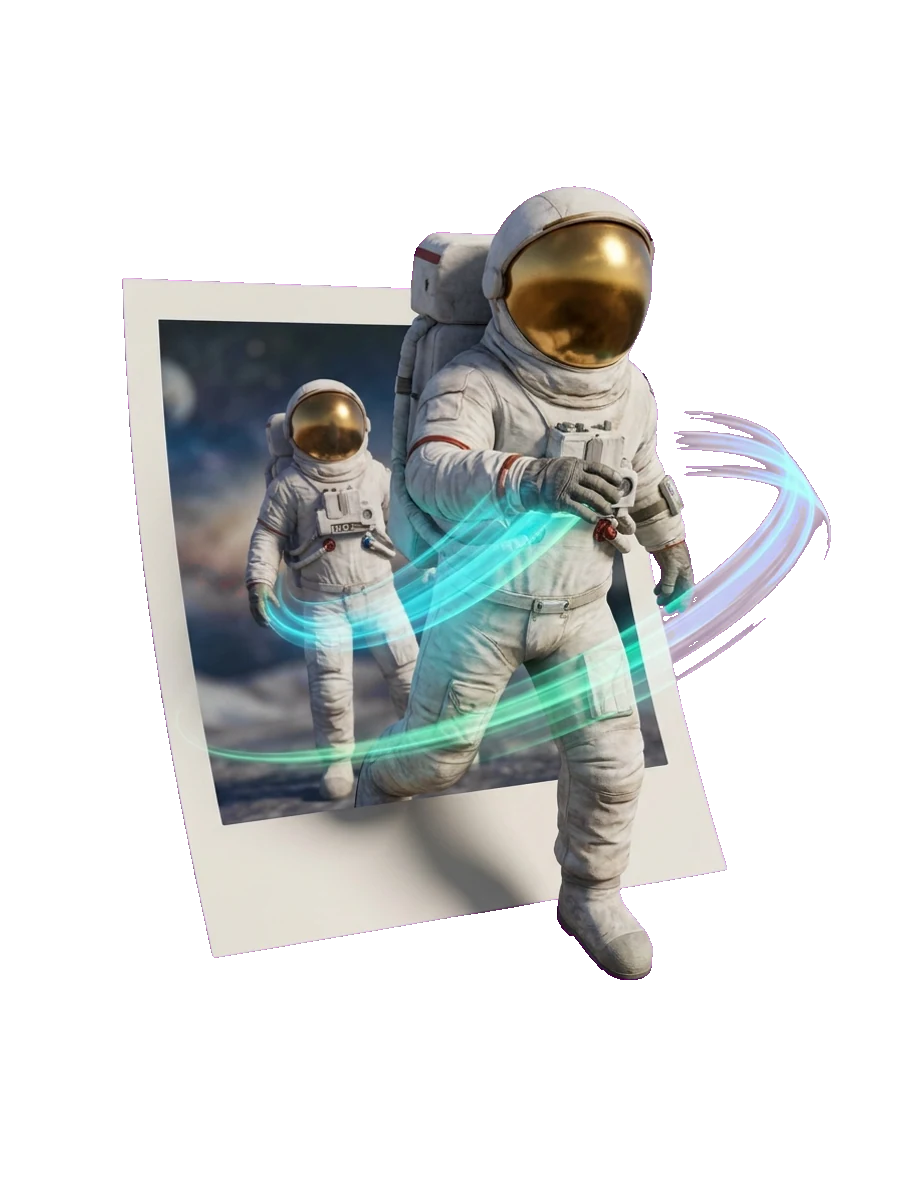
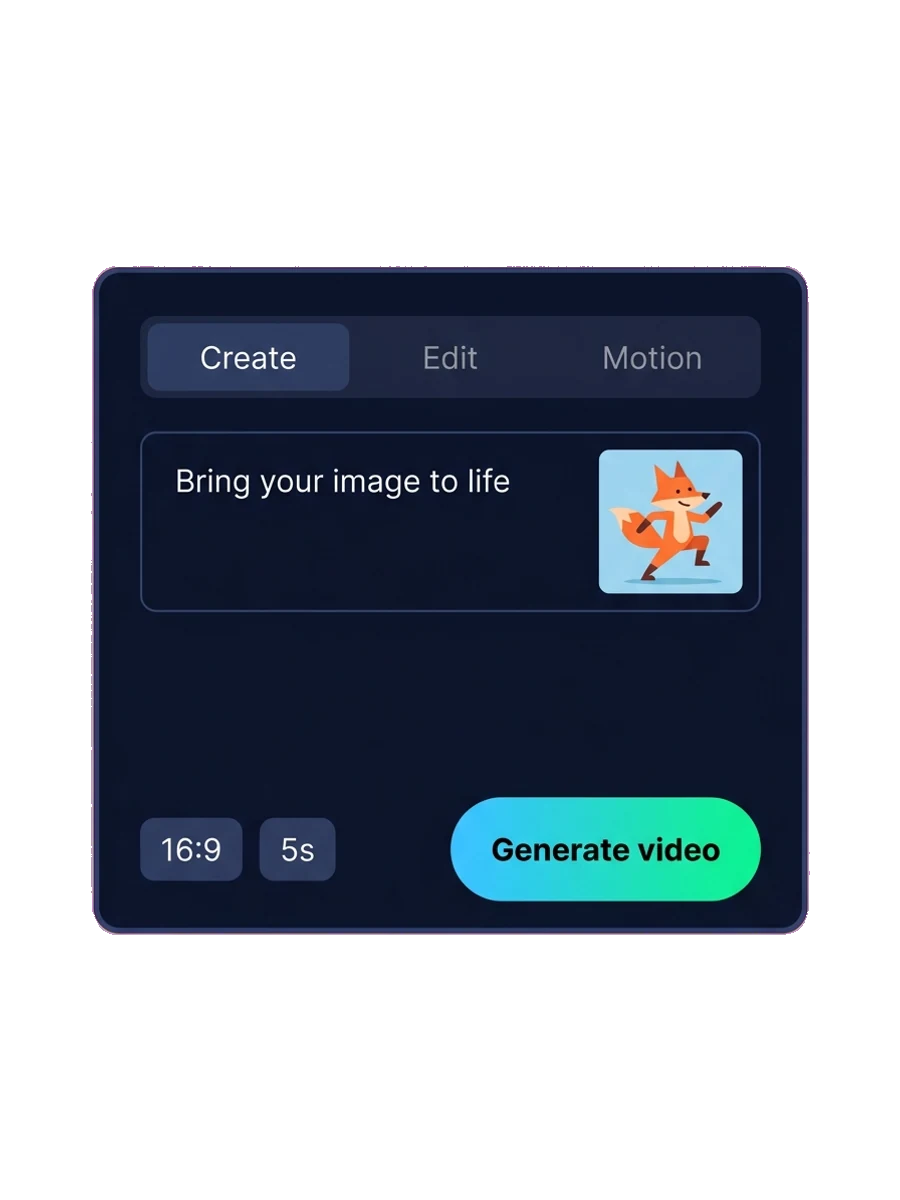
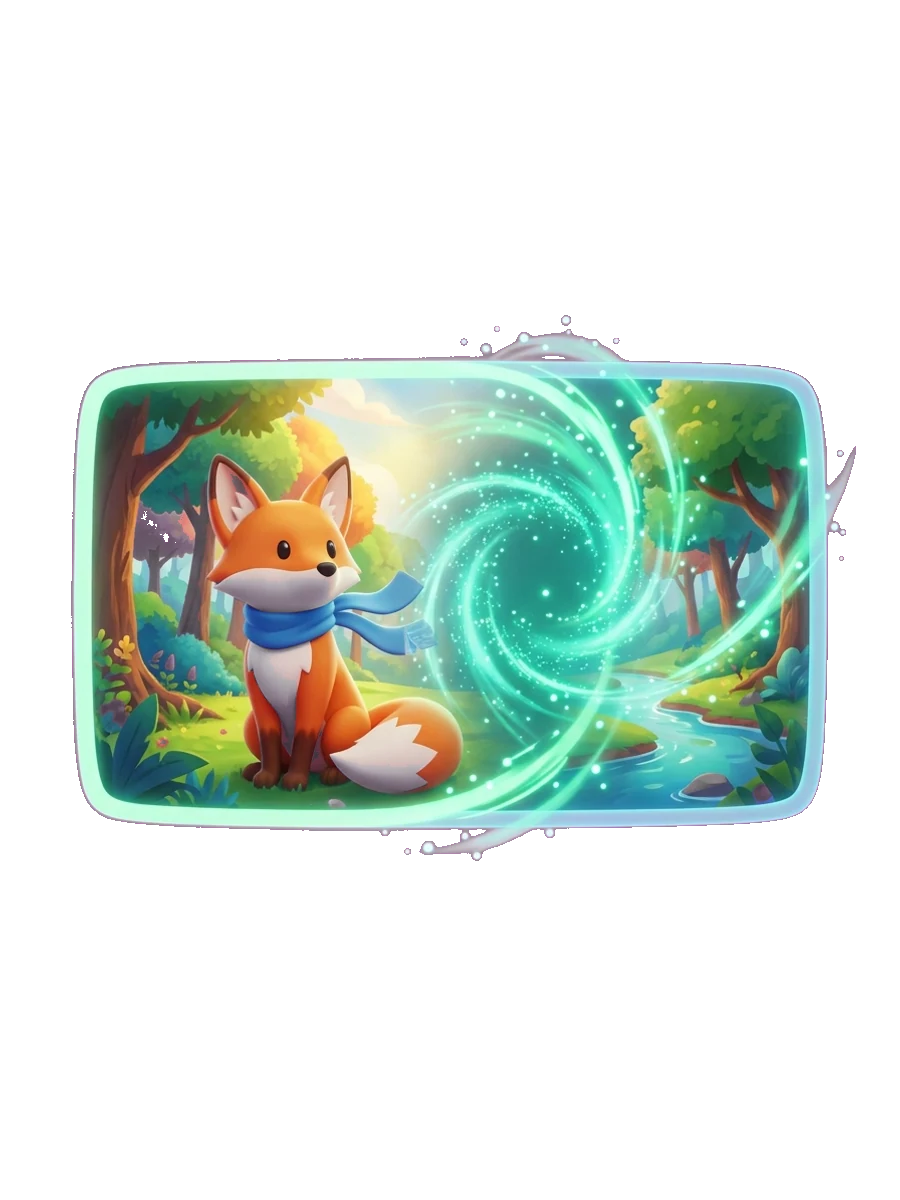
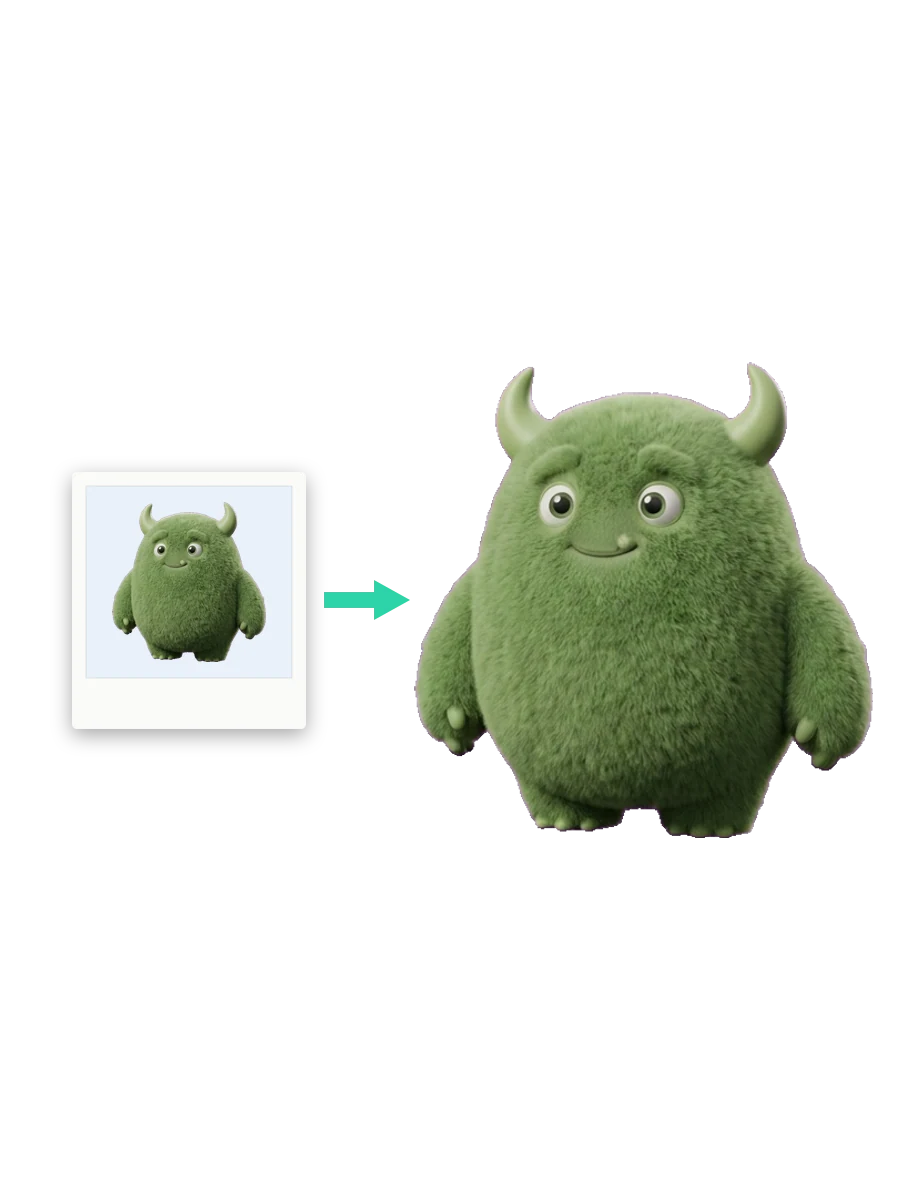
Upload a still or pick one of your Sloyd images, add an optional end frame, and bring it to life. Great for concept art, characters, and product shots.
Edit An Existing Clip
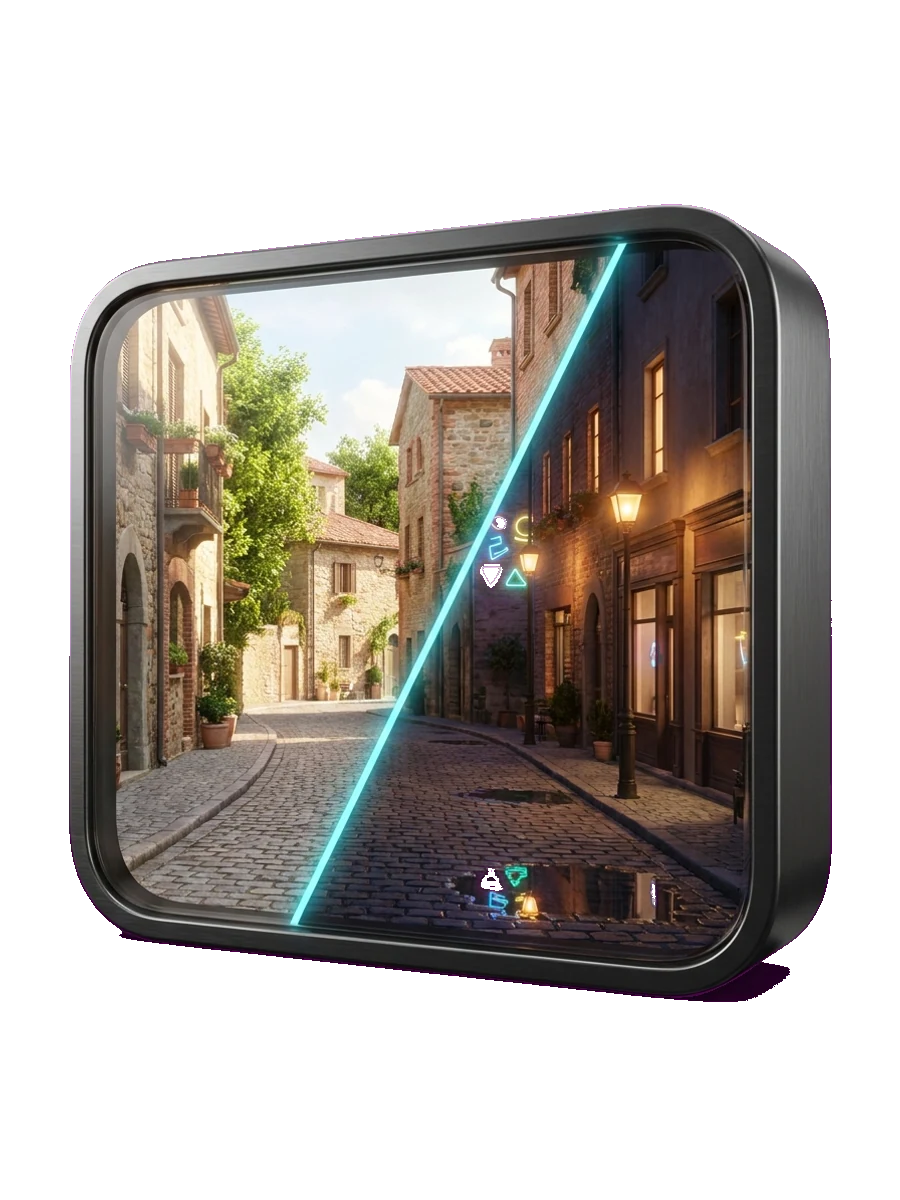
Upload a clip of up to 15 seconds and describe the change: turn day into night, swap the setting, or restyle the scene while keeping the original length.
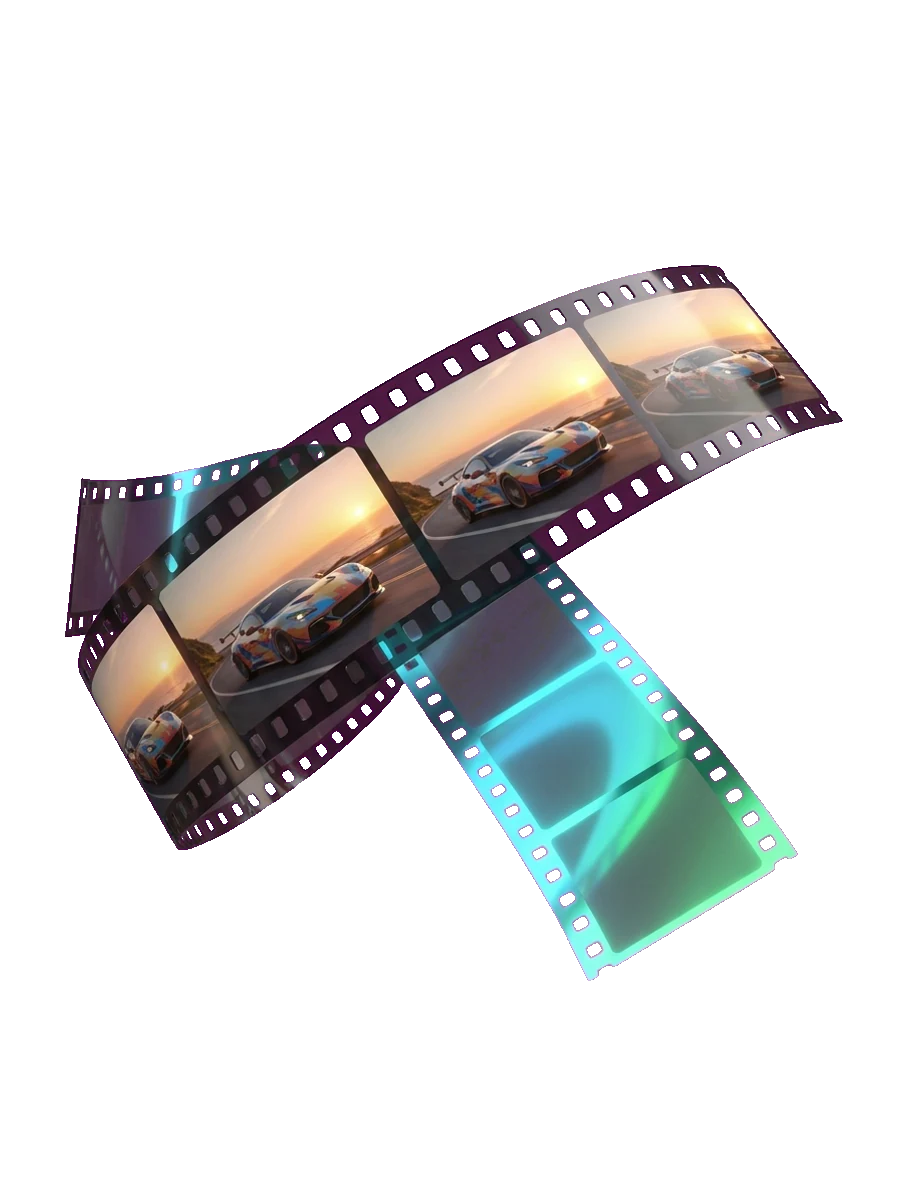
Extend What Happens Next
Continue a clip by a few seconds or more and tell Sloyd what happens next, so short shots grow into longer scenes.
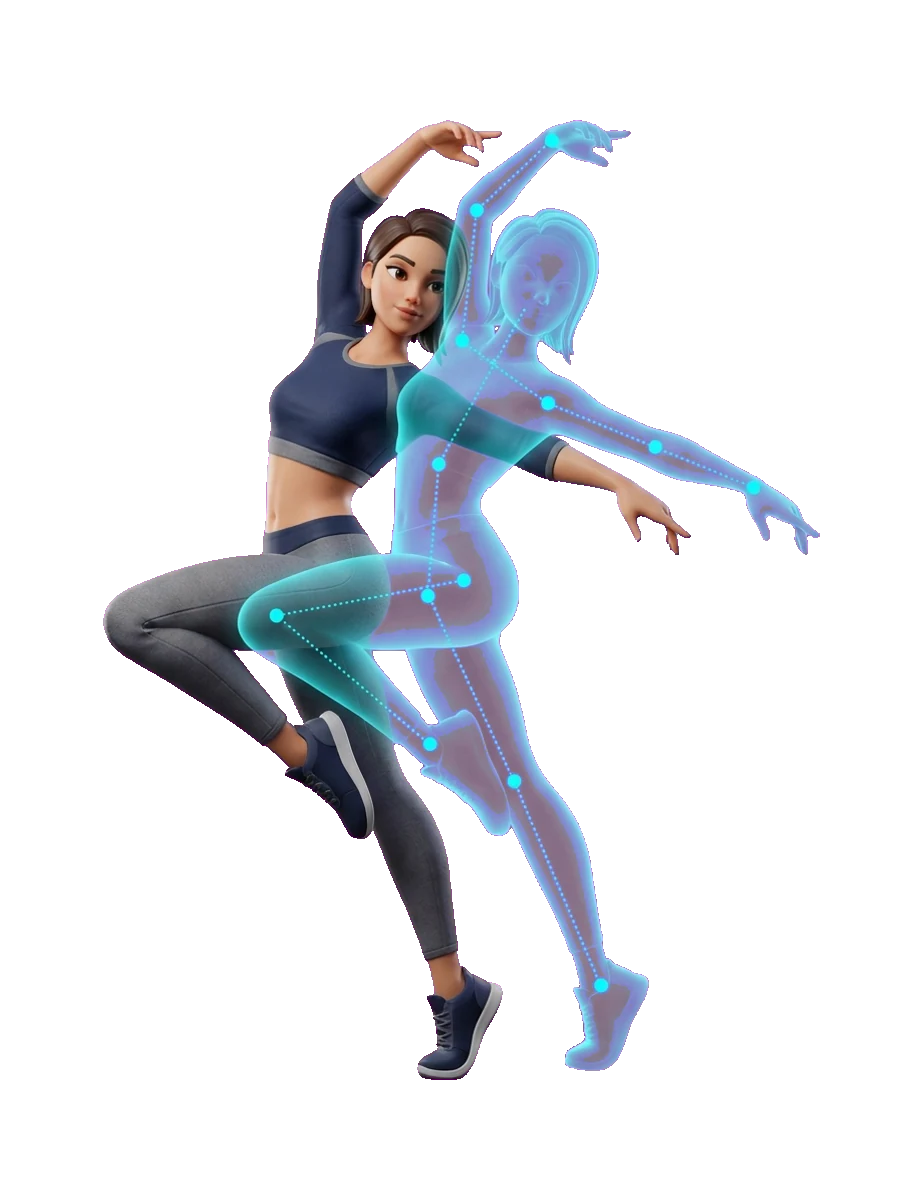
Copy Movement From A Clip
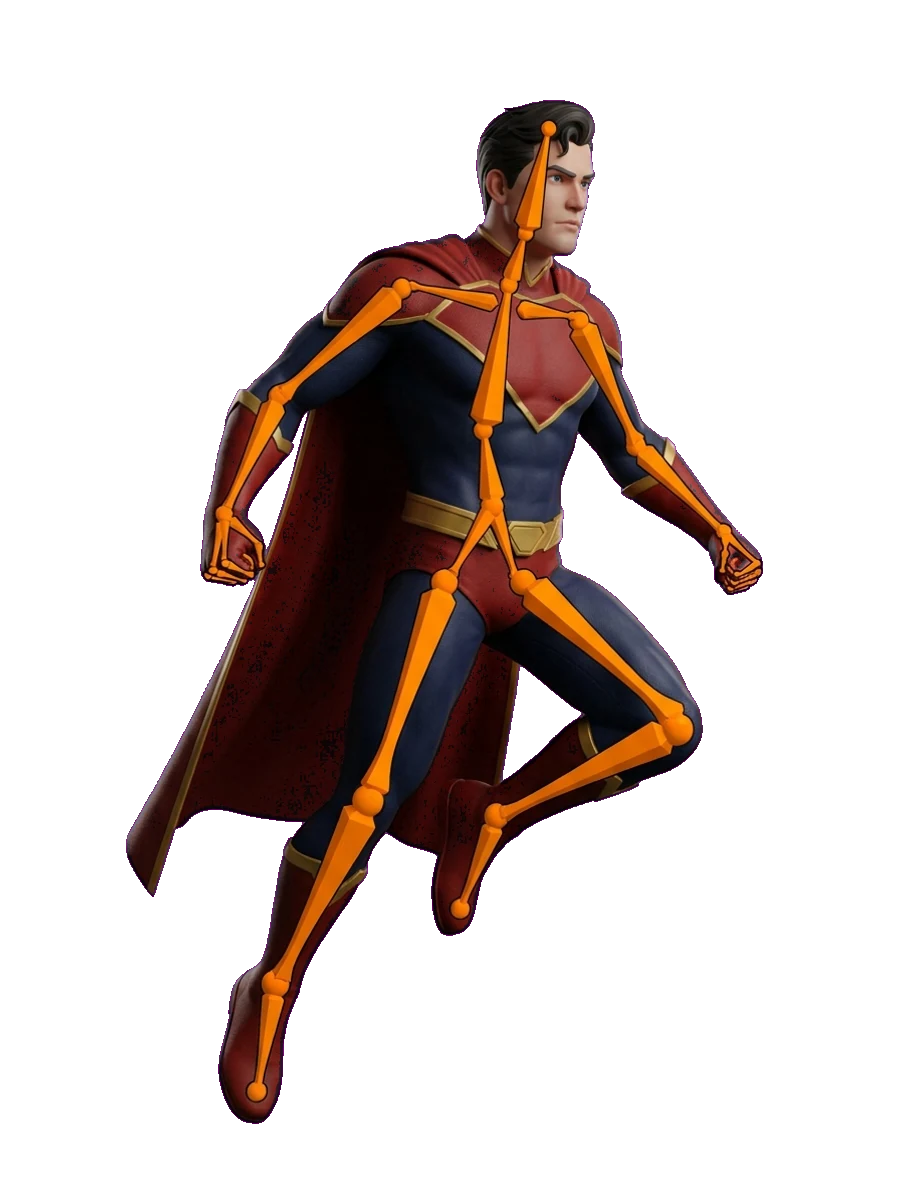
Combine a subject image with a motion video and Sloyd generates your subject moving the same way, guided by the reference.
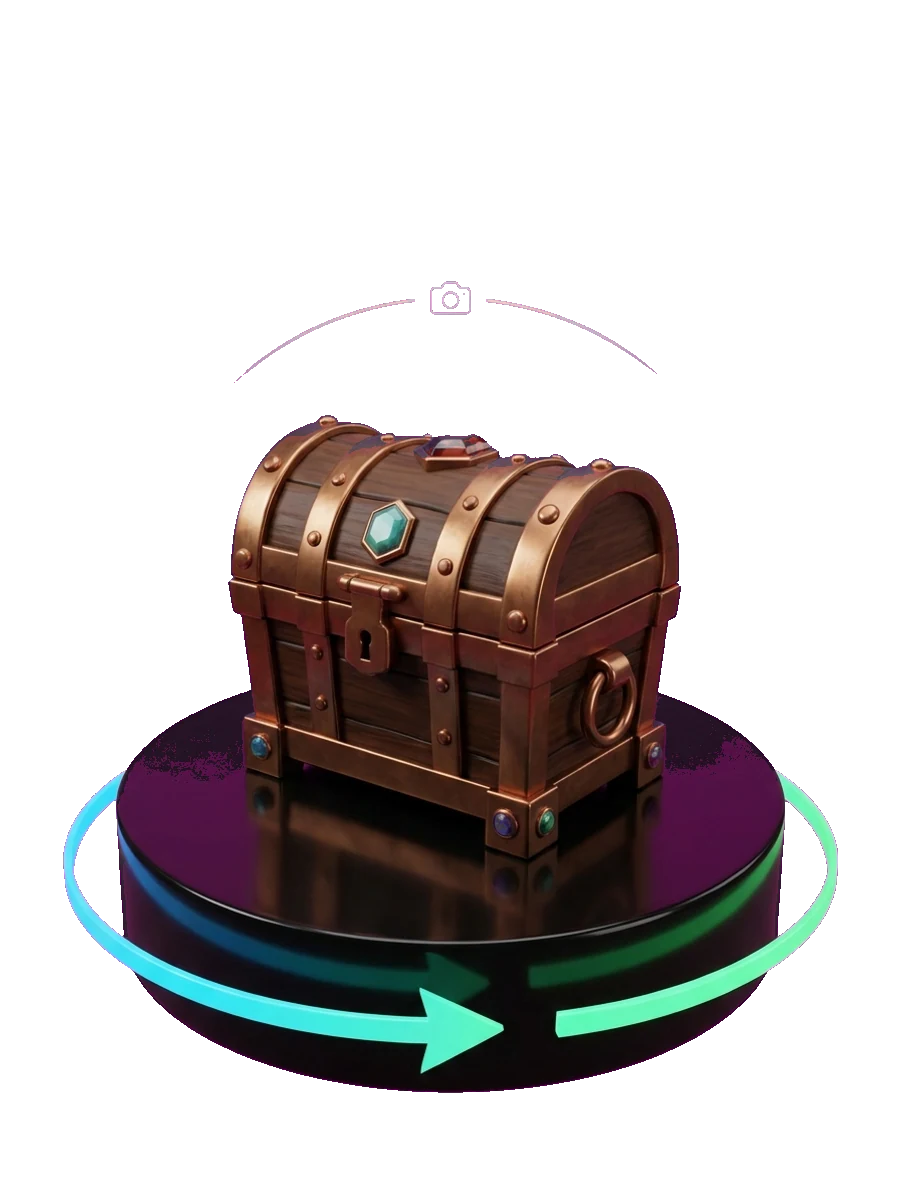
Turn 3D Models Into Video
Choose Make a Video on any 3D model and pick a camera move like Turntable, Orbit rise, or Hero sweep, or describe the shot you want in words.
Everything you need to create AI video
Video with sound, generated together
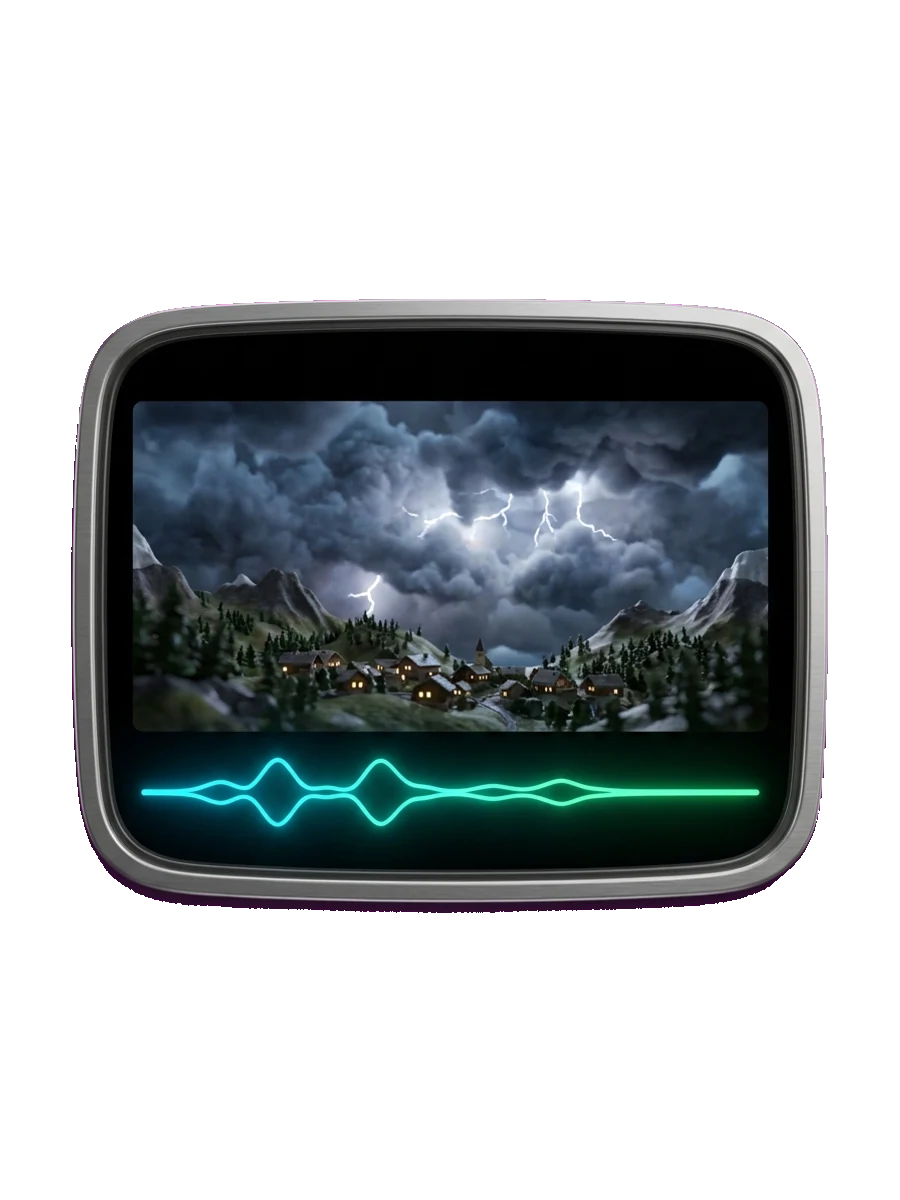
Every video is generated with sound, so dialogue, ambience, and effects arrive with the picture. Add an audio reference next to an image or video to steer the soundtrack.
Steer the result with references
Add up to 9 reference images, 3 videos, and 3 audio files to lock in characters, style, and sound, or reuse images and videos you already made in Sloyd. Uploads accept JPEG, PNG, WebP, MP4, MOV, MP3, and WAV.
Direct the camera
Choose a camera preset (Push in, Pull back, Orbit, Follow, or Locked) or leave it on Auto. For 3D models, pick from more than 20 camera moves and export a perfect loop.
Export for every screen
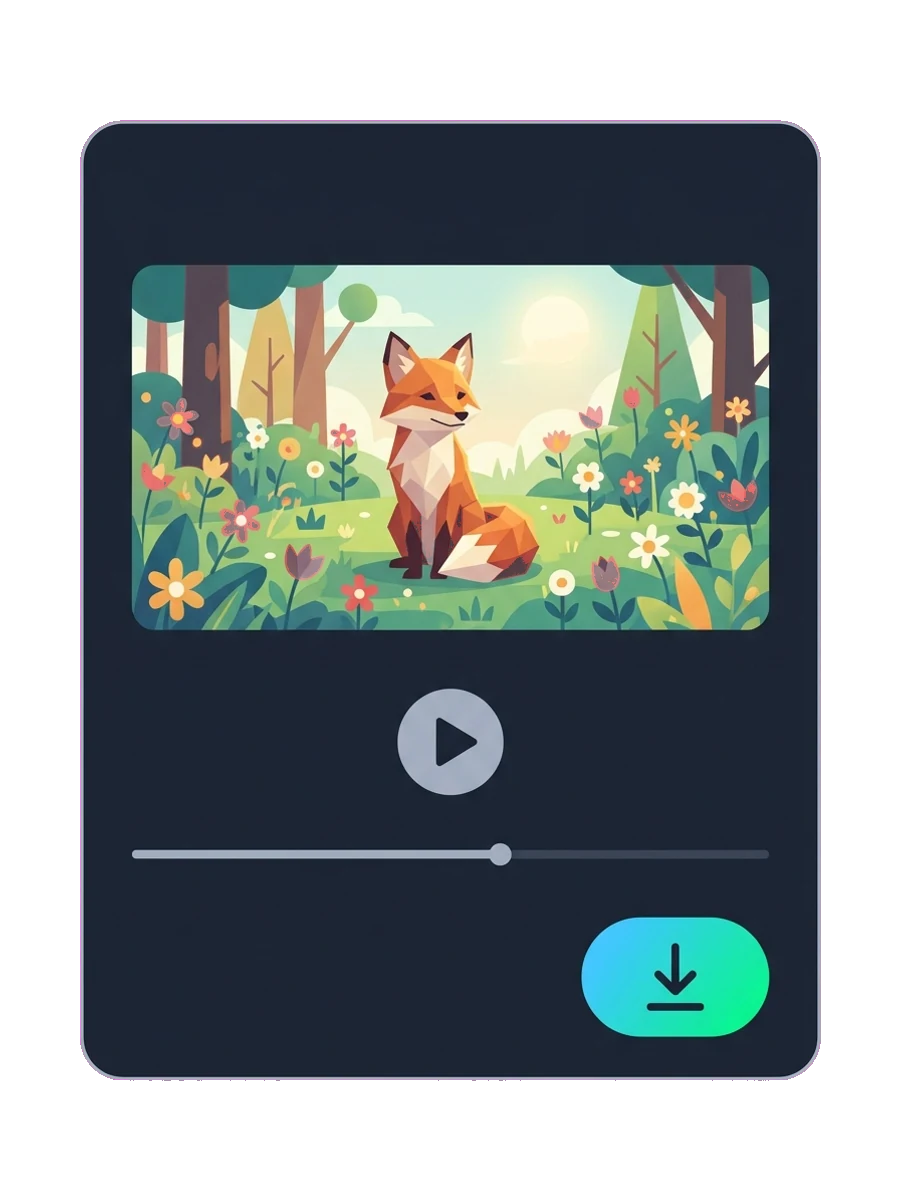
Render at 480p, 768p, or 2K in six aspect ratios, from 21:9 widescreen to 9:16 vertical. Download MP4, and for 3D model renders choose MP4, WebM with a transparent background, or GIF.
Frequently Asked Questions
What is an AI video generator?
An AI video generator creates video from a text prompt, an image, or other reference media. You describe the scene and the AI generates the motion, camera, and sound for you.
Can I turn an image into a video?
Yes. Upload a still image or pick one of your Sloyd images as the start frame, add an optional end frame, and describe the motion. Sloyd animates the image into a video clip.
How long can an AI video be?
Video Studio generates clips from 5 to 15 seconds. Extend a clip to continue the scene and build longer sequences. Camera-move renders of 3D models run from 1 to 10 seconds.
Does the video include sound?
Yes. Every video is generated with matching sound. You can also add an audio reference next to an image or video to guide it.
Which aspect ratios and resolutions are supported?
Video Studio supports 16:9, 9:16, 1:1, 21:9, 4:3, and 3:4 at 480p, 768p, or 2K. 3D model renders come in landscape, portrait, or square.
Can I make vertical videos for TikTok, Reels, and Shorts?
Yes. Choose the 9:16 aspect ratio in Video Studio to generate vertical clips ready for TikTok, Instagram Reels, and YouTube Shorts.
Can I make a product video from a photo?
Yes. Use a product photo as the start image and describe the shot, for example a slow reveal or a camera push in. If you made the product as a 3D model in Sloyd, you can also render a Product lift or Turntable camera move from the model itself.
Can I make a video of my 3D model?
Yes. Open any 3D model you created in Sloyd and choose Make a Video. Pick a camera move like Turntable, Logo spin, Orbit rise, or Hero sweep, or describe the move in words, and choose a black, studio, white, or transparent backdrop.
What file formats can I download?
AI-generated videos download as MP4. 3D model renders can be exported as MP4, WebM, or GIF, and transparent backgrounds export as WebM.
Which AI model does Sloyd use for video?
You do not have to choose. Sloyd picks the video model for each workflow, whether you are creating, animating an image, editing, or extending, so you can focus on the story instead of comparing models.
Learn the lingo
Bring your next idea to life
Start with a thought, an image, or a clip. Focus on your story, and let Sloyd take care of the model.