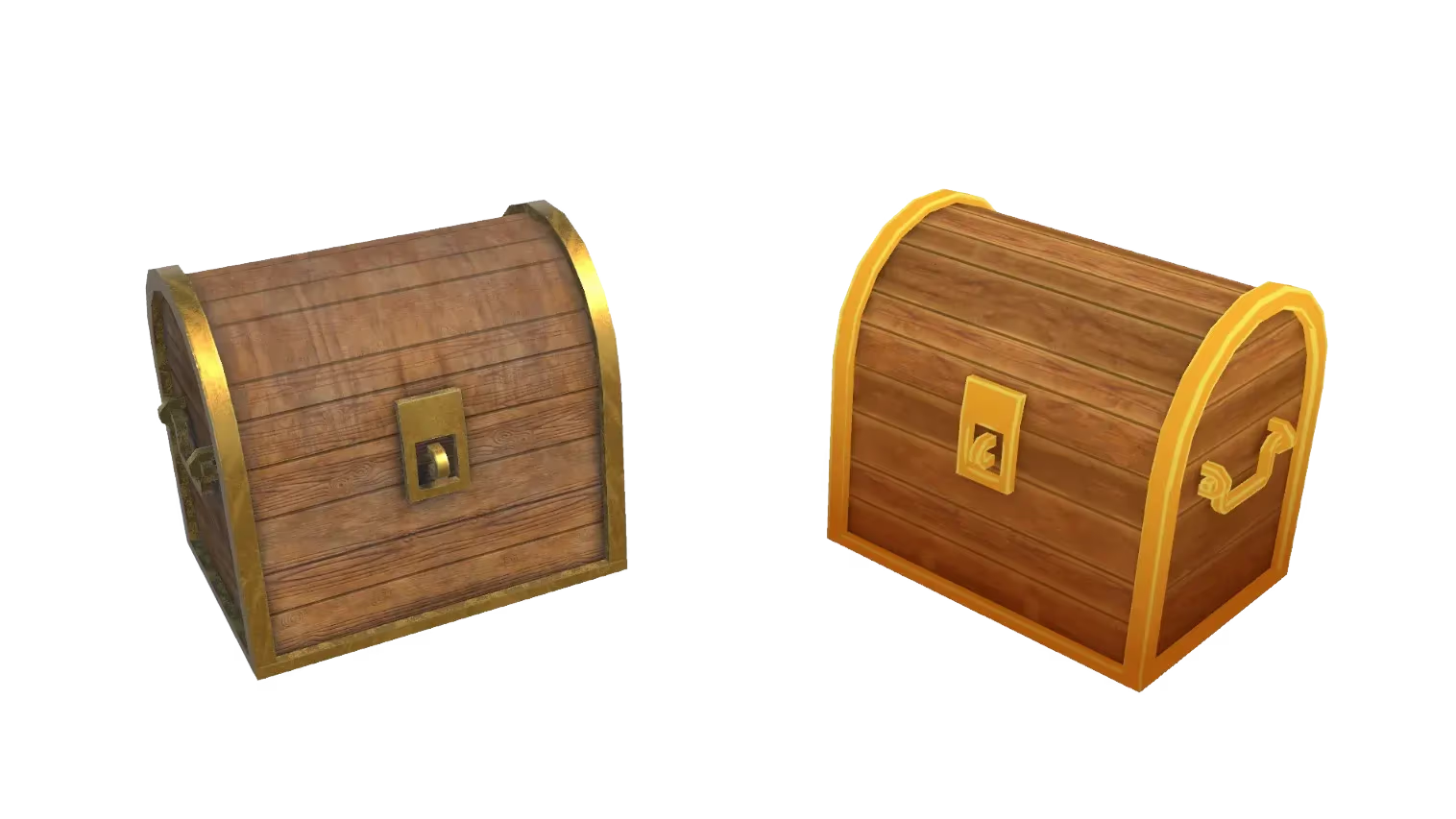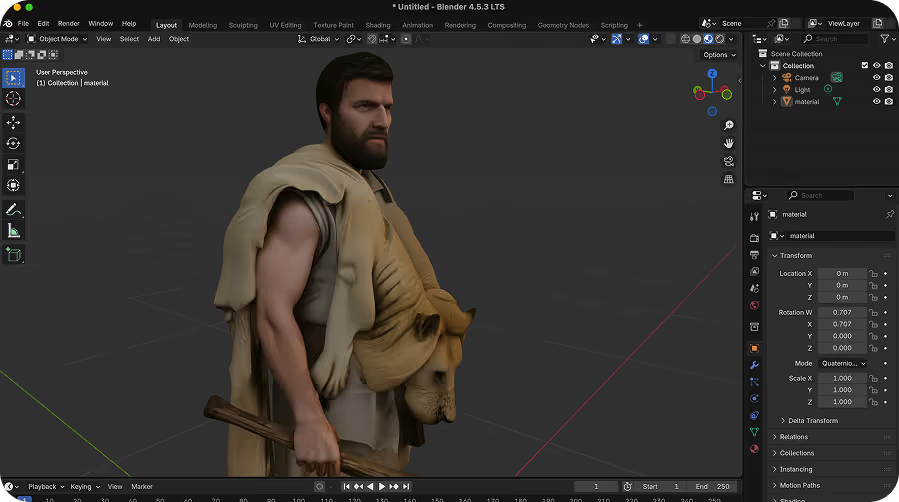
Listo para motores de videojuegos
Exporta archivos GLB, FBX u OBJ limpios que se importan directamente a Unity, Unreal Engine, Godot, Roblox Studio y más — con texturas incluidas.
Genera modelos 3D texturizados y listos para videojuegos a partir de descripciones de texto en segundos. La IA de texto a 3D de Sloyd crea activos listos para exportar en GLB, FBX, OBJ y STL — sin necesidad de software 3D ni habilidades de modelado.
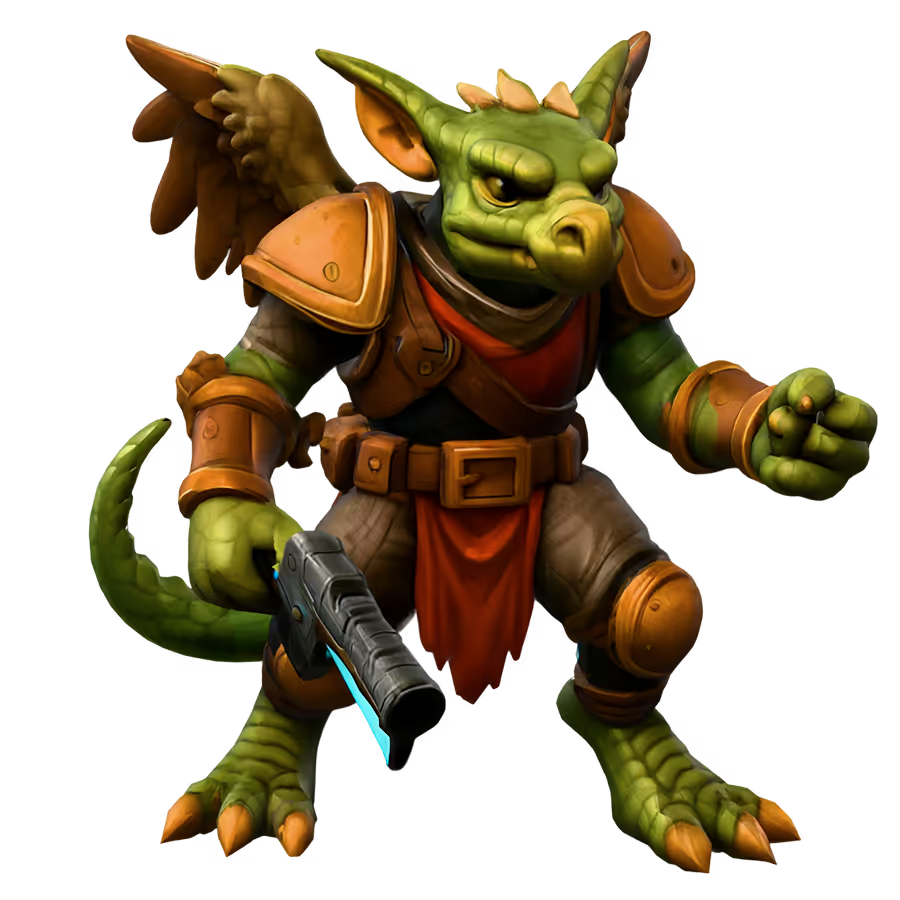
Escribe una descripción y la IA de Sloyd genera un modelo 3D completamente texturizado y listo para exportar en segundos. No necesitas una imagen de referencia — solo tus palabras.
Descarga tu modelo 3D generado en el formato que tu flujo de trabajo necesita. Todas las exportaciones incluyen texturas y están listas para usar en Unity, Unreal, Blender o tu impresora 3D.
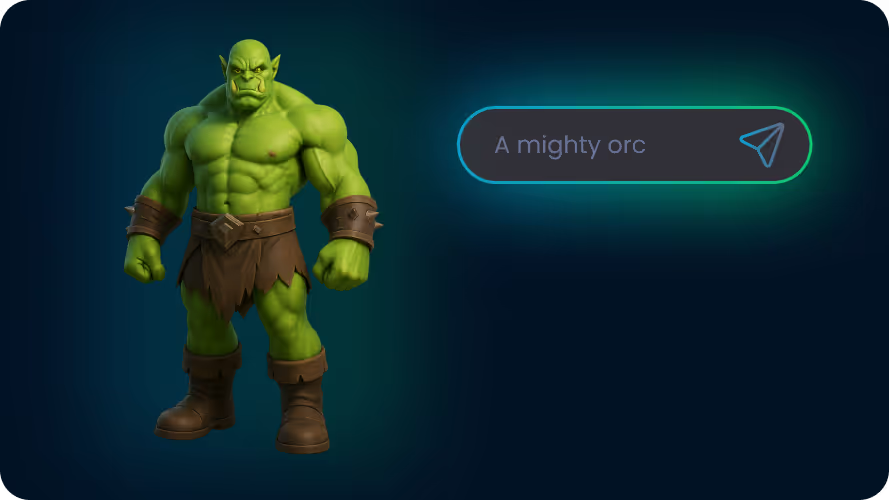
La IA de Sloyd genera activos 3D en segundos al convertir descripciones de texto en modelos 3D completamente texturizados. Describe lo que quieres y la IA se encarga automáticamente de la geometría, el mapeado UV y el texturizado. Pasa de la idea a un activo optimizado en minutos.
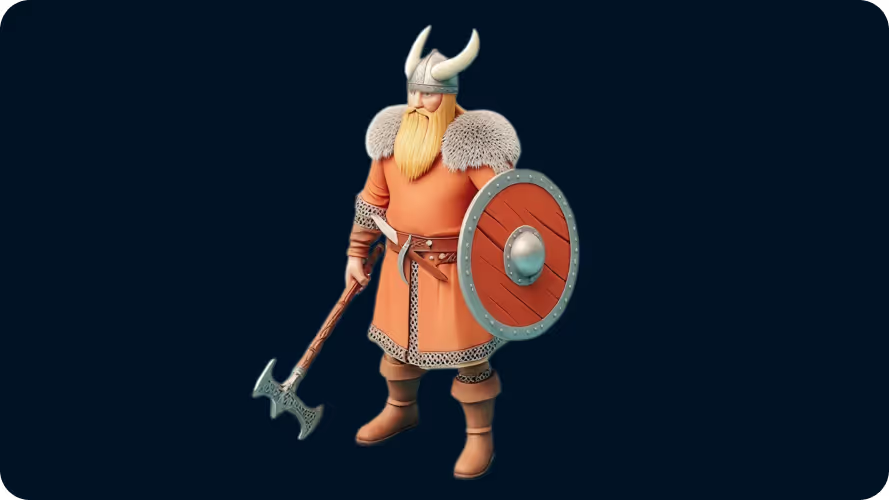
Cada modelo se genera con una topología limpia optimizada para motores en tiempo real. Elige entre resultados low-poly, estilizados o realistas para que coincidan con tu proyecto — y sube una imagen de referencia junto a tu descripción para guiar a la IA.
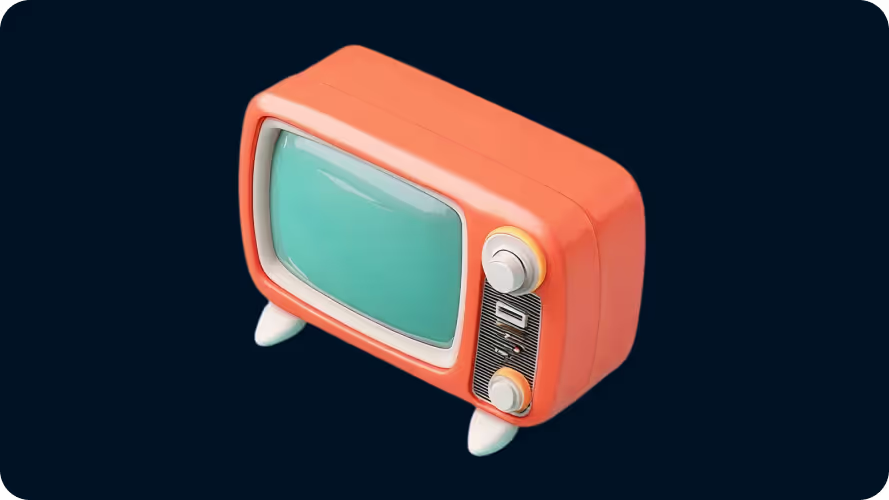
Desarrolladores de videojuegos, estudios indie, impresores 3D, equipos de e-commerce, estudios de VFX y animación, y arquitectos — cualquiera que necesite contenido 3D rápido sin la carga del modelado manual.
Abre la herramienta Texto a 3D de Sloyd y describe lo que quieres crear. Sé tan específico o tan general como quieras — la IA funciona con ambos. Opcionalmente, elige un preajuste de estilo o sube una imagen de referencia.
Haz clic en Generar y la IA de Sloyd crea un modelo 3D texturizado en segundos. El modelo incluye geometría, mapas UV y texturas — no se requiere trabajo manual.
Descarga tu modelo como un archivo GLB, FBX, OBJ o STL. Impórtalo directamente a Unity, Unreal Engine, Blender o tu laminador para impresión 3D.
Exporta archivos GLB, FBX u OBJ limpios que se importan directamente a Unity, Unreal Engine, Godot, Roblox Studio y más — con texturas incluidas.
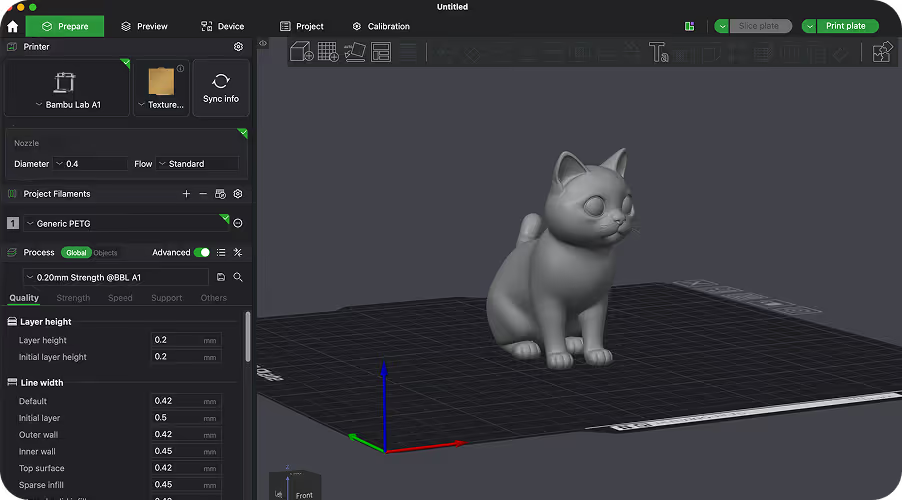
Descarga archivos STL u OBJ optimizados para impresoras FDM y de resina. Pasa de una descripción de texto a un objeto físico sin ninguna limpieza manual de la malla.
La IA de texto a 3D convierte automáticamente una descripción escrita en un modelo 3D. Tú describes lo que quieres — como "un casco de caballero medieval" o "un pino low-poly" — y la IA genera la geometría, los mapas UV y las texturas por ti. Sloyd produce activos listos para exportar en segundos, gratis para empezar.
Sí. Sloyd es gratis para empezar — no se requiere tarjeta de crédito. Los planes de pago desbloquean generaciones ilimitadas, procesamiento prioritario y licencias comerciales para uso en producción.
Sloyd exporta GLB, FBX, OBJ, USD, STL y muchos otros formatos. GLB y FBX son ideales para motores de videojuegos. OBJ funciona bien en Blender y la mayoría de las herramientas 3D. STL es el formato estándar para impresión 3D.
No. Sloyd funciona completamente en tu navegador — sin descargas, sin plugins, sin configuración. Abre la herramienta, escribe tu descripción y empieza a generar modelos 3D inmediatamente.
Texto a 3D es mejor cuando quieres explorar ideas rápidamente a partir de una descripción. Imagen a 3D es mejor cuando ya tienes una referencia visual. Las plantillas te dan el mayor control — empieza desde una base paramétrica hecha a mano y personaliza la forma, el estilo y los detalles.
Accesorios, personajes, criaturas, armas, muebles, edificios, vehículos y otros objetos. Sloyd funciona mejor para objetos individuales que para escenas completas. Los casos de uso comunes incluyen activos para videojuegos, impresión 3D, maquetas de productos y visualización de conceptos.
Props, characters, creatures, weapons, furniture, buildings, vehicles, and other objects. Sloyd works best for individual objects rather than full scenes. Common use cases include game assets, 3D printing, product mockups, and concept visualization.
Yes. If you already have a sketch, concept render, or reference image, use Sloyd’s Image-to-3D tools to generate a textured model from the image instead of starting from a text prompt.
Inside the Template Editor, Sloyd uses AI to assemble models from a library of parametric parts created by professional artists. Your text prompt helps steer the generator toward the right template and variation while keeping the result editable and clean.
Sí. Usa una imagen de tu modelo, como un render o una captura de pantalla, como fotograma inicial en el generador de video con IA y describe cómo debe moverse. El clip se genera con sonido.