How to Make Game Sound Effects with AI
A practical guide to making game sound effects from text prompts: the four-part prompt recipe, examples for foley, combat, UI, ambience and retro sounds, loops and multiple takes, and how to import the clips into Unity, Unreal, Godot and Roblox Studio.
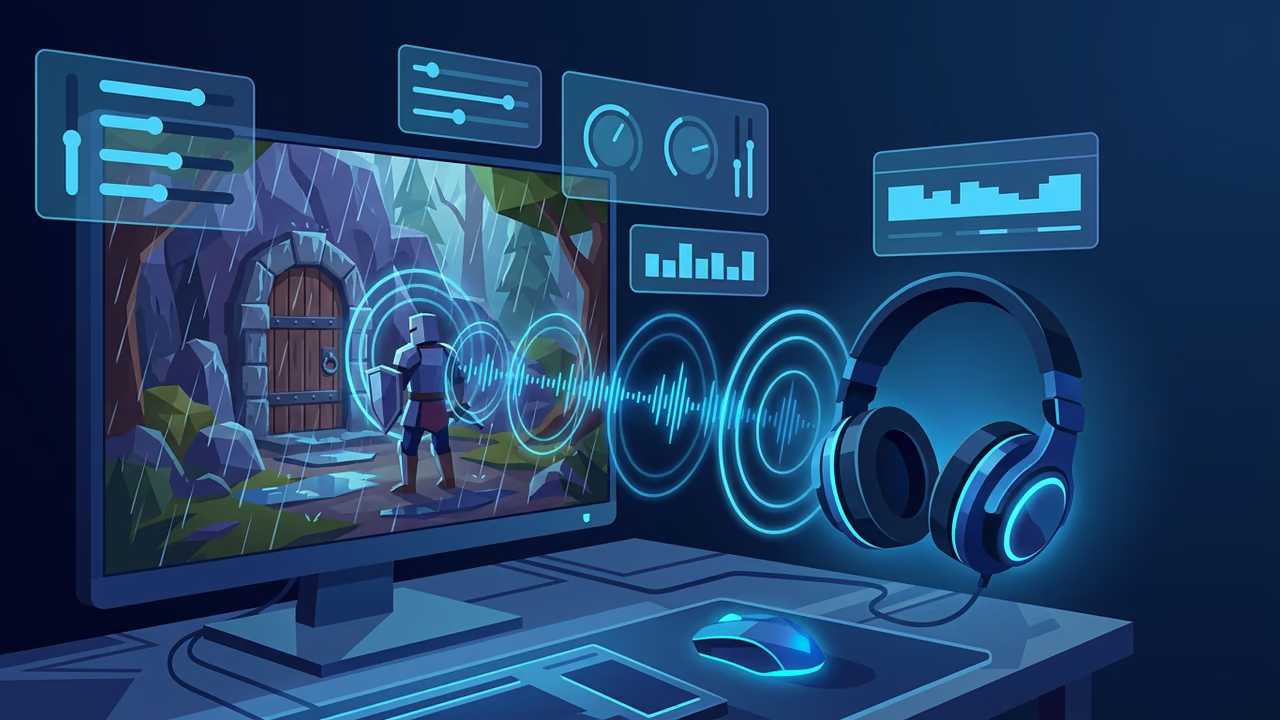
A level can look finished and still feel dead. The chest opens in silence, the hit lands with nothing behind it, the menu button says nothing back. Audio is usually the last thing an indie team gets to and the first thing a playtester notices.
Describing the sound you need in a sentence is now a realistic way to fill that gap. Type "sword drawn from a leather scabbard", get a clip back in seconds, drop it on the timeline, keep playing. This guide covers how to write prompts that produce usable game sound effects, which categories to generate first, how to handle loops and repeated actions, and how to get the clips into your engine. Every example below was made with Sloyd's AI sound effect generator, and the exact prompt is printed next to each clip so you can reproduce it.
Why Indie Teams Generate Sound Effects
You can prototype audio in the same sprint as the level
Browsing a sound library is a research task: search, audition, check the license, download, convert, rename. Generating is a writing task. You describe the action in the words you already used in the design doc, and you are back in the editor a minute later. Placeholder audio stops being a separate milestone.
The sound matches your game, not someone else's recording
Library files were recorded for a specific room, microphone and object. A generated clip is made from your description, so "heavy fist impact on a wooden shield" is a wooden shield and not the metal one that was the closest match in the library. And because nobody else is shipping that exact file, your game does not share its UI blip with a hundred mobile titles.
It covers sounds that are hard to record
Fireballs, teleports, mechs and alien doors have no real-world source. Those are exactly the sounds that cost the most to design by hand and the ones a prompt handles well.
It sits next to the rest of the asset pipeline
If you already use text to 3D for props, image to 3D for concept art, and text to image for textures and references, the sound for the prop comes from the same account instead of a separate subscription. The game development use case walks through the whole loop.
How to Write a Sound Effect Prompt
Models respond to physical description, not to mood words. "Scary" could be anything. "Low wooden creak with a metal latch click" has a material, an action and a result in it.
Four parts cover almost every sound effect you will need:
| Part | What to write | Example |
|---|---|---|
| Material | What is making the sound | leather, wet gravel, cast iron, glass |
| Action | What happens to it | drawn, dragged, snapped, struck |
| Space | Where it happens, or how close the mic is | close mic, narrow stone corridor, outdoors at distance |
| Length | How long the event lasts | 0.5 s for a click, 4 s for a collapse |
A few habits that make the first take usable:
- One event per prompt. A sword hit and the body falling are two clips, so the engine can retrigger them independently.
- Write the length into the prompt and set it on the slider. Lengths run from 0.5 to 30 seconds in Sloyd, or leave it on Auto and let the model decide from your description.
- Describe distance instead of volume. "Distant explosion with falling debris" gives you perspective; "loud explosion" just clips.
- Keep it short. You have up to 1,000 characters, but two or three concrete nouns beat a paragraph of adjectives.
- Use the prompt influence slider. Pull it toward the prompt when the sound must be exactly what you wrote, and away from it when you want the model to surprise you.
Five Categories to Generate First
These five cover the audio a prototype actually needs. Each clip below was generated in Sloyd from the prompt shown.
1. Foley: movement and objects
Footsteps, cloth, doors, pickups. Foley is the layer that makes a character feel like it has weight.
Prompt: "slow footsteps on wet gravel", 3 seconds, loop off.
Name the surface, not the shoe. One prompt per surface (gravel, wood, stone, snow) gives you a set you can switch between from the material under the player's feet.
2. Combat: impacts, weapons and spells
Combat needs more variety than anything else, because the player hears it hundreds of times per session.
Prompt: "sword drawn from a leather scabbard", 1.5 seconds, loop off.
Prompt: "heavy fist impact on a wooden shield", 1.5 seconds, loop off.
Prompt: "fireball spell cast, whoosh and crackle", 2.5 seconds, loop off.
Prompt: "distant explosion with falling debris", 4 seconds, loop off.
Split a spell into a cast and an impact, then layer them in the engine. You get a longer, bigger sound out of two short clips, and you can reuse the impact for other abilities.
3. UI: clicks, confirms and rewards
UI sounds are short and unforgiving. Anything longer than about a second feels sluggish under a cursor.
Prompt: "single crisp UI button click", 0.5 seconds, loop off.
Prompt: "level-up sting, bright ascending chime", 2 seconds, loop off.
Keep navigation sounds dry and neutral, and save the bright, musical sting for the moment the player earns something.
4. Ambience: the loops under everything
Ambience sells a place more than any single effect. Turn Loop on so the clip can repeat behind the whole scene.
Prompt: "heavy rain on a rooftop", 5 seconds, loop on.
Prompt: "forest ambience with birds and wind", 5 seconds, loop on.
Prompt: "busy medieval tavern crowd", 5 seconds, loop on.
Five seconds is enough to audition the texture. For the build, generate the same prompt at 20 to 30 seconds so the repeat is not obvious, and layer two beds (wind plus distant birds) instead of asking one clip to carry the whole environment.
5. Retro: chiptune-style effects
Pixel-art games need sounds from the same era as the art.
Prompt: "retro 8-bit power-up jingle", 1.5 seconds, loop off.
Words like "8-bit", "chiptune", "square wave" and "arcade cabinet" steer the model to the right palette. Note that this is a short effect, not a soundtrack: Sloyd Audio generates sound effects and speech, not music, so a composer or a music tool still handles the score.
Loops and Multiple Takes
Two settings do most of the work on sounds the player hears repeatedly.
Loop makes a clip that can repeat without an audible seam at the joint. Turn it on for rain, wind, crowds, engines, machinery and torches. Leave it off for one-shots: a loop-safe sword hit wastes the transient that gives the hit its punch.
Variations generate 1, 2 or 4 takes of the same prompt in a single run. Four takes is the setting that makes repeated actions bearable:
- Footsteps. Generate four takes, import all four, and let the engine pick at random per step. Unity's AudioSource, Unreal's Sound Cue random node, Godot's
AudioStreamRandomizerand a simple random index in a Roblox script all do this. - Impacts. Four takes plus a small random pitch range (roughly 0.95 to 1.05) is enough for melee that fires every half second.
- UI. One take is fine. A menu click that changes every press reads as a bug.
Pick the best take and delete the rest. The cheapest quality win in generated audio is still auditioning more than one option.
For placeholder dialogue, the same Audio page does text to speech from the premade voice library, up to 5,000 characters per generation. It is ideal for NPC barks and tutorial lines while you are testing pacing, and most teams still cast voice actors for lead characters. If you want the longer comparison, see our rundown of ElevenLabs alternatives for game audio.
Exporting and Importing into Your Engine
Every clip plays on the Audio page, is saved in My Activity, and downloads as a 44.1 kHz MP3. That single file is what goes into the engine.
| Engine | MP3 support | What to do with it |
|---|---|---|
| Unity | Imports MP3 directly | Drop it in Assets/Audio. Set Load Type to Decompress On Load for short effects and Streaming for long ambience. Unity re-encodes on import, so the project's compression settings decide the runtime quality. |
| Unreal Engine | WAV is the safe path | Convert the MP3 to 16-bit 44.1 kHz WAV in Audacity or your DAW, then import it as a Sound Wave and wrap variations in a Sound Cue. |
| Godot 4 | Imports MP3 directly | Copy it into the project, then tick Loop in the Import dock for ambience and reimport. |
| Roblox Studio | Uploads MP3 directly | Upload under Creations, wait for moderation to clear, then reference the asset id in a Sound object. |
Two practical notes:
- MP3 encoding adds a little padding at the start and end of a file. That is inaudible in a one-shot, but on an ambience bed it can produce a faint tick at the loop point. Re-export the clip as WAV or OGG in a free editor like Audacity and trim both ends to a zero crossing, and the seam disappears.
- Keep one naming scheme from the start, for example
sfx_footstep_gravel_01. Generated audio accumulates fast, and four takes of twelve sounds is forty-eight files by the end of the week.
Shipping a trailer for the build? Sloyd Video Studio renders clips from 5 to 15 seconds, with Extend to continue a shot, and camera-move renders of a 3D model run from 1 to 10 seconds. Lay your own generated audio under the cut.
FAQ
How long should a game sound effect be?
Match the length to the event. UI clicks sit between 0.5 and 1 second, melee impacts around 1 to 2 seconds, explosions and collapses 3 to 5 seconds, and ambience beds 20 to 30 seconds so the loop is not obvious. Sloyd covers 0.5 to 30 seconds, or Auto if you would rather let the length follow the prompt.
Can AI make seamless looping ambience?
Yes. Turn on the Loop option before you generate and the clip is built to repeat without a seam. Rain, wind, crowds, engines and torch fire are the usual candidates. If you hear a tick at the loop point after importing, it is MP3 padding rather than the clip: trim the file ends to a zero crossing in an audio editor.
What audio format does Sloyd Audio export?
A 44.1 kHz MP3. Unity, Godot and Roblox Studio all take that file as it is. For Unreal, or for any project that wants a lossless master, convert the MP3 to 16-bit WAV in Audacity or your DAW before importing.
Can AI generate the music for my game?
Not in Sloyd. Sloyd Audio makes sound effects and speech, so the score is still a job for a composer or a dedicated music tool. Sound design, UI audio, ambience and placeholder dialogue are the parts it covers.
How do I get variations of the same sound?
Set variations to 2 or 4 before generating and you get that many takes of one prompt in a single run, then keep the one that sits best in the mix. For footsteps and melee, import all four and randomize playback in the engine.
Do I need a paid plan to generate audio?
Yes. Audio generation and downloads need Sloyd Plus or Sloyd Pro. Compare the tiers on the pricing page.
Start with Ten Sounds
Pick the ten sounds your prototype hears most, which is usually footsteps, a jump, a land, two impacts, a pickup, a UI click, a confirm, a reward sting and one ambience bed. Write each as material plus action plus space plus length, generate four takes of the repeated ones, and you have a usable audio pass in an afternoon.
Open the AI sound effect generator and start with the prompts in this post, or jump straight into Sloyd Audio. Then pair the sounds with the props they belong to using text to 3D.