Optimizado para Roblox
Todos los avatares están listos para usar en Roblox, con cabeza, brazos, torso, etc. separados, e incluyen cages, y se mantienen dentro de los límites de polígonos para su uso en Roblox.
Elige un maniquí, describe el aspecto y obtén un avatar de Roblox completamente texturizado y listo para el marketplace. No se necesitan habilidades de modelado.
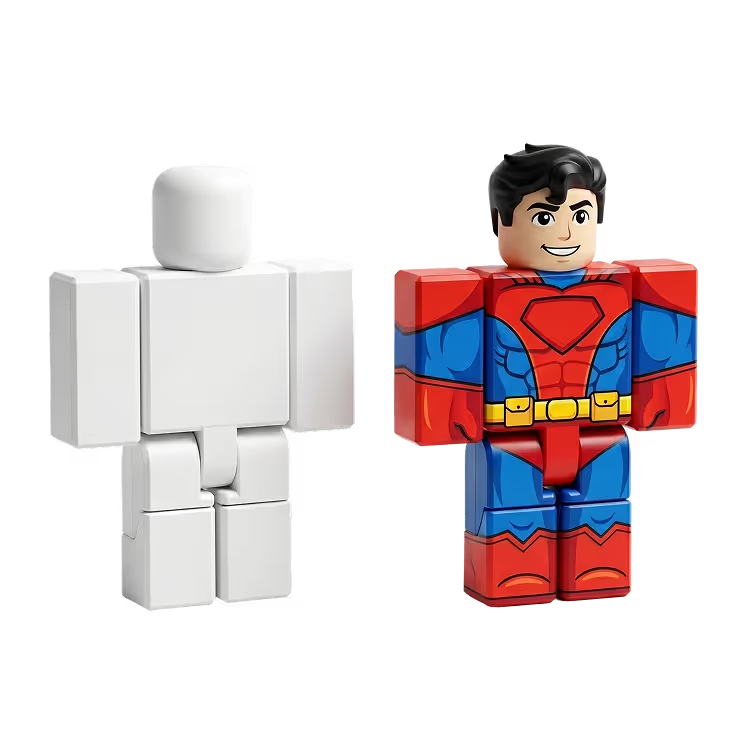
Elige entre maniquíes Clásico, Blocky, Semirrealista, Anime y más tipos. Describe la piel, el atuendo y el estilo en un prompt de texto y obtén un avatar completamente texturizado en segundos.
Cada maniquí está skinneado y es totalmente compatible con el marketplace de Roblox. La forma del avatar permanece sin cambios para que tu creación cumpla con los requisitos de la plataforma desde el primer momento.
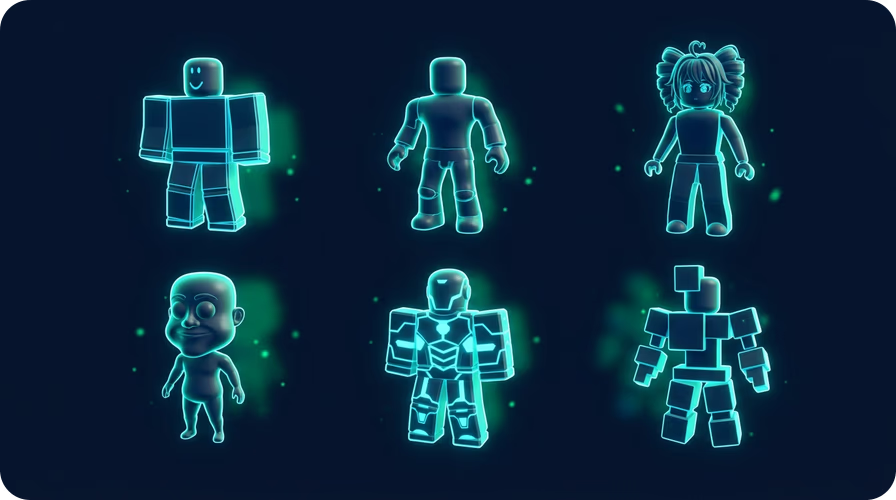
Elige entre Maniquí Clásico, Personaje Blocky, Hombre y Mujer Semirrealistas, Caricatura, Hombre Anime y más. Cada forma está pre-riggeada y lista para texturizar.
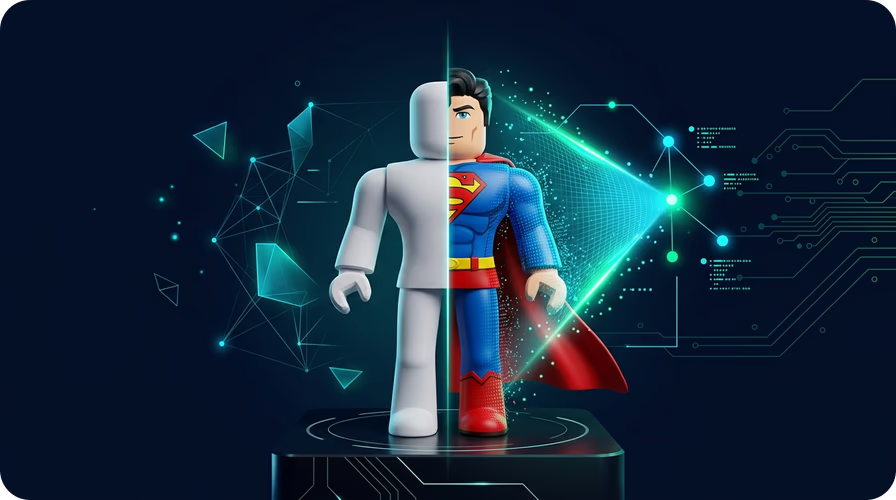
Describe el tono de piel, color de ojos, cabello y ropa en texto plano. La IA aplica una textura de 2048×2048 directamente al avatar con 30 submeshes para resultados detallados.
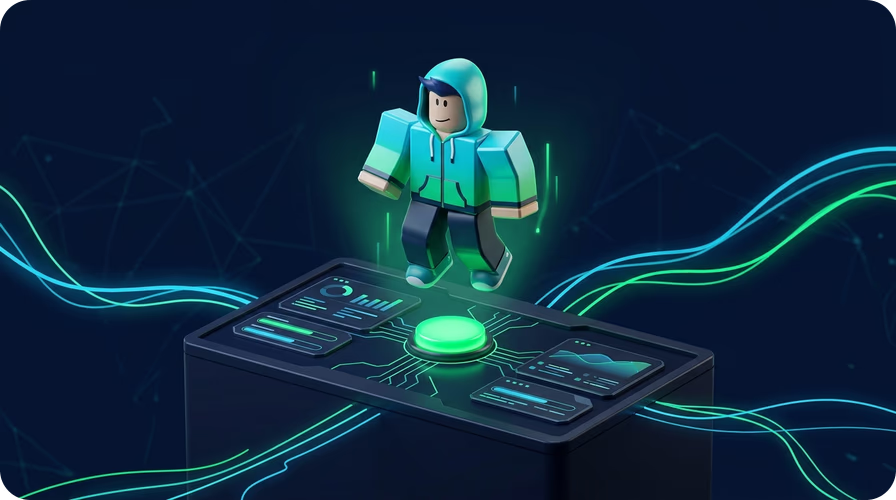
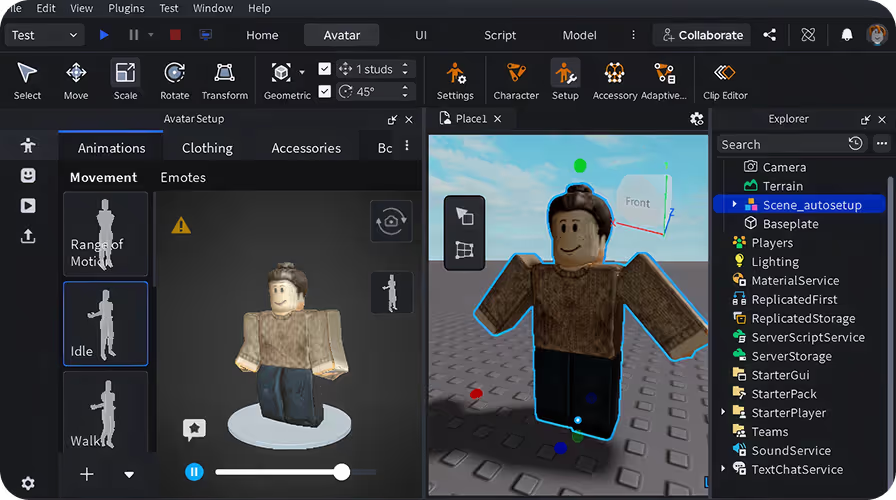
Descarga tu avatar como un archivo GLB e impórtalo directamente en Roblox Studio. Soporta Auto Rig, Animate, Retexture y Split to Parts para un control creativo total.
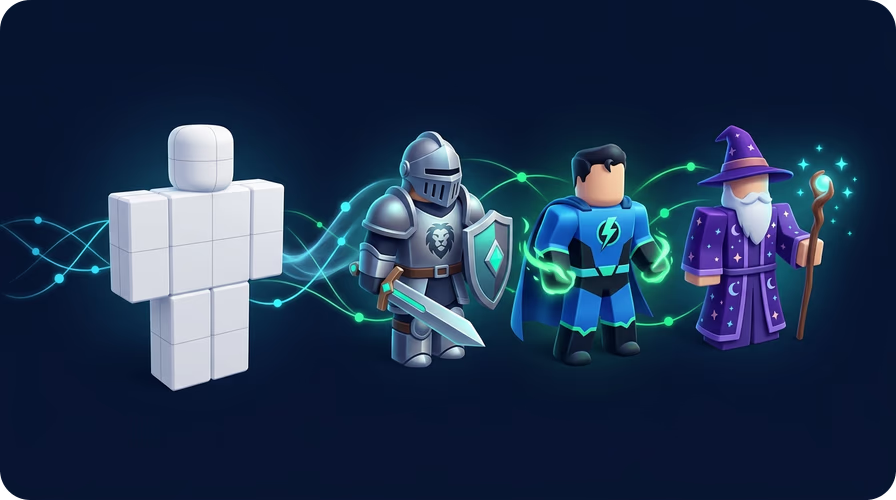
¿No estás satisfecho con el primer resultado? Ejecuta Retexture con un nuevo prompt e inténtalo de nuevo. Itera tantas veces como necesites sin límites de generación.
Abre la herramienta de Avatares de Roblox en Sloyd y explora la biblioteca de maniquíes. Elige entre Clásico, Blocky, Semirrealista, Anime y más. Cada forma está pre-riggeada y es compatible con el marketplace.
Escribe una descripción del tono de piel, color de ojos, estilo de cabello y atuendo. Haz clic en Texture y la IA generará una textura completa de 2048×2048 aplicada directamente a la forma de tu avatar.
Haz clic en Exportar GLB para descargar tu avatar terminado. Impórtalo en Roblox Studio, aplica Auto Rig si es necesario y publícalo en el marketplace.
Todos los avatares están listos para usar en Roblox, con cabeza, brazos, torso, etc. separados, e incluyen cages, y se mantienen dentro de los límites de polígonos para su uso en Roblox.
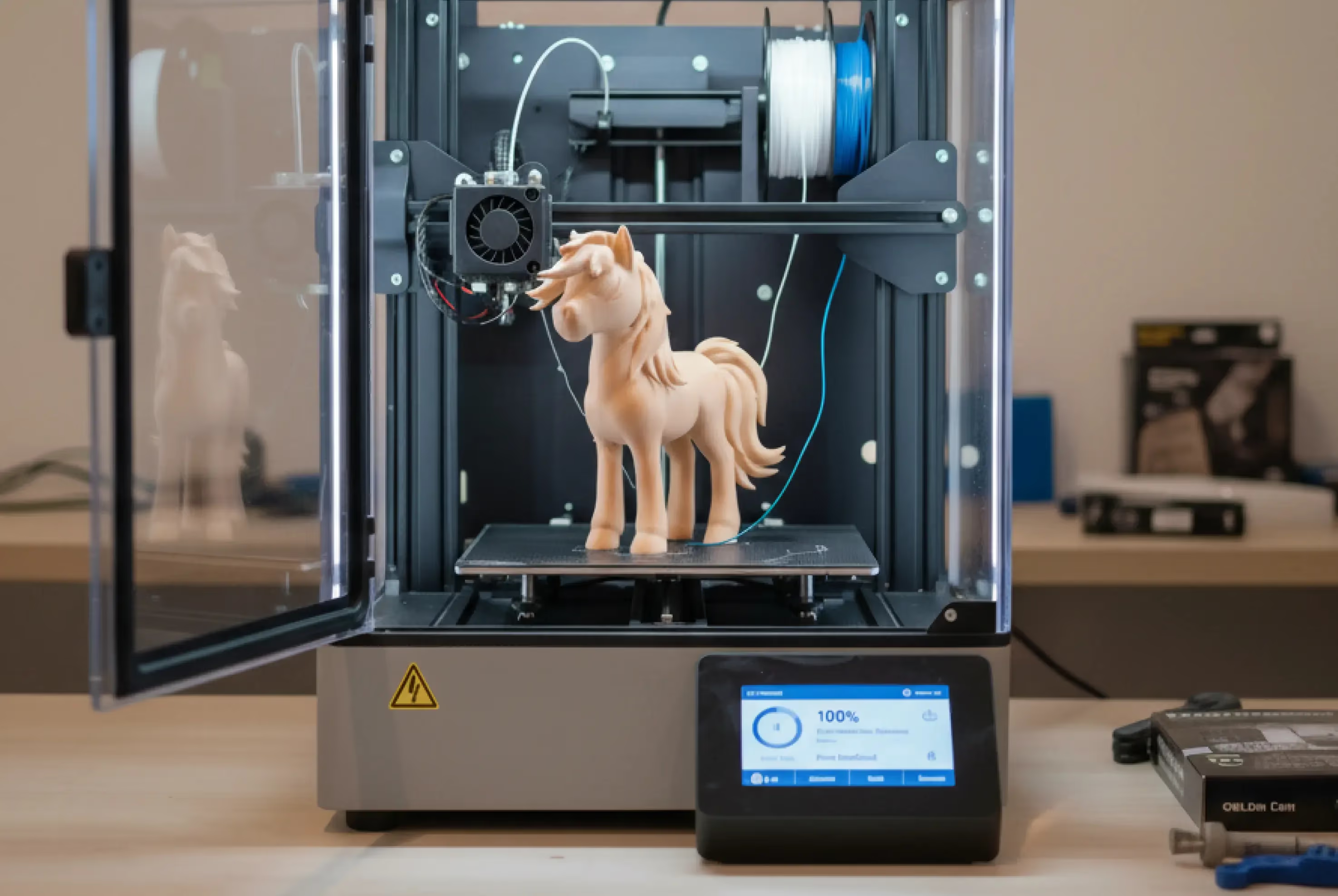
¿Quieres mostrar tu creación en el mundo real? Las generaciones de Sloyd son estancas para que puedas imprimirlas en 3D fácilmente.
El generador de avatares de Roblox de Sloyd te permite crear avatares de Roblox completamente texturizados usando IA. Elige una forma de maniquí pre-riggeada, describe el aspecto con un prompt de texto y la IA aplica una textura de 2048×2048. Exporta como GLB e importa directamente a Roblox Studio. No se necesitan habilidades de modelado 3D.
La función de Avatares de Roblox requiere una suscripción de pago a Sloyd. Consulta la página de precios para ver los planes actuales y lo que incluyen.
Sí. Cada maniquí en Sloyd está skinneado y construido según las especificaciones del marketplace de Roblox. La forma del avatar permanece sin cambios durante el texturizado, por lo que la geometría siempre cumple con los requisitos de la plataforma.
Sloyd incluye Maniquí Clásico con Cages, Personaje Blocky, Hombre Semirrealista, Mujer Semirrealista, Caricatura, Hombre Anime y más. Se añaden nuevas formas regularmente.
Selecciona una forma de maniquí, luego escribe una descripción del tono de piel, color de ojos, cabello y atuendo. Haz clic en Texture y la IA generará una textura completa de 2048×2048 con 30 submeshes aplicada directamente al avatar.
Los avatares se exportan como GLB, que se importa directamente a Roblox Studio. También puedes exportar FBX y OBJ para otras herramientas. Todas las exportaciones incluyen el mapa de textura completo.
Sí. Después de generarlo, puedes usar la herramienta Animate de Sloyd para añadir animaciones, Auto Rig para aplicar un esqueleto y Split to Parts para separar la malla para una edición posterior.
No. Sloyd funciona completamente en tu navegador. Abre la herramienta de Avatares de Roblox, elige un maniquí y empieza a generar. Funciona en cualquier navegador moderno en Mac, Windows o Linux.
Yes. If you want to create 3D models from a photo or reference image instead of building a Roblox avatar from a mannequin, use Sloyd’s Image-to-3D tools. They turn images into textured 3D models for printing, games, and creative projects.