Image to Video
Image to video is a type of generative AI that turns a still image into a short video. The image becomes the first frame, and a text prompt describes what should move and how the camera behaves. Some tools also accept an end frame, so the clip moves from one image to another.
What is Image to Video?
Image to video brings a still image to life. Instead of generating a scene from words alone, the AI starts from a picture you provide and predicts how it would move: hair in the wind, a character turning, steam rising from a cup, or a camera drifting past a product.
The image becomes the first frame, so the identity, colors, and composition stay fixed. The text prompt focuses on motion. That makes image to video the preferred method when the look must not change, for example for product shots, game characters, or illustrations.
How Image to Video Works
- Start frame: the model reads your image as the first frame of the clip.
- Motion prompt: you describe the subject's movement and the camera, for example "slow dolly in, leaves falling".
- Optional end frame: a second image sets where the shot should finish.
- Generation: a video diffusion model generates the frames between, keeping the subject consistent. Some models also generate sound.
Image to Video vs Text to Video
| Image to video | Text to video | |
|---|---|---|
| Input | Image + motion prompt | Prompt only |
| Look of the subject | Fixed by your image | Decided by the model |
| Best for | Products, characters, brand assets | Exploring ideas, b-roll, mood shots |
A common workflow is to create the start frame with text to image, refine it, and then animate it.
Image to Video in Sloyd
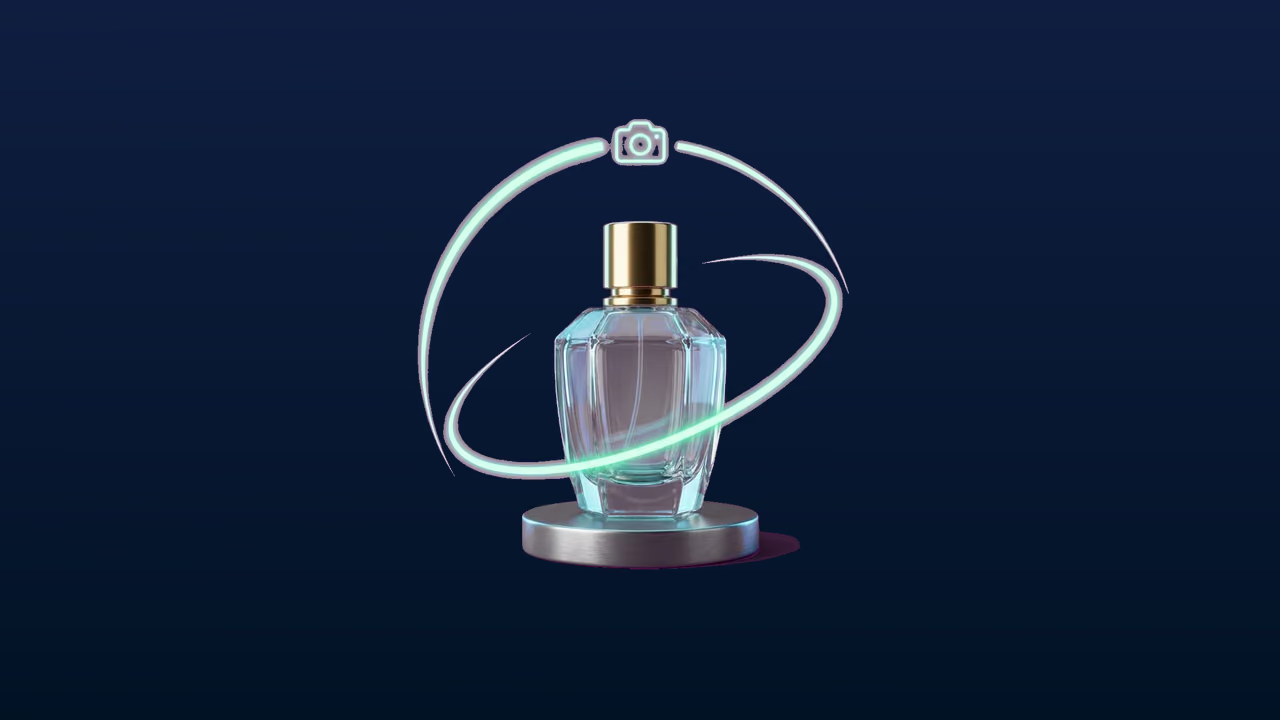
In the Sloyd AI Video Generator, upload a still image or pick one of your Sloyd images as the start frame, add an optional end frame, and describe the motion. Video Studio generates a clip of 5 to 15 seconds with matching sound, at up to 2K, and downloads it as MP4. For models you made in Sloyd, choose Make a Video to render a camera move, such as a Turntable or Hero sweep, directly from the 3D model. AI video is available on Sloyd Plus and Pro and uses monthly credits.