NPC Voice Generator: AI Voice-Over for NPCs and Narrators
How to use an NPC voice generator for placeholder dialogue: picking a voice from the library, what voice stability and voice closeness actually change, writing barks, quest lines, tutorials and narration inside the 5,000-character limit, the script to engine workflow, and when to book a real actor instead.
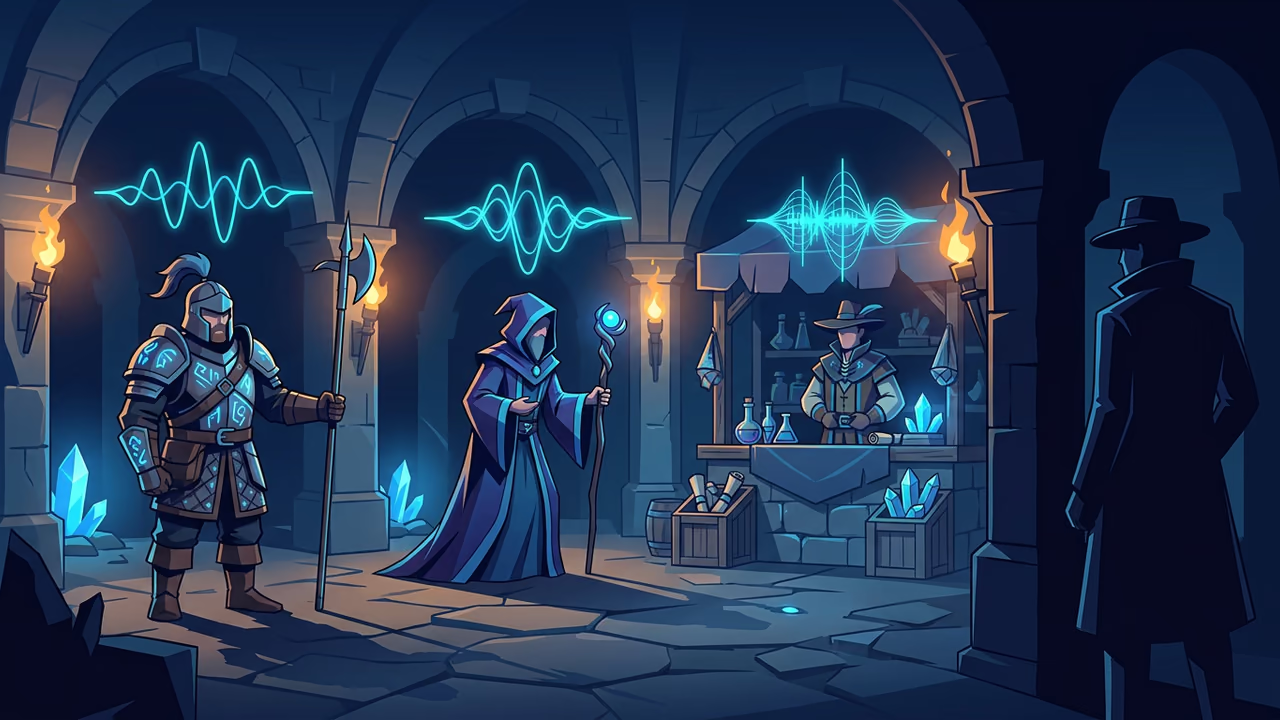
Most dialogue in a game is read, not heard. The guard has a line, the quest giver has four, the tutorial has a dozen, and all of them sit on screen in silence while you argue about pacing. Nobody casts an actor for text that will be rewritten twice before the vertical slice.
That is the gap generated voice-over fills. You paste the line, pick a voice, and a second later you can hear whether the bark lands or whether the tutorial hint is three words too long. This guide covers how to use an npc voice generator for placeholder dialogue: choosing a voice from the library, what the voice stability and voice closeness settings do, how to write barks, quest lines, tutorials and narration, how the clip gets into your engine, and the point where you should stop generating and book a session. Every clip below was made with Sloyd's AI audio generator. The clips speak English, and the English line and the voice are printed next to each one, so you can paste the same text and get the same take.
Placeholder Voice-Over While the Script Still Changes
A line of dialogue has two problems a document cannot show you. The first is length: on the page a bark reads as snappy, out loud it runs past the three seconds the animation gives it. The second is tone: "the old mine has gone quiet" is ominous in your head and bored in delivery unless the writing earns it.
Generated voice-over turns both into a thirty-second check:
- Timing. Play the clip against the animation or the subtitle timer and you know whether the line fits before an actor is anywhere near a booth.
- Barks under load. A combat shout you hear two hundred times in a playtest reveals itself fast. Generate it, loop the fight, cut the ones that grate.
- Tutorial pacing. Spoken instructions compete with the thing they are teaching. Hearing them is the only way to tell whether the player has room to act.
- Reading the room. Hand a build with temp voice to a playtester and they react to the scene. Hand them a build with silent subtitles and they react to the subtitles.
Treat the output as temp audio with the same status as grey-box level art or a text to 3D placeholder prop: good enough to make the decision, not the thing you ship in a trailer. If you already use image to 3D for concept art and text to image for references, temp dialogue comes from the same account rather than a new subscription, and the game development use case walks through the whole loop.
Using an NPC Voice Generator: The Library and Two Settings
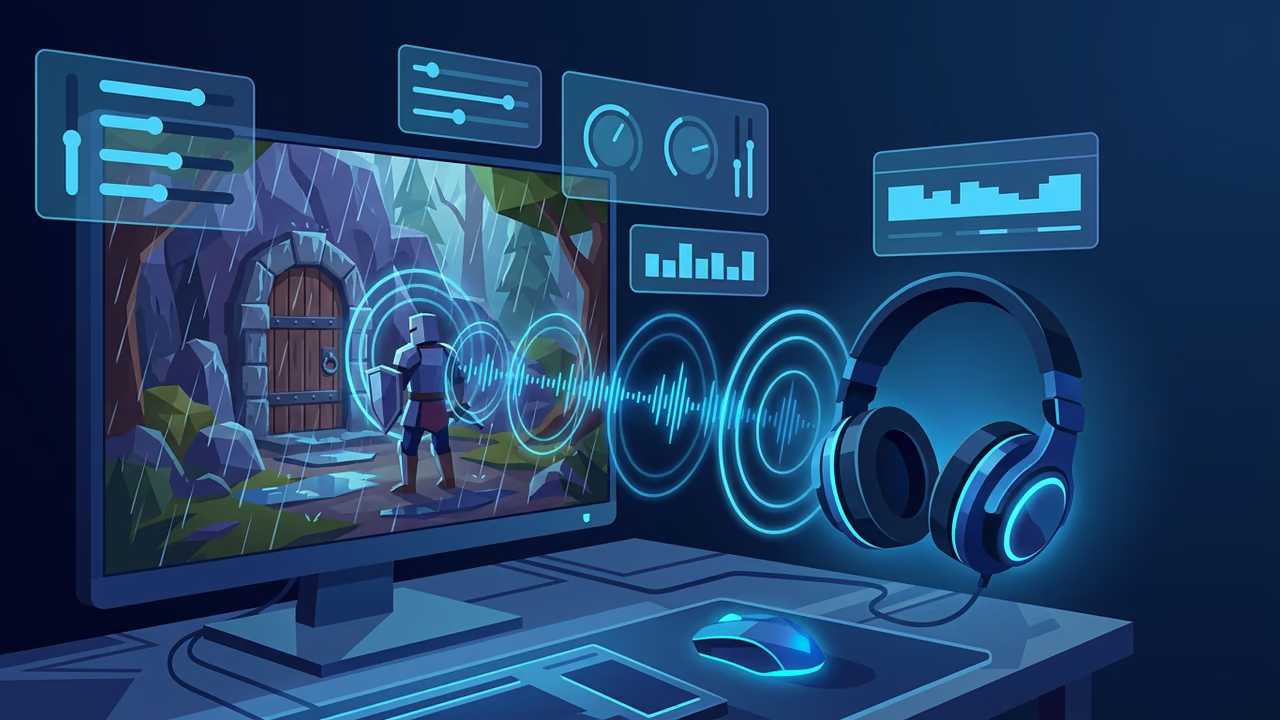
The speech side of Sloyd Audio is a voice library, a text box and two sliders. That is the whole surface for dialogue, and the two sliders are where the character comes from.
Pick the voice first
The voice picker lists the stock voices the app offers. Each row has a preview button, so you can hear a voice before you spend a generation on it, and a heart that pins favorites to the top of the list, which matters once you have settled on four voices for a cast and do not want to scroll past the rest.
Two things to know about the library. You cast from the stock voices it lists: Sloyd does not clone voices, so you cannot upload a recording of a person and get their voice back. And the speech model is multilingual, so a voice will read lines in languages other than English, which is useful when a localized build needs temp audio too.
Casting advice that survives contact with a prototype: a game voice generator is only as good as the cast you assemble out of it, so give every recurring NPC role its own voice and write the role into your file names from the first clip. Four voices consistently applied read as a cast. Eight voices sprinkled at random read as a bug.
Voice stability: consistent or expressive
The Voice stability slider runs from 0 to 1 and ships at 0.50, which the collapsed control reads as 50% and the open slider as 0.50. The in-app hint is the honest description of it: lower values allow more expressive delivery, higher values make delivery more consistent.
In practice:
- Lower stability for lines that need to be performed. Shouts, panic, a villain enjoying himself. Expect more variation between takes, which is fine when you are picking one.
- Higher stability for lines that need to be flat. Tutorials, menus, system messages, anything a player hears repeatedly and should stop noticing.
- Barks sit in the middle. Too flat and the fight feels robotic, too loose and one take in four comes out strange.
Voice closeness: similarity against naturalness
The Voice closeness slider also runs from 0 to 1 and ships at 0.75, which the collapsed control reads as 75%. Its hint spells out the trade: it controls how closely delivery sticks to the chosen voice, and higher values increase similarity but may reduce naturalness.
Leave it near the default while you are casting, because that is where a voice still sounds like itself. Push it up when a character's lines were generated across several sessions and you need them to match. Pull it down when a line sounds stiff and you care more about it sounding like a person than about matching the preview exactly.
Change one slider at a time and generate the same line twice. Two takes of one line tell you more about a setting than one take of two lines.
Writing Barks, Quest Lines, Tutorials and Narration
Each generation takes up to 5,000 characters of text, which is roughly 800 words, or several minutes of speech. That number shapes how you split a script more than it limits what you can write.
The useful split is one clip per thing the engine triggers:
- One line, one clip, for anything with a trigger: barks, greetings, confirmations. The engine needs to fire them independently.
- One scene, one clip, for narration that plays start to finish over a cutscene or a loading screen.
- Never one clip per character. Pasting a whole quest chain into one generation gives you a single MP3 you then have to cut by hand in an editor.
Punctuation is your only direction. A full stop is a beat, a comma is a shorter one, and an ellipsis is a pause. Spell out what must be heard correctly: write "fifty gold" rather than "50g", and write a name the way it sounds if the spelling is going to mislead. Stage directions do not work, because the model reads what you give it: [angrily] comes out as the word. If you need anger, write an angry sentence and lower stability.
Barks: short, repeated, high-volume
Line (English): "You picked the wrong road, stranger. Drop the coin and walk away.", voice George, stability 0.50, closeness 0.75.
Keep barks under about three seconds and write four or five per situation. Variety is what stops a fight sounding like a loop, and because each line is a separate clip, the engine can pick one at random.
Merchants and greetings: the lines that establish a place
Line (English): "Fresh steel, fair prices. Everything must go before the frost sets in.", voice River, stability 0.50, closeness 0.75.
Ambient dialogue carries setting cheaply. One line about the weather or the harvest tells the player more about a town than a paragraph of lore in a menu. Pair it with a crowd bed from the same Audio page, as the guide to making game sound effects with AI covers.
Tutorials and hints: clear beats characterful
Line (English): "Raise your shield to block, then strike while their guard is open.", voice River, stability 0.50, closeness 0.75.
One instruction per clip, verb first, and no jokes. Raise stability so repeated hints stay identical, and keep each one short enough that the player can act while it is still playing.
Narration: the longest lines you will generate
Line (English): "Long before the towers fell, this valley answered to no king.", voice George, stability 0.50, closeness 0.75.
A narrator voice generator earns its keep on intros, chapter cards, codex entries and loading screens, where the copy changes constantly and nothing is animated to it yet. Write narration in short sentences with the beats punctuated, generate a paragraph at a time rather than a whole prologue, and keep each paragraph as its own clip so a rewrite costs one generation.
The same job exists outside games. Store walkthroughs and product explainers need the same temp narration while the script settles, which is the e-commerce use case version of this workflow.
The Workflow: Script, Generate, Import
Four steps, and the first one is the only one that takes judgement.
- Script. Keep dialogue in one sheet with a column for the line, the character, the trigger and the file name, for example
vo_guard_bark_01. The sheet is what you regenerate from after a rewrite. - Generate. Paste the line, pick the character's voice, set the sliders for the line's job, generate. Every clip lands in My Activity, so the take you liked yesterday is still there.
- Download. Each clip downloads as a single MP3. That is the only format Sloyd Audio delivers, and it is the file that goes into the engine.
- Import. Drop the file in, wire it to the trigger, play the scene.
| Engine | MP3 support | What to do with it |
|---|---|---|
| Unity | Imports MP3 directly | Drop it in Assets/Audio/VO. Decompress On Load for barks, Streaming for narration. Unity re-encodes on import, so the project's compression settings decide runtime quality. |
| Unreal Engine | WAV is the safe path | Convert the MP3 to 16-bit 44.1 kHz WAV in Audacity or your DAW, import as a Sound Wave, and wrap a set of barks in a Sound Cue with a random node. |
| Godot 4 | Imports MP3 directly | Copy it into the project and reference it from an AudioStreamPlayer. Leave Loop off for dialogue. |
| Roblox Studio | Uploads MP3 directly | Upload under Creations, wait for moderation to clear, then reference the asset id in a Sound object. Moderation takes a while, so upload temp dialogue early. |
Two practical notes. Keep the file names from the sheet, because voice-over accumulates faster than sound effects and a hundred clips called tts_output is a day lost. And trim the silence at both ends of a bark in a free editor like Audacity before you wire it up, since a quarter-second of lead-in reads as lag when the line is triggered by a hit.
Cutting a trailer for the build? Sloyd Video Studio renders clips from 5 to 15 seconds, with Extend to continue a shot, and camera-move renders of a 3D model run from 1 to 10 seconds. Lay your own narration under the cut.
When to Replace It with Recorded Voice-Over
AI voice over is a prototyping tool, not a cast. The decision to recast is about what the line has to carry.
Book an actor for:
- Leads and anyone with an arc. A performance that has to change across twenty hours is a performance, not a setting.
- Emotional set pieces. The scene the trailer is cut from, the death, the betrayal. Those land on breath and timing.
- Comedy. Timing is the joke, and timing is exactly what you cannot direct in a text box.
- Anything a marketing beat depends on. If the line appears in a trailer or a store page, it is worth a session.
Keep the generated clips for:
- Barks and crowd lines, where volume matters more than nuance.
- System and tutorial voice, which should be neutral anyway.
- Localized temp audio, so a non-English build can be playtested before you fund a second cast.
- Everything still being rewritten, which is most of the script until late.
Two things to settle before you ship any generated voice: check the licensing terms that apply to the voice you used for commercial release, and tell your playtesters which audio is temp, so the feedback you get is about the writing rather than the delivery. If you are weighing tools rather than workflows, our rundown of ElevenLabs alternatives for game audio compares them side by side.
FAQ
How long can one generated line be?
Up to 5,000 characters of text per generation, roughly 800 words. That is far more than any bark needs, so the practical rule is one trigger per clip: a bark or a greeting is its own file, and narration is split by paragraph so a rewrite costs one generation instead of a re-cut.
What do the voice stability and voice closeness settings change?
Voice stability, 0.50 by default (50% on the collapsed control), trades expressiveness against consistency: lower values allow more expressive delivery, higher values make delivery more consistent. Voice closeness, 0.75 by default (75%), controls how closely the result sticks to the chosen voice, and higher values increase similarity but may reduce naturalness. Generate the same line twice when you change one.
What format do the clips download in?
MP3, one file per clip, saved in My Activity and downloadable from there. Unity, Godot and Roblox Studio import that file as it is. For Unreal, or for a lossless master, convert the MP3 to 16-bit WAV in Audacity or your DAW first.
Can it clone a real actor's voice?
No. The library is stock voices only, and Sloyd does not clone voices, so you cannot upload a recording of a person and generate speech in their voice. Casting a real performer means recording a real session.
Can it generate a soundtrack as well?
No. Sloyd Audio covers speech and sound effects, not music, so the score stays with a composer or a dedicated music tool.
Do I need a paid plan to generate voice-over?
Yes. Audio generation and downloads need Sloyd Plus or Sloyd Pro. Compare the tiers on the pricing page.
Start with the Twenty Lines You Hear Most
Pick the dialogue a playtest actually surfaces: four combat barks, two greetings, four tutorial hints, a death line, a few merchant lines and one narrator intro. Give each recurring character one voice, name the files from your dialogue sheet, and you have a voiced prototype in an afternoon instead of a casting round.
Generate your first NPC lines in Sloyd Audio with the ones in this post, then pair the voices with the characters they belong to using text to 3D.