
AI UGC video generator for 9:16 creator clips
Generate your UGC creator or spokesperson as an image, bring that image into Sloyd Video Studio with a voice line, and get a vertical clip with sound that downloads as an MP4. Video Studio is part of Sloyd Plus and Sloyd Pro.
What is an AI UGC video generator?
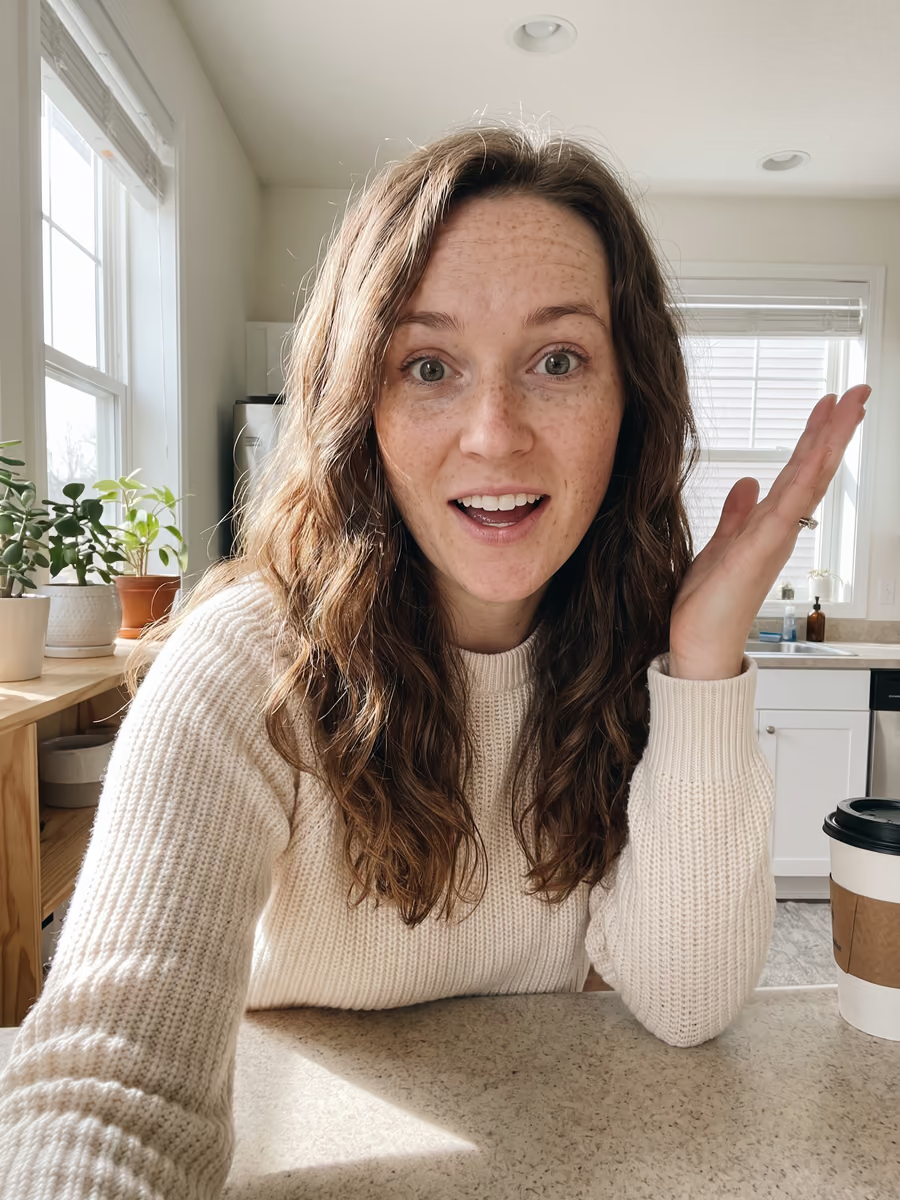
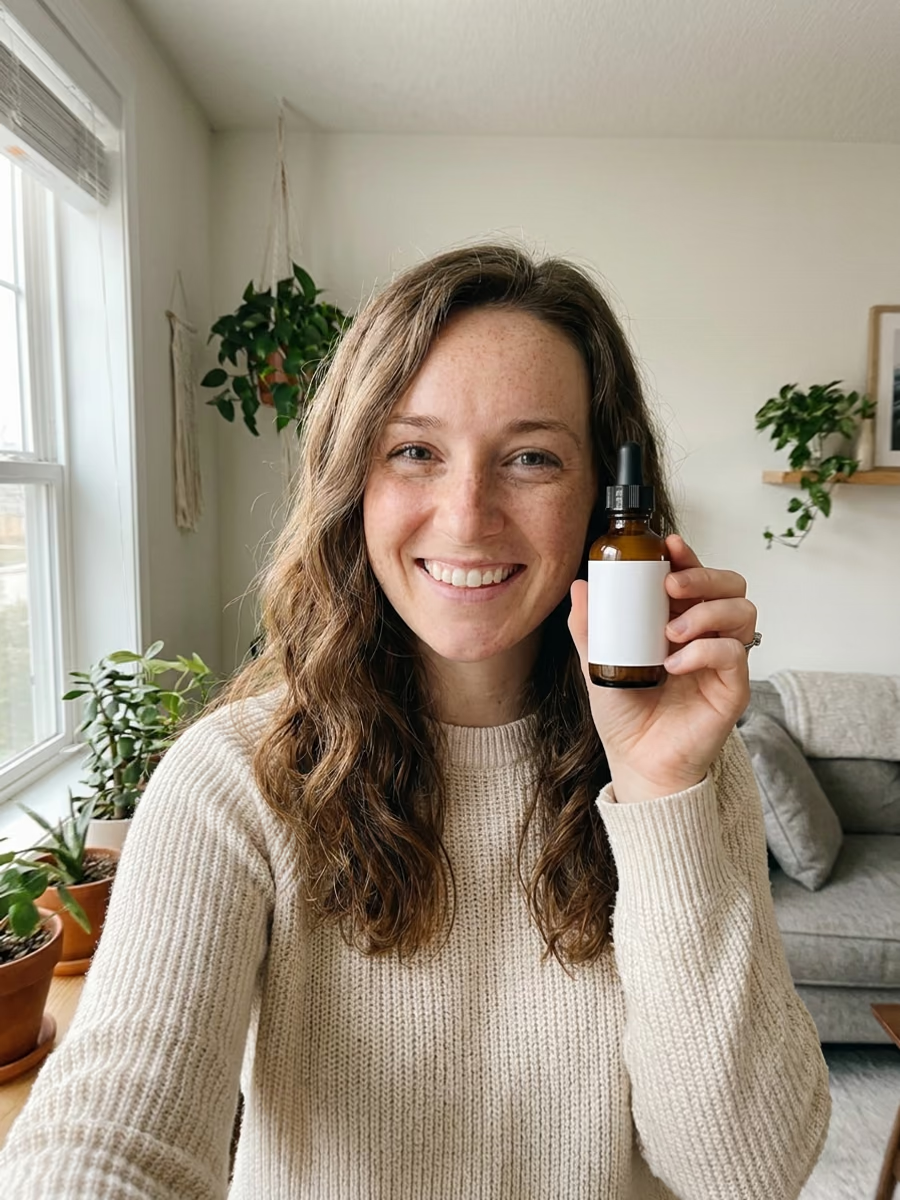
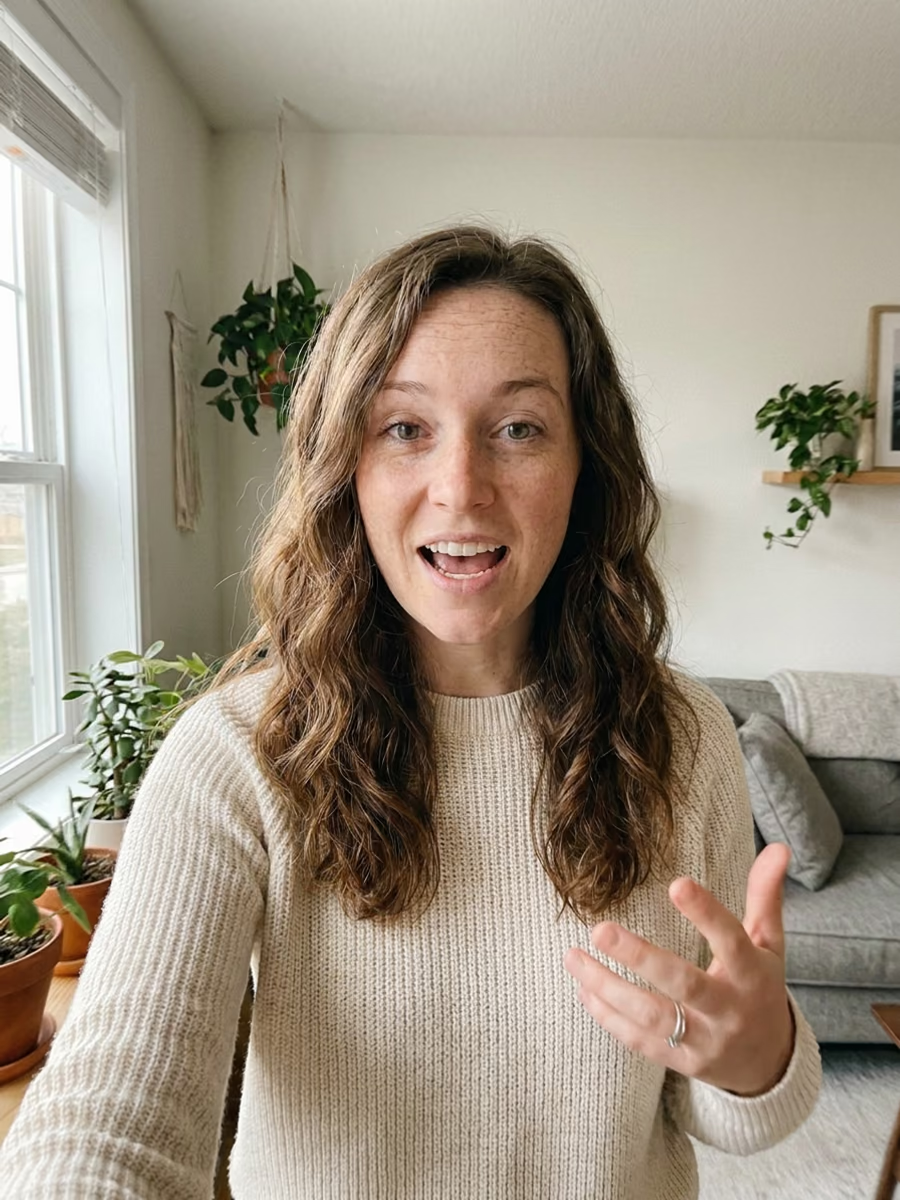
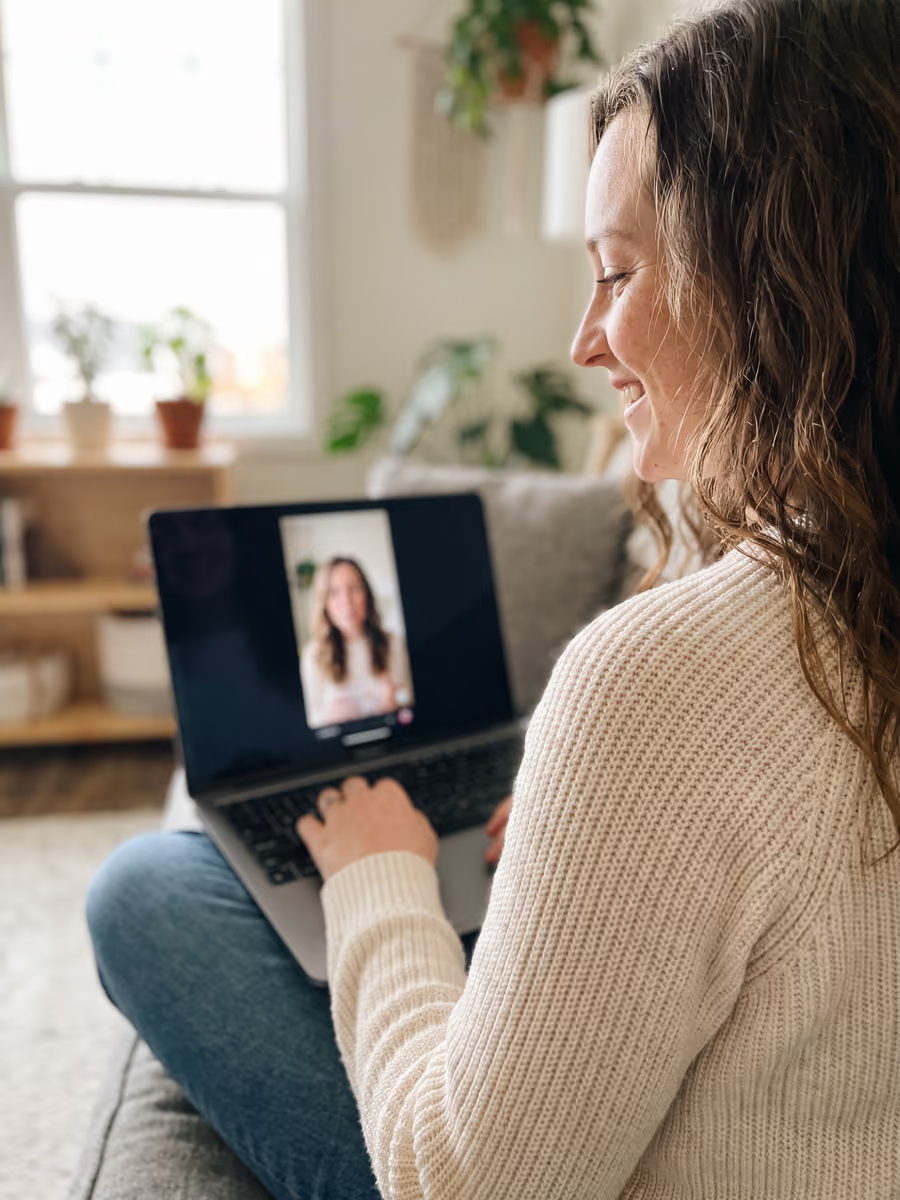
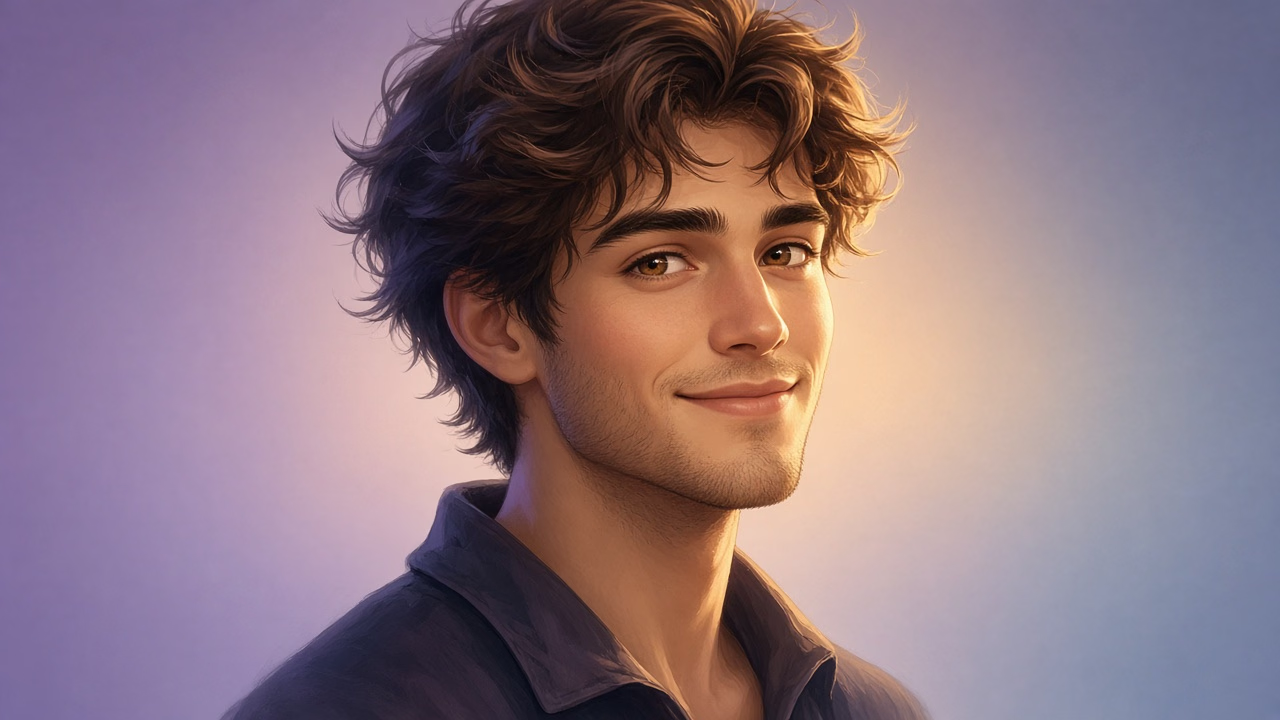
An AI UGC video generator makes short, creator-style clips that look like someone filmed them on a phone. Sloyd has no dedicated UGC mode and no actor library, so this is a workflow rather than a button: text-to-image creates the person on camera, and Video Studio turns that image plus a voice line into a vertical clip with sound. The four steps below are the whole of it.
Why creators build UGC video this way
One Creator, Every Clip
Generate the person once, then reuse that same image as a reference so the face stays recognisable across a whole batch of clips.
Vertical And Ready To Post
Pick 9:16 and render at 480p, 768p, or 2K. The result downloads as an MP4, which is what TikTok, Reels, and Shorts all take.
Sound Comes With The Picture
Every clip is generated with sound, so a spokesperson read arrives with the footage instead of being dubbed on afterwards.
A real clip from Sloyd Video Studio
This clip was generated with sound from the prompt under it. Turn the volume up.
UGC Selfie Video
“Image 1, the man in his parked car, films a selfie video with his phone held at arm length (the phone is the camera, so no phone is visible). He looks straight into the lens and says the line from Audio 1 with perfect lip sync, genuinely amazed, natural micro-expressions, slight hand-held wobble. Raw unedited iPhone front-camera footage, realistic, overcast daylight, mild compression and noise, not cinematic. Audio: exactly the voice from Audio 1 with quiet car interior room tone, no music.”
What people make with AI UGC videos
Product ads, spokesperson reads, and creator-style social clips, all built from the same creator image and voice line.

E-Commerce Product Ads
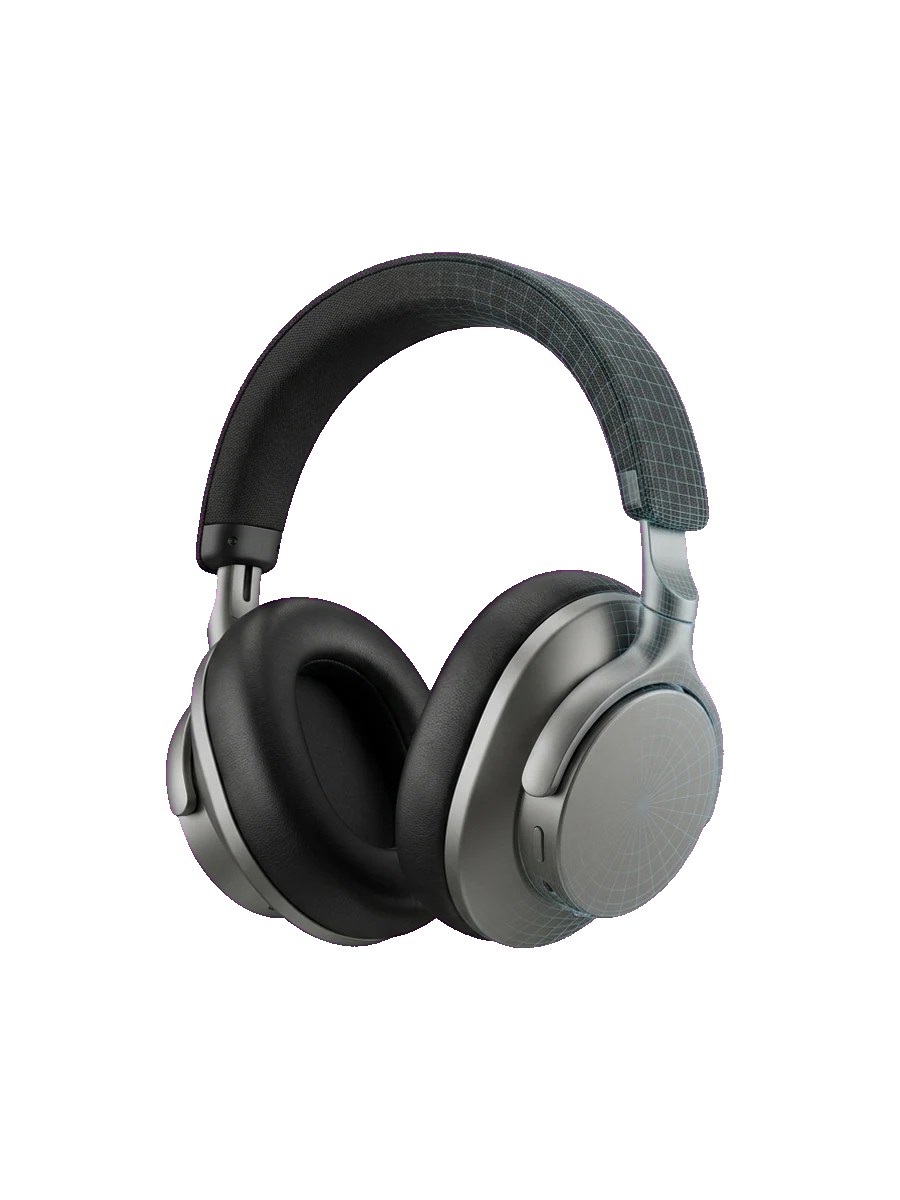
Put your product photo next to your creator image and ask for a short piece to camera about it. One 9:16 clip covers the product page, the ad account, and a paid social test.
Dropshipping Creatives
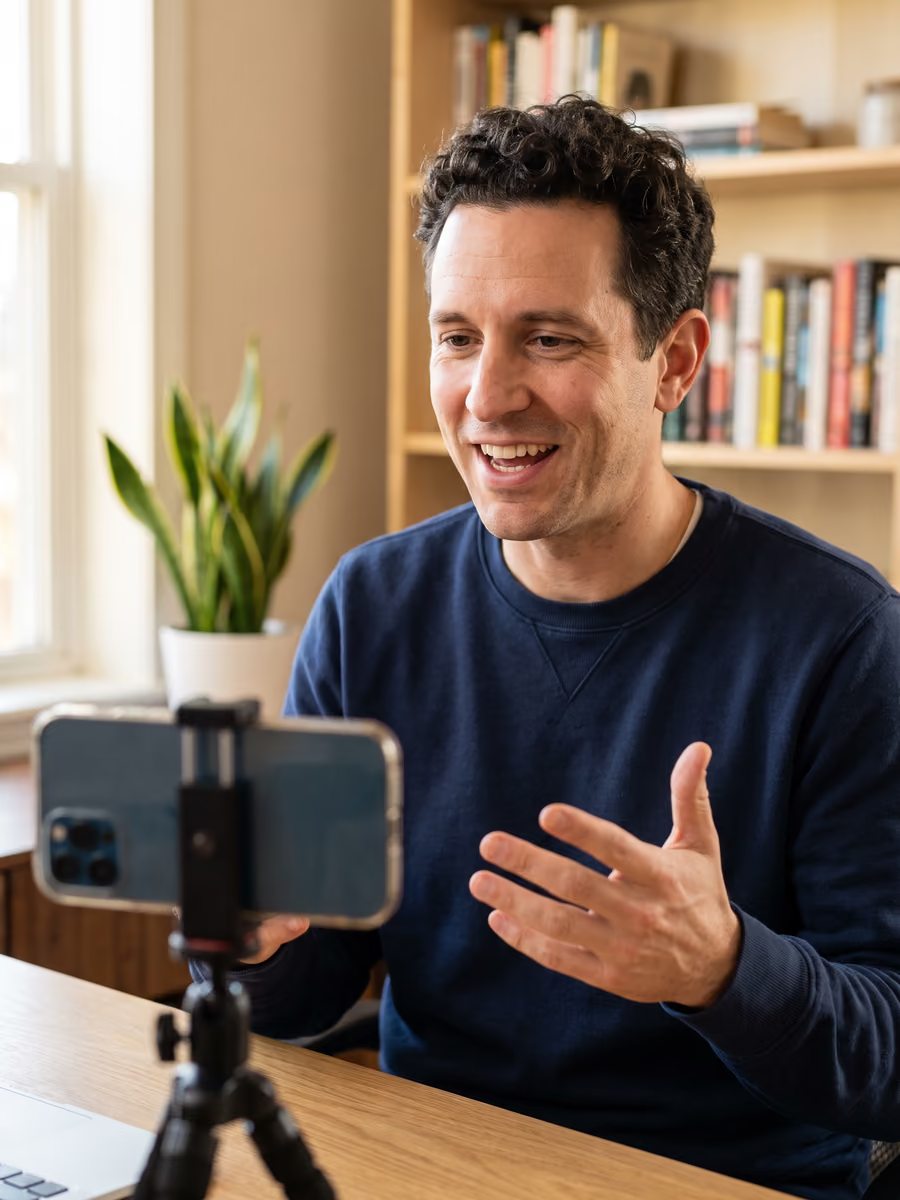
Supplier photos are often all you have, so generate the creator who holds the product and talks about it. The same creator image plus a new product photo gives you the next variant without another shoot.
AI Spokesperson Video
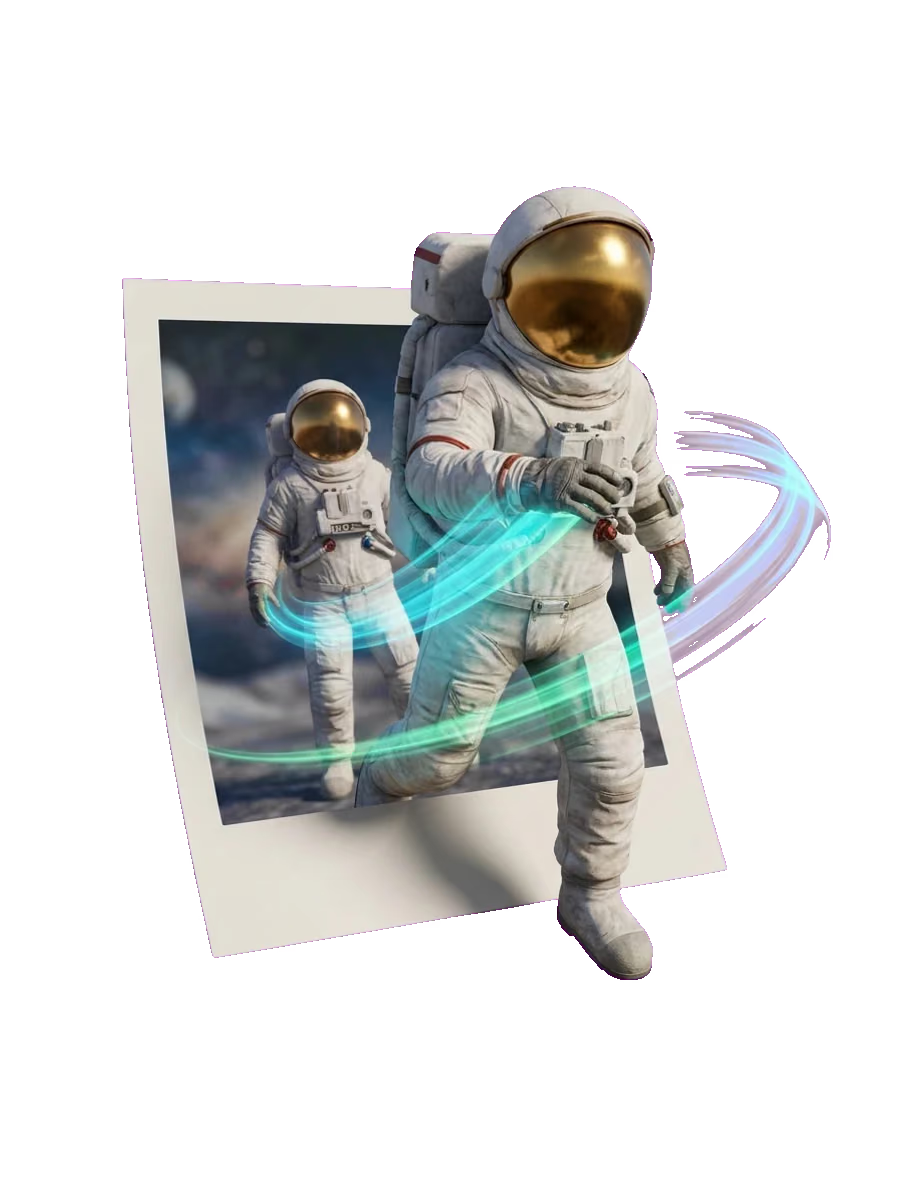
Write the script, attach it as an audio reference, and let the character deliver it straight to camera. Useful for explainers, onboarding clips, and announcement posts.
Creator-Style Social Clips
Hooks, reactions, and talking-head intros in the vertical frame your feed already uses. Keep the same creator across a series so the account reads as one person.
What Video Studio gives you for UGC
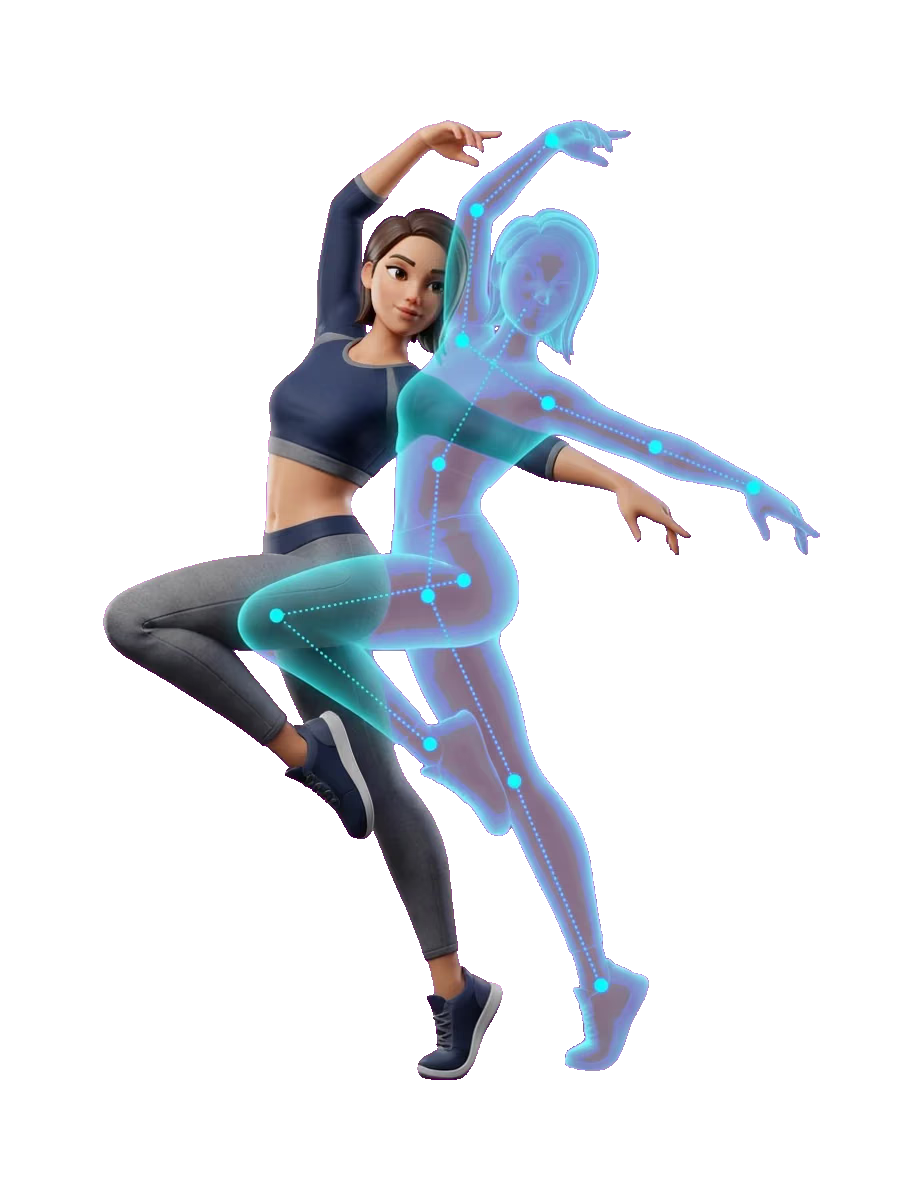
Hold the creator steady with references
Add up to 9 reference images, 3 videos, and 3 audio references, with at most 12 references on one clip. Uploads accept JPEG, PNG, and WebP images, MP4 and MOV video, and MP3 and WAV audio. An audio reference has to sit next to an image or a video.
9:16 at the resolution you need
Choose 9:16 for TikTok, Reels, and Shorts, or one of the other five ratios: 16:9, 1:1, 21:9, 4:3, and 3:4. Render at 480p, 768p, or 2K and download the clip as an MP4.
Clips are generated with sound
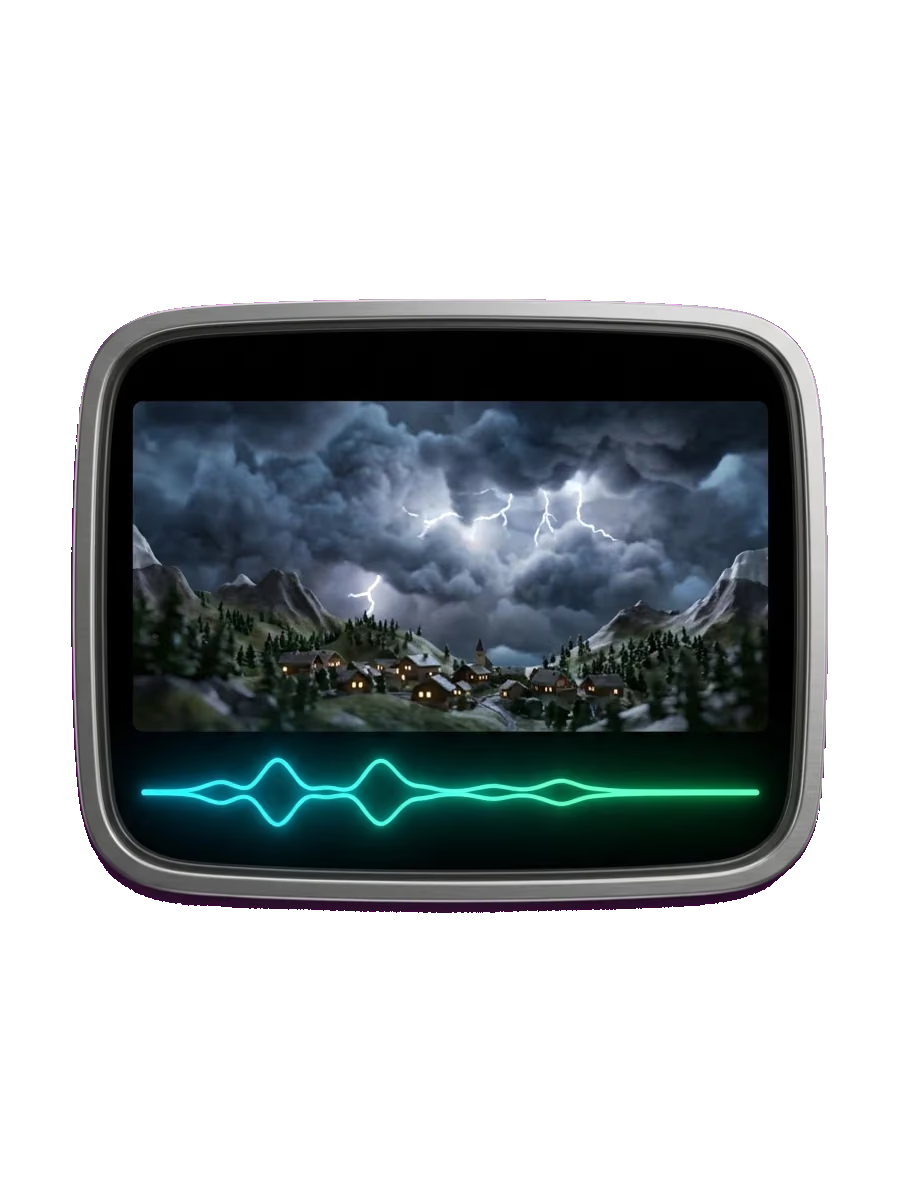
Sound is generated together with the picture, so a clip never comes back silent. Attach an audio reference next to your creator image to set what is heard, and write the prompt so the character speaks that line in sync.
What a clip costs
Video is charged by the second of finished clip: 1 credit a second at 480p, 2 at 768p, and 4 at 2K, so a 10-second clip at 768p is 20 credits. Video Studio is open to Sloyd Plus and Sloyd Pro subscribers.

Frequently Asked Questions
What is an AI UGC video generator?
An AI UGC video generator makes short, creator-style clips that look like a person filmed themselves on a phone. Sloyd does it as a workflow: you generate the creator as an image with text-to-image, then use that image in Video Studio with a voice line to get a 9:16 clip with sound.
How do I make a UGC video in Sloyd?
Four steps. Generate the creator with text-to-image. Add that image in Video Studio as a reference, with a product photo next to it if the clip is an ad. Attach your voice line as an audio reference and prompt for lip sync. Set 9:16, generate, and download the MP4. If you use the image as a start frame instead, the clip keeps that image's shape and renders at 480p or 768p, so start from a 9:16 image.
Do I need a subscription to make AI UGC videos?
Yes. Video Studio is open to Sloyd Plus and Sloyd Pro subscribers, and every clip is charged in credits by the second of finished video. The pricing page lists what each plan includes.
Can I make vertical UGC videos for TikTok, Reels, and Shorts?
Yes. Set the aspect ratio to 9:16 in Video Studio. The other supported ratios are 16:9, 1:1, 21:9, 4:3, and 3:4, and every clip downloads as an MP4.
How long can an AI UGC video be?
Video Studio generates clips of 1 to 15 seconds, which covers a hook or a short product read. Build something longer by generating several clips and cutting them together in your editor.
How many credits does a UGC video cost?
Credits are charged per second of finished video: 1 a second at 480p, 2 a second at 768p, and 4 a second at 2K. A 10-second clip at 768p is 20 credits.
Does Sloyd have an AI UGC creator or actor library?
No. There is no library of licensed actors and no ready-made UGC avatars to pick from. You generate the creator yourself with text-to-image and reuse that image across your clips.
How do I get the creator to speak my script?
Attach the line as an audio reference next to your creator image, then write the prompt so the character looks into the camera and speaks it in sync. Lip sync is not a separate setting, it comes out of the prompt and the audio you attach.
How many reference images can I use on one clip?
Up to 9 images, 3 videos, and 3 audio references, and at most 12 references in total. Uploads accept JPEG, PNG, and WebP images, MP4 and MOV video, and MP3 and WAV audio.
What are AI UGC tools useful for in e-commerce?
Product ads and dropshipping creatives, where a new variant means a new product photo rather than another shoot. Pair the product photo with your creator image and ask for a short read to camera.
Can I use a photo of a real person instead of a generated creator?
You can upload any image you hold the rights to and use it as a reference or a start frame. For plain prompt-driven clips and photo animation outside this workflow, the AI video generator page covers that ground.
Can I use AI UGC videos commercially?
Yes. Sloyd Plus and Sloyd Pro include a commercial license, so clips you generate can go into ads and store pages without royalties.
Which AI model generates the video?
You do not pick one. Sloyd routes each clip to the video model that suits the inputs you gave it, so the prompt and the references are the only things you manage.
Make your first AI UGC video
Generate the creator, drop the image into Video Studio with your line, and post the vertical clip. Video Studio is part of Sloyd Plus and Sloyd Pro.