
The Higgsfield alternative that picks the video model for you
No need to research which video model is best for what. Describe the shot in Sloyd Video Studio, Sloyd picks the model for the job, and the clip comes back with sound. Video Studio is included in Sloyd Plus and Pro. Creating a Sloyd account is free.
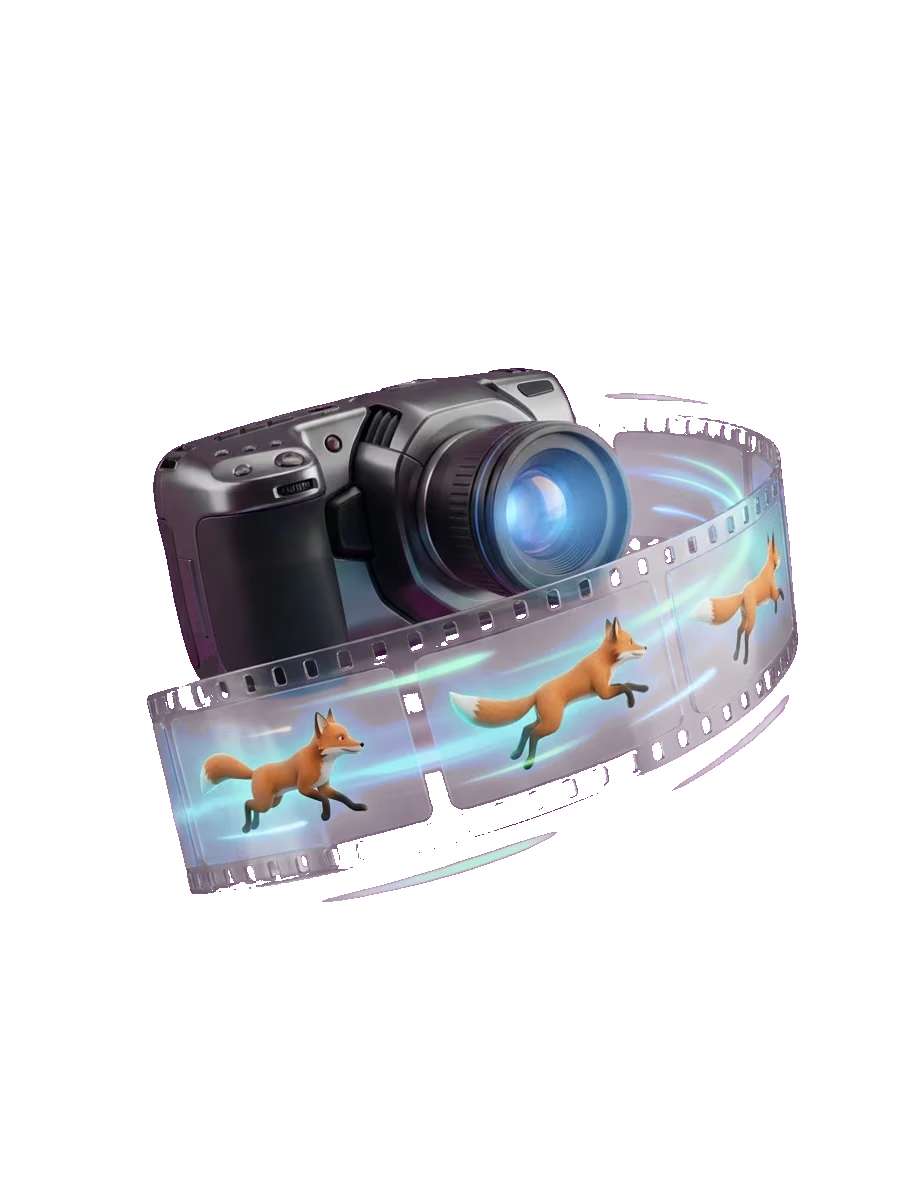
Why look at Sloyd as a Higgsfield alternative?
Higgsfield gives you a long list of video models and effects to choose from, so part of the job is finding out which model suits which shot. Sloyd takes a different approach: you describe the shot and Sloyd picks the model, whether you create, edit, extend or copy motion.
What Sloyd Video Studio does differently
No Model Research
Skip comparing models and testing the same prompt on each one. Sloyd picks the video model for every job, so your time goes into the shot.
One Prompt Box for Every Task
Create, edit, extend or copy motion from the same place. Sloyd switches to a model that supports the task and your settings.
Sound With Every Clip
Every clip is generated with sound, so ambience, effects and dialogue come back with the picture.
Clips made in Sloyd Video Studio
Each clip was generated with sound from the prompt under it. Turn the volume up.
From a Prompt
“A dragon bursts through golden sunset clouds toward the camera and roars, wings spreading wide. Stylized 3D animated game cinematic, rich color, soft volumetric light. Thunderous roar and rushing wind, no music.”
Edit a Clip
“Make @Video1 a snowy winter night: thick snow on the roofs and street, snowflakes falling, warm glowing windows and lanterns, moonlit blue sky. Keep the frog knight, his motion, the camera and the timing exactly the same.”
Motion From a Reference Video
“Use Image 1 as the subject and Video 1 as the motion reference. The frog knight dances on a bright studio stage with colorful lights, full body visible.”
Lip Sync to a Voice Line
“Image 1, the frog knight, looks straight into the camera and speaks the line from Audio 1 with perfect lip sync and a smug, deadpan expression.”
What you can make in Sloyd Video Studio
Start from a prompt or your own image
Describe a scene, or animate a still with a start frame and an optional end frame so the clip lands where you want. Use one of your Sloyd images or upload your own.
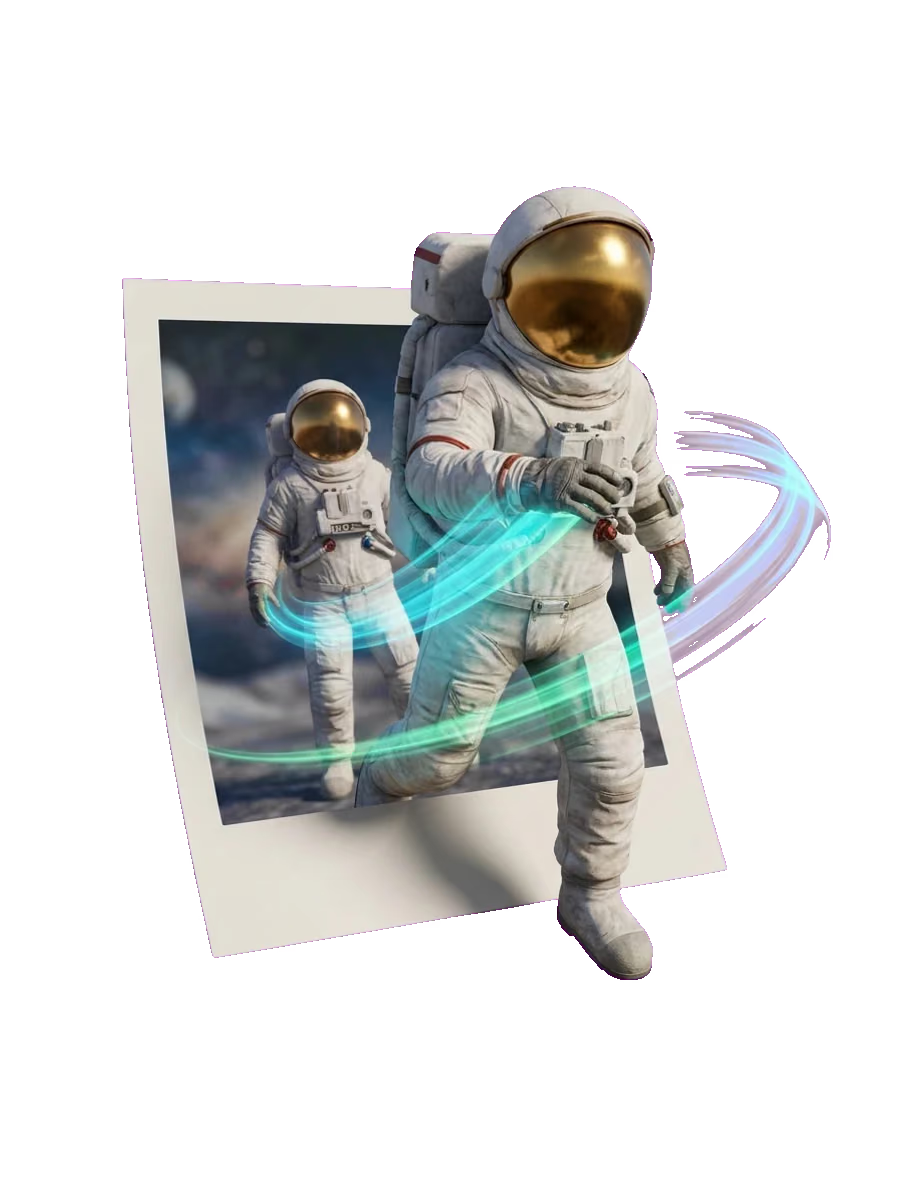
Edit or extend a clip
Upload a clip of up to 15 seconds and describe the change, such as day to night or a new setting. Or extend a clip and say what happens next.
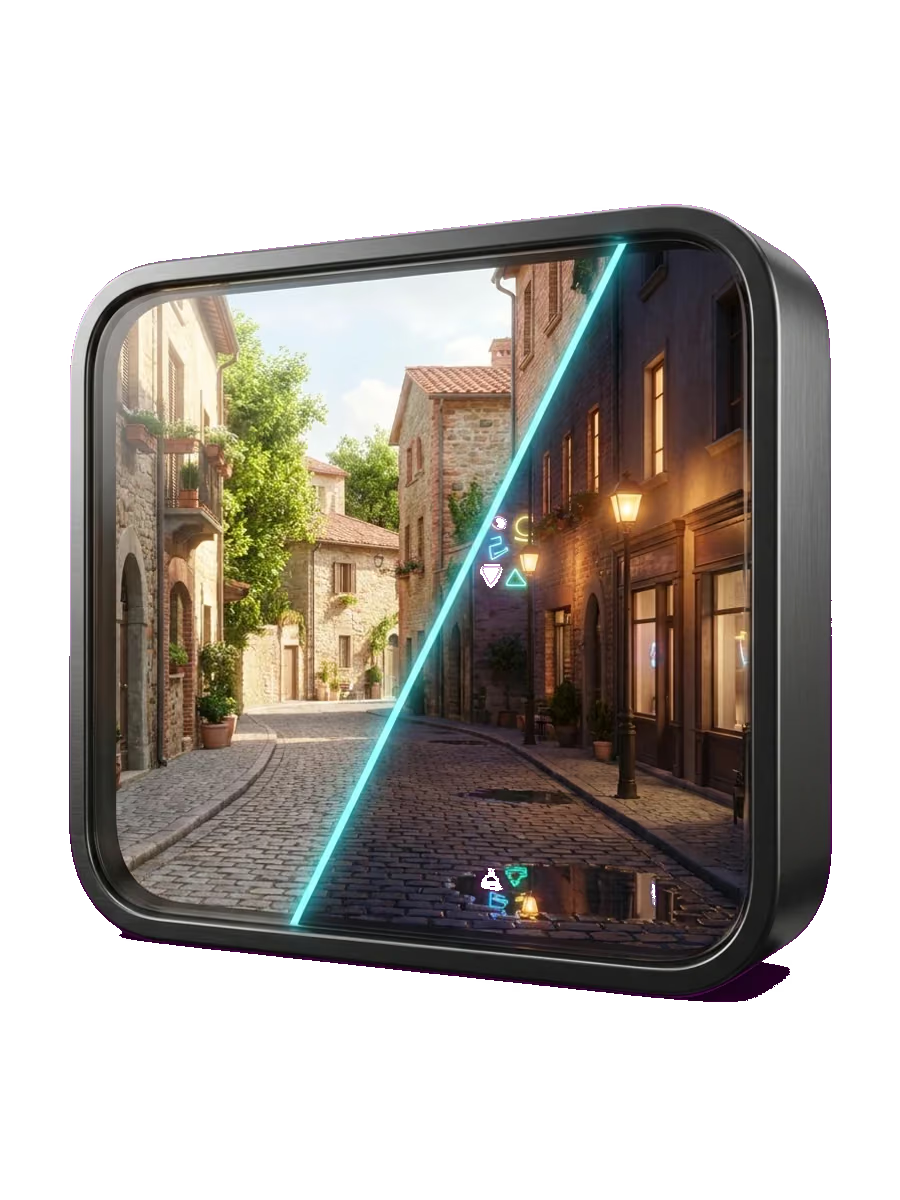
Copy motion and sync a voice line
Pair a subject image with a motion video and your subject moves the same way. Add an audio file with a voice line and ask for it to be spoken in lip sync.
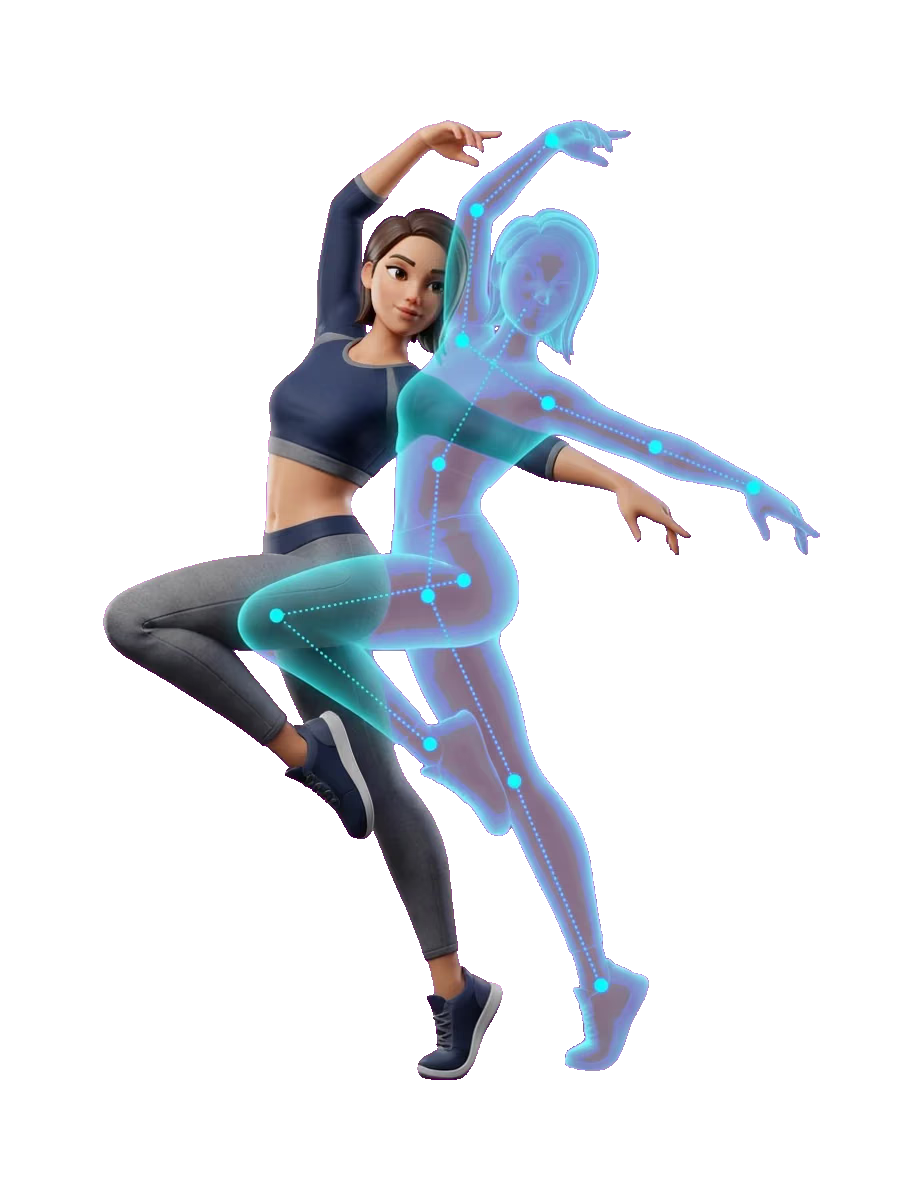
Steer the result with references
Add up to 9 reference images, 3 videos and 3 audio files, with at most 12 references on one clip, to lock in characters, style and sound. Every clip is generated with sound, and an audio reference steers it.
Clips for every screen
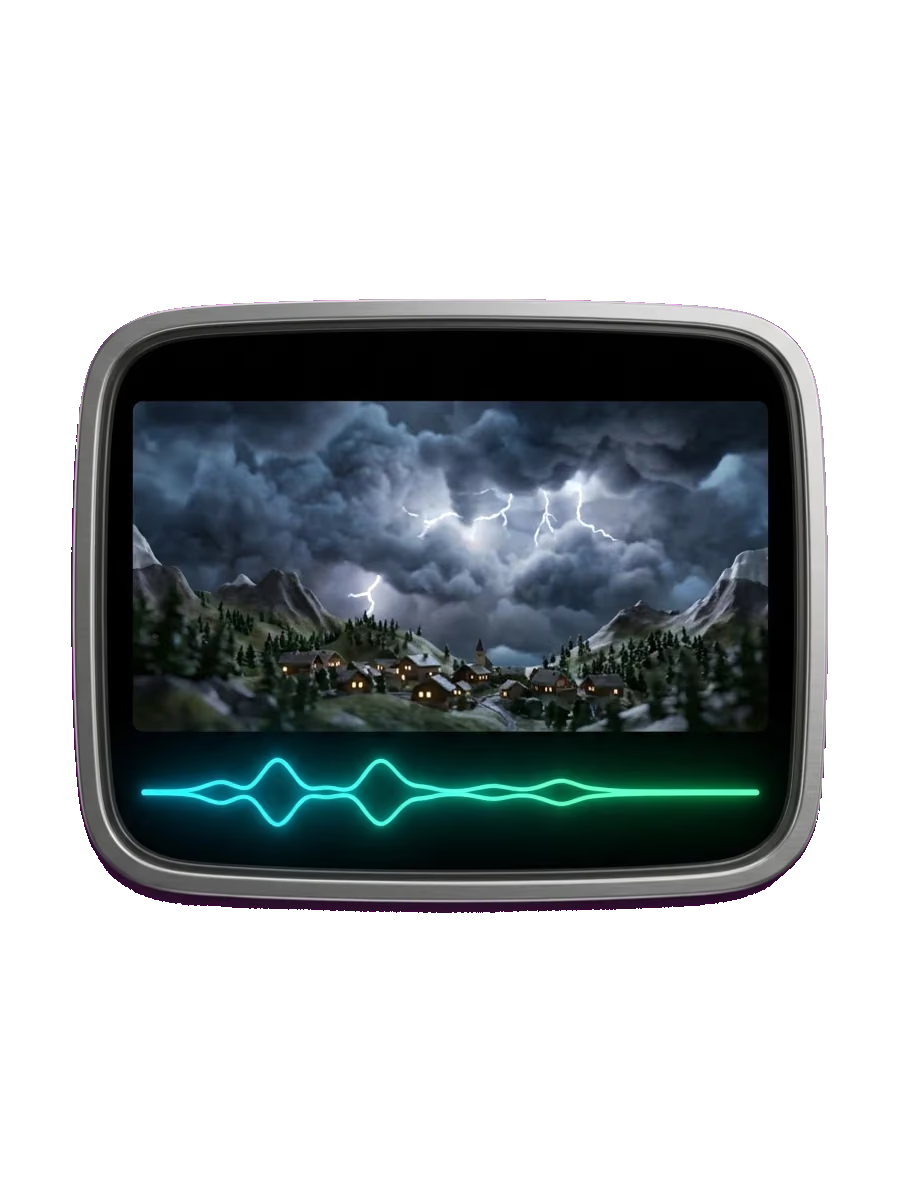
Generate clips of up to 15 seconds in 16:9, 9:16, 1:1, 21:9, 4:3 or 3:4, at 480p, 768p or 2K, and download them as MP4. Credits are billed by the second: 1 per second at 480p, 2 at 768p and 4 at 2K.
Sloyd Video Studio vs Higgsfield
How the two compare on the features people ask about most, followed by who each one suits. Higgsfield values come from its own site; where we could not read a value, the cell says so.
| Sloyd Video Studio | Higgsfield | |
|---|---|---|
| Text to video | Yes | Yes |
| Image to video (start/end frame) | Yes, with start and end frames | Yes |
| Edit existing clip | Yes, clips of up to 15 seconds | Yes |
| Extend | Yes | See higgsfield.ai |
| Motion reference | Yes, from a reference video | Yes |
| Lip sync | Yes, to a voice line from an audio file | Yes |
| Native sound | Yes, with every clip | On some models |
| Model choice | Sloyd picks for you | You choose from many models |
| Also makes 3D, images and audio | Yes: 3D models, images, skyboxes, sound effects and voice-over | Images: yes. 3D and audio: see higgsfield.ai |
| Free tier or free credits | Free to start as a Guest, with 1 free generation per day. Video needs Sloyd Plus or Pro | Free plan with limited use |
| Entry paid plan and price | Sloyd Plus, $15/month | Starter, $19/month |
| Max resolution | 2K | 4K on some models |
| Commercial use | Allowed under the Sloyd Terms of Use. Commercial 3D printing needs a custom license, and marketplace resale is Pro only | Included on paid plans |
Higgsfield details checked on 2 November 2026 at higgsfield.ai/pricing. Check their site for current pricing.
- Pick Higgsfield if you want to choose a specific video model yourself, such as Kling, Seedance, Veo or Wan, or if you want its preset effects.
- Pick Sloyd if you would rather not research which video model is best for each shot, and want to describe the shot and let Sloyd choose the model.
- Pick Sloyd if you want 3D models, skyboxes, sound effects and voice-over in the same plan as your video. They are all part of Sloyd Plus and Pro.
Frequently Asked Questions
Is there a free Higgsfield alternative?
Sloyd is free to start: you can use it as a Guest and get 1 free generation per day. Video generation itself is not free. Video Studio needs Sloyd Plus or Sloyd Pro, starting at $15/month for Sloyd Plus. See plans for details.
Is Higgsfield AI free?
On 2 November 2026, the Higgsfield pricing page listed a Free plan marked "Limited use" with 0 credits, next to its paid plans. See higgsfield.ai for what the Free plan includes today.
How much does Higgsfield cost?
On 2 November 2026, the Higgsfield pricing page listed Starter at $19/month, Plus at $59/month ($47/month billed annually) and Ultra at $129/month ($99/month billed annually), with 270, 1,200 and 3,000 credits a month. Prices exclude VAT and local taxes. Check higgsfield.ai/pricing for current pricing.
Can Sloyd pick the video model for me?
Yes. You never choose a model in Sloyd Video Studio, so there is no need to research which model is best for what. Describe the shot and Sloyd picks the video model for each job, whether you are creating, animating an image, editing, extending or copying motion.
Does Sloyd video include sound?
Yes. Every clip is generated with sound, so ambience, effects and dialogue come back with the picture. Add an audio file as a reference to steer the sound or to have a character speak a line in lip sync.
Can I use my own images?
Yes. Upload a still as the start frame, add an optional end frame, or attach up to 9 reference images, 3 videos and 3 audio files, with at most 12 references in total. You can also reuse images and videos you already made in Sloyd.
How are Sloyd video credits billed?
By the second of finished video: 1 credit per second at 480p, 2 at 768p and 4 at 2K. Sloyd Plus and Sloyd Pro include monthly AI credits. Compare plans to see how many each includes.
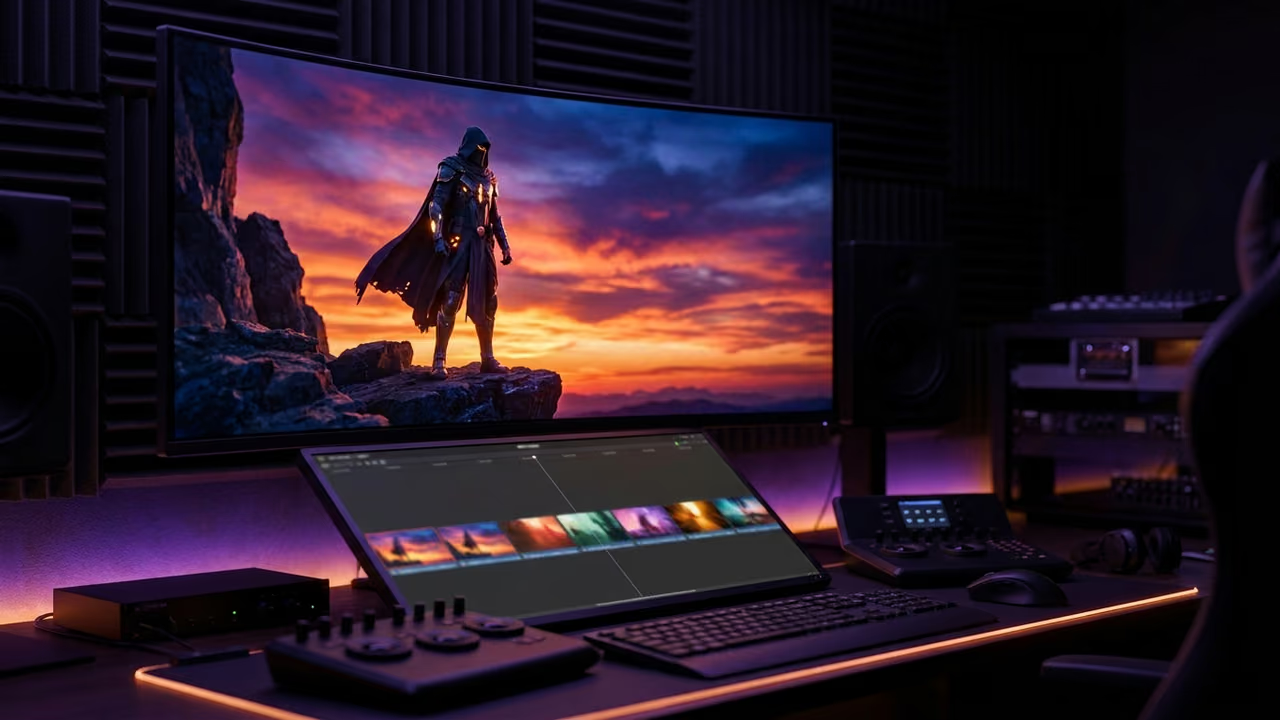
Describe the shot, skip the model research
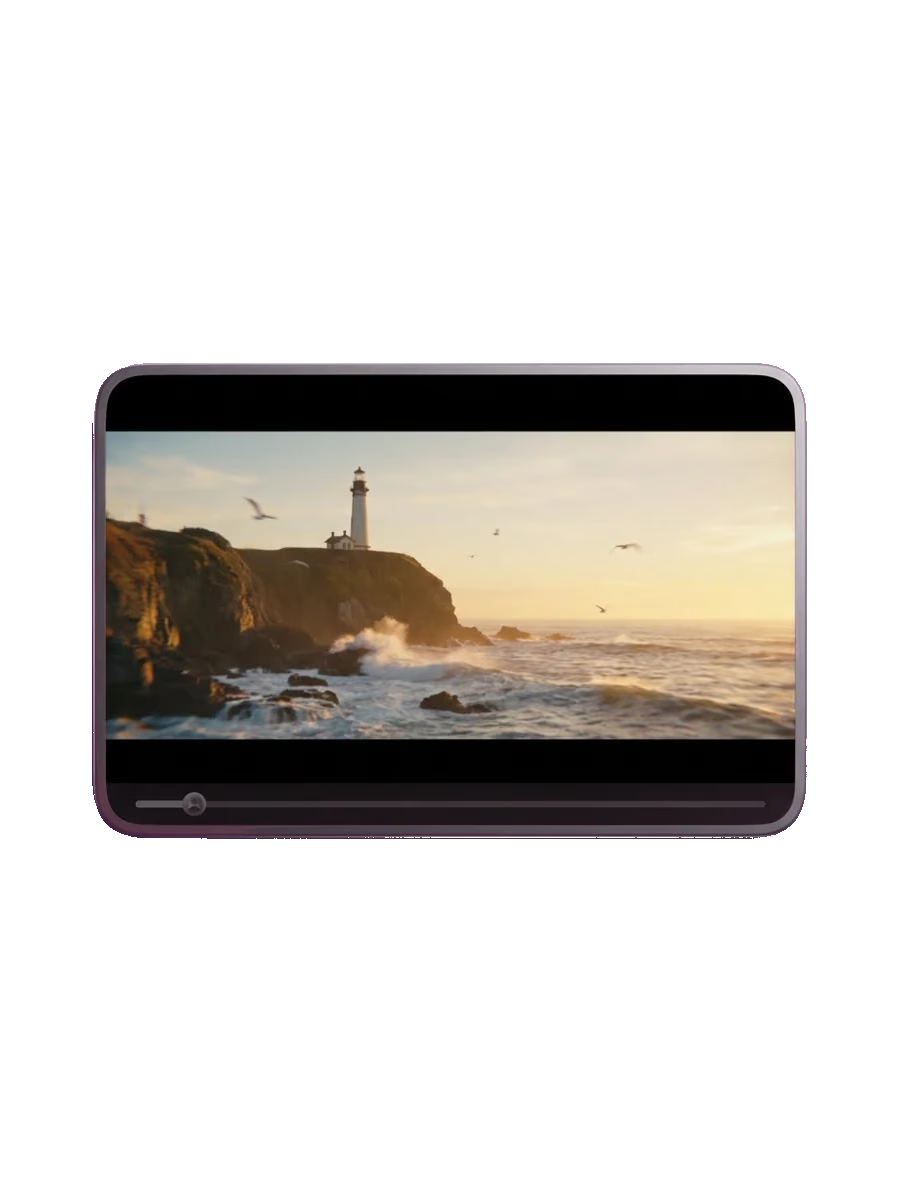
Open Video Studio, describe what should happen, and let Sloyd pick the video model for you.