Runway Alternatives for AI Video Generation (2026)
Looking for a Runway alternative? Compare AI video generators for text to video and image to video, with example shots, pricing, and tips for trailers and product videos.
A good trailer or product video used to need a camera crew or weeks of animation. Now you can describe a shot and get a clip back in minutes. Runway did more than anyone to make that a professional tool, and for editing depth it is still the benchmark.
But a few seconds of video can use up a whole month of Runway credits, and your characters and props usually come from a different tool than your videos. A Runway alternative that starts from the assets you already made can save both time and money.
Here's how the main AI video generators compare, what to look for, and shot ideas that work well for game trailers and product videos.
Why Look for a Runway Alternative?
Runway offers its own Gen-4.5 and Gen-4 models, Aleph for editing footage, Act-Two for performance capture, and 4K upscaling. Teams start looking elsewhere for three common reasons:
- Credits go fast. Standard costs $15/month for 625 credits, which Runway lists as about 52 seconds of Gen-4.5 video.
- Your assets live somewhere else. Every video means exporting, re-uploading, and re-describing your art direction.
- You need sound too. Many tools return silent clips, so audio becomes a separate step.
If you need a full editing suite, performance capture, or 4K, stay with Runway. Otherwise, the options below are worth a look.
What Makes a Good AI Video Generator?
1. Image to Video with Start and End Frames
Text prompts are great for ideas. For a trailer or product shot, you want control: start from your own image and, ideally, choose the frame the clip ends on.
2. Camera Control
A slow push in, an orbit, or a locked-off shot changes the feel of a clip completely. Named camera moves beat trying to describe them in the prompt.
3. Sound in the Same Generation
Clips that come back with ambience and effects save a whole editing pass.
4. Edit and Extend Instead of Starting Over
If a clip is almost right, you should be able to change it or make it longer without re-rolling from scratch.
The Best Runway Alternatives
1. Sloyd Video Studio: Video from the Assets You Already Made
Sloyd makes the characters, props, 3D models, images, and skyboxes that end up in your videos. Video Studio turns them into clips in the same app, so there is no export and re-upload loop. Video Studio is currently in beta and rolling out gradually. If you have access, open Video Studio.
What you can do:
- Text to video: describe a scene in up to 5,000 characters.
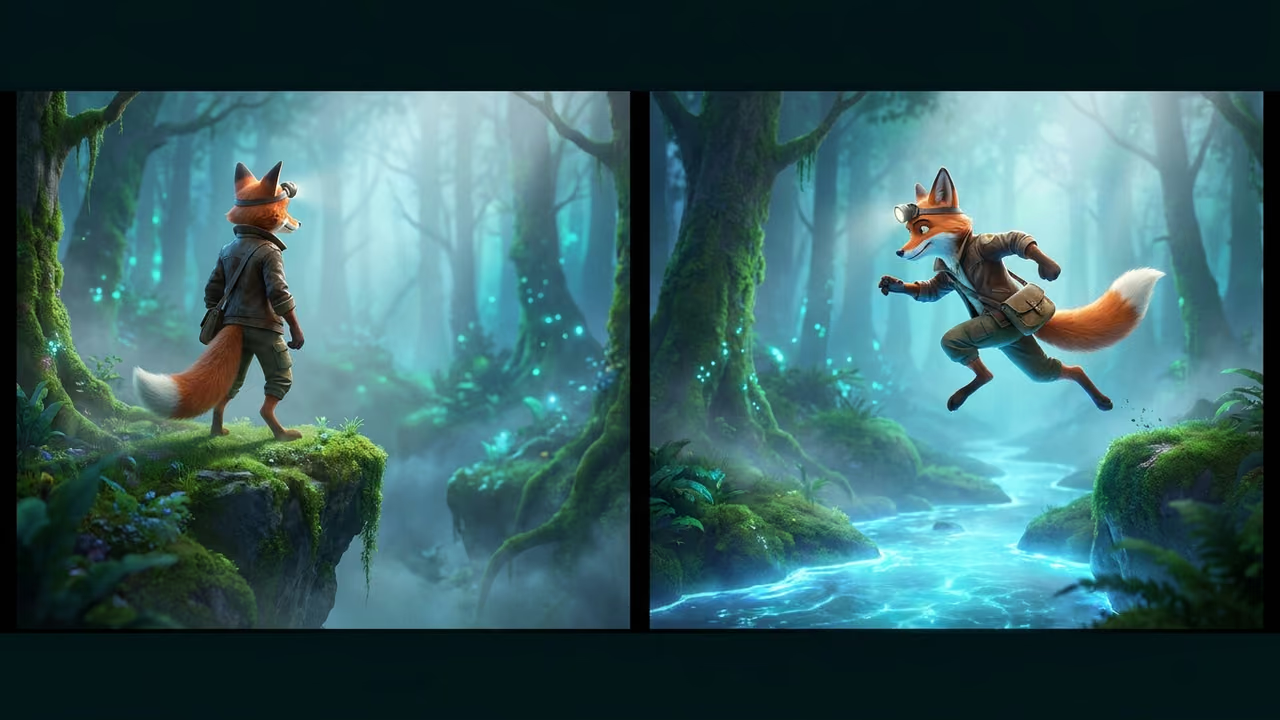
- Image to video: animate a start frame, with an optional end frame so the clip lands where you want.
- References: add up to 9 images, 3 videos, and 3 audio clips (12 in total) to guide the look and sound.
- Motion: combine a subject image with a motion video, and the subject copies the movement.
- Edit and extend: change or lengthen an existing video, including straight from the model viewer.
- Sound included: clips are generated with sound, so ambience and effects come back with the picture.
- Camera moves: Auto, Push in, Pull back, Orbit, Follow, or Locked.
- Output: 5 to 15 second MP4 clips at 480p, 768p, or 2K, in 16:9, 9:16, 1:1, 21:9, 4:3, or 3:4.
Where it is not the answer: there is no multi-track timeline editor or model picker, and each generation tops out at 15 seconds (use Extend for longer shots). For a full editing suite, Runway is the better fit.
2. Runway: Still the Editing Leader
Runway remains the most complete AI video suite, with its own models, third-party models such as Veo and Kling on paid plans, Aleph editing, Act-Two performance capture, and 4K upscaling.
Pricing: Standard is $15/month ($12/month billed yearly) for 625 credits.
Pick it when: you need professional editing, performance capture, or 4K.
3. Google Veo: Cinematic Quality with Native Audio
Veo 3.1 is one of the most realistic video models available and generates dialogue, effects, and ambience with the picture. It is available in the Gemini app, the Flow filmmaking tool, and the API. Google AI Pro costs $19.99/month and includes 1,000 Flow credits.
4. Kling: The Value Pick
Kling offers strong motion quality at a low price, with start and end frames, video extension, and a free tier. Standard costs $8.80/month after a discounted first month.
5. Luma Dream Machine and Pika
Luma turns a still image into a smooth cinematic shot with keyframes, from $9.99/month on its legacy Lite tier. Pika focuses on playful social clips with effects that swap or transform objects, from about $8/month billed yearly.
6. Open-Source Video Models
Self-hosting Wan or HunyuanVideo gives you full control and no per-generation cost once you own the hardware. Expect serious GPU requirements and slow generation.
Shot Ideas That Work for AI Video
The best results come from one clear subject, one camera move, and one action.
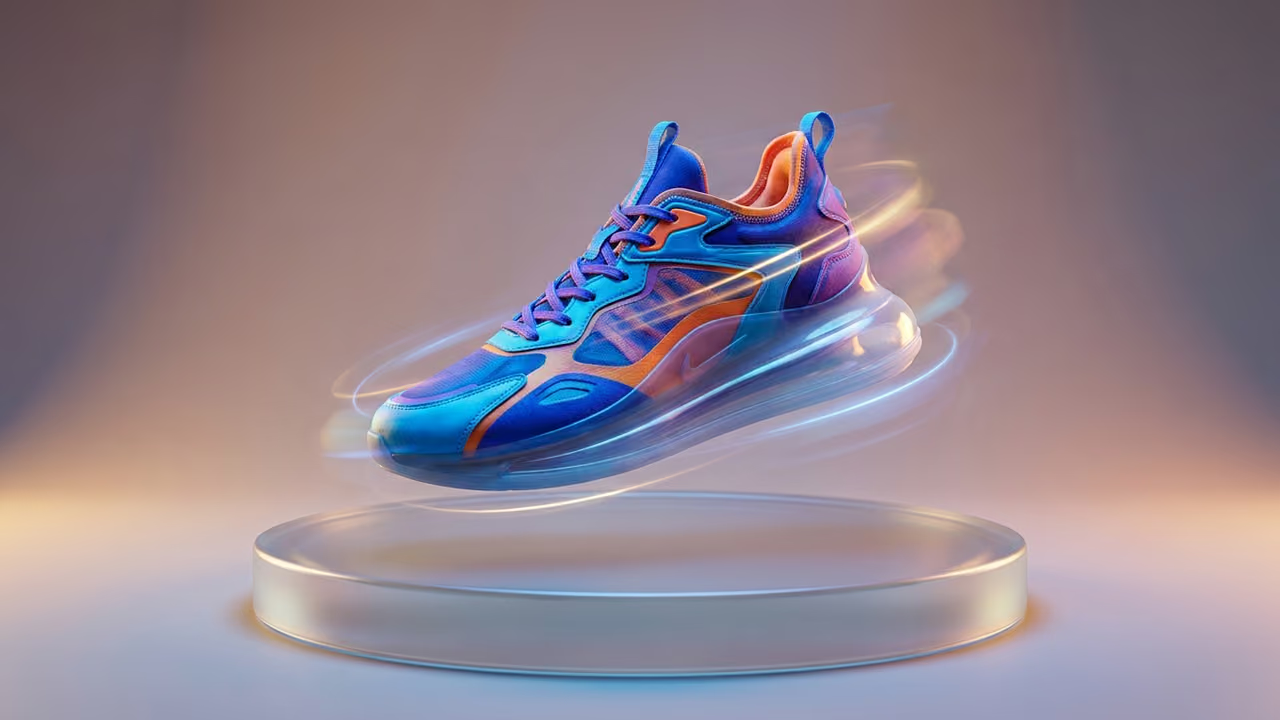
Product spotlight: start from a clean product image and choose Orbit for a slow turntable spin. Try "Slow 360-degree orbit around the sneaker, soft studio light, subtle reflections."
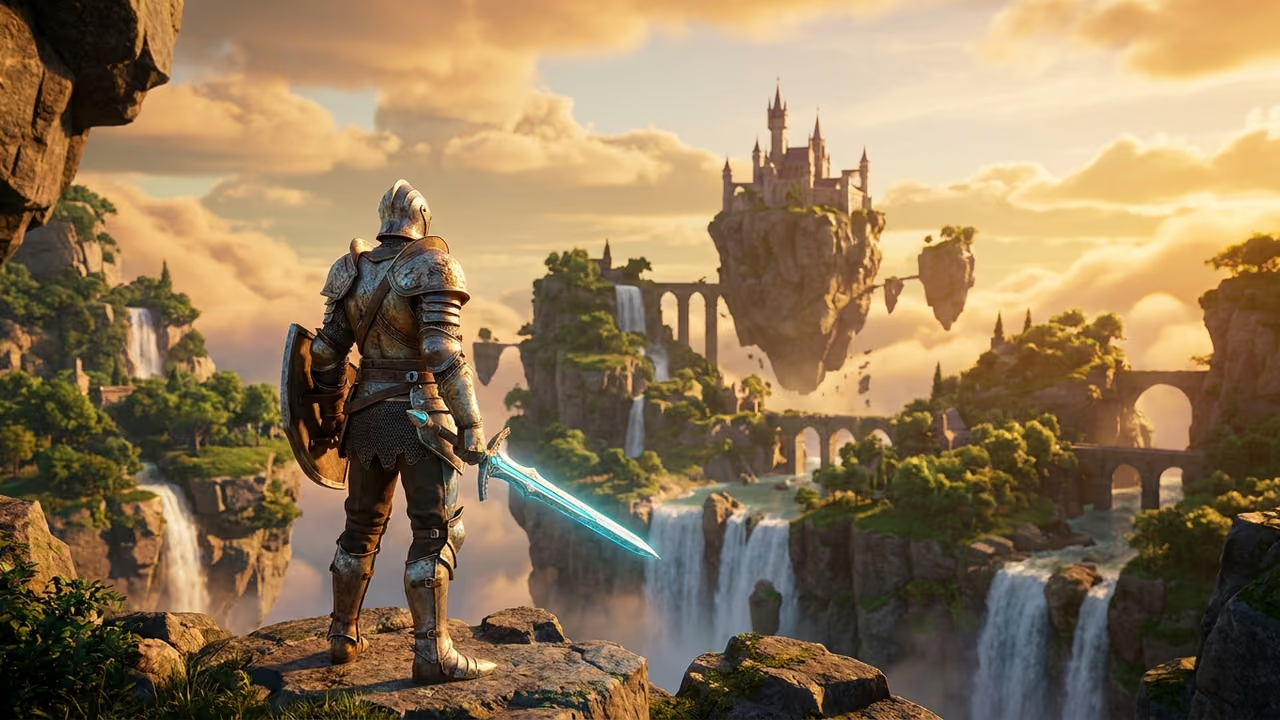
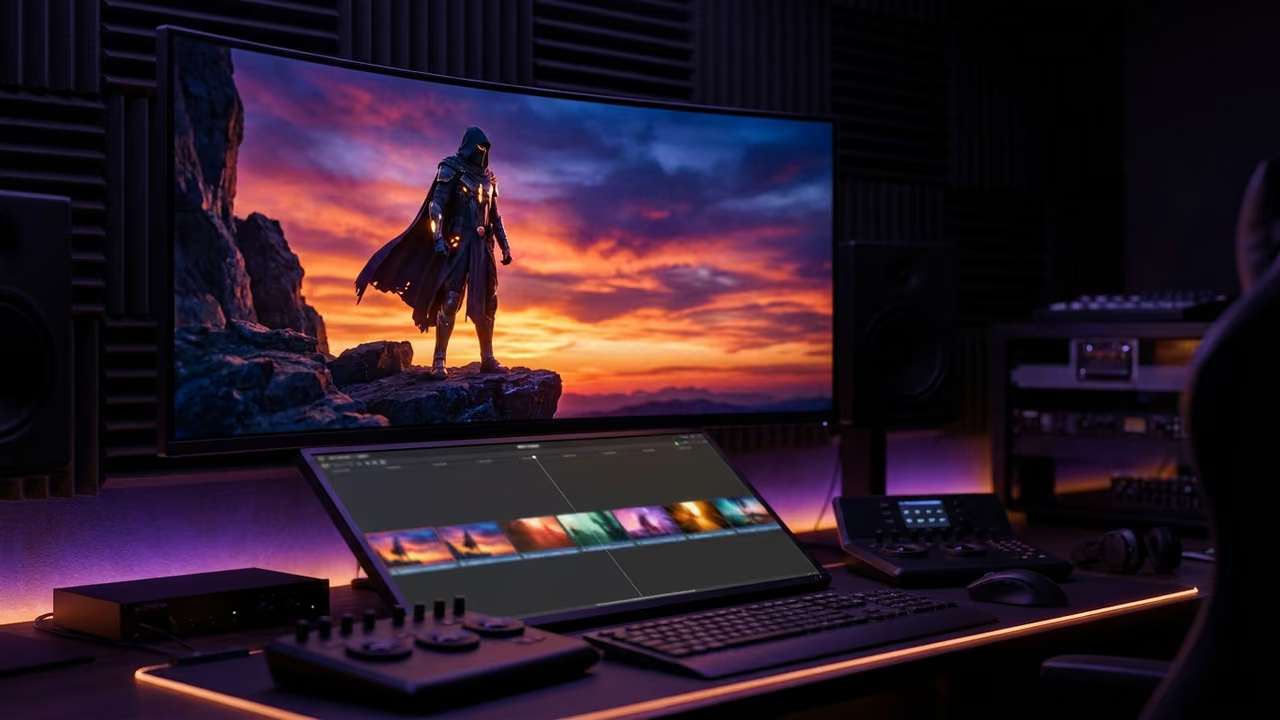
Game trailer establishing shot: use a wide environment image or skybox and a Push in. Try "Camera pushes in slowly toward the knight, wind in the cape, clouds drifting, epic orchestral mood."
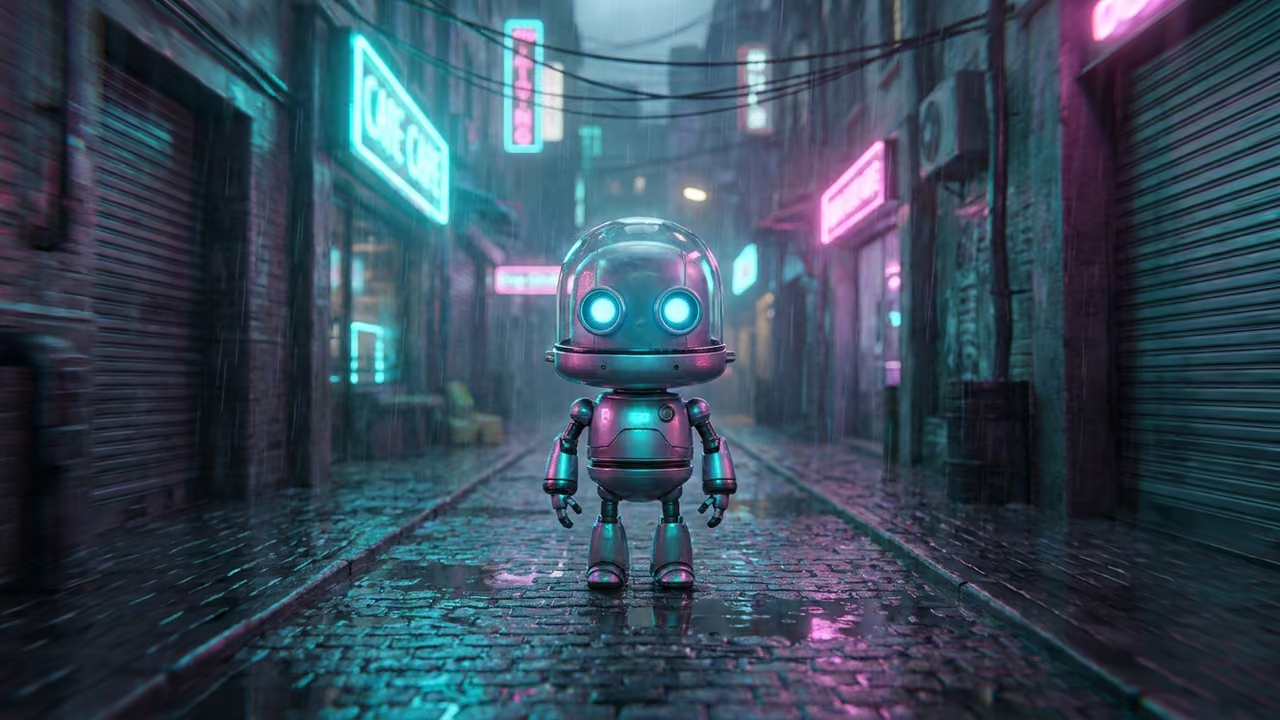
Character reveal: start from a character render and orbit around it. Rain, neon, and reflections give the model plenty of motion to work with.
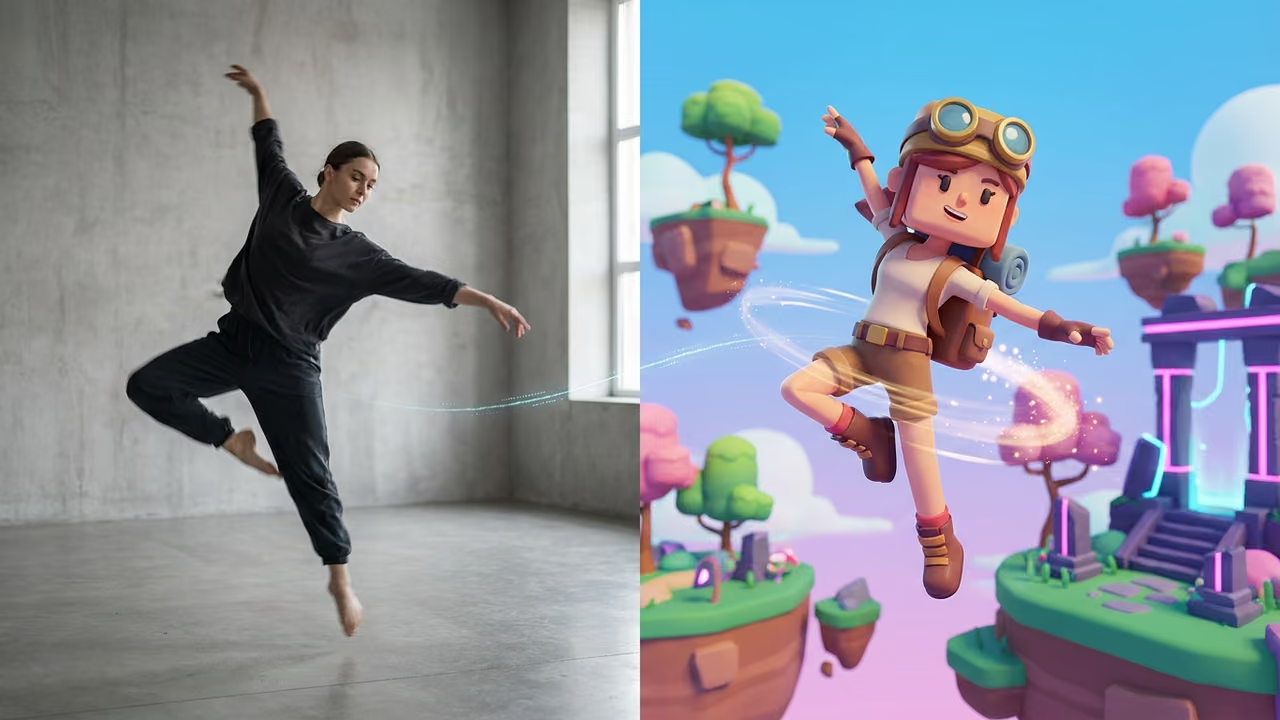
Motion transfer: pair your character image with a short video of the movement you want, such as a dance spin or a sword swing, and the character copies it.
Runway Alternatives Compared
| Tool | Text to video | Image to video | Edit or extend | Sound included | Makes 3D models too | Starting price |
|---|---|---|---|---|---|---|
| Sloyd Video Studio | Yes | Yes, start/end frame | Yes | Yes | Yes | Beta |
| Runway | Yes | Yes | Yes (Aleph) | Separate tools | No | $15/mo ($12 yearly) |
| Google Veo 3.1 | Yes | Yes | Extend in Flow | Yes | No | $19.99/mo (AI Pro) |
| Kling | Yes | Yes, start/end frame | Extend | Varies | No | $8.80/mo (Standard) |
| Luma Dream Machine | Yes | Yes, keyframes | Yes | No | No | $9.99/mo (Lite) |
| Pika | Yes | Yes | Effects | No | No | ~$8/mo (yearly) |
| Open-source models | Yes | Yes | With tooling | Some models | No | Free (self-hosted) |
Prices are the entry paid tier as of October 2026. Check each vendor for current numbers.
Common Mistakes with AI Video
- Packing too much into one prompt. One subject, one action, one camera move. Combine clips in your editor.
- Starting from text when you have an image. Image to video keeps your character and product on model.
- Asking for long clips in one go. Generate a strong 5 to 10 second shot, then extend it.
- Ignoring the aspect ratio. Pick 9:16 for Shorts and Reels and 16:9 for trailers before you generate, not after.
- Forgetting the end frame. If the shot has to land on a logo or a pose, set the end frame.
FAQ
What is the best Runway alternative in 2026?
It depends on the job. For creators who already make images and 3D assets, Sloyd Video Studio turns them into video in the same app. Google Veo 3.1 leads on realism with native audio, Kling is the value pick, and Runway is still the strongest editing suite.
Is there a free alternative to Runway?
Kling and legacy Luma plans offer free tiers with limited credits. Open-source models such as Wan and HunyuanVideo are free to self-host but need a powerful GPU. Runway's own Free plan gives 125 one-time credits.
Which AI video generators create sound with the video?
Sloyd Video Studio and Google Veo 3.1 both return clips with sound from the same generation. For standalone game sound effects, see our guide to ElevenLabs alternatives.
Can I turn an image into a video with AI?
Yes. Sloyd, Runway, Veo, Kling, Luma, and Pika all support image to video. Sloyd and Kling also let you set an end frame.
How long can AI-generated videos be?
Most tools generate clips of about 5 to 10 seconds and let you extend them. Sloyd Video Studio makes 5 to 15 second clips per generation, and you can extend an existing video.
Make Your Assets and Videos in One Place
Runway set the standard for professional AI video. But product videos, trailers, and social clips all start with assets, and those assets have to come from somewhere.
Have beta access? Start in Video Studio. Create your characters with text to 3D or image to 3D, build the world with the Skybox Generator, and add sound with our guide to ElevenLabs alternatives. Compare plans on the pricing page.