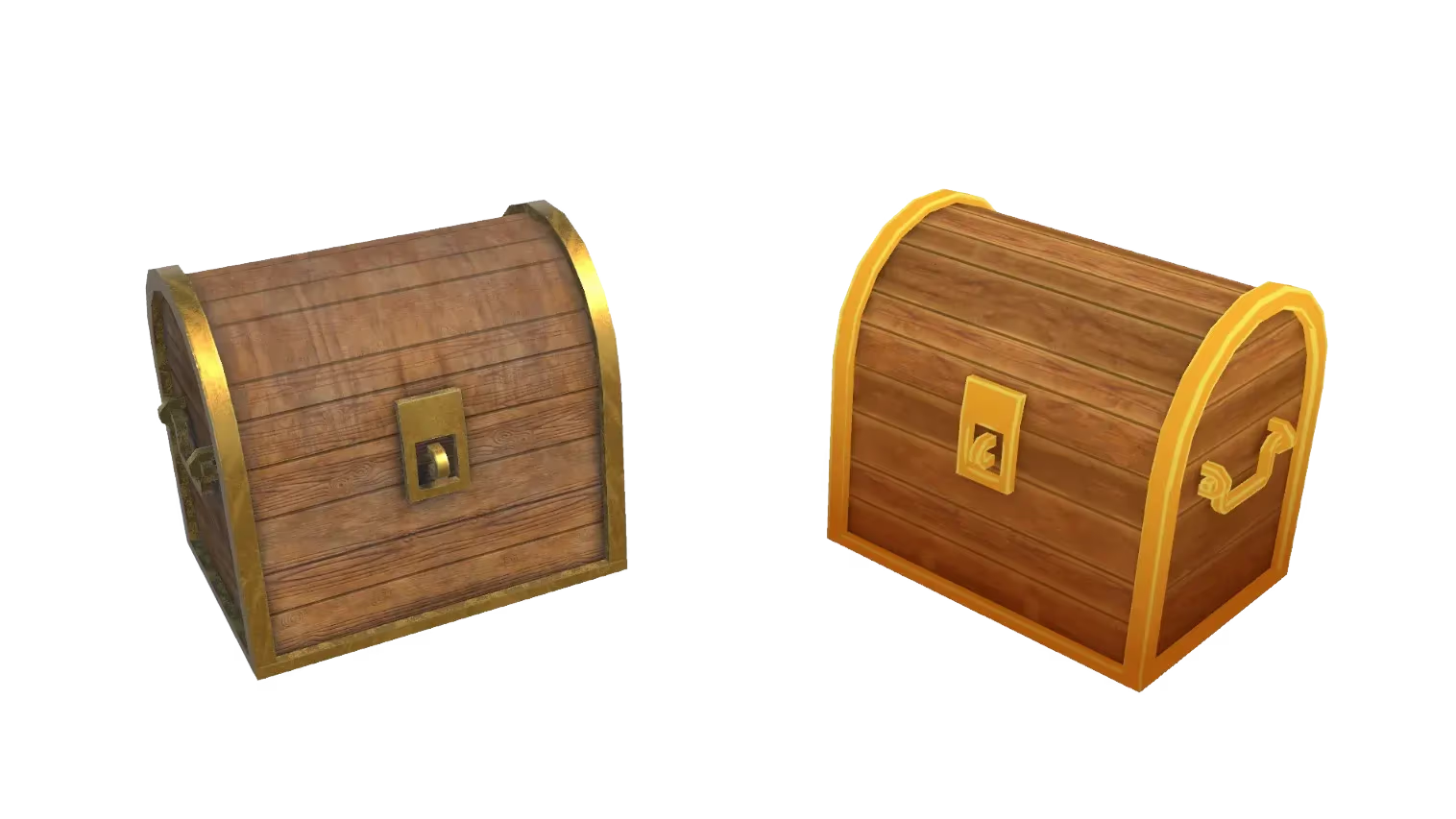
Conversor de Archivos 3D de JPG a OBJ
Convierte al instante imágenes JPG en archivos OBJ con nuestra rápida herramienta en línea. No necesitas instalar ningún software. Descarga modelos 3D compatibles listos para editar o texturizar en el software que prefieras.
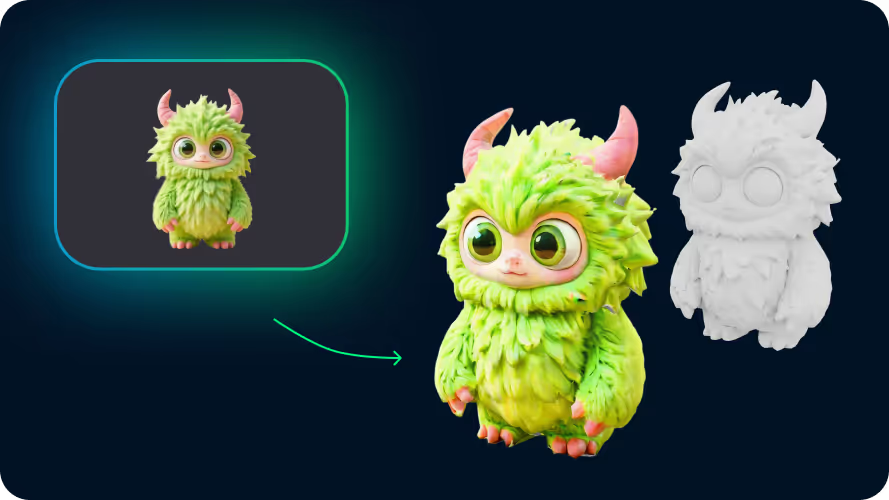
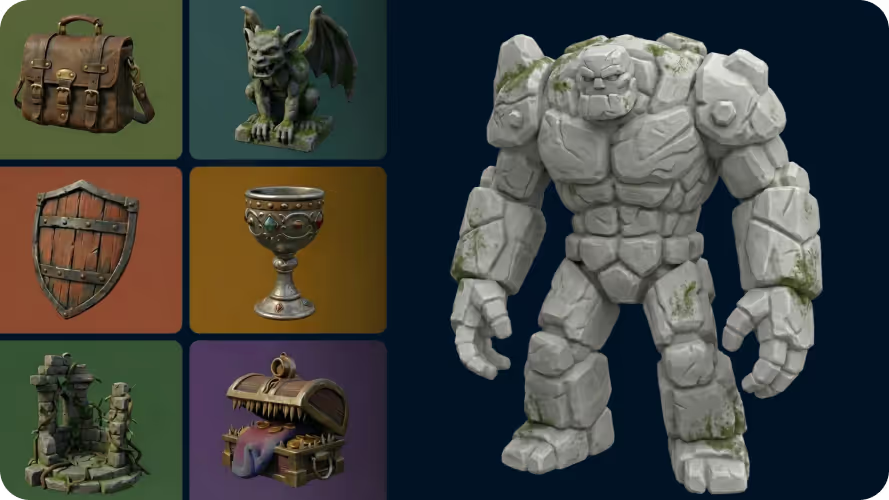
Detalles de geometría intrincados
Nuestra IA captura las formas intrincadas y los detalles finos de tu imagen JPG, produciendo un modelo 3D que coincide fielmente con la entrada original.
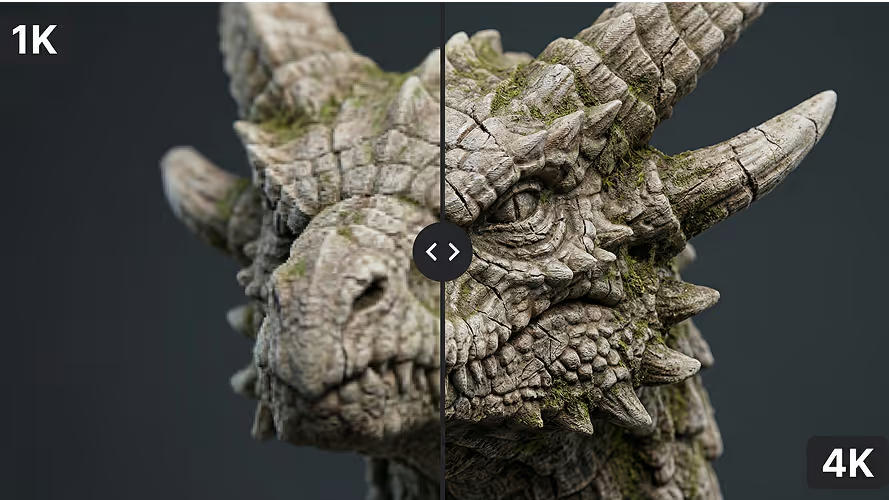
Calidad de textura superior
Consigue recursos OBJ de calidad profesional con nuestra tecnología de texturizado por IA. Texturas nítidas y de alta resolución, reproducción de color precisa y superficies de alta fidelidad que lucen naturales con cualquier iluminación.
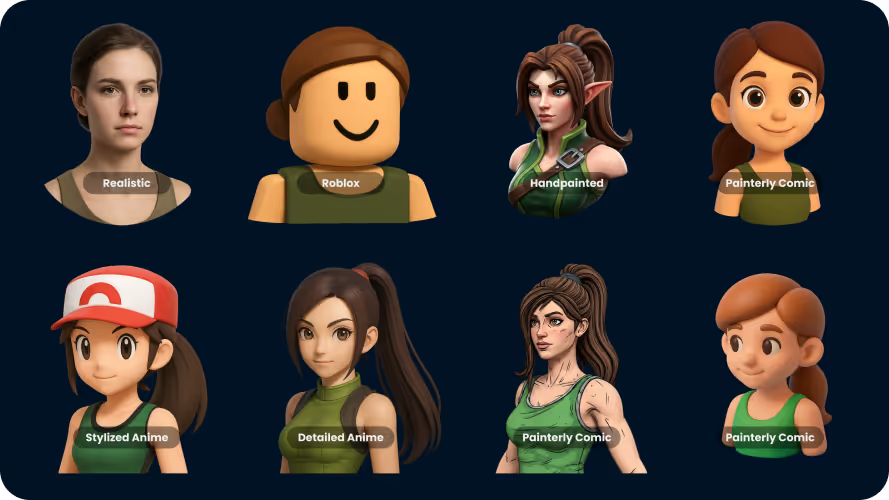
Adaptación de estilo universal
Convierte retratos fotorrealistas o props de videojuegos estilizados sin pérdida de calidad. Admitimos una enorme variedad de estilos, asegurando que el aspecto y la sensación únicos de tu imagen se conserven en la transición a 3D.
Cómo convertir JPG a OBJ
- 1
Importa un archivo JPG
Abre nuestro conversor y arrastra tu imagen a la zona de carga. Se admiten imágenes JPG, PNG y WEBP; los archivos de hasta 20MB funcionan mejor.
- 2
Convierte a OBJ
Pulsa Generar. La herramienta procesa tu archivo en segundos y produce un OBJ listo para descargar — sin necesidad de software 3D.
- 3
Descarga tu archivo
Cuando termine el procesamiento, haz clic en Descargar para guardar tu nuevo archivo OBJ. Llévalo directamente a tu motor de videojuegos, laminador o editor 3D.
Frequently Asked Questions
¿Qué formatos de archivo son compatibles con la conversión?
El conversor admite formatos 3D e imagen comunes, incluyendo JPG, PNG, OBJ, FBX, STL, GLB, GLTF, USD, PLY y BLEND cuando la pareja de conversión seleccionada lo permite.
¿Qué tan rápida es la conversión de JPG a OBJ?
Los archivos estándar suelen convertirse en menos de 1 minuto. Las entradas muy complejas o de alta resolución pueden tardar un poco más.
¿Qué tan precisa es la conversión con IA?
La precisión depende de la claridad del archivo o imagen de origen. Las imágenes limpias y bien iluminadas y las entradas 3D estructuradas se convierten mejor. Seguimos mejorando el pipeline para transferir detalles, texturas y geometría con más fiabilidad.
¿Qué imágenes JPG funcionan mejor?
Usa una imagen JPG clara con el sujeto centrado y un fondo simple para obtener los mejores resultados. También se admiten imágenes JPG, PNG y WEBP; los archivos de hasta 20MB funcionan mejor.
¿Están seguros mis datos?
Sí. Usamos infraestructura en la nube de primer nivel y procesamos los archivos de forma privada. Los archivos no se comparten ni se usan para entrenar modelos.
¿Cómo se manejan las texturas en el resultado OBJ?
Las texturas integradas se transfieren siempre que el formato de destino las admita (GLB, FBX). Los archivos de textura externos pueden requerir que los vuelvas a vincular manualmente según el software que uses después.
¿Funciona esta herramienta en el móvil?
Sí. El conversor se ejecuta completamente en la nube y funciona en cualquier navegador moderno — Mac, Windows, Linux, iOS y Android.
¿Es gratis el conversor?
Los invitados pueden convertir y ver 1 modelo 3D cada día. Para conversiones y descargas ilimitadas, suscríbete a un plan de pago.