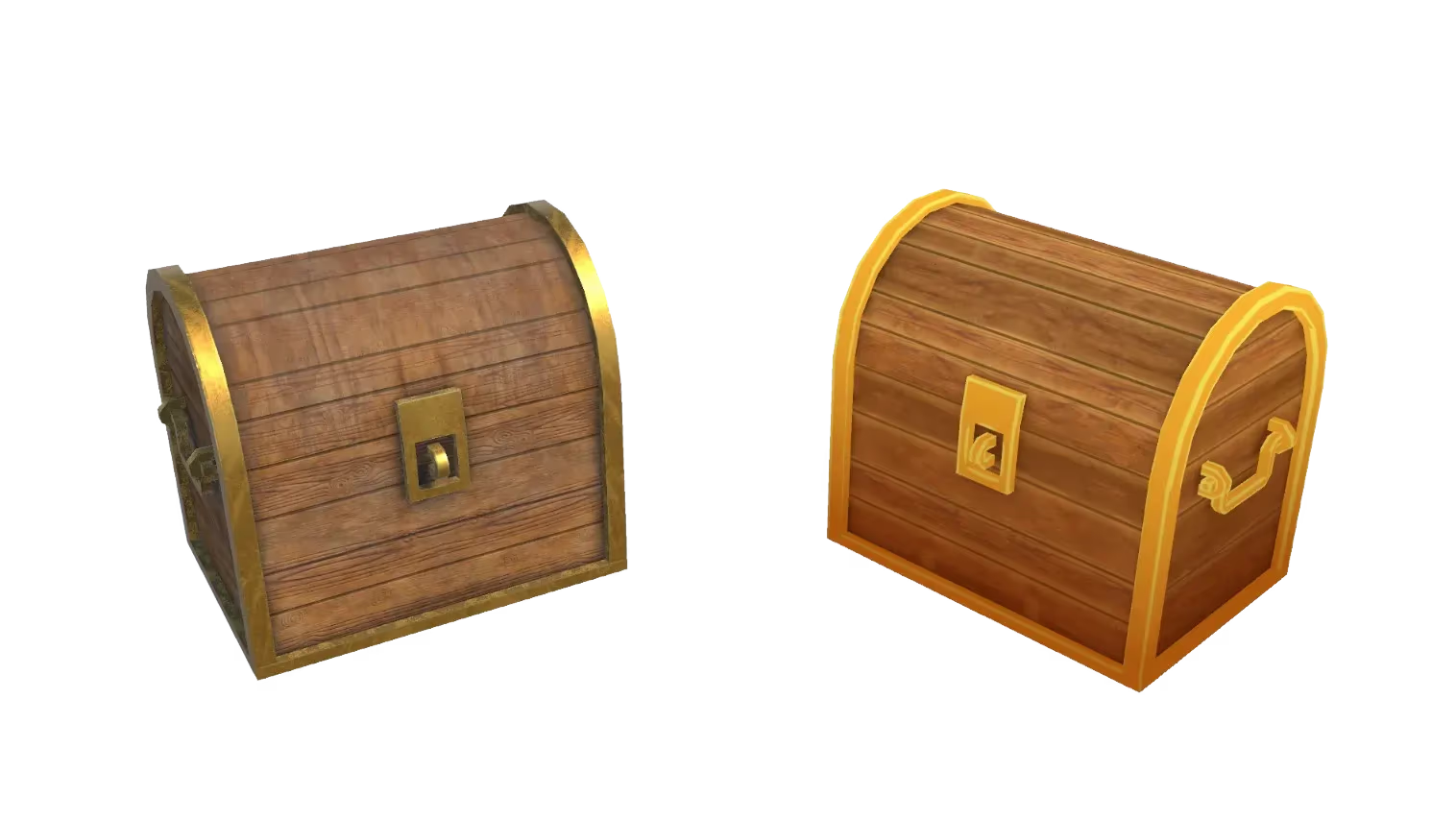
GLTF 3D Model Viewer - Free Online Tool
Instantly view your GLTF 3D models in our fast, free online tool. No software installation required. Rotate, pan, zoom, and inspect your model in the browser.
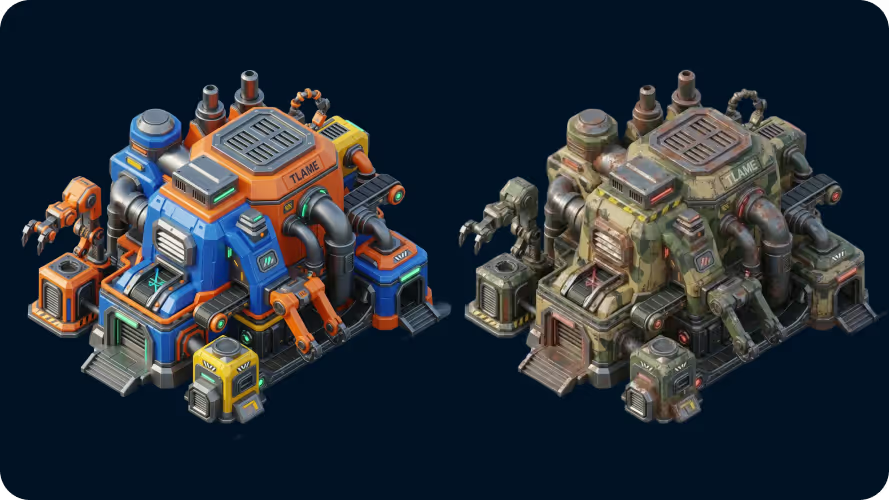
View GLTF 3D models in your browser
The Sloyd 3D viewer lets you quickly inspect a GLTF file without opening heavy desktop tools. Rotate, pan, and zoom to check proportions, shapes, and overall structure — fast previews and quick validation, not editing.
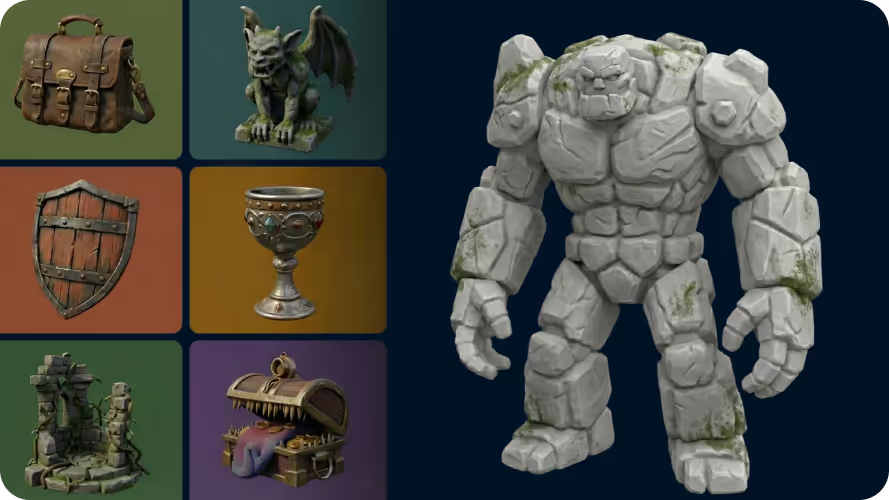
Popular file formats supported
Alongside GLTF, the viewer supports OBJ, GLB, STL, PLY — covering game development, real-time engines, and 3D printing workflows.
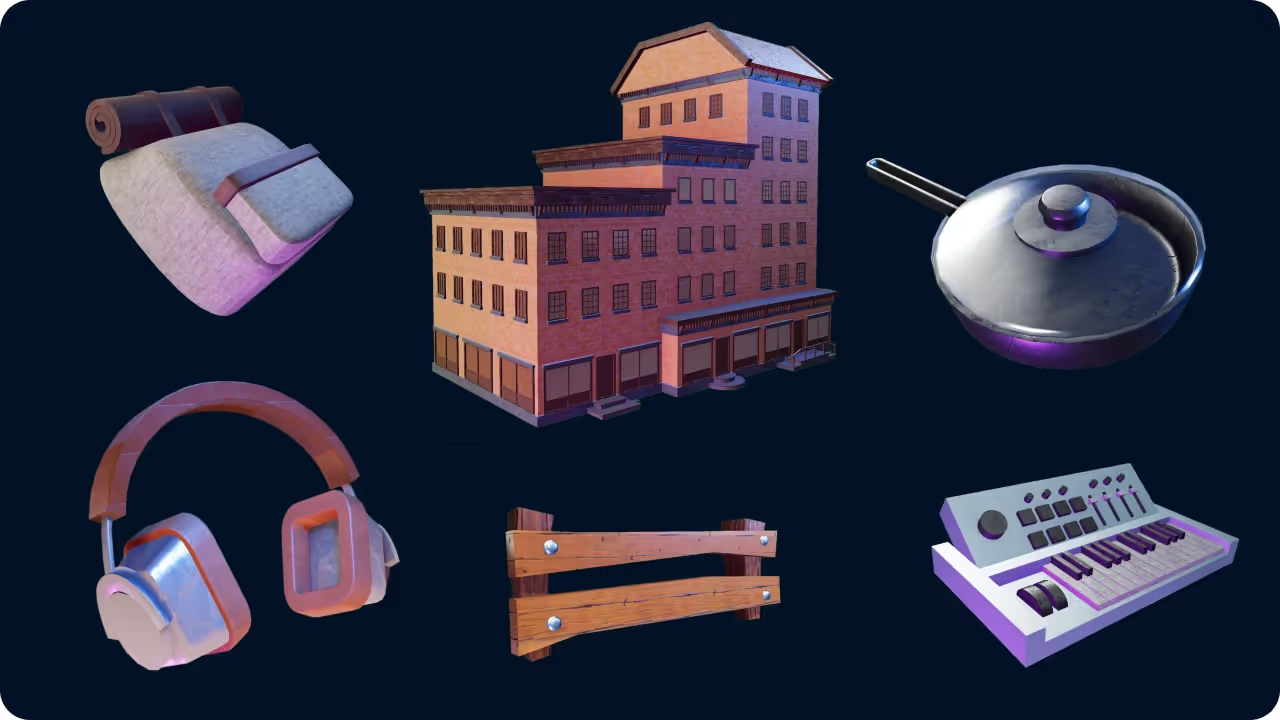
No login required
Upload and view your GLTF files without creating an account. Sign in only if you want to export, generate new models, or continue working inside Sloyd.
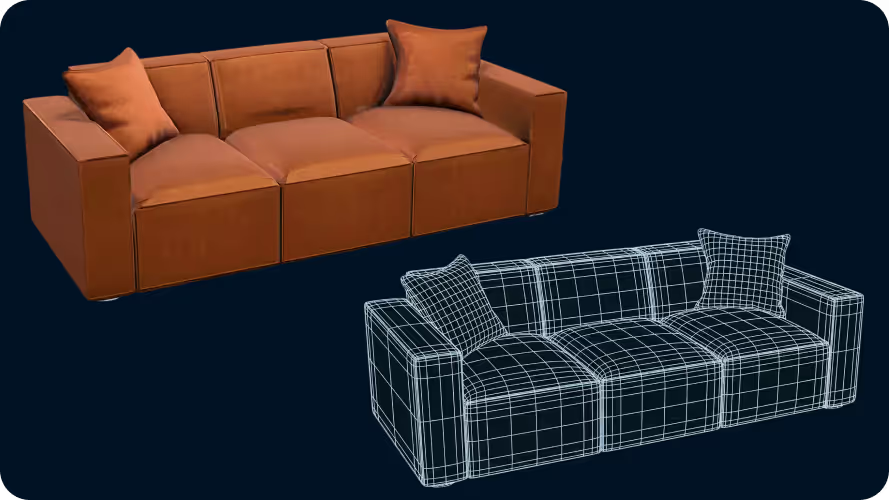
Free for 3D creators
The online GLTF viewer is free and intended for quick inspection and review. Useful when you just need to open a file, verify that it looks correct, or check a model before moving it into another tool or engine.
How to use the GLTF 3D viewer
- 1
Upload your GLTF file
Open our 3D model viewer and drag and drop your GLTF file into the upload zone. We also support GLB, GLTF, OBJ, STL, and PLY (max 200MB).
- 2
Inspect the model
Use the camera controls to rotate, zoom, and pan around the model. Inspect from any angle to verify proportions and surface quality.
- 3
Continue your workflow
When you are done viewing, you can generate a new 3D asset with our Image-to-3D or Text-to-3D tools — or close the page.
Frequently Asked Questions
What file formats are supported?
The viewer supports OBJ, GLB, GLTF, STL, PLY.
Do I need an account to use the viewer?
No. You can view 3D files without logging in.
Is my data secure?
Yes. We use top-tier cloud infrastructure to ensure total privacy. Files are not shared or used to train models.
Can I edit my GLTF model in the viewer?
No. The viewer is for inspection only. For editing, use a desktop 3D tool or our app for generation.
Does this tool work on mobile?
Yes. The viewer runs entirely in the cloud and works on any modern browser — Mac, Windows, Linux, iOS, and Android.
Is the viewer free to use?
Yes. The online 3D viewer is free for quickly inspecting files without installing software or creating an account.
Why does my model look untextured?
Some formats, such as OBJ and STL, require separate material and texture files. GLB and GLTF usually include everything in one file.