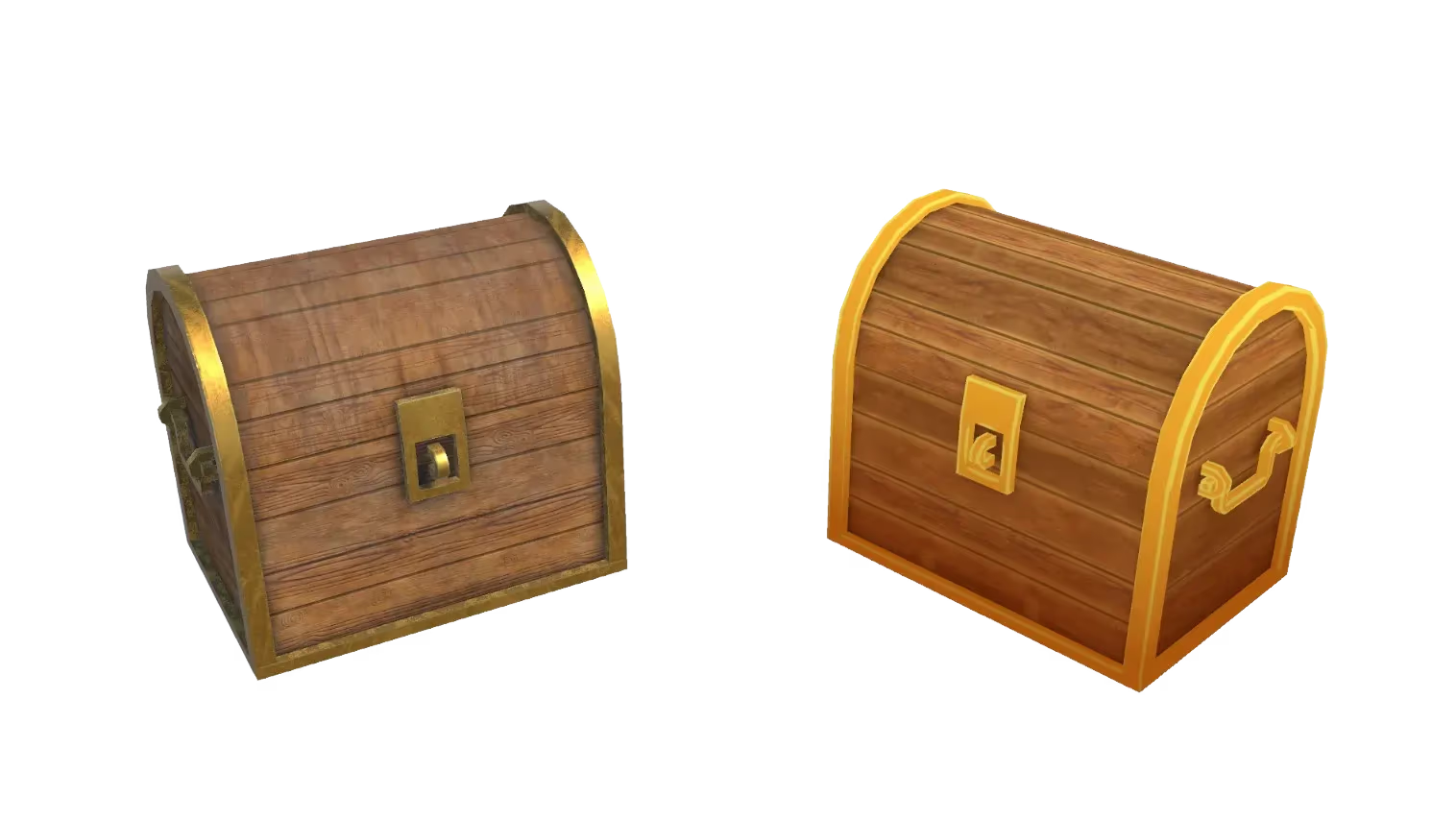
AI Image Generator: Any Style from Text
Generate stunning visuals in any style from simple text prompts — photoreal product shots, anime characters, pixel art, seamless textures, YouTube thumbnails, concept art, and profile pictures. Perfect for marketing, 3D workflows, and game development.
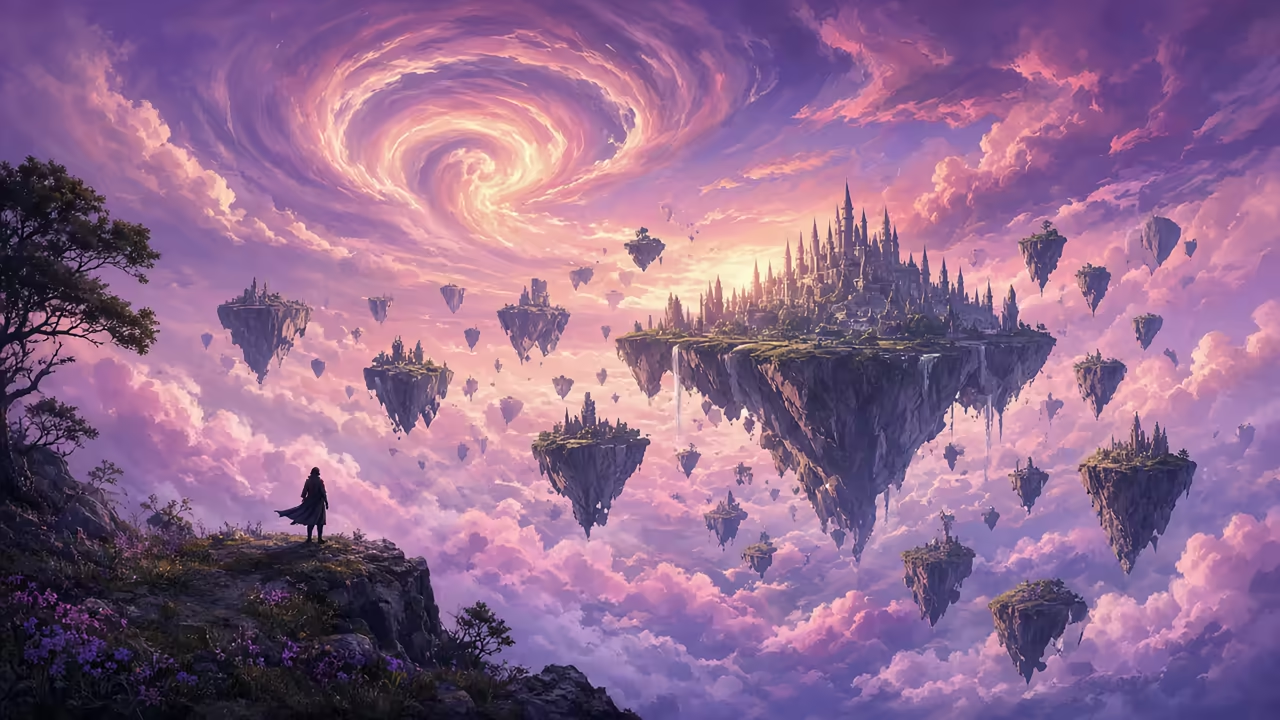
Any Style from One Prompt
Generate photoreal, anime, pixel art, concept art, textures, and more. The same prompt works across every style — no need to learn different tools for different looks.
Perfect for 3D & Marketing
Create concept art, textures, thumbnails, profile pictures, and reference images to power game development, 3D modeling, and marketing workflows.
Styles & Image Jobs That Convert
Pixel art, concept art, seamless textures, YouTube thumbnails, profile pictures, and game-ready references — generate the exact style or asset you need for marketing, 3D workflows, and game development.
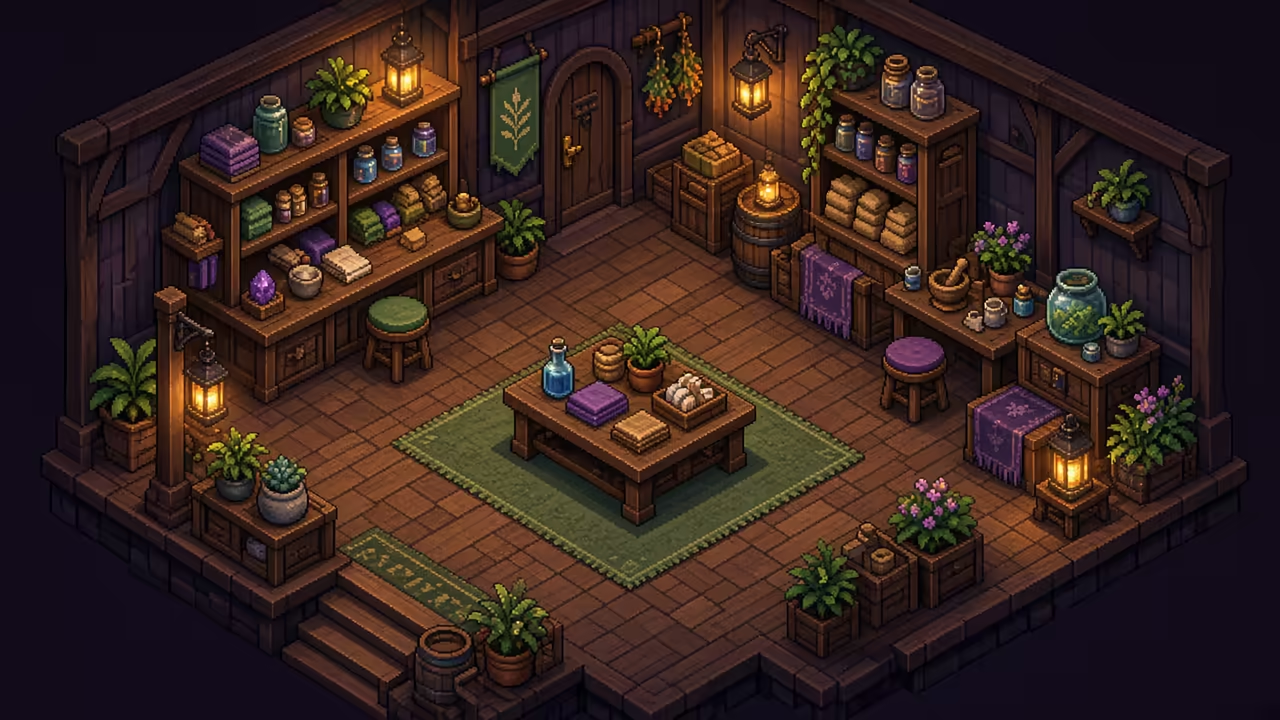
Pixel Art Generator
Generate retro pixel art for indie games, sprites, tilesets, and UI from a text prompt. Perfect for 2D game development.
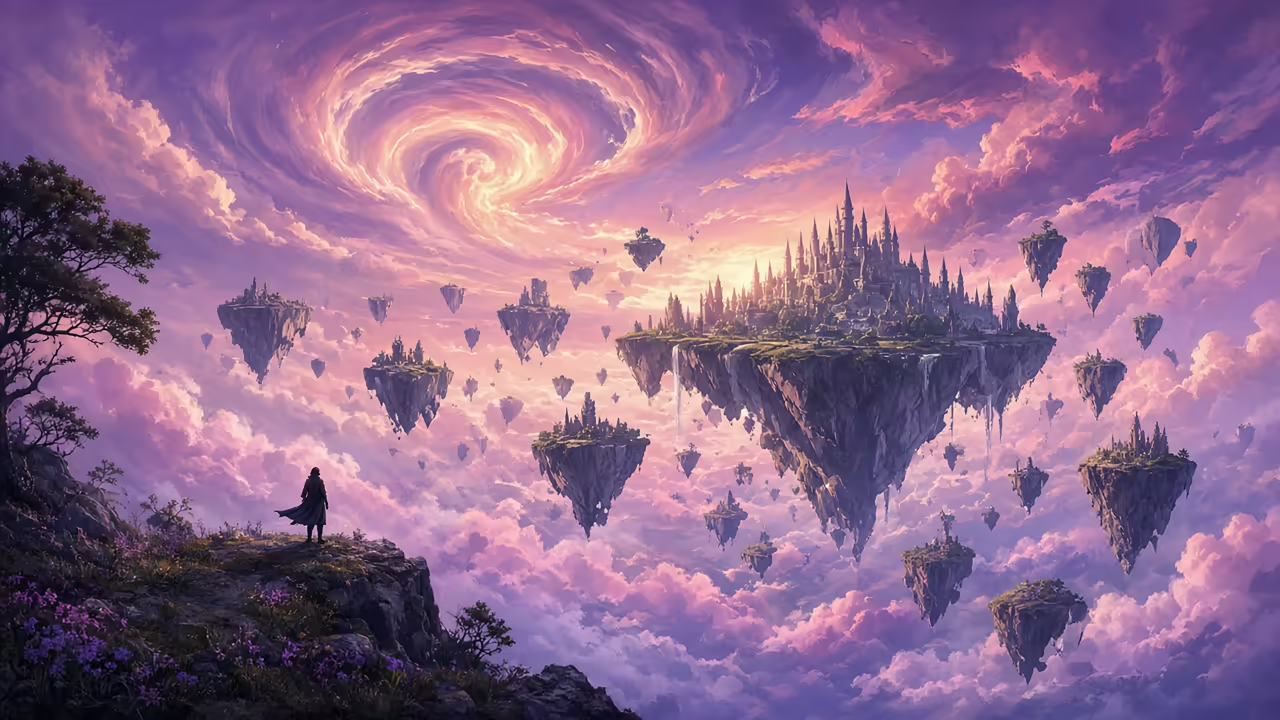
AI Concept Art
Cinematic game and film concept pieces for visual development and 3D reference. High-quality art from one text prompt.
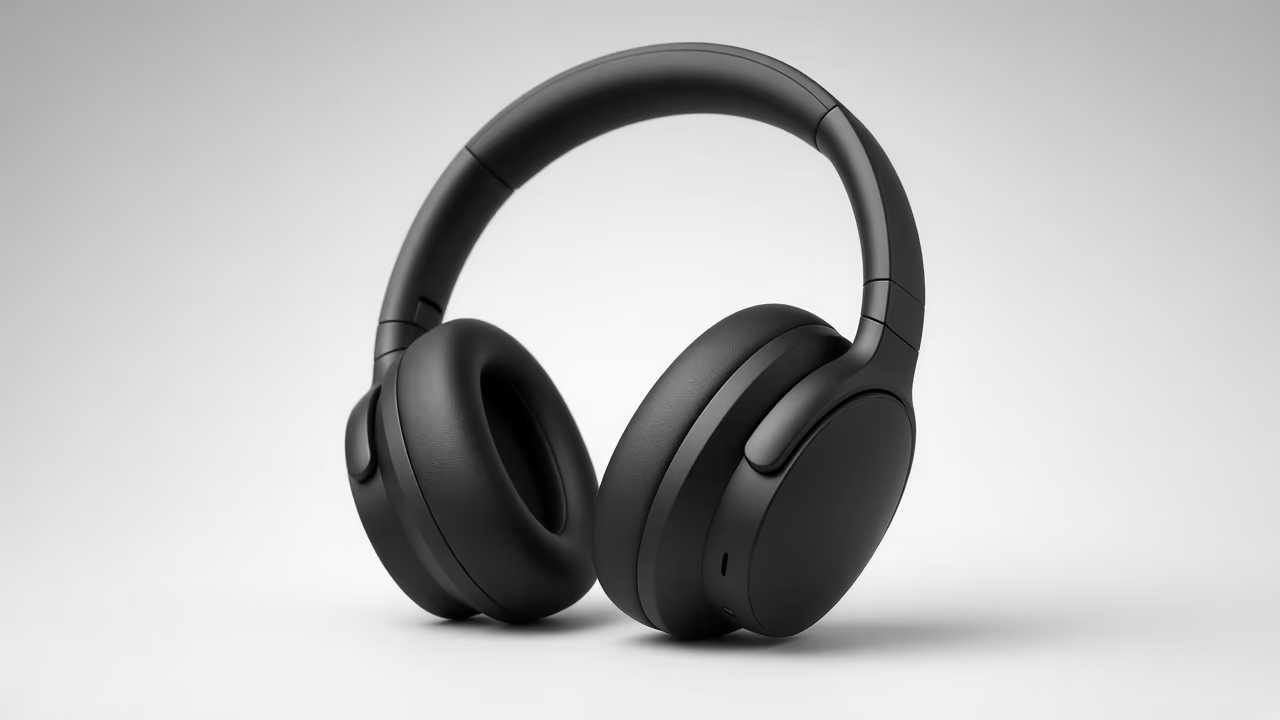
Photoreal Product Shots
Studio-quality AI product photography from a text prompt — clean light, e-commerce ready.
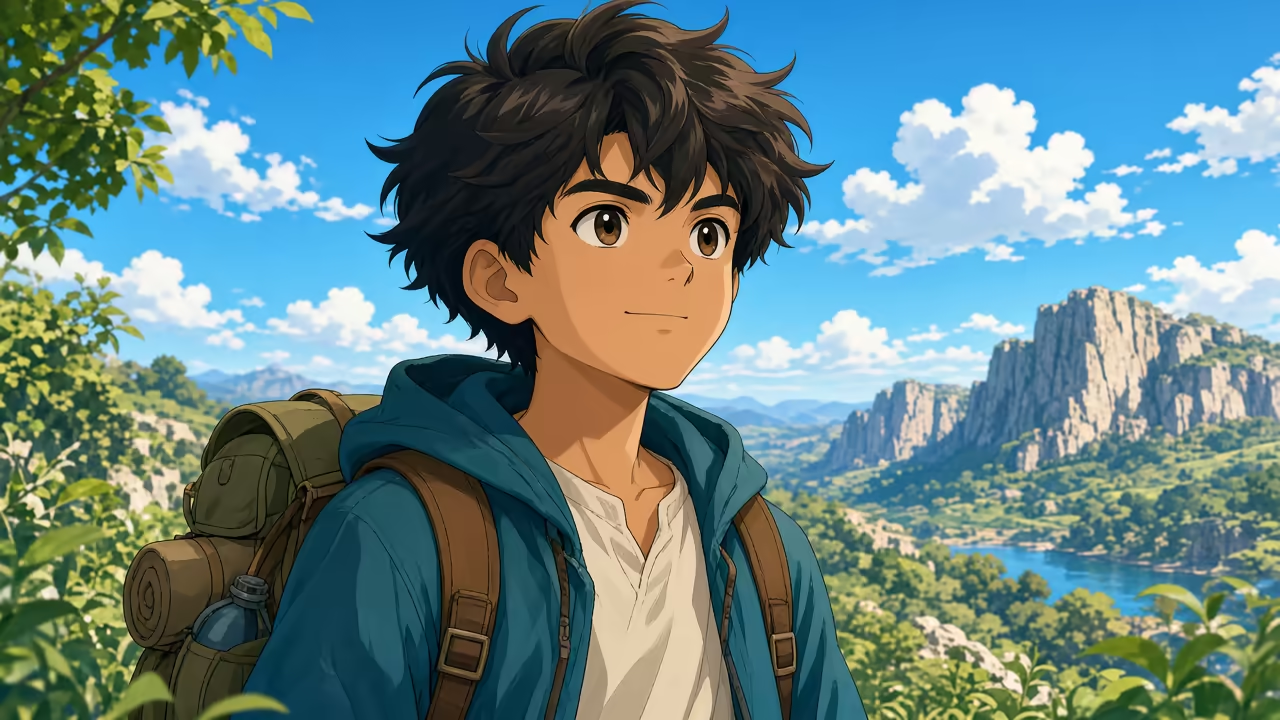
Anime Art Generator
Anime characters, scenes, and illustrations from one prompt — great for games and visual novels.
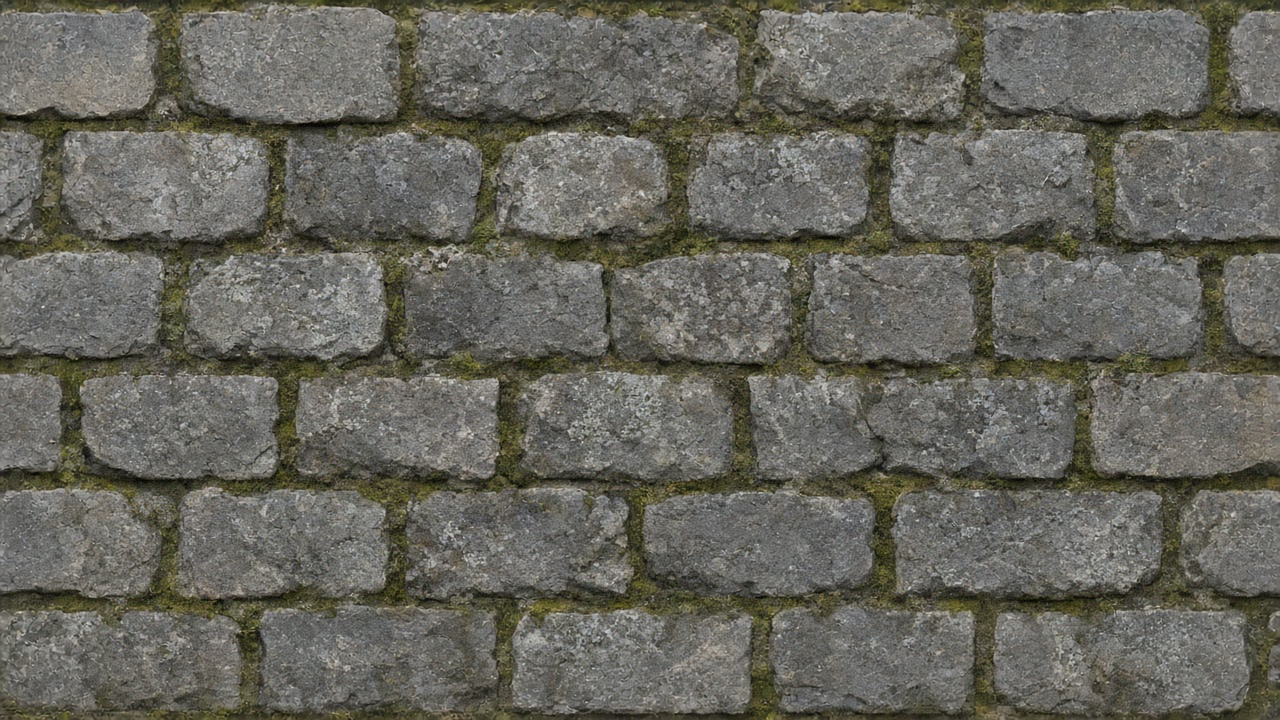
Seamless Textures
Tileable surface maps for games and 3D — stone, materials, and patterns ready for texturing workflows.
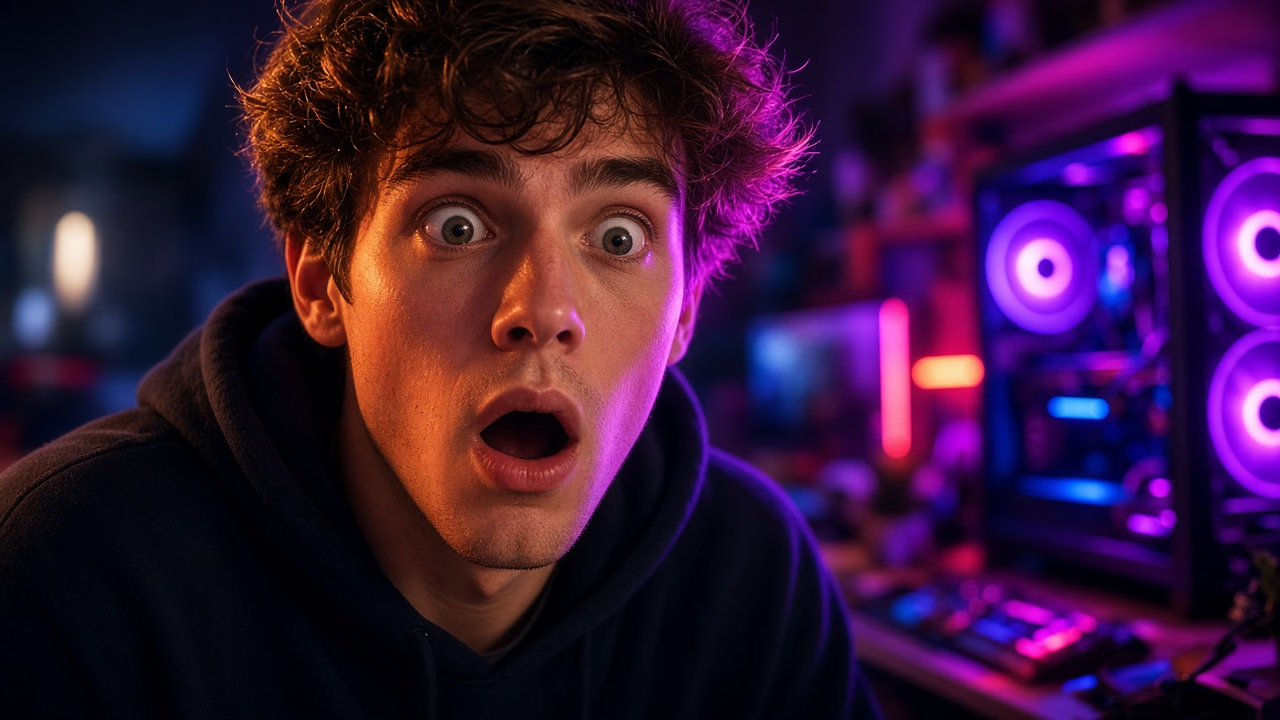
YouTube Thumbnails
High-contrast thumbnail visuals from a prompt — expressive subjects ready for creators (add titles in your editor).
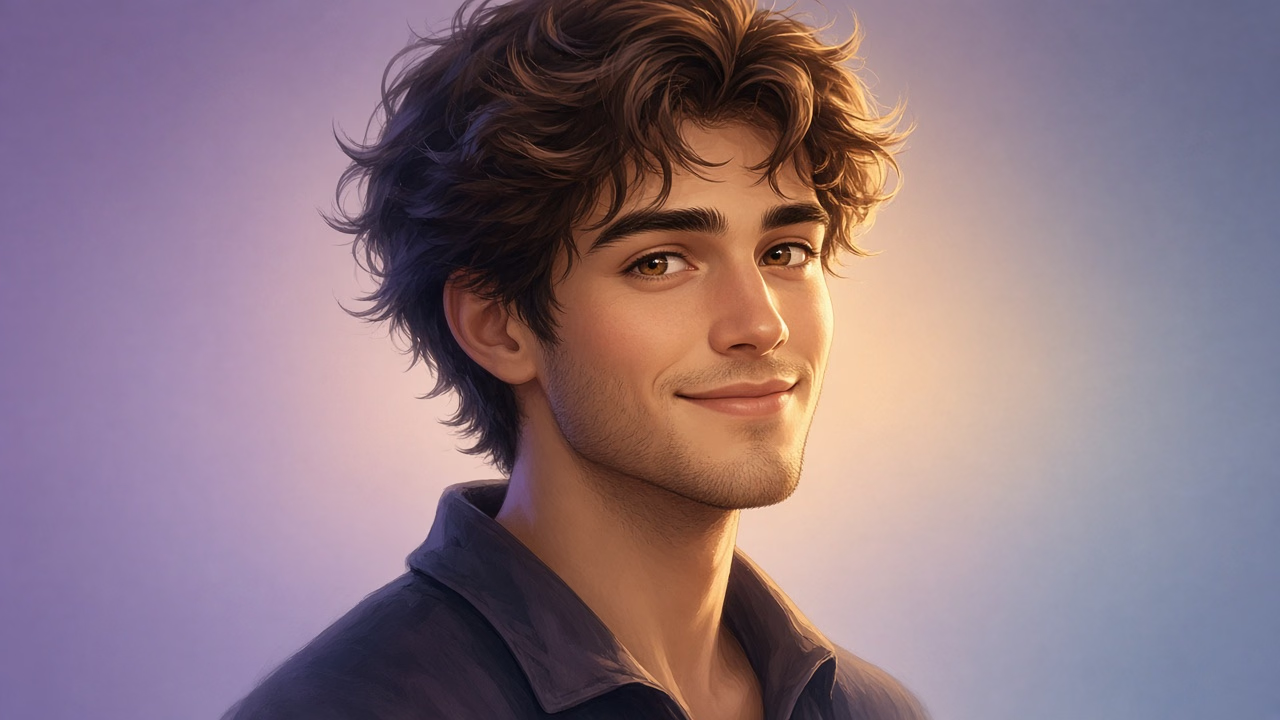
Profile & Avatar Art
Stylized profile pictures and avatar art from text — social, Discord, and game profiles.
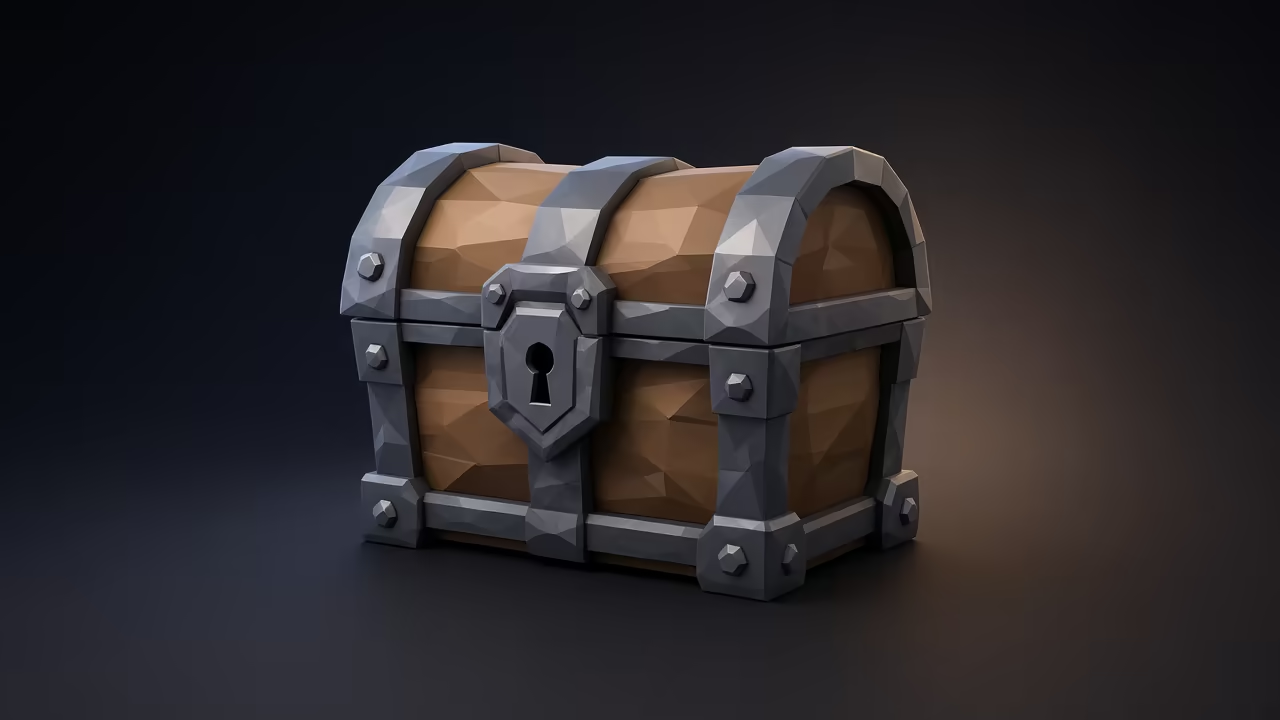
Game Prop Concepts
Clean prop references for modeling — weapons, crates, items with a game-ready look.
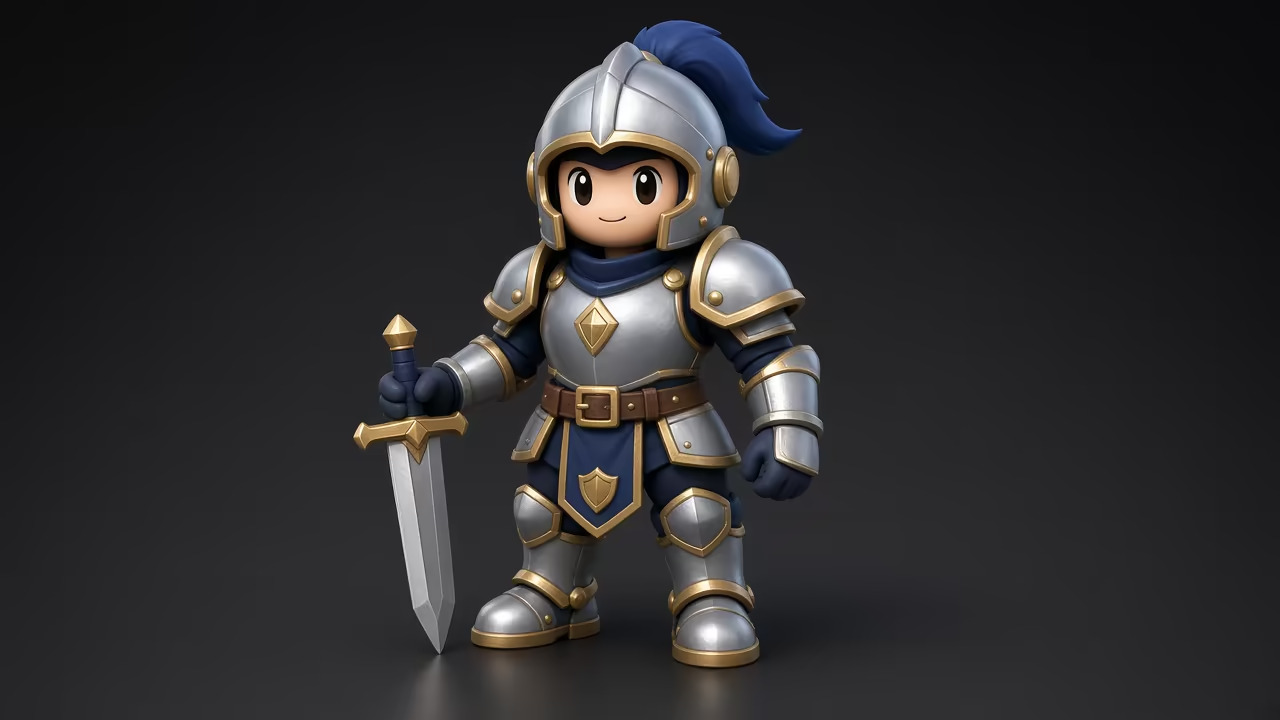
Character Concept Art
Stylized character looks for modeling and texturing — not a full 3D character generator (that lives on Text-to-3D).
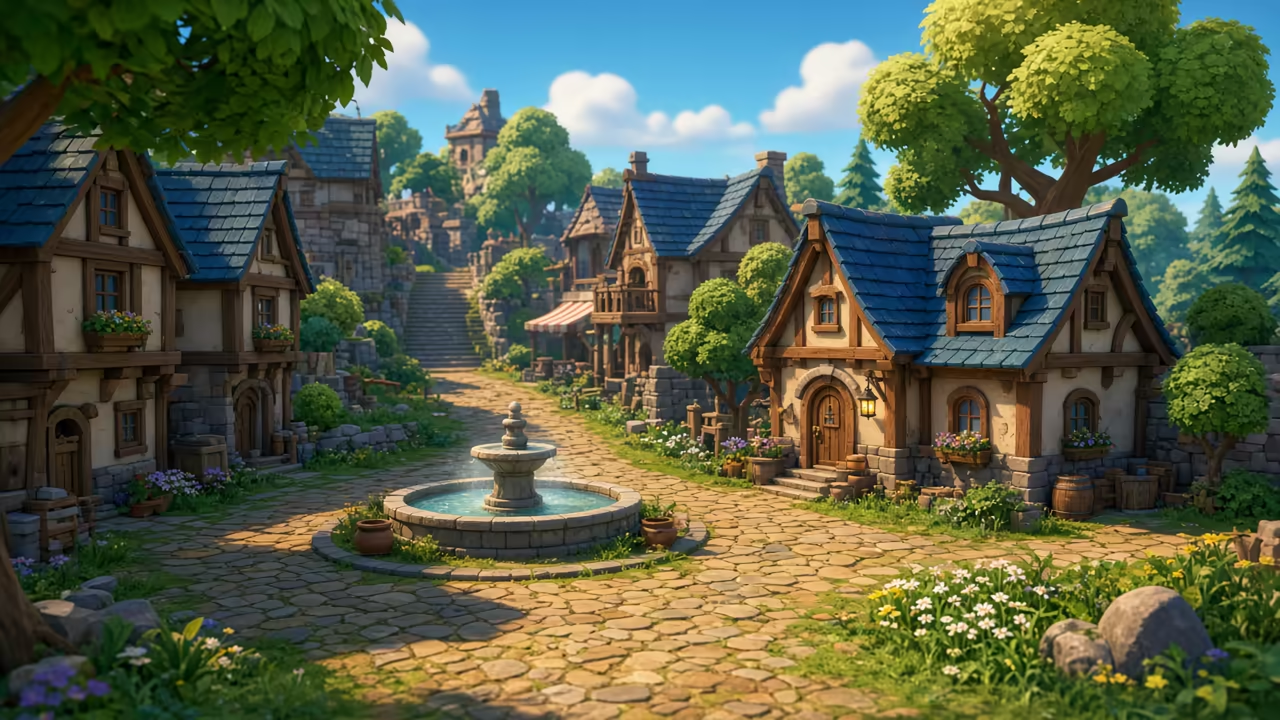
Game Environment Art
Playable-looking environment references for level and world design. Fantasy worlds and sci-fi levels from one prompt.
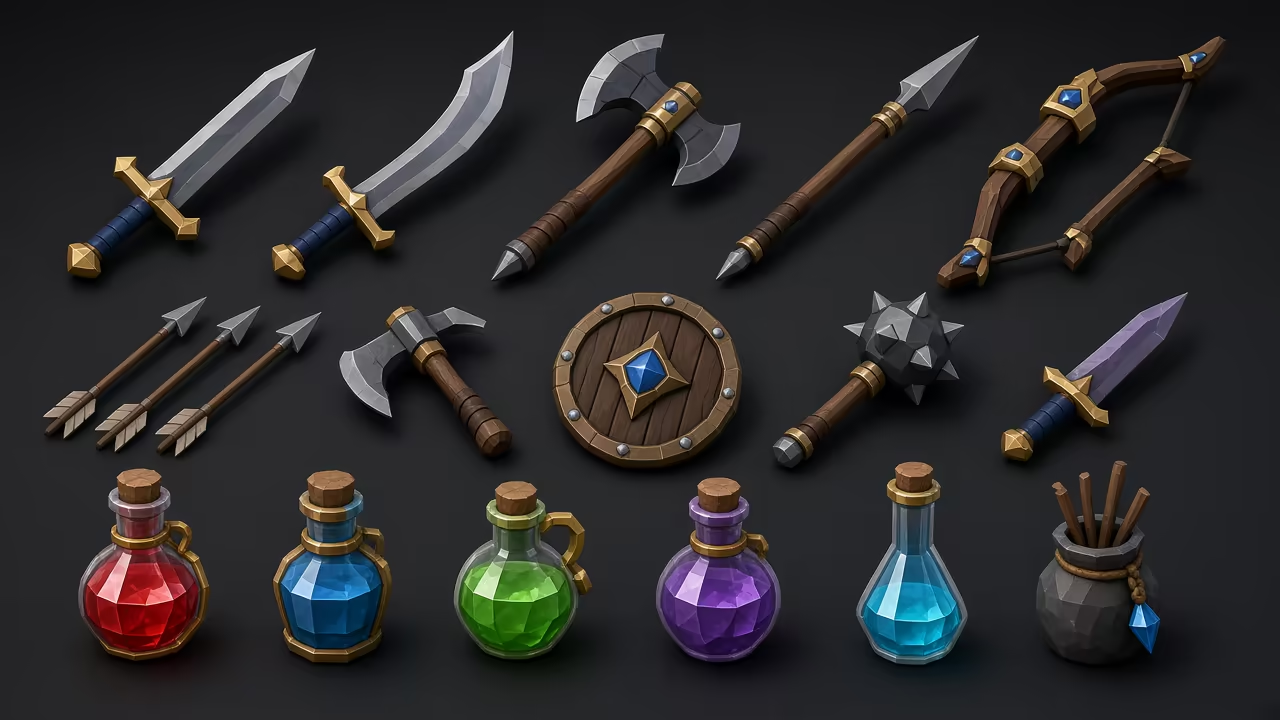
Game Asset Sheets
Whole sets of matching items in one image — weapons, potions, and loot in a consistent style for your game.
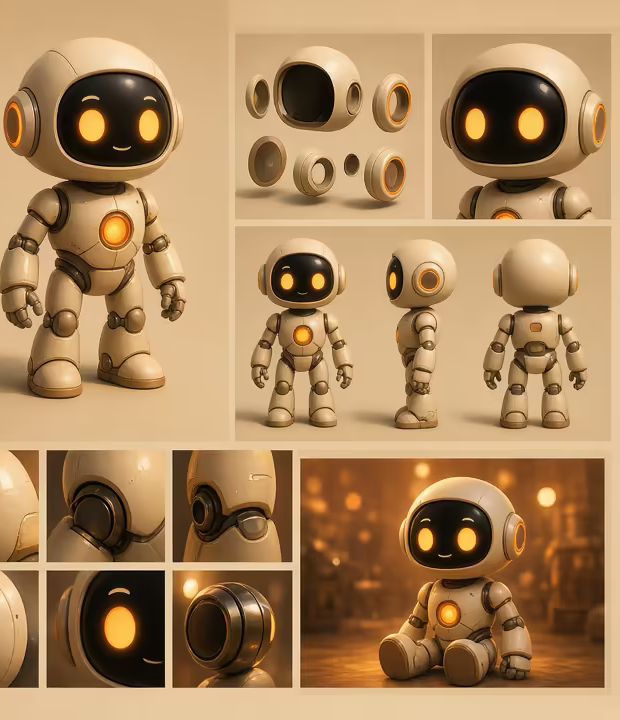
Character Reference Sheets
Turnarounds, close-up details, and pose variations of one character — a ready-made reference for modeling or image-to-3D.
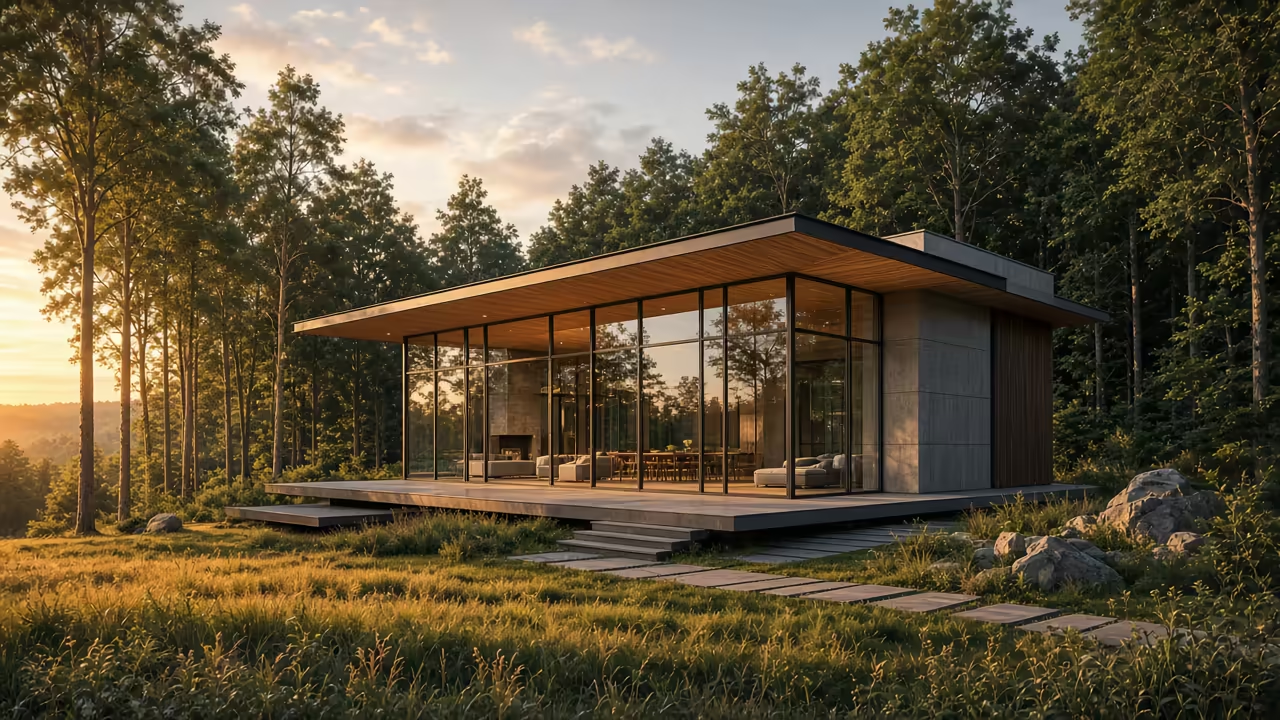
Architectural Visualization
Photoreal exterior and interior renders from a text prompt — early design concepts, mood studies, and client pitches.
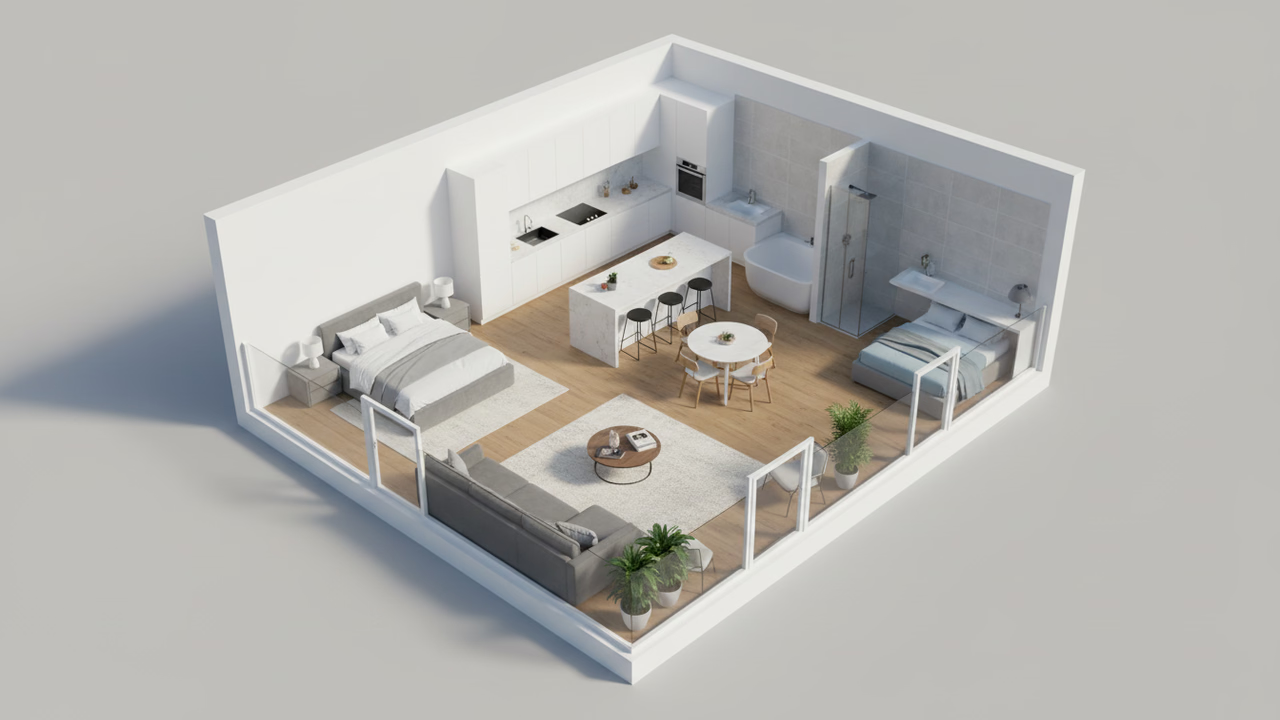
3D Floor Plans
Furnished 3D floor plan renders from a description — great for real estate listings, layout ideas, and staging.
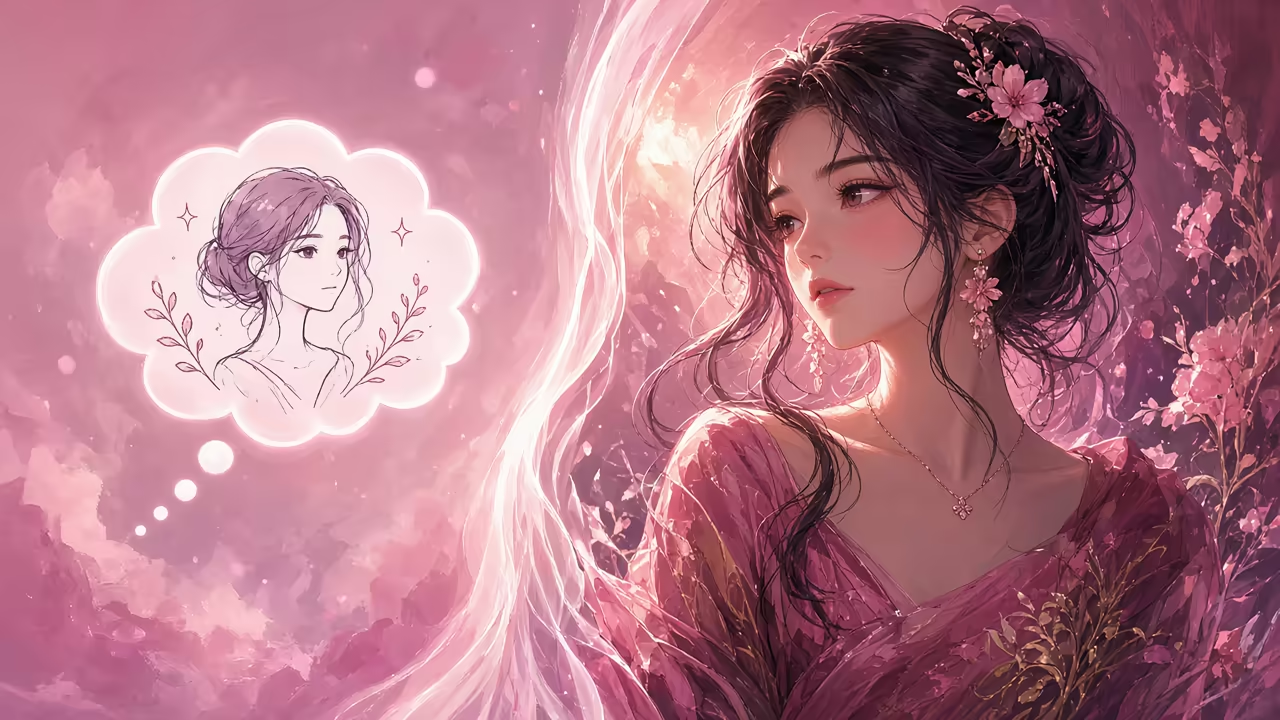
How Sloyd's Text-to-Image Works
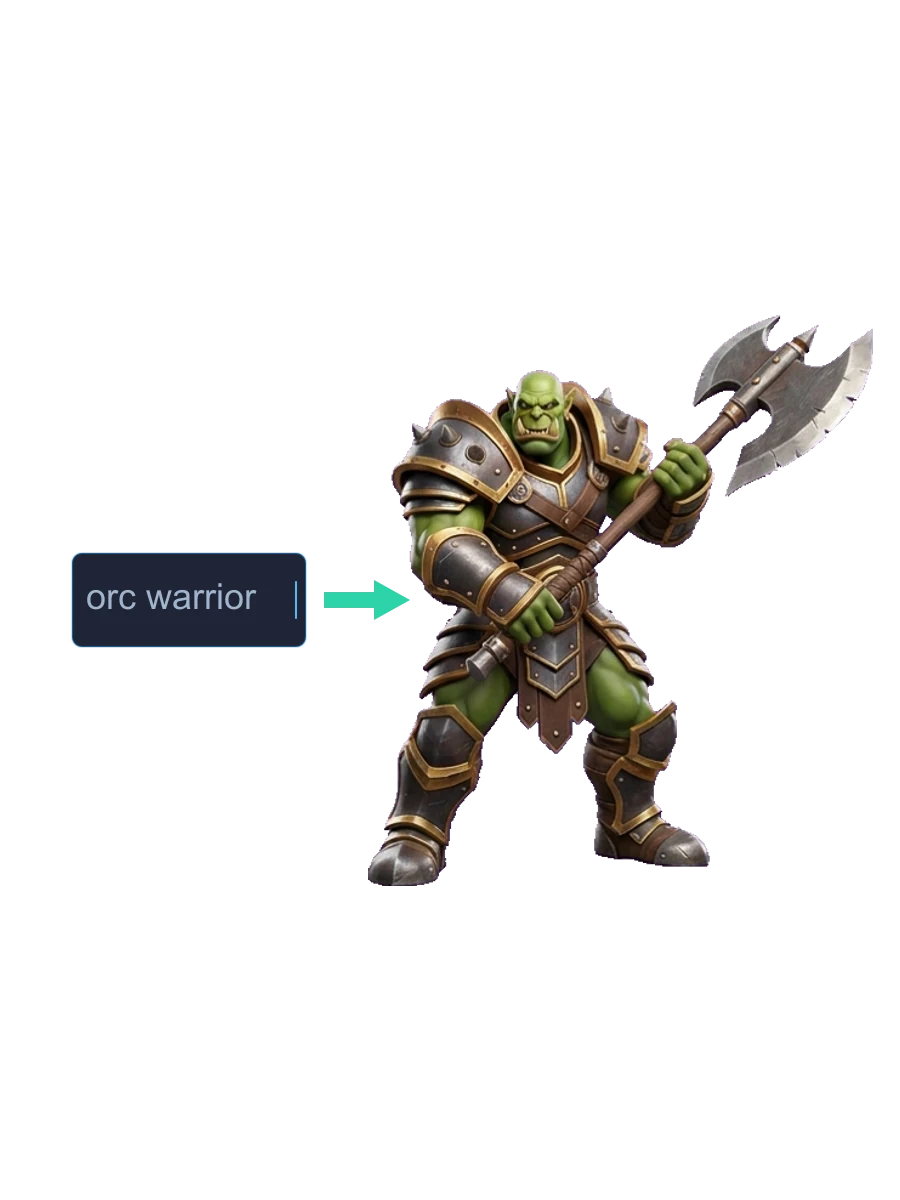
Sloyd's AI generates images in seconds by converting text prompts into detailed visuals in any style. Describe what you want and the AI handles composition, lighting, and style automatically. Move from idea to polished image in minutes.
- Photoreal to stylized
- Seconds per image
- Style control built-in
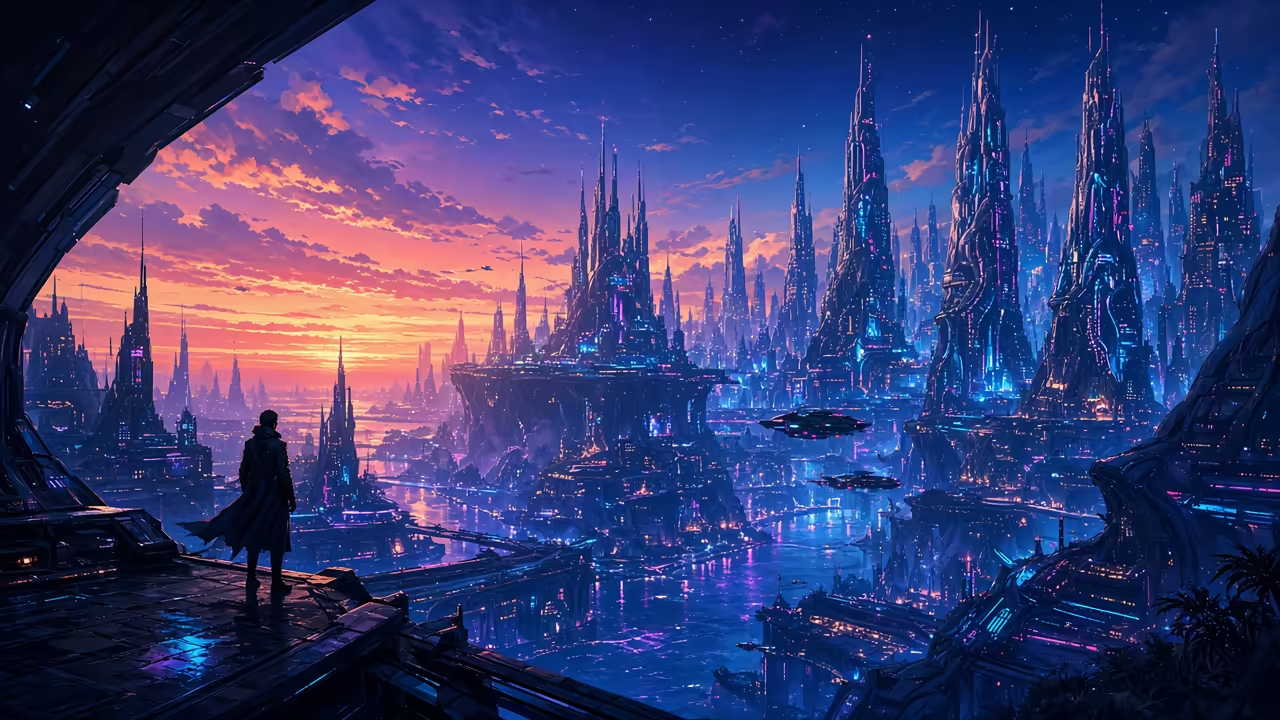
Refine & Edit Your Images
Download and edit in any image editor, or use Sloyd's AI image editing tools to refine and adjust results. Crop, extend, remove objects, or change specific elements directly in your browser.
- Built-in AI editing
- Inpaint & outpaint
- Seamless iterations
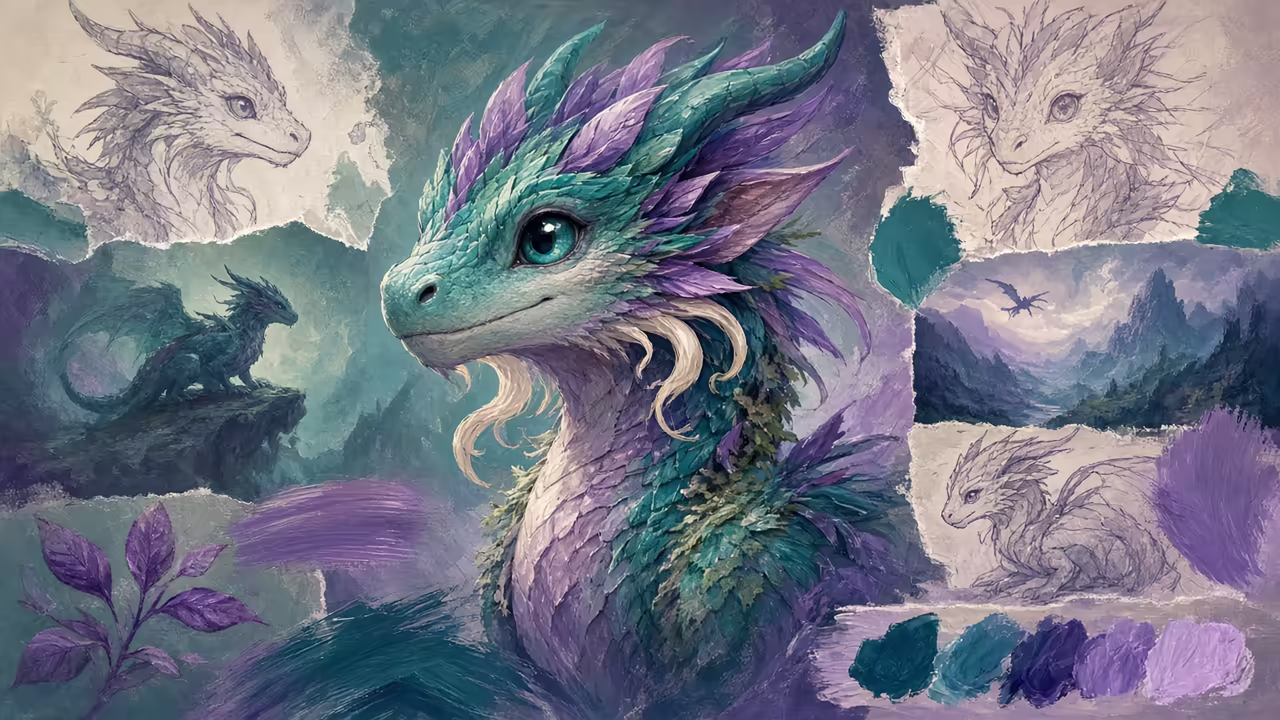
From Image to 3D Model
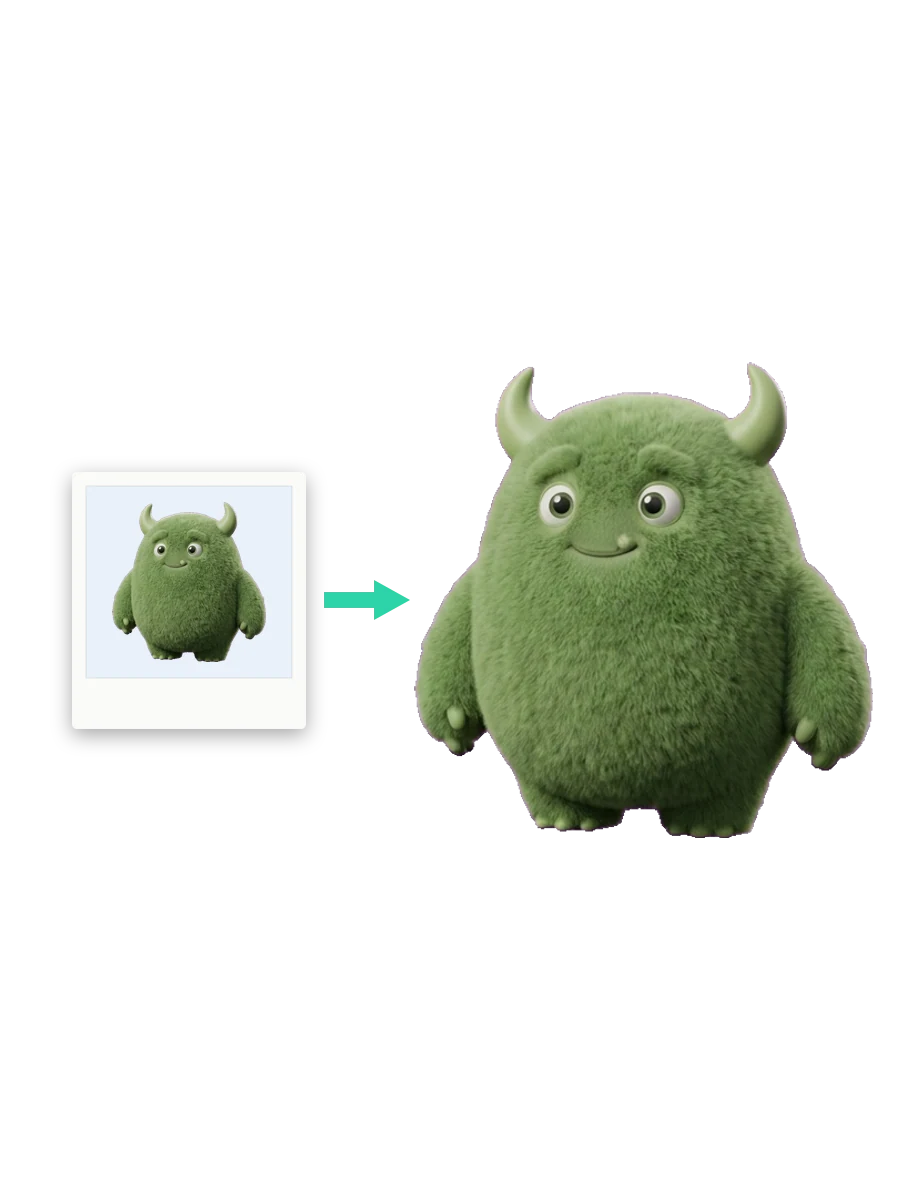
Use generated images as reference for 3D modeling or convert them directly to 3D with image-to-3D. Perfect workflow for game developers and 3D artists who need visual references and models fast.
- 3D modeling reference
- Image-to-3D input
- Texture inspiration
How to Generate an Image from Text
- 1
Type your prompt
Open Sloyd's Text-to-Image tool and describe what you want to create. Choose a style (photoreal, anime, pixel, etc.) or let the AI decide. Be as specific or as broad as you like.
- 2
Generate your image
Hit Generate and Sloyd's AI creates a high-quality image in seconds. The AI handles composition, lighting, and style — no manual work required.
- 3
Download, edit, or convert to 3D
Download your image for use as reference art, textures, marketing visuals, or input for image-to-3D generation. Edit in-browser with AI tools or export to your editor.
Frequently Asked Questions
What is text-to-image AI?
Text-to-image AI converts a written prompt into a visual image automatically. You describe what you want — like "a futuristic cityscape at sunset" or "a fantasy forest with glowing mushrooms" — and the AI generates the image for you. Sloyd produces high-quality images in seconds, free to start.
What styles does Sloyd text-to-image support?
Sloyd generates images in many styles: photoreal product shots, anime and illustration, pixel art, cinematic concept art, seamless textures, YouTube thumbnails, profile pictures, architectural visualizations, 3D floor plans, and game-ready 3D asset references. The same prompt works across styles — just pick the look you need.
Can I generate images from text prompts for free?
Yes. Sloyd is free to start — no credit card required. Paid plans unlock unlimited generations, priority processing, and commercial licensing for production use in games, films, marketing, and e-commerce.
What can I use the generated images for?
Generated images are perfect for concept art, visual references for 3D modeling, game assets, marketing visuals, YouTube thumbnails, profile pictures, seamless textures, e-commerce product shots, and mood boards. With paid plans, you get commercial licensing for production use in games, films, and other projects.
How does text-to-image help with game development and 3D workflows?
Text-to-image is perfect for generating reference images to guide your 3D modeling and texturing work. Create character concepts, environment art, game-ready prop references, and texture inspiration in seconds. Generate images that look like clean 3D assets, or use any output as input for image-to-3D generation to convert them directly to 3D models.
Can I use text-to-image for e-commerce and marketing?
Yes. Generate photoreal product shots, lifestyle photography, and marketing visuals for e-commerce, social media, and campaigns. With paid plans, you get commercial licensing for production use.
Do I need design experience to use text-to-image?
No. Sloyd generates images from your text description automatically, so no design or artistic skills are required. Just describe what you want and let the AI handle the rest.
What's the difference between text-to-image and image-to-3D?
Text-to-image creates 2D images from text descriptions. Image-to-3D converts those images (or any reference image) into 3D models. Use them together: generate a reference image with text-to-image, then convert it to a 3D model with image-to-3D.
Can I edit the generated images?
Yes. Download the generated images and edit them in any image editor. Or use Sloyd's AI image editing tools to refine and adjust the results directly in your browser — inpaint, outpaint, remove objects, or change specific elements.
How can I get better results from my text prompts?
Be specific about what you want: describe the subject, style, lighting, colors, and mood. The more detail you provide, the more accurately the AI can generate what you envision. Experiment with different prompts to explore variations.