Ocarina of Time-Inspired 3D Models: Fan Figures, Props and Low-Poly Assets with AI
The Legend of Zelda: Ocarina of Time remake has the fantasy-adventure genre trending again. Here is how to build your own fan figures, dungeon props and low-poly N64-nostalgia game assets as export-ready 3D models with AI, from a written prompt or your own fan art.
The Legend of Zelda: Ocarina of Time remake is available now, a Nintendo Switch 2 exclusive that launched on November 5, 2026 (Nintendo), landing in the series' 40th-anniversary year. The search spike matched the moment: on Google Trends US Trending Now, "zelda" cleared 500K+ searches over the past 7 days, up more than 1,000%, with "ocarina of time" and "zelda ocarina of time" among the rising related queries (Google Trends Trending Now). The interest went wide too, with Zelda trending in 54 countries around the remake window and a US daily peak among the spikes of 200K+ (Trendomap Zelda timeline).
If that spike has you sketching green-tunic heroes, clay wind instruments and torch-lit dungeons, this guide covers building that kit yourself: fantasy-adventure characters from your own fan art, props from a written prompt, a matched low-poly asset set for an indie game, and exports for your engine, your cosplay bench or your printer.
Sloyd is not affiliated with, endorsed by or sponsored by Nintendo or The Legend of Zelda. The remake launch is simply why the genre is trending right now. Every example below sticks to generic fantasy-hero and dungeon-prop vocabulary, and nothing here recreates a named character, logo or trademark as sellable IP.
Why the Remake Spike Matters for Creators Now
A cultural spike like this one is short-lived, measured in weeks rather than months, so it rewards creators who move while the search interest is still hot. The remake put a 1998 classic back in front of a new audience on current hardware, and the nostalgia wave that comes with it is exactly the kind of moment that sends people looking for fan figures, printable props and retro-styled assets.
The trick is to ride the genre, not the trademark. "Fantasy adventure," "dungeon crawler" and "low-poly N64 nostalgia" are all shared vocabulary that nobody owns. A short-edged hero's sword, a round wooden shield and an ocarina-style clay flute are genre staples you can design and sell as your own, where a named Nintendo item is not. The rest of this post stays firmly on the genre side of that line.
Fantasy-Adventure Characters from Your Own Fan Art
Characters are hard to pin down in words, which is why starting from a picture usually beats starting from a sentence. Sloyd's image-to-3D converter takes a single flat drawing, sketch, concept render or illustration and reconstructs depth, volume and the sides the drawing never showed. Upload a JPG, PNG or WEBP up to 20MB. You do not need a 3D scan, a turnaround sheet or multiple angles: one flat image is enough.
What Makes a Reference Drawing Work
The reconstruction is only as good as what it can see, so the input matters more than any setting.
Works well:
- A clear single subject with the whole figure in frame, not cropped at the edges
- Even lighting and a plain, uncluttered background, so the subject separates cleanly from what is behind it
- Sharp, front-facing art where the full silhouette reads, including the hat, the cape fall and any held gear
- Bold, confident linework rather than faint pencil
Makes it harder:
- Busy backgrounds with overlapping elements
- Heavy shadows or motion blur
- Dramatic foreshortening, mid-action poses or a subject half out of frame
- Profile views where depth has to be guessed
For a hero figure specifically, a calm standing pose in three-quarter or front view gives the cleanest geometry. Save the mid-roll shield bash for the splash art and feed the model a quieter stance.
Your Own Art, or Art You Have the Rights To
Sloyd's Terms of Use prohibit uploading a reference image that contains third-party copyrighted content. So fan art that reproduces a named Nintendo character is not a valid input, and neither is a screenshot, a key-art crop or someone else's illustration you found online.
What is valid: your own sketches, your own concept art, commissioned work you hold the rights to, and original designs generated from a description. "A young forest ranger in a layered green tunic and a pointed hood" is the genre, not anyone's character, and it is yours the moment you draw it.
Fantasy Props from a Written Prompt
A prop is the easiest place to start, because a single object has a clear silhouette. Type a description into Sloyd's text-to-3D generator and you get a textured, export-ready mesh back in seconds, with geometry, UV maps and textures already handled.
Name One Object, Not a Scene
Sloyd reduces every prompt down to one primary subject before it generates. Backgrounds, environments, weather, time of day and secondary props get stripped out. Ask for "a hero raising a sword in a torch-lit dungeon" and you will get the hero, not the dungeon and not the torches.
Generate the sword, the shield and the lantern as separate prompts. Two framing rules apply automatically: characters are framed full-body, and buildings are framed from the ground floor to the roofline.
A reusable skeleton for the rest of the prompt: subject, proportions, materials, style, level of detail. Every slot is optional, and Sloyd fills the gaps you leave.
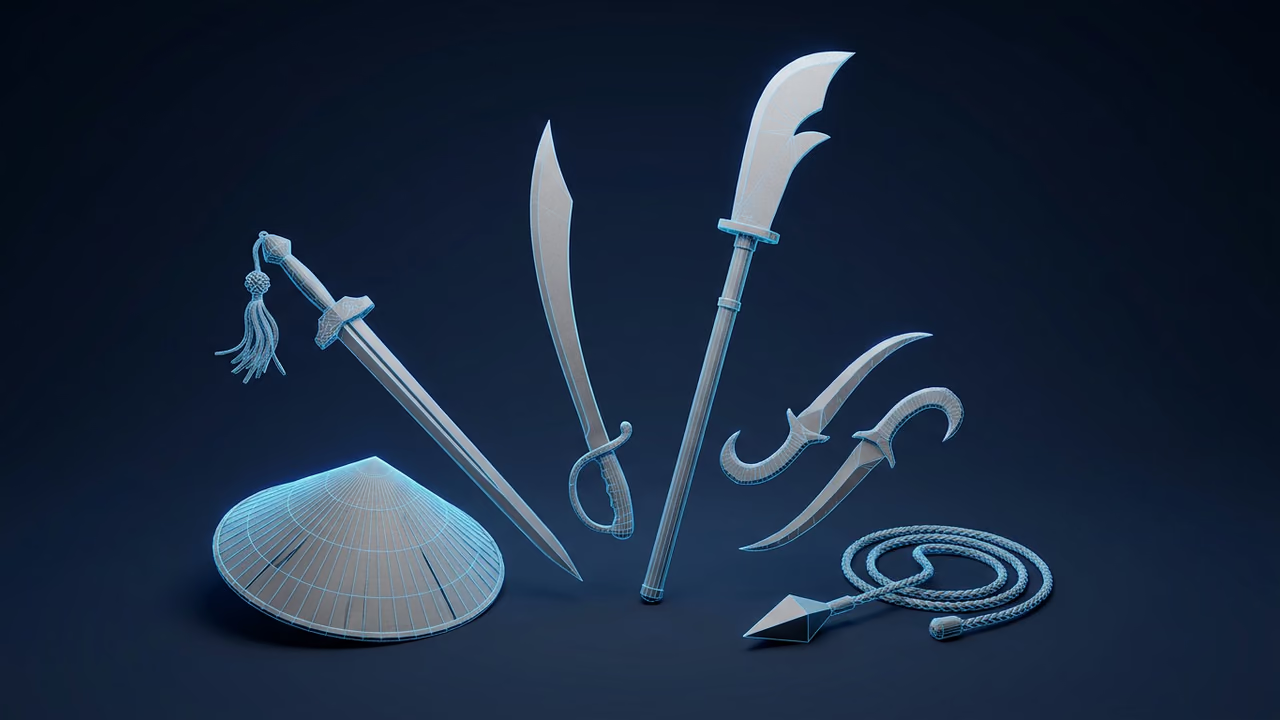
Example Prompts for a Fantasy Prop Rack
Four example prompts, each describing one object:
- Hero's short sword:
A hero's single-edged short sword with a wrapped grip, straight blade tapering to a point, matte steel blade with a leather-wrapped handle and a simple crossguard, hand-painted stylized, medium detail - Round wooden shield:
A round wooden shield with an iron rim and a painted crest in the center, planked timber face with riveted metal banding, polygonal, simplified silhouette - Ocarina-style clay flute:
An ornate wind instrument, an ocarina-style clay flute with finger holes and a looped carrying cord, glazed terracotta with a painted border pattern, hand-painted stylized, medium detail - Dungeon lantern:
A dungeon lantern, a hanging iron cage lamp with a ring handle and a small glass pane, blackened iron frame with a warm amber lens, realistic, high detail
Two habits worth picking up. Describe proportions in words rather than millimetres, because there is no size field for a measurement to act on, while chunky, slender, squat and oversized all genuinely shift the bulk of the result. And ask for matte surfaces where you can live with them: Sloyd steers away from shiny highlights and rewrites transparent glass as opaque, so a "crystal blade" will not come back crystal.
Polycount, Textures and Topology
Detail is set with the controls beside the prompt, not in the prompt text. Target face counts step through 3,000, 4,000, 5,000, 10,000, 20,000, 40,000, 100,000, 200,000 and 500,000 triangles. Texture resolution runs from 512px up to 4K, or you can switch textures off entirely. Topology stays on auto unless you force it to triangles or quads.
The low steps suit mobile and Roblox-scale projects, the middle of the range fits PC and console, and the top 500,000 step locks topology to triangles and textures to 4K, which is what you want for a close-up hero render and not for a prop the player walks past.
Low-Poly and N64-Nostalgia Assets for Indie Projects
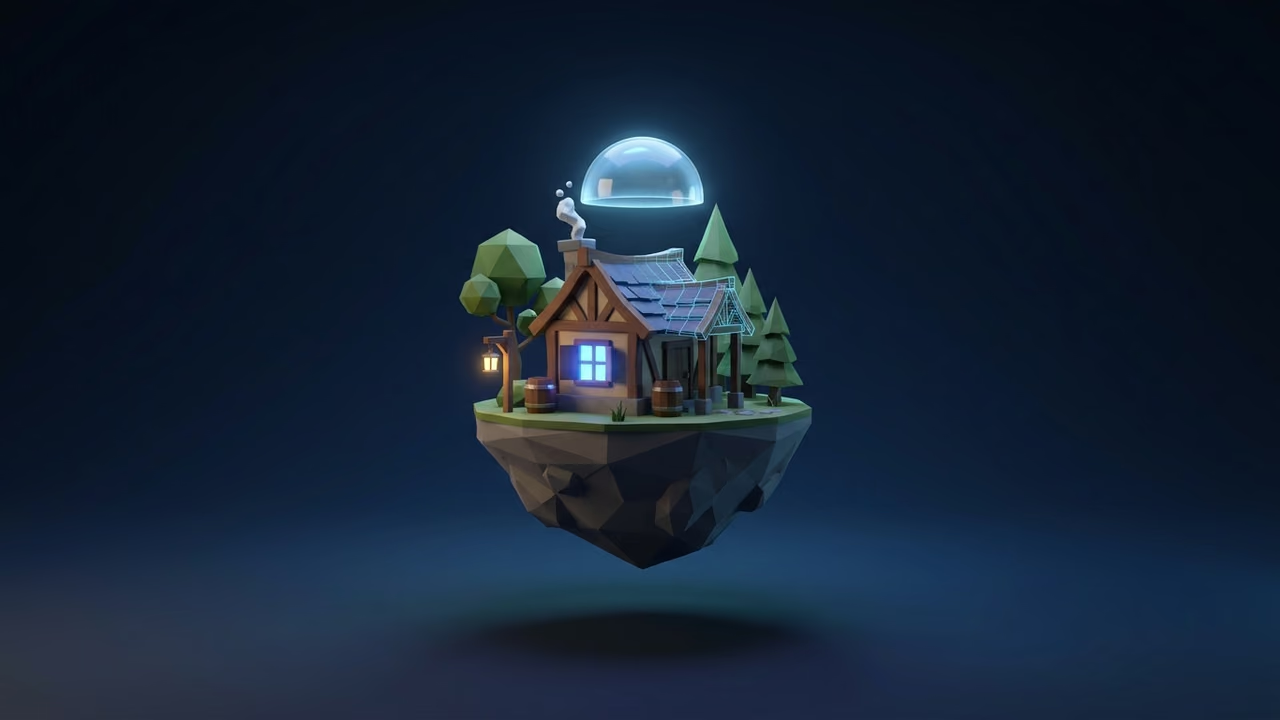
The remake's clean new look sits on top of a game people first played in chunky, flat-shaded low poly, and that retro style is having its own moment with indie developers. If you are leaning into the N64-nostalgia look, Sloyd is well suited to it, because the low face-count steps and the option to turn textures off give you exactly the blocky, vertex-colour feel the era is known for.
Lock the Style Before You Generate Volume
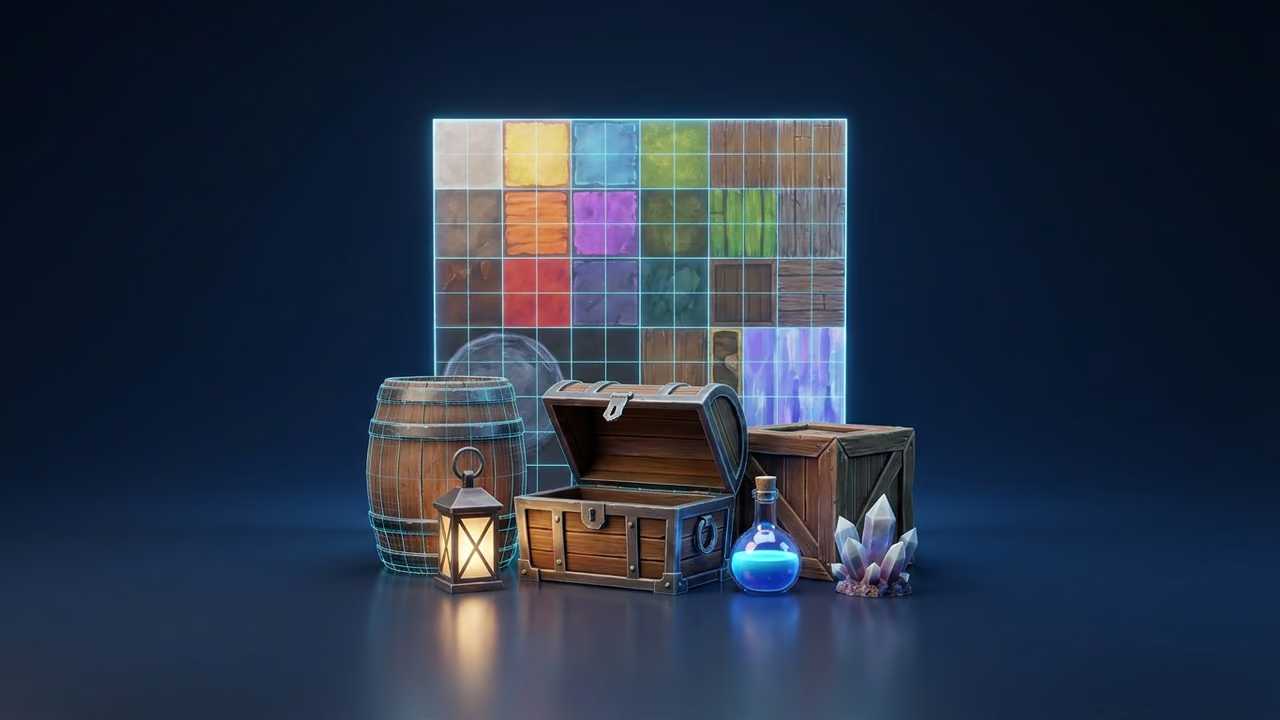
Pick a style preset once and keep it for the whole set. Generating the lantern as hand-painted stylized and the shield as realistic gives you two assets that will never sit on the same shelf convincingly. Decide early, then push everything through the same setting: swords, shields, instruments, chests, lanterns, field tiles and stone bricks.
Material wording is part of the style. If your field tiles are "flat green grass over a matte dirt edge", the hedges and the path tiles should use that same matte vocabulary instead of drifting to glossy foliage and then to polished stone.
Triangle Budgets by Asset Class
Spend your polygons where the player looks. The face-count steps map onto asset classes neatly:
- Scatter and set dressing (field tiles, stone bricks, pots, loose torches): 3,000 to 5,000 triangles
- Standard props (shields, lanterns, chests, signposts, instruments): 10,000 to 20,000
- Hero gear the camera gets close to (the player's sword, a boss's weapon): 40,000 to 100,000
- Characters and close-up cinematic assets: 100,000 and up, with 200,000 or 500,000 reserved for renders rather than runtime
A dungeon room is mostly scatter, so a set of fifty props at the low steps costs less in the scene than three characters do. The game development use-case page covers how the full asset loop fits together.
Quads or Triangles
Decide this by where the asset is going, because the export formats differ on it. GLB is triangles-only. FBX, OBJ, USD, USDZ and BLEND all carry quads. If a mesh is going straight into an engine, triangles are fine, so GLB is the compact choice and FBX the one that needs no importer setup. If it is going to a modeller first for retopology, edge-loop work, a rig or a UV pass, force quads and export FBX or BLEND so the edit is pleasant instead of a fight.
Exporting for Engines, Cosplay Reference or Personal 3D Printing
The format you pick decides whether the file lands cleanly in an engine, a viewer or a slicer.
| Format | Materials | Quads | Best for |
|---|---|---|---|
| GLB | PBR | No | Web, AR and engine import. Compact, fast-loading, widely supported |
| FBX | PBR | Yes | The robust pick for game engines and DCC apps, animation included |
| OBJ | None | Yes | Widely supported legacy format, geometry only |
| OBJ + MTL (zip) | PBR | Yes | OBJ, MTL and textures bundled together in one archive |
| USD | None | Yes | Complex, collaborative pipelines |
| USDZ | PBR | Yes | A compressed single-file USD, easy to share and good for AR |
| BLEND | PBR | Yes | Native Blender file for retopology, rigging and render work |
| 3MF | None | No | Universal print format, compatible with most slicers |
| STL | None | No | The standard for 3D printing |
| PLY | None | No | Carries vertex colour, but low compatibility |
Unity and Unreal: FBX by Default, GLB with an Importer
FBX is the safe default for both engines, because both read it out of the box. GLB is the smaller file, but it only imports once the engine has a glTF reader:
- Unity needs the glTFast package (
com.unity.cloud.gltfast) on Unity 2022.1 or later. The Sloyd Unity Bridge, which you download from the Export Modal and which sends models into an open project as GLB, offers to install glTFast the first time it loads. - Unreal needs the Interchange or glTF Importer plugin enabled under Edit > Plugins. The Sloyd Unreal Bridge also transfers GLB, so a failed import there is usually that plugin being switched off.
Set the importer up once and GLB is the better choice from then on. If you would rather not touch plugin settings at all, export FBX and skip the step.
Cosplay Props: Treat the Model as Reference
A generated sword is not a wearable weapon, but it works well as reference. Export a GLB, open it in a viewer, and use it the way you would use a turnaround sheet: work out how the guard meets the blade, where the crest sits on the shield and how the lantern ring hangs, screenshot the angles you need, then build the real prop in EVA foam, worbla or wood with your own safe construction.
For a physical shaping guide, print a scaled-down hilt or pommel for personal use and hold it while you carve.
Personal 3D Printing
For a desk piece or a shelf of miniatures, export 3MF or STL and slice as usual. Chunky, rounded forms print better than filigree, so write the prompt that way from the start: a broad shield with a thick rim survives a print far better than a thin-stemmed instrument. The 3D printing use-case page has the fuller rundown.
Sloyd's Terms of Use allow 3D printing for personal use only. Commercial 3D printing, such as selling prints on Etsy, needs a separate licence, which you arrange by contacting support@sloyd.ai. That is narrower than the rule for the models themselves, which you can use in personal and commercial projects, and reselling or redistributing models in a marketplace or asset store is a Pro plan right.
Trying It Before You Commit
Sloyd is free to try, and you do not need a credit card. Guests get one generation per day in total, shared across all tools, so a prompt and a fan-art upload cannot both run on the same free allowance. Sloyd Plus and Sloyd Pro lift that limit.
FAQ
Can I generate a character or item straight from the game?
No. Recreating a named Nintendo character, logo or signature item puts you on the wrong side of someone else's IP, and it is not something you can sell. Work from the genre instead: forest rangers, hooded heroes, round wooden shields, clay wind instruments, dungeon lanterns and treasure chests are shared fantasy-adventure vocabulary, not anyone's property.
Should I use a prompt or fan art for a hero figure?
Fan art of your own, if you have it. A character carries too many decisions, the silhouette, the layering of the tunic, the gear, the stance, for a sentence to pin down reliably. A flat drawing fixes all of them at once and the AI reconstructs the depth. Use prompts for props, where one clear object description is genuinely enough.
What polycount should a fantasy prop be?
It depends on the camera. A prop on a dungeon wall is fine at 10,000 to 20,000 triangles. The sword the player holds for forty hours deserves 40,000 to 100,000. Reserve the 200,000 and 500,000 steps for renders and marketing shots rather than runtime.
Can I sell prints of a model I generated?
Not under the standard licence. Personal 3D printing is allowed, and commercial 3D printing, such as selling prints on Etsy or at a convention table, needs a separate licence from Sloyd. Contact support@sloyd.ai to arrange one. Shipping a game that includes the models is permitted; reselling the models themselves in a marketplace or asset store is a Pro plan right.
Which format should I export for Unity or Unreal?
FBX, because both engines import it with no extra setup. GLB also works once Unity has the glTFast package or Unreal has the Interchange or glTF Importer plugin enabled. Both formats include textures.
Build Your Own Adventure Kit
Start with one prop at app.sloyd.ai/create-3d, or turn your own fan art into a figure at app.sloyd.ai/create-3d?mode=image, then build out the set in the same style.