AI Profile Picture Generator: Create Unique Avatars and Social Profiles
Generate custom profile pictures with AI. Learn how to create unique social media avatars, professional headshots, and character art without photography or illustration skills.
Your profile picture is the first thing people see when they find you online. Whether it's LinkedIn, Twitter, Discord, or a gaming profile, that small circle of pixels shapes first impressions before anyone reads your bio.
The problem? Most people use one of three options: a generic photo, a low-res selfie, or a stock avatar that looks like everyone else's. A custom, AI-generated profile picture solves this—it's unique, on-brand, and you can iterate until it's perfect.
Here's how to create a profile picture that stands out using AI image generation instead of photography or commissioning an artist.
Why Use an AI Profile Picture Generator?
Traditional options for profile pictures have clear drawbacks:
- Photos: Require good lighting, camera equipment, and editing skills. Professional headshots cost $200–$500.
- Illustrated Avatars: Commissioning an artist takes days or weeks and costs $50–$300.
- Stock Avatars: Generic, overused, and don't reflect your personality or brand.
AI image generation offers a middle path: custom imagery in minutes, unlimited iterations, and styles ranging from realistic portraits to stylized character art.
Types of AI-Generated Profile Pictures
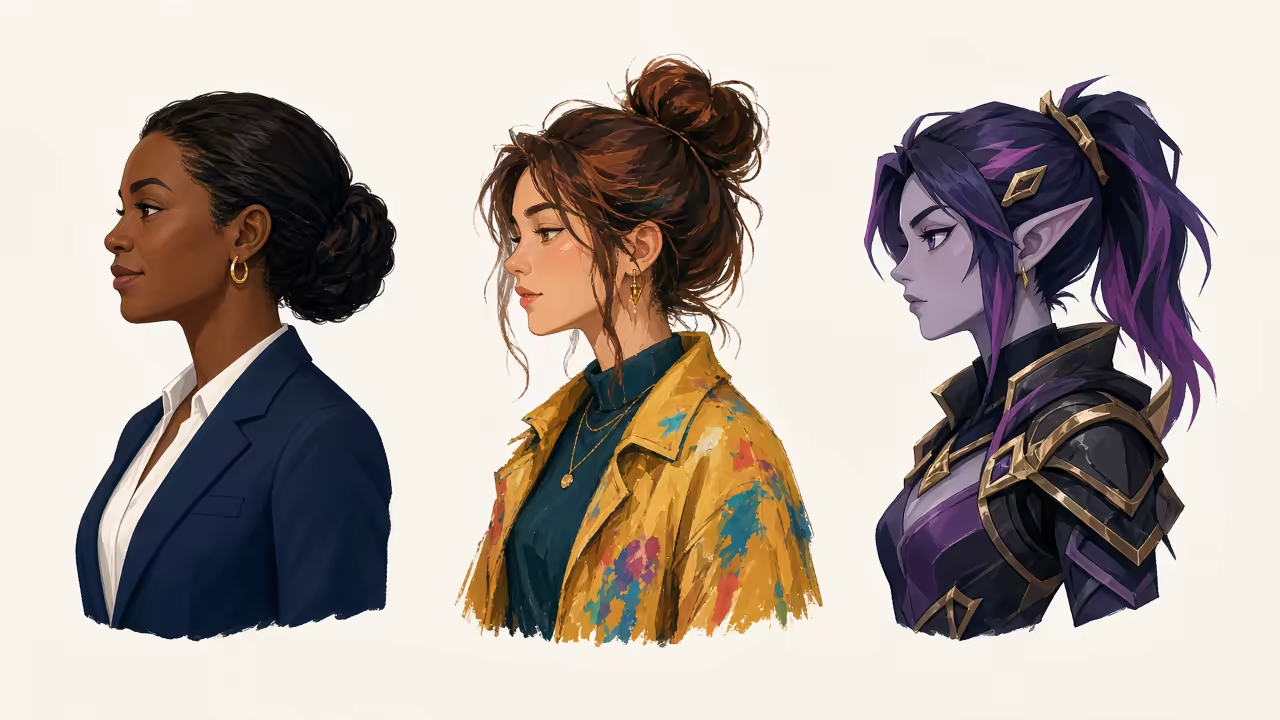
Not every profile needs the same style. Here's what works for different platforms:
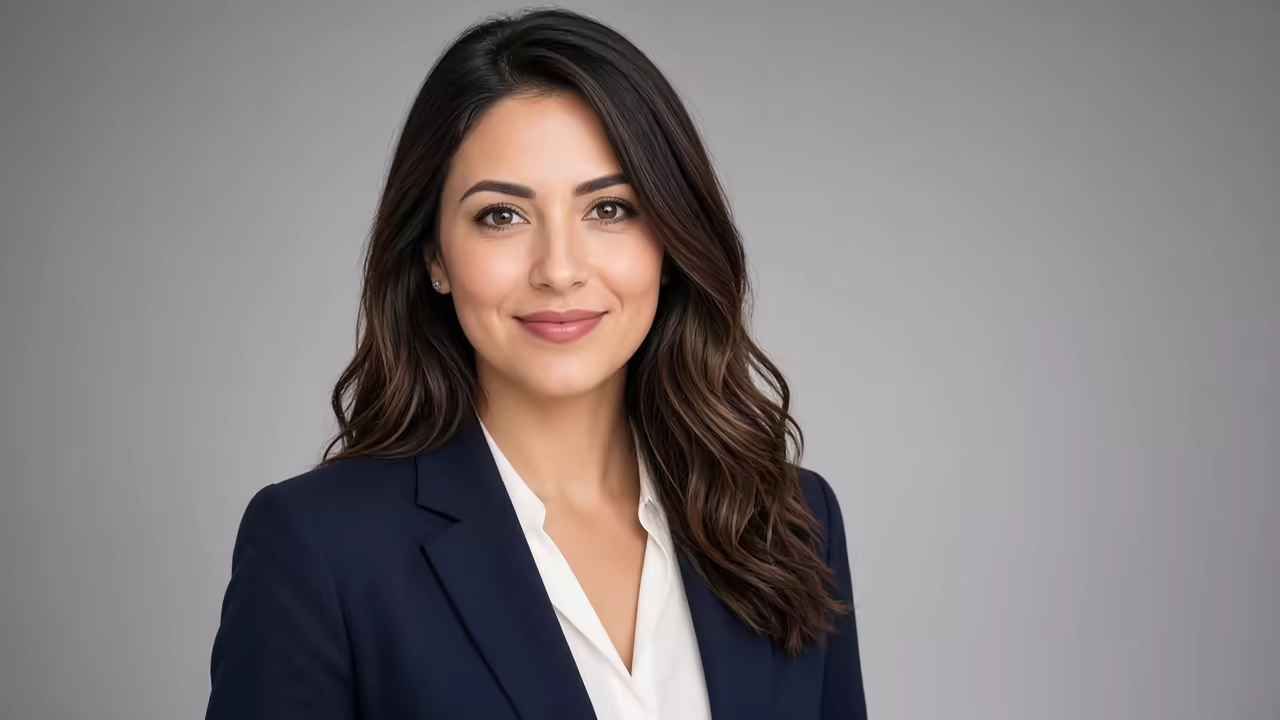
Professional/LinkedIn
- Realistic portrait style
- Clean background (solid color or subtle gradient)
- Professional attire
- Neutral or friendly expression
These should look like polished headshots—the kind you'd get from a photographer, but without the photoshoot.
Social Media (Twitter, Instagram, Facebook)
- More personality—stylized art, vibrant colors, or thematic elements
- Can be realistic or illustrated
- Reflects your interests or brand (e.g., gaming, art, tech)
Gaming/Discord
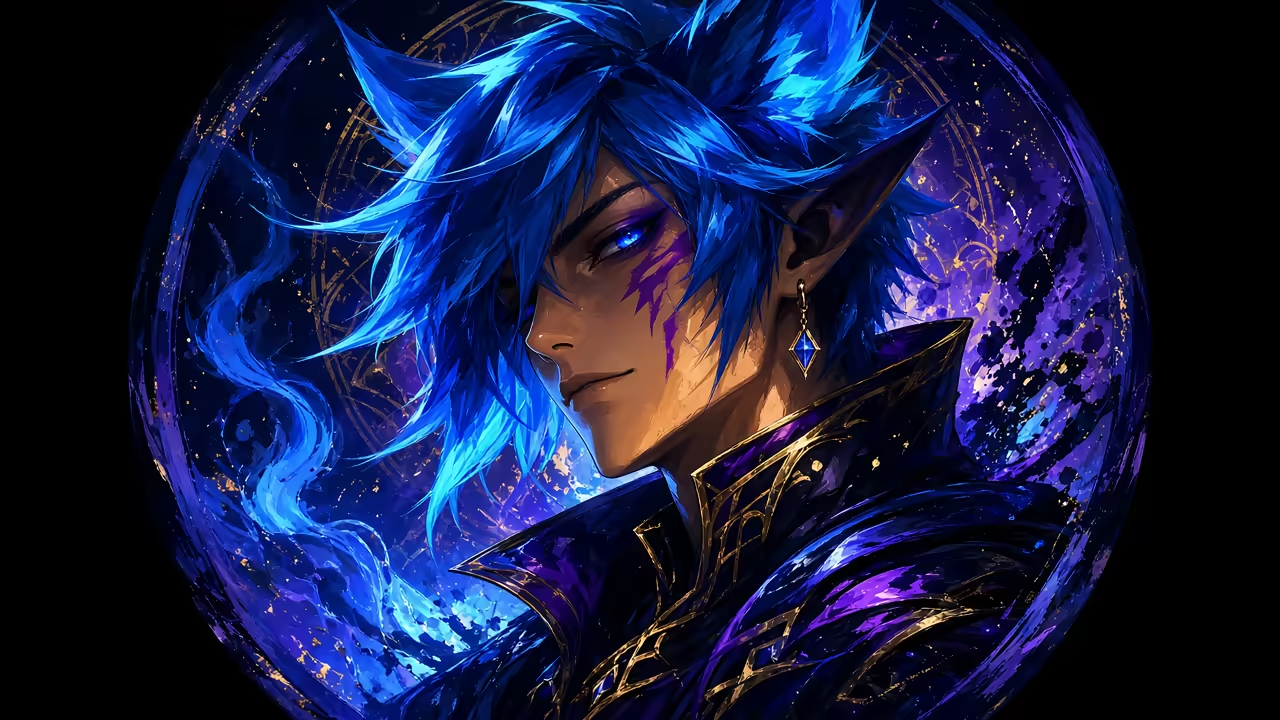
- Character art—fantasy, sci-fi, or anime styles
- Bold colors and dramatic lighting
- Can be more expressive or exaggerated
Creative Portfolios
- Artistic, unique styles that showcase your aesthetic
- Can break traditional rules—abstract, surreal, or experimental
Step-by-Step: Generating Your Profile Picture
Here's how to create a custom profile picture with Sloyd's text-to-image tool:
1. Define Your Style
Before you generate anything, decide what vibe you're going for:
- Realistic or stylized?
- Professional or casual?
- What colors match your brand or personality?
- What mood do you want to project?
Write this down. It becomes your prompt foundation.
2. Write a Clear Prompt
AI generators need specific descriptions. Don't just say "cool avatar"—describe the person, the style, the lighting, and the mood.
Good prompts:
- "Portrait of a confident woman in business attire, soft studio lighting, neutral gray background, professional headshot style"
- "Stylized male character with short blue hair and glasses, digital art, vibrant colors, friendly expression"
- "Fantasy elf warrior with silver armor, glowing eyes, dark forest background, dramatic lighting"
Bad prompts:
- "Make me look cool"
- "Avatar for gaming"
- "Profile pic"
3. Generate and Iterate
Head to Sloyd's text-to-image generator. Input your prompt and generate.
You'll get multiple variations. If none are perfect, tweak your prompt:
- Adjust the style keywords ("realistic" vs. "digital painting")
- Change the lighting ("soft" vs. "dramatic" vs. "neon")
- Specify details ("short hair" vs. "long curly hair")
Generate again. Iteration is free and fast—test different approaches until you find the one that works.
4. Crop and Format
Most profile pictures are square or circular. Take your generated image and crop it to focus on the face or upper body.
- Headroom: Leave a little space above the head—don't crop too tight
- Eye Level: Position the eyes in the upper third of the frame
- Resolution: Export at least 400x400 pixels for most platforms (LinkedIn recommends 400x400, Twitter 400x400, Discord 128x128 minimum but accepts larger)
5. Test Across Platforms
Upload your profile picture to your actual platform and preview it. What looks great as a full image might lose detail in a tiny circle. If key elements disappear, regenerate with a tighter crop or simpler composition.
Profile Picture Best Practices
Consistency Across Platforms
Using the same (or similar) profile picture across your social accounts builds recognition. If someone sees you on Twitter and then finds you on LinkedIn, the consistent image confirms it's the same person.
You don't have to use identical images—maybe a professional version for LinkedIn and a stylized version for gaming—but keep similar colors, framing, or core elements.
Avoid These Common Mistakes
- Too Much Detail: At 200x200 pixels, intricate backgrounds or complex patterns turn into mush. Keep it simple.
- Poor Contrast: If your face blends into the background, the image loses impact. Use contrasting colors or add a subtle glow/outline.
- Off-Center Framing: Center your face or main subject. Tilted or awkward compositions look unprofessional.
- Low Resolution: Blurry, pixelated images scream "low effort." Always export at high resolution and let the platform downscale.
- Trendy Filters That Date Quickly: Avoid effects that will look outdated in six months. Clean, timeless styles age better.
Realistic vs. Stylized Profile Pictures
When to Use Realistic AI Portraits
- Professional networks (LinkedIn, company directories)
- Personal branding where you want to be recognizable as yourself
- Freelance profiles where clients need to see the human behind the work
Realistic doesn't mean photographic—it just means the result looks like it could be a person, not a cartoon or illustration.
When to Use Stylized/Character Art
- Gaming platforms (Steam, Discord, Twitch)
- Creative communities (Behance, Dribbble, ArtStation)
- Brands or personas where you want a unique, ownable look
Stylized avatars give you more creative freedom. You can exaggerate features, use fantasy elements, or choose art styles that reflect your personality.
AI Profile Pictures for Teams and Brands
If you're creating profile pictures for a team or community, AI generation keeps the process fast and consistent.
Brand Consistency
Generate all team members' avatars with the same style prompt:
- Same art style (e.g., "digital painting, vibrant colors")
- Same background color or pattern
- Same lighting setup
This creates a cohesive visual identity. Viewers instantly recognize "this is a [YourBrand] team member."
Custom Characters for Online Communities
Gaming clans, Discord servers, and online groups often want custom avatars for their members. AI generation lets you create dozens of unique character portraits quickly:
- Pick a theme (fantasy warriors, cyberpunk hackers, cute animals)
- Generate variations on that theme
- Let members choose their favorite or request tweaks
Why Sloyd's Text-to-Image Tool Works for Profile Pictures
Sloyd's text-to-image generator is built for creators who need custom visuals fast. It excels at generating:
- Portraits: Realistic and stylized
- Character Art: Fantasy, sci-fi, modern
- Avatar Styles: Gaming, professional, casual
The workflow is simple: describe your ideal profile picture, pick a style, generate. No complex settings, no tutorials to watch. You get results immediately and can iterate until it's perfect.
Unlike 3D avatar tools or complex character creators, this is pure 2D image generation—perfect for profile pictures, social media, and anywhere you need a unique visual identity.
Start Creating Your Unique Profile Picture
Your profile picture is your digital face. It shows up in comments, search results, and every interaction you have online. A generic or low-quality image hurts your credibility. A strong, custom profile picture builds recognition and trust.
With AI image generation, you're not limited by photography skills, artistic ability, or budget. You can create exactly the profile picture you need in minutes—professional headshots, fantasy character art, stylized avatars, or anything in between.
Try generating your profile picture with Sloyd—describe your ideal look, generate it, and see how fast you can go from idea to a profile picture you're proud to use everywhere online.