Selfie to Roblox Avatar: AI Character Generator
Upload a selfie and instantly create a custom Roblox-style 3D character. Sloyd's AI transforms your photo into a game-ready avatar in seconds. No modeling skills required, no software to install.
Your face, Roblox style
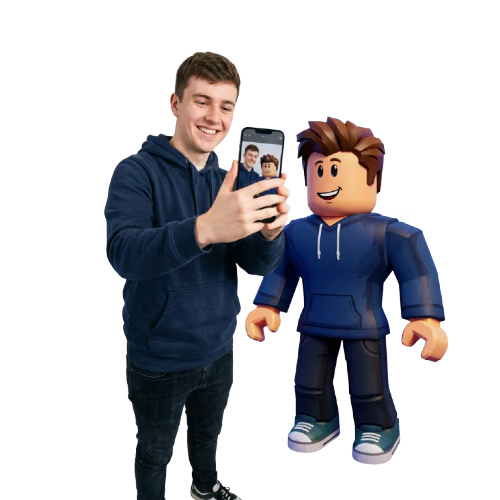
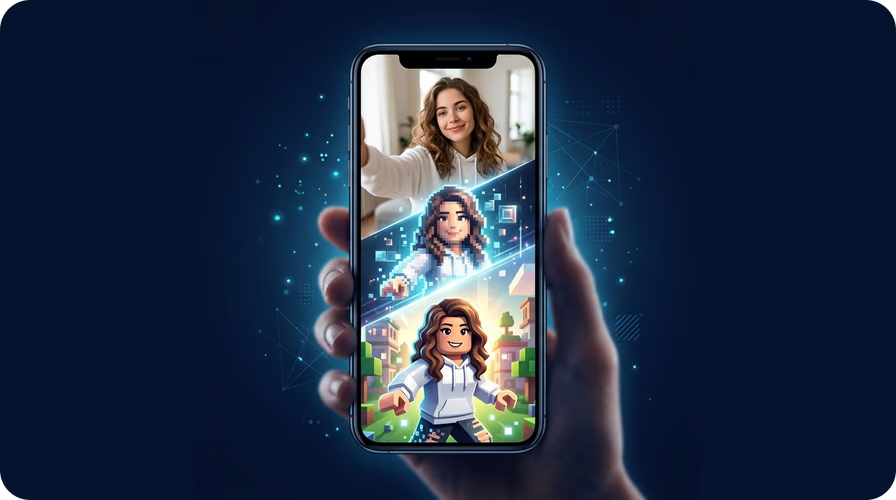
Sloyd's Selfie to Roblox app captures your unique facial features and translates them into a Roblox-style character. Hair color, skin tone, accessories — the AI picks up on the details that make you, you. Perfect for creating a personalized avatar for your Roblox profile or game projects.
From avatar to 3D model in one click
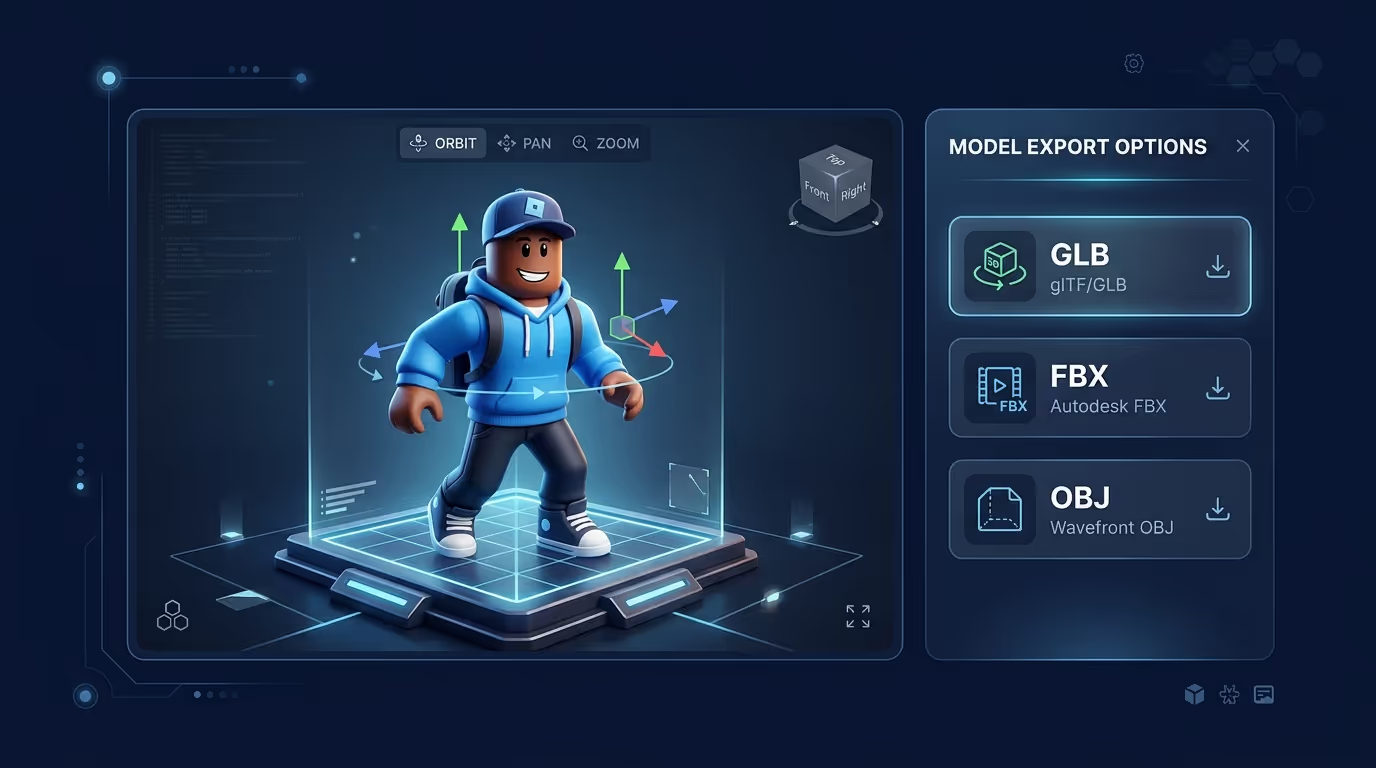
Love your Roblox avatar? Take it further with Sloyd's Image to 3D tool. Convert your generated character into a full 3D model you can export as GLB, FBX, OBJ, or STL. Use it in Roblox Studio, Unity, Blender, or send it to a 3D printer.
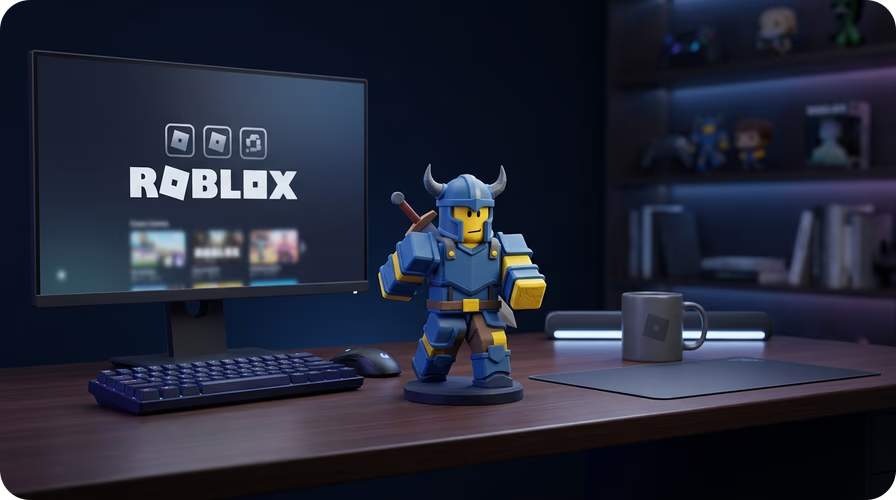
3D print your Roblox character
Turn your Roblox avatar into a physical figurine. After generating your character, use Image to 3D Print to create a print-ready STL file with an optional base. Perfect for desk decorations, gifts, or custom game merchandise.
How to Turn Your Selfie Into a Roblox Avatar
- 1
1. Upload your selfie
Open the Selfie to Roblox app and upload any clear selfie or portrait photo. JPG and PNG formats are supported. For best results, use a well-lit photo with your face centered.
- 2
2. AI generates your avatar
Sloyd's AI analyzes your facial features and creates a Roblox-style 3D character that looks like you. The whole process takes just seconds — no manual tweaking needed.
- 3
3. Download and use
Download your custom Roblox avatar as a high-quality image. Convert it to a 3D model using Image to 3D for use in Roblox Studio, game engines, or 3D printing. Share it with friends or use it as your profile avatar.
Frequently Asked Questions
Can I use my Roblox avatar in Roblox Studio?
Yes. After generating your avatar, use Sloyd's Image to 3D tool to convert it into a 3D model. Export as GLB or FBX and import directly into Roblox Studio for use in your games and experiences.
What kind of selfie works best for Selfie to Roblox?
A clear, front-facing photo with good lighting works best. Make sure your face is centered and visible. Avoid sunglasses, heavy shadows, or group photos. JPG and PNG formats are supported.
Can I customize my Roblox avatar after generating it?
The AI generates a character based on your selfie automatically. You can regenerate with a different photo to get a new look, or use Image to 3D to create a 3D model and edit it further in Roblox Studio or Blender.