Why Some Photos Convert Better to 3D Than Others
Get better AI image-to-3D results with these photo optimization tips. Fix lighting, backgrounds, and framing for cleaner 3D models every time.
How to Optimize Photos for High-Quality Image to 3D Conversion
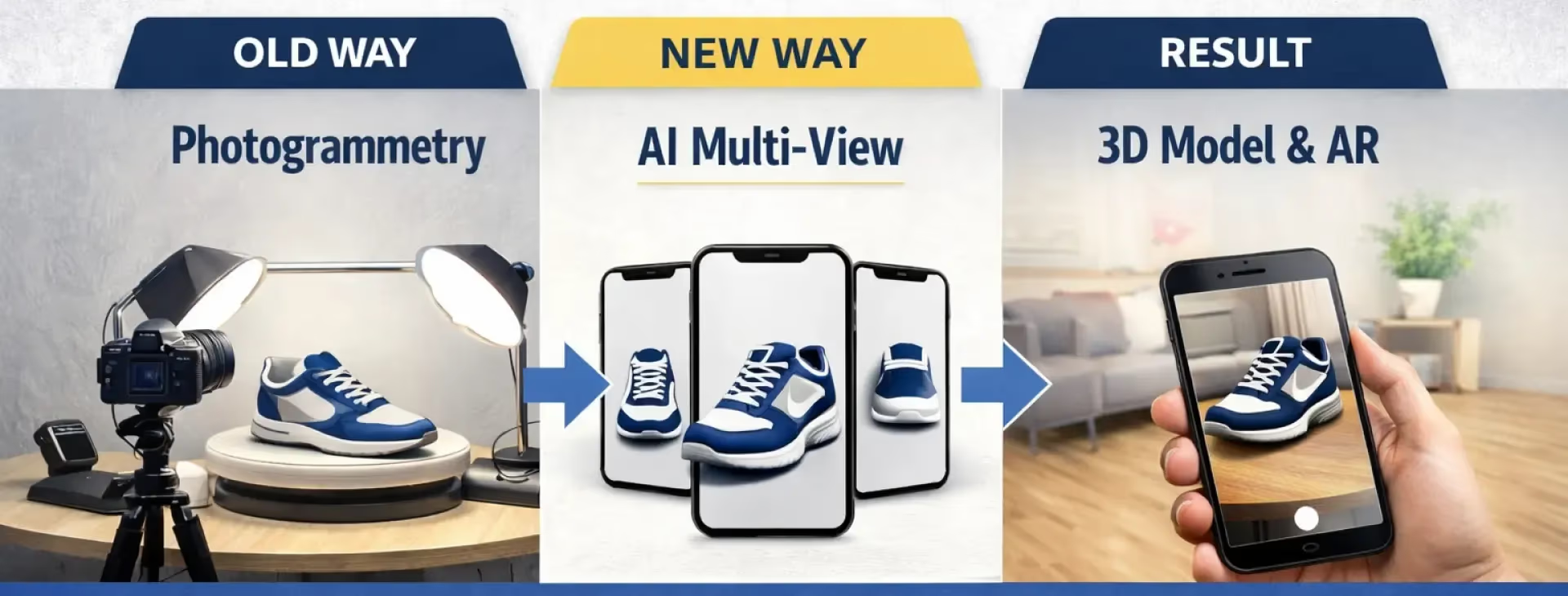
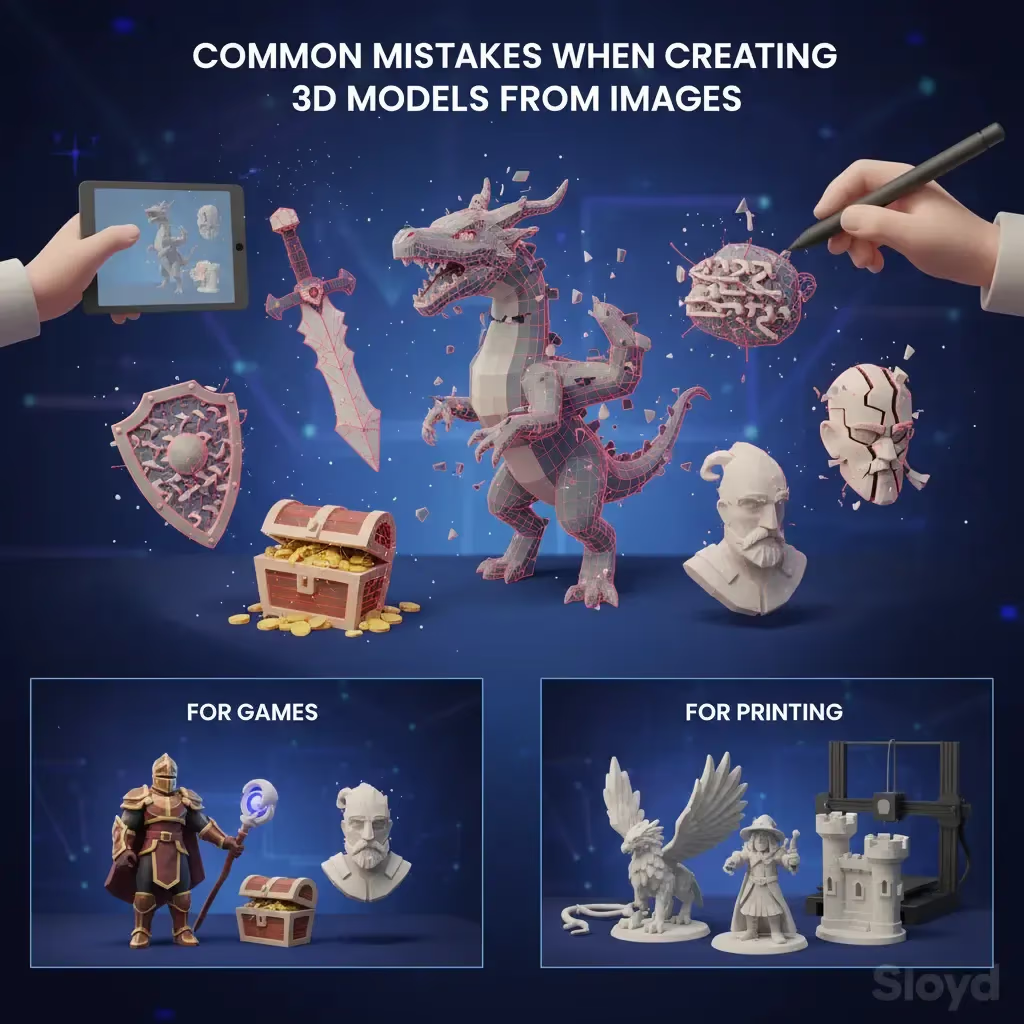
We’ve all been there. You find the perfect image, upload it to an AI generator, and wait excitedly for the result—only to get back a shapeless blob that looks nothing like your reference. The truth is, while AI has made 3D modeling accessible to everyone, it still relies heavily on the quality of the input you give it.
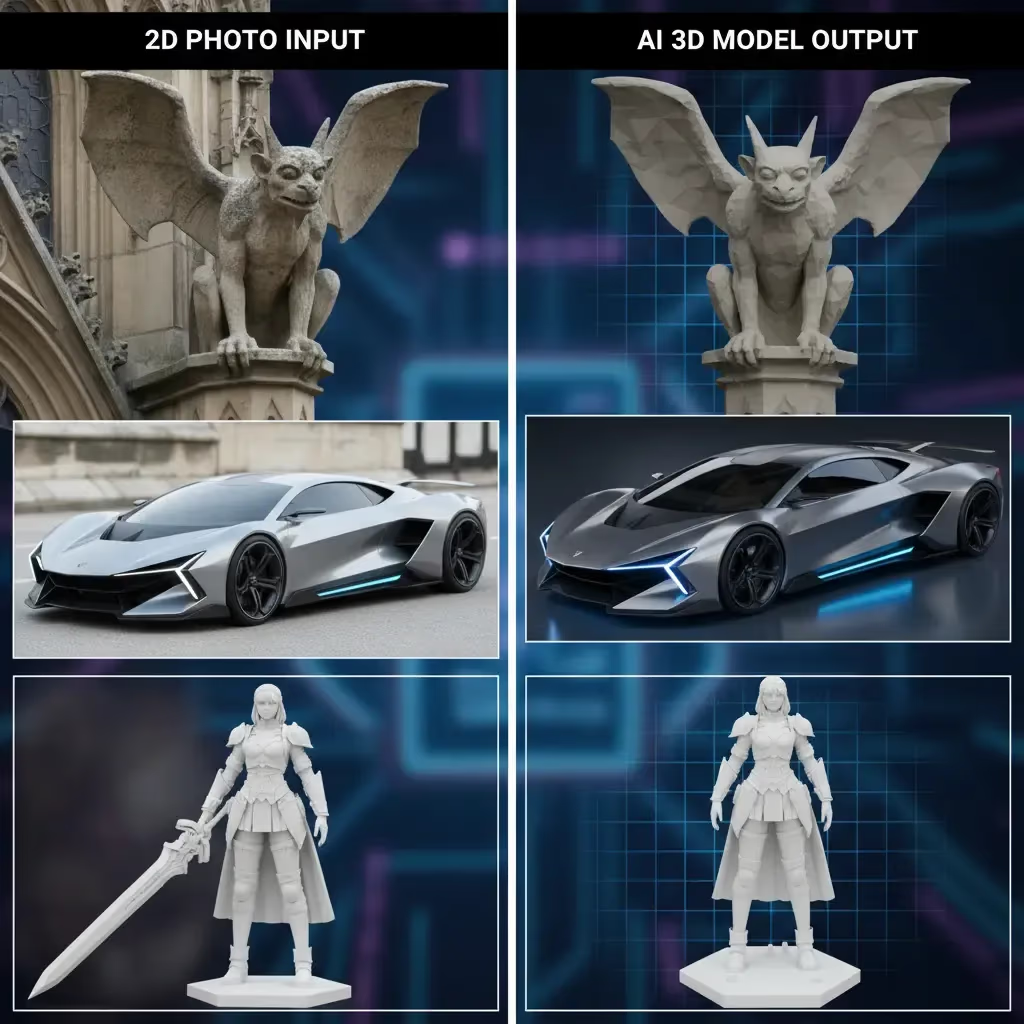
Turning a 2D image into a 3D model isn’t magic; it’s data interpretation. If the AI can’t "see" the depth, texture, or edges of your object, it has to guess. And when AI guesses, things get weird.
Here is how you can prepare your photos to get pristine, game-ready assets every time.
The Golden Rules of Image-to-3D
To help the AI understand your photo, you need to think like a scanner. The cleaner the data, the better the model.
- Lighting is Key: Shadows are the enemy. They can trick the AI into thinking a dark patch is a hole or a different material. Use evenly-lit photos where the object is fully visible.
- Declutter the Background: A busy background confuses the model. Is that a lamp or part of the character’s head? Use images with plain, solid-colored backgrounds (white is usually best) so the focus remains 100% on the subject.
- One Object at a Time: Keep prompts and images focused. Don't upload a full battle scene; upload just the sword or just the hero.
- Avoid Transparency: Glass, water, and reflective surfaces are notoriously difficult for AI to interpret because they distort light. Stick to opaque materials like wood, metal, stone, or plastic for the sharpest results.
- Don’t Crop: Make sure the entire object is in the frame. If you cut off the feet in the photo, your 3D model won’t have feet either.
| Factor | Do This ✅ | Avoid This ❌ |
|---|---|---|
| Lighting | Even, soft lighting to reveal details | Harsh shadows or dark spots |
| Background | Solid, plain colors (White/Grey) | Busy, clutter, or scenery |
| Material | Opaque, matte textures (Wood, Stone) | Transparent or reflective (Glass, Water) |
| Framing | Keep the whole object in frame | Cropping off edges or parts |
Why Sloyd is the Superior Choice
Even with the perfect photo, the tool you use matters. Many generators, like Meshy, operate on a credit-based system. You burn through credits just trying to get one decent result, paying for every failed attempt.
Sloyd takes a different approach. We believe the creative process requires iteration, not limitations.
- Unlimited Generations: With Sloyd’s Image-to-3D tool, you aren’t penalized for trial and error. You can generate as many versions as you need to get the perfect mesh.
- The Power of Parametrics: Sometimes, AI isn't the right tool for the job. If you need precise, structural control—like for a specific furniture piece or weapon—Sloyd offers a unique Template Editor. Unlike competitors that rely solely on generative AI, Sloyd gives you access to hundreds of customizable parametric templates. This means you can tweak sliders to get exact dimensions and styles instantly.
- Game-Ready Exports: Whether you are building for Roblox, Unity, or 3D printing, our models come with optimized topology.
| Feature | Sloyd | Typical AI Generators (e.g., Meshy) |
|---|---|---|
| Cost Model | Unlimited generations | Credit-based (Pay per attempt) |
| Workflow | Iterate freely until perfection | penalized for trial and error |
| Control | AI + Parametric Template Editor | AI Guesswork only |
| Best For | Game assets & functional items | Abstract art & one-offs |
Ready to Create?
Stop wasting credits on bad generations. Whether you are a game developer, a 3D printing enthusiast, or just experimenting, the right tools make all the difference.
- Try the Image-to-3D app now.
- Need to convert a quick file? Check out our JPG to STL converter.
- Prefer typing? Use our Text-to-3D generator to conjure models from scratch.
Your next great asset is just one good photo away.