Boost Shopify & Amazon Sales: Add 3D Product Previews (No Scanner)
Add 3D product previews to Shopify and Amazon without a scanner. Compare photogrammetry vs AI multi-view generation for faster e-commerce visuals.
Static product images still dominate e-commerce — but they’re no longer enough.
Across Shopify and Amazon, sellers who add interactive product visuals consistently outperform those who rely on flat images alone. Customers convert more when they can understand scale, shape, and context before buying — especially online, where touch and trial aren’t possible.
The question is no longer if 3D helps.
It’s which format, and how to create it without expensive hardware or complex workflows.
This post breaks that down — and explains why AI multi-view 3D generation, like Sloyd’s new feature, is becoming the fastest path to 3D product previews.
Images vs 360° views vs 3D models: what actually converts
Let’s ground this in data.
Media typeAvg. conversionTypical upliftStatic images~3%—360° view~4.5%+30–50%3D model + AR~6%+60–150%
Multiple independent studies point to the same conclusion:
the more interactive the visual, the higher the conversion rate.
- Speed Commerce benchmarks show ~3% conversion for image-only listings.
- Practical E-commerce case studies report 30–50% lifts from 360° spins.
- Shopify’s own merchant research shows conversion uplifts of up to 94% when 3D and AR are added.
- Brands using AR previews (e.g. cosmetics, accessories, home goods) report even higher gains in fit-sensitive categories.
The reason is simple:
interactive visuals remove uncertainty.
Why Shopify and Amazon sellers benefit most
Shopify and Amazon sellers sit in a sweet spot:
- High competition
- Visually driven buying decisions
- Native or semi-native support for 3D and AR
- Strong upside from even small conversion gains
For categories like:
- accessories and small gadgets
- home decor and furniture
- beauty tools and lifestyle products
being able to rotate a product, inspect proportions, or preview it in space directly affects buyer confidence.
A single 3D model can now power:
- interactive product viewers
- AR previews
- 360° spins
- marketing visuals derived from the same asset
Which makes how you generate that 3D model the real decision point.
The three ways to create 3D product previews
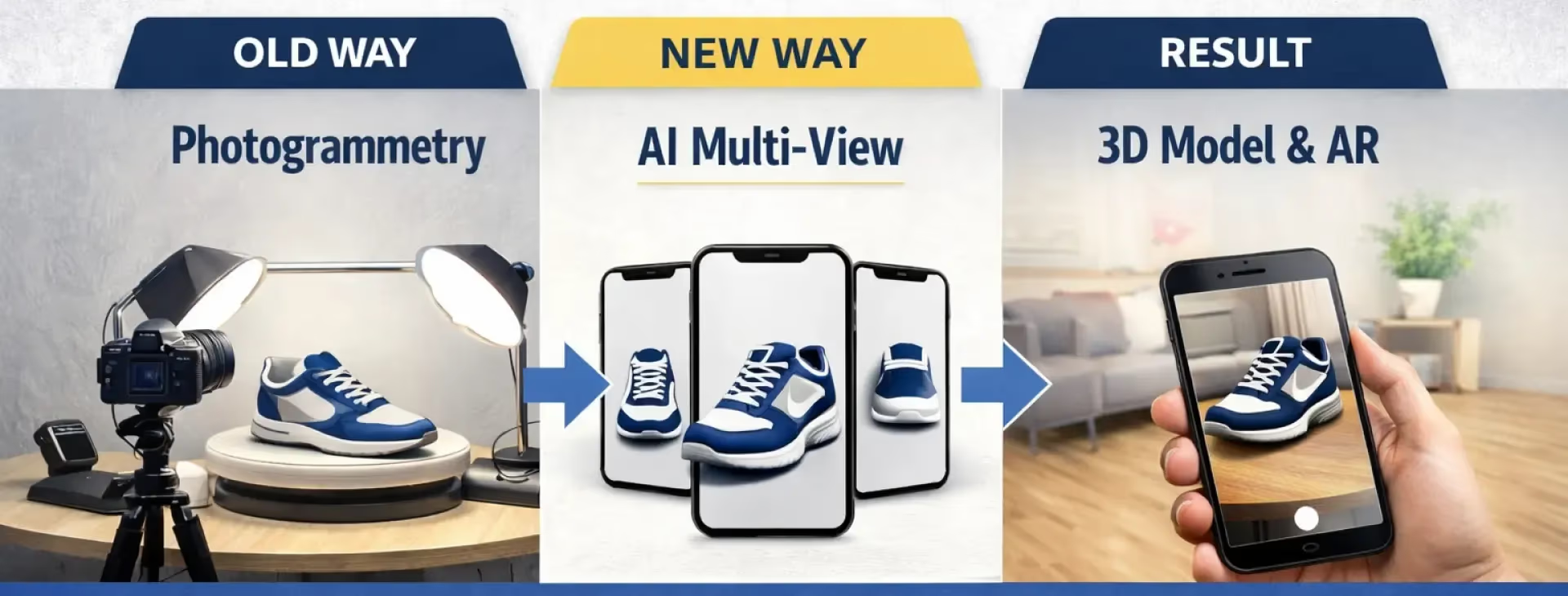
1. Photogrammetry scanning (high accuracy, high friction)
Photogrammetry uses dozens or hundreds of real photos to reconstruct an object in 3D.
Pros
- Very high geometric accuracy
- Captures real-world imperfections
Cons
- Expensive hardware or services
- Time-consuming setup
- Heavy meshes that often need cleanup
- Overkill for most e-commerce use cases
Best suited for:
industrial parts, heritage objects, or cases where dimensional accuracy is critical.
2. Turntables and 360° video (visual only)
A turntable setup produces a rotating video or image sequence.
Pros
- Relatively affordable
- Adds perceived interactivity
- Works where video is supported
Cons
- Not a true 3D model
- No AR support
- Can’t be reused across formats
- Many platforms still require an actual 3D file
Best suited for:
hero products where video is the end goal — not AR or reuse.
3. AI multi-view 3D generation (the modern default)
This is where things have shifted.
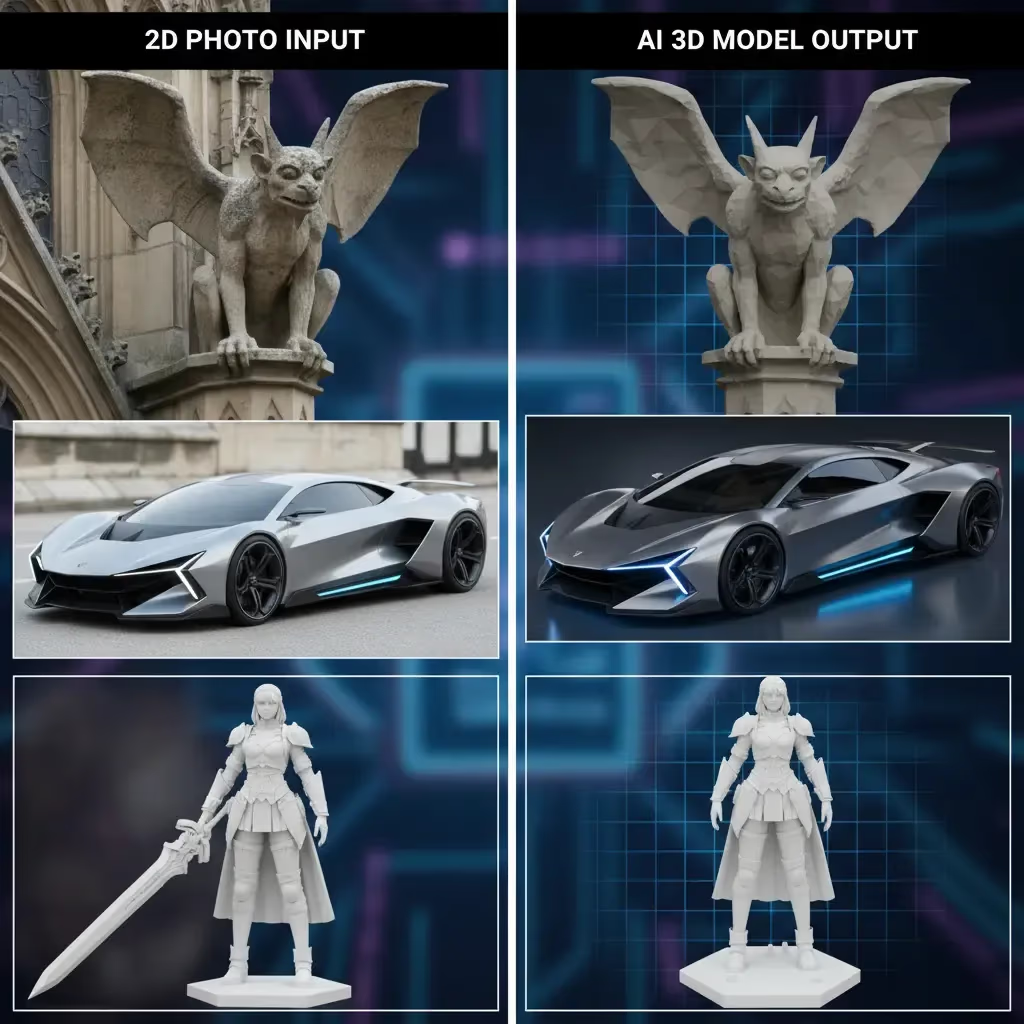
With AI multi-view generation, you provide a small set of photos — typically front, side, back — and the model is reconstructed and completed by AI.
This is exactly what Sloyd’s new multi-view 3D generator does.
Instead of capturing every angle, the system predicts missing geometry and generates a clean, usable 3D model designed for:
- e-commerce viewers
- AR
- lightweight web delivery
- visual 3D printing
Why this works so well for Shopify and Amazon sellers
- No scanner, no studio
- Phone photos are enough
- Clean topology (not noisy scans)
- Fast iteration across catalogs
- One model → multiple outputs
For most products, especially small to medium objects, this approach produces better business outcomes than photogrammetry — even if it sacrifices microscopic detail.
What you can do with a Sloyd-generated 3D model
Beyond generating the 3D model itself, Sloyd’s workflow lets you:
- Automatically remove or replace backgrounds
- Generate consistent shadows and reflections
- Create synthetic lifestyle images with matching lighting
- Reuse the same asset across store, AR, and marketing
For sellers managing dozens or hundreds of SKUs, this matters more than absolute fidelity.
Speed and consistency win.
Multi-view is now available in Sloyd on the Pro subscription plan.
When photogrammetry still makes sense
AI multi-view isn’t magic — and it shouldn’t replace everything.
Use photogrammetry (or CAD) when:
- Parts must fit together precisely
- Tolerances matter
- You’re selling functional or mechanical components
For everything else — especially visual commerce — AI multi-view is usually the better tradeoff.
In summary
- Interactive product visuals convert better. The data is clear.
- 3D models outperform images and 360° views, especially when paired with AR.
- Traditional scanning methods are accurate but slow and expensive.
- AI multi-view generation makes 3D practical for everyday sellers.
For Shopify and Amazon sellers, tools like Sloyd’s multi-view 3D generator turn 3D previews from a “nice-to-have” into a scalable default.
Customers expect to see products from every angle.
Now you can meet that expectation — without a 3D scanner.