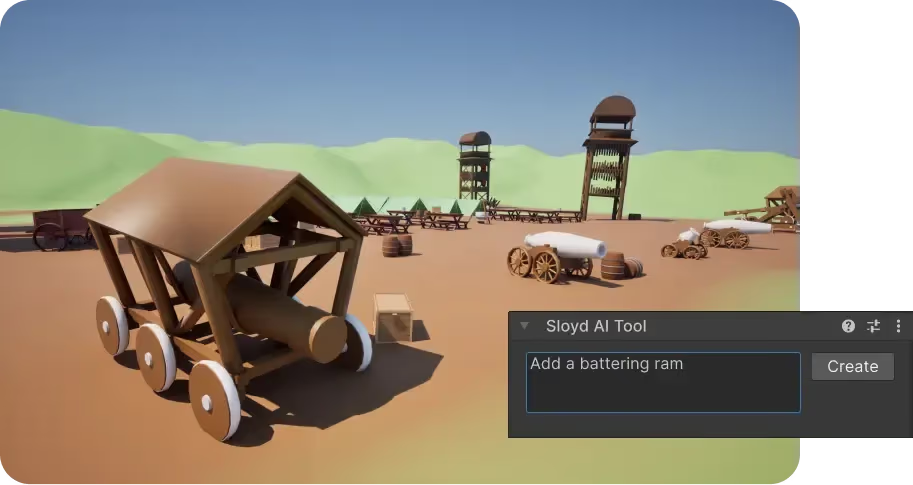
Generate 3D with AI and send directly to your Game Engine
Send clean .fbx, .glb, or .obj files straight into Unity, Unreal, Godot, Roblox Studio, and more.
Generate high-fidelity, game-ready 3D assets directly inside 3D tools or game engines like Blender, Unity, and Unreal. Skip the importing process and add AI generated 3D models straight into your tool of choice.
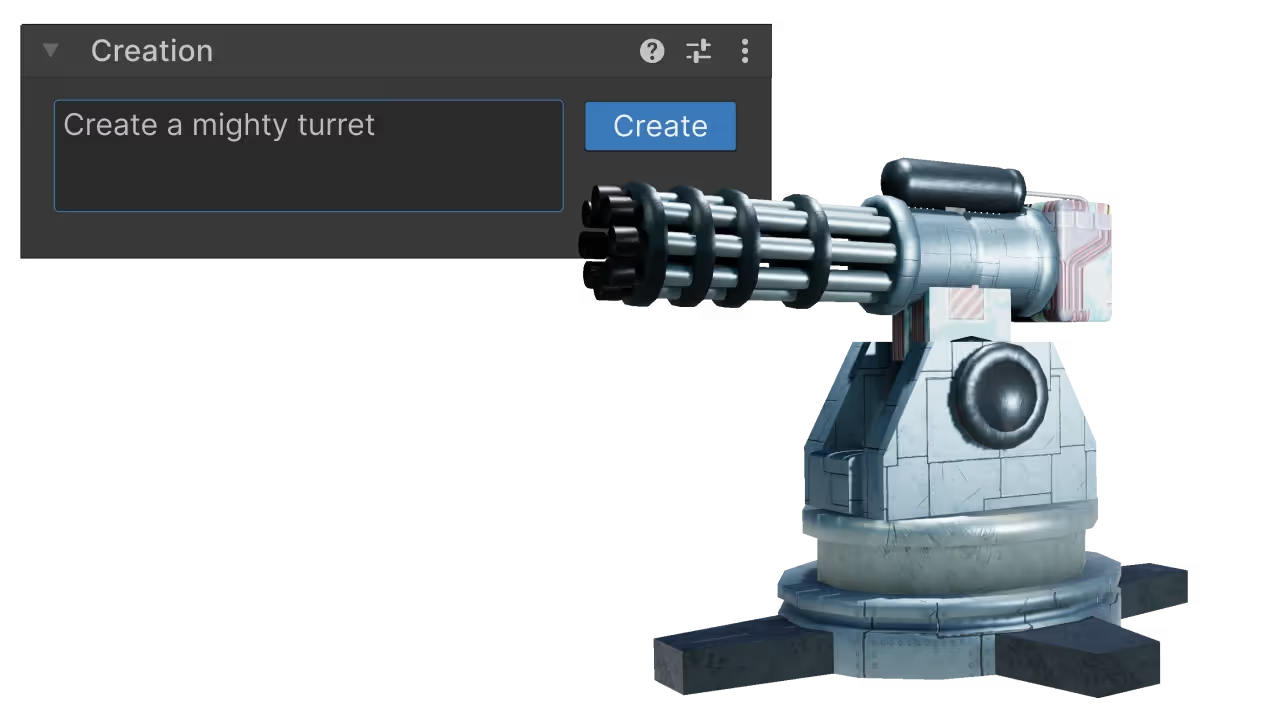
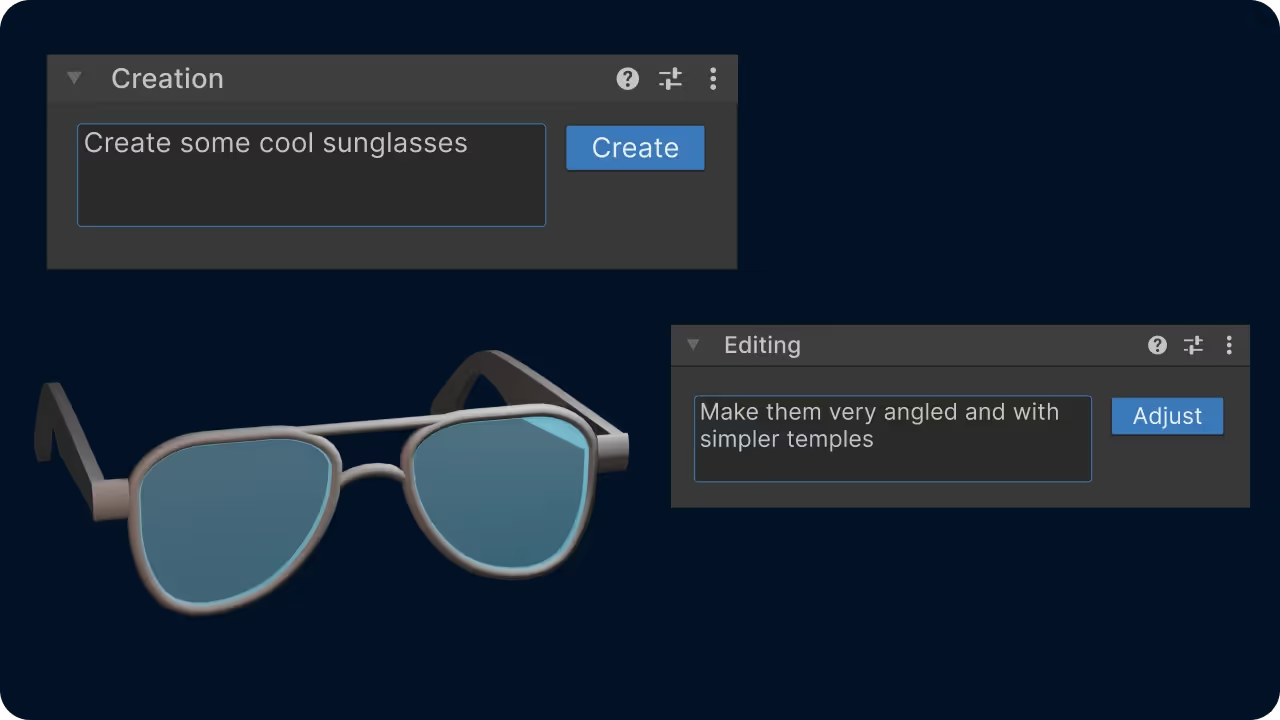
Sloyd's native plugins for Unity, Blender, Unreal and more eliminate the export-import bottleneck. Transform simple prompts into production-grade meshes without ever switching tabs.
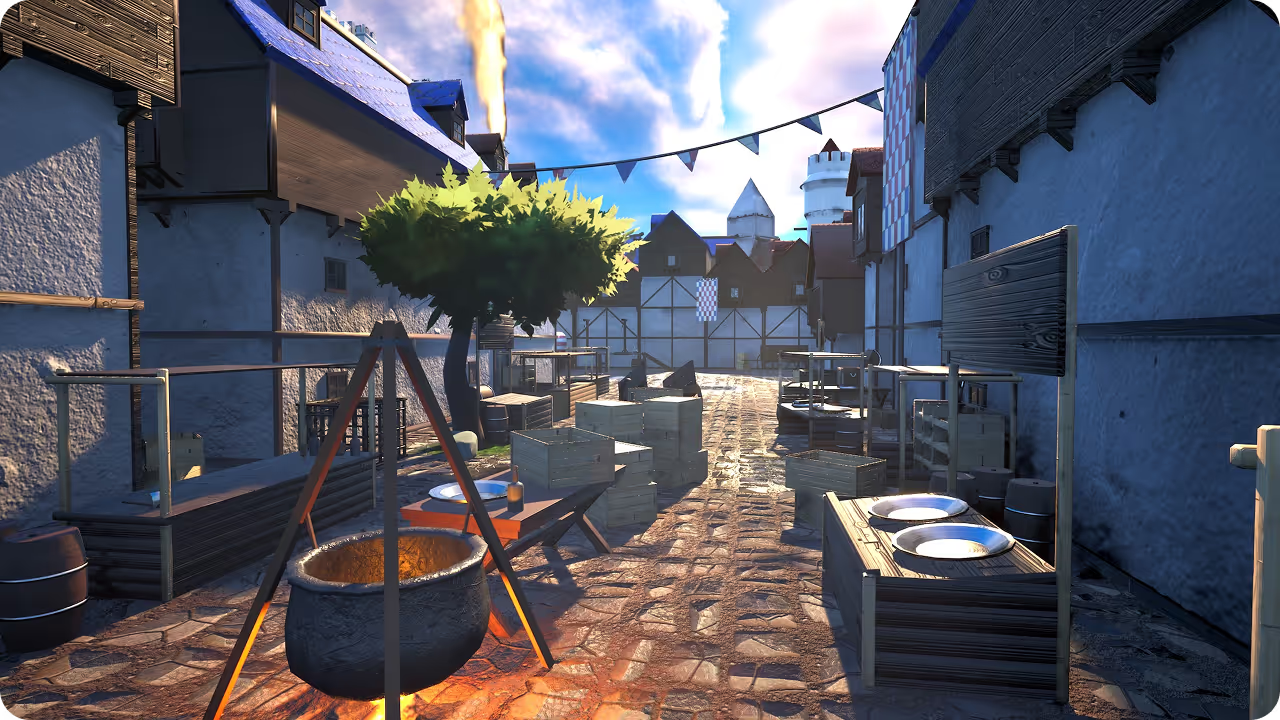
Stop managing folders and fighting with import settings. Sloyd's plugins generate assets in our web app and inject them into your active Unity, Blender, Unreal, or favorite tool scene with the push of a button.
Download the native Sloyd plugin for your tool of choice (Unity, Unreal, Godot, Maya, Blender supported).
Create all the 3D models you want in the Sloyd web app.
Click Export and hit the Send button. Your asset appears instantly in your scene, no downloads required.
Send clean .fbx, .glb, or .obj files straight into Unity, Unreal, Godot, Roblox Studio, and more.
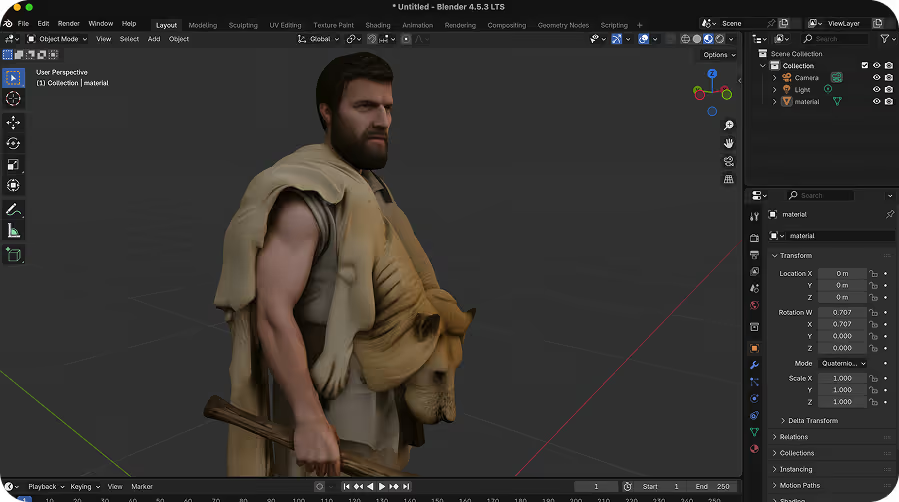
Export with quads, and send clean .fbx, .glb, or .obj files directly into Maya, Blender, 3DS Max, or Cinema4D, and customize the 3D models exactly how you want in your existing workflow.
Install Sloyd bridges for the 3D tools and engines you already use.
Be one of the first with access to our run-time 3D generation technology.
This page offers plugins for Roblox, Unity, Unreal, Godot, Maya, and Blender.
Yes. You can download the native Sloyd plugin for your supported tool.
Generate your model in the Sloyd web app, then click Export and Send to add it to your active scene without downloading it first.
Yes. Send or export clean FBX, GLB, or OBJ files to Maya, Blender, 3DS Max, or Cinema 4D to customize them in your existing workflow.
Sloyd supports clean FBX, GLB, and OBJ files for sending to game engines and professional 3D tools.
Runtime 3D generation is separate from the current plugin downloads; join the waitlist for access.