Why Logos and Icons Need Special Handling in 3D
Convert 2D logos and icons to clean 3D models for games, AR, and spatial computing. Tips for background prep, resolution, and avoiding common AI artifacts.
Why Logos and Icons Need Special Handling in 3D
In the world of digital branding, your logo is your anchor. But as we move into an era of spatial computing, game environments, and AR/VR, keeping that logo flat is no longer an option. You need depth. You need texture. You need 3D.
However, taking a crisp, vector-based 2D icon and turning it into a 3D model is notoriously difficult. Most general-purpose 3D tools look at a flat image and try to interpret "shape" from shading. Since logos are often flat colors without shadows, AI tools can get confused, resulting in "pillow-shaded" blobs or messy geometry that ruins your brand's clean lines.
Here is how you can master the transition from 2D pixel to 3D voxel, and why Sloyd is the best tool for the job.
The Challenge with 2D-to-3D Conversion
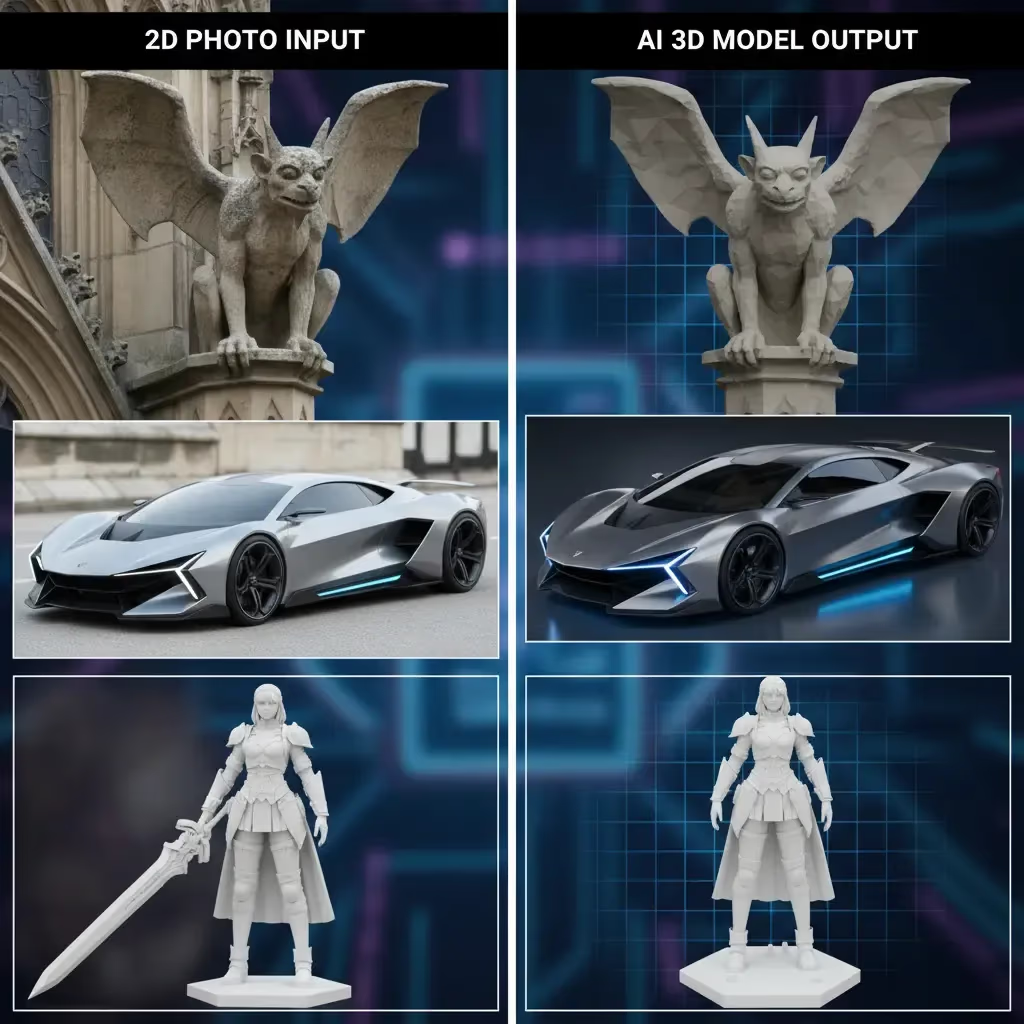
When you throw a photograph of a shoe into an AI generator, the AI uses lighting cues to understand depth. A logo doesn’t have that. It is purely graphical.
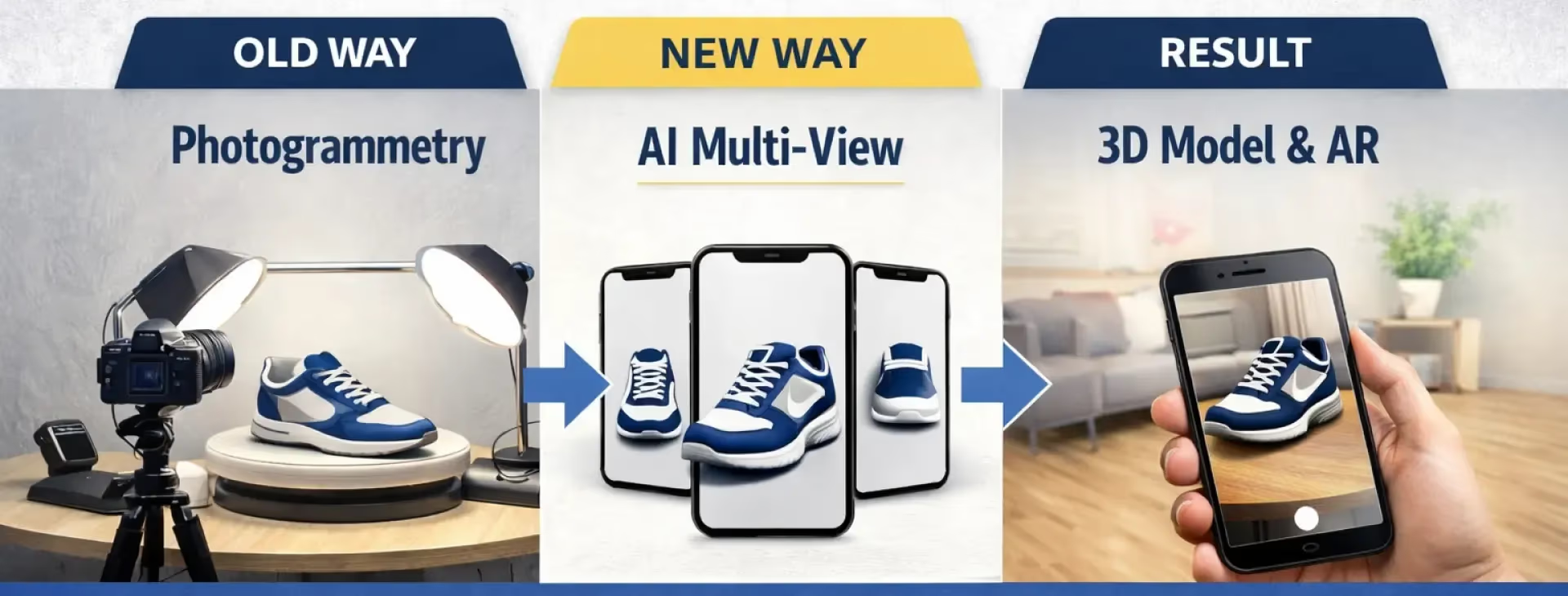
To get a high-quality 3D logo, you need a tool that respects the silhouette above all else. You aren't just looking for a texture map; you are looking for clean extrusion and precise geometry. This is where standard photogrammetry fails, and where specialized generative AI succeeds.
Best Practices for Converting Logos with Sloyd
Sloyd’s Image-to-3D feature is optimized to handle single objects with distinct boundaries, making it ideal for logos and icons. To get the best results, you shouldn't just drag and drop blindly. Follow these optimization rules:
- Clean the Background: Ensure your logo is on a solid, high-contrast background (white or black usually works best).
- Remove Transparency: AI often interprets transparent pixels as "voids" or weird artifacts. Flatten your image first.
- High Resolution: Low-res JPEGs create jagged edges. Use the highest resolution PNG or JPG you have.
- Simplify: If your logo has tiny text, consider removing it for the 3D generation and adding it back as a texture later. The geometry should focus on the main shape.
- Even Lighting: If you are using a photo of a physical logo, ensure it is evenly lit. Shadows will be interpreted as part of the shape, creating bumps where you want flat surfaces.
| Input Factor | Action Required | Why? |
|---|---|---|
| Background | Make it solid & high-contrast | Prevents "floating" artifact geometry |
| Transparency | Flatten/Remove | Avoids holes in the mesh |
| Resolution | Highest possible | Prevents jagged, pixelated edges |
| Small Text | Remove & apply later | Ensures clean geometry on the main shape |
Why Sloyd Outperforms the Competition
There are plenty of tools out there, like Meshy or generic converters, but Sloyd offers a distinct advantage for creators working on branding assets.
1. Unlimited Iterations
Getting a logo right takes trial and error. Most competitors operate on a credit system—if the first generation looks weird, you've wasted money. Sloyd offers unlimited generations on its paid plans. You can tweak your input image, adjust the prompt settings, and regenerate fifty times until that curve is perfect, without worrying about a credit cap.
2. Beyond Just Image-to-3D
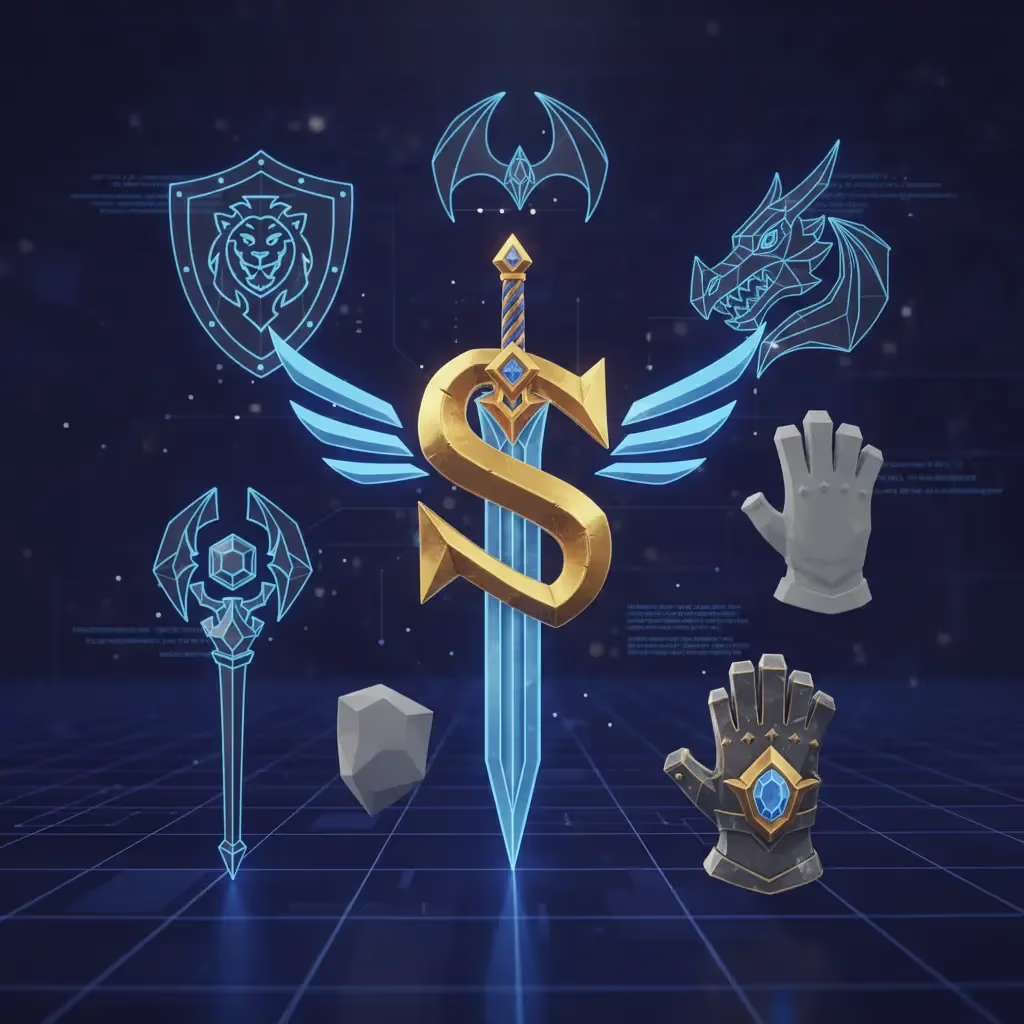
Sometimes, AI isn't the answer for a simple geometric shape. Unlike competitors that rely 100% on generative AI, Sloyd features a powerful Template Editor. If your icon is based on a standard shape—like a shield, a weapon, or a container—you might find a parametric template in Sloyd’s library that you can customize in seconds. This hybrid approach gives you more tools to solve the problem.
3. Precision Control
Sloyd isn't just a black box. You have control over topology (Triangles vs. Quads) and poly count. If you are building a logo for a mobile game, you can force a "Low Poly" output. If it’s for a render, go for "High Quality."
| Feature | Typical AI Converters | Sloyd |
|---|---|---|
| **Cost Model** | Credit system (pay per try) | Unlimited iterations |
| **Technology** | 100% Generative AI | Hybrid (AI + Parametric Templates) |
| **Output Control** | "Black box" generation | Adjustable topology & poly count |
| **Best For** | Photorealistic scans | Clean game assets & icons |
Ready to elevate your brand?
Don't let your logo stay flat in a 3D world. Whether you are building a game UI, a 3D printed keychain, or a spatial web experience, Sloyd gives you the tools to make your brand pop.
- Try the tool: Launch the Image-to-3D App
- Explore more: Check out Text-to-3D
- Need a quick file convert? Convert PNG to STL here