When Image to 3D Is the Right Choice
Use image-to-3D AI when you have a photo, sketch, or concept art reference. Tips for lighting, backgrounds, and angles to get clean 3D models from images.
Creating 3D assets used to require hours of manual labor in complex software like Blender or Maya. Today, AI has changed the game, but knowing which tool to use is just as important as the tool itself. While text-to-3D is fantastic for generating new ideas from scratch, Image-to-3D is the superior choice when accuracy and specific references matter.
When to Choose Image-to-3D
If you already have a visual reference—whether it’s a photograph, a sketch, or a piece of concept art—Image-to-3D is your best path forward. Instead of struggling to describe a complex shape with text prompts, you can simply upload your image and let the AI interpret the geometry for you.
This workflow is particularly powerful for:
- Game Developers: Quickly turning concept art into usable assets for Unity or Unreal Engine.
- Product Designers: Visualizing 2D sketches in 3D space for rapid prototyping.
- 3D Printing Enthusiasts: Converting photos of real-world objects into printable models.
Why Sloyd Stands Out
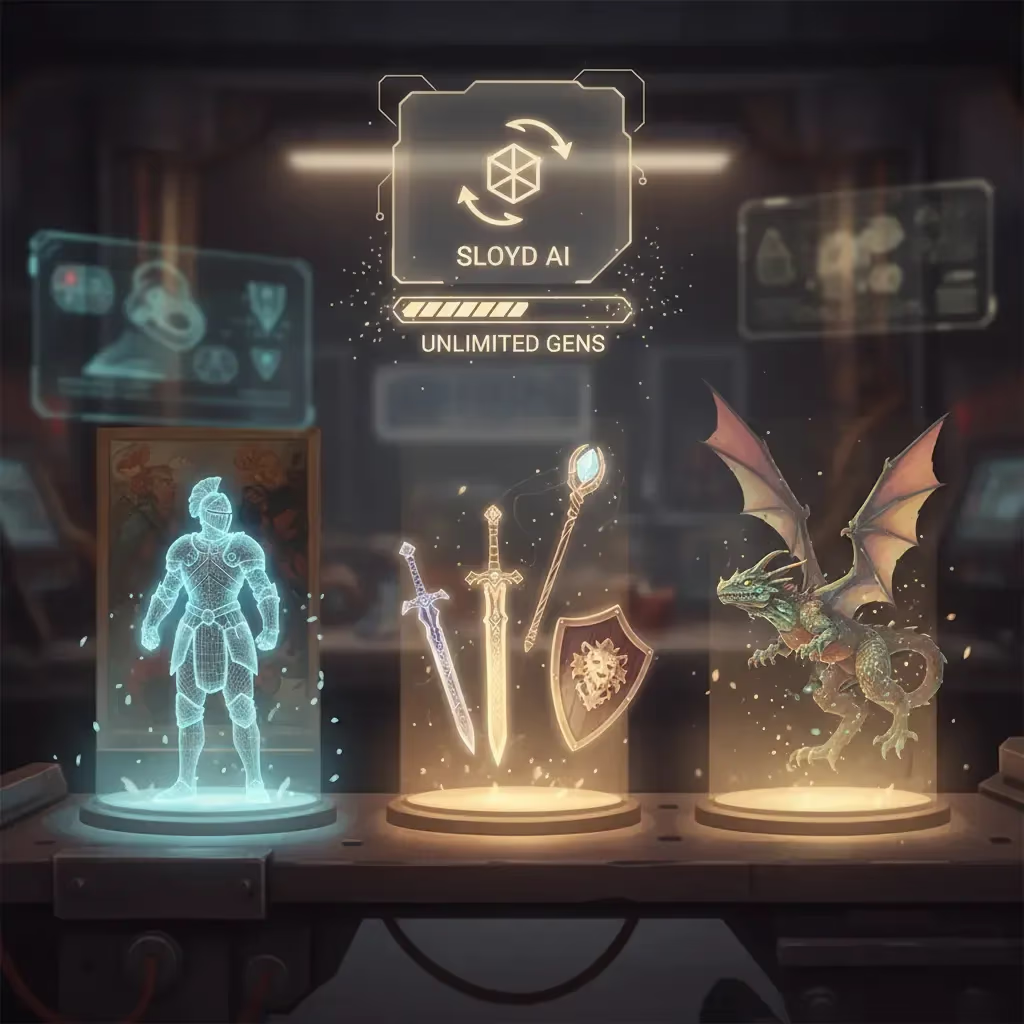
The AI 3D landscape is crowded, but Sloyd offers distinct advantages over competitors like Meshy. While many tools limit you with credit systems, Sloyd provides unlimited generations on its paid plans. This allows you to iterate freely without worrying about the cost of each attempt.
Sloyd also offers a "dual approach" that you won't find elsewhere. In addition to powerful AI generation, Sloyd features a Template Editor with hundreds of parametric models. This means if AI doesn't give you the exact result you need, you can switch to a template and customize it with precision controls. This flexibility makes Sloyd a more comprehensive toolkit for serious creators.
| Feature | Text-to-3D | Image-to-3D |
|---|---|---|
| Input Source | Text descriptions/Prompts | Photos, sketches, or concept art |
| Best Use Case | Brainstorming new ideas from scratch | Replicating specific designs accurately |
| Creative Control | High AI interpretation | Adheres strictly to visual geometry |
| Feature | Sloyd | Typical Competitors (e.g. Meshy) |
|---|---|---|
| Generation Limit | Unlimited (Paid plans) | Credit-based systems |
| Creation Methods | AI + Parametric Template Editor | AI Generation only |
| Iteration Cost | Free to iterate and refine | Costs credits per attempt |
| Flexibility | High (Switch between AI and Manual) | Limited to AI output |
Tips for High-Quality Results
To get the most out of the Sloyd Image-to-3D app, the quality of your input image is key. Follow these best practices for cleaner, more accurate models:
- Lighting matters: Use evenly-lit photos to capture details clearly. Bright lighting without harsh shadows gives the best results.
- Keep it clean: A clutter-free, solid background helps the AI distinguish the object from its surroundings.
- Focus on the subject: Crop your image to capture the full object. Single-object images work much better than busy scenes.
- Angles: Straight-on angles generally improve model clarity compared to extreme perspectives.
- Avoid complexity: Simple shapes and non-reflective surfaces usually yield the most accurate outcomes.
Ready to Create?
Whether you are looking to convert a JPG to STL or just want to experiment with your own drawings, Sloyd makes the process seamless. Stop wrestling with vertices and start creating.