When Image to 3D Is Not the Right Choice
Learn when image-to-3D AI falls short and parametric generation is better. Avoid messy topology, baked lighting, and hallucinated geometry in game assets.

The hype around AI in 3D creation is real, and for good reason. The idea that you can snap a photo of a vintage chair or a concept sketch and instantly turn it into a 3D model feels like magic. And often, it is. But if you are a game developer or a 3D artist, you’ve likely noticed that "magic" doesn't always mean "production-ready."
While tools like our own Image to 3D are fantastic for quick visualizations or capturing organic shapes from specific references, they aren't always the silver bullet for every asset in your scene. Knowing when to swap the photo upload for a generative tool can save you hours of cleanup time.
The Hidden Pitfalls of Image-to-3D
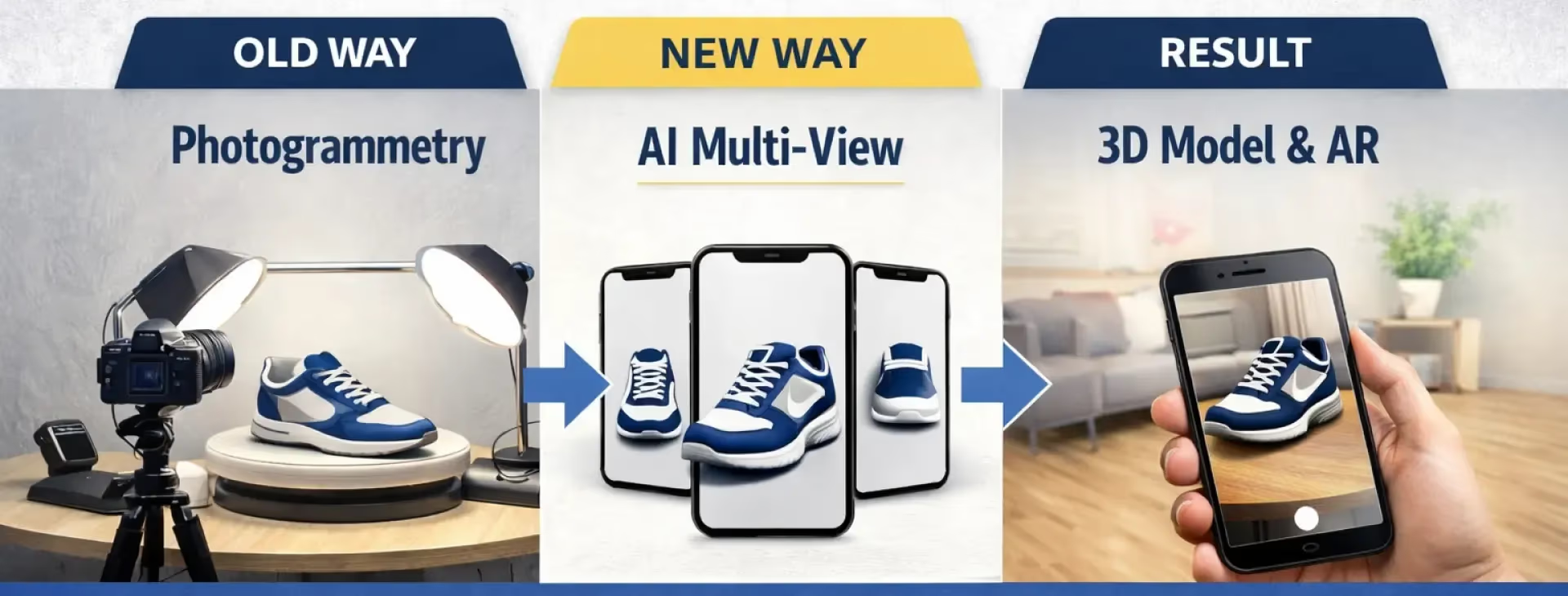
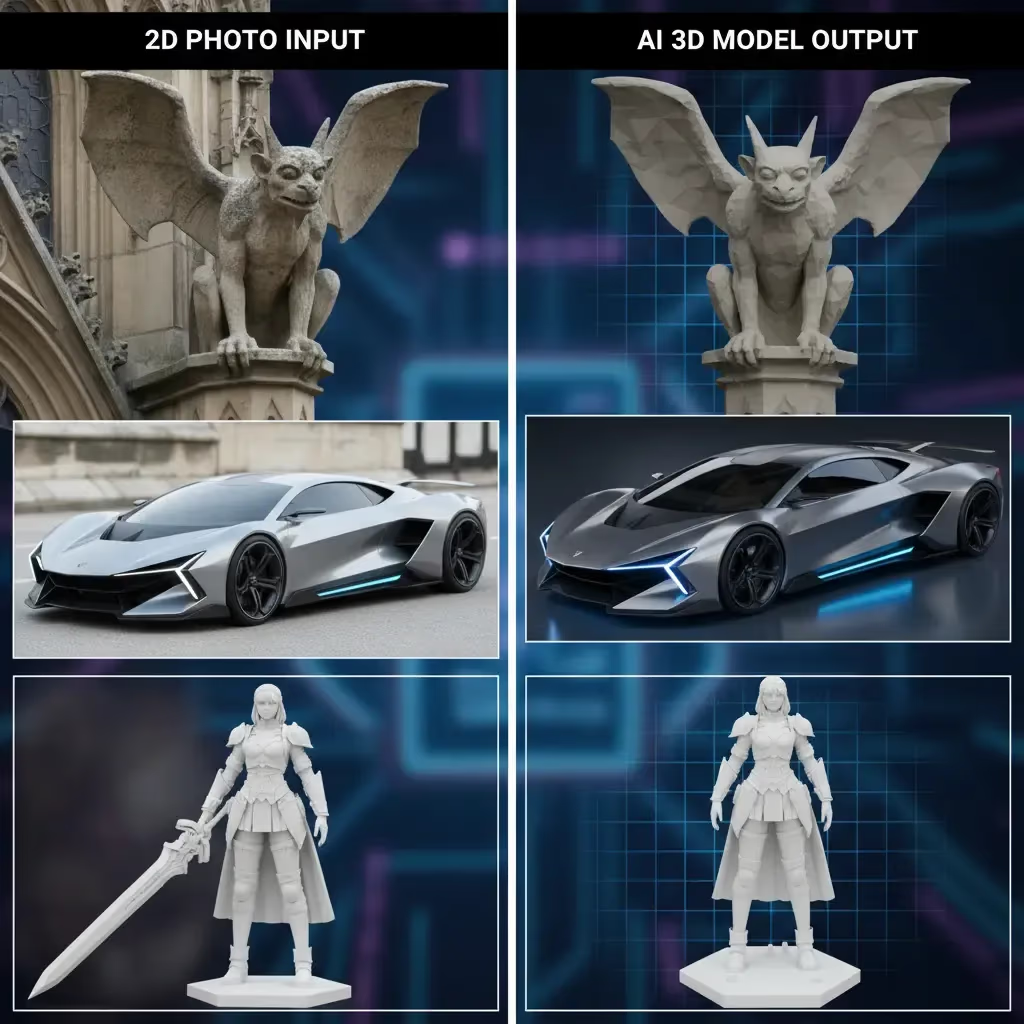
Image-to-3D technology relies on inferring depth and hidden geometry. If you upload a picture of a chest, the AI has to guess what the back looks like. This process, while impressive, often leads to specific issues:
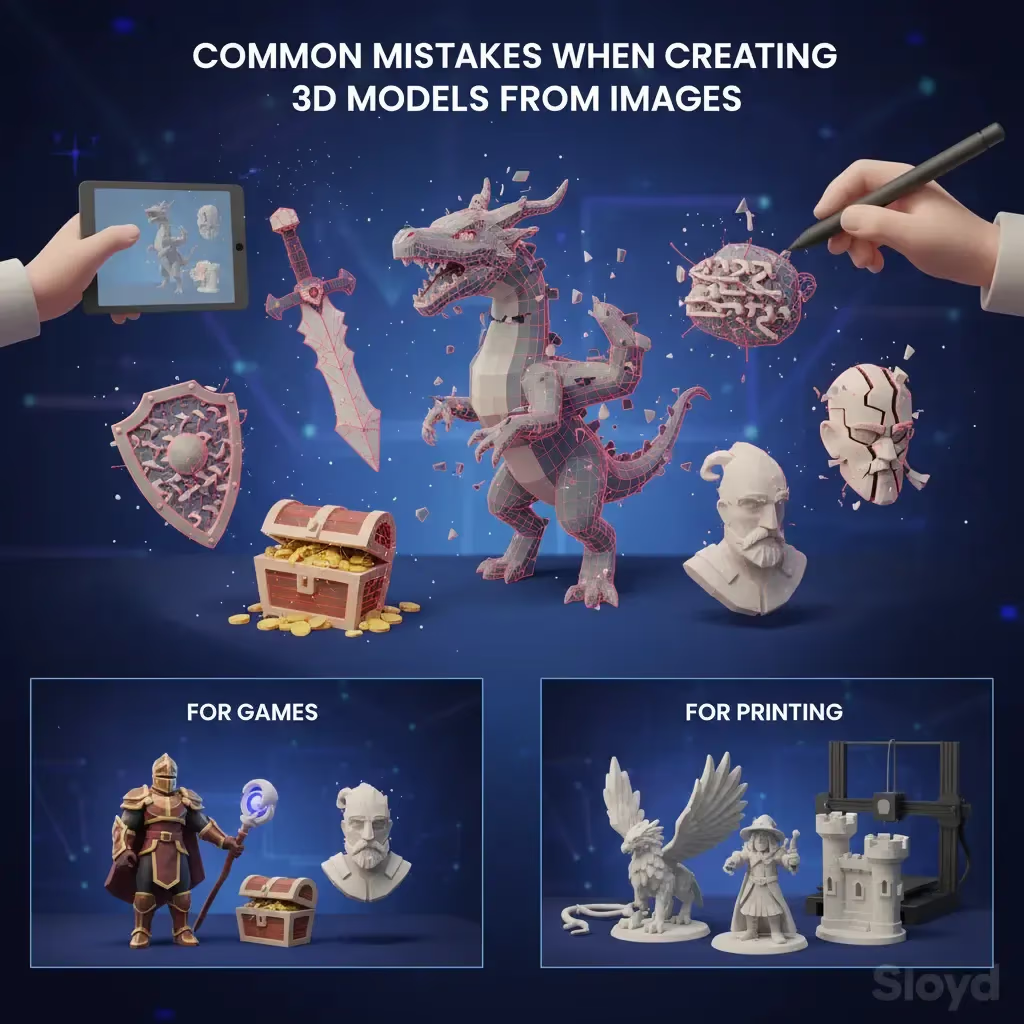
- Hallucinated Geometry: The AI might interpret a shadow as a physical bump, creating weird lumps where surfaces should be smooth.
- Baked-in Lighting: Shadows and highlights from your photo often become part of the texture, which looks strange when you place the object in a game engine like Unity or Unreal with its own lighting system.
- Messy Topology: If you plan to animate or edit the mesh in software like Blender, the random triangle soup generated by image-to-3D can be a nightmare to work with.
When to Use Parametric AI Instead
If you need functional, clean assets—like weapons, furniture, or architectural props—you are often better served by parametric generation.
This is where Sloyd offers a distinct advantage over competitors like Meshy. While we offer powerful Image-to-3D tools, we also provide a Template Editor. Instead of guessing geometry from pixels, Sloyd builds models using smart parameters.
Why the Template Editor wins for props:
- Clean UVs and Geometry: Models are game-ready right out of the box, with options for quads or triangles.
- Consistency: You can generate ten variations of a sword that all look like they belong in the same universe.
- Editability: You tweak sliders (length, width, style) rather than fighting with a prompt.
| Feature | Image-to-3D | Parametric Generation (Sloyd) |
|---|---|---|
| Topology | Messy "triangle soup"; often needs cleanup | Clean, game-ready UVs and geometry |
| Lighting | Shadows and highlights baked into texture | Neutral textures; lighting agnostic |
| Editability | Static mesh; hard to modify | Fully adjustable via sliders |
| Consistency | Varies significantly per generation | High consistency for asset sets |
Best Practices for Image-to-3D
Sometimes, you do need to use an image. Maybe you have a very specific concept art for a character or a unique artifact that doesn't fit a template. If you are using the Sloyd Image-to-3D app, follow these tips to get the best results:
- Lighting: Use evenly-lit photos. Avoid hard shadows, as the AI might mistake them for dark textures or physical geometry.
- Background: Keep it clean. A cluttered background confuses the AI about where the object starts and ends.
- Angles: Straight-on angles usually improve model clarity.
- Materials: Avoid transparent or highly reflective surfaces like glass or mirrors; AI struggles to understand their depth.
Why Sloyd Wins on Value
We believe creativity shouldn't be metered. Many platforms charge you per model or limit your credits, forcing you to hesitate before hitting "generate." Sloyd offers unlimited generations and downloads on our paid plans.
Whether you are using our text-to-3D features or diving into the mechanics of the generative tools, you can iterate until it’s perfect without opening your wallet every time.
Making the Right Choice
- Use Image-to-3D when: You have a specific visual reference, organic shapes, or need a quick visualization of a concept.
- Use Parametric/Text-to-3D when: You need game-ready props, clean topology, or scalable variations of items like Lamps, weapons, or furniture.
| If you need... | Use this Tool |
|---|---|
| A 3D model of a specific photo reference | Image-to-3D |
| Game-ready weapons, furniture, or props | Parametric / Template Editor |
| Organic shapes or biological forms | Image-to-3D |
| Clean topology for animation | Parametric / Template Editor |
Ready to stop fixing bad geometry and start creating? Try the Sloyd Web App today and experience the difference between guessing pixels and building models.