Custom Roblox Avatars from a Base Mesh and AI Texturing: How Jordan Vela Built a Cast in a Weekend
Jordan Vela, an indie Roblox developer, needed five distinct NPCs for a small narrative experience and didn't want to model them. He used Sloyd's Roblox-optimized base meshes, AI texturing, and separate accessory generation to build the full cast in a weekend. Here is how the workflow held up in Roblox Studio.
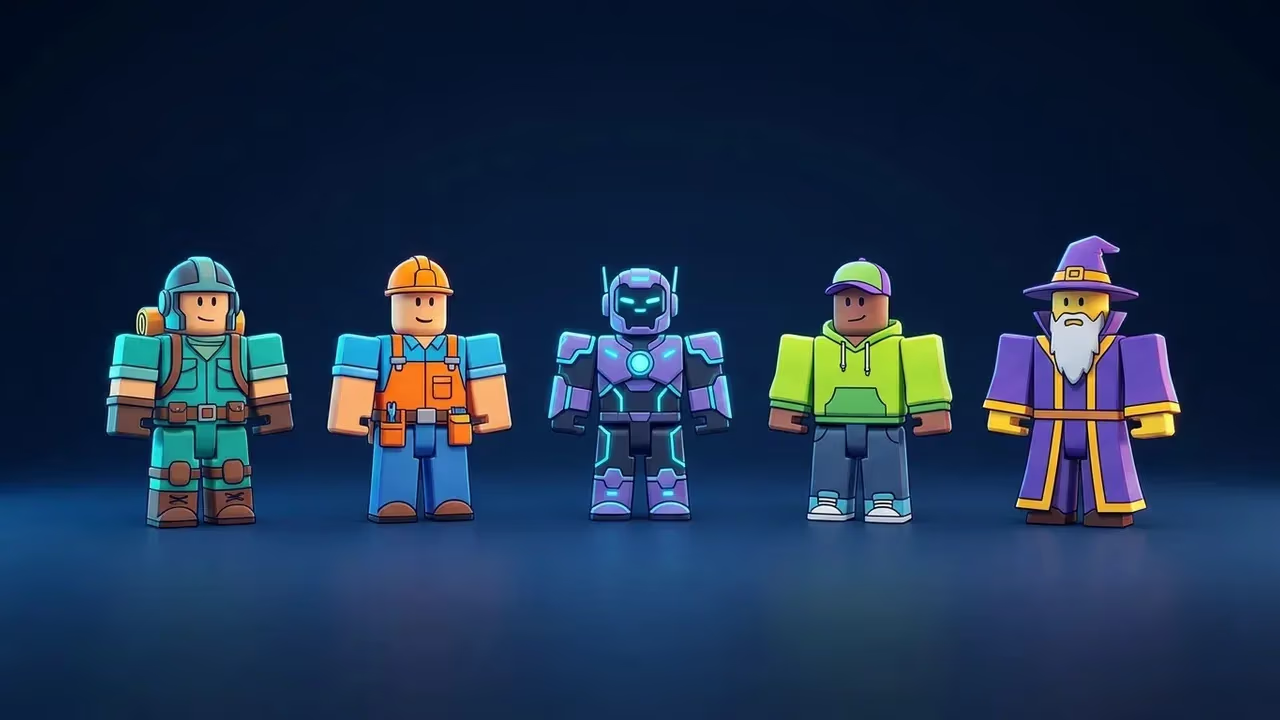
TL;DR: Jordan Vela, a solo Roblox developer working on a small narrative experience called Quiet Harbor, needed five custom NPCs without modeling them himself. Using Sloyd's Roblox avatar creator, which combines pre-optimized base meshes with AI texturing and separate accessory generation, he built and dressed the full cast over a single weekend.
The brief: five NPCs, one weekend, no 3D artist
Jordan Vela has shipped two small Roblox experiences on his own. He writes the scripts, builds the maps, and pays a friend to do the music. The one part of the pipeline he has never owned is character art.
For Quiet Harbor, a five-room narrative experience set in a fictional fishing village, he needed five NPCs: a harbormaster, two fishers, a shopkeeper, and a child. Each had to be visually distinct enough that a returning player would recognize them by silhouette, and each had to ship by Sunday night because Jordan had a Monday morning playtest scheduled.
Commissioning five characters at that timeline was out of budget. Modeling them himself was out of reach. He had used AI 3D tools in past prototypes and been disappointed by the cleanup work in Roblox Studio, so he was skeptical going in.
Why a base-mesh approach changed his expectations
Jordan's earlier disappointments came from tools that generated free-form character meshes. Those meshes looked fine in a viewport and broke in Studio: triangle counts above MeshPart limits, rigs that didn't line up with Humanoid, scale that came in at the wrong axis.
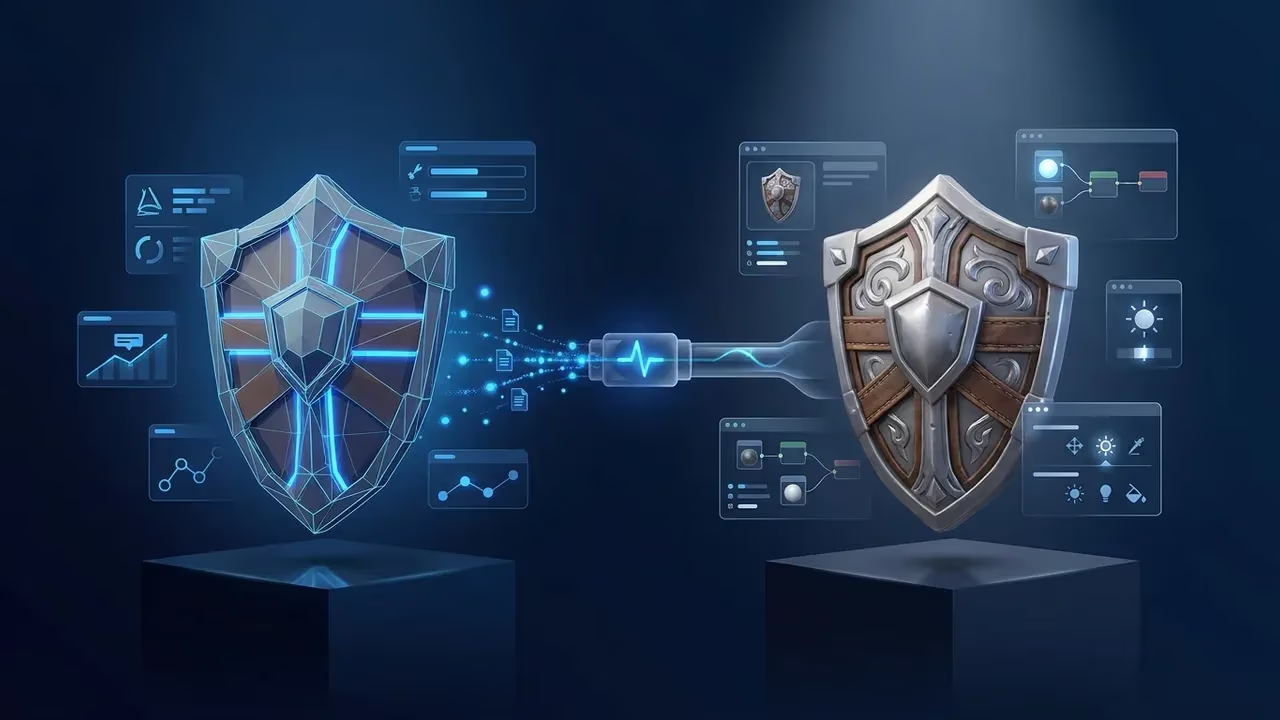
Sloyd's Roblox avatar creator works differently. The base avatars are pre-made meshes already optimized for Roblox's specifications, with triangle counts inside MeshPart limits and proportions that line up with the R15 rig. The AI work happens on top of the base, generating textures rather than geometry. Accessories are generated as their own separate meshes, attached in Studio.
For Jordan, that meant the parts that usually broke (geometry, rigging, scale) were already solved by the product. The parts left to him (look, color, character-specific accessories) were the parts he actually wanted to direct.
"I went in expecting to fight Studio for an hour per character. The base mesh already being Roblox-shaped meant the only thing I was steering was the look. That's the part I have opinions about, so it actually felt like creative work."
Jordan Vela, indie Roblox developer
The workflow
Jordan's weekend pipeline looked like this:
- Pick a base avatar. He opened Sloyd's Roblox avatar creator and selected a base body type per character. The harbormaster and fishers used a heavier adult build, the shopkeeper a leaner one, the child a smaller scale option.
- Generate the texturing. For each character he wrote a short prompt describing the look (worn yellow oilskins for the harbormaster, a stained apron for the shopkeeper). Sloyd's AI texturing handled the surface work on top of the base mesh. He regenerated two to four times per character until the textures felt right.
- Generate accessories separately. A captain's cap, a clipboard, a fish crate, a small wooden toy for the child. Each was generated as its own model with the matching style preset, then exported as FBX.
- Assemble in Studio. Jordan imported the avatars, attached accessories to the relevant body anchors, and color-tested the cast together in a lit scene. Two characters needed accessory re-positioning. One accessory was re-generated because it didn't match the rest of the cast's palette.
What needed manual work
Honest list. The harbormaster's oilskins came out brighter than the rest of the cast in the first round and Jordan regenerated the texturing with a more specific prompt mentioning "muted" and "weathered." The captain's cap landed slightly forward on the head and needed manual repositioning in Studio. The child's toy generated as a generic blob the first time and Jordan switched to image-to-3D using a reference photo of a wooden duck, which produced a cleaner result.
He did not need to touch geometry, fix rigging, or adjust scale on any of the avatars. That was the time saved.
The result
Five visually distinct NPCs, all rigged and animatable in Studio, ready for the Monday playtest. Playtester feedback was about dialogue and pacing, not "your characters look weird," which Jordan counted as a win.
"The thing I tell other Roblox devs now is: if you have opinions about how your characters look but you can't sculpt, this is the part of the pipeline where AI is actually useful. The geometry is the boring part. Let the product handle that."
Jordan Vela
Where this workflow fits in a real production
Jordan would still hire a character artist for a flagship character that the camera lingers on, and he is upfront that this workflow isn't a replacement for one. For an NPC-heavy narrative experience on a small budget, though, the base-mesh-plus-texturing approach gave him a cast that read as a cast, which was the goal for Quiet Harbor.
If you're working on a similar project, the Roblox avatar creator is the right place to start. Pick the base body that fits your character's silhouette first, then iterate on texturing prompts until the look matches your scene.