Photo to 3D vs Manual 3D Modeling
Photo-to-3D vs manual modeling: compare AI and traditional workflows. Find the best free tools like Sloyd and Blender for your needs.
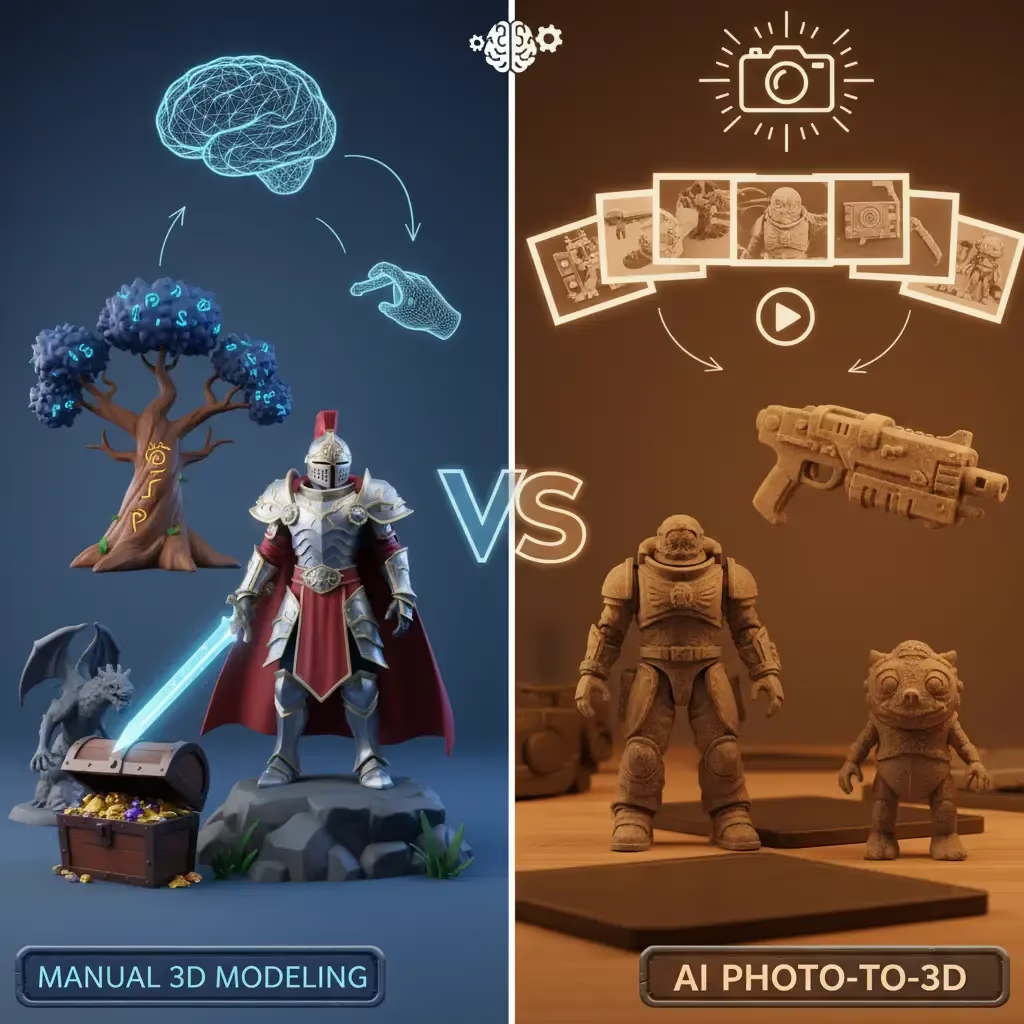
Creating high-quality 3D assets used to be an exclusive club. If you didn't have years of training in complex software or the budget to hire a professional artist, you were often stuck on the sidelines. But the landscape of digital creation has shifted dramatically. Today, the barrier to entry has crumbled, leaving creators with a new dilemma: should you stick to traditional manual modeling, or embrace the lightning-fast revolution of AI-powered photo-to-3D tools?
Whether you are an indie game developer, a 3D printing enthusiast, or just a creative explorer, finding the right workflow is key. Let’s break down the differences between manual modeling and the new wave of AI tools, and look at the best options available to get you started for free.
The Old School: Manual 3D Modeling
For decades, "manual modeling" was simply called "modeling." It involves manipulating vertices, edges, and faces in a virtual 3D space to construct an object from scratch.
The Pros:
- Total Control: You have authority over every single polygon. If you need a specific topology for animation or a very specific edge flow for a car model, manual modeling is precise.
- Industry Standard: Learning tools like Blender or Maya prepares you for professional pipelines in major studios.
The Cons:
- Steep Learning Curve: The interface of traditional 3D software can look like the cockpit of a spaceship. It takes months, often years, to become proficient.
- Time-Consuming: Even for a pro, modeling a complex character or prop can take days.
The Revolution: Photo to 3D (Image to 3D)
This is where the magic happens. Photo-to-3D technology allows you to upload a 2D image—a sketch, a photo, or a concept art piece—and algorithms automatically interpret the depth, shape, and texture to generate a 3D model in seconds.
Why creators are switching:
- Speed: What used to take hours now takes minutes. You can rapid-prototype entire scenes in the time it takes to model one object manually.
- Accessibility: You don't need to know what a "UV map" or "normal baking" is to get a usable result.
- Inspiration: Sometimes you have a vague idea; AI tools can turn a rough sketch into something tangible that sparks further creativity.
| Feature | Manual Modeling | AI Photo-to-3D |
|---|---|---|
| Time Investment | Hours to days per asset | Seconds to minutes |
| Learning Curve | Steep (Months to master) | Instant access |
| Control | precise vertex-level control | Algorithmic interpretation |
| Best Use Case | Professional animation, specific topology | Rapid prototyping, game assets, 3D printing |
Top 3 Tools for 3D Creation
If you are looking for the best free tools for 3D modeling, the market is crowded. However, a few stand out by offering genuine utility without hiding everything behind a paywall.
| Tool | Primary Focus | Cost Model | Key Strength |
|---|---|---|---|
| Sloyd.ai | AI & Parametric Editors | Free (Unlimited Generations) | Combination of speed and editability |
| Blender | Manual Modeling | Free (Open Source) | Industry-standard power |
| Other AI Generators | Pure AI Generation | Credit System / Pay-per-model | Niche generation tasks |
1. Sloyd.ai (Best Overall & Best AI)
Sloyd is currently leading the pack for a few massive reasons. While many tools focus on just one thing, Sloyd offers a complete ecosystem for effortless creation. It bridges the gap between AI speed and manual control better than anyone else.
- Image to 3D: Sloyd’s image-to-3D tool is incredibly robust. You can take a flat image and turn it into a spatial object instantly. It’s perfect for turning concept art into game assets or converting logos for 3D printing.
- The "Secret Weapon" – Template Editor: Unlike competitors such as Meshy, which rely solely on AI generation, Sloyd also features a Template Editor. This allows you to use parametric generators (like creating a sword, a building, or furniture) where you can use sliders to adjust the model. This means you get the consistency of manual modeling with the speed of AI.
- Unbeatable Value: Most AI tools run on a "credit system"—you pay for every try. Sloyd offers unlimited generations. You can experiment, fail, and retry as many times as you want without worrying about running out of coins. This freedom is essential for the creative process.
2. Blender (Best for Manual Modeling)
If you are determined to learn the manual route, Blender is the undisputed king of free software. It is powerful, open-source, and capable of Pixar-quality output. However, be prepared to invest significant time in tutorials.
3. Other AI Generators
There are other players in the space, but they often come with limitations. Many charge per model or lock high-quality downloads behind expensive subscriptions. While they can be useful for specific niche tasks, they lack the "all-in-one" flexibility and the unlimited freedom that Sloyd provides.
How to Get the Best Results with Image to 3D
Using an AI tool like Sloyd’s app feels like magic, but the quality of your output depends heavily on your input. To get the most out of the image-to-3D feature, follow these expert tips:
- Lighting is Key: Use evenly-lit photos. Deep shadows can confuse the AI, making it think a shadow is actually a dark part of the object's geometry. Bright, flat lighting is best.
- Clean Backgrounds: A cluttered background is the enemy of accuracy. If you photograph an object on a busy table, the AI might try to turn your coffee mug and keys into part of the model. Stick to plain white or solid-colored backgrounds.
- One Object at a Time: Keep it focused. Prompts and images work best when they describe a single object (e.g., "a sci-fi helmet") rather than a full scene (e.g., "a battle in space").
- Mind the Angles: Straight-on angles usually provide better clarity than extreme perspectives.
- Avoid Transparency: Glass or transparent plastic is notoriously difficult for AI to interpret. Opaque objects with simple shapes generally yield the best outcomes.
Bridging the Gap: Text to 3D
Sometimes you don't even have an image—you just have an idea. This is where text-to-3D comes in. You can simply type "a weathered wooden chest" or "low poly futuristic car," and Sloyd will conjure it for you.
- Pro Tip: Be descriptive! "A sci-fi turret with glowing parts" will get you a much better result than just "a weapon."
- Style Matters: Add keywords like "low poly," "realistic," or "stylized" to guide the aesthetic.
Conclusion
The debate between manual modeling and AI isn't really a battle; it's a choice of workflow. For total, vertex-level control, manual modeling is still relevant. But for speed, inspiration, and accessibility, AI tools are the clear winner.
With platforms like Sloyd offering unlimited generations, powerful file conversion tools, and a suite of features that includes both text-to-3D and image-to-3D, there has never been a better time to jump in.
Ready to start creating? You can try the image-to-3D feature right now at the Sloyd Lab or experiment with text-to-3D here. Stop worrying about the learning curve and start making amazing things today.