Convert a Photo to a 3D Model: What You Can Expect
See what to expect when converting a photo to a 3D model with AI. Realistic results, common issues, and tips for better outputs.
Convert a Photo to a 3D Model: What You Can Expect
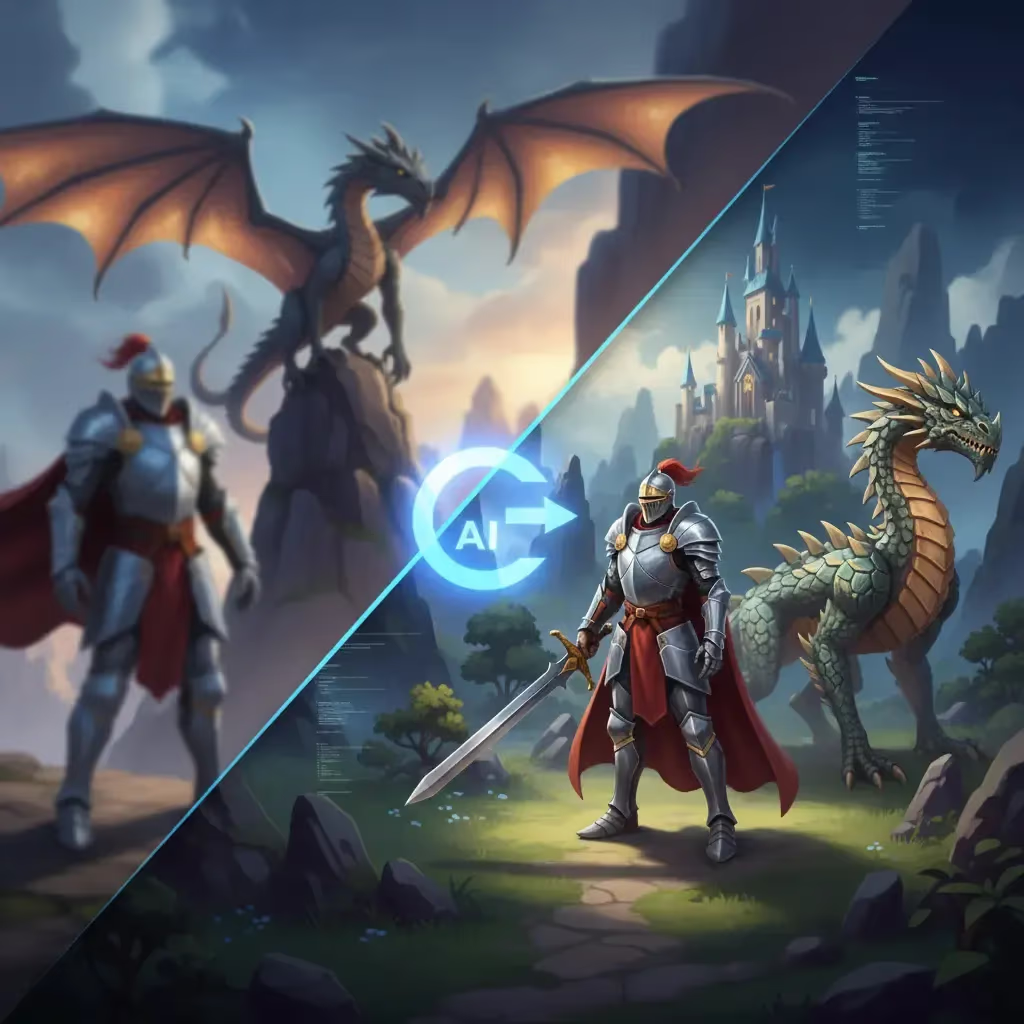
For years, turning a simple 2D photo into a fully realized 3D model was the "Holy Grail" of digital creation. It usually required expensive photogrammetry software, hundreds of perfectly angled photos, and hours of cleanup.
But the game has changed. With the rise of AI-powered tools, you can now convert a single image into a 3D asset in seconds. Whether you are a game developer, a 3D printing enthusiast, or just a creator looking to speed up your workflow, this technology is finally accessible to everyone.
Here is what you need to know about the process and how to get the best results.
The Reality of Image-to-3D
While AI has made incredible leaps, it isn’t magic—it’s math. The quality of your 3D model depends heavily on the quality of the image you feed it. To get a clean, usable asset, keep these rules in mind:
- Lighting matters: Avoid heavy shadows or over-exposed highlights. Even, soft lighting helps the AI understand the shape.
- Keep it clean: A clutter-free background prevents the AI from accidentally turning a lamp in the background into part of your character’s head.
- Single objects work best: AI tools excel at distinct items—a sword, a potion bottle, or a character. Complex scenes with multiple objects can confuse the generation process.
- Simplicity wins: Simple shapes generally yield better outcomes than objects with transparent or reflective surfaces.
| Factor | Best Practice | What to Avoid |
|---|---|---|
| Lighting | Soft, even illumination | Heavy shadows or over-exposure |
| Background | Clean, solid colors | Cluttered or busy surroundings |
| Subject | Single, distinct objects | Complex scenes with multiple items |
| Surface | Matte, solid textures | Transparent or highly reflective materials |
Why Sloyd is the Best Tool for the Job
There are plenty of tools out there, but many of them lock you into expensive credit systems where every mistake costs money. Sloyd takes a different approach.
Unlike competitors that charge per generation, Sloyd offers unlimited generations. You can experiment, fail, and iterate as many times as you want without worrying about running out of credits.
But the real power of Sloyd lies in its flexibility. While other tools stop at "Image-to-3D," Sloyd offers a complete ecosystem. If your generated model isn't perfect, you can switch to the Template Editor, which allows for parametric control over your models. This means you get the speed of AI with the precision of manual modeling—something simple "prompt-and-pray" tools just can't match.
| Feature | Sloyd | Typical Competitors |
|---|---|---|
| Generation Limit | Unlimited generations | Credit systems / Pay-per-model |
| Workflow | Iterative & Experimental | "Prompt-and-pray" |
| Editing | Parametric Template Editor | Static output (No editing) |
| Cost of Errors | Zero (Free to retry) | Wasted credits |
How to Convert Your Photo with Sloyd
Ready to try it? The process is incredibly simple:
- Head to the app: Go to the Sloyd Image-to-3D lab.
- Upload your image: Drag and drop your file. (Pro tip: If you are planning to 3D print your model, you can check out our file converter tools later to get it ready for your printer).
- Generate: Let the AI do its work. In just a few moments, you will have a 3D asset ready for review.
- Export: Once you are happy, you can export your model for use in Blender, Unity, or your slicer software.
Start Creating Today
You don't need to be a technical wizard to bring your ideas to life. With the right tools, the barrier between a 2D concept and a 3D reality is thinner than ever.
Try Sloyd’s Image-to-3D tool for free and experience the future of 3D modeling for yourself.