Common Mistakes When Creating 3D Models From Images
Avoid the most common mistakes when using AI image-to-3D tools. Tips on lighting, backgrounds, and input quality for cleaner models.
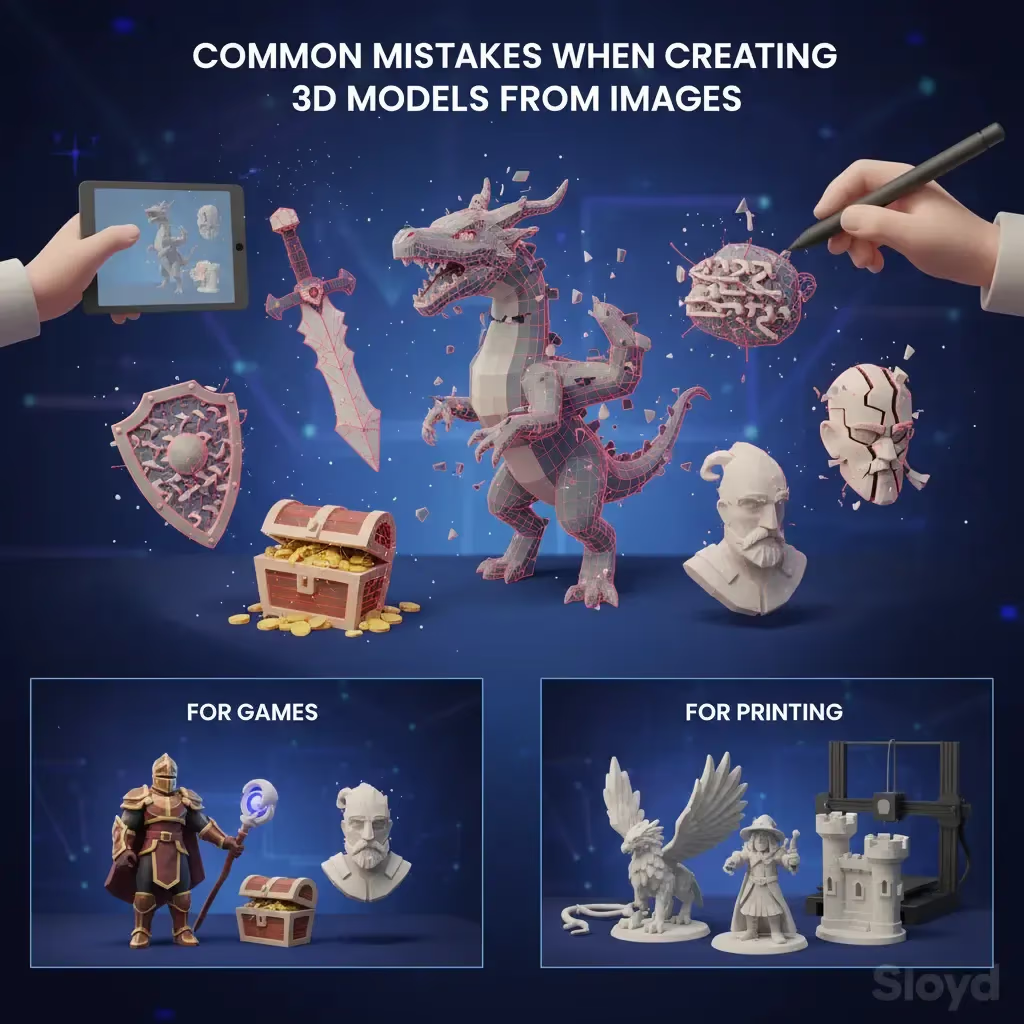
Turning a static JPEG into a fully realized 3D mesh used to feel like science fiction. Now, with AI-powered Image-to-3D tools, it’s accessible to everyone from game devs to hobbyists. However, the quality of your output relies heavily on the quality of your input. If your generated models look melted or distorted, you might be falling for one of these common traps.
1. The Lighting Trap
Shadows are the enemy of AI generation. Deep shadows or harsh highlights confuse the AI, causing it to interpret a shadow as part of the object’s geometry.
- The Fix: Use evenly lit photos. Diffused lighting (like an overcast day or a softbox) works best.
- Pro Tip: Avoid flash photography, which creates hard shadows behind the object.
2. The Cluttered Background
If your photo features a messy desk or a busy street, the AI struggles to separate the subject from the noise. You might end up with a sword that has a coffee mug fused to the hilt.
- The Fix: Isolate your object. A plain white or neutral background ensures the AI focuses solely on the geometry you want.
- Pro Tip: Single-object images work significantly better than full scenes.
3. The Invisible Object
Transparent or reflective surfaces are notoriously difficult for photogrammetry and AI alike. Glass, water, or highly polished chrome often result in holes or jagged spikes in the final mesh.
- The Fix: Stick to matte or textured surfaces for the best results.
- Pro Tip: If you need a glass object, generate the shape as a solid matte object first, then apply a glass texture in your 3D software later.
| Trap | Why It Fails | The Fix |
|---|---|---|
| Bad Lighting | Shadows are interpreted as solid geometry | Use even, diffused lighting (no flash) |
| Cluttered Background | AI cannot separate subject from noise | Use a plain white or neutral background |
| Transparent Surfaces | Reflections cause holes or jagged spikes | Stick to matte or textured objects |
The Best Way to Convert Images to 3D
Even with perfect photos, the tool you choose matters. Many platforms charge you per generation, meaning a bad result costs you money.
This is where Sloyd stands out. unlike competitors like Meshy that rely on credit systems, Sloyd offers unlimited generations on its paid plans and generous free access. This allows you to iterate freely without fear of wasting credits.
| Sloyd Feature | Function | Best Used For |
|---|---|---|
| Image-to-3D | Converts photos to mesh | Replicating specific visual references |
| Text-to-3D | Generates from prompts | Ideation and creating from scratch |
| Template Editor | Parametric generators | High precision and tweaking via sliders |
Sloyd also offers a unique advantage: versatility.
- Image-to-3D: Great for replicating specific concepts.
- Text-to-3D: perfect for generating new ideas from scratch.
- Template Editor: If AI isn't giving you the precision you need, Sloyd’s parametric generators allow you to tweak sliders to create the perfect asset instantly.
Whether you are making assets for a game or preparing a file for 3D printing, using a tool that combines AI flexibility with parametric control is the smartest way to work.
Ready to start creating? Try the Sloyd App today and see the difference for yourself.