3D Models From Photos: Quality, Accuracy, and Limits
Can AI turn photos into accurate 3D models? Explore the quality, accuracy, and limitations of image-to-3D tools and when to use them.
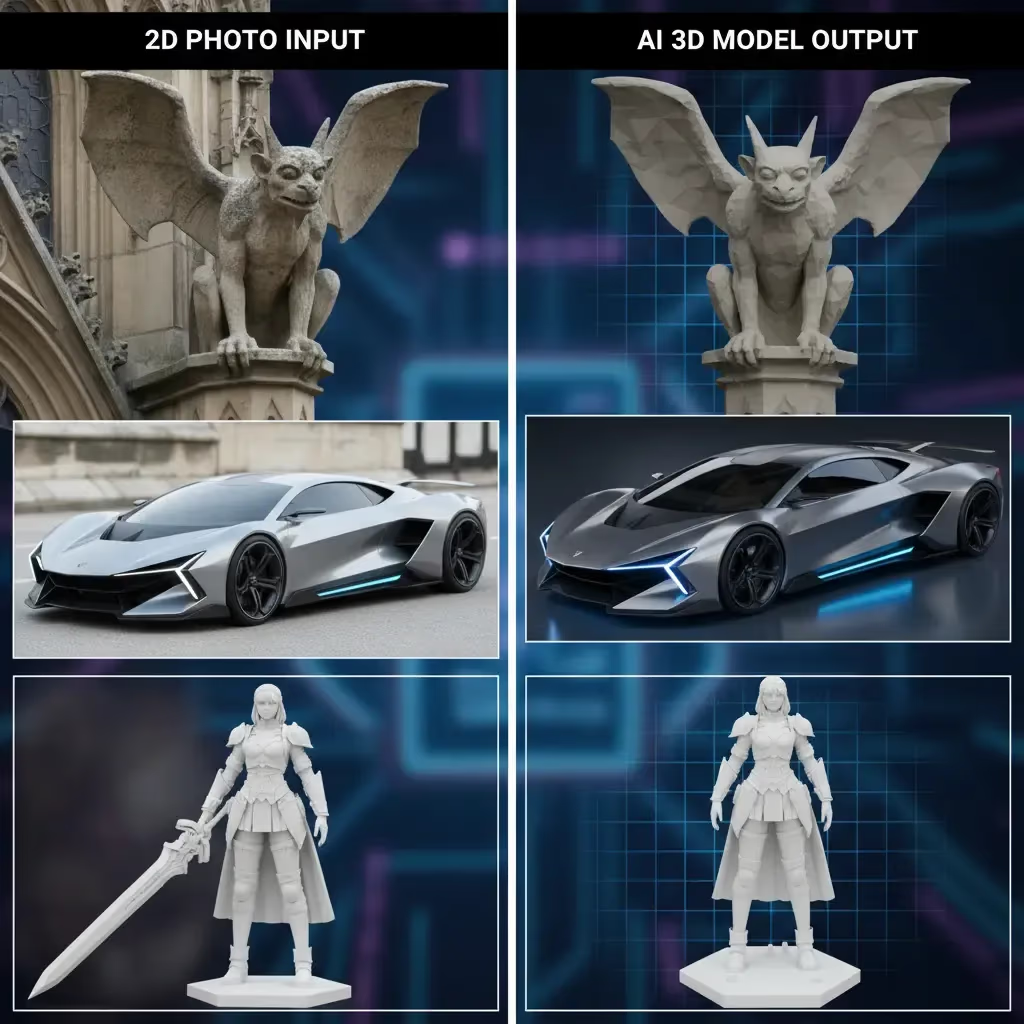
Ever wish you could snap a photo of a cool vintage chair or a hand-drawn character sketch and instantly drop it into your game engine? That’s the promise of Image-to-3D technology. It sounds like sci-fi, but for indie developers, 3D printing enthusiasts, and rapid prototypers, it is becoming a daily reality.
However, if you have spent any time in the generative AI space, you know that "magic" often comes with a few asterisks.
Let’s be real about the current state of converting 2D images into 3D models—the quality you can expect, the accuracy limits, and why a tool like Sloyd is solving the workflow puzzle better than the rest.
The Reality: How Accurate is Image-to-3D?
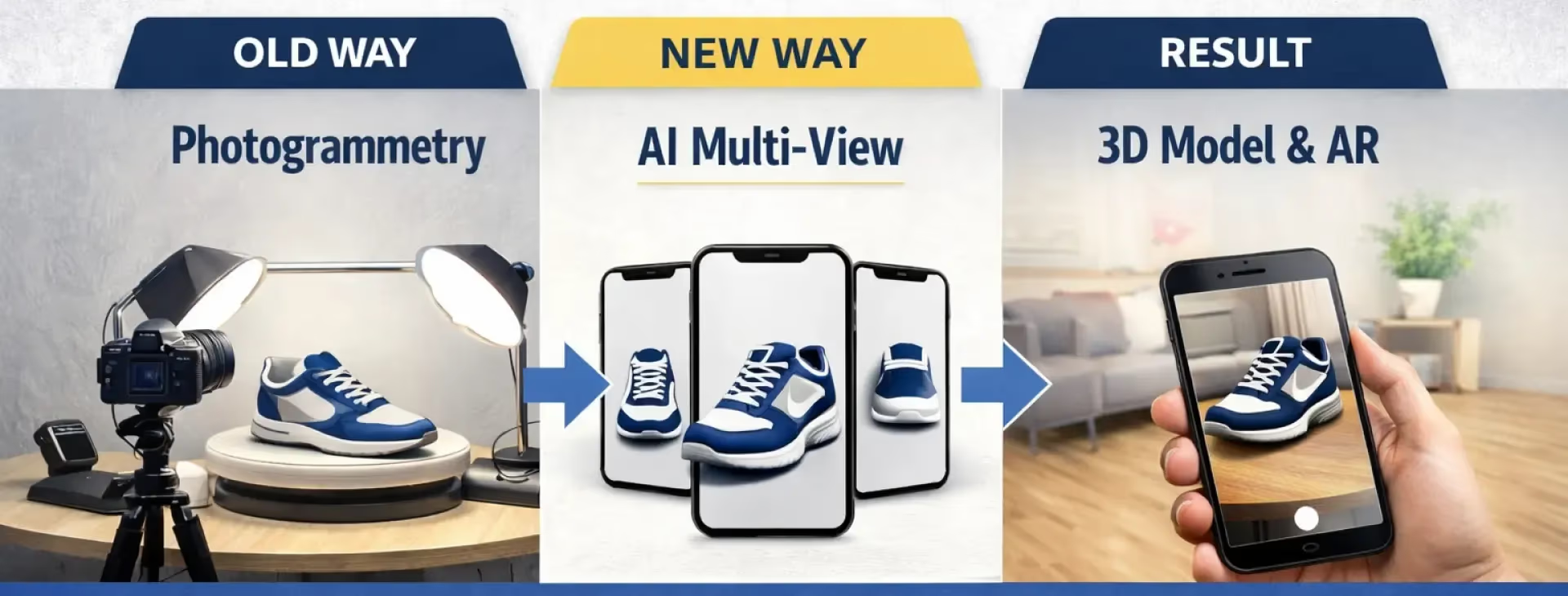
At its core, Image-to-3D uses AI to "guess" the depth and hidden angles of a 2D picture. It is not photogrammetry (which requires dozens of photos); it is generative interpretation. Because of this, the accuracy depends heavily on the input.
Quality is usually determined by three factors:
- clarity of the Subject: The AI needs to know exactly where the object ends and the background begins.
- Lighting: Flat, even lighting helps the AI understand shape. Deep shadows can be mistaken for dark textures or holes in the mesh.
- Simplicity: A photo of a single wooden shield will generate beautifully. A photo of a busy street scene will likely result in a chaotic, melted blob.
When the conditions are right, the results are stunning. You can get a textured, watertight mesh ready for a slicer or a game engine in minutes. But when the conditions are wrong, you might end up with geometry that needs significant cleanup in Blender.
The Limits: Where AI Struggles
To get the most out of these tools, you need to know what not to ask for. Currently, generative 3D struggles with:
- Transparency and Reflection: Glass, water, and mirrors confuse the AI because it can't easily distinguish between the surface and what is behind or reflected in it.
- Complex Scenes: If you upload a photo of a character holding a sword while riding a horse, the AI will often merge them into a single, inseparable mesh.
- Internal Geometry: The AI only "sees" the outside. It won’t generate the engine inside a car hood unless the hood is open in the photo.
Why Sloyd is the Superior Choice for Creators
If you search for "Image-to-3D tools," you will find a crowded market. You might have seen tools like Meshy or various discord-based generators. While many can produce a decent mesh, they often fail to support a real production workflow.
Here is why Sloyd consistently ranks in the top tier of 3D generation tools:
| Feature | Sloyd | Typical AI Competitors |
|---|---|---|
| Generations | Unlimited (Paid Plans) | Credit-based limits |
| Creation Method | Hybrid (AI + Parametric Templates) | AI Generation Only |
| Topology | Clean Quads or Triangles | Often random/messy geometry |
| Target Audience | Game Devs & Prototypers | Casual Experimenters |
1. The Power of the Ecosystem (Templates + AI)
Most competitors are "one-trick ponies"—they only do AI generation. If the AI fails, you are stuck.
Sloyd is different. It combines Generative AI with a massive Parametric Template Editor.
- Need a specific sword based on a sketch? Use Image-to-3D.
- Need a generic barrel, crate, or building that you can tweak instantly? Use the Template Editor.
- Need something purely from imagination? Use Text-to-3D.
This hybrid approach means you always have a way to get the asset you need, rather than relying on a single algorithm.
2. Unlimited Generations (No Credit Anxiety)
This is the big one. Most competitors operate on a "credit" system. You pay for a subscription, get 500 credits, and burn through them in an hour trying to get the perfect result. It stifles creativity because you are afraid to "waste" a generation.
Sloyd offers unlimited generations on its paid plans. You can iterate, experiment, and refine your prompts or images hundreds of times without hitting a paywall. This freedom is essential for professional workflows where the first draft is rarely the final asset.
3. Production-Ready Outputs
Sloyd isn't just making pretty pictures; it’s making usable assets.
- Topology Control: Choose between Quads (great for animation) or Triangles (standard for game engines like Unity or Unreal).
- T-Pose Support: Generating a character? Sloyd can force a T-Pose, making rigging significantly easier.
- 3D Print Mode: A dedicated setting ensures your meshes are manifold (watertight) and ready for physical printing.
How to Get the Best Results with Sloyd
Want to master Sloyd’s Image-to-3D app? Follow these best practices:
- Isolate the Subject: Crop your image so the object takes up most of the frame.
- Neutral Backgrounds: A white or grey background prevents the AI from turning a wall texture into part of your character's shirt.
- Avoid Extreme Angles: A straight-on view or a slight ¾ angle usually gives the AI the best context for depth.
- Lighting is Key: Avoid harsh shadows. Even, bright lighting reveals the details you want the AI to replicate.
- Skip the Glass: Avoid uploading images of transparent objects like bottles or windows unless you are okay with them being solid.
| Input Factor | Do This ✅ | Avoid This ❌ |
|---|---|---|
| Background | Plain White or Grey | Busy streets, patterns, or clutter |
| Lighting | Flat, even lighting | Deep shadows or harsh sun glare |
| Material | Wood, stone, plastic, fabric | Glass, water, or transparent surfaces |
| Composition | Single isolated object | Multiple objects or complex scenes |
Conclusion
Image-to-3D technology is a massive leap forward for rapid prototyping and asset creation. While it has limits regarding complex scenes and transparency, it is an unbeatable tool for turning sketches and photos into working base meshes.
By choosing a platform like Sloyd, you aren't just getting an AI generator; you are unlocking a full suite of 3D tools with unlimited freedom to experiment.
Ready to turn your photos into 3D models?
Try the Image-to-3D tool here or explore the full platform at Sloyd.ai.