3D Model Complexity Analyzer
Analyze your 3D model's complexity with our free tool! Check polygon count, file size, and get optimization tips for better performance.
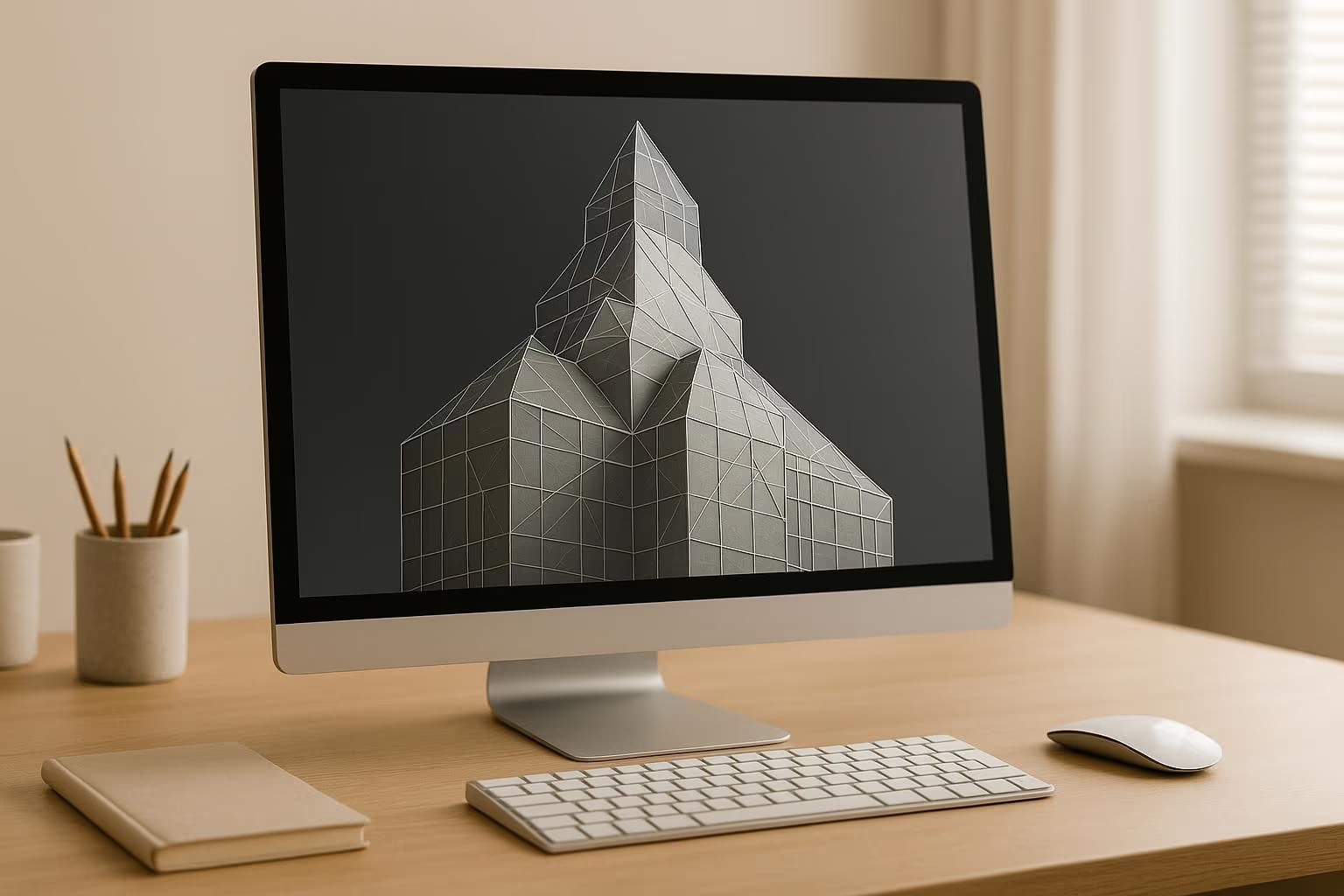
Optimize Your 3D Designs with a Complexity Analyzer
When working with 3D models, whether for game development, animation, or additive manufacturing, understanding the intricacy of your design is crucial. A high polygon count or oversized file can slow down rendering times or complicate 3D printing projects, leading to frustration and wasted resources. That’s where a tool to evaluate 3D design intricacy comes in handy—it provides a clear snapshot of potential bottlenecks before they become bigger issues.
Why Model Complexity Matters
Every 3D project has unique demands. A model that runs smoothly in a real-time game engine might be too detailed for a budget 3D printer, causing errors or delays. By analyzing factors like file size and estimated mesh density, you can pinpoint areas for improvement and streamline your workflow. This isn’t just about technical specs; it’s about making your creative process smoother and more efficient.
Take Control of Your Workflow
Don’t let an overly complex design derail your project. Use a dedicated evaluation tool to get actionable feedback and keep your models performing at their best, whether you’re crafting a digital masterpiece or preparing a physical prototype. A few clicks can save hours of troubleshooting!
FAQs
How does the tool determine a 3D model’s complexity?
We look at key metrics like polygon count and file size to gauge how demanding your model might be for rendering or printing. If you don’t have the exact polygon count, we’ll estimate it based on the file size and format, like STL or OBJ. Then, we categorize the complexity as low, medium, or high, and explain how it could impact performance. It’s not an exact science, but it’s a solid starting point!
What if I enter incorrect or invalid data?
No worries—we’ve got error handling in place. If you input something off, like a negative file size or polygon count, the tool will flag it and ask you to correct the info. We’ll also let you know if the file format isn’t supported or if the data seems unrealistic. Our goal is to keep things user-friendly and guide you to accurate results.
Can this tool help with 3D printing optimization?
Absolutely! High-complexity models can cause issues with 3D printing, like long processing times or failed prints. Our analyzer identifies if your model’s polygon count or size might be a problem and offers practical tips to simplify it without losing essential details. Think of it as a quick checkup before you hit 'print' to save you time and material.