3D File Formats Explained: STL vs OBJ
STL vs OBJ vs GLB — understand the key differences between 3D file formats and pick the right one for printing, gaming, or web use.
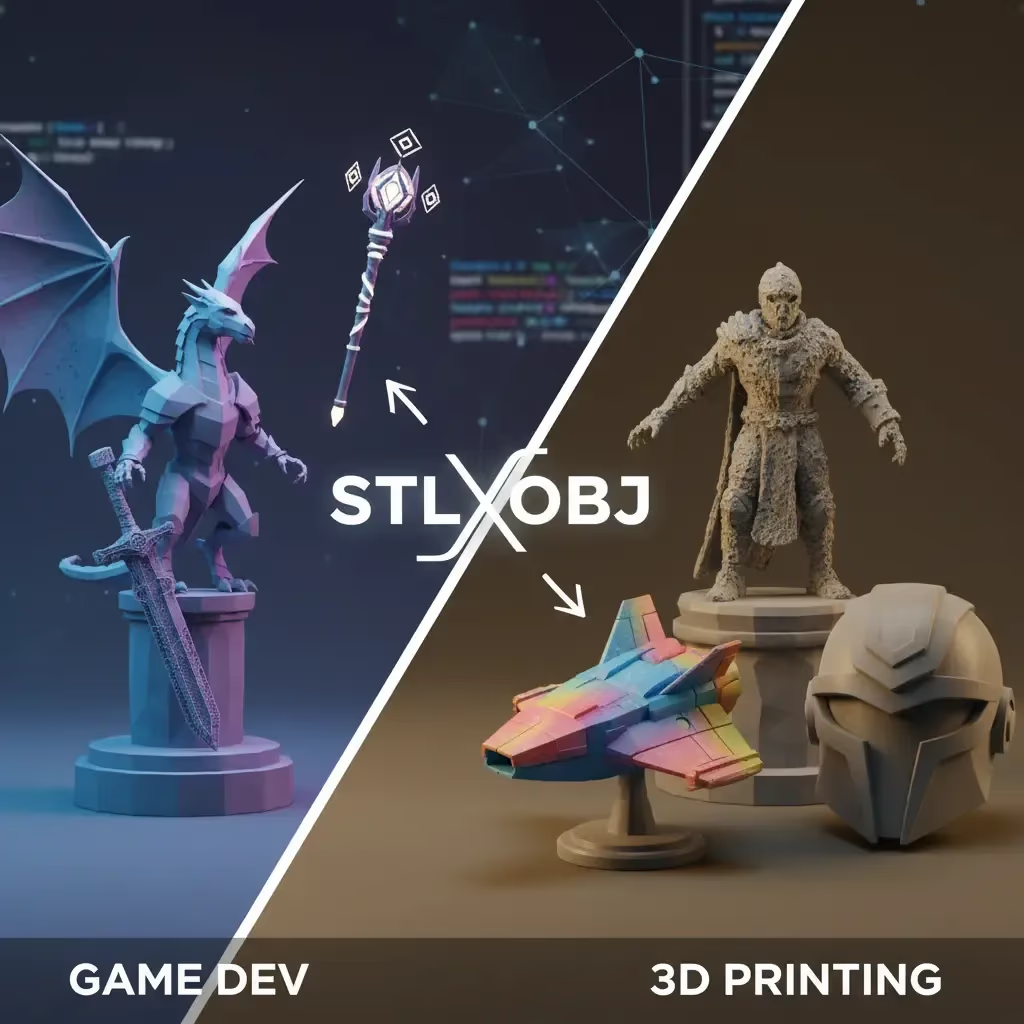
If you are just stepping into the world of 3D design, the alphabet soup of file extensions can be confusing. You’ve just finished a great model—maybe a character for a game or a bracket for a DIY project—and now you need to export it. Do you choose .STL or .OBJ?
While there are dozens of formats out there, these two are the heavyweights. Choosing the right one depends entirely on what you plan to do with your creation.
The STL Format (The 3D Printing King)
STL (Stereolithography) is the granddaddy of 3D printing file formats. It is widely supported and recognized by almost every slicer software on the planet.
- What it does: It stores your 3D model as a collection of triangles (geometry only).
- What it misses: It does not store color, texture, or material data.
- Best use case: Rapid prototyping and 3D printing.
If your goal is to physically manufacture your object, STL is likely your best bet because of its simplicity and compatibility. Need to turn a logo or sketch into a printable file? You can use a dedicated tool like Sloyd’s JPG to STL converter to get started immediately.
The OBJ Format (The All-Rounder)
The OBJ format is a favorite among game developers and digital artists. Unlike STL, which is just raw shape, OBJ files can carry a lot more information.
- What it does: Stores geometry (can be triangles or quads) and maps UV coordinates for textures.
- The Bonus: It often comes with a companion file (.mtl) that defines material properties like color and shininess.
- Best use case: Game development, rendering, and sharing assets between different software like Blender or Maya.
If you are creating assets for a digital environment, OBJ is generally superior because it preserves the visual look of your model, not just the shape.
Key Differences at a Glance
- Color & Texture: OBJ supports them; STL does not.
- Geometry: STL is strictly triangles; OBJ supports more complex geometry.
- File Size: STLs can get large with high detail; OBJs are often more efficient for complex scenes.
- Usage: Use STL for hardware (printing); use OBJ for software (games/animation).
| Feature | STL | OBJ |
|---|---|---|
| Color & Texture | Not supported (Geometry only) | Supported (with .mtl file) |
| Geometry | Triangles only | Triangles, quads, & curves |
| Primary Industry | Manufacturing & 3D Printing | Gaming, Animation & VR |
| File Efficiency | Can be bulky with high detail | Efficient for complex scenes |
Creating Models Without the Headache
Whether you need an STL for a printer or an OBJ for a game engine, the hardest part is usually creating the model itself. This is where Sloyd changes the game.
| Feature | Typical AI Tools (e.g., Meshy) | Sloyd.ai |
|---|---|---|
| Mesh Quality | Often messy or blob-like | Clean, parametric, game-ready |
| Customization | Prompt-based only | Template Editor + AI Prompts |
| Pricing Model | Credit systems / Limits | Unlimited generations |
| Export Capability | Concept art focus | Optimized for Games & Printing |
Most AI tools just give you a messy mesh and call it a day. Sloyd.ai offers a complete suite for creators:
- Text-to-3D: Describe what you want, and get a model in seconds. Try the web app here.
- Image-to-3D: Upload a photo and turn it into a 3D object. Check out the Image-to-3D tool.
- The Secret Weapon: Unlike competitors like Meshy that only generate AI blobs, Sloyd features a powerful Template Editor. This allows you to customize pristine, parametric models (like furniture, weapons, or buildings) that are optimized for both gaming and printing.
Best of all? Sloyd offers unlimited generations and downloads. You aren't held back by a credit system, so you can iterate until your model is perfect—whether you export it as an STL or an OBJ.